ERP System Application in the Electronics Industry |
Part 44: Industry 4.0 and IoT Convergence Architectures within Electronics ERP |
Integrating Connected Devices for Real-Time ERP Intelligence |
In Part 43, we explored autonomous procurement and smart supplier negotiation, where AI, predictive analytics, and Digital Twin data enable ERP to autonomously manage materials and supplier performance. Part 44 focuses on Industry 4.0 and IoT convergence, demonstrating how ERP integrates with connected devices across electronics factories to provide real-time operational intelligence, predictive insights, and adaptive process control. |

|
327. Enhancement 50: IoT Device Integration with ERP |
327.1 Scope of IoT in Electronics Manufacturing |
IoT devices in electronics factories include: |
* SMT pick-and-place machine sensors |
* Reflow oven temperature and profile monitors |
* Conveyor and AGV tracking sensors |
* Smart racks in warehouses |
* Environmental monitoring sensors for humidity, ESD, and temperature |
* Quality inspection cameras and scanners |
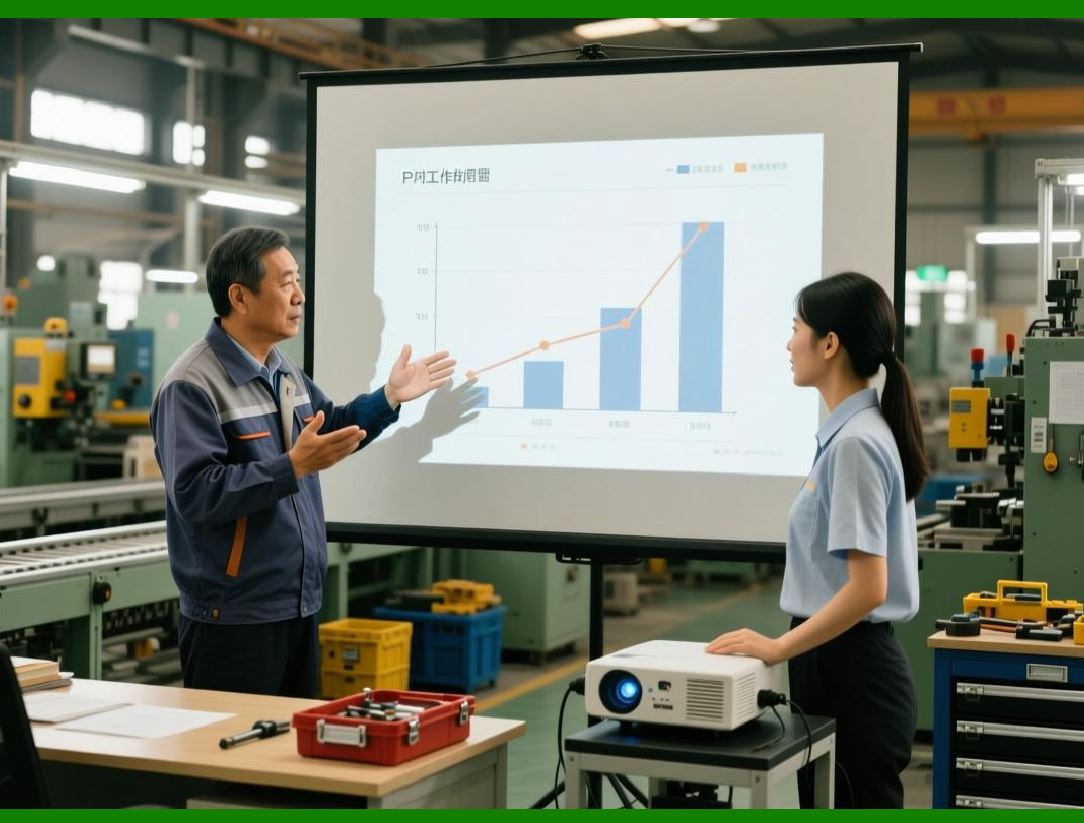
These devices generate massive volumes of real-time data, which ERP systems consume to drive operational intelligence. |
|
327.2 ERP as the Central Hub |
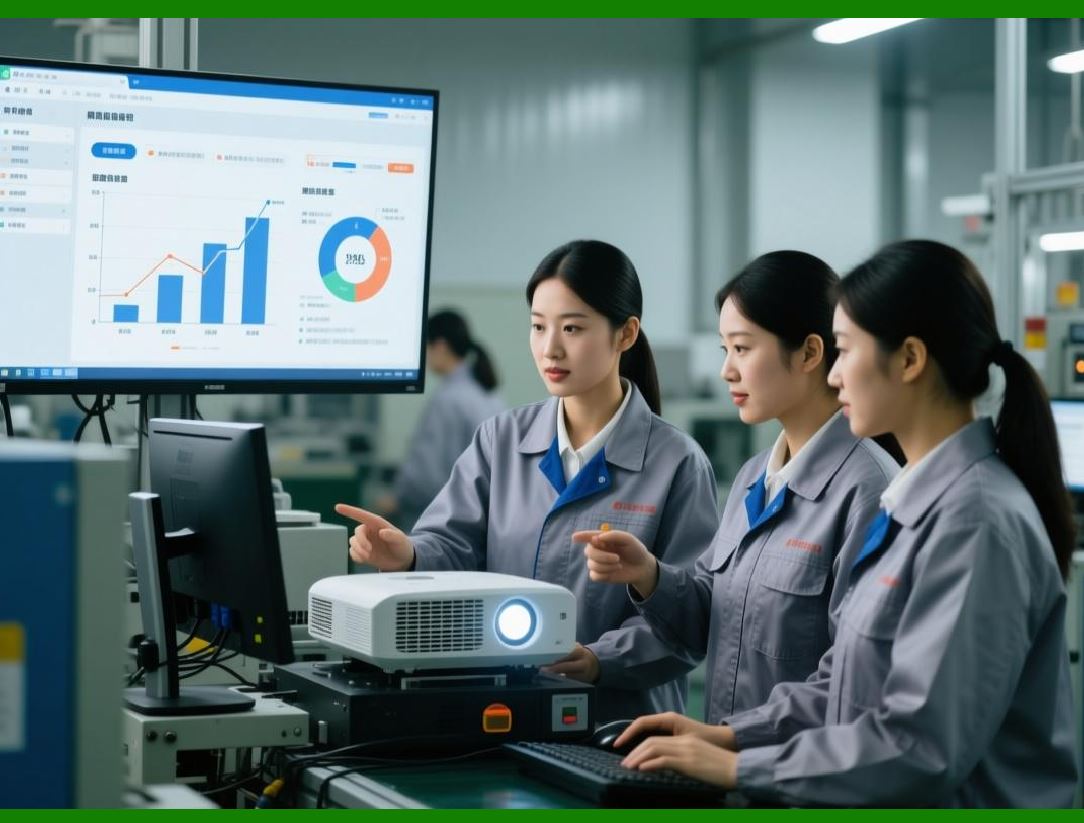
* ERP serves as the integration hub for all IoT streams, standardizing data formats, timestamps, and identifiers. |
* Data is processed for: |
* Material tracking and lot control |
* Production efficiency analysis |
* Quality assurance and defect prevention |
* Maintenance planning |
* ERP ensures data integrity and traceability across multiple factory floors and production lines. |
|
328. Enhancement 51: Real-Time Production Monitoring |
328.1 IoT-Enabled SMT Line Visibility |
* Sensors track: |
* Component placement accuracy |
* Feeder performance |
* Line speed |
* Component throw rates |
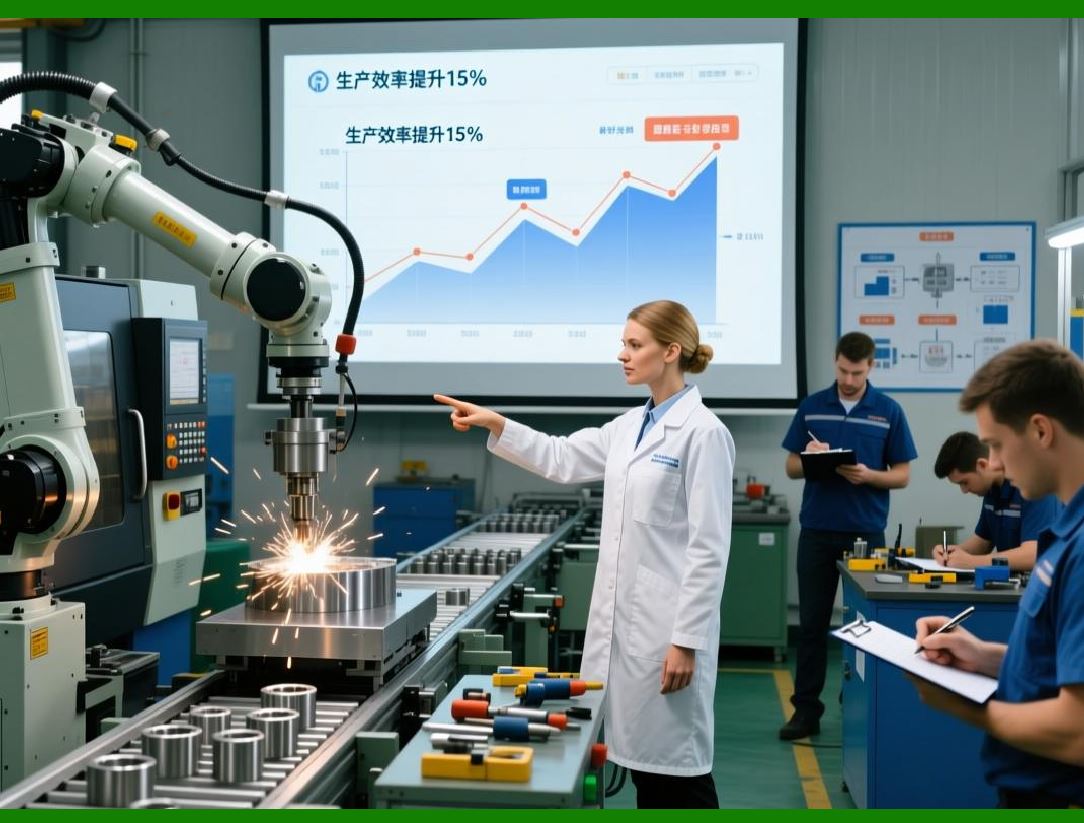
* ERP receives this data and updates Digital Twin and production KPIs in real time. |
328.2 Benefits |
* Immediate detection of deviations or anomalies |
* Proactive maintenance scheduling |
* Reduced defect propagation |
* Enhanced decision-making for production managers |
|
329. Enhancement 52: Predictive Maintenance through IoT Analytics |
329.1 IoT Data Collection |
* Machine telemetry (vibrations, temperature, motor load) |
* Environmental conditions (humidity, ESD protection) |
* Usage patterns and cycle counts |
329.2 AI-Driven Prediction |
* ERP analyzes sensor trends to forecast: |
* Imminent machine failures |
* Required calibration or adjustment |
* Maintenance prioritization |
329.3 Operational Outcome |
* Minimizes unplanned downtime |
* Increases equipment lifespan |
* Improves production continuity |

|
330. Enhancement 53: Smart Warehouse Management |
330.1 IoT in Warehouse Operations |
* Smart shelves and AGVs report: |
* Stock levels |
* Material movements |
* Picking and replenishment status |
* ERP processes these inputs for automated inventory updates and material flow optimization. |
330.2 Benefits |
* Real-time visibility of material availability |
* Reduced stockouts and overstock |
* Optimized AGV routing and warehouse throughput |
* Faster SMT line feeding and e-commerce fulfillment |

|
331. Enhancement 54: Quality Assurance with IoT Sensors |
331.1 Inline Quality Monitoring |
* Cameras and optical sensors detect: |
* Component misalignment |
* Solder paste defects |
* SMT placement errors |
* Environmental deviations affecting quality |
331.2 ERP-Driven Action |
* Detected defects automatically trigger: |
* Production alerts |
* RMA or repair workflows |
* Batch quality scoring |
* Feedback to suppliers |
331.3 Outcome |
* Reduced defective output |
* Enhanced compliance with RoHS and industry standards |
* Improved customer satisfaction |

|
332. Enhancement 55: Energy and Environmental Monitoring |
332.1 IoT for Energy Efficiency |
* Sensors track power usage, temperature, and humidity in real time |
* ERP analyzes energy patterns and correlates with production output |
332.2 Outcome |
* Optimized energy consumption |
* Identification of energy-intensive processes |
* Reduced operational cost and carbon footprint |
|
333. Enhancement 56: Integration with Digital Twin and AI |
333.1 IoT + Digital Twin |
* IoT devices feed live operational data into the Digital Twin |
* ERP uses AI to simulate: |
* Production line adjustments |
* Material allocation changes |
* Maintenance interventions |
* Order rescheduling |
333.2 Outcome |
* Predictive and prescriptive insights for real-world operations |
* Faster response to anomalies |
* Enhanced production efficiency and risk mitigation |

|
334. Enhancement 57: Autonomous Production Adjustments |
334.1 Decision Automation |
* ERP interprets IoT data and AI predictions to autonomously: |
* Adjust SMT line speeds |
* Allocate labor and machines dynamically |
* Shift production orders to alternate lines |
* Modify BOM consumption strategies |
334.2 Operational Benefits |
* Reduced human intervention |
* Higher consistency in production quality |
* Faster adaptation to demand fluctuations |

|
335. Enhancement 58: KPI Monitoring and Predictive Analytics |
335.1 Real-Time KPI Capture |
* IoT devices continuously feed ERP: |
* Yield and defect rates |
* Machine utilization |
* Order fulfillment progress |
* Energy and environmental data |
335.2 Predictive Alerts |
* ERP predicts potential bottlenecks |
* Provides corrective recommendations |
* Maintains dashboards for management review |
335.3 Outcome |
* Proactive operations management |
* Continuous improvement loop |
* Enhanced strategic decision-making |

|
336. Technical Content Summary of Part 44 |
Part 44 focused on Industry 4.0 and IoT convergence within electronics ERP systems: |
1. IoT Device Integration: ERP standardizes and consolidates data from SMT, warehouse, environmental, and quality sensors. |
2. Real-Time Production Monitoring: Live tracking of SMT lines and assembly stations for immediate corrective actions. |
3. Predictive Maintenance: IoT data enables AI-based predictions to minimize downtime and extend equipment life. |
4. Smart Warehouse Management: Automated inventory and material flow optimization through IoT-enabled racks and AGVs. |
5. Inline Quality Assurance: Sensors detect defects and trigger ERP workflows for immediate remediation. |
6. Energy and Environmental Monitoring: IoT data analyzed to reduce costs and optimize environmental conditions. |
7. Integration with Digital Twin & AI: IoT data feeds digital twin simulations and AI-driven predictions for prescriptive operations. |
8. Autonomous Production Adjustments: ERP dynamically optimizes production lines based on IoT inputs. |
9. KPI Monitoring and Predictive Analytics: Continuous performance and risk monitoring enables proactive management. |
|
Key Insight: |
ERP convergence with Industry 4.0 and IoT transforms electronics manufacturing into a self-aware, self-optimizing, and data-driven ecosystem, bridging the physical factory with digital intelligence for enhanced efficiency, quality, and strategic agility. |
 cs@easiersoft.com