ERP System Application in the Electronics Industry |
Part 45: Advanced Predictive Quality Engineering Systems |
AI + IoT + ERP for Defect Prevention and Quality Optimization |
In Part 44, we covered Industry 4.0 and IoT convergence, where sensors, machines, and warehouse systems continuously feed real-time data into ERP and Digital Twin models. That created a continuously aware manufacturing environment. |
Part 45 goes one step further: instead of only detecting and reacting to quality issues, the system evolves into predictive quality engineering, where ERP actively prevents defects before they occur using AI, process modeling, and closed-loop feedback from production, SMT, and RMA systems. |

|
337. Enhancement 59: Shift from Quality Control to Predictive Quality Engineering |
337.1 Traditional Quality Model Limitation |
Traditional electronics manufacturing quality systems rely on: |
* Incoming inspection |
* In-process inspection |
* Final inspection |
* RMA feedback after shipment |
This approach is fundamentally reactive, meaning defects are discovered after value has already been lost. |

|
337.2 Predictive Quality Model in ERP |
ERP transforms quality into a forward-looking system by combining: |
* Historical defect data |
* Real-time SMT and IoT sensor data |
* Supplier performance patterns |
* Environmental conditions during production |
* Digital Twin simulation outputs |
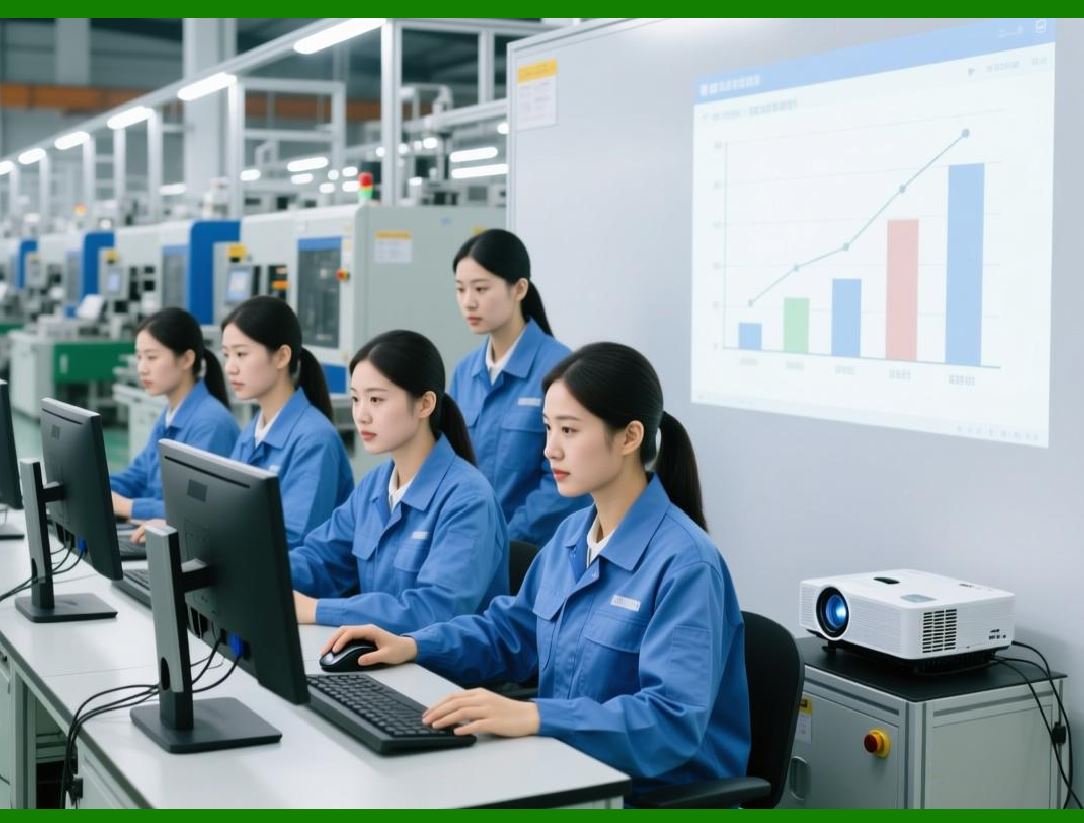
The system predicts defect likelihood before or during production, not after. |
|
338. Enhancement 60: Defect Probability Modeling at BOM Level |
338.1 Component-Level Risk Scoring |
ERP assigns a defect risk score to each component, based on: |
* Supplier historical defect rates |
* SMT placement sensitivity |
* Thermal and mechanical stress exposure |
* Storage aging and shelf-life status |
338.2 BOM-Level Quality Risk Aggregation |
For each product BOM, ERP calculates: |
* Total defect probability |
* High-risk component clusters |
* Sensitivity to process variation |
This allows engineers to identify high-risk product designs before mass production. |
338.3 Engineering Action Output |
ERP suggests: |
* Component substitution |
* BOM redesign adjustments |
* Supplier replacement |
* SMT parameter modification |

|
339. Enhancement 61: AI-Based Process Parameter Optimization |
339.1 SMT Process Sensitivity |
SMT quality is heavily influenced by: |
* Temperature profile |
* Placement speed |
* Solder paste thickness |
* Conveyor speed |
* Humidity and environment |
339.2 AI Optimization Engine |
ERP uses AI models to determine: |
* Optimal machine settings per product type |
* Best environmental conditions for assembly |
* Ideal feeder configurations |
339.3 Continuous Learning Loop |
* Each production run feeds performance data back into ERP |
* AI refines parameters over time |
* System becomes increasingly accurate with each batch |

|
340. Enhancement 62: Real-Time Defect Prediction During Production |
340.1 Inline Detection Intelligence |
ERP receives live data from: |
* SMT machines |
* Optical inspection systems (AOI) |
* Environmental sensors |
* Conveyor and handling systems |
340.2 Predictive Trigger Mechanism |
Instead of waiting for defect confirmation, ERP: |
* Detects deviation patterns in real time |
* Calculates probability of defect occurrence |
* Triggers early intervention workflows |
340.3 Example Actions |
* Slow down SMT line speed |
* Stop production before defect spread |
* Recalibrate feeder or placement head |
* Isolate affected batch segment |

|
341. Enhancement 63: Closed-Loop Quality Feedback from RMA Systems |
341.1 RMA as a Learning Source |
Returned products are no longer just repairs They are data assets. |
ERP extracts: |
* Failure modes |
* Time-to-failure distribution |
* Environmental usage patterns |
* Component-level failure correlation |
341.2 AI Correlation Engine |
ERP correlates: |
* RMA failures SMT production conditions |
* RMA failures supplier batch quality |
* RMA failures specific machine settings |
341.3 Outcome |
* Identification of systemic production issues |
* Continuous refinement of production parameters |
* Reduction of long-term failure rates |

|
342. Enhancement 64: Supplier Quality Prediction System |
342.1 Supplier Impact on Quality |
A large percentage of electronics defects originate from: |
* Component variability |
* Supplier inconsistency |
* Lot-to-lot differences |
342.2 ERP Predictive Scoring Model |
ERP evaluates suppliers using: |
* Historical defect rates |
* SMT compatibility performance |
* Environmental sensitivity of supplied components |
* RMA correlation patterns |
342.3 Preventive Procurement Control |
ERP may: |
* Block high-risk supplier batches |
* Recommend alternative sourcing |
* Adjust inspection intensity dynamically |

|
343. Enhancement 65: Environmental Condition Quality Modeling |
343.1 Environmental Sensitivity in Electronics |
Quality is strongly affected by: |
* Temperature fluctuations |
* Humidity exposure |
* Static electricity (ESD risks) |
343.2 IoT + ERP Integration |
Sensors feed ERP: |
* Real-time humidity levels |
* Temperature stability |
* Air quality and static conditions |
343.3 Predictive Quality Adjustment |
ERP responds by: |
* Adjusting SMT parameters |
* Re-routing sensitive components |
* Increasing inspection frequency for affected batches |

|
344. Enhancement 66: Digital Twin-Based Quality Simulation |
344.1 Virtual Quality Testing |
Before production begins, ERP simulates: |
* Assembly conditions |
* SMT placement accuracy |
* Thermal stress behavior |
* Component interaction risks |
344.2 Outcome Prediction |
ERP estimates: |
* Yield rate |
* Defect probability distribution |
* RMA risk level per batch |
344.3 Engineering Decision Support |
* Enables pre-production optimization |
* Reduces trial-and-error manufacturing cycles |
* Improves first-pass yield significantly |

|
345. Enhancement 67: Autonomous Quality Optimization Loop |
345.1 Self-Improving Quality System |
ERP continuously cycles through: |
Production Inspection RMA Analysis AI Learning Process Adjustment Production |
345.2 Autonomous Adjustments |
System can automatically: |
* Adjust SMT parameters |
* Reallocate production to higher-performing lines |
* Change inspection thresholds dynamically |
* Recommend BOM updates |
345.3 Resulting Transformation |
Quality management evolves from: |
* Manual inspection control Intelligent autonomous optimization system |

|
346. Technical Content Summary of Part 45 |
Part 45 focused on advanced predictive quality engineering systems in electronics ERP, including: |
1. Shift to Predictive Quality: Moving from reactive inspection to AI-driven defect prevention. |
2. BOM-Level Risk Modeling: Assigning defect probability to components and aggregating at product level. |
3. AI Process Optimization: Continuous tuning of SMT and assembly parameters using machine learning. |
4. Real-Time Defect Prediction: Detecting production deviations before defects occur. |
5. Closed-Loop RMA Feedback: Using return data to continuously improve production quality. |
6. Supplier Quality Prediction: Evaluating suppliers based on defect patterns and production impact. |
7. Environmental Quality Modeling: Incorporating IoT environmental data into quality decisions. |
8. Digital Twin Quality Simulation: Predicting yield and defect outcomes before production. |
9. Autonomous Quality Optimization: Continuous self-adjusting quality control loop across the entire system. |

|
Key Insight |
ERP in electronics manufacturing evolves into a self-correcting quality intelligence system, where defects are not only detected but anticipated, simulated, and prevented before physical production issues occur. |
 cs@easiersoft.com