ERP System Application in the Electronics Industry |
Part 46: Autonomous Smart Factory Ecosystems |
Fully Self-Optimizing Electronics Manufacturing Systems |
In Part 45, we examined predictive quality engineering, where ERP, IoT, AI, and Digital Twin technologies collaboratively anticipate and prevent defects. Part 46 extends this concept to a fully autonomous smart factory ecosystem, in which the entire electronics manufacturing process From procurement and production scheduling to quality control, logistics, and delivery Self-optimizes with minimal human intervention. |

|
347. Enhancement 68: Definition of an Autonomous Smart Factory |
347.1 Concept Overview |
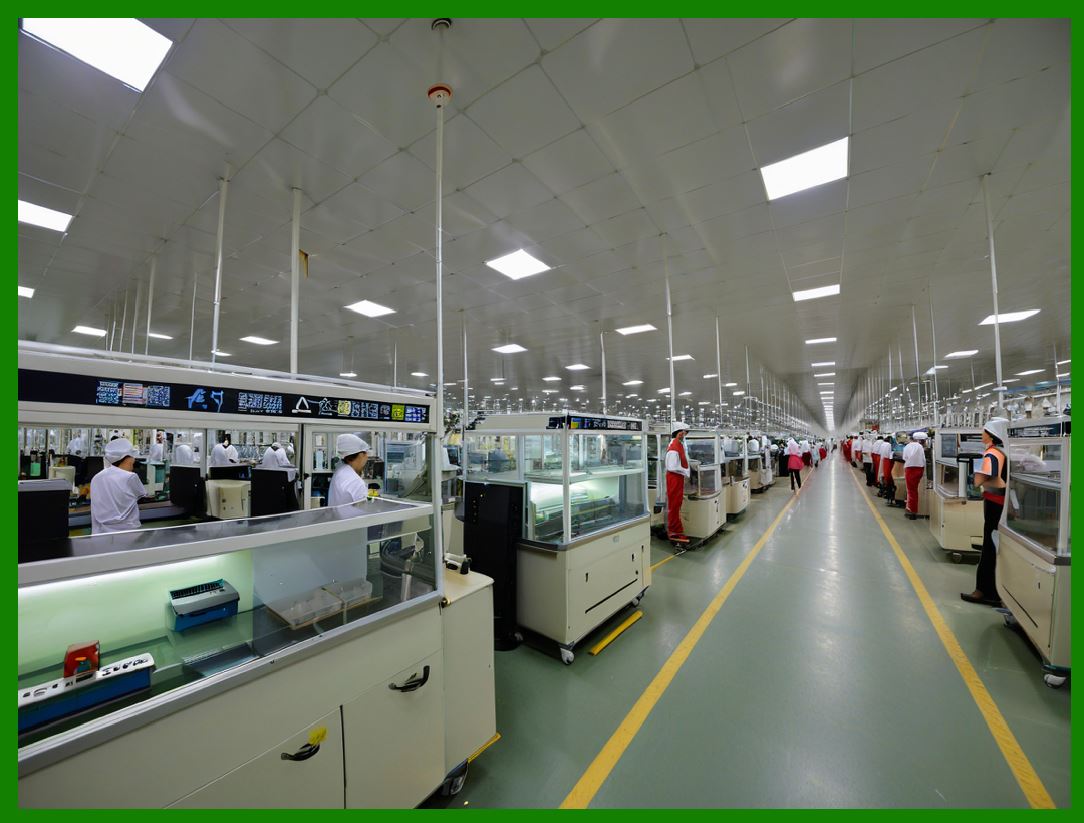
An autonomous smart factory integrates: |
* ERP as the central data and decision engine |
* IoT devices providing real-time sensor feedback |
* AI algorithms for predictive and prescriptive analytics |
* Digital Twin models simulating production, supply chain, and quality outcomes |
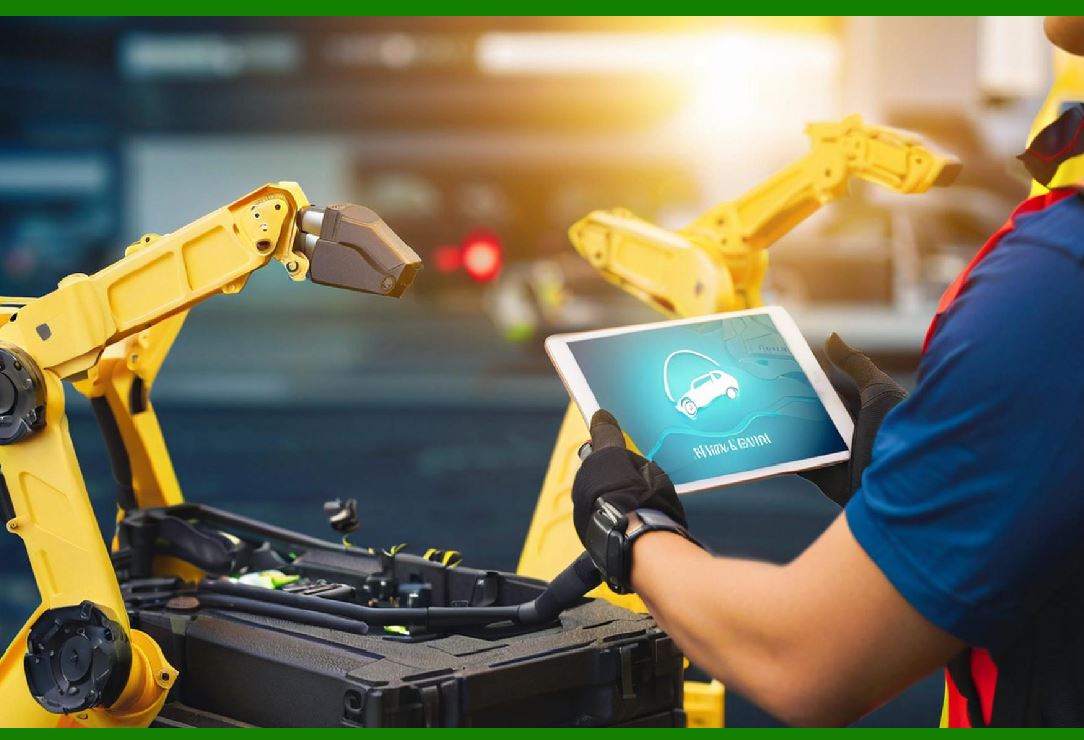
* Robotics and automated handling systems (AGVs, robotic arms) |
The goal is a closed-loop, self-regulating ecosystem, capable of dynamically adjusting all factory operations in real time. |
|
347.2 Core Characteristics |
1. End-to-End Visibility: Full transparency of production, material, and supply chain states. |
2. Self-Optimization: Automated adjustment of production schedules, machine parameters, and resource allocation. |
3. Predictive Risk Management: Preemptive mitigation of production, quality, and supply risks. |
4. Minimal Human Intervention: Human roles focus on strategic oversight and exception management. |
|
348. Enhancement 69: Autonomous Production Scheduling and Execution |
348.1 AI-Based Scheduling Engine |
* ERP integrates AI to: |
* Prioritize orders dynamically |
* Allocate machines and labor efficiently |
* Optimize batch sequences for SMT and assembly lines |
* Predict production throughput under varying conditions |
348.2 IoT-Driven Feedback Loop |
* Sensors continuously report: |
* Machine performance |
* Material availability |
* Environmental conditions |
* Defect occurrences |
* ERP adjusts schedules in real time to maintain optimal output. |
348.3 Operational Outcome |
* Reduced lead times and setup delays |
* Higher throughput and resource utilization |
* Automatic resolution of production conflicts |

|
349. Enhancement 70: Autonomous Material Handling and Logistics |
349.1 Smart Warehouse and AGV Integration |
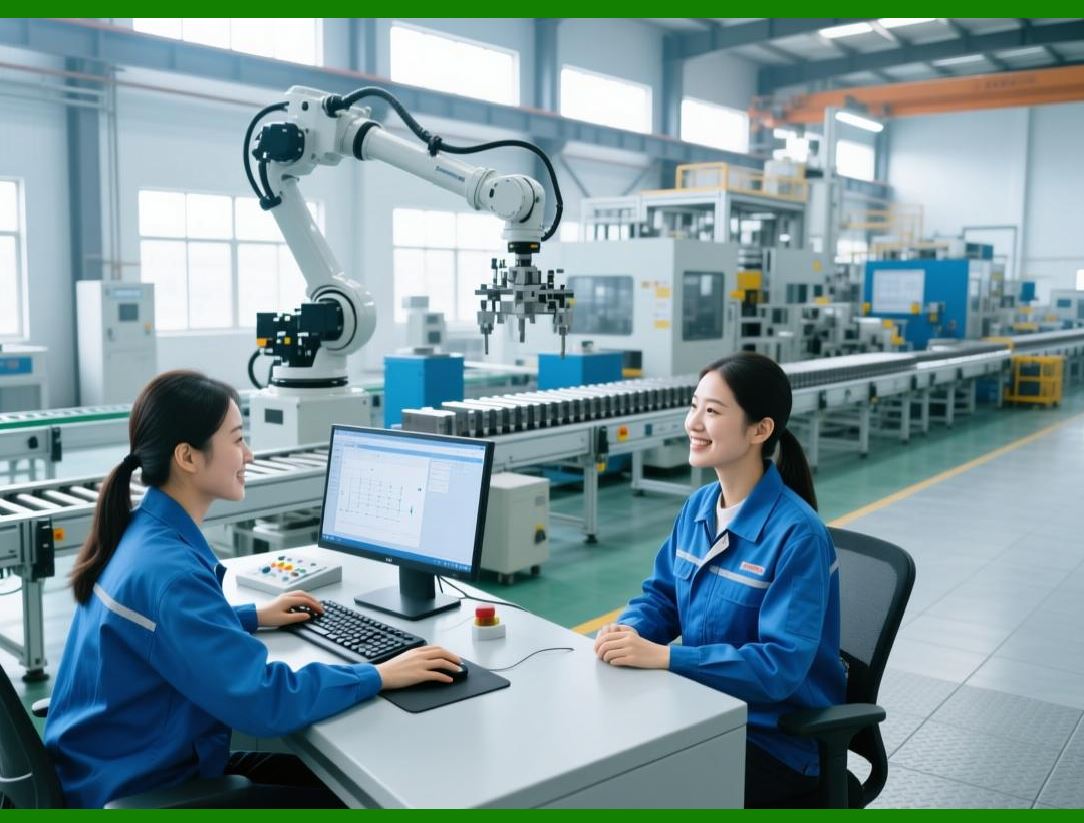
* AGVs and robotic systems manage: |
* Material picking and replenishment |
* WIP movement between lines |
* Finished goods staging for shipment |
* ERP orchestrates movements based on real-time demand, production schedule, and inventory levels. |
349.2 Benefits |
* Reduced human error in material handling |
* Minimized idle time for production lines |
* Optimized storage utilization and movement efficiency |
|
350. Enhancement 71: Predictive Maintenance and Self-Healing Production Lines |
350.1 IoT and AI Monitoring |
* Continuous sensor data on: |
* Motor vibrations |
* Temperature profiles |
* Tool wear |
* Environmental conditions |
* AI predicts imminent failures and recommends interventions. |
350.2 Autonomous Line Adjustments |
* ERP triggers: |
* Machine recalibration |
* Load redistribution across lines |
* Automatic rescheduling of affected orders |
* Production lines self-heal, minimizing downtime. |
350.3 Outcome |
* Increased overall equipment effectiveness (OEE) |
* Reduced emergency maintenance cost |
* Higher first-pass yield |

|
351. Enhancement 72: Integrated Predictive Quality Assurance |
351.1 Closed-Loop Quality Control |
* Predictive quality models (from Part 45) continuously monitor: |
* SMT placement accuracy |
* Solder paste thickness |
* Environmental sensitivity |
* Component supplier quality |
* ERP triggers real-time adjustments or rework recommendations. |
351.2 Outcome |
* Defects are prevented rather than detected after the fact |
* Reduced RMA rates and scrap |
* Improved customer satisfaction and compliance |

|
352. Enhancement 73: Smart Supplier and Procurement Ecosystem |
352.1 Autonomous Procurement Integration |
* AI-driven ERP predicts material demand and autonomously issues purchase orders. |
* Supplier scoring ensures procurement risk is minimized. |
* Digital Twin simulates supply chain scenarios and identifies alternate suppliers preemptively. |
352.2 Benefits |
* Continuous supply of critical components |
* Reduced lead times and procurement costs |
* Supply chain resilience and risk mitigation |

|
353. Enhancement 74: Energy and Environmental Optimization |
353.1 IoT-Powered Energy Monitoring |
* Sensors track: |
* Power usage |
* Temperature control systems |
* HVAC and environmental impact |
* ERP optimizes: |
* Machine scheduling for energy efficiency |
* Environmental parameters for product quality |
* Carbon footprint reduction strategies |
353.2 Outcome |
* Lower operational costs |
* Compliance with environmental regulations |
* Sustainable production practices |

|
354. Enhancement 75: Autonomous KPI Monitoring and Decision Intelligence |
354.1 Real-Time KPI Capture |
* ERP monitors all aspects of production, quality, logistics, and supply chain. |
* AI models predict future KPI trends and recommend adjustments. |
354.2 Decision Automation |
* ERP triggers automated decisions such as: |
* Line speed adjustments |
* Material reallocation |
* Maintenance scheduling |
* Order prioritization |
354.3 Outcome |
* Fully self-optimizing factory performance |
* Reduced human intervention |
* Continuous operational improvement |

|
355. Technical Content Summary of Part 46 |
Part 46 focused on Autonomous Smart Factory Ecosystems, integrating ERP, AI, IoT, Digital Twin, and robotics: |
1. Autonomous Factory Concept: Closed-loop, self-regulating electronics production system. |
2. Production Scheduling: Dynamic, AI-driven order prioritization and line allocation. |
3. Material Handling and Logistics: Automated warehouse operations and AGV management. |
4. Predictive Maintenance: Real-time monitoring and self-healing production lines. |
5. Integrated Predictive Quality Assurance: Continuous defect prevention. |
6. Smart Procurement and Supplier Management: Autonomous material ordering and supply risk mitigation. |
7. Energy and Environmental Optimization: IoT-driven efficiency and sustainability. |
8. Autonomous KPI Monitoring: Predictive KPI management and decision automation. |

|
Key Insight: |
ERP serves as the brain of a fully autonomous smart factory, coordinating all systems to achieve near-zero human intervention, maximum efficiency, consistent quality, and resilient operations. |
 cs@easiersoft.com