ERP System Application in the Electronics Industry |
Part 50: RMA Closed-Loop Intelligence and Full Lifecycle Product Optimization |
From Customer Failure Data to Design and Manufacturing Improvement |
In Part 49, we explored SMT programming integration with ERP, where BOM data is automatically converted into machine execution programs, optimized for placement efficiency, yield improvement, and real-time material tracking. |
Part 50 concludes this series by focusing on the final and most strategically important layer: the RMA (Return Merchandise Authorization) closed-loop intelligence system, where real-world product failure data is continuously fed back into ERP to optimize design, procurement, manufacturing, SMT execution, and supplier performance. |
This is the stage where ERP becomes not just a manufacturing system, but a full lifecycle product intelligence platform. |

|
384. Enhancement 101: RMA as the Ultimate Feedback Source |
384.1 Why RMA Data Is Critical |
In electronics manufacturing, RMA data represents: |
* Real customer usage conditions |
* Long-term reliability performance |
* Environmental stress outcomes |
* Hidden manufacturing or design weaknesses |
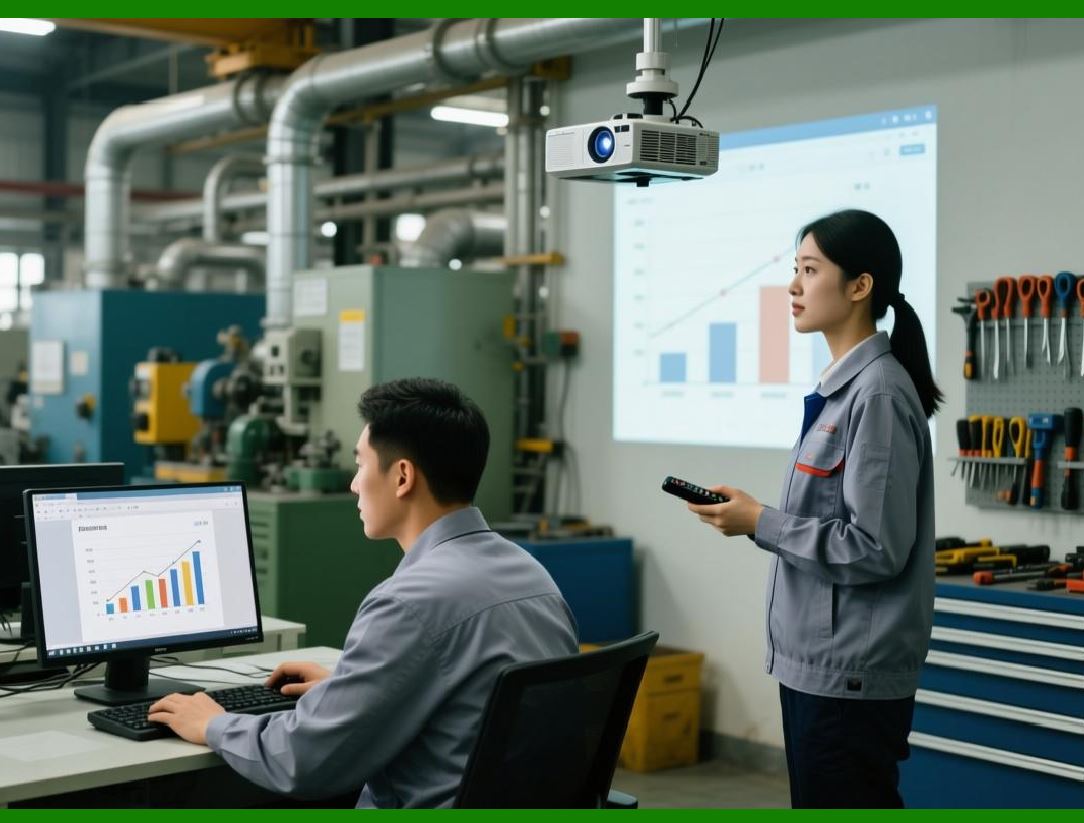
Unlike factory inspection data, RMA reflects true field performance, making it the most valuable dataset for improvement. |
|
384.2 ERP Integration of RMA Data |
ERP captures and structures: |
* Product serial numbers |
* Failure descriptions and classifications |
* Usage duration before failure |
* Environmental conditions (if available) |
* Repair, replacement, or scrap decisions |
Each return is linked back to: |
* Production batch |
* SMT line and machine |
* Component lots and suppliers |
* BOM version and firmware version |
|
384.3 Resulting Capability |
ERP transforms RMA into a structured engineering dataset, not just a service workflow. |
|
385. Enhancement 102: Failure Mode Classification and AI Clustering |
385.1 Structured Failure Taxonomy |
ERP classifies failures into categories such as: |
* Electrical failure (short circuit, open circuit) |
* Thermal degradation |
* Mechanical damage |
* Firmware/software malfunction |
* Component aging failure |
385.2 AI Pattern Recognition |
AI models analyze: |
* Frequency of failure types |
* Correlation with production batches |
* Supplier-specific failure clusters |
* Environmental dependency patterns |
385.3 Outcome |
* Identification of systemic design flaws |
* Detection of hidden manufacturing defects |
* Early warning for emerging product reliability issues |

|
386. Enhancement 103: Batch-Level Root Cause Traceability |
386.1 Full Backward Traceability Chain |
ERP reconstructs the full history: |
Customer Return Product Serial Assembly Batch SMT Line Component Lot Supplier |
386.2 Root Cause Isolation |
ERP isolates: |
* Specific defective supplier batches |
* SMT machine configuration issues |
* BOM revision errors |
* Environmental production anomalies |
386.3 Engineering Output |
* Corrective action plans |
* Supplier corrective feedback |
* SMT parameter updates |
* BOM redesign proposals |

|
387. Enhancement 104: Predictive Failure Modeling |
387.1 Learning from Historical RMA Data |
ERP builds predictive models based on: |
* Time-to-failure curves |
* Environmental stress factors |
* Component aging behavior |
* Production condition variability |
387.2 Predictive Application |
Before shipment, ERP can estimate: |
* Expected product lifespan |
* Risk score per batch |
* Probability of RMA occurrence |
387.3 Operational Benefits |
* Preventive quality control before shipment |
* Selective rework or inspection intensification |
* Reduced warranty cost and brand risk |
|
388. Enhancement 105: Supplier Reliability Feedback Loop |
388.1 Supplier-Level Failure Attribution |
ERP links RMAs to: |
* Specific supplier components |
* Supplier batch numbers |
* Delivery timelines and conditions |
388.2 Supplier Scoring Adjustment |
AI updates supplier ratings based on: |
* Field failure contribution rate |
* Batch reliability consistency |
* Long-term defect trends |
388.3 Procurement Impact |
* Low-performing suppliers are downgraded or replaced |
* High-performing suppliers receive priority allocation |
* Procurement strategies shift dynamically based on reliability data |
|
389. Enhancement 106: Design Optimization Feedback Loop |
389.1 RMA-Driven Design Insights |
ERP sends feedback to engineering teams: |
* Components with high failure probability |
* Weak circuit design patterns |
* Thermal or mechanical stress vulnerabilities |
389.2 Engineering Adjustments |
* BOM redesign improvements |
* Component substitution strategies |
* PCB layout optimization |
* Enhanced shielding or protection design |
389.3 Outcome |
* Improved product reliability |
* Reduced long-term failure rates |
* Faster iteration of product generations |
|
390. Enhancement 107: Manufacturing Process Refinement Loop |
390.1 SMT and Assembly Adjustments |
Based on RMA analysis, ERP adjusts: |
* SMT placement parameters |
* Reflow temperature profiles |
* Solder paste application rules |
* Inspection thresholds |
390.2 Process Optimization Outcome |
* Reduced hidden manufacturing defects |
* Improved first-pass yield |
* More stable production processes over time |
|
391. Enhancement 108: Lifecycle Intelligence and Product Evolution |
391.1 Full Product Lifecycle Mapping |
ERP integrates: |
* Design phase data |
* Manufacturing execution data |
* Field performance (RMA) data |
* End-of-life and recycling data |
391.2 Continuous Product Evolution |
Each product generation improves based on: |
* Real-world failure feedback |
* Supplier reliability evolution |
* Manufacturing process optimization |
391.3 Strategic Outcome |
* Faster product iteration cycles |
* Higher long-term product quality |
* Stronger competitive advantage in electronics markets |

|
392. Enhancement 109: Closed-Loop Enterprise Intelligence System |
392.1 Unified Feedback Architecture |
ERP creates a continuous loop: |
Design BOM SMT Production Shipping Customer Use RMA Analysis Redesign |
392.2 System Intelligence Growth |
Over time, the system learns: |
* Which designs are inherently stable |
* Which suppliers consistently perform best |
* Which manufacturing conditions produce optimal yield |
* Which failure patterns are recurring |
392.3 Resulting Transformation |
ERP evolves into a: |
> Self-learning, self-correcting industrial intelligence system |

|
393. Final Technical Summary of Part 50 |
Part 50 concluded the series by focusing on RMA closed-loop intelligence and full lifecycle product optimization: |
1. RMA as Core Intelligence Source: Field failure data becomes structured engineering input. |
2. AI Failure Classification: Automated clustering of defect types and patterns. |
3. Full Traceability: Linking customer returns back to supplier and production batch levels. |
4. Predictive Failure Modeling: Estimating product reliability before shipment. |
5. Supplier Feedback Loop: Adjusting procurement strategy based on real-world reliability. |
6. Design Optimization: Engineering improvements driven by field failure data. |
7. Manufacturing Refinement: SMT and production parameters continuously improved. |
8. Lifecycle Intelligence System: End-to-end product evolution from design to end-of-life. |

|
Final Key Insight (Series Conclusion) |
Across all 50 parts, ERP in the electronics industry evolves from a transaction management system into a: |
> Unified, autonomous, AI-driven industrial intelligence platform that governs the entire product lifecycle from design, procurement, SMT manufacturing, logistics, customer delivery, field usage, and failure feedback corming a continuously improving closed-loop system. |
 cs@easiersoft.com