GS1 Sunrise 2027 Plan Detail (Part 2 of 19) |
Technical Architecture of 2D Barcodes in GS1 Systems |
1. Transition From Linear Encoding to 2D Data Architecture |
The GS1 Sunrise 2027 initiative is fundamentally enabled by a shift in how product data is encoded. Traditional 1D barcodes rely on a linear sequence of bars that represent a single numeric identifier (typically a GTIN). In contrast, 2D barcodes introduce a multi-layered data architecture. |
This architectural shift can be summarized as: |
1. 1D barcodes = single key database lookup |
2. 2D barcodes = embedded structured data + optional web linkage |
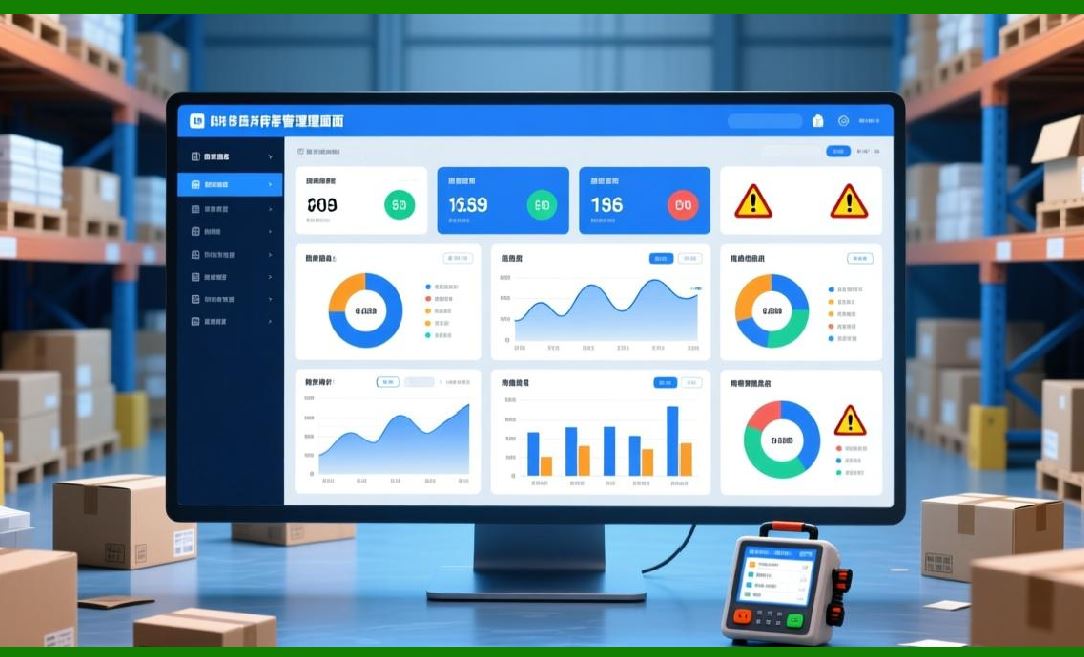
This means the barcode itself becomes a self-contained data container, not just a pointer. |
|
2. Core 2D Barcode Types in the GS1 Ecosystem |
Within the Sunrise 2027 framework, GS1 recognizes multiple 2D barcode symbologies, but prioritizes those that support structured GS1 data encoding. |
The most important formats include: |
2.1 GS1 DataMatrix |
GS1 DataMatrix |
GS1 DataMatrix is already widely used in healthcare and regulated industries. It is compact, highly reliable, and capable of encoding serialized product data. |
Key characteristics: |
1. High data density in small physical space |
2. Strong error correction capability |
3. Ideal for small packaging (pharma, electronics) |
4. Supports GS1 Application Identifiers (AIs) |
2.2 QR Code (GS1 Digital Link Compatible) |
QR Code |
QR codes are the most widely recognized 2D format globally. In the GS1 ecosystem, QR codes are increasingly used with GS1 Digital Link syntax to connect physical products to online resources. |
Key characteristics: |
1. High consumer adoption (mobile scanning) |
2. Flexible encoding (URLs, identifiers, structured data) |
3. Strong integration with marketing and supply chain systems |
4. Easily readable by smartphones |
2.3 Emerging Hybrid Usage Models |
GS1 does not enforce a single 2D format globally. Instead, Sunrise 2027 promotes function-based selection, meaning: |
* DataMatrix regulated environments |
* QR Code consumer-facing environments |
* Hybrid labels dual-purpose packaging |

|
3. GS1 Data Structure: Application Identifiers (AIs) |
At the heart of GS1 encoding is the concept of Application Identifiers (AIs). |
These are numeric prefixes that define the meaning of encoded data. |
Examples include: |
1. (01) = Global Trade Item Number (GTIN) |
2. (17) = Expiration date |
3. (10) = Batch or lot number |
4. (21) = Serial number |
5. (310n) = Net weight |
In 2D barcodes, these AIs can be combined into a single symbol. |
This allows one scan to reveal multiple structured data fields simultaneously. |

|
4. Structured Data vs Unstructured Data |
A major architectural distinction introduced in Sunrise 2027 is: |
4.1 Structured GS1 Data |
* Uses Application Identifiers |
* Machine-readable and standardized |
* Compatible with ERP, POS, and traceability systems |
Example conceptually: |
* GTIN + expiration date + batch number + serial number |
4.2 Unstructured Data (QR URLs) |
* Typically used for web links |
* Not inherently standardized |
* Requires external interpretation |
Example: |
* A QR code linking to a product webpage |
GS1 Sunrise 2027 prioritizes structured data first, with optional digital linking. |

|
5. GS1 Digital Link: The Hybrid Bridge |
A critical component of the new architecture is GS1 Digital Link. |
This system transforms a product identifier into a web-resolvable URL structure. |
Conceptually: |
* Product identity becomes a URL |
* The URL can return different data depending on context |
* The same code supports consumers, logistics, and regulators |
Key features: |
1. Context-aware responses (retailer vs consumer vs regulator) |
2. Centralized or decentralized hosting flexibility |
3. Compatibility with existing web infrastructure |
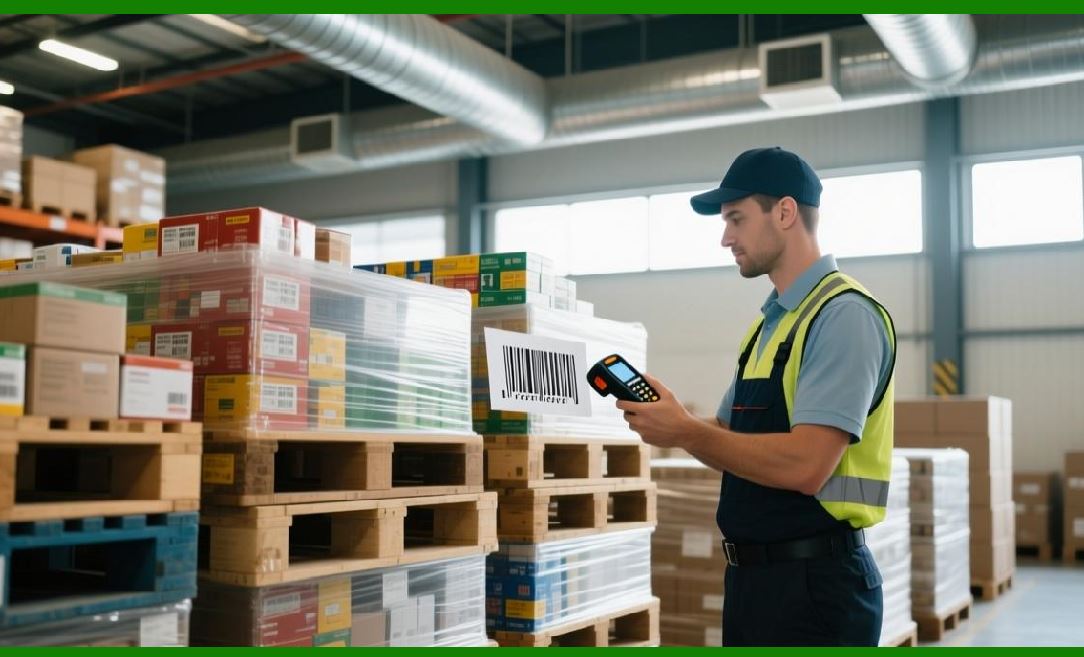
This bridges physical barcodes and digital ecosystems. |
|
6. Encoding Hierarchy in Sunrise 2027 |
The GS1 architecture follows a hierarchical model: |
Level 1: Product Identity |
* GTIN (global product identifier) |
Level 2: Instance Identity |
* Serial numbers (unique item-level tracking) |
Level 3: Batch Identity |
* Lot numbers and production groups |
Level 4: Temporal Data |
* Expiry dates, production dates |
Level 5: Digital Layer |
* URLs, authentication data, compliance links |
This hierarchy allows increasing precision in traceability. |

|
7. Data Density Advantage of 2D Barcodes |
Compared to 1D barcodes: |
1D barcode: |
* ~124 numeric digits typical |
* Single data field |
2D barcode: |
* Hundreds to thousands of characters |
* Multiple data fields simultaneously |
* Structured or hybrid encoding |
This allows packaging to become a data-rich object, not just an identifier. |
|
8. Error Correction Mechanisms |
2D barcodes include advanced error correction systems: |
8.1 Redundancy Encoding |
Data is duplicated across multiple regions of the symbol. |
8.2 Damage Recovery |
Even if part of the code is missing or damaged, scanners can reconstruct data. |
8.3 Environmental Robustness |
Designed to withstand: |
* Printing imperfections |
* Packaging folds |
* Dirt or partial occlusion |
This is critical for logistics environments. |

|
9. Scanner Evolution and Optical Recognition |
The Sunrise 2027 transition requires changes in scanning technology. |
Modern scanners must support: |
1. Multi-symbology detection (1D + 2D simultaneously) |
2. Image-based decoding (camera scanning) |
3. High-speed retail checkout scanning |
4. Mobile device compatibility |
This has led to widespread adoption of imaging scanners instead of laser-only systems. |

|
10. Data Resolution and Real-Time Interpretation |
2D barcode systems enable real-time interpretation: |
When a code is scanned: |
1. Data is parsed into structured fields |
2. AI or middleware systems interpret context |
3. Different outputs are generated depending on environment |
Example: |
* Retail POS price + product info |
* Warehouse inventory + batch tracking |
* Consumer scan product origin + sustainability info |

|
11. Security and Data Integrity Considerations |
As barcode complexity increases, security becomes critical. |
GS1 architecture includes: |
1. Data validation rules (GS1 syntax compliance) |
2. Check digits for GTIN integrity |
3. Controlled issuance of serial numbers |
4. Digital signature extensions (in advanced systems) |
These mechanisms reduce counterfeit risk and data corruption. |

|
12. Interoperability Principle |
A key design requirement of Sunrise 2027 is interoperability: |
* Codes must work globally |
* Across industries |
* Across scanner vendors |
* Across software ecosystems |
This is enforced through GS1 standards rather than proprietary implementations. |

|
13. Packaging as a Data Interface |
A conceptual shift introduced by 2D architecture: |
Packaging is no longer just a physical container. |
It becomes: |
1. A database entry point |
2. A digital identity carrier |
3. A supply chain communication node |
This is one of the most transformative aspects of Sunrise 2027. |

|
14. Summary of Part 2 |
This section explained the technical foundation of Sunrise 2027: |
1. 2D barcodes replace linear encoding with multi-layer data structures |
2. Key formats include GS1 DataMatrix and QR Code systems |
3. Application Identifiers structure product data |
4. GS1 Digital Link bridges physical and digital systems |
5. Data density increases dramatically compared to 1D systems |
6. Error correction ensures reliability in real-world conditions |
7. Scanner technology is evolving to support image-based decoding |
8. Packaging becomes a digital data interface |

|
Next Part Preview |
In Part 3, I will cover: |
* Retail Point-of-Sale system transformation |
* Checkout workflow changes |
* Scanner hardware upgrades in supermarkets |
* Pricing, promotions, and real-time data retrieval |
* Impact on retail software systems (POS/ERP integration) |
 cs@easiersoft.com