GS1 Sunrise 2027 Plan Detail (Part 3 of 19) |
Retail Point-of-Sale Transformation and Checkout System Evolution |
1. From Product Lookup to Data-Rich Scanning at Checkout |
The retail Point-of-Sale (POS) system is one of the most critical environments affected by the GS1 Sunrise 2027 initiative. |
Under the traditional model, checkout systems operate in a very simple way: |
1. Scan a 1D barcode |
2. Retrieve a single product identifier (GTIN) |
3. Query a backend database for price and description |
4. Return product information to the POS system |
This architecture is highly dependent on backend connectivity and static product records. |
With the Sunrise 2027 transition, this model fundamentally changes. |
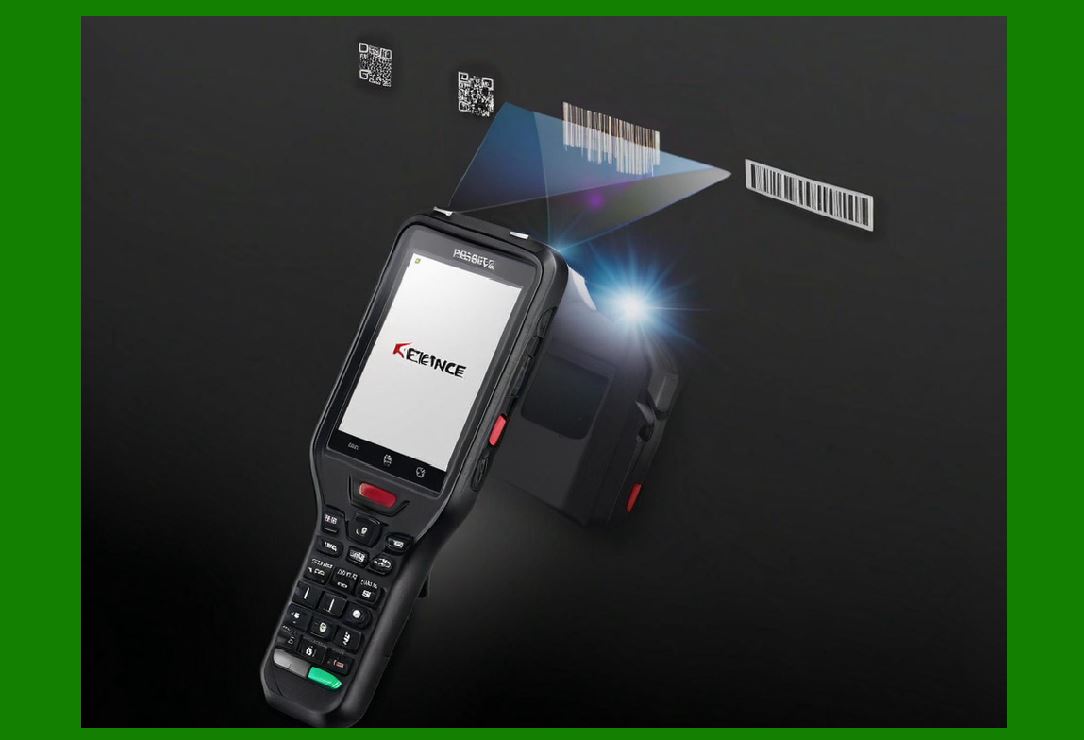
A 2D barcode scan can now deliver multiple data elements in a single read, reducing reliance on external database calls. |
|
2. The New POS Scanning Workflow in a 2D Environment |
In a Sunrise 2027-enabled retail system, the workflow becomes: |
1. Scanner reads a 2D barcode (QR or DataMatrix) |
2. Embedded GS1 data is decoded locally or via middleware |
3. Structured fields are extracted (GTIN, batch, expiry, serial, etc.) |
4. POS system applies pricing rules and promotions |
5. Transaction is completed with enriched product context |
This reduces system latency and increases data accuracy at checkout. |

|
3. Types of Data Available at the Point of Sale |
Unlike 1D barcodes, 2D barcodes can carry multiple data fields simultaneously. |
At checkout, a single scan may provide: |
1. Product identifier (GTIN) |
2. Serial number (unique item identity) |
3. Batch or lot number |
4. Expiration date |
5. Manufacturing date |
6. Weight or variable measure data |
7. Digital link (URL to product information) |
This allows POS systems to operate with item-level intelligence instead of product-level abstraction. |
|
4. Impact on Pricing and Promotion Systems |
One of the most significant changes is how pricing logic is applied. |
In legacy systems: |
* Pricing is determined entirely in the POS database |
* Barcode does not contain pricing logic |
* Promotions are manually configured in retail systems |
In Sunrise 2027 systems: |
* Barcode may carry reference to dynamic pricing rules |
* Promotions can be tied to batch, expiration, or location |
* Real-time pricing adjustments become possible |
Example scenarios: |
1. Expiring food items automatically receive discounts |
2. Regional pricing is applied based on encoded metadata |
3. Loyalty-based offers triggered at scan time |
This creates a more dynamic retail pricing environment. |
|
5. Reduction of Backend Dependency |
Traditional POS systems rely heavily on backend database lookups. |
This creates bottlenecks: |
* Network latency |
* Server downtime risk |
* Synchronization delays |
With 2D barcodes: |
1. Core product data is embedded in the code |
2. POS systems can operate in semi-offline modes |
3. Backend systems are used for enrichment, not basic lookup |
This improves system resilience and speed. |

|
6. Scanner Technology Evolution in Retail Environments |
Sunrise 2027 requires significant upgrades in scanning hardware. |
Modern retail scanners must support: |
6.1 Image-Based Scanning |
* Ability to read QR, DataMatrix, and 1D codes |
* Uses CMOS imaging sensors instead of laser beams |
6.2 Multi-Code Recognition |
* Detect multiple codes in a single frame |
* Prioritize GS1-compliant data structures |
6.3 High-Speed Checkout Performance |
* Must operate at legacy UPC scanning speeds or faster |
* Must support conveyor belt environments |
6.4 Mobile Device Integration |
* Smartphones and handheld scanners used for price verification |
* Consumer self-checkout applications |

|
7. Self-Checkout and Consumer Scanning Expansion |
One of the most visible impacts of Sunrise 2027 is expansion of self-scanning systems. |
Consumers will increasingly use: |
1. Mobile apps to scan products |
2. Self-checkout kiosks with 2D scanning |
3. In-app product verification tools |
Benefits include: |
* Faster checkout experience |
* Access to detailed product information |
* Improved transparency for consumers |
This shifts scanning from a cashier-only activity to a consumer-driven interaction model. |

|
8. Real-Time Inventory and Shelf Intelligence |
With 2D barcodes, POS systems can support real-time inventory updates at item level. |
When a product is scanned: |
1. Inventory system updates immediately |
2. Batch-level tracking is recorded |
3. Expiration status can trigger alerts |
4. Shelf availability can be updated dynamically |
This enables: |
* Smarter restocking |
* Reduced out-of-stock situations |
* Better demand forecasting |
|
9. Impact on Retail Software Architecture |
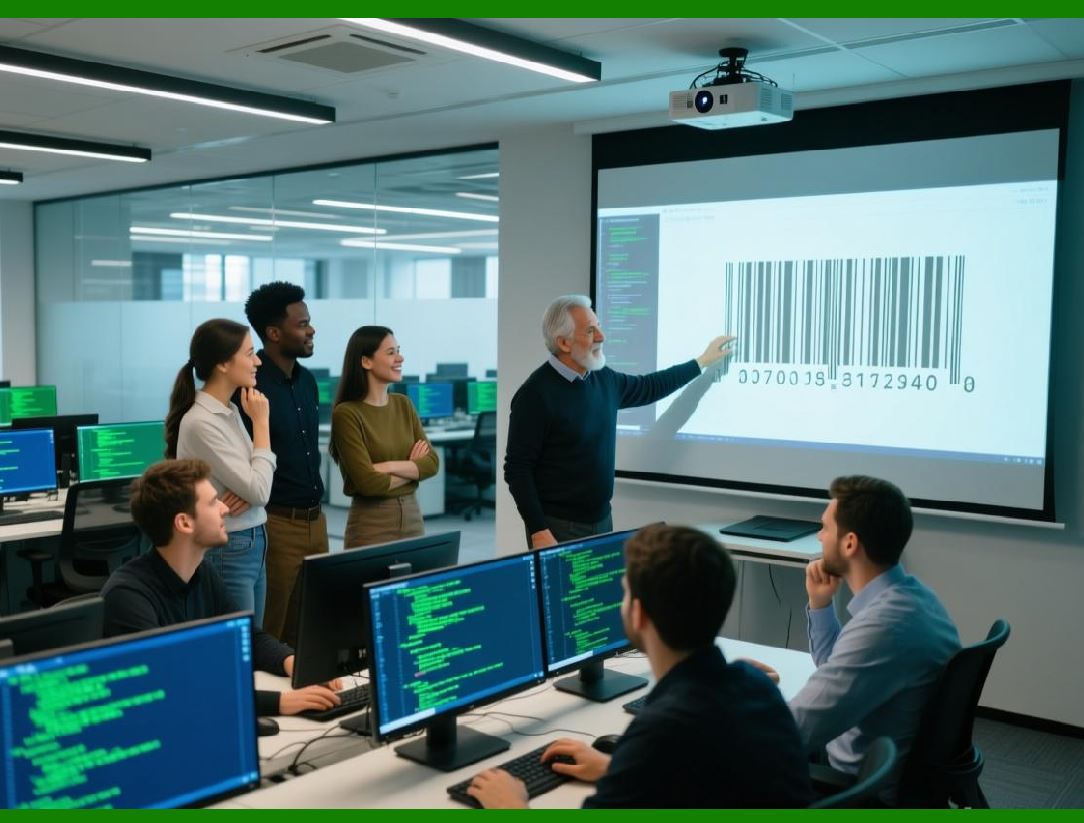
Retail software systems must evolve significantly. |
Key changes include: |
9.1 POS Middleware Layer |
A new software layer is introduced between scanner and POS system: |
* Decodes GS1 data structures |
* Normalizes data fields |
* Routes data to appropriate services |
9.2 ERP Integration Enhancements |
Enterprise Resource Planning systems must now handle: |
* Serial-level inventory tracking |
* Batch-level traceability |
* Real-time product updates |
9.3 Cloud Connectivity |
Cloud systems become essential for: |
* Digital link resolution |
* Product information enrichment |
* Analytics and reporting |
|
10. Handling Variable Measure Products |
2D barcodes are especially important for products sold by weight or volume (e.g., fresh food). |
In Sunrise 2027 systems: |
1. Barcode may include weight data directly |
2. POS system validates actual measured weight |
3. Pricing is calculated dynamically |
This reduces manual entry errors and improves accuracy. |
|
11. Checkout Speed and Performance Optimization |
A major concern in retail environments is maintaining checkout speed. |
GS1 Sunrise 2027 addresses this by: |
1. Allowing local decoding (no server roundtrip required) |
2. Optimizing barcode scanning algorithms |
3. Reducing database dependency |
4. Supporting parallel processing of multiple data fields |
The goal is to ensure no degradation in checkout performance despite increased data complexity. |
|
12. Error Handling at POS Level |
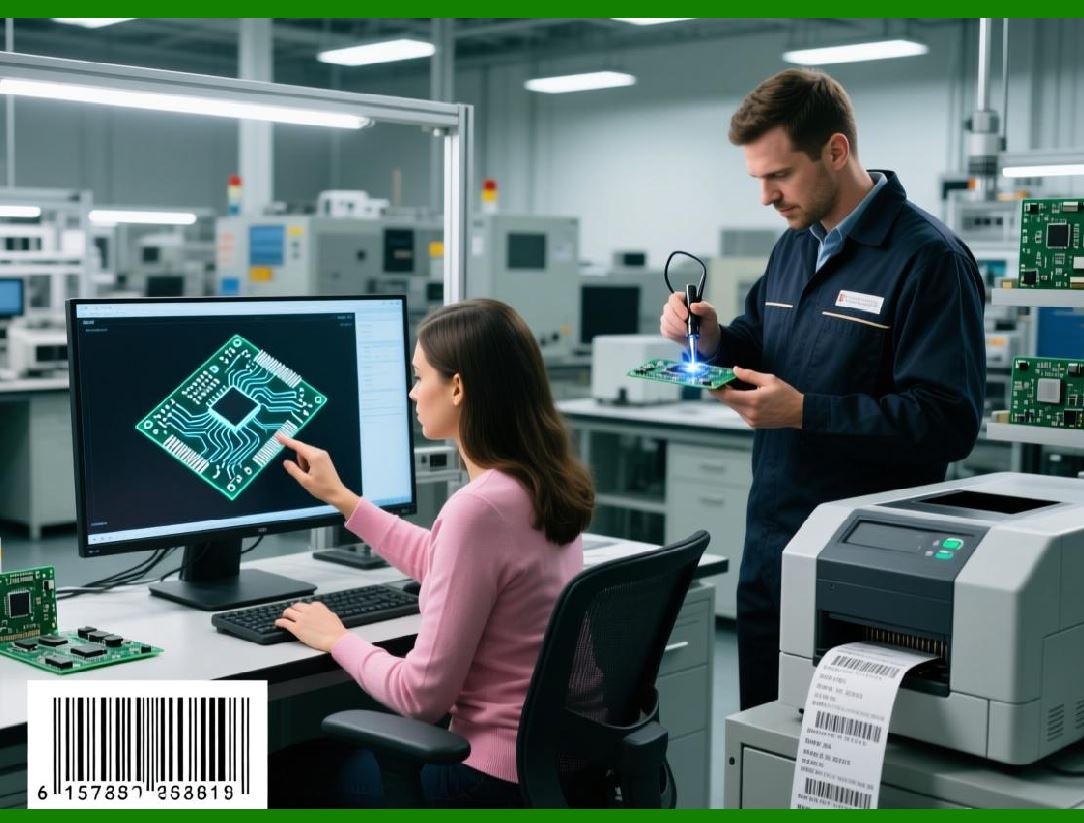
2D systems introduce richer data but also require better error handling: |
Common scenarios include: |
1. Partial barcode damage |
2. Misaligned scanning angles |
3. Multiple codes in view |
POS systems must: |
* Validate GS1 syntax |
* Reject malformed data |
* Request re-scan when necessary |
Error correction embedded in codes helps reduce failure rates. |
|
13. Retail Analytics Enhancement |
With richer scan data, retailers gain new analytics capabilities: |
1. Item-level sales tracking |
2. Expiration-based waste analysis |
3. Batch recall impact assessment |
4. Consumer purchasing behavior patterns |
This enables data-driven retail optimization at a granular level. |

|
14. Security and Fraud Prevention at Checkout |
2D barcodes improve retail security by enabling: |
1. Serial-level verification of high-value goods |
2. Detection of duplicate or counterfeit codes |
3. Validation of product authenticity at scan time |
This is particularly important in luxury goods, pharmaceuticals, and regulated products. |
|
15. Summary of Part 3 |
This section covered how Sunrise 2027 transforms retail POS systems: |
1. Checkout systems shift from simple lookup to rich data processing |
2. 2D barcodes provide multiple data fields in a single scan |
3. Pricing and promotions become dynamic and context-aware |
4. Backend dependency is reduced |
5. Scanner hardware evolves toward imaging-based systems |
6. Self-checkout and consumer scanning expand significantly |
7. Inventory tracking becomes real-time and item-level |
8. Retail software architecture adapts with middleware and cloud integration |
9. Checkout speed remains a key design constraint |

|
Next Part Preview |
In Part 4, I will cover: |
* Healthcare and pharmaceutical transformation (Point-of-Care systems) |
* Medication safety improvements |
* Serialization and drug traceability |
* Hospital workflow integration |
* Regulatory compliance impacts |
 cs@easiersoft.com