The Digital Pulse of Healing: How Hospital Information Systems Transform Modern Healthcare |
Subtitle: A Popular Science Journey Through the 36 Facets of Hospital IT |
Chapter 1: The Invisible Nervous System |
When you walk into a modern hospital, you see doctors, nurses, stethoscopes, and beds. What you do not see is the invisible digital nervous system that connects them all: the Hospital Information System (HIS). This is not a single piece of software but a vast ecosystem of interconnected modules that manage data, streamline workflows, and ultimately save lives. |
Chapter 2: Before HIS - The Paper Jungle |
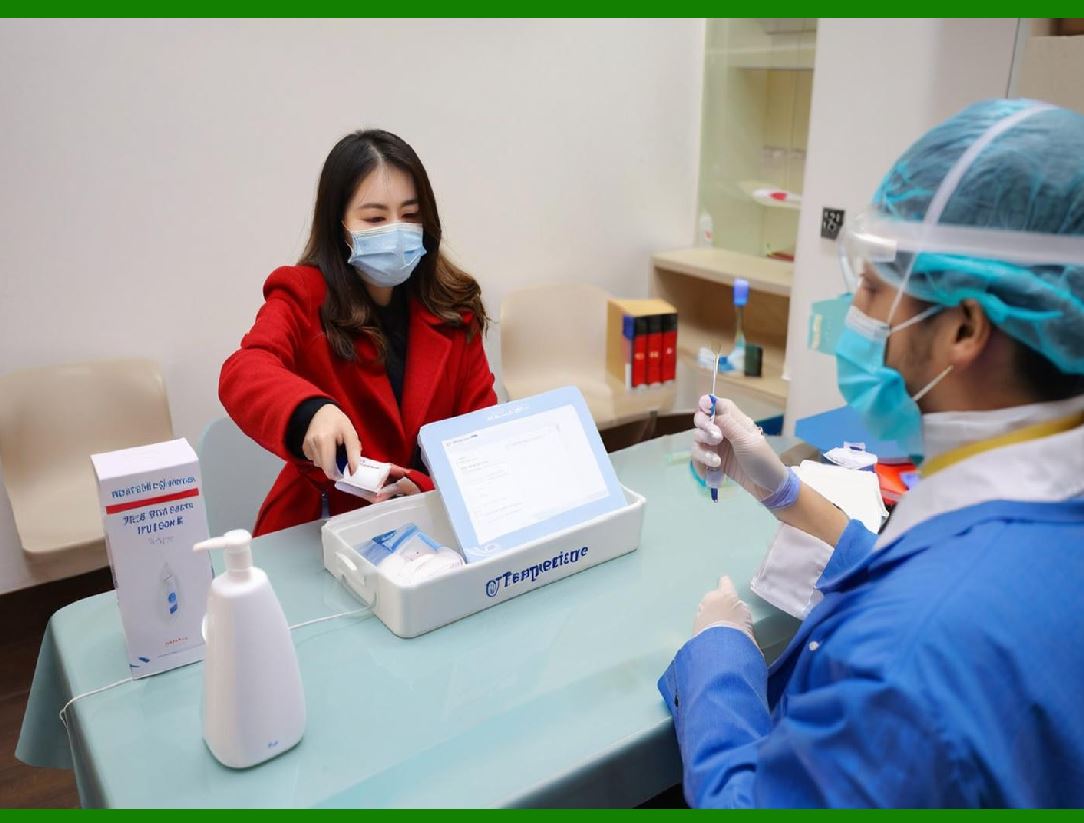
To appreciate HIS, imagine the old days: mountains of paper charts, illegible handwriting, lost lab results, and long queues at registration. A patient's history might be scattered across multiple folders. HIS was born to replace this chaos with structured, searchable, and instantly accessible digital data. |
|
Chapter 3: The Core Database - One Patient, One Record |
At the heart of every HIS lies a central database. This is the 'single source of truth.' Every time a patient visits---whether for a blood test, an X-ray, or surgery---the data feeds into one unified electronic health record (EHR). No matter which department you visit, your story remains consistent. |
Chapter 4: Admission, Discharge, and Transfer (ADT) |
The journey begins at registration. The ADT module captures demographic details, insurance information, and next-of-kin contacts. It assigns a unique medical record number (MRN) and tracks the patient's physical location within the hospital---from emergency bay to ward to operating theater. |

|
Chapter 5: The Electronic Health Record (EHR) - The Digital Biography |
The EHR is the most visible face of HIS. It is a lifelong, chronological log of a patient's immunizations, allergies, past surgeries, chronic diseases, and social habits. Unlike a paper chart, it grows dynamically, adding new data every second from monitors and lab machines. |
Chapter 6: Computerized Physician Order Entry (CPOE) |
Gone are the days of scribbled prescriptions. CPOE allows doctors to enter medication, lab, and radiology orders directly into the system. The benefitThe system checks for drug allergies, duplicate therapies, and incorrect dosages in real time, acting as a silent safety guardian. |

|
Chapter 7: Clinical Decision Support (CDS) - The Smart Advisor |
CDS is the 'brain' behind the interface. When a doctor orders a drug, CDS cross-references the patient's kidney function and age. If it detects a risk, it pops up a warning. It also suggests evidence-based guidelines, reminding clinicians to administer flu vaccines or perform routine cancer screenings. |
Chapter 8: Pharmacy Information System - The Robotic Dispenser |
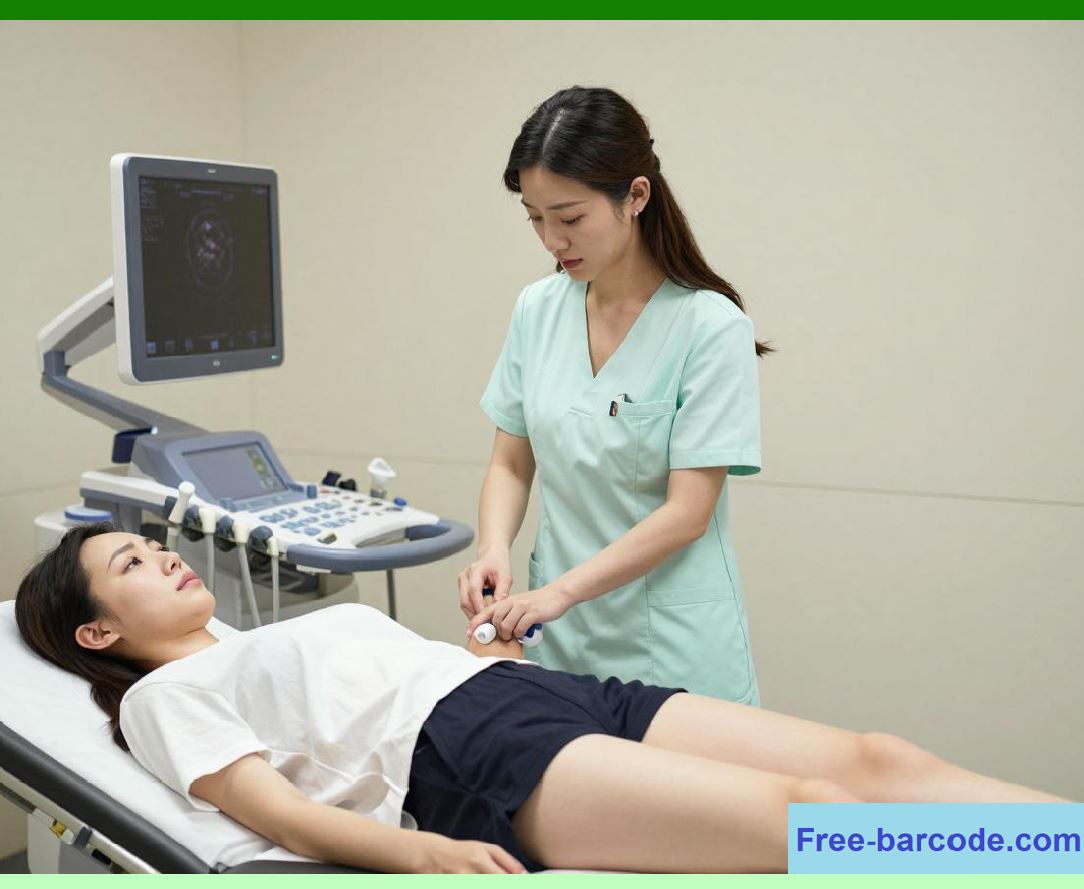
When a prescription is entered, the Pharmacy module takes over. It checks hospital stock, calculates dosages based on weight, and alerts pharmacists about potential interactions. In advanced setups, it even connects to robotic dispensers that prepare IV drips with micron-level precision. |
|
Chapter 9: Laboratory Information System (LIS) - The Data Factory |
Blood, urine, tissue---these samples travel to the lab with barcodes. The LIS tracks each specimen from collection to analysis. It interfaces directly with automated analyzers, uploads results, and flags critical values (e.g., dangerously low potassium) that require immediate clinical action. |
Chapter 10: Radiology Information System (RIS) and PACS - Seeing Inside |
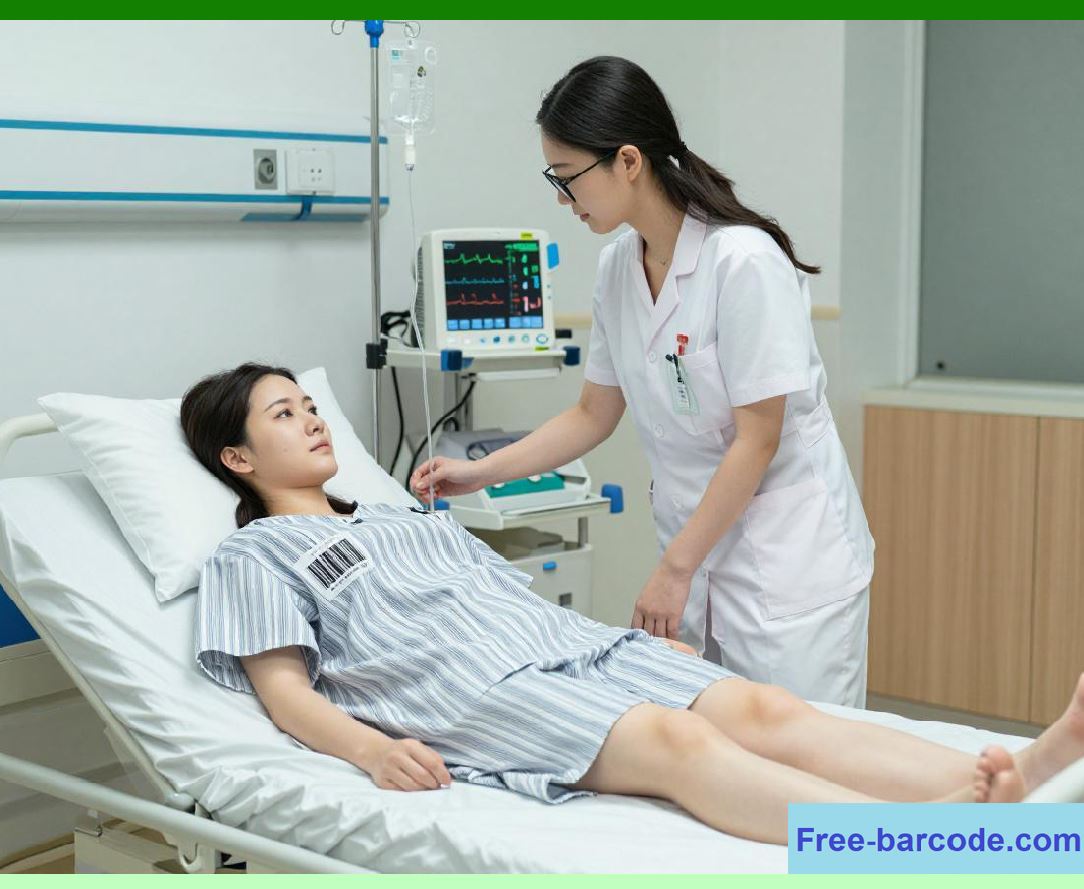
Radiology is no longer about films in dark rooms. The RIS schedules scans and tracks reports, while PACS (Picture Archiving and Communication System) stores digital images---X-rays, CTs, MRIs. Doctors can view these images on any screen in the hospital, even zooming and rotating them in 3D. |
|
Chapter 11: Nursing Information System - The Bedside Companion |
Nurses are the backbone of care, and their module includes electronic vital signs charts, intake-output logs, and wound care diaries. It automates the repetitive 'rounds' documentation, freeing nurses to spend more time with patients and less time on paperwork. |
Chapter 12: Operating Room (OR) Management - The Symphony Scheduler |
An operating theater is a high-stakes stage. The OR module schedules surgeries, allocates equipment (like endoscopes), and ensures the correct sterile trays are ready. It also tracks surgical counts---sponges, needles, and instruments---to prevent retained foreign objects. |

|
Chapter 13: Emergency Department (ED) System - Triage at Warp Speed |
In the ER, seconds matter. The ED module uses triage algorithms (e.g., the Manchester Triage System) to prioritize patients based on severity. It displays real-time bed availability, tracks wait times, and links directly to ambulance dispatch data for pre-hospital alerts. |
Chapter 14: Intensive Care Unit (ICU) Monitoring - Continuous Vigilance |
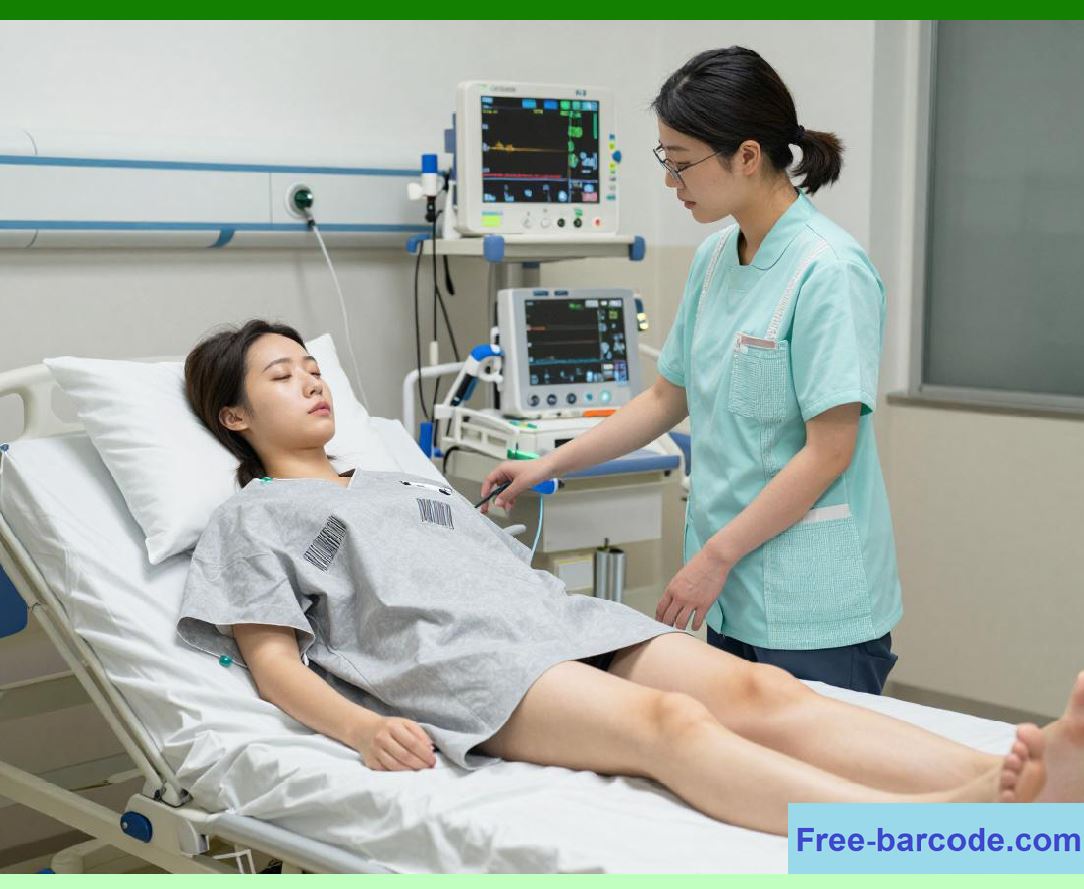
ICU patients generate torrents of physiological data---heart rate, blood pressure, oxygen saturation. The ICU module interfaces with bedside monitors, creating trend graphs that reveal subtle deteriorations hours before a visible crisis, allowing early intervention. |

|
Chapter 15: Billing and Financials - The Invisible Ledger |
Hospitals must stay financially healthy. The billing module automatically codes procedures (using ICD and CPT codes) and calculates costs based on consumables, medications, and staff time. It integrates with insurance companies for claim submissions, reducing rejections and delays. |
Chapter 16: Patient Portal - Empowering the Consumer |
Modern HIS extends beyond hospital walls via patient portals---mobile apps or websites where individuals can view test results, request prescription refills, schedule appointments, and message their care team. This turns passive patients into active partners in their health. |

|
Chapter 17: Telemedicine Integration - Care Without Borders |
HIS now integrates with telemedicine platforms. A doctor can consult a rural patient via video, while the HIS simultaneously displays the patient's home-monitored blood glucose and past records. Follow-up prescriptions are sent directly to the local pharmacy. |
Chapter 18: Interoperability - Speaking a Common Language |
Hospitals do not exist in isolation. HIS must communicate with public health registries, primary care clinics, and national health databases. Standards like HL7 and FHIR (Fast Healthcare Interoperability Resources) ensure that data travels seamlessly between different vendors' systems. |

|
Chapter 19: Master Patient Index (MPI) - The Deduplicator |
A common headache is duplicate records---e.g., 'John Smith' born Jan 1 vs. 'Jon Smyth' born Jan 2. The MPI uses probabilistic matching (name, address, birth date) to identify and merge duplicates, ensuring every patient has one unified identity across the enterprise. |
Chapter 20: Supply Chain and Inventory Management |
Hospitals consume thousands of items daily: syringes, catheters, implants, gloves. The inventory module tracks stock levels, sets reorder points, and even uses RFID tags to locate high-value items. This prevents last-minute shortages during emergency surgeries. |

|
Chapter 21: Human Resources and Staff Scheduling |
A hospital is a 24/7 operation. The HR module manages staff credentials, license expirations, and shift schedules. It ensures that each ward has the right mix of senior and junior doctors and that no one works beyond safe duty-hour limits. |
Chapter 22: Quality and Performance Dashboards |
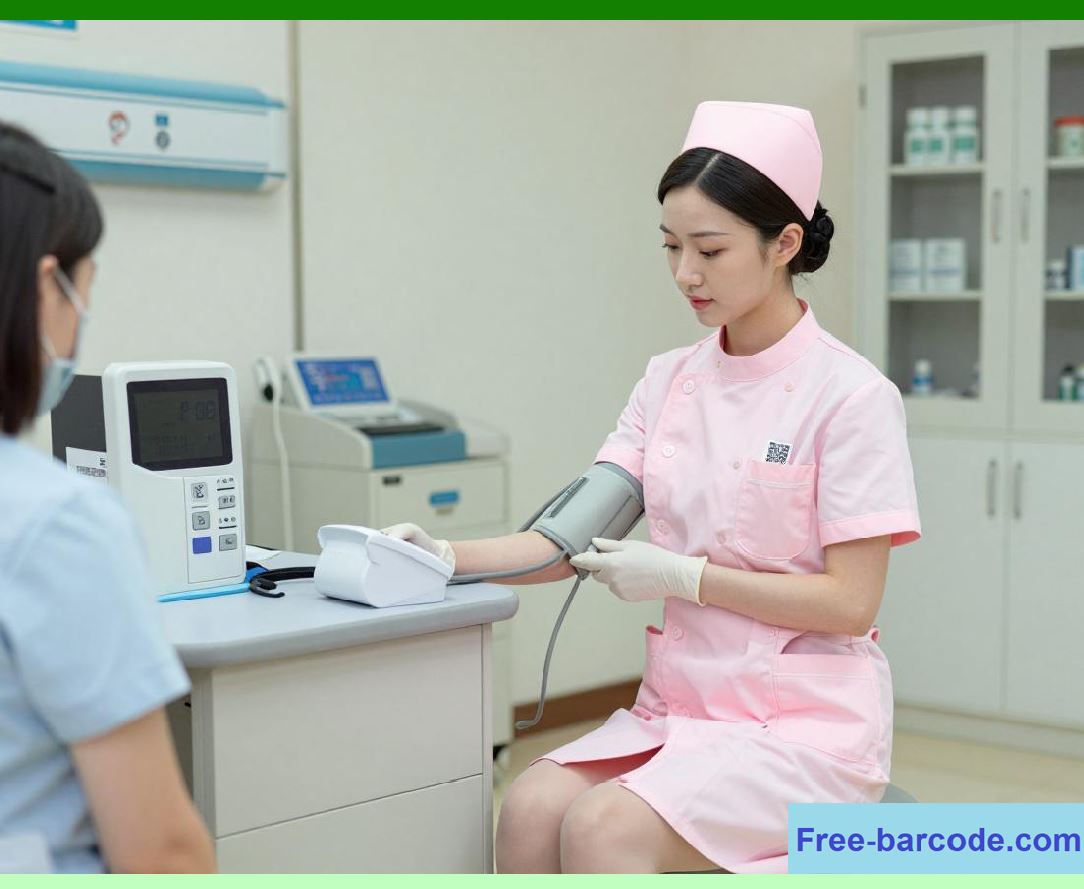
HIS is not just operational; it is strategic. Dashboards display key performance indicators (KPIs): average length of stay, readmission rates, surgical site infection rates. Administrators use these heatmaps to identify bottlenecks and improve care quality. |
|
Chapter 23: Infection Control and Surveillance |
During outbreaks (e.g., COVID-19), HIS becomes an epidemiological tool. It can flag patients with fever and travel history, track antibiotic-resistant organisms (like MRSA), and automatically report notifiable diseases to public health authorities. |
Chapter 24: Research and Clinical Trials |
Large HIS databases are goldmines for medical research. With anonymized data, researchers can run retrospective studies---e.g., 'Does drug X reduce mortality in diabetic patients'---without recruiting a single new patient, accelerating scientific discovery. |

|
Chapter 25: Training and Simulation Mode |
New residents need practice without risking real patients. Modern HIS offers a 'sandbox' or simulation mode where trainees can enter orders, interpret lab results, and practice workflows in a replica environment that behaves exactly like the live system. |
Chapter 26: Cybersecurity - The Digital Fortress |
Patient data is highly sensitive and a prime target for ransomware. HIS employs encryption, multi-factor authentication, and behavioral analytics to detect unusual access patterns. Regular penetration tests and offline backups ensure the hospital can recover from cyberattacks. |

|
Chapter 27: Disaster Recovery and Business Continuity |
What if the server room catches fireA robust HIS has redundant servers in geographically separate locations. Real-time data replication ensures that within minutes, the entire system can failover to a secondary site, minimizing downtime during crises. |
Chapter 28: User Interface and Usability - Design Matters |
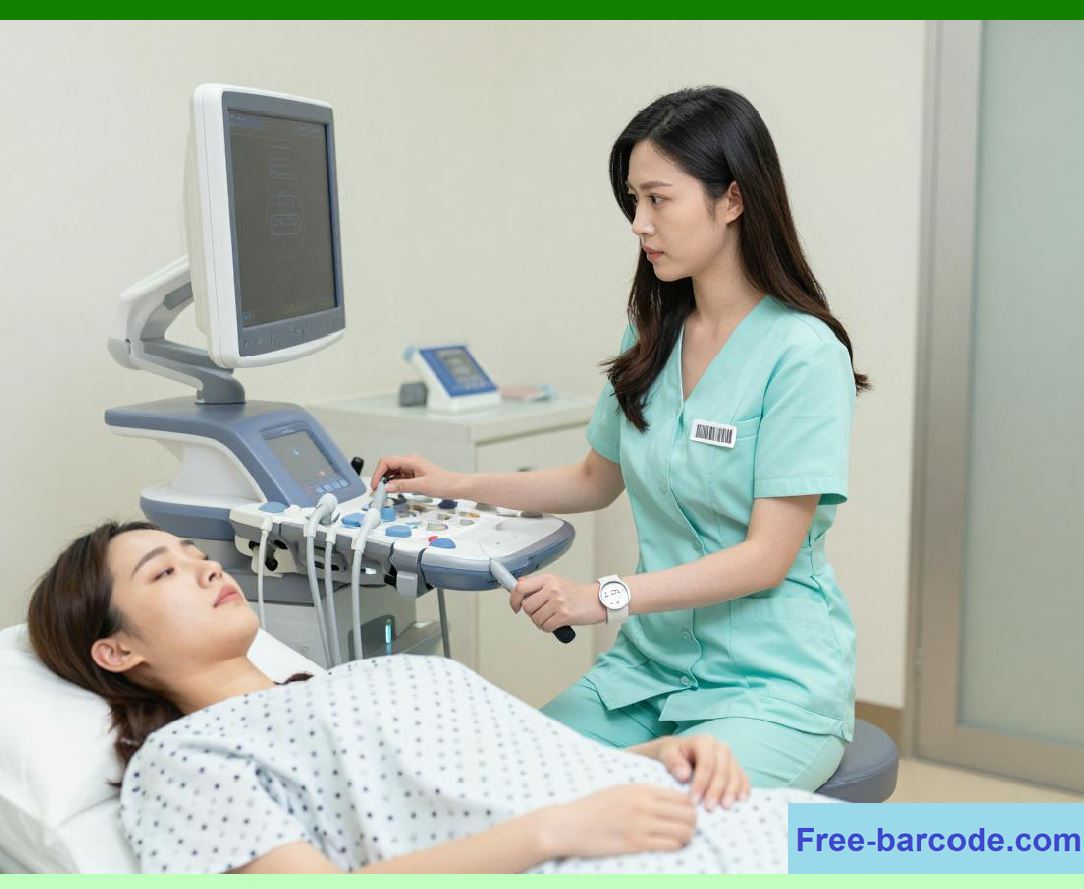
A powerful system is useless if doctors hate using it. Modern HIS emphasizes minimalist interfaces, customizable workflows, and touch-friendly designs. The goal is to reduce 'click fatigue' so clinicians can focus on the patient, not the screen. |
|
Chapter 29: Speech Recognition and AI Dictation |
Typing notes takes time. AI-powered speech recognition converts the doctor's natural language dictation---'56-year-old male with chest pain, ECG shows ST elevation'---into structured clinical notes, cutting documentation time by over 50%. |
Chapter 30: Predictive Analytics - The Crystal Ball |
Using machine learning, HIS can predict future events: which patients are at high risk of readmission within 30 days, which ICU beds will be needed tomorrow, or which surgical patients might develop sepsis. This enables proactive, rather than reactive, care. |
|
Chapter 31: Mobile and Wearable Integration |
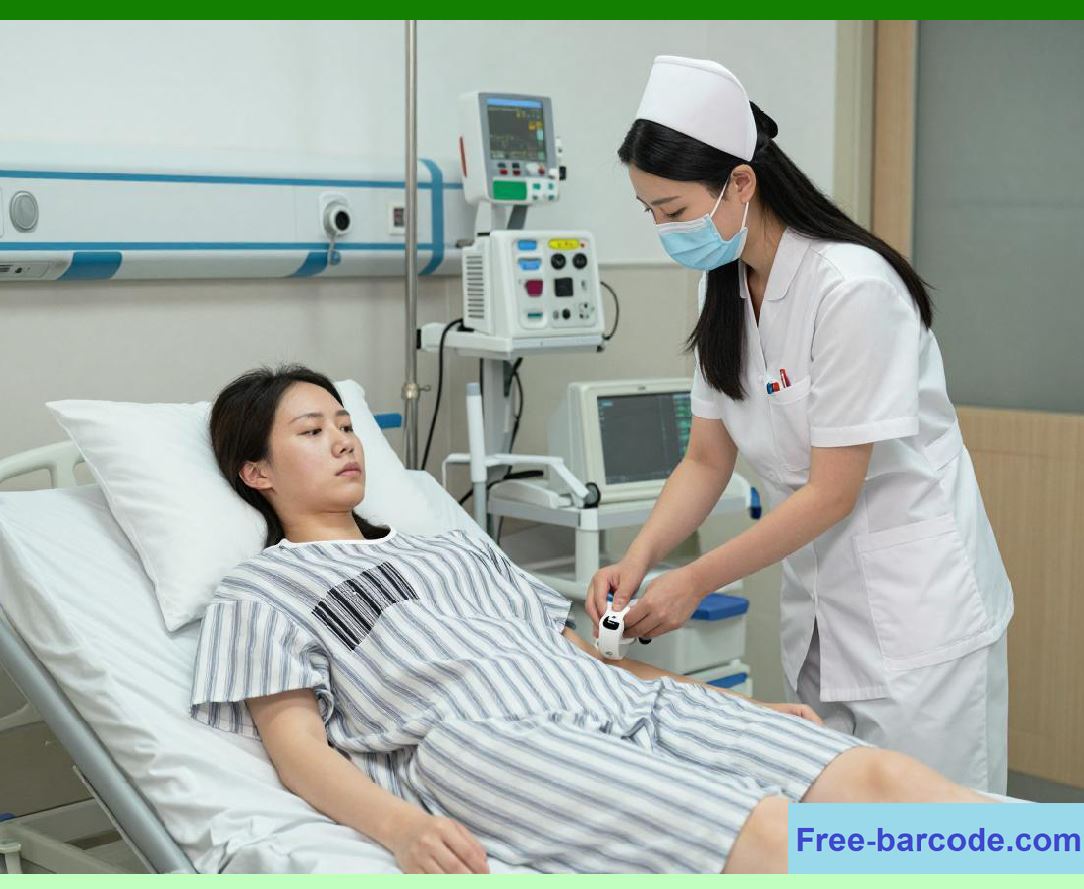
Beyond the hospital, patients wear smartwatches that monitor heart rhythm or continuous glucose monitors. HIS can ingest this streaming data, alerting the care team to arrhythmias or hyperglycemic episodes even when the patient is at home. |
Chapter 32: Ethics and Patient Privacy |
With great data comes great responsibility. HIS enforces strict role-based access---a nurse sees different data than a billing clerk. All access is audited, and patients can request logs of who viewed their records, ensuring transparency and trust. |
|
Chapter 33: Implementation Challenges - The Human Factor |
Rolling out a new HIS is notoriously difficult. It requires months of workflow redesign, 'change management,' and countless training sessions. Resistance from senior clinicians is common, but success ultimately depends on involving them early in the design process. |
Chapter 34: The Cost-Benefit Equation |
Implementing HIS can cost millions, but the returns are tangible: reduced medication errors, shorter hospital stays, fewer duplicate tests, and optimized staffing. Over five years, a well-implemented HIS typically pays for itself through operational savings. |

|
Chapter 35: The Future - Generative AI and Personalized Medicine |
Tomorrow's HIS will not just store data---it will interpret it. Generative AI will draft discharge summaries, answer patient queries via chatbots, and even suggest personalized treatment plans based on genomics. The system becomes a co-pilot, not just a record-keeper. |
Chapter 36: The Ultimate Goal - Safer, Smarter, Kinder Care |
In the end, HIS is not about technology. It is about ensuring that when a mother comes in for childbirth or a grandfather for heart surgery, every decision is informed, every risk is flagged, and every second is optimized. Technology fades into the background---and human healing takes center stage. That is the true application of HIS in the hospital. |
 cs@easiersoft.com