Nursing Information System - The Bedside Companion: How American Hospitals Empower Nurses with Digital Tools for Safer, Smarter, and More Compassionate Care |
Short Executive Summary |
This chapter explores the Nursing Information System (NIS)---the specialized module within the Hospital Information System that supports the full spectrum of nursing practice, from admission assessment and care planning to vital signs documentation, medication administration, and discharge education. The NIS is the digital companion that travels with the nurse, streamlining documentation, enhancing communication, reducing errors, and freeing up more time for direct patient care. Through detailed U.S. case studies---from a large academic medical center with a fully integrated NIS to a community hospital with a mobile-first system and a rural critical-access facility---we examine how the NIS has transformed nursing workflow, improved patient safety, and addressed the epidemic of nurse burnout. The chapter covers the core components of the NIS: the nursing assessment, the care plan, the flowsheet for vital signs and intake/output, the Medication Administration Record (MAR), the task list, and the discharge planning module. It explores the integration with other HIS modules, the role of barcode scanning and mobile devices, the use of standardized nursing terminologies (e.g., NANDA, NIC, NOC), and the emerging use of predictive analytics and ambient intelligence to reduce the documentation burden. It concludes that the NIS is not merely an electronic charting tool; it is the bedrock of patient-centered care, giving nurses the information, the time, and the confidence to be the healing presence that patients need at the bedside. |
|
Nursing Information System - The Bedside Companion |
A Detailed Popular-Science Exploration |
1. The Heartbeat of the Hospital |
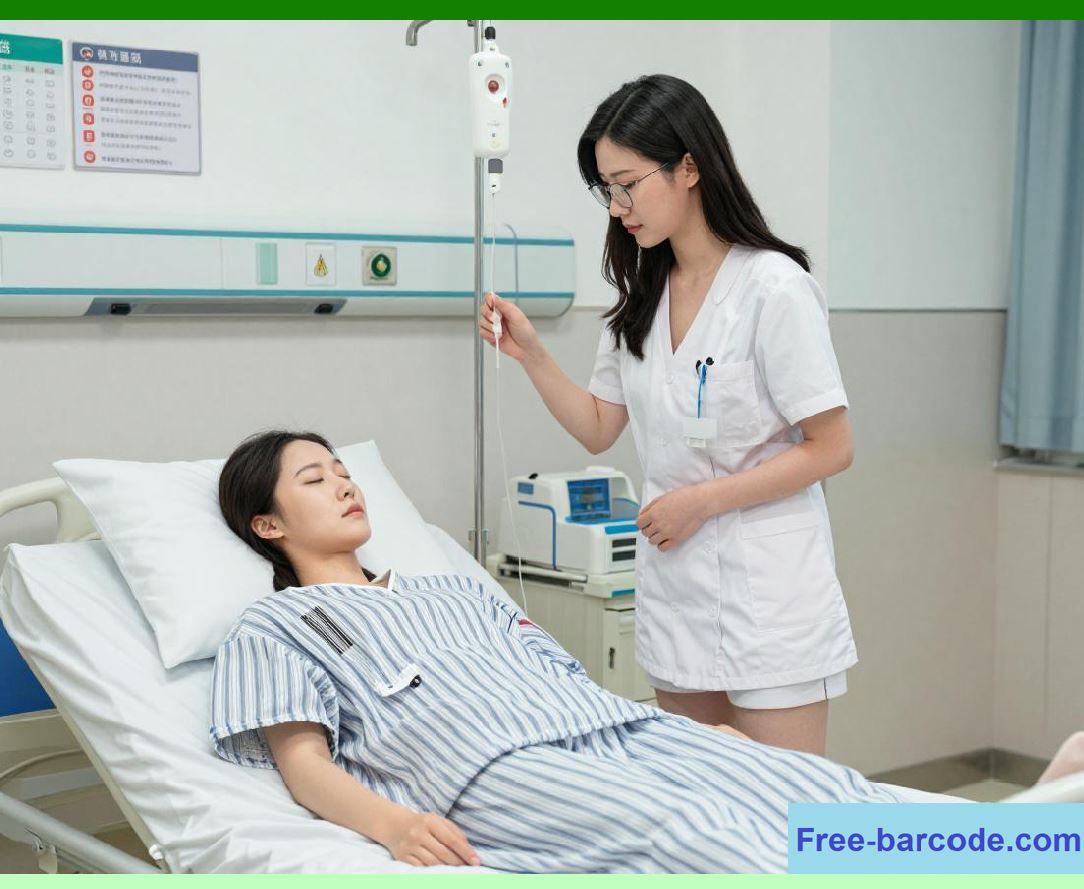
If the physician is the captain of the ship, the nurse is the heartbeat of the hospital. Nurses spend more time with patients than any other healthcare professional. They are the ones who monitor vital signs, administer medications, dress wounds, comfort the anxious, and advocate for the vulnerable. They are the first to notice a subtle change in a patient's condition---a slight drop in blood pressure, a flicker of confusion, a quiet moan of pain. |
For decades, nursing documentation was a paper-based burden that consumed hours of each shift. Nurses charted vital signs on graphic sheets, recorded medications on paper MARs, wrote narrative notes in progress notes, and tracked intake and output on fluid balance sheets. This paperwork was not only time-consuming but also error-prone and disconnected from the rest of the patient's care team. |
The Nursing Information System (NIS) is the digital solution to this challenge. It is the component of the Hospital Information System that is specifically designed for nursing workflow. It integrates all aspects of nursing documentation---assessment, care planning, vital signs, medication administration, task management, and discharge planning---into a single, unified system that is accessible at the bedside, often via mobile workstations or handheld devices. |
The NIS is the bedside companion of the modern nurse. It reduces the time spent on documentation, improves the accuracy and completeness of nursing records, and---most importantly---allows nurses to spend more time at the bedside, doing what they do best: caring for patients. This chapter will take you inside the world of the NIS, exploring how it works, how it is used in U.S. hospitals, and how it is evolving to address the challenges of burnout, staffing shortages, and the demand for higher quality care. |

|
2. The Evolution of Nursing Documentation in the U.S. |
The history of nursing documentation reflects the broader evolution of healthcare itself. |
The paper era (pre-1990s): Nursing documentation was a patchwork of paper forms. Vital signs were charted on graphic sheets; medications were logged on MARs; patient assessments were recorded on admission forms; and care plans were often handwritten. This documentation was fragmented, difficult to retrieve, and often incomplete. A nurse might have to fill out the same information on multiple forms---an inefficient and frustrating process. |
The early computerized era (1990s-2000s): The first nursing information systems were stand-alone applications that automated some of the most time-consuming tasks, such as vital signs charting and medication administration recording. However, these systems were often not integrated with the rest of the hospital's IT, leading to data silos. |
The EHR era (2000s-present): With the adoption of comprehensive EHRs, nursing documentation has been integrated into the broader digital health record. The NIS is now a module within the EHR, with a common patient record, shared with physicians, pharmacists, and other clinicians. This has enabled seamless communication and a more holistic view of the patient. |
The mobile era (2010s-present): The proliferation of mobile devices---smartphones, tablets, and wearable computers---has allowed nurses to document at the bedside, rather than at a fixed nursing station. This has been a game-changer, reducing the time and distance involved in documentation. |
The AI era (emerging): The newest wave of innovation uses artificial intelligence and ambient listening to reduce the documentation burden further. Voice-activated devices and AI-powered clinical documentation systems are being piloted to automatically record nursing notes, freeing nurses to focus on patient care. |
|
3. The Core Components of a Nursing Information System |
A comprehensive NIS includes several key modules that support the full spectrum of nursing practice. |
Admission Assessment: |
When a patient is admitted to a hospital unit, the nurse performs a comprehensive assessment. The NIS provides a structured template for this assessment, which typically includes: |
Patient demographics and history: Confirming the patient's name, age, allergies, code status, and advance directives. |
Chief complaint and history of present illness: Usually derived from the physician's notes, but the nurse may add the patient's own words. |
Physical assessment: This is the most extensive section, covering all body systems: neurological, cardiovascular, respiratory, gastrointestinal, genitourinary, musculoskeletal, integumentary (skin), and psychosocial. |
Functional assessment: The patient's ability to perform activities of daily living---eating, bathing, dressing, toileting, and walking. |
Fall risk assessment: Using a standardized scale (e.g., the Morse Fall Scale) to determine the patient's risk of falling. |
Pain assessment: Using a pain scale (e.g., the numeric rating scale or the Wong-Baker FACES scale). |
Nutritional and skin assessment: Assessing the risk of pressure ulcers (bedsores) using a scale like the Braden Scale. |
Psychosocial and spiritual assessment: Identifying the patient's support systems, mental health status, and spiritual needs. |
Social history: Tobacco, alcohol, and substance use; living situation and support at home. |
Medication reconciliation: Comparing the patient's home medication list with the hospital orders. |
Care Planning: |
The NIS supports the creation of a nursing care plan---a structured document that identifies the patient's nursing diagnoses, goals, and interventions. |
Nursing diagnoses: Using a standardized classification system like NANDA-I (North American Nursing Diagnosis Association International), the nurse selects relevant diagnoses---e.g., 'Impaired Skin Integrity related to immobility,' 'Risk for Falls related to age and confusion,' 'Anxiety related to hospitalization.' |
Goals: The nurse sets patient-centered goals---e.g., 'Patient will demonstrate no signs of skin breakdown during hospitalization,' 'Patient will not experience a fall during hospitalization.' |
Interventions: The nurse selects evidence-based interventions to achieve the goals---e.g., 'Turn patient every 2 hours,' 'Provide fall prevention education,' 'Administer anti-anxiety medication as ordered.' |
Evaluation: The nurse documents the patient's progress toward the goals, updating the care plan as the patient's condition changes. |
Flowsheet (Vital Signs and Intake/Output): |
This is a structured grid that captures ongoing monitoring data. |
Vital signs: Blood pressure, heart rate, respiratory rate, temperature, oxygen saturation, and pain score. These are often entered at regular intervals (e.g., every 4 hours in a medical-surgical unit, more frequently in the ICU). |
Intake and output: Monitoring the patient's fluid balance---intake (oral fluids, IV fluids, tube feeds) and output (urine, stool, vomitus, drainage). This is critical for patients with heart failure, kidney disease, or fluid overload. |
Neurological checks: For patients with head injuries, the NIS tracks neurological status---e.g., level of consciousness, pupil reactivity, motor response, and sensory response. |
Other assessments: Wound care assessments, pain reassessments, and any other structured data. |
Medication Administration Record (MAR): |
This is the nurse's primary tool for medication management. The MAR is a real-time, electronic list of all medications scheduled for the patient, with the dose, route, frequency, and time of each dose. The nurse views the MAR on a mobile device or workstation. When administering a medication, the nurse scans the patient's wristband and the medication barcode, and the NIS verifies the Five Rights. The administration is documented in the MAR with a timestamp. |
Task List and Workflow Manager: |
The NIS generates a task list for each nurse---a prioritized list of all the tasks that need to be performed for each patient. This includes: |
- Medication administration (scheduled and PRN) |
- Vital signs and assessments (scheduled) |
- Wound care and dressing changes |
- Blood draws and lab specimen collections |
- Patient education (e.g., teaching about a new medication) |
- Discharge planning activities |
- Interdisciplinary communication (e.g., contacting a physician, social worker, or nutritionist). |
The task list is dynamic; as tasks are completed, they are checked off. The nurse can see what is due now, what is coming up, and what has been overdue. |
Documentation (Narrative and Flowsheet): |
This is the unstructured part of nursing documentation. Nurses write progress notes---narrative summaries of the patient's condition, new findings, changes in treatment, and the patient's response. These notes are often entered using a structured format (e.g., DAR---Data, Action, Response). The NIS often includes 'smart phrases' and templates to speed up note writing. |
Discharge Planning and Patient Education: |
The NIS helps the nurse prepare the patient for discharge. This includes: |
Discharge instructions: Creating a patient-friendly summary of the discharge medications, follow-up appointments, and warning signs. |
Patient education: Documenting the education provided---e.g., wound care instructions, diet recommendations, medication self-administration---and the patient's understanding. |
Home health referrals: Generating referrals to home health agencies, skilled nursing facilities, or rehabilitation centers. |
Follow-up appointment scheduling: Scheduling the patient's follow-up visits before discharge. |
|
4. The Nursing Workflow: A Day in the Life with the NIS |
To understand the NIS in action, let us follow a nurse, Maria, on a typical 12-hour shift on a medical-surgical unit at a U.S. community hospital. |
6:45 a.m. - Shift handoff: |
Maria arrives and receives report from the night nurse. The night nurse uses the NIS's handoff tool to provide a structured summary of each patient: reason for admission, current status, active issues, pending labs, and priority tasks. Maria can see the summary on her tablet, and she can ask clarifying questions. |
7:00 a.m. - Reviewing the task list: |
Maria logs into the NIS on her mobile workstation (a computer on wheels). She opens her patient assignment---5 patients. The NIS displays a task list for each patient: medications due, vital signs due, assessments due, and other tasks. Maria prioritizes the tasks---she will see the sickest patient first. |
7:15 a.m. - Medication administration: |
Maria's first patient, Mr. Johnson, needs his morning insulin and blood pressure medications. Maria scans his wristband barcode using her mobile barcode scanner. She then scans the barcodes on his medication packages. The NIS verifies the Five Rights and displays a green checkmark. She administers the medications and documents them in the MAR. The system records the administration time. |
7:30 a.m. - Vital signs and assessment: |
Maria takes Mr. Johnson's vital signs (blood pressure, heart rate, respiratory rate, temperature, oxygen saturation, pain score). She enters them into the NIS flowsheet. She also performs a focused physical assessment---listening to his lungs, checking for edema, and assessing his skin. She documents her findings in the nursing note section. |
8:00 a.m. - Care plan review: |
Maria reviews Mr. Johnson's care plan. He has an active nursing diagnosis of 'Impaired Skin Integrity related to immobility.' The care plan includes the intervention: 'Turn patient every 2 hours.' Maria notes that Mr. Johnson is due for a turn. She helps him reposition and documents the turn in the NIS. |
9:00 a.m. - Interdisciplinary rounds: |
Maria joins the hospital's interdisciplinary team---the physician, the case manager, and the social worker. The team uses the NIS to view each patient's status, labs, and care plan. Maria provides her nursing assessment and updates the care plan as needed. |
10:30 a.m. - Wound care: |
Maria performs a wound dressing change for another patient, Mrs. Davis, who has a surgical wound. She documents the wound's appearance---size, color, odor, amount of drainage---in the NIS wound care section. The system uploads a photo of the wound, which is stored in the EHR. |
11:00 a.m. - Responding to an alert: |
The NIS displays an alert for Mr. Johnson: his blood pressure has dropped significantly. Maria checks his room and finds him diaphoretic and confused. She assesses the situation, recognizes a possible hypoglycemic episode, and treats it. She documents the event in the NIS. |
12:00 p.m. - Patient education: |
Maria spends time with Mr. Johnson, teaching him about his new diabetes diagnosis. She uses a patient education module in the NIS that provides pre-approved content. She documents the teaching and Mr. Johnson's level of understanding. |
2:00 p.m. - In-basket management: |
Maria checks the NIS's 'in-basket'---a list of messages and notifications. She has a message from the lab about a new critical value, a message from the physician asking about a patient, and a message from the pharmacy about a medication change. She responds to each, prioritizing the critical lab value. |
4:00 p.m. - Preparing for shift handoff: |
Maria uses the NIS's handoff tool to create a summary for the oncoming night nurse. The system automatically pulls the most recent vital signs, medications given, and active issues. Maria adds any nuances she wants to convey. She signs off. |
6:45 p.m. - Shift handoff: |
Maria gives report to the night nurse, using the NIS handoff summary as a guide. She leaves feeling she has done her best for her patients. |
|
5. The NIS and Patient Safety: The Barcode and the Five Rights |
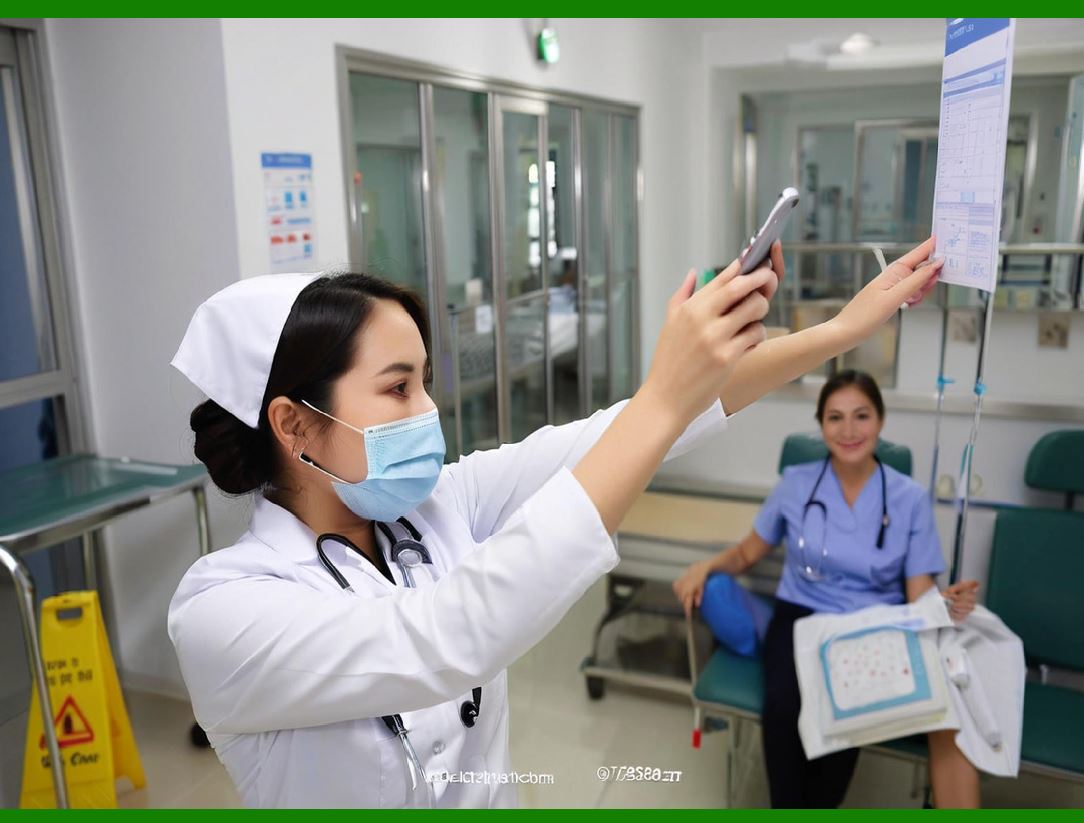
Perhaps the most impactful safety feature of the NIS is the integration of barcode scanning for medication administration. This has dramatically reduced medication errors in U.S. hospitals. |
How it works: |
The patient wristband: Each patient receives a wristband with a barcode (or a 2D barcode) that encodes the patient's MRN. |
The medication label: Every medication dispensed from the pharmacy has a barcode that encodes the drug name, dose, route, and sometimes the patient's MRN and order number. |
The nurse's ID: Many systems also have the nurse scan their ID badge to create an audit trail. |
The verification process: |
1. The nurse scans the patient's wristband barcode. |
2. The nurse scans the medication barcode. |
3. The NIS verifies the Five Rights (right patient, right drug, right dose, right route, right time) against the patient's MAR. |
4. If all checks pass, the NIS displays a green checkmark, and the nurse administers the medication. |
5. If any check fails---e.g., the drug is not ordered, the dose is wrong, or the time is outside the allowed window---the NIS displays a red alert and blocks the administration. |
Impact: A landmark 2010 study of a large U.S. hospital system found that barcode-mediated administration reduced medication administration errors by 41% and reduced the rate of preventable adverse drug events by 51%. The system virtually eliminated wrong-patient errors. |
Challenges: Barcode scanning is not perfect. Scanners can fail, barcodes can be smudged or wrinkled, and scanning can slow down the workflow. U.S. hospitals have addressed this by using high-quality scanners, printing durable barcodes, and providing backup procedures (e.g., manual entry). |
|
6. The NIS and Clinical Decision Support (CDS) for Nurses |
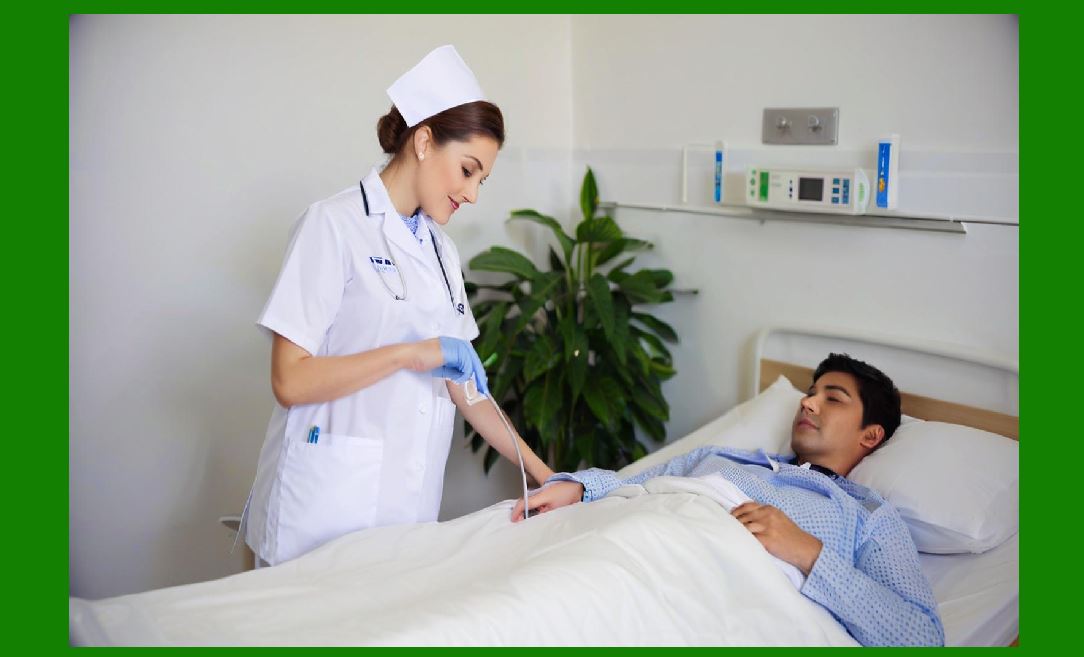
The NIS is not just a documentation tool; it also provides clinical decision support specifically designed for nursing practice. |
Fall risk alerts: The NIS automatically calculates a fall risk score based on the patient's assessment data. If the score is high, the system displays an alert and recommends fall prevention interventions (e.g., bed alarm, low bed, frequent rounding). It may also generate a task for the nurse to implement these interventions. |
Pressure ulcer prevention: The NIS calculates a Braden Scale score for pressure ulcer risk. If the score is low (indicating high risk), the system reminds the nurse to implement prevention measures (e.g., turning schedule, specialty mattress). |
Sepsis screening: The NIS monitors vital signs and alerts the nurse if the patient meets sepsis criteria (e.g., fever, tachycardia, elevated heart rate, altered mental status). The alert prompts the nurse to notify the physician and initiate the sepsis bundle. |
Pain reassessment: The NIS reminds the nurse to reassess pain within a specific time frame after administering pain medication. This ensures that the patient's pain is adequately controlled. |
Oxygen and respiratory monitoring: The NIS alerts if a patient's oxygen saturation drops below a certain threshold, prompting the nurse to check the patient and escalate care if needed. |
Critical lab values: The NIS displays critical lab values as they are posted, with a prominent visual indicator, so the nurse can take immediate action. |
|
7. The NIS and Nursing Burnout: A Double-Edged Sword |
While the NIS offers many benefits, it has also been a source of frustration for U.S. nurses. The phenomenon of 'documentation burden' is well-documented in nursing literature. |
The problem: |
Time: Nurses spend an average of 25% to 30% of their shift on documentation---down from the paper era (which was often over 40%) but still a significant portion of their time. This is time that could be spent at the bedside. |
Click fatigue: The NIS often requires many clicks to complete a simple task. For example, to document a wound assessment, a nurse might need to navigate through 5 or 6 screens. |
Copy-paste and note bloat: The pressure to document everything thoroughly leads to long, repetitive notes that are hard to read. |
In-basket fatigue: The NIS generates a constant stream of notifications---lab results, pharmacy messages, and discharge planning tasks---which can be overwhelming. |
Loss of the 'couch-side' connection: Nurses feel that they spend more time looking at a screen than looking at their patient. |
Efforts to reduce burnout: |
Mobile-first design: U.S. hospitals are investing in NIS systems that are optimized for mobile devices (tablets, smartphones, or handheld computers). This allows nurses to document at the bedside, rather than at a fixed workstation. |
Voice-activated documentation: Emerging technologies allow nurses to document by voice---e.g., 'Patient's blood pressure is 120/80' and the NIS captures it. |
AI-powered ambient documentation: Systems listen to the nurse-patient conversation and automatically generate a structured note. The nurse reviews and edits the note---a process that reduces documentation time by up to 50%. |
Optimization of workflows: U.S. hospitals are reducing the number of clicks required for common tasks, by allowing 'one-click' documentation for common assessments. |
Scribes and documentation assistants: Some U.S. hospitals use medical scribes to document care, freeing the nurse to focus on direct patient care. |
Dedicated 'documentation time': Some hospitals provide paid time for nurses to complete documentation at the end of their shift, reducing the pressure to document during the shift. |
|
8. The NIS in Specialized Settings |
The NIS is tailored to the specific needs of different clinical settings. |
Intensive Care Unit (ICU) NIS: |
ICU nursing is highly specialized and data-intensive. The ICU NIS includes: |
Continuous monitoring: Integration with bedside monitors (EKG, SpO2, invasive blood pressure, central venous pressure, intracranial pressure, etc.). Vital signs are automatically captured and displayed in a trended flowsheet. |
Ventilator management: Tracking ventilator settings (FiO2, PEEP, tidal volume, rate, etc.) and respiratory status. |
Critical care flowsheets: High-frequency charting (every 15 minutes to 1 hour) with many parameters. |
Sedation and delirium management: Scales like RASS (Richmond Agitation-Sedation Scale) and CAM-ICU (Confusion Assessment Method for the ICU) are integrated. |
Emergency Department NIS: |
The ED is fast-paced and requires rapid documentation. The ED NIS includes: |
Triage documentation: Using the Emergency Severity Index (ESI) or a similar triage system. |
ED tracking board: A dynamic dashboard showing every patient in the ED, their chief complaint, triage acuity, waiting time, and status. |
Quick documentation: Pre-built templates for common conditions (chest pain, abdominal pain, trauma) that allow nurses to document rapidly. |
Disposition tracking: Recording whether the patient is discharged, admitted, or transferred. |
OB/GYN and Mother-Baby NIS: |
This specialized module includes: |
Fetal monitoring: Integration with fetal heart rate monitors. |
Labor and delivery flowsheet: Detailed charting of contractions, cervical dilation, and labor progress. |
Newborn assessment: APGAR scoring, newborn metabolic screening, and transition to newborn care. |
Pediatric NIS: |
Pediatric care requires age-appropriate documentation: |
Growth charts: Tracking weight, height, and head circumference percentiles. |
Developmental milestones: Screening for developmental delays. |
Age-specific vital signs: Normal ranges vary by age; the system applies the correct ones. |
Vaccination schedules: Tracking and prompting vaccination. |
Psychiatric NIS: |
Behavioral health has unique documentation requirements: |
Suicide risk assessment: Structured risk assessments (e.g., the Columbia-Suicide Severity Rating Scale). |
Mental status exam: A structured assessment of appearance, behavior, speech, mood, affect, thought process, and cognition. |
Safety checks: Documenting patient safety checks (e.g., every 15-minute room checks for high-risk patients). |
Seclusion and restraint documentation: Detailed documentation of the use of seclusion or restraint, as required by regulatory agencies. |

|
9. The NIS and Interdisciplinary Communication |
The NIS is a key tool for interdisciplinary communication. Nurses document not only for their own records but also for physicians, therapists, social workers, and other team members. |
Shift handoffs: The NIS's handoff tool ensures that important information is passed from one shift to the next, reducing the risk of missed information. |
Interdisciplinary notes: Nurses often contribute to the interdisciplinary plan of care (IPOC)---a document that synthesizes the plans of the entire team. |
Secure messaging: The NIS often includes a secure messaging feature that allows nurses to send messages to physicians and other team members---e.g., 'Patient's blood pressure is 170/100. Please advise.' |
Care conferences: The NIS is used to document care conferences---meetings with the patient, family, and team members to discuss the patient's condition, goals, and discharge plan. |
Patient and family communication: The NIS documents patient and family education, and can generate a 'patient communication log' that summarizes the patient's understanding and preferences. |
10. The NIS and Regulatory Compliance |
The NIS is essential for regulatory compliance in U.S. hospitals. |
Medicare conditions of participation: CMS requires hospitals to maintain a comprehensive, current nursing care plan for every patient. The NIS provides the structure and documentation for these care plans. |
The Joint Commission: TJC has specific standards for nursing documentation, including the requirement for an initial nursing assessment within 24 hours of admission, and for a discharge planning assessment. The NIS supports these requirements with structured templates and automated timelines. |
State nursing boards: Many states require that nurses maintain accurate, legible, and complete documentation. The NIS provides the tools for this, with audit trails and structured templates. |
Quality measures: The NIS helps hospitals track quality measures that are directly related to nursing care---e.g., fall rates, pressure ulcer rates, catheter-associated urinary tract infection (CAUTI) rates, and central line-associated bloodstream infection (CLABSI) rates. |
|
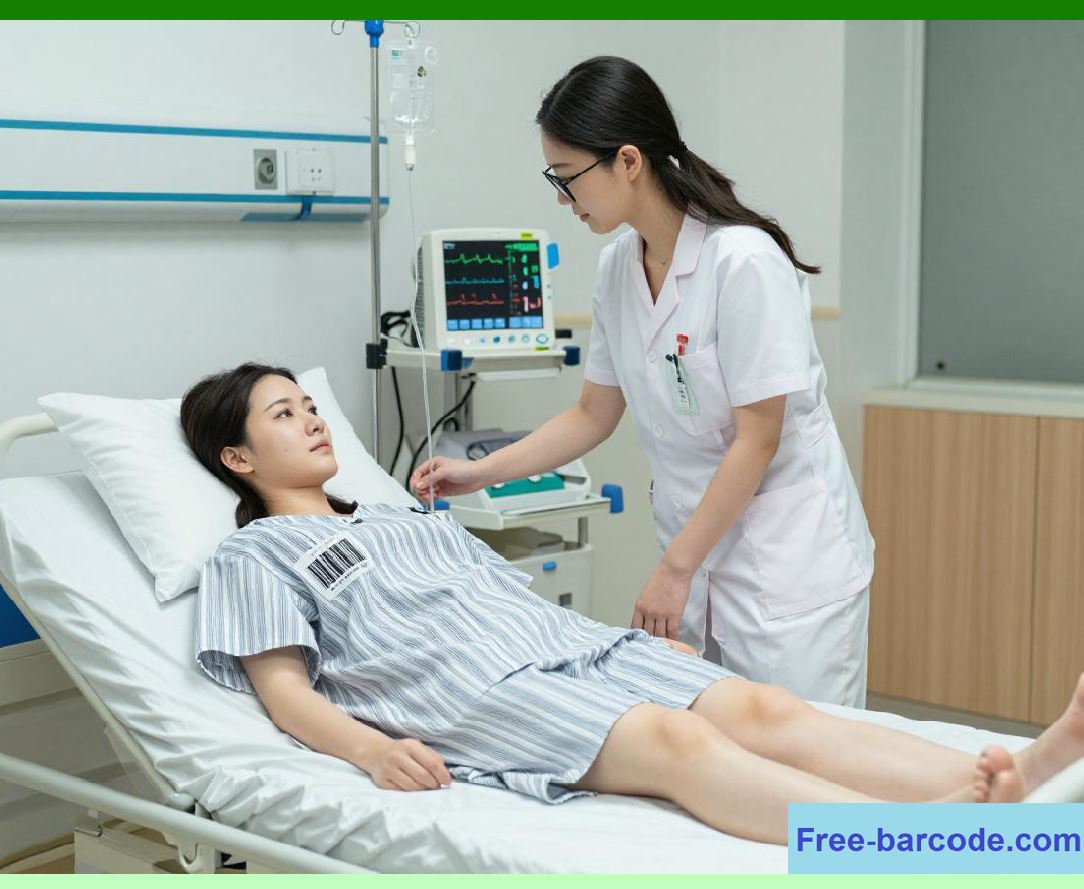
11. U.S. Case Study: Kaiser Permanente's Integrated NIS |
Kaiser Permanente is one of the largest integrated health systems in the United States. It has a unified EHR (Epic) across all its hospitals and clinics, and a highly integrated NIS. |
Standardization: Kaiser Permanente has standardized its nursing documentation across all facilities, using a common set of templates, flowsheets, and care plans. This ensures consistency and makes it easy to transfer patients from one facility to another. |
Mobile-first: All nursing documentation is accessible via mobile devices (tablets and smartphones). Nurses can document at the bedside, and they have access to the full EHR. |
Clinical decision support: The NIS includes a robust set of clinical decision support rules, including fall risk, sepsis screening, and pressure ulcer prevention. These rules are constantly updated based on the latest evidence. |
Outcomes: Kaiser Permanente has reported lower fall rates, lower pressure ulcer rates, and higher patient satisfaction compared to national benchmarks. The NIS is a key enabler of these outcomes. |
|
12. U.S. Case Study: A Critical Access Hospital with Limited Resources |
A small rural hospital in Kansas has a 10-bed inpatient unit and a staff of 5 registered nurses. They use a cloud-based NIS from a vendor that serves smaller hospitals. |
Cloud-based: The NIS is hosted on the vendor's servers, so the hospital does not need to maintain any on-site servers. |
Mobile: The nurses use tablets to document at the bedside. The tablets are also used for medication administration, with a barcode scanner attachment. |
Telehealth integration: The NIS is integrated with the hospital's telehealth system, which allows a remote physician (a hospitalist based in a larger city) to participate in rounds and review nursing documentation. |
Outcomes: The rural hospital has been able to maintain a high standard of nursing care despite its limited resources. The cloud-based NIS has been essential for ensuring accurate, timely documentation and for supporting telehealth. |
|
13. The NIS and Patient Satisfaction (HCAHPS) |
The Hospital Consumer Assessment of Healthcare Providers and Systems (HCAHPS) is a national U.S. survey that measures patient satisfaction. The NIS can influence HCAHPS scores in several ways. |
Communication with nurses: HCAHPS includes questions like 'How often did nurses listen carefully to you' and 'How often did nurses explain things clearly' The NIS can help nurses document and track patient education, which may improve their communication with patients. |
Pain management: The NIS's pain assessment and reassessment tools help nurses manage pain more effectively, which is reflected in HCAHPS pain management scores. |
Medication communication: The NIS's medication administration and patient education modules ensure that patients understand their new medications before they leave the hospital. |
Quietness and cleanliness: The NIS can help manage noise and cleanliness by alerting housekeeping when a patient is discharged and by reminding nurses to reduce noise levels. |
Discharge communication: The NIS's discharge planning module ensures that patients receive clear, understandable discharge instructions, which is a key HCAHPS measure. |

|
14. The Economics of the NIS |
The NIS represents a significant investment for U.S. hospitals, but it also offers substantial financial benefits. |
Costs: |
Software licensing: Annual fees for the NIS module within the EHR. |
Hardware: Mobile devices, barcode scanners, and mobile workstations. |
Implementation: The cost of training, change management, and system configuration. |
Maintenance: Ongoing support and upgrades. |
Benefits: |
Reduced documentation time: By streamlining documentation, the NIS saves nurses time. A study of a U.S. hospital found that the NIS reduced documentation time by 30%, equivalent to about 2 hours per shift. This can be translated into financial savings by reducing the need for overtime or by increasing the number of patients a nurse can care for. |
Reduced medication errors: As discussed, barcode scanning reduces medication errors, which saves the cost of treating adverse events. A single preventable medication error can cost a hospital $10,000 to $20,000. |
Reduced fall and pressure ulcer rates: CDS for fall and pressure ulcer prevention can reduce these events, which are costly and often lead to penalties from CMS. |
Reduced length of stay: Better documentation and coordination of care can reduce length of stay, which saves the hospital money and increases bed availability. |
|
15. The Future of the NIS: Ambient Intelligence and Zero-Click Documentation |
The NIS of the future will be dramatically different from today's system. It will be powered by ambient intelligence---AI that listens, observes, and anticipates. |
Ambient listening: |
Using a wearable microphone or a room-based microphone array, the NIS will listen to the nurse-patient conversation. It will automatically capture key data points---e.g., 'The patient's pain is now a 3 out of 10,' 'The patient is walking with a walker,' 'The wound dressing is clean and dry.' The system will generate a structured note that the nurse reviews and edits. |
Zero-click documentation: |
For routine tasks, the NIS will document without any input from the nurse. For example: |
Vital signs: The patient's bed will have built-in sensors that automatically measure vital signs and transmit them to the NIS. The nurse simply verifies the readings. |
Intake and output: The patient's IV pump will automatically send data to the NIS. |
Patient position: The patient's bed will detect when the patient has been turned (for pressure ulcer prevention) and automatically document the turn. |
Predictive nursing analytics: |
The NIS will use AI to predict which patients are at highest risk for adverse events. For example, it will predict which patients are likely to fall, develop a pressure ulcer, or deteriorate clinically, and it will prioritize these patients for nursing rounds. |
Virtual nursing assistants: |
The NIS will include a virtual assistant that answers the nurse's questions---e.g., 'What is the normal range for potassium' or 'What are the signs of a transfusion reaction'---and retrieves relevant information from the EHR. |
Patient-generated data: |
The NIS will integrate data from patient-worn sensors and home monitoring devices, allowing nurses to monitor patients remotely after discharge. This will reduce readmissions and support the shift to value-based care. |
Emotional intelligence: |
Some U.S. researchers are exploring NIS features that detect a patient's emotional state (e.g., anxiety, depression) by analyzing facial expressions or voice tone. This could help nurses provide more empathetic care. |
|
16. The Human Element: Nurses as the Healers |
Despite all the technology, the NIS is not a substitute for the human element of nursing. The NIS is a tool, not a replacement. The nurse's empathy, judgment, and compassion are irreplaceable. |
The therapeutic relationship: The nurse-patient relationship is at the heart of nursing practice. The NIS should support, not interrupt, this relationship. When a nurse is looking at a screen instead of at the patient, the relationship suffers. |
Critical thinking: The NIS provides data, but it does not replace the nurse's critical thinking. A nurse must interpret the data, make clinical judgments, and advocate for the patient---skills that cannot be automated. |
Advocacy: The nurse is the patient's advocate, communicating their concerns to the care team. The NIS can help document these concerns, but the nurse must take action. |
Compassion: The NIS cannot provide a comforting touch or a reassuring word. This is the domain of the nurse. |
|
Detailed Concluding Summary |
This chapter has provided a comprehensive, plain-English exploration of the Nursing Information System (NIS)---the digital companion that supports the full spectrum of nursing practice in American hospitals. We began by framing the NIS as the heartbeat of the hospital, giving nurses the information, the time, and the confidence to be the healing presence that patients need at the bedside. |
We traced the evolution of nursing documentation from the fragmented paper forms of the past to the integrated, mobile, and increasingly intelligent systems of today. We described the core components of the NIS in detail: the admission assessment that captures the patient's history and physical condition; the care plan with its nursing diagnoses, goals, and interventions; the flowsheet for vital signs and intake/output; the Medication Administration Record (MAR) for medication safety; the task list that prioritizes the nurse's work; the narrative documentation for progress notes; and the discharge planning module that prepares patients for the transition home. |
We followed a nurse, Maria, through a typical 12-hour shift, showing how the NIS was used at every step---from shift handoff to medication administration, vital signs documentation, care plan review, wound care, patient education, and shift preparation. We highlighted the NIS's critical role in patient safety through barcode scanning, which has reduced medication administration errors by up to 41% and virtually eliminated wrong-patient errors in U.S. hospitals. |
We explored the clinical decision support features that are tailored for nurses---fall risk alerts, pressure ulcer prevention, sepsis screening, pain reassessment, and critical value notifications---and we discussed how these alerts help nurses identify and address potential problems early. We addressed the double-edged sword of the NIS: while it has reduced documentation time compared to the paper era, it has also contributed to burnout through click fatigue, note bloat, and in-basket overload. We described U.S. hospital efforts to mitigate burnout through mobile-first design, voice-activated documentation, ambient AI, workflow optimization, scribes, and dedicated documentation time. |
We explored the specialized NIS variants for different clinical settings: the data-intensive ICU NIS with continuous monitoring and ventilator management; the fast-paced ED NIS with its tracking board and quick documentation; the OB/GYN and mother-baby NIS with fetal monitoring and newborn assessment; the pediatric NIS with growth charts and developmental milestones; and the psychiatric NIS with its focus on suicide risk, mental status, and safety checks. |
We examined the NIS's role in interdisciplinary communication, from shift handoffs and secure messaging to care conferences and patient education. We connected the NIS to regulatory compliance, including CMS conditions of participation, Joint Commission standards, state nursing boards, and quality measures like fall and pressure ulcer rates. |
We presented two U.S. case studies: Kaiser Permanente's integrated NIS, with its standardized documentation, mobile-first design, and strong clinical decision support, and a rural Critical Access Hospital's cloud-based NIS, which leveraged telehealth to provide high-quality care with limited resources. We discussed the NIS's influence on patient satisfaction (HCAHPS), particularly in communication, pain management, and discharge planning. |
We made the economic case for the NIS, showing that despite its costs, it yields significant savings through reduced documentation time, fewer medication errors, lower fall and pressure ulcer rates, and reduced length of stay. We then looked to the future of the NIS, with ambient intelligence that listens and documents automatically, zero-click documentation for routine tasks, predictive analytics to identify at-risk patients, virtual nursing assistants, and patient-generated data integration. |
|
Finally, we reaffirmed that the NIS is a tool, not a replacement for the human element of nursing. The nurse's empathy, judgment, compassion, and advocacy remain irreplaceable. The NIS's ultimate purpose is to free nurses from clerical burdens so they can focus on what matters most: being present at the bedside, providing comfort, and healing with the human touch that no machine can replicate. |
In conclusion, the Nursing Information System is the bedrock of patient-centered care. It has transformed nursing practice from a paperwork-heavy, fragmented endeavor into a data-driven, connected, and patient-focused discipline. It has empowered U.S. nurses with the information they need, when they need it, where they need it---at the bedside. And it has given them back the most precious resource of all: time to care. |
*End of expanded Chapter 11.* |
 cs@easiersoft.com