Training and Simulation Mode - The Safe Sandbox: How American Hospitals Use Virtual Environments to Train Clinicians Without Risk to Patients |
Short Executive Summary |
This chapter explores Training and Simulation Mode---the specialized component of the Hospital Information System that provides a safe, risk-free environment for clinicians to learn, practice, and refine their skills in using the EHR and other clinical systems. In the high-stakes world of healthcare, mistakes can be deadly. Training and simulation mode offers a 'sandbox' where clinicians can make errors, explore complex workflows, and build confidence without any risk to real patients. Through detailed U.S. case studies---from a large academic medical center that uses simulation-based training for CPOE and clinical decision support, to a community hospital that reduced order entry errors through a mandatory simulation curriculum, and a nursing school that uses a simulated EHR to train the next generation of nurses---we examine how the training module supports onboarding, continuing education, competency assessment, and the safe implementation of system upgrades. The chapter covers the core concepts: the sandbox environment (a non-production copy of the EHR), realistic patient scenarios, role-based training, structured learning modules, competency testing, and the integration of simulation with other training modalities (e.g., high-fidelity mannequins, virtual reality). It also addresses the challenges of creating realistic simulations, the cost of implementation, and the need for ongoing investment in training to keep pace with system changes. It concludes that training and simulation mode is not merely a nice-to-have feature; it is an essential safety net that ensures clinicians are competent and confident users of the HIS, protecting patients from preventable errors and enabling the full potential of the EHR to improve care. |
|
Training and Simulation Mode - The Safe Sandbox |
A Detailed Popular-Science Exploration |
1. The Safe Sandbox |
Imagine learning to fly a commercial airliner without ever leaving the ground. That is what a flight simulator does---it provides a realistic, risk-free environment where pilots can practice emergency procedures, learn the controls, and build muscle memory before they ever take off with passengers on board. |
Now imagine learning to use a complex electronic health record system while caring for actual patients. A single wrong click---ordering a medication for the wrong patient, selecting the wrong dose, or entering a lab order for the wrong test---can have serious consequences. This is the reality that clinicians face when they use a new EHR for the first time, or when the system is upgraded with new features. |
Training and simulation mode in the HIS is the healthcare equivalent of a flight simulator. It is a 'safe sandbox'---a non-production environment that replicates the look, feel, and functionality of the live EHR, but uses fake patient data. Clinicians can log in, explore, practice, and even make mistakes without any risk to real patients. |
Training and simulation mode is not just for new employees. It is used for onboarding, for continuing education, for competency assessment, and for the safe rollout of system upgrades. It is an essential component of a safe and effective HIS implementation. |
This chapter will take you inside the training and simulation mode of a modern American hospital. We will explore how it works, how it is used, and why it is so important. |
|
2. The Evolution of Clinical Training in the U.S. |
The training of clinicians has evolved significantly over the past few decades. |
The paper era (pre-1980s): Training was largely on-the-job. New clinicians would learn from experienced colleagues, often by shadowing them. There were few formal training programs, and there was no such thing as EHR training. |
The early EHR era (1990s-2000s): As hospitals adopted EHRs, training became a necessity. Early training was often classroom-based, with instructors lecturing on the features of the system. Training was often inadequate, leading to frustration and errors. |
The simulation era (2000s-present): The recognition that clinicians need hands-on practice led to the development of training and simulation environments. Clinicians could now practice in a realistic, but safe, environment. |
The integrated era (2010s-present): Training and simulation are now integrated into the HIS. The same system that clinicians use for patient care is also used for training. This provides a seamless transition from training to practice. |
|
3. The Core Concepts of Training and Simulation Mode |
Training and simulation mode is built around several key concepts. |
The Sandbox Environment: |
This is a separate, non-production copy of the EHR. It is a replica of the live system, but it is isolated from the live database. This means that: |
No risk: Any changes made in the sandbox do not affect real patient data. |
Realistic: The sandbox looks and feels exactly like the live system. |
Customizable: The sandbox can be configured with specific scenarios and patient cases. |
Fake Patient Data: |
The sandbox uses fake patient data. This data is typically created by the training team. It includes: |
Demographics: Names, addresses, and other identifying information. |
Medical history: Diagnoses, medications, allergies, and lab results. |
Clinical notes: Progress notes, discharge summaries, and other documents. |
Realistic Patient Scenarios: |
The training team creates realistic patient scenarios that mimic the types of cases clinicians will see in practice. For example: |
- A 65-year-old patient with chest pain and a history of heart disease. |
- A 45-year-old patient with diabetes and a foot ulcer. |
- A 2-year-old child with fever and a rash. |
Role-Based Training: |
Training is tailored to the specific role of the clinician. For example: |
- Physicians: Training focuses on CPOE, clinical documentation, and results review. |
- Nurses: Training focuses on medication administration, vital signs documentation, and care planning. |
- Pharmacists: Training focuses on order verification and dispensing. |
- Registration staff: Training focuses on patient registration and admission. |
Structured Learning Modules: |
Training is often delivered through structured learning modules. These modules include: |
Didactic content: Information presented in a lecture or e-learning format. |
Hands-on practice: The learner performs tasks in the sandbox environment. |
Scenarios: The learner works through realistic patient scenarios. |
Competency Testing: |
- After completing the training, the learner must pass a competency test. This test demonstrates that they are proficient in using the system. |
- Competency testing can be done in the sandbox environment, with a proctor observing. |
|
4. Use Cases: Onboarding, Upgrades, and Ongoing Competency |
Training and simulation mode is used in a variety of settings. |
Onboarding: |
New employees: All new employees must complete training on the HIS. |
New graduates: New physicians and nurses need to learn the system before they start caring for patients. |
Transition to a new system: When a hospital transitions to a new EHR, all staff must be trained. |
System Upgrades: |
New features: When a new version of the EHR is released, staff must be trained on the new features. |
Workflow changes: When workflows change (e.g., a new medication administration process), staff must be trained. |
Ongoing Competency: |
Annual training: Many hospitals require annual training and competency testing. |
Remedial training: If a clinician makes a specific type of error, they may be required to complete remedial training. |
New Procedures: |
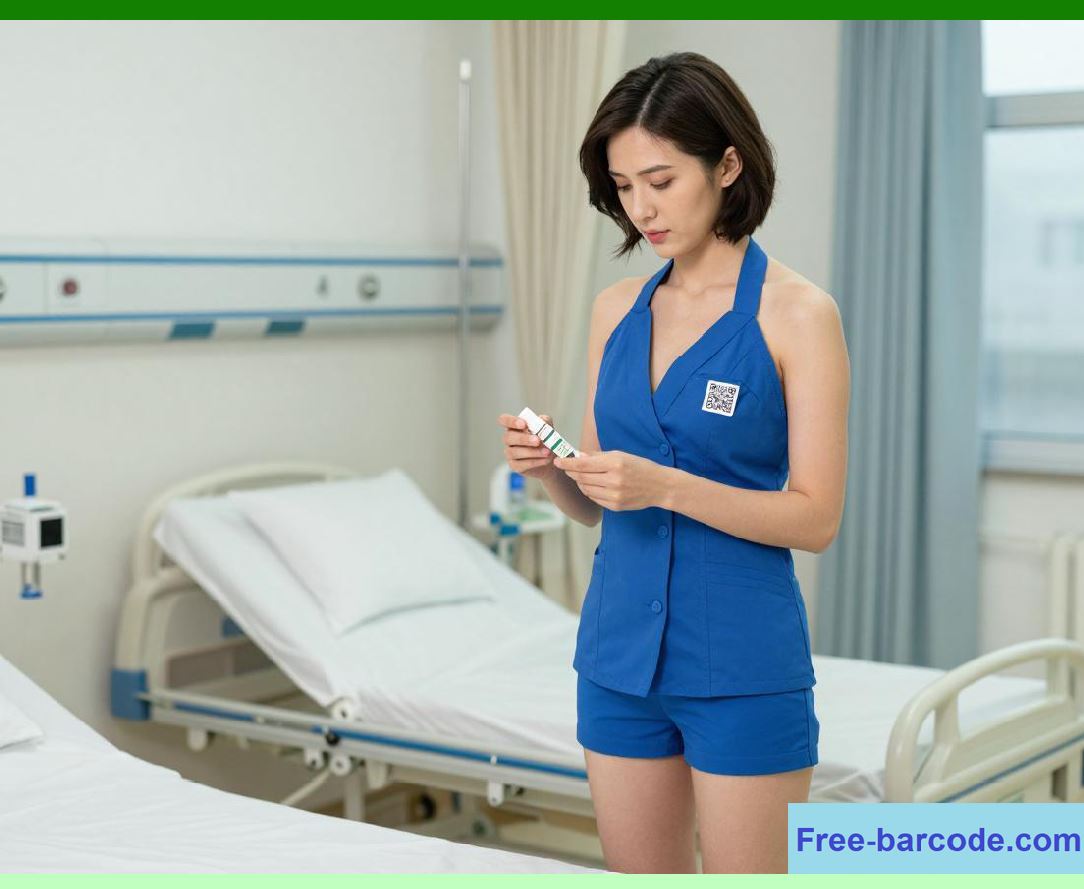
- When a new procedure is introduced (e.g., a new type of surgery), the surgical team can practice using the EHR in the sandbox environment before doing it on a real patient. |
|
5. Simulation-Based Training for CPOE and Clinical Decision Support |
One of the most critical uses of simulation is training for Computerized Physician Order Entry (CPOE) and Clinical Decision Support (CDS). CPOE and CDS are powerful tools, but they can be complex and error-prone. |
CPOE Training: |
Order entry: Practicing entering different types of orders (medications, lab tests, imaging studies). |
Order sets: Practicing using order sets. |
Common errors: Practicing avoiding common errors, such as selecting the wrong dose or the wrong patient. |
Alert handling: Practicing responding to CDS alerts. |
CDS Training: |
Interpreting alerts: Learning to interpret the meaning of different types of alerts. |
Responding to alerts: Learning the appropriate response to each type of alert. |
Recognizing override patterns: Learning when it is appropriate to override an alert and when it is not. |
Using decision support: Learning how to use the decision support tools effectively. |
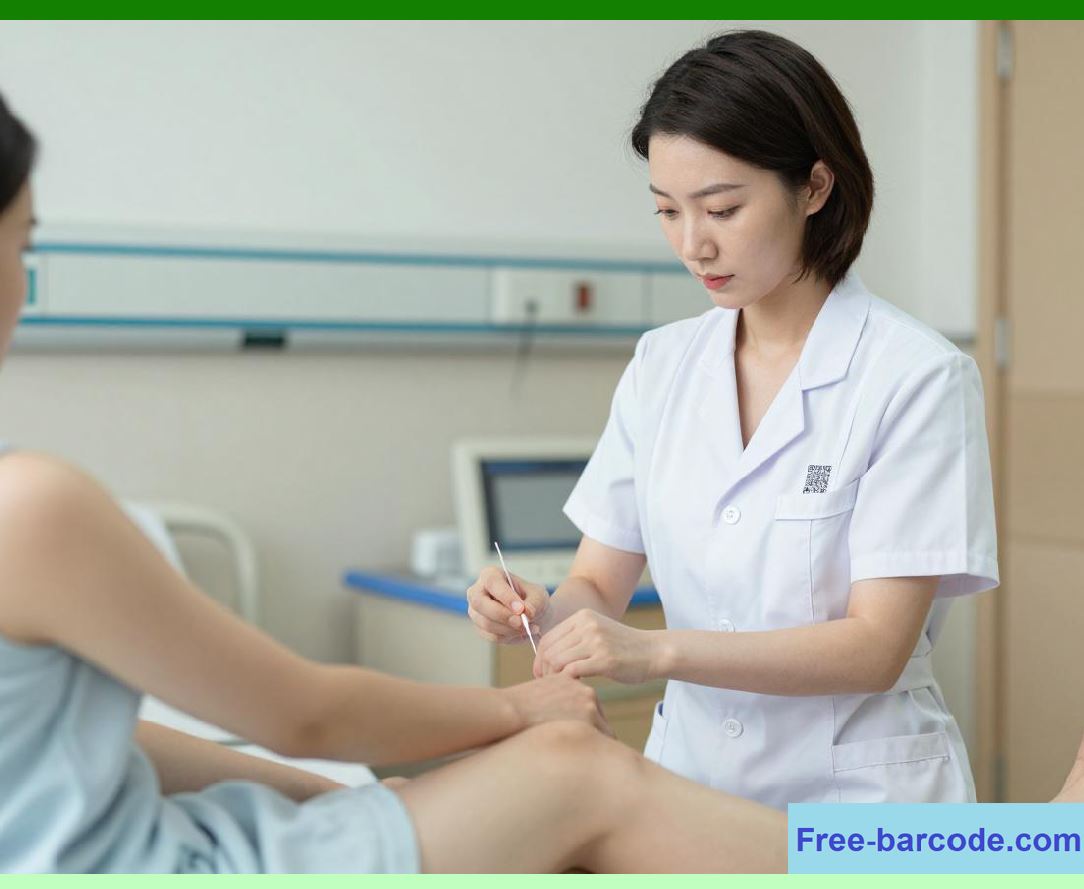
The advantage of simulation: In the simulation environment, clinicians can make mistakes and learn from them without harming a real patient. They can practice responding to alerts and making decisions in a safe environment. |
|
6. U.S. Case Study: A Large Academic Medical Center's Simulation Program |
A large academic medical center has a comprehensive simulation program for its EHR. |
The program: |
Sandbox environment: The medical center has a robust sandbox environment that replicates its live Epic EHR. |
Role-based training: The program offers role-based training for physicians, nurses, pharmacists, and other staff. |
Structured modules: The program uses structured learning modules, with didactic content, hands-on practice, and competency testing. |
Innovation: |
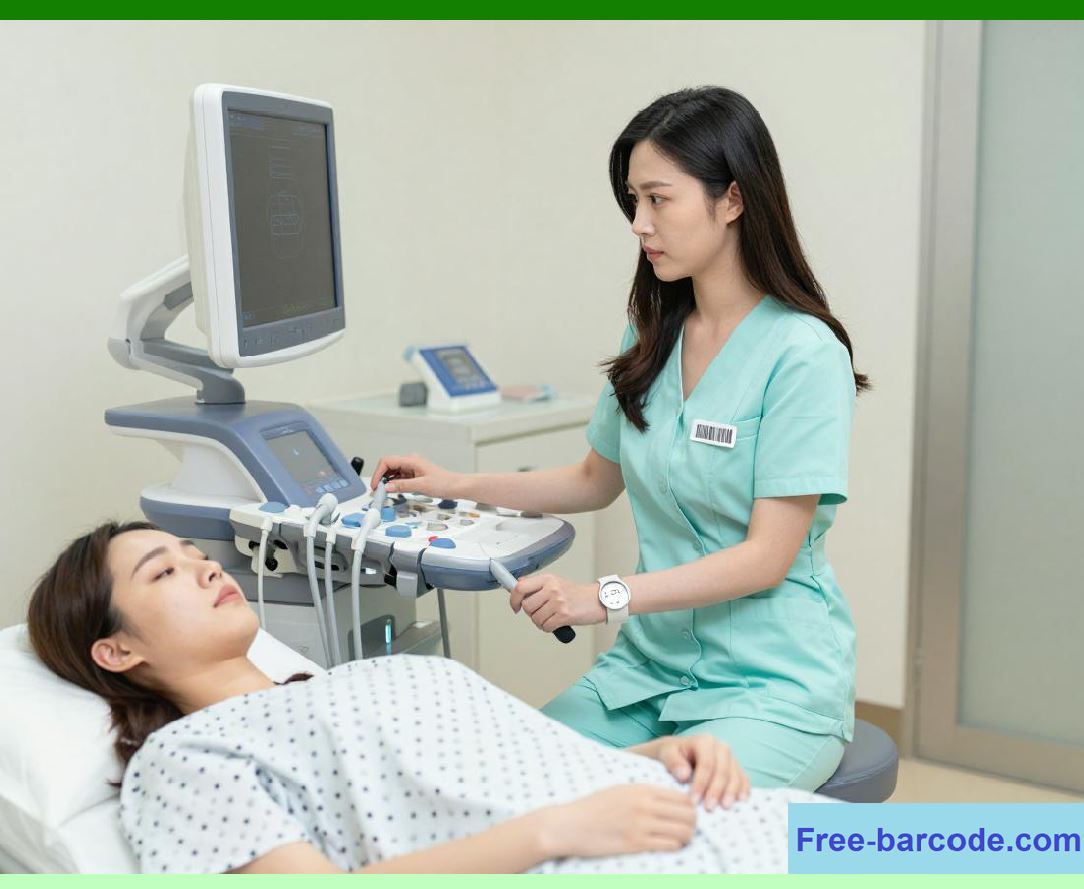
High-fidelity simulation: The medical center also uses high-fidelity mannequins (realistic patient simulators) in conjunction with the EHR. The mannequin simulates the patient's condition, and the clinician uses the EHR to document the care. |
Outcomes: The simulation program has improved clinician confidence, reduced errors, and improved patient safety. |
|
7. U.S. Case Study: A Community Hospital's Mandatory Training |
A 200-bed community hospital implemented a mandatory training program for its EHR. |
The challenge: The hospital had recently upgraded its EHR. Staff were making errors, and the hospital wanted to reduce the error rate. |
The solution: The hospital implemented a mandatory training program for all staff who use the EHR. The program included: |
E-learning modules: Staff were required to complete e-learning modules on the new features. |
Hands-on practice: Staff practiced the new features in the sandbox environment. |
Competency testing: Staff were tested on their proficiency. |
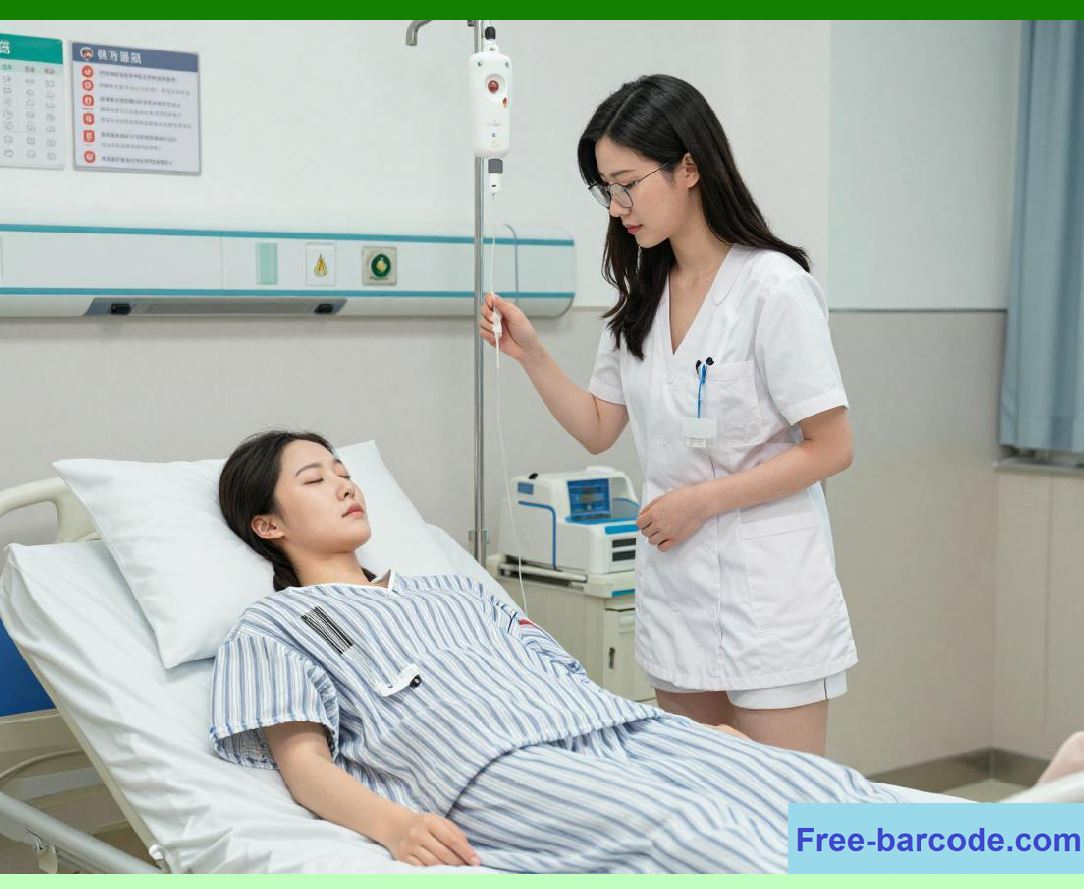
Outcomes: The hospital reduced its order entry error rate by 30%. |
|
8. U.S. Case Study: A Nursing School's Simulated EHR |
A nursing school uses a simulated EHR to train its students. |
The challenge: Nursing students need to learn how to use an EHR before they enter practice. |
The solution: The nursing school provides a simulated EHR environment that replicates a real hospital EHR. Students practice documenting patient assessments, creating care plans, and administering medications. |
The benefits: |
Realistic experience: Students get a realistic experience of using an EHR. |
Safe environment: Students can make mistakes without harming patients. |
Career readiness: Students are more prepared for their first job. |

|
9. The Role of the Training Team |
A dedicated training team is essential for the success of the simulation program. |
The training team: |
Qualifications: The team includes instructional designers, trainers, and clinical informatics experts. |
Responsibilities: They design the curriculum, create the scenarios, deliver the training, and assess competency. |
|
10. The Cost of Simulation |
Simulation is not cheap. It requires significant investment in: |
Technology: The sandbox environment requires hardware, software, and licenses. |
Staff: The training team requires skilled professionals. |
Time: Staff must spend time in training. |
The return on investment: Simulation is an investment in patient safety. By reducing errors, simulation can save the hospital money. |
|
11. The Challenge of Realistic Simulation |
Creating realistic simulation scenarios is a challenge. |
The challenge: |
Data complexity: The EHR is complex. Creating realistic patient scenarios requires careful planning. |
Technical complexity: The sandbox environment must accurately replicate the live environment. |
Keeping it up to date: The sandbox must be updated as the live system changes. |
Solutions: |
Dedicated training team: A team of experts can focus on creating and maintaining realistic scenarios. |
User feedback: Getting feedback from clinicians helps to improve the realism of the scenarios. |
|
12. The Future of Simulation: Virtual Reality, AI, and Gamification |
The future of simulation is being shaped by new technologies. |
Virtual Reality (VR): |
Immersive training: VR can provide immersive training experiences, where clinicians can practice in a realistic 3D environment. |
Artificial Intelligence (AI): |
Adaptive learning: AI can adapt the training to the individual learner, providing more practice in areas where they are weak. |
Scenario generation: AI can generate new scenarios, ensuring that clinicians are exposed to a wide range of cases. |
Gamification: |
Engaging training: Gamification can make training more engaging and effective. |
Motivation: Points, badges, and leaderboards can motivate learners to complete their training. |
|
13. The Importance of Hands-On Practice |
Simulation is not just about watching videos or reading manuals. It is about hands-on practice. |
The benefits of hands-on practice: |
Muscle memory: Hands-on practice builds muscle memory, so clinicians can use the system quickly and efficiently. |
Confidence: Hands-on practice builds confidence. |
Error identification: Hands-on practice helps clinicians identify potential pitfalls. |
|
Detailed Concluding Summary |
This chapter has provided a comprehensive, plain-English exploration of Training and Simulation Mode---the safe sandbox that allows clinicians to learn, practice, and refine their skills in using the HIS without risk to real patients. We began by framing simulation as the healthcare equivalent of a flight simulator, a risk-free environment where clinicians can build competence and confidence. |
We traced the evolution of clinical training from the paper era of on-the-job learning to the digital era of integrated simulation environments. We detailed the core concepts of the training module: the sandbox environment as a non-production copy of the EHR; fake patient data for realistic practice; realistic patient scenarios that mimic clinical cases; role-based training tailored to different clinician roles; structured learning modules combining didactic content, hands-on practice, and scenarios; and competency testing to ensure proficiency. |
We explored the use cases for simulation: onboarding new employees, training for system upgrades, ongoing competency and annual training, remedial training, and preparation for new clinical procedures. We delved into simulation-based training for CPOE and CDS, emphasizing the value of practicing order entry, order sets, alert handling, and decision-making in a safe environment. |
We presented three U.S. case studies: a large academic medical center with a comprehensive simulation program, including role-based training, structured modules, and high-fidelity mannequin integration, resulting in improved clinician confidence and reduced errors; a community hospital that implemented mandatory training following an EHR upgrade, reducing order entry errors by 30%; and a nursing school using a simulated EHR to train students, providing realistic experience and career readiness. |
We emphasized the critical role of a dedicated training team of instructional designers, trainers, and clinical informatics experts. We discussed the cost of simulation, acknowledging the significant investment in technology, staff, and time, but framing it as an investment in patient safety with a strong return on investment. We addressed the challenge of creating realistic simulations, including data complexity, technical complexity, and the need for continuous updates. |
We looked to the future of simulation: virtual reality for immersive training; artificial intelligence for adaptive learning and automated scenario generation; and gamification for engaging and motivating learners. We concluded by emphasizing the importance of hands-on practice for building muscle memory, confidence, and error identification. |

|
In conclusion, training and simulation mode is not merely a nice-to-have feature; it is an essential safety net. It ensures that clinicians are competent and confident users of the HIS, protecting patients from preventable errors and enabling the full potential of the EHR to improve care. In a healthcare environment where technology is constantly evolving and the stakes are higher than ever, the safe sandbox of simulation is an indispensable tool for building a skilled, confident, and safe healthcare workforce. |
 cs@easiersoft.com