1. Introduction to App Clip Code |
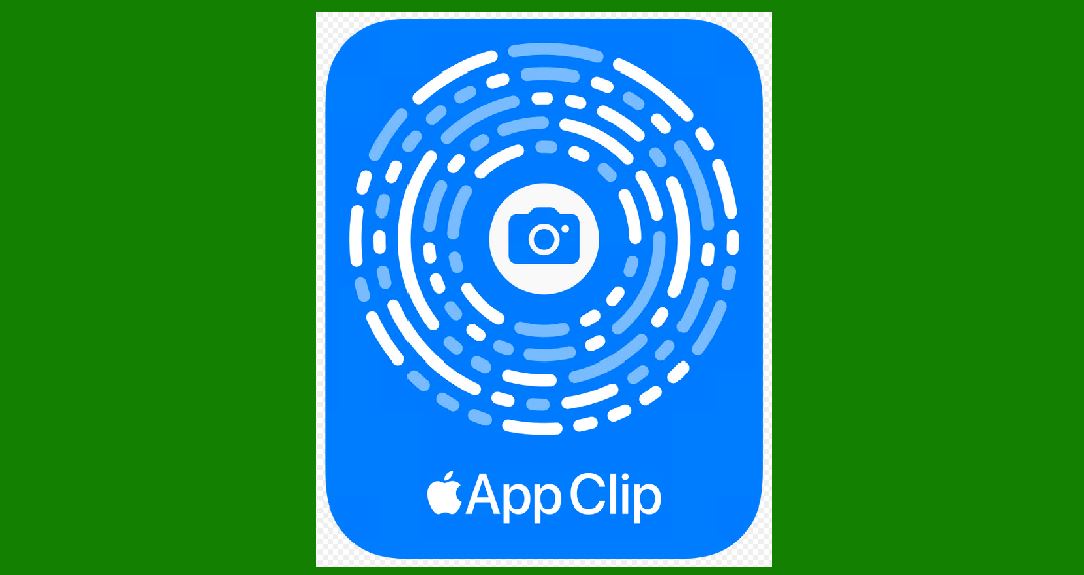
App Clip Codes are a type of scannable code introduced by Apple in 2020 with iOS 14. These codes are designed to launch App Clips, which are lightweight versions of apps that allow users to quickly access specific functionality without downloading the full app. The introduction of App Clip Codes marked a significant step in the evolution of scannable codes, particularly in the context of mobile app interactions. The history of App Clip Codes is closely tied to the development and release of iOS 14, as well as Apple's broader strategy to enhance user experiences through seamless and quick app interactions. |
|
2. Concept and Development |
The concept of App Clip Codes was likely influenced by the growing popularity of QR codes and other scannable codes, which had become ubiquitous in various applications such as payments, authentication, and information sharing. Apple recognized the potential to create a more integrated and user-friendly version of these codes, tailored specifically for the iOS ecosystem. |
2.1 Pre-Release Rumors and Speculations |
Before the official announcement, there were several rumors and speculations about Apple's plans to introduce a new type of scannable code. Tech analysts and Apple enthusiasts speculated about the potential features and benefits of such a code, particularly in enhancing user interactions with apps. These speculations were fueled by Apple's history of innovation and the company's focus on improving user experience. |
2.2 Development Phase |
During the development phase, Apple worked on creating a scannable code that would be more versatile and efficient than existing options. This involved extensive research and development to ensure that the codes could be easily scanned by iPhones and integrated seamlessly with App Clips. Apple's engineers focused on optimizing the code design for both functionality and aesthetics, resulting in the distinctive circular design with a central icon and a series of surrounding dots. |

|
3. Official Announcement and Release |
3.1 WWDC 2020 |
The official announcement of App Clip Codes came during Apple's Worldwide Developers Conference (WWDC) in June 2020. During the keynote address, Apple introduced iOS 14 and highlighted several new features, including App Clips and App Clip Codes. The announcement was met with enthusiasm from developers and users alike, as it promised a new way to interact with apps quickly and conveniently. |
3.2 iOS 14 Beta and Public Release |
Following the announcement, Apple released a beta version of iOS 14, allowing developers to start experimenting with App Clips and App Clip Codes. This period was crucial for developers to understand the new features and integrate them into their apps. The public release of iOS 14 came in September 2020, making App Clip Codes available to millions of iPhone users worldwide. |

|
4. Early Adoption and Use Cases |
4.1 Initial Use Cases |
In the early days of App Clip Codes, several companies and developers quickly adopted the technology to enhance their user experiences. Notable early adopters included food delivery services, retail stores, and transportation companies. For example, a user could scan an App Clip Code at a restaurant to quickly access the menu, place an order, and pay without downloading the restaurant's app. |
4.2 Case Study: Panera Bread |
Panera Bread was one of the first major brands to leverage App Clip Codes. They placed codes on their tables and in their stores, allowing customers to scan the code to browse the menu, place an order, and pay directly from their iPhones. This implementation provided a seamless and contactless dining experience, which was particularly valuable during the COVID-19 pandemic. |

|
5. Evolution and Improvements |
5.1 Feedback and Iterations |
As more developers and users started using App Clip Codes, Apple received valuable feedback on their functionality and usability. This feedback led to several iterations and improvements in subsequent iOS updates. Apple focused on enhancing the scanning accuracy, loading speed, and overall user experience. |
5.2 Integration with Apple Ecosystem |
Apple continued to integrate App Clip Codes more deeply into the broader Apple ecosystem. This included making them compatible with other Apple services such as Apple Pay and integrating them with the iOS App Library for easier access. These improvements made App Clip Codes even more versatile and useful for a wider range of applications. |

|
6. Expansion of Use Cases |
6.1 Retail and E-commerce |
As App Clip Codes became more popular, their use expanded significantly in the retail and e-commerce sectors. Retailers used these codes to provide customers with quick access to product information, reviews, and special offers. For instance, scanning an App Clip Code on a product tag in a store could instantly show details about the product, including pricing and availability. |
6.2 Public Transportation |
Public transportation systems also started adopting App Clip Codes to streamline ticketing and information access. For example, a commuter could scan a code at a bus stop or train station to see the schedule, purchase a ticket, and get real-time updates on delays or changes. |
6.3 Events and Venues |
Event organizers used App Clip Codes to improve the attendee experience. Scanning a code at an event could provide access to the event schedule, venue map, and other important information. This made it easier for attendees to navigate large events and find relevant information quickly. |

|
7. Technological Advancements |
7.1 Enhanced Scanning Technology |
Apple continually improved the scanning technology for App Clip Codes, making it faster and more accurate. These advancements included better camera recognition and machine learning algorithms that enhanced the scanning process, even in low-light conditions or when the code was partially obscured. |
7.2 Security Enhancements |
Security was a critical aspect of App Clip Codes, especially since they often involved transactions and personal information. Apple implemented robust security measures to protect users, including encryption and secure authentication processes. These measures ensured that users could trust the codes and the associated App Clips. |

|
8. Integration with AR and VR |
8.1 Augmented Reality (AR) |
Apple explored the integration of App Clip Codes with augmented reality (AR) to create more immersive experiences. For example, scanning an App Clip Code on a product could trigger an AR experience, allowing users to see the product in 3D, view animations, or access interactive content. |
8.2 Virtual Reality (VR) |
Although less common, there were also experiments with using App Clip Codes in virtual reality (VR) settings. In VR environments, users could scan codes to access additional information or interact with virtual objects. This added a new dimension to the potential applications of App Clip Codes. |

|
9. Marketing and Promotion |
9.1 Advertising Campaigns |
App Clip Codes became a valuable tool in marketing and advertising campaigns. Companies used them in various promotional materials, including print ads, billboards, and online advertisements. Scanning the code could provide users with special offers, discounts, or direct access to promotional content. |
9.2 Social Media Integration |
Social media platforms also integrated App Clip Codes, allowing users to share and access App Clips directly from their feeds. This integration made it easier for brands to reach their audiences and for users to discover new apps and services through social media interactions. |

|
10. Future Prospects and Innovations |
10.1 Continuous Innovation |
The history of App Clip Codes is ongoing, with continuous innovation and new use cases emerging. Apple and developers are likely to keep exploring ways to enhance the technology and integrate it with emerging trends such as the Internet of Things (IoT), smart cities, and wearable devices. |
10.2 Global Expansion |
As App Clip Codes become more widely adopted, their use is expected to expand globally. Apple is likely to work with international developers and businesses to tailor the technology to different markets and cultural contexts, ensuring its relevance and effectiveness worldwide. |

|
11. Conclusion |
The history of App Clip Codes is a testament to Apple's commitment to innovation and enhancing user experiences. From their conceptualization and development to their release and adoption, App Clip Codes have transformed the way users interact with apps, providing quick, seamless, and efficient access to app functionalities. As the technology continues to evolve, it is poised to play an increasingly important role in various industries, driving new and exciting ways for users to engage with digital content. |
 cs@easiersoft.com