Barcode Technology

Barcode History

Barcode Label Paper

Barcode Printer

Barcode Application

Inventory Management

AI Barcode QRCode

Barcode Scanner

Barcode Software

Barcode Software B

Barcode Software C

Barcode Software D

Barcode Software E

New Technology A

New Technology B

Robot Technology

Barcode Types

Barcode Types B

Barcode Types C

Barcode Types D

Barcode Types E

Barcode Types F

Electronic Technology

Psychology at Work

Barcode Technology and Barcode Software Related   <<< Back to Directory <<<

History of Intelligent Mail barcode

What is the origin and development process of Intelligent Mail Barcode?

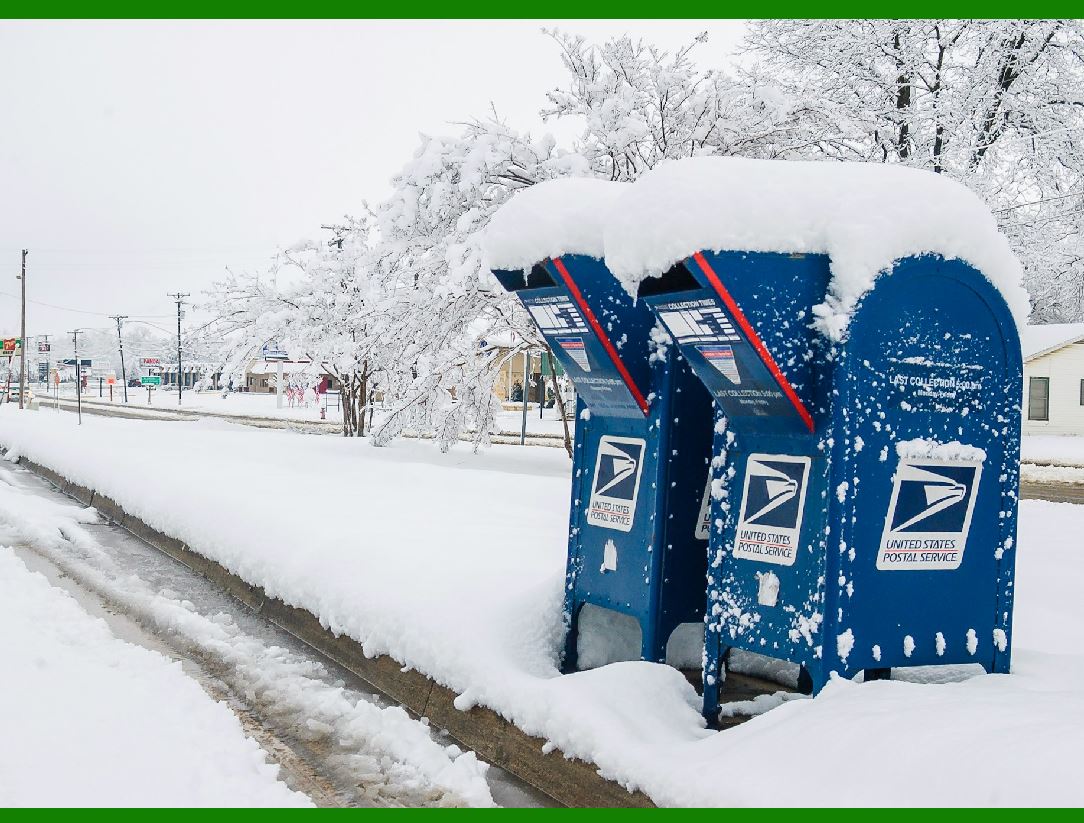
Intelligent Mail Barcode (IMb) is a barcode used in U.S. mail. The term "Smart Mail" refers to the service provided by the United States Postal Service for domestic mail delivery.

Its historical origins date back to the 1980s, when the United States Postal Service began using POSTNET barcodes to automatically identify postal codes for mail.

In 1996, the U.S. Postal Service introduced the PLANET barcode to track the delivery status of mail.

In 2003, the U.S. Postal Service began developing a new barcode that combined the capabilities of POSTNET and PLANET and added more information capacity and security. This is the prototype of Intelligent Mail Barcode.

In 2006, the United States Postal Service officially released the specifications for Intelligent Mail Barcode, and began full implementation in 2009. It allows mail senders to participate in multiple Postal Service programs simultaneously using a single barcode and expands tracking capabilities for individual pieces of mail, improving visibility into mail flow.

IM barcodes are designed to provide richer information and functionality than their predecessors, POSTNET and PLANET. Intelligent mail barcodes are also known as single-code solutions and 4-state customer barcodes, abbreviated as 4CB, 4-CB or USPS4CB. Complete specifications can be found in USPS document USPS-B-3200.

It effectively combines routing postal code and tracking information contained in previously used postal barcode standards.

IM barcodes are affixed to mails by the sender. Effective January 28, 2013, the Postal Service requires the use of smart mail barcodes to qualify for automated pricing.

The use of IM barcodes can improve overall efficiency, including improved delivery capabilities and new services.

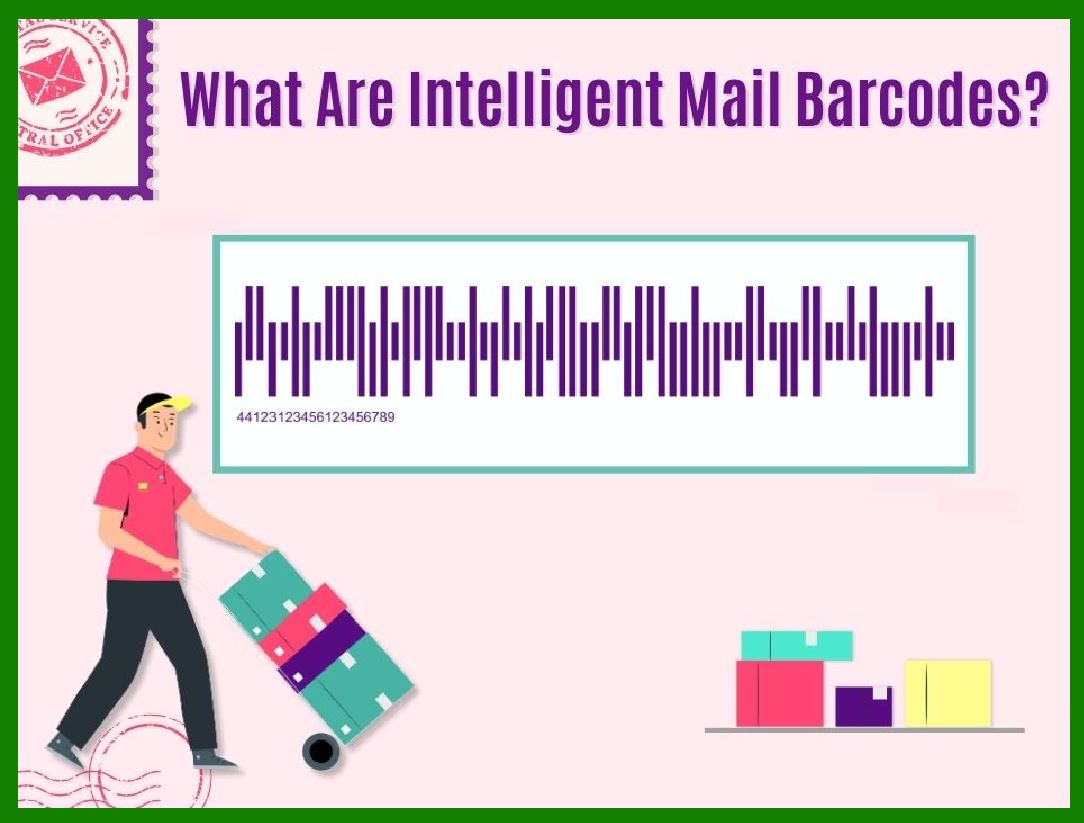
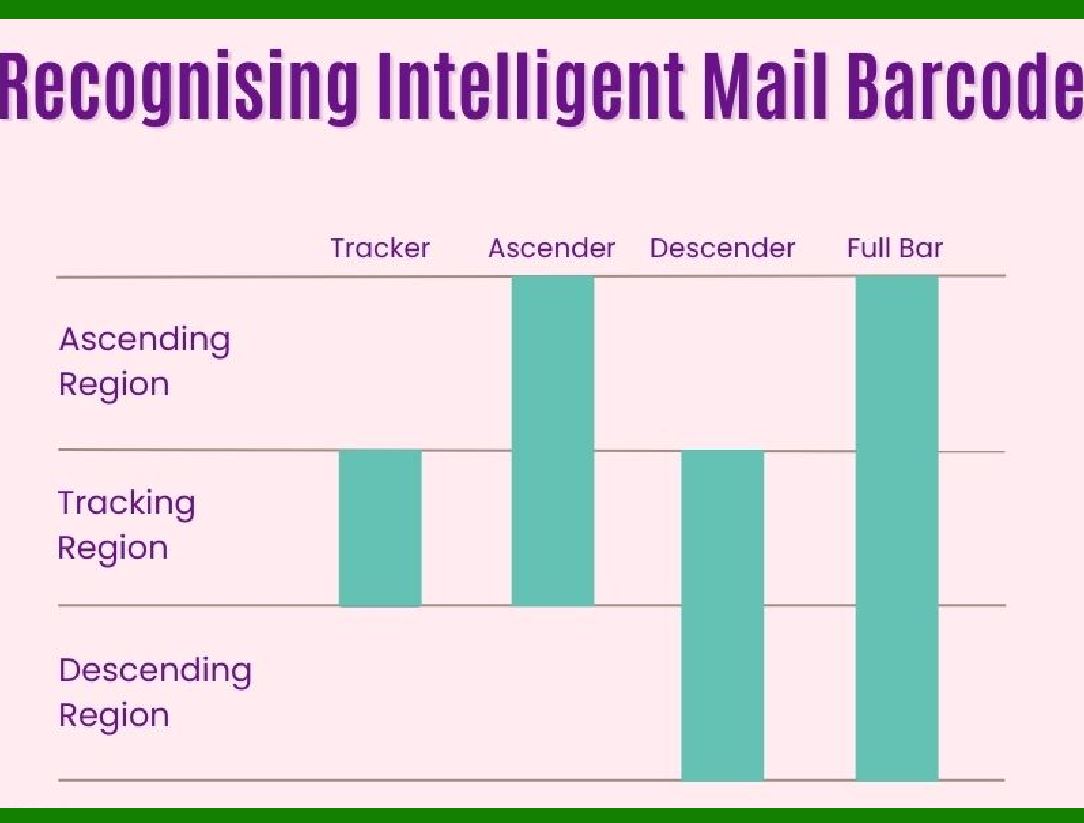
Intelligent Mail Barcode is a highly modulated barcode that can encode up to 31 decimal digits divided into 65 vertical bars. It consists of four different symbols, hence it was once called the 4-State Customer Barcode.

The Intelligent Mail Barcode standard is developed by the United States Postal Service (USPS).

The purpose of this standard is to improve the efficiency of mail sorting and tracking, and to provide more value-added services. Intelligent Mail Barcode combines data from legacy POSTNET and PLANET Code barcodes, as well as other data, into a single barcode.

What are the application scenarios of Intelligent Mail Barcode?

Used to participate in the OneCode Confirm project, which is a service that provides mail delivery confirmation, which can help mail senders understand the arrival time and status of the mail.

Used to participate in the OneCode ACS project, which is an mail address correction service that can help mail senders update mail addresses and reduce bounced mails.

Used to participate in the Full-Service Intelligent Mail project, which is a service that provides mail tracking and reporting to help mail senders optimize mail marketing and management.

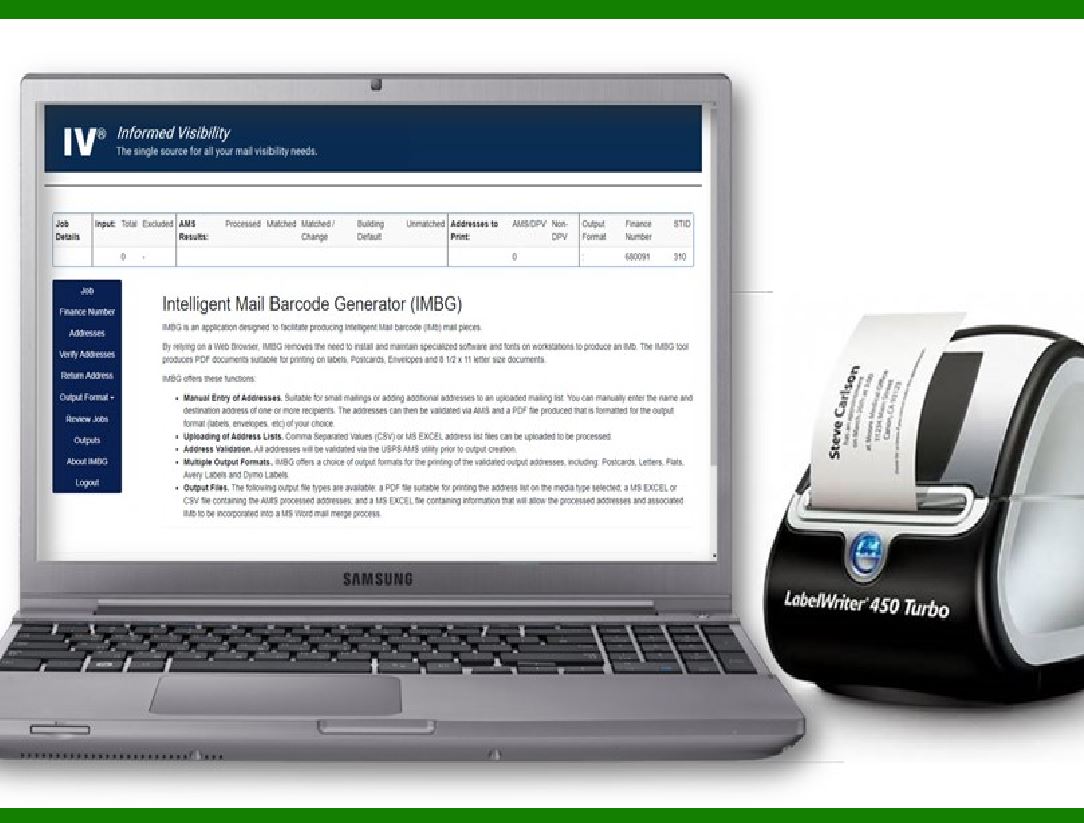
Used to participate in the Intelligent Mail Small Business (IMsb) Tool project, an online tool for small businesses that helps them create and print Intelligent Mail Barcodes and submit electronic postage statements.


EasierSoft Barcode Label Design & Bulk Printing Software

---- Use Excel Data to Batch Print Barcodes on Label Sheets or Roll Labels  

---- How to use this barcode software

Download:  Free Barcode Software + Barcode Label Designer

Download Free Barcode Software at Softonic

     Download at CNET

Once you obtain a GS1/UPC/EAN barcode, or other barcode type and QR code, you can use our free software to batch print barcode labels onto Roll label paper using a professional label printer, or to batch print barcodes onto Avery 5160 label sheets using a regular laser or inkjet printer. Our software has free and paid versions.

The free version fully meets your needs for batch printing GS1/UPC/EAN barcodes. The paid version can import data from Excel and databases to batch print barcode labels with different values.

How to Start

Input Data

Import Excel Data

Print Barcode

Barcode Format

Label Designer

All Screen Shot

Export Barcode Image

Save Template

Output Word Excel

How to Use & FAQ:

Barcode types supported by this program

Barcode Label Font Settings

Configuring the Barcode Print Rotation

Text Alignment for Barcode Labels

Automatically Adjusting Barcode Width

Text Beneath the Barcode

Configuring Barcode Size

Auto Calculate the Barcode Size

Export Barcode images

Export Barcode Image Format

File Names for Exported Barcode

Resolution of Exported Barcode Images

Fixed Folder for Exporting Barcode

Default Barcode Image Export Format

Print bulk barcodes quickly

Print barcodes to Avery 5160 label

How to bulk Barcode Printing

Sample - Avery 5162 (2x7) Label Sheet

Example: Print barcodes to 5*3cm roll

Example: Print barcodes to 5161 label

Example: Print barcodes to 5162 label

Example: Print barcodes to 5163 label

Example: Print barcodes to 5164 label

Example: Print portrait orientation 5164

Example: Print barcodes to 5167 label

Example: Print barcodes to 5168 label

Example: Print portrait orientation 5168

Example: Print barcodes to 5169 label

Example: Print barcodes to 5660 label

Example: Print barcodes to 5661 label

Example: Print barcodes to 5662 label

Example: Print barcodes to 5663 label

Example: Print barcodes to 5664 label

Example: Print portrait orientation 5664

Example: Print barcodes to 5873 label

Example: Print barcodes to 5874 label

Two ways to import Excel data

Import Excel Data - Pro Edition

Import Excel Data - Std Edition

Import Data from Excel - Detail

Load Data From Excel File

Data Editing Table

Copy Data From Excel

Four ways to input barcode data

Add ASCII Key E

Input Multiple Lines of Text for Barcodes

Generates Sequential Serial Numbers

Import or copy data from Excel sheets

Special sequence number generation

Std Details: Simple Input Form

Highlights

Excel integration: Import data directly from Excel to generate and print barcodes in bulk.

Label designer: Create complex labels with multiple barcodes, text, logos, and shapes.

Batch printing: Print thousands of barcodes at once using standard inkjet/laser printers or professional barcode printers.


Flexible editions:

Standard Edition: Simple batch printing with Excel data.

Professional Edition: Adds command-line automation for workflow integration.

Label Designer Edition: Advanced design features for complex labels.


Why Choose Our Barcode Solutions?

Cost-effective: Free online generator and permanent free desktop version available.

Easy to use: No technical expertise required—just input data and print.

Versatile: Supports nearly all 1D and 2D barcode types, including QR codes.

Trusted: Recommended by CNET and widely downloaded by users worldwide.


Suitable Use Cases

Small businesses and startups needing quick barcode labels for products.

Retailers and online sellers managing inventory with batch barcode printing.

Manufacturers requiring sequential or custom barcode labels for packaging.

Educational and testing environments where barcodes are used for tracking.


CONTACT

cs@easiersoft.com

If you have any question, please feel free to email us.


https://free-barcode.com


<<< Back to Directory <<<     Barcode Generator     Barcode Freeware     Privacy Policy