Barcode Technology

Barcode History

Barcode Label Paper

Barcode Printer

Barcode Application

Inventory Management

AI Barcode QRCode

Barcode Scanner

Barcode Software

Barcode Software B

Barcode Software C

Barcode Software D

Barcode Software E

New Technology A

New Technology B

Robot Technology

Barcode Types

Barcode Types B

Barcode Types C

Barcode Types D

Barcode Types E

Barcode Types F

Electronic Technology

Psychology at Work

Barcode Technology and Barcode Software Related   <<< Back to Directory <<<

The history of QR Code

The history of QR Ccode

The QR code, or quick-response code, is a fascinating invention that has become ubiquitous in our digital lives.

Let's delve into its intriguing history:

1. Invention and Origins:

The QR code system was invented in 1994 by the Japanese company Denso Wave, a division of Denso (which itself is a subsidiary of Toyota Motor Corporation).

The driving force behind this creation was the need to track automobile parts during the assembly process. Imagine countless boxes of auto parts, each requiring individual bar-code labels. Denso Wave sought a more efficient solution.

The initial design of the QR code was influenced by the black and white counters on a Go board, a game where strategy and pattern recognition play a crucial role.

The functional purpose of the QR code was to consolidate data from various bar-code labels (including Kanji, Kana, and alphanumeric codes) onto a single label for each box of auto parts.

2. Denso Wave company

Denso Wave, a Japanese company, is a leader in developing and manufacturing automatic data capture devices.

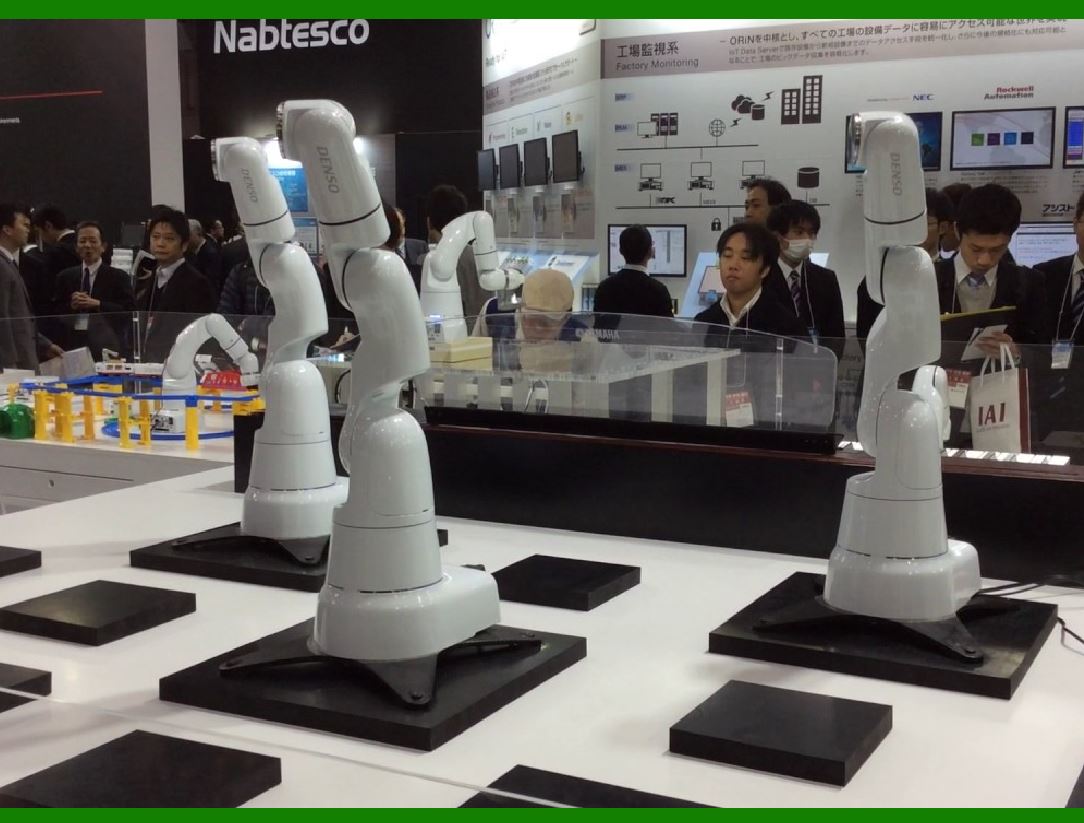
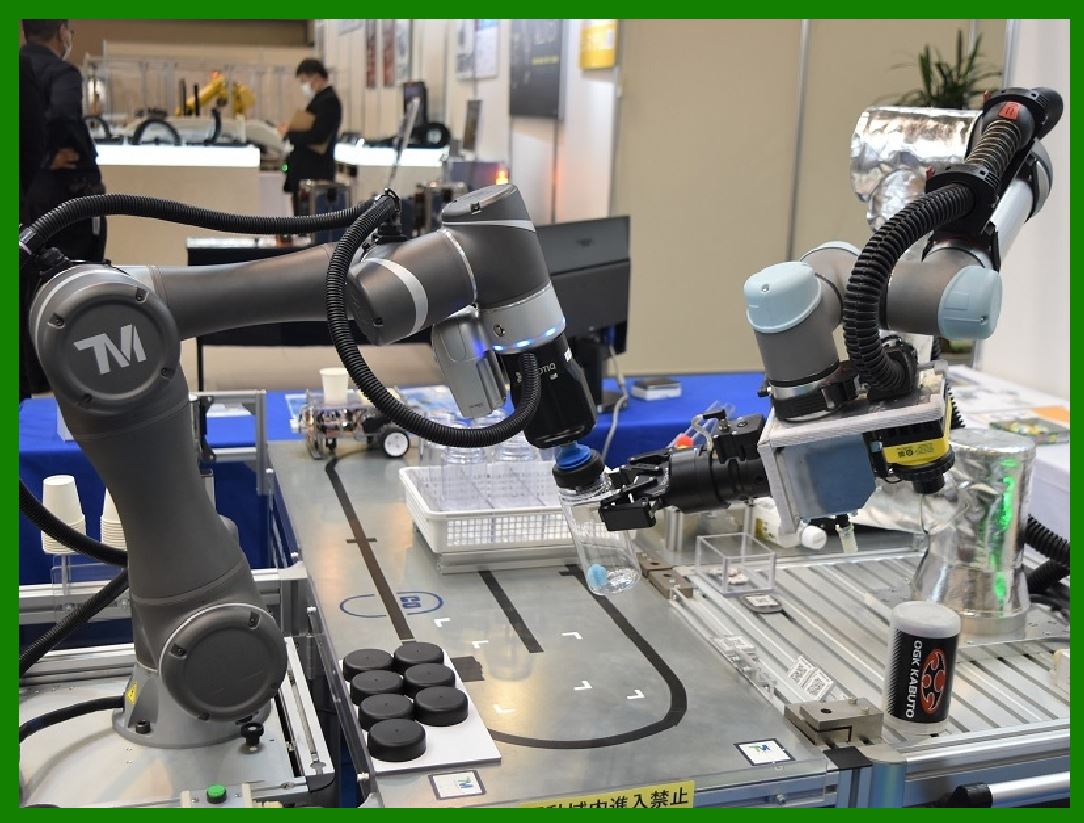
Their expertise lies in creating solutions for QR codes, IC cards, and industrial robots (FA equipment) .

...Automatic Data Capture Devices:

......Denso Wave specializes in creating devices that efficiently capture data. These include scanners and readers for barcodes, QR codes, and RFID.

......Their technology plays a crucial role in various industries, enabling seamless tracking, inventory management, and process automation.

...Industrial Robots (FA Equipment):

......Denso Wave's commitment extends to the realm of industrial robotics. They design and manufacture robots that enhance productivity across different sectors.

......These robots are used in factories, warehouses, and assembly lines, performing tasks such as pick-and-place, assembly, and material handling.

...Corporate Philosophy:

......Denso Wave's philosophy centers around innovation, quality, and contributing to society. They strive to create solutions that make a positive impact on businesses and people's lives.

......Denso Wave's multifaceted approach combines cutting-edge technology with a commitment to improving productivity and efficiency in various domains.

3. QR Code Structure:

A QR code consists of black squares arranged in a square grid on a white background.

It also includes fiducial markers for accurate reading.

These codes can be read by imaging devices (such as cameras) and processed using Reed–Solomon error correction until the image can be appropriately interpreted.

Unlike traditional barcodes, which encode specific information about a labeled item, QR codes contain data for locators, identifiers, and web-tracking.

QR codes use four standardized modes of encoding: numeric, alphanumeric, byte or binary, and kanji.

4. Widespread Adoption:

Initially used for automobile parts tracking, QR codes quickly found applications beyond the automotive industry.

Their advantages include faster reading, greater data-storage capacity, and versatility.

Today, QR codes are used in various contexts:

Commercial tracking: Businesses use QR codes for product tracking, item identification, time tracking, and document management.

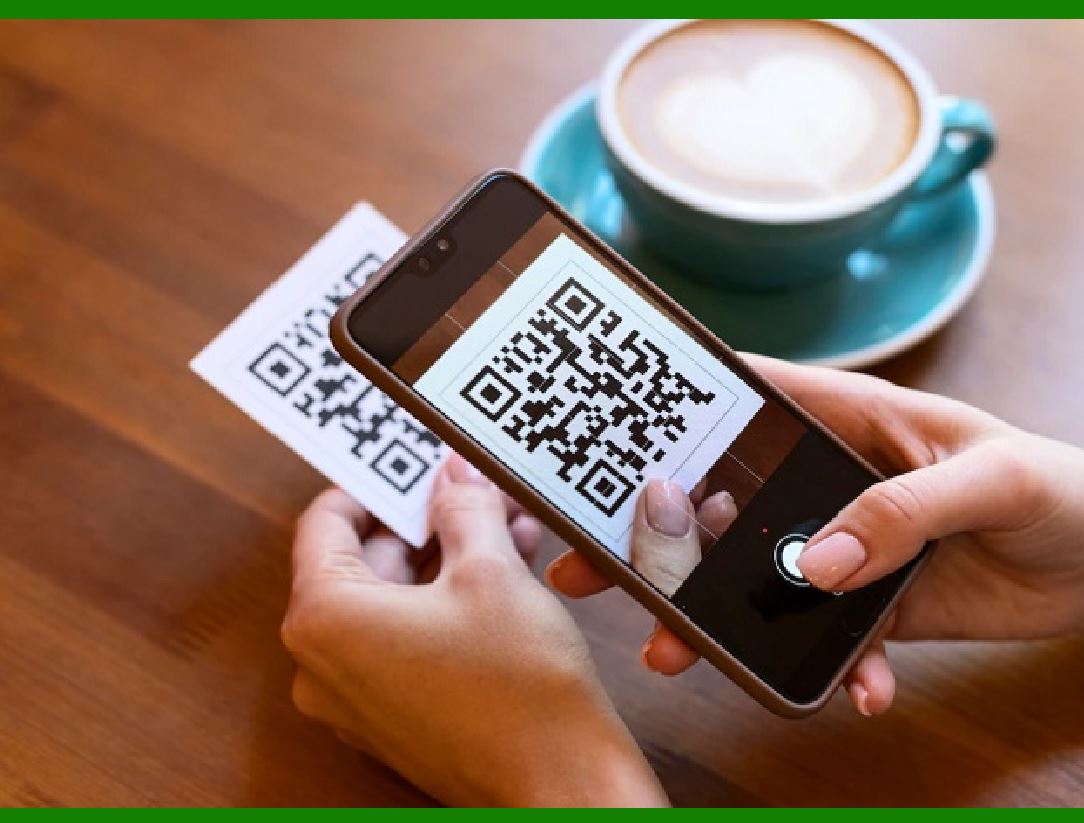
Convenience-oriented applications: These include mobile tagging for users. QR codes can display text, open webpages, add contacts, connect to networks, and compose emails or text messages.

5. Fun Fact:

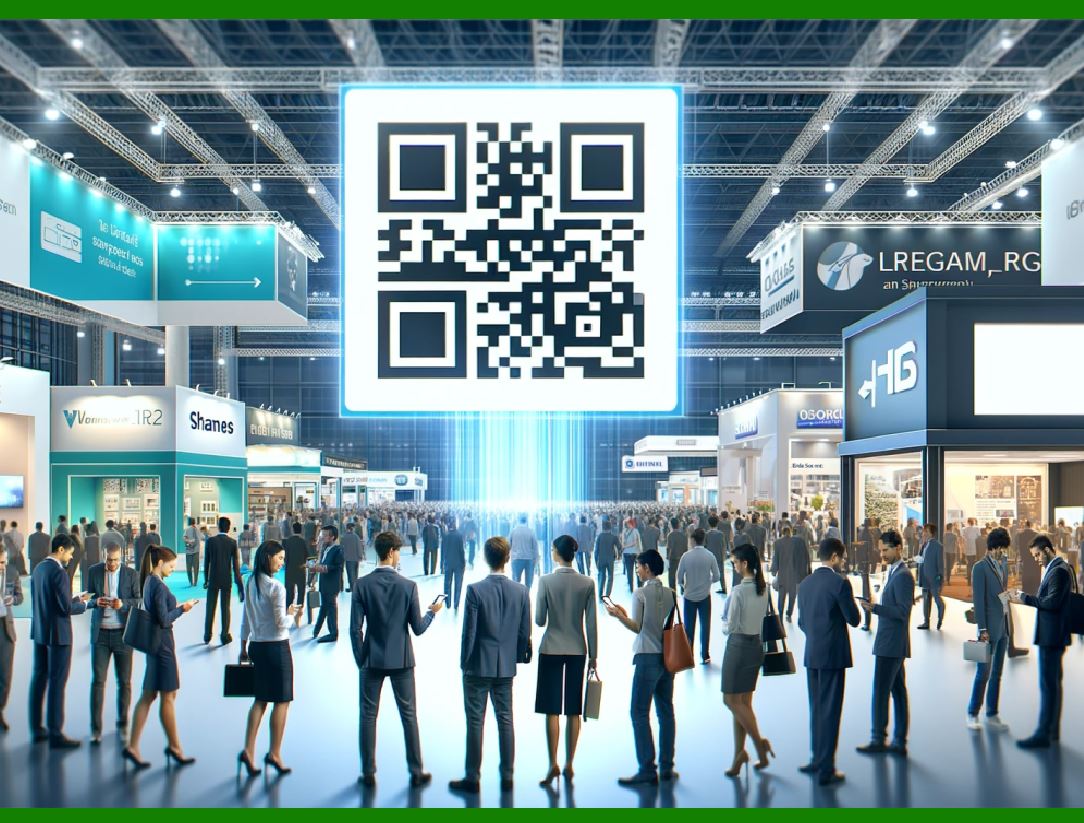
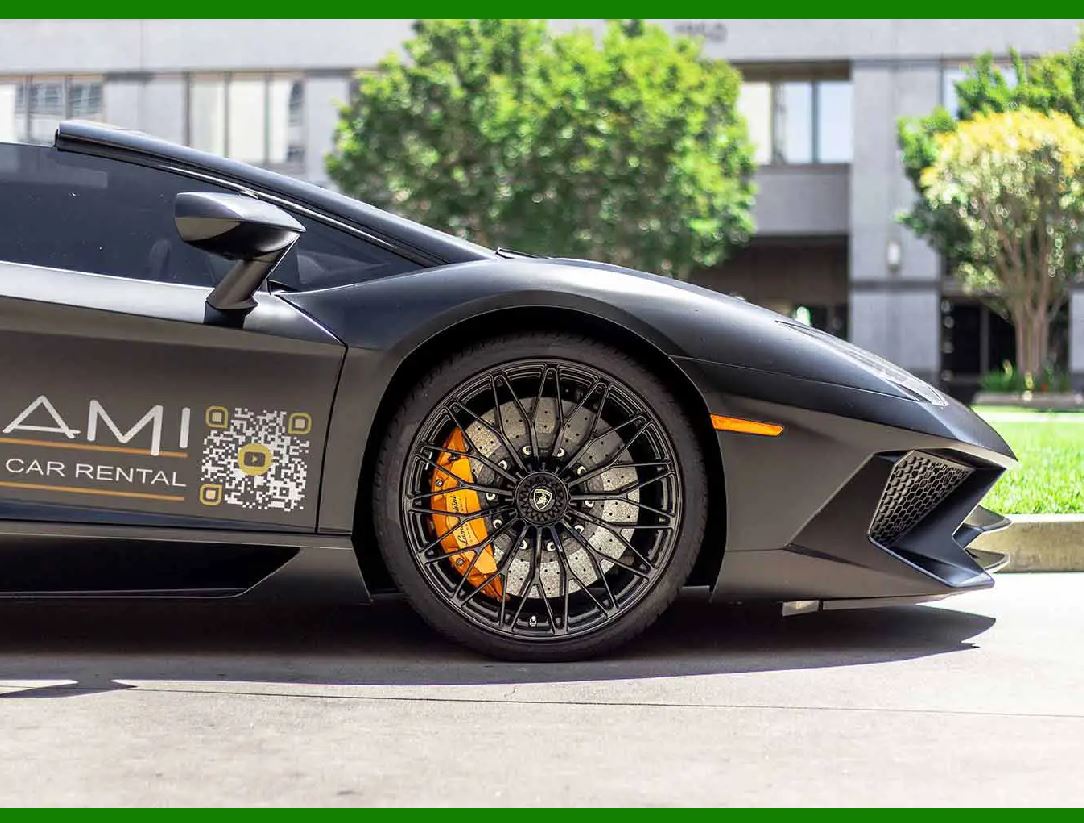
As of 2023, QR codes are everywhere, from billboards to product packaging. They've become an integral part of our digital interactions.

The QR code's journey from automobile factories to our smartphones exemplifies how innovation can transform everyday processes and enhance our lives.


EasierSoft Barcode Label Design & Bulk Printing Software

---- Use Excel Data to Batch Print Barcodes on Label Sheets or Roll Labels  

---- How to use this barcode software

Download:  Free Barcode Software + Barcode Label Designer

Download Free Barcode Software at Softonic

     Download at CNET

Once you obtain a GS1/UPC/EAN barcode, or other barcode type and QR code, you can use our free software to batch print barcode labels onto Roll label paper using a professional label printer, or to batch print barcodes onto Avery 5160 label sheets using a regular laser or inkjet printer. Our software has free and paid versions.

The free version fully meets your needs for batch printing GS1/UPC/EAN barcodes. The paid version can import data from Excel and databases to batch print barcode labels with different values.

How to Start

Input Data

Import Excel Data

Print Barcode

Barcode Format

Label Designer

All Screen Shot

Export Barcode Image

Save Template

Output Word Excel

How to Use & FAQ:

Fixed Folder for Exporting Barcode

Default Barcode Image Export Format

Print bulk barcodes quickly

Print barcodes to Avery 5160 label

How to bulk Barcode Printing

Sample - Avery 5162 (2x7) Label Sheet

Example: Print barcodes to 5*3cm roll

Example: Print barcodes to 5161 label

Example: Print barcodes to 5162 label

Example: Print barcodes to 5163 label

Example: Print barcodes to 5164 label

Example: Print portrait orientation 5164

Example: Print barcodes to 5167 label

Example: Print barcodes to 5168 label

Example: Print portrait orientation 5168

Example: Print barcodes to 5169 label

Example: Print barcodes to 5660 label

Example: Print barcodes to 5661 label

Example: Print barcodes to 5662 label

Example: Print barcodes to 5663 label

Example: Print barcodes to 5664 label

Example: Print portrait orientation 5664

Example: Print barcodes to 5873 label

Example: Print barcodes to 5874 label

Two ways to import Excel data

Import Excel Data - Pro Edition

Import Excel Data - Std Edition

Import Data from Excel - Detail

Load Data From Excel File

Data Editing Table

Copy Data From Excel

Four ways to input barcode data

Add ASCII Key E

Input Multiple Lines of Text for Barcodes

Generates Sequential Serial Numbers

Import or copy data from Excel sheets

Special sequence number generation

Std Details: Simple Input Form

Std Details: Multiple Line Text Input

Details: Sequence Barcode Generator

Examples: Sequence Barcode Generator

Import Data From Excel Spreadsheet

Barcode Data Correspondence Diagram

Data Editor

Editing a Single Row Data in Form

Batch Editing Multiple Rows of Data

Batch Data Editing - Example 2

Design & print complex barcode labels

Configuring Text Elements on Label

Configuring Barcode Elements on Label

Highlights

Excel integration: Import data directly from Excel to generate and print barcodes in bulk.

Label designer: Create complex labels with multiple barcodes, text, logos, and shapes.

Batch printing: Print thousands of barcodes at once using standard inkjet/laser printers or professional barcode printers.


Flexible editions:

Standard Edition: Simple batch printing with Excel data.

Professional Edition: Adds command-line automation for workflow integration.

Label Designer Edition: Advanced design features for complex labels.


Why Choose Our Barcode Solutions?

Cost-effective: Free online generator and permanent free desktop version available.

Easy to use: No technical expertise required—just input data and print.

Versatile: Supports nearly all 1D and 2D barcode types, including QR codes.

Trusted: Recommended by CNET and widely downloaded by users worldwide.


Suitable Use Cases

Small businesses and startups needing quick barcode labels for products.

Retailers and online sellers managing inventory with batch barcode printing.

Manufacturers requiring sequential or custom barcode labels for packaging.

Educational and testing environments where barcodes are used for tracking.


CONTACT

cs@easiersoft.com

If you have any question, please feel free to email us.


https://free-barcode.com


<<< Back to Directory <<<     Barcode Generator     Barcode Freeware     Privacy Policy