The history of UPC barcode | The Universal Product Code (UPC), also known as the UPC code, is a widely used barcode symbology for tracking trade items in stores across the globe. | 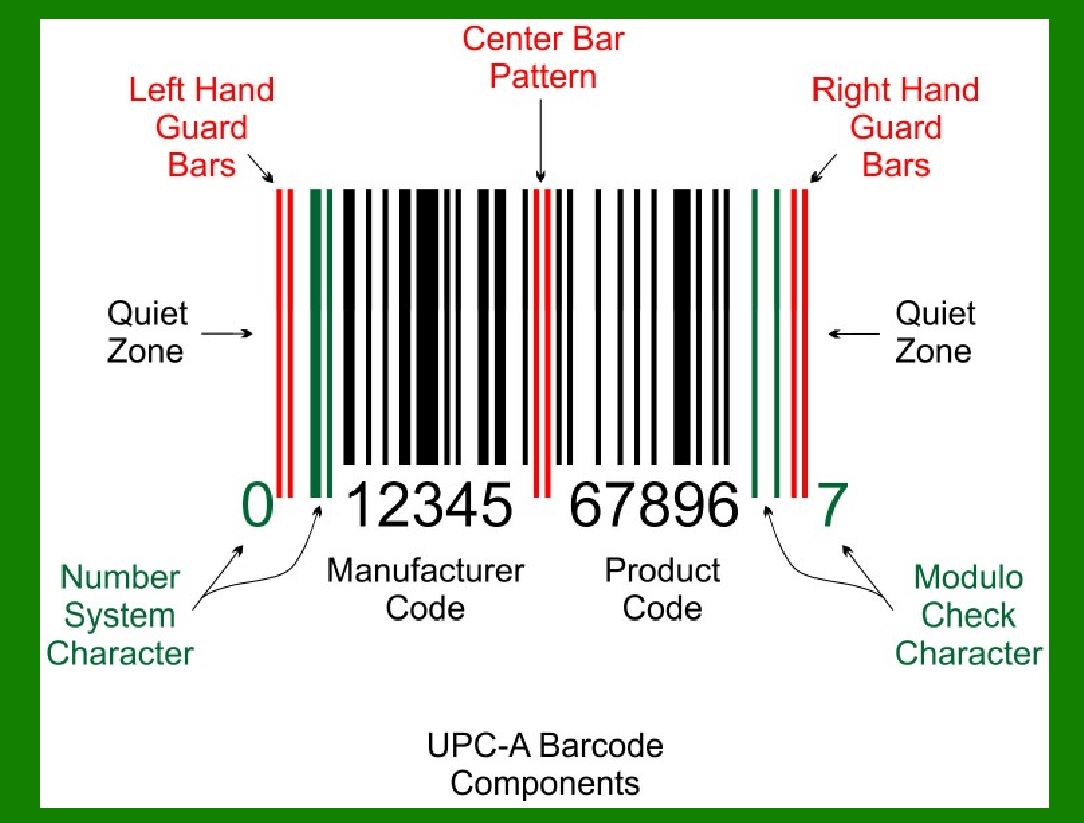
| Let's delve into its fascinating history: | In 1932, Wallace Flint proposed an automated checkout system using punched cards. | However, the real breakthrough came in 1949 when Bernard Silver and Norman Joseph Woodland, a graduate student from Drexel Institute of Technology, developed a bull's-eye-style code and applied for a patent. | In the 1960s and early 1970s, North American railroads experimented with multicolor bar codes for tracking railcars, but this system was eventually abandoned in favor of a radio-based system called Automatic Equipment Identification (AEI). | 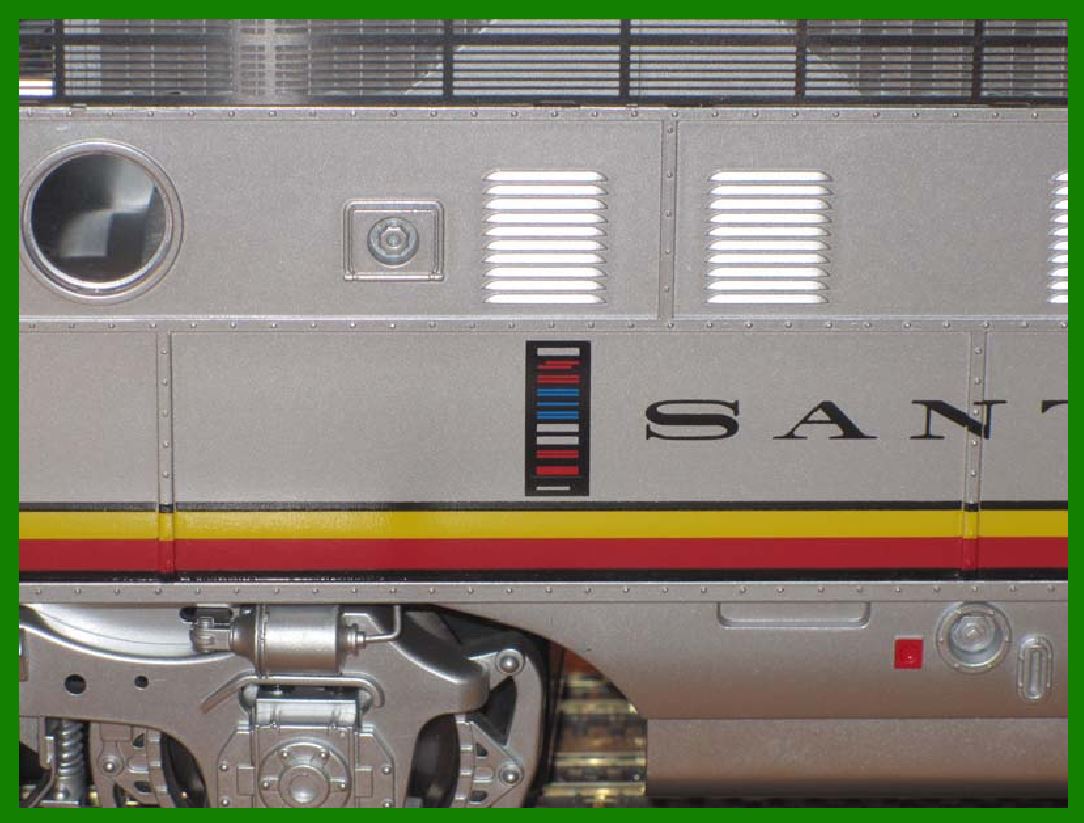
| In 1966, the National Association of Food Chains (NAFC) held a meeting on the idea of automated checkout systems. RCA, who had purchased the rights to the original Woodland patent, attended the meeting and initiated an internal project to develop a system based on the bullseye code. The Kroger grocery chain volunteered to test it. | In the mid-1970s, the NAFC established the Ad-Hoc Committee for U.S. Supermarkets on a Uniform Grocery-Product Code to set guidelines for barcode development. In addition, it created a symbol-selection subcommittee to help standardize the approach. In cooperation with consulting firm, McKinsey & Co., they developed a standardized 11-digit code for identifying products. The committee then sent out a contract tender to develop a barcode system to print and read the code. The request went to Singer, National Cash Register (NCR), Litton Industries, RCA, Pitney-Bowes, IBM and many others. A wide variety of barcode approaches was studied, including linear codes, RCA's bullseye concentric circle code, starburst patterns and others. | In July 1972, RCA began an 18-month test in a Kroger store in Cincinnati. Barcodes were printed on small pieces of adhesive paper, and attached by hand by store employees when they were adding price tags. The code proved to have a serious problem; the printers would sometimes smear ink, rendering the code unreadable in most orientations. However, a linear code, like the one being developed by Woodland at IBM, was printed in the direction of the stripes, so extra ink would simply make the code "taller" while remaining readable. So on 3 April 1973, the IBM UPC was selected as the NAFC standard. IBM had designed five versions of UPC symbology for future industry requirements: UPC A, B, C, D, and E. | 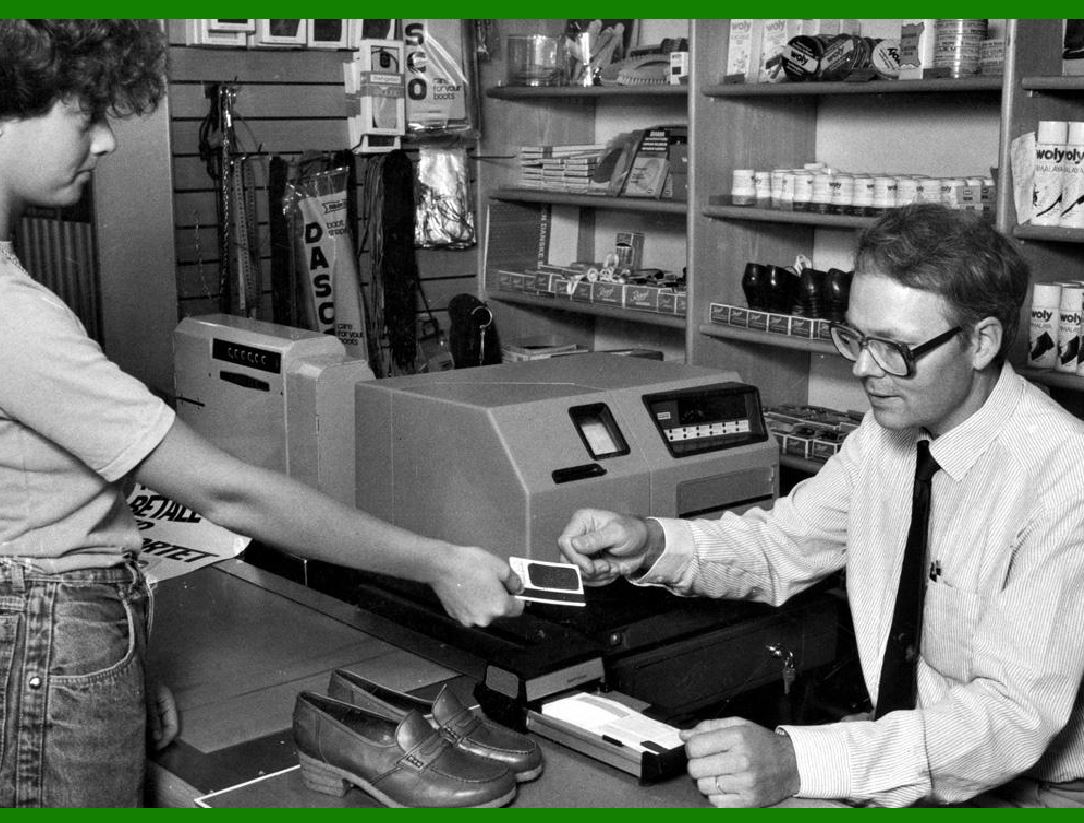
| In 1973, a group of trade associations from the grocery industry formed the Uniform Product Code Council (UPCC). With the help of consultants Larry Russell and Tom Wilson of McKinsey & Company, they defined the numerical format that became the foundation of the UPC. | Various technology firms proposed alternative symbol representations, but the IBM proposal designed by George J. Laurer was chosen, with a slight modification to the font in the human-readable area. | The first item ever to be scanned with a UPC code at a retail checkout was a 10-pack (50 sticks) of Wrigley's Juicy Fruit chewing gum, purchased at a Marsh supermarket in Troy, Ohio, at 8:01 a.m. on June 26, 1974. | 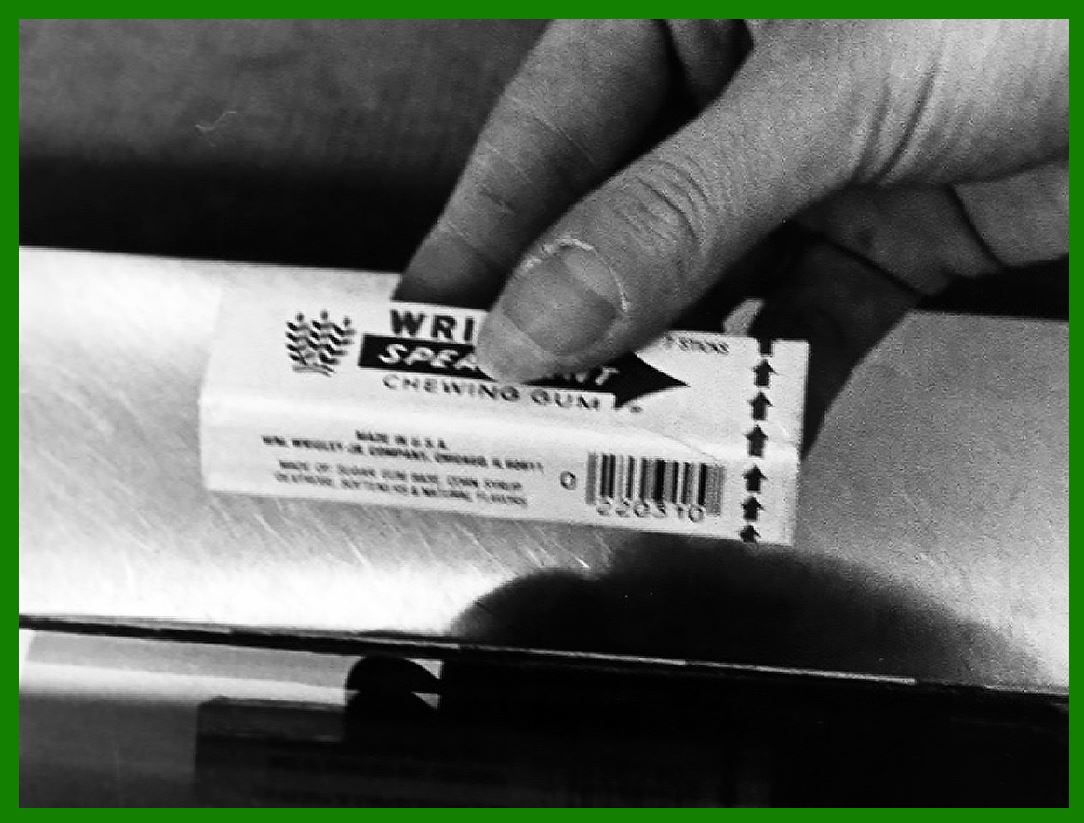
| In 1971, an IBM team was assembled for an intensive planning session, threshing out, 12 to 18 hours a day, how the technology would be deployed and operate cohesively across the system, and scheduling a roll-out plan. Yet, although this was achieved, there were still scanning machines in fewer than 200 grocery stores by 1977. | The usefulness of the barcode required the adoption of expensive scanners by a critical mass of retailers while manufacturers simultaneously adopted barcode labels. Neither wanted to move first and results were not promising for the first couple of years, with Business Week proclaiming "The Supermarket Scanner That Failed" in a 1976 article. | On the other hand, experience with barcode scanning in those stores revealed additional benefits. The detailed sales information acquired by the new systems allowed greater responsiveness to customer habits, needs and preferences. This was reflected in the fact that about 5 weeks after installing barcode scanners, sales in grocery stores typically started climbing and eventually leveled off at a 10–12% increase in sales that never dropped off. There was also a 1–2% decrease in operating cost for those stores, and this enabled them to lower prices and thereby to increase market share. It was shown in the field that the return on investment for a barcode scanner was 41.5%. By 1980, 8,000 stores per year were converting. | 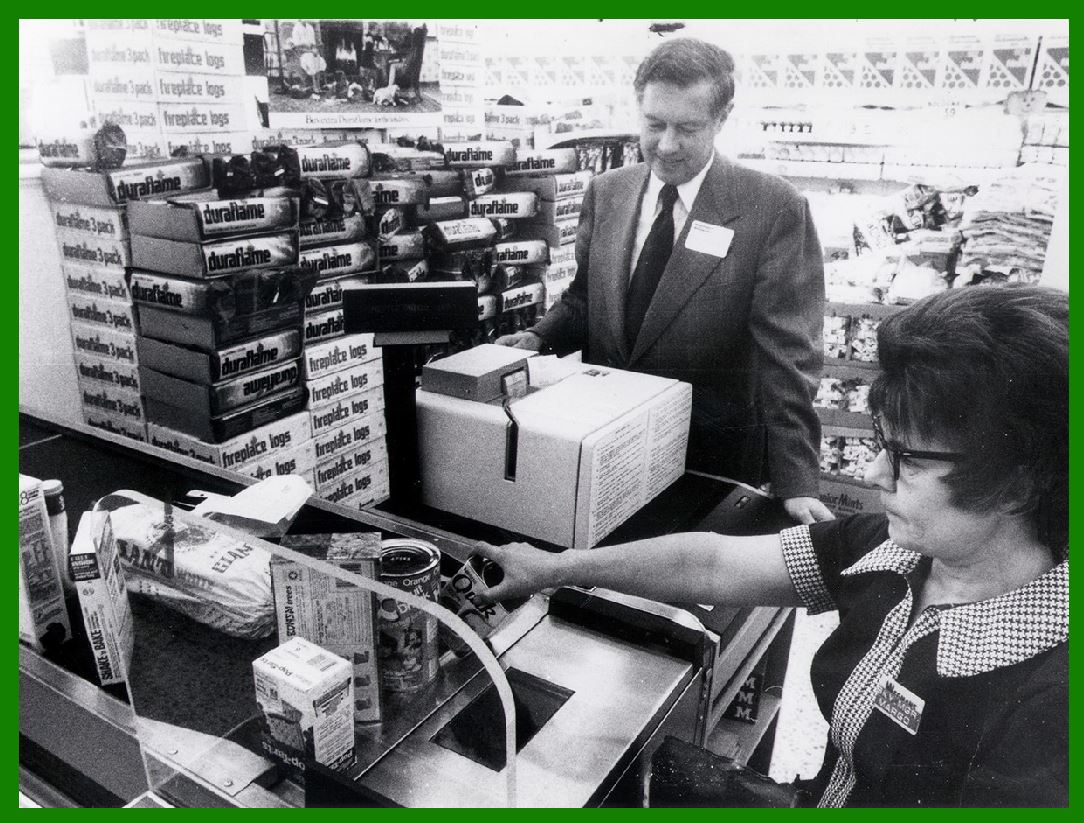
| Impact and Adoption: The UPC code system was initially created in the early 1970s to identify products and streamline the checkout process in grocery stores. Its success led to rapid adoption in other retail areas. The UPC code appeared on a pack of Wrigley's gum, marking the beginning of a transformative era in retail technology. |
|
 cs@easiersoft.com