Part 1: Overview of Direct Thermal Printing Technology |
1. Introduction to Direct Thermal Printing Technology |
1. Direct thermal printing technology is a widely used method in the field of barcode label printing, particularly valued for its simplicity, reliability, and cost-effectiveness. Unlike other printing technologies that rely on ink, toner, or ribbons, direct thermal printing produces images by selectively heating specially coated thermal paper. This process eliminates the need for consumables such as ink cartridges or thermal transfer ribbons, making it an attractive solution for many industrial and commercial applications. |
2. The fundamental principle behind direct thermal printing is based on thermochromism, a phenomenon in which certain materials change color when exposed to heat. In direct thermal printing, the printing medium—commonly referred to as thermal paper—contains a heat-sensitive chemical layer. When heat is applied by the printhead, this layer undergoes a chemical reaction that produces a visible image, typically in black or dark tones. |
3. Direct thermal printing has become a cornerstone technology in industries such as logistics, retail, healthcare, and transportation. It is especially prevalent in applications that require high-speed, on-demand printing of short-lived labels, such as shipping labels, receipts, tickets, and wristbands. |

|
2. Historical Development of Direct Thermal Printing |
1. The origins of thermal printing can be traced back to the mid-20th century, when researchers began exploring heat-sensitive materials for imaging applications. Early developments were driven by the need for compact, reliable printing systems in environments where traditional ink-based methods were impractical. |
2. In the 1960s and 1970s, thermal printing technology gained traction with the introduction of fax machines and early point-of-sale systems. These devices required fast and dependable printing mechanisms, which thermal printing could provide due to its minimal mechanical complexity. |
3. As barcode technology emerged and matured in the 1980s and 1990s, direct thermal printing became increasingly important. The ability to produce high-contrast, machine-readable barcodes quickly and efficiently made it a preferred choice for labeling systems in warehouses and retail environments. |
4. Over time, advancements in materials science and electronics significantly improved the performance of direct thermal printers. Enhanced thermal coatings, higher-resolution printheads, and better temperature control mechanisms contributed to improved image quality and durability. |

|
3. Fundamental Characteristics of Direct Thermal Printing |
1. One of the defining characteristics of direct thermal printing is its simplicity. The absence of ink, toner, or ribbon reduces the number of moving parts and consumables, resulting in lower maintenance requirements and reduced operational costs. |
2. Direct thermal printers are typically compact and lightweight, making them suitable for both stationary and mobile applications. Portable thermal printers are commonly used in field operations, such as delivery services and mobile ticketing. |
3. The printing process is quiet compared to impact printing methods, as it does not involve mechanical striking of the paper. This makes direct thermal printers suitable for environments where noise reduction is important, such as offices and healthcare facilities. |
4. Another key characteristic is speed. Direct thermal printers can produce labels rapidly, which is essential in high-volume environments like distribution centers and retail checkout counters. |
5. However, direct thermal printing is generally limited to monochrome output, usually black on a white or light-colored background. While some variations exist, full-color printing is not feasible with this technology. |

|
4. Comparison with Other Printing Technologies |
1. Direct thermal printing is often compared with thermal transfer printing, another heat-based printing method. While both use thermal printheads, thermal transfer printing requires a ribbon to transfer ink onto the label surface, whereas direct thermal printing does not. |
2. Inkjet and laser printing technologies rely on entirely different mechanisms involving liquid ink or toner particles. These methods are more suitable for high-resolution color printing but are generally more complex and costly for label printing applications. |
3. Impact printing technologies, such as dot matrix printers, use mechanical force to transfer ink onto paper. Although durable and capable of printing on multi-part forms, they are slower and noisier compared to direct thermal printers. |
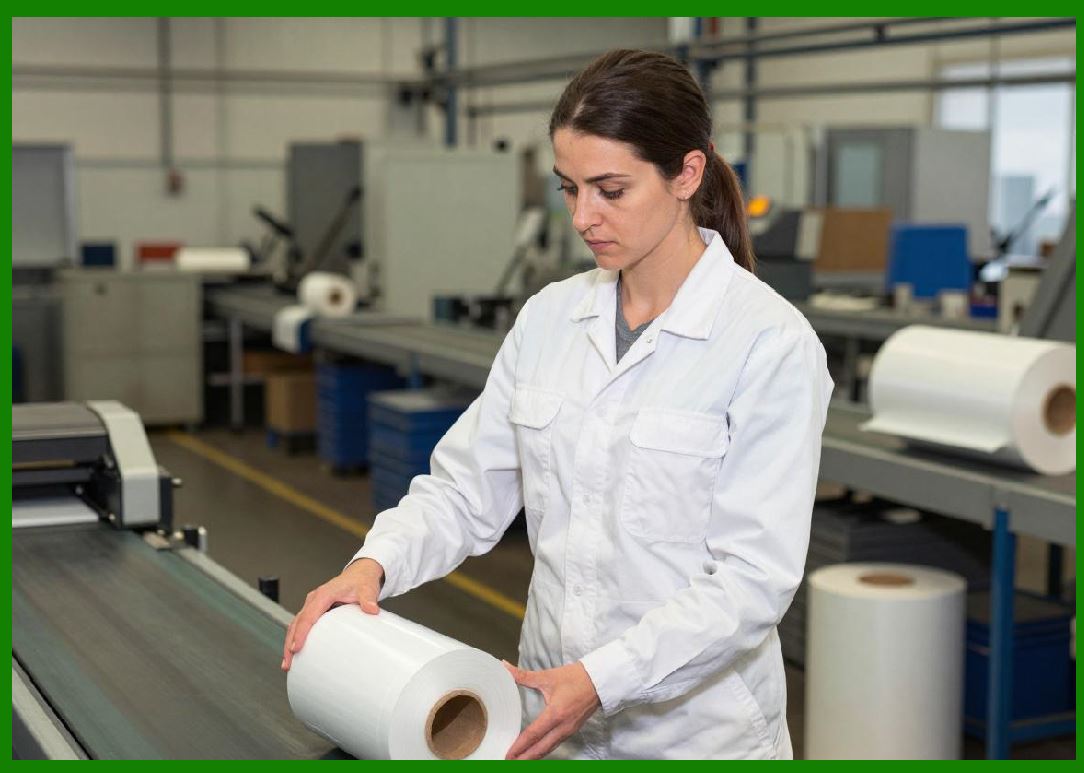
4. The choice between these technologies depends on factors such as application requirements, cost constraints, durability needs, and environmental conditions. |
|
5. Structure of a Direct Thermal Printing System |
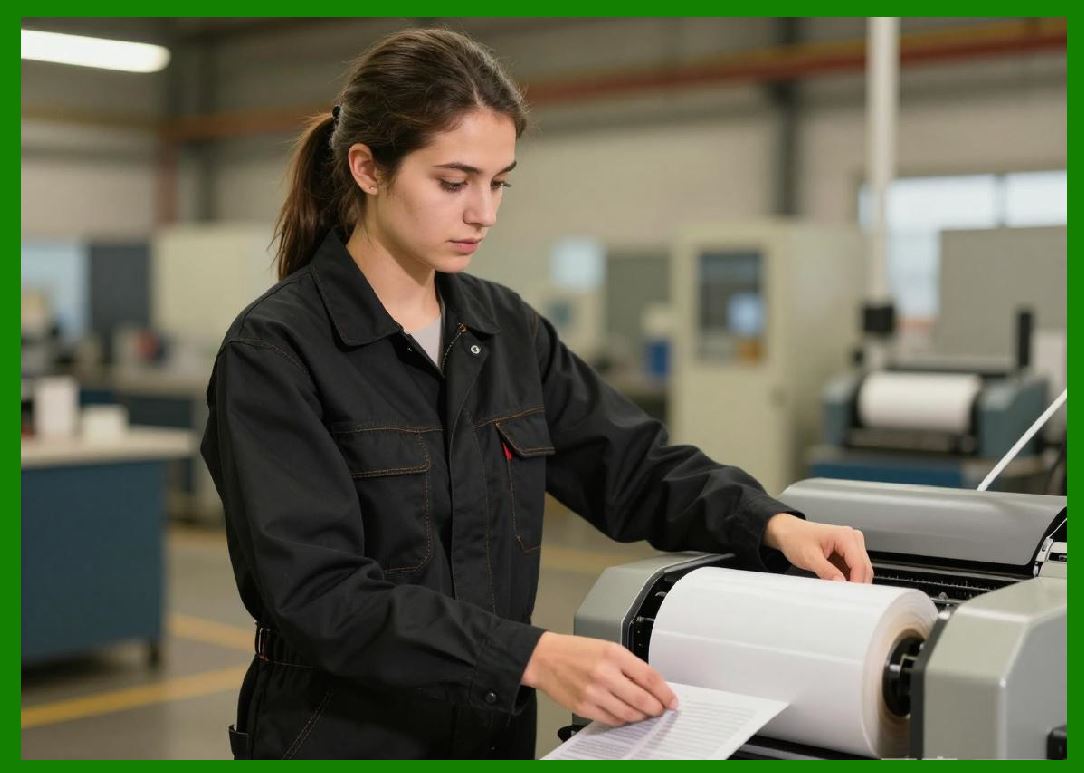
1. A typical direct thermal printing system consists of several key components, including the thermal printhead, platen roller, control electronics, and the thermal paper itself. |
2. The thermal printhead is the core component responsible for generating heat. It contains an array of tiny heating elements that can be individually controlled to create precise patterns corresponding to the desired image. |
3. The platen roller serves to press the thermal paper against the printhead, ensuring consistent contact and even heat distribution during printing. |
4. Control electronics manage the operation of the printhead, including temperature regulation, timing, and data processing. These systems convert digital input data into signals that activate specific heating elements. |
5. The thermal paper acts as both the medium and the imaging surface. Its special coating reacts to heat, producing the final printed image. |
|
6. Types of Direct Thermal Printers |
1. Direct thermal printers come in various forms, each designed for specific applications. Desktop printers are commonly used in offices and retail environments for low to medium-volume printing. |
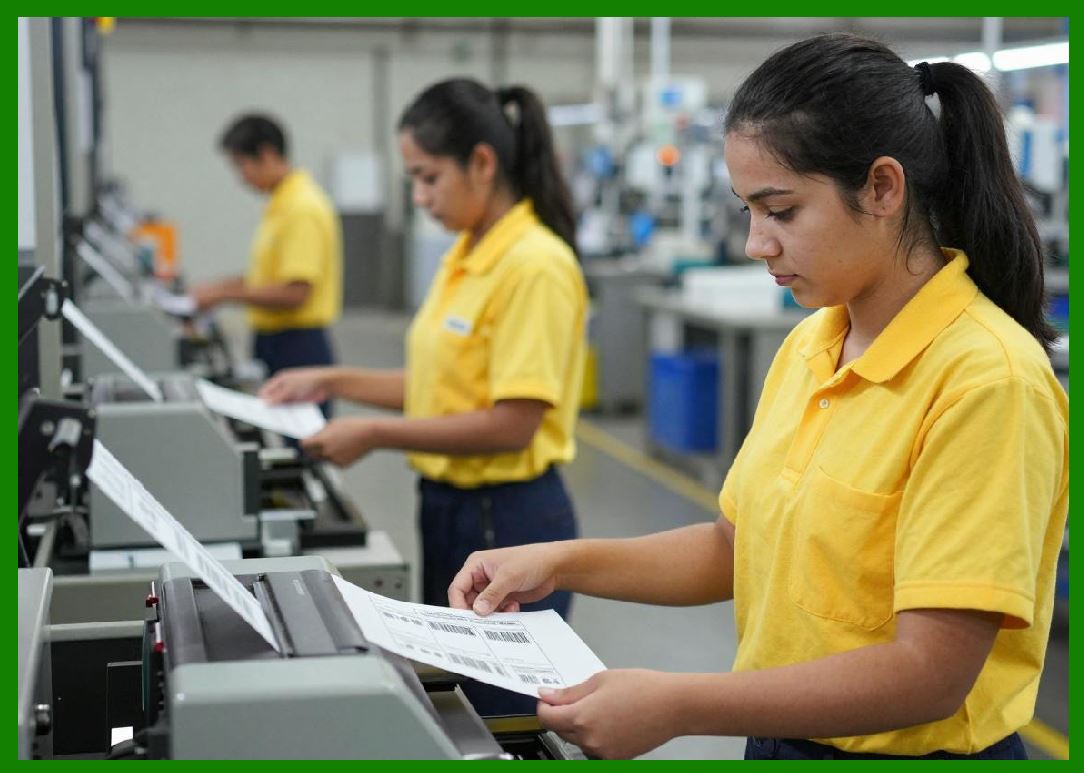
2. Industrial direct thermal printers are built for high-volume operations, such as manufacturing and logistics. They are designed to withstand harsh environments and continuous use. |
3. Mobile direct thermal printers are compact, battery-powered devices used in field applications. These printers enable on-the-go printing for delivery drivers, service technicians, and event staff. |
4. Kiosk printers are integrated into self-service machines, such as ticketing systems and ATMs. They are designed for unattended operation and high reliability. |
|
7. Application Domains of Direct Thermal Printing |
1. In the retail sector, direct thermal printers are widely used for printing receipts, price labels, and shelf tags. Their speed and low cost make them ideal for point-of-sale systems. |
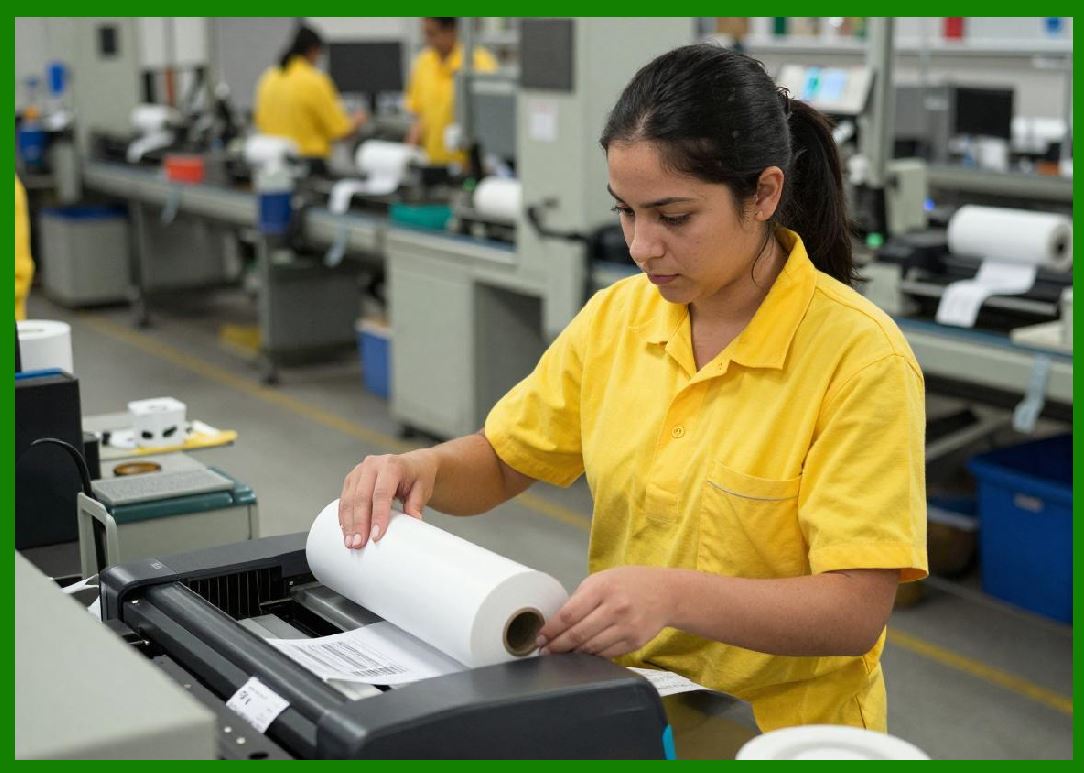
2. In logistics and supply chain management, direct thermal printing is essential for generating shipping labels, tracking labels, and barcode identifiers. These labels are typically used for short durations, aligning well with the characteristics of thermal printing. |
3. Healthcare facilities use direct thermal printers for patient wristbands, specimen labels, and medication labeling. The ability to produce clear, scannable barcodes quickly is critical in these environments. |
4. Transportation and ticketing systems rely on direct thermal printing for boarding passes, event tickets, and parking receipts. The technology supports high-throughput operations with minimal maintenance. |
|
8. Advantages of Direct Thermal Printing Technology |
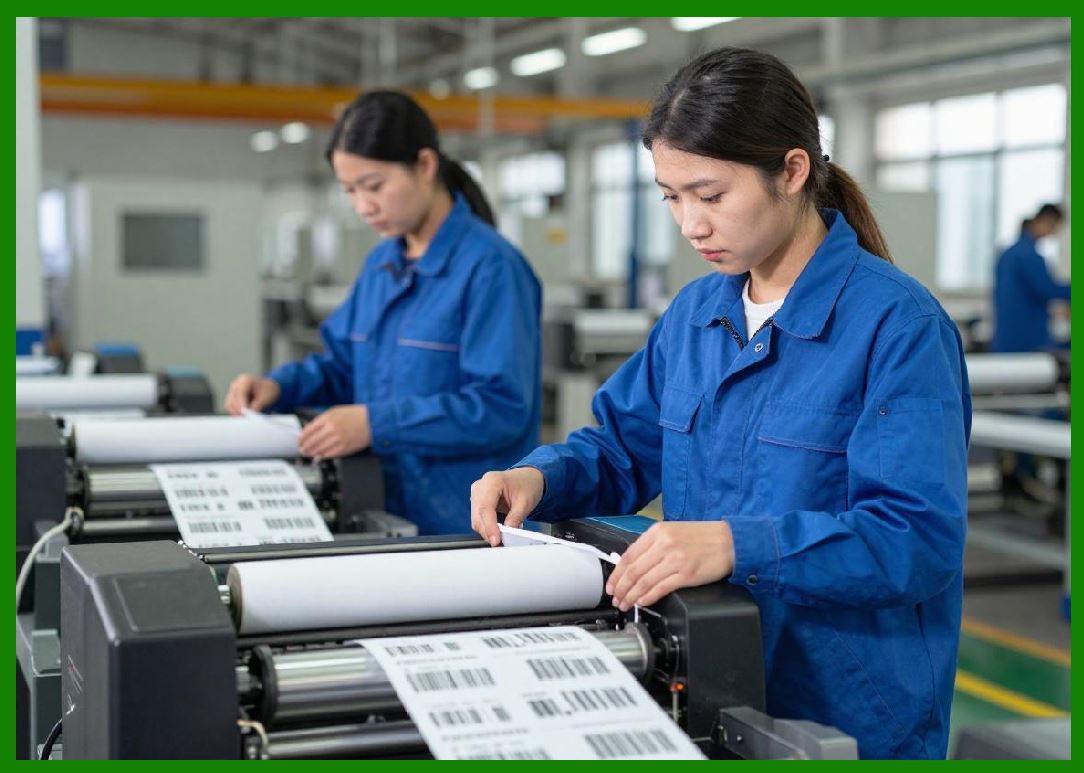
1. One of the primary advantages is cost efficiency. The elimination of ink and ribbons reduces both initial setup costs and ongoing expenses. |
2. Maintenance requirements are minimal due to the reduced number of mechanical components. This leads to increased reliability and lower downtime. |
3. The technology offers high-speed printing, which is essential for time-sensitive applications. |
4. Direct thermal printers are easy to operate and integrate into existing systems, making them accessible for a wide range of users. |
|
9. Limitations and Constraints |
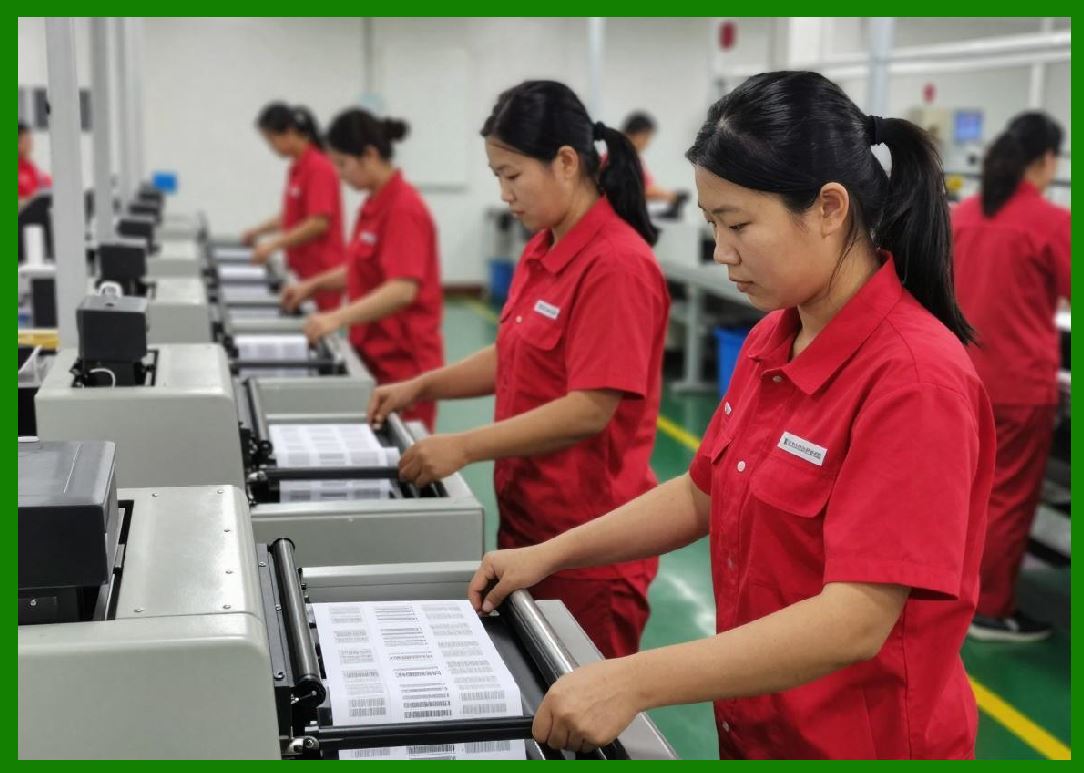
1. Despite its advantages, direct thermal printing has certain limitations. The most significant is the limited durability of printed images. Exposure to heat, light, and chemicals can cause the image to fade over time. |
2. Thermal paper is more expensive than standard paper due to its coating. |
3. The technology is not suitable for long-term labeling applications where durability is critical. |
4. Printheads are sensitive components that can wear out over time, especially if low-quality paper is used. |
|
10. Role in Modern Barcode Label Printing |
1. Direct thermal printing plays a crucial role in modern barcode systems. Its ability to produce high-contrast, machine-readable barcodes quickly makes it indispensable in automated identification and data capture systems. |
2. The technology supports a wide range of barcode symbologies, including linear and two-dimensional codes. |
3. Integration with software systems allows for dynamic label generation, enabling real-time data printing in various operational contexts. |

|
Technical Content Summary of Part 1 |
This part provided a comprehensive overview of direct thermal printing technology, focusing on its fundamental concepts, historical evolution, and core characteristics. It explained how thermochromic materials enable image formation without the need for ink or ribbons, highlighting the simplicity and efficiency of the process. The discussion covered key system components such as the thermal printhead, platen roller, and control electronics, as well as different types of direct thermal printers including desktop, industrial, mobile, and kiosk models. |
Additionally, this section direct thermal printing with other technologies like thermal transfer, inkjet, and impact printing, emphasizing its unique advantages and limitations. Major application areas such as retail, logistics, healthcare, and transportation were explored, demonstrating the widespread adoption of this technology. Finally, the role of direct thermal printing in barcode label production was examined, underscoring its importance in modern data capture and identification systems. |
 cs@easiersoft.com