Part 14: Advanced Calibration and Print Quality Optimization Systems |
1. Introduction to Calibration in Direct Thermal Printing |
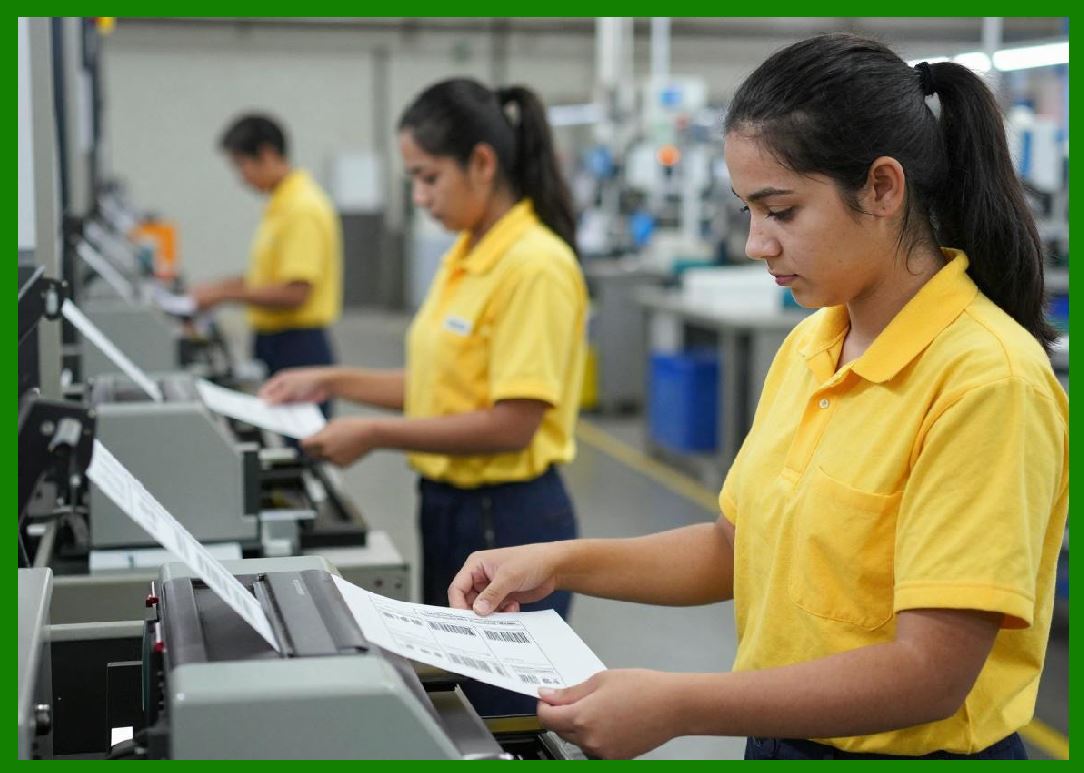
1. Calibration in direct thermal printing refers to the systematic adjustment of mechanical, electrical, and thermal parameters to ensure consistent, accurate, and repeatable print output under varying conditions. |
2. Unlike static systems, direct thermal printers operate in dynamic environments where temperature, humidity, media type, and print volume continuously change. Calibration systems compensate for these variations in real time or through periodic adjustment. |
3. Advanced calibration is essential for maintaining barcode readability, uniform density, and geometric accuracy across high-speed printing operations. |
|
2. Types of Calibration Systems |
1. Direct thermal printers typically use three main categories of calibration: thermal calibration, mechanical calibration, and optical calibration. |
2. Thermal calibration focuses on controlling heat output from the printhead to ensure consistent chemical activation of the thermal coating. |
3. Mechanical calibration ensures precise alignment between the printhead, platen roller, and paper feed system. |
4. Optical calibration uses sensors to evaluate printed output quality and adjust system parameters accordingly. |
5. These calibration layers work together to maintain stable performance across different operating conditions. |

|
3. Thermal Calibration and Energy Mapping |
1. Thermal calibration is responsible for adjusting the energy delivered to each heating element in the printhead. |
2. Different thermal papers have different sensitivity levels, requiring different energy input for optimal image formation. |
3. Energy mapping systems create a model of how much heat is needed to produce consistent optical density across the print width. |
4. Compensation algorithms adjust pulse duration and intensity based on temperature feedback and media characteristics. |
5. This ensures that printing remains stable even as environmental or material conditions change. |

|
4. Printhead Temperature Compensation |
1. Printhead temperature has a direct impact on print quality because it affects how much additional energy is needed to trigger the chemical reaction in the thermal coating. |
2. As the printhead heats up during continuous operation, less additional energy is required to produce the same image density. |
3. Calibration systems continuously monitor printhead temperature and adjust power output dynamically. |
4. Without compensation, print output would gradually darken or become inconsistent during long print jobs. |
5. This closed-loop control is essential for high-duty cycle industrial printing environments. |

|
5. Mechanical Alignment Calibration |
1. Mechanical calibration ensures precise spatial alignment between the printhead and thermal paper. |
2. Misalignment can cause distorted barcodes, uneven print density, or incomplete image formation. |
3. Calibration routines adjust pressure distribution across the platen roller to ensure uniform contact. |
4. Paper feed accuracy is also calibrated to ensure consistent line spacing between printed rows. |
5. High-precision stepper motor control is essential for maintaining alignment stability over time. |

|
6. Paper Feed Calibration and Motion Control |
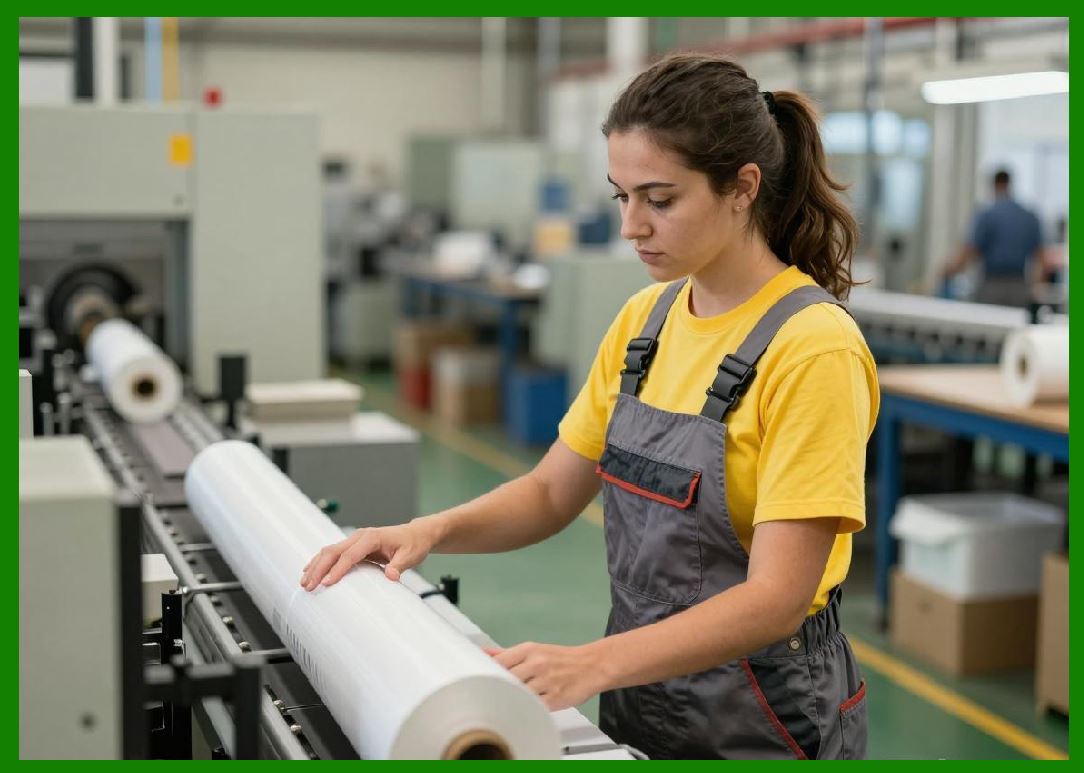
1. The paper feed system must maintain exact movement increments corresponding to print resolution. |
2. Calibration ensures that each paper advance matches the vertical dot spacing of the printhead. |
3. Any deviation can result in vertical stretching, compression, or misaligned barcode structures. |
4. Motion control systems use feedback from encoders to verify actual movement against expected movement. |
5. Adaptive correction algorithms compensate for mechanical wear and environmental variation. |
|
7. Optical Calibration and Print Quality Detection |
1. Optical calibration uses sensors to evaluate printed output in real time or during diagnostic cycles. |
2. These systems measure parameters such as optical density, contrast uniformity, and edge sharpness. |
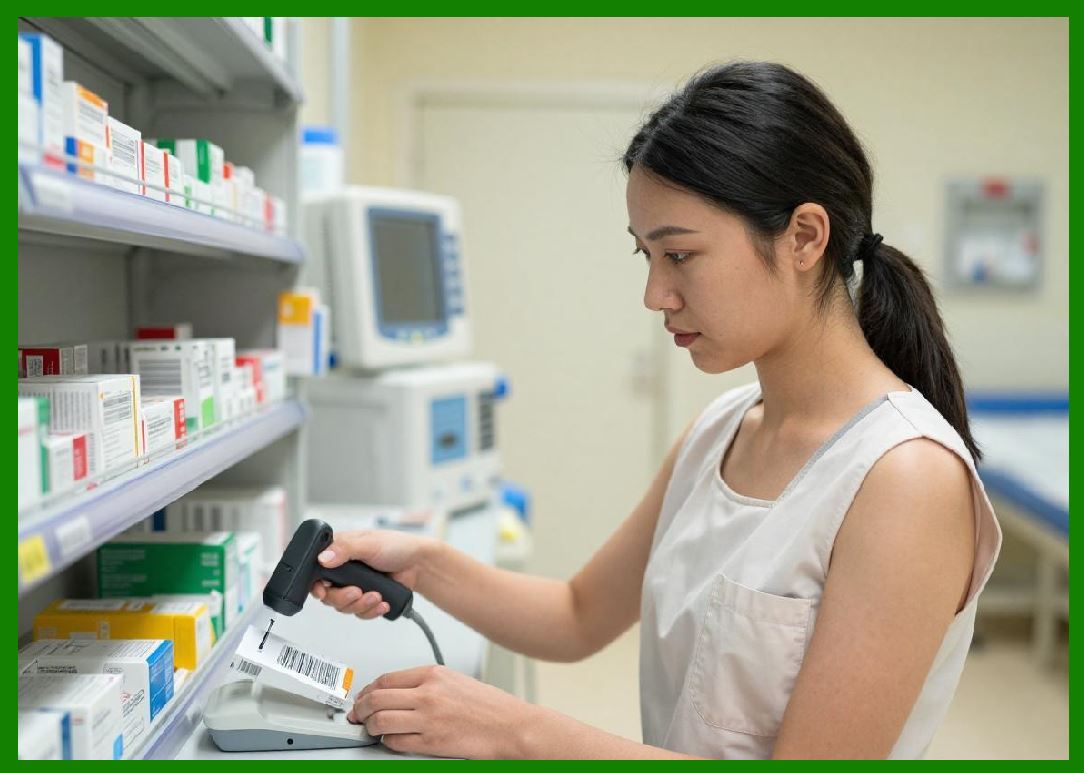
3. Some advanced printers include built-in optical scanners that can verify barcode readability immediately after printing. |
4. Detected deviations are used to adjust thermal energy or mechanical parameters automatically. |
5. This creates a self-correcting system that maintains consistent output quality. |
|
8. Closed-Loop Feedback Systems |
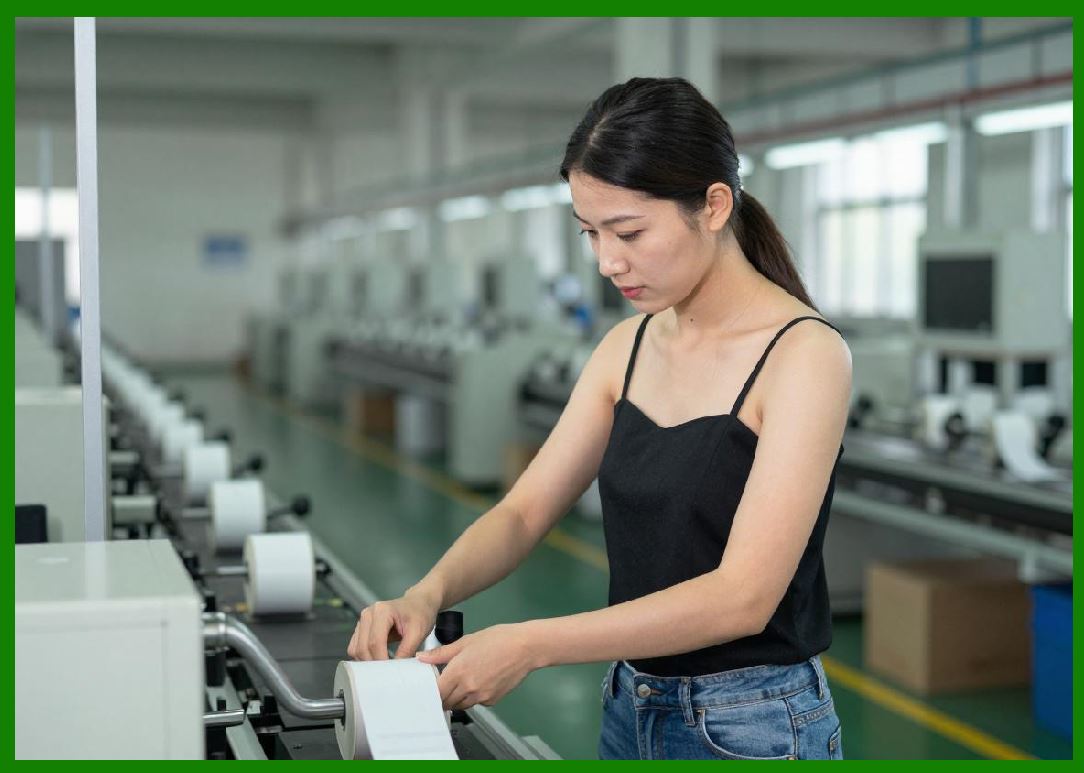
1. Modern direct thermal printers increasingly rely on closed-loop feedback systems for calibration and optimization. |
2. In a closed-loop system, output data is continuously monitored and used to adjust input parameters dynamically. |
3. This includes feedback from temperature sensors, motion encoders, and optical detectors. |
4. The system continuously converges toward optimal printing conditions without manual intervention. |
5. Closed-loop control significantly improves stability in variable operating environments. |
|
9. Adaptive Print Density Control |
1. Print density refers to how dark or light the printed output appears. |
2. Adaptive control systems adjust print density based on media type, environmental conditions, and usage context. |
3. For example, faster print speeds may require increased energy to maintain density consistency. |
4. Conversely, highly sensitive thermal paper requires reduced energy to prevent over-darkening. |
5. Adaptive algorithms ensure consistent visual output across all conditions. |

|
10. Environmental Compensation Algorithms |
1. Environmental factors such as ambient temperature and humidity have a direct impact on thermal reaction behavior. |
2. Calibration systems incorporate environmental sensors to detect these conditions in real time. |
3. Compensation algorithms adjust thermal energy output to maintain consistent image formation. |
4. For example, in cold environments, more energy may be required to reach activation thresholds. |
5. In hot environments, energy input is reduced to prevent overreaction and background darkening. |

|
11. Media Type Recognition and Auto-Calibration |
1. Modern printers can automatically detect the type of thermal media being used. |
2. This is achieved through pre-defined media profiles or sensor-based detection systems. |
3. Once media type is identified, the printer loads corresponding calibration parameters. |
4. These parameters include optimal heat settings, speed limits, and density curves. |
5. Auto-calibration reduces user error and improves consistency across different media batches. |

|
12. Calibration for Barcode Accuracy |
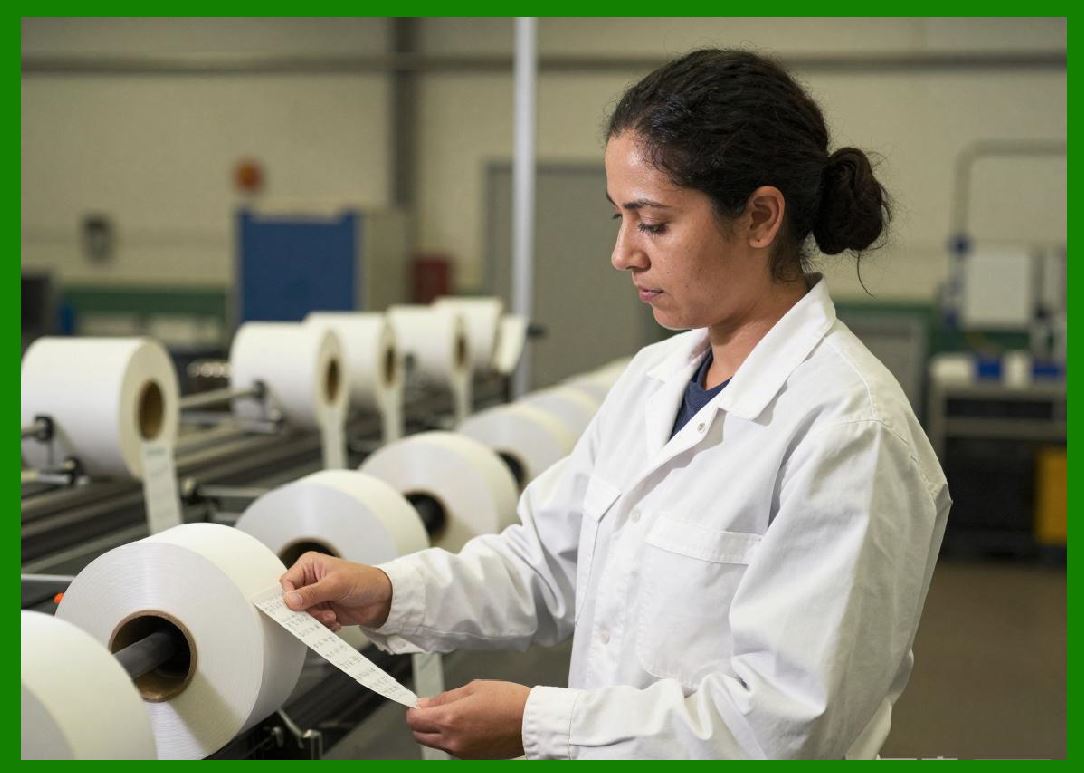
1. Barcode printing requires extremely precise calibration because even minor distortions can render codes unreadable. |
2. Calibration systems ensure correct module width, spacing, and edge sharpness. |
3. Optical verification systems validate barcode compliance with industry standards such as ISO/IEC grading metrics. |
4. If errors are detected, the system automatically adjusts print parameters and reprints if necessary. |
5. This is critical in logistics, healthcare, and manufacturing traceability systems. |
|
13. Long-Term Drift Compensation |
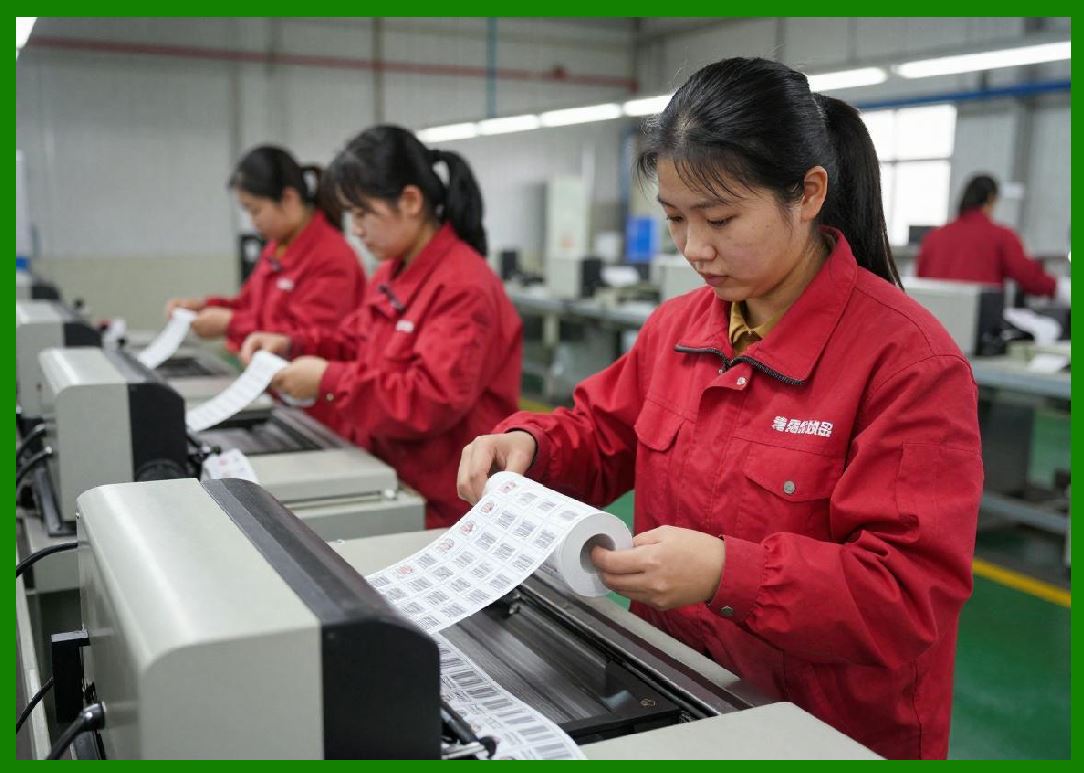
1. Over time, printer components experience gradual drift due to wear and environmental exposure. |
2. Calibration systems compensate for this drift by periodically recalibrating baseline parameters. |
3. Printhead aging, roller wear, and sensor drift are all accounted for in long-term optimization models. |
4. Some systems use historical data trends to predict and preemptively correct drift. |
5. This extends the operational lifespan of the printer while maintaining consistent output quality. |
|
14. Firmware-Based Optimization Systems |
1. Firmware plays a central role in managing calibration and optimization processes. |
2. Embedded algorithms control thermal output, motion timing, and sensor interpretation in real time. |
3. Firmware updates often include improved calibration models based on field performance data. |
4. Machine learning techniques are increasingly being used to refine calibration accuracy. |
5. This enables printers to improve performance over time rather than degrade. |

|
15. Summary of Calibration Engineering |
1. Advanced calibration systems in direct thermal printing are essential for ensuring accuracy, consistency, and reliability across variable conditions. |
2. They integrate thermal, mechanical, optical, and environmental feedback into a unified control system. |
3. These systems transform direct thermal printers from simple output devices into intelligent, self-adjusting machines. |

|
Technical Content Summary of Part 14 |
This part explored advanced calibration and print quality optimization systems in direct thermal printing technology. It covered thermal calibration, mechanical alignment, paper feed accuracy, and optical quality verification systems. |
The section explained how closed-loop feedback mechanisms continuously adjust system parameters based on sensor data, ensuring consistent print quality across varying conditions. Adaptive print density control, environmental compensation, and media recognition systems were also discussed. |
Additionally, the role of firmware in calibration optimization and long-term drift compensation was analyzed, highlighting how modern printers maintain performance stability over time. |
Overall, this part demonstrated that calibration is a multi-layered intelligent process combining hardware sensing, software control, and adaptive optimization to achieve high-precision printing output. |
 cs@easiersoft.com