Part 18: System Optimization Algorithms and Intelligent Printing Control Logic |
1. Introduction to Intelligent Control in Direct Thermal Printing |
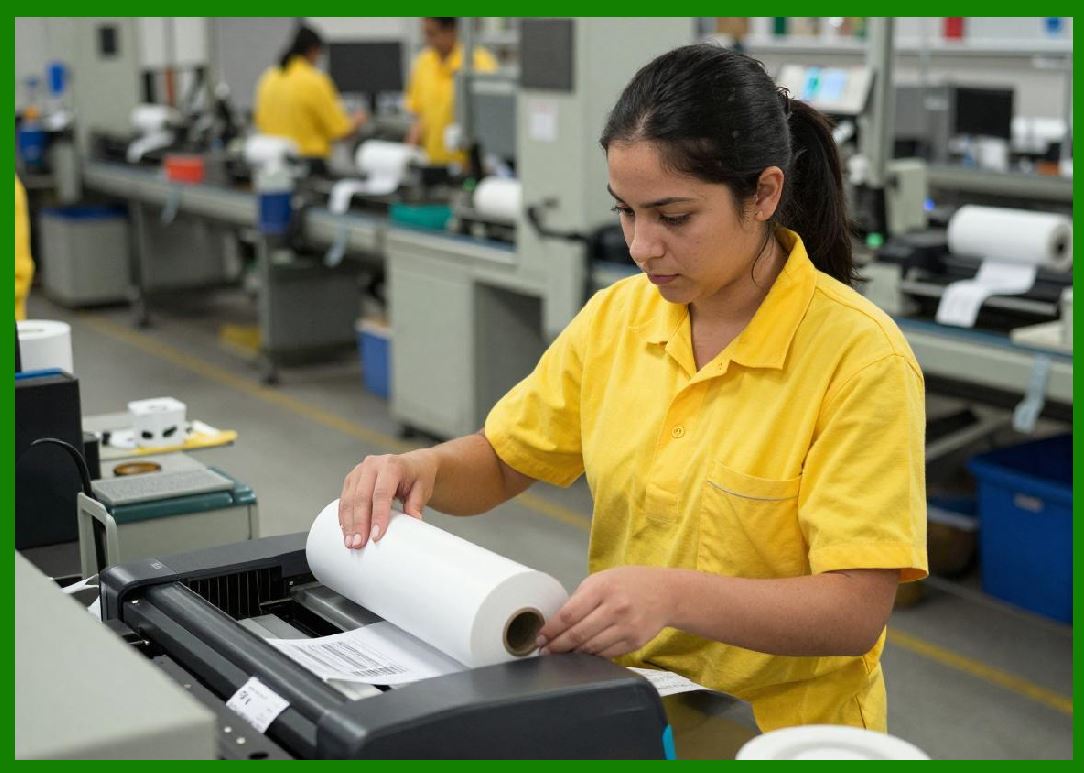
1. Modern direct thermal printing systems are no longer purely hardware-driven devices; they rely heavily on embedded software algorithms that continuously optimize printing performance. |
2. These algorithms coordinate thermal energy delivery, mechanical motion, media characteristics, and environmental feedback to achieve stable, high-quality output. |
3. The goal of intelligent control logic is to transform a variable physical system into a predictable, self-correcting printing process. |
|
2. Core Control System Architecture |
1. The control system in a direct thermal printer typically operates in layered architecture: low-level hardware control, mid-level motion and thermal regulation, and high-level job management. |
2. Low-level control handles direct activation of printhead heating elements and motor drivers. |
3. Mid-level control manages synchronization between paper feed, print timing, and thermal energy modulation. |
4. High-level control processes print jobs, interprets data formats, and applies optimization rules. |
5. These layers interact continuously to maintain real-time system stability. |

|
3. Raster Image Processing and Data Transformation |
1. Before printing, digital data must be converted into a rasterized dot pattern compatible with the printhead resolution. |
2. Raster Image Processing (RIP) algorithms map vector or bitmap data into a matrix of individual heating commands. |
3. This process includes scaling, dithering, error diffusion, and alignment correction. |
4. High-quality RIP algorithms are essential for producing sharp text, accurate barcodes, and smooth graphics. |
5. Any errors in rasterization directly translate into physical print defects. |

|
4. Dithering and Grayscale Simulation |
1. Since most direct thermal systems are monochrome, grayscale images are simulated using spatial dithering techniques. |
2. Dithering algorithms distribute black and white dots in patterns that create the perception of intermediate tones. |
3. Common techniques include ordered dithering and error diffusion methods such as Floyd-steinberg. |
4. The choice of algorithm affects both visual quality and machine readability of printed content. |
5. In barcode applications, dithering is typically minimized to preserve structural integrity. |

|
5. Thermal Energy Optimization Algorithms |
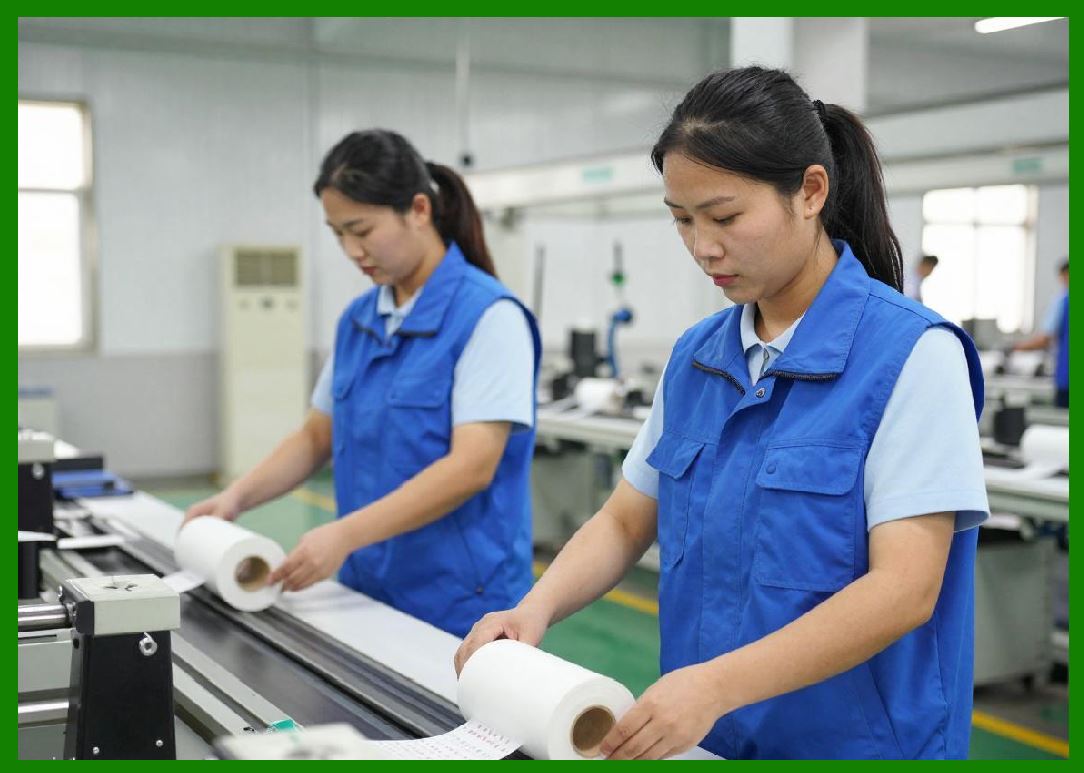
1. One of the most critical optimization tasks is controlling how much energy is delivered to each pixel. |
2. Algorithms adjust pulse width, intensity, and timing based on media sensitivity and environmental conditions. |
3. Energy optimization ensures consistent optical density while preventing overheating or underexposure. |
4. Adaptive control models use feedback from previous print cycles to refine energy distribution. |
5. This results in stable output even under changing operational conditions. |
|
6. Dynamic Print Speed Regulation |
1. Print speed is not fixed; it is dynamically adjusted based on system conditions and print complexity. |
2. High-density images require slower printing to ensure sufficient thermal activation time. |
3. Low-density or simple text outputs can be printed at higher speeds. |
4. Algorithms continuously evaluate workload complexity and adjust motor speed accordingly. |
5. This balancing mechanism improves both throughput and print quality. |

|
7. Feedback Loop Control Systems |
1. Feedback loops are essential for maintaining stability in direct thermal printing systems. |
2. Sensors provide real-time data on temperature, paper position, and system status. |
3. Control algorithms compare actual output with expected behavior and apply corrections. |
4. This closed-loop system reduces drift and compensates for mechanical or thermal variability. |
5. Feedback control is fundamental to modern high-precision printing systems. |

|
8. Predictive Optimization and Machine Learning Models |
1. Advanced systems increasingly incorporate predictive algorithms to anticipate system behavior. |
2. Machine learning models analyze historical print data to predict optimal settings for new jobs. |
3. These models can identify patterns in printhead wear, media variability, and environmental influence. |
4. Predictive optimization reduces trial-and-error calibration and improves efficiency. |
5. Over time, systems become more accurate as they accumulate operational data. |

|
9. Adaptive Media Profiling |
1. Different thermal media types require different printing parameters. |
2. Adaptive profiling systems store configuration profiles for various media categories. |
3. When a new media type is detected, the system automatically loads corresponding parameters. |
4. These profiles include energy curves, speed limits, and density compensation settings. |
5. This reduces user intervention and ensures consistent output quality. |

|
10. Error Correction and Print Compensation Logic |
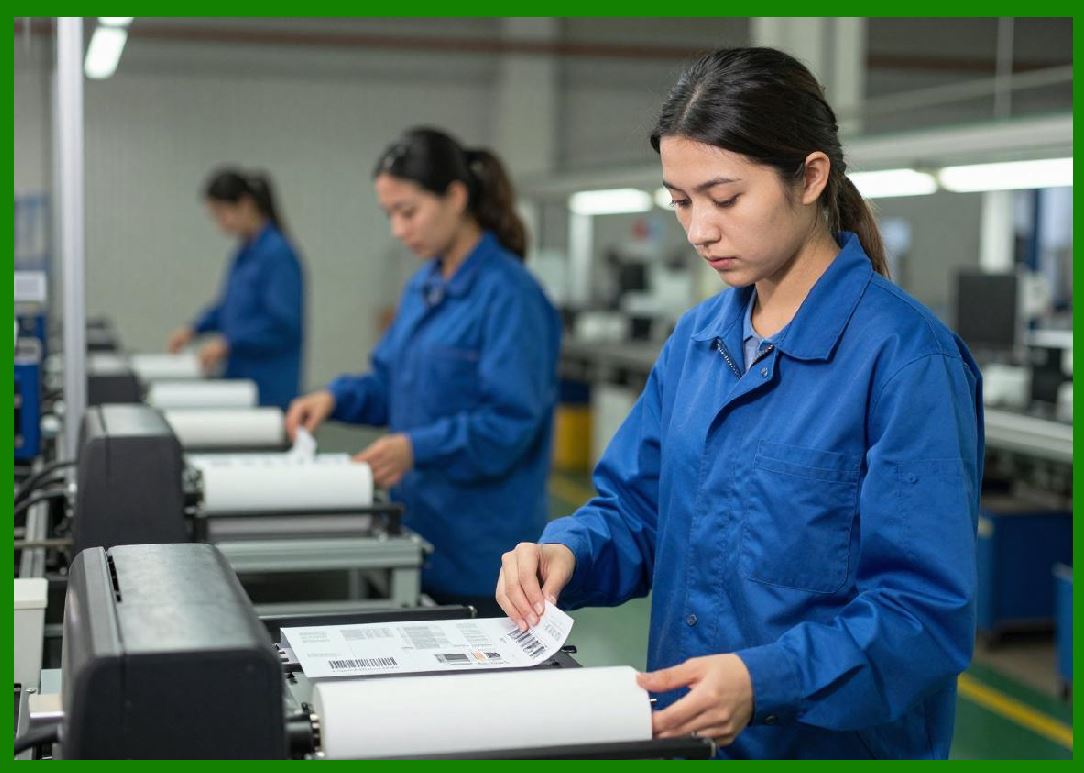
1. Printing errors such as missing dots, misalignment, or density variation can occur due to hardware limitations. |
2. Compensation algorithms detect and correct these errors in real time. |
3. Techniques include pixel redundancy, line reprinting, and adaptive contrast adjustment. |
4. In barcode printing, compensation logic is carefully constrained to avoid distorting machine-readable structures. |
5. The goal is to minimize visible and functional defects without compromising speed. |
|
11. Motion Synchronization Algorithms |
1. Precise synchronization between paper movement and printhead activation is essential for image accuracy. |
2. Motion control algorithms coordinate stepper motors with thermal firing sequences. |
3. Any timing mismatch can result in vertical distortion or pixel misalignment. |
4. Encoder feedback systems help verify actual motion against expected motion. |
5. Real-time correction ensures consistent spatial accuracy across long print jobs. |

|
12. Environmental Adaptation Logic |
1. Intelligent printing systems adjust behavior based on environmental conditions such as temperature and humidity. |
2. Temperature affects both printhead performance and media reaction speed. |
3. Humidity influences paper transport behavior and thermal sensitivity. |
4. Adaptive logic modifies energy output and speed to compensate for these variables. |
5. This ensures stable output across diverse operating environments. |

|
13. System Load Balancing in Multi-Printer Networks |
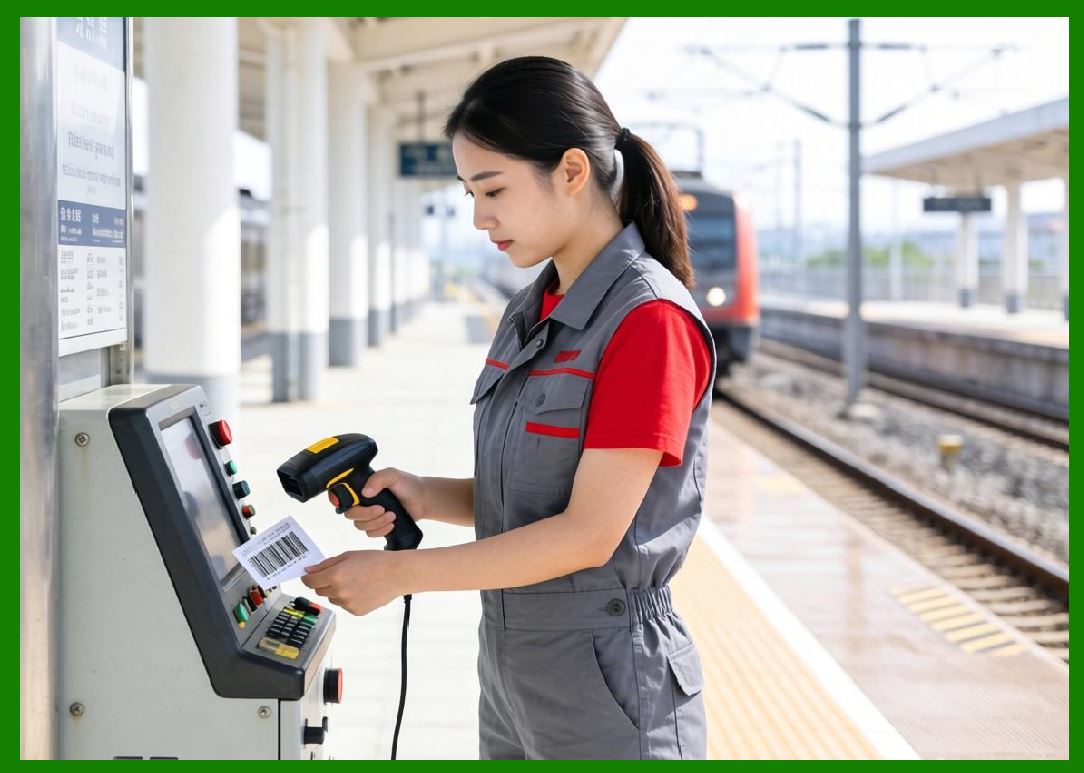
1. In large deployments, optimization extends beyond individual printers to entire printer networks. |
2. Load balancing algorithms distribute print jobs based on device availability, speed, and workload. |
3. This prevents bottlenecks and ensures efficient resource utilization. |
4. Failover logic reroutes jobs when a printer becomes unavailable. |
5. Network-level optimization is critical in high-volume logistics operations. |
|
14. Real-Time Diagnostics and Self-Healing Systems |
1. Modern printers include diagnostic algorithms that continuously evaluate system health. |
2. These systems detect anomalies such as overheating, sensor failure, or print quality degradation. |
3. Self-healing logic can automatically adjust parameters to compensate for minor faults. |
4. In some cases, systems can isolate faulty components and continue operating in reduced capacity mode. |
5. This improves uptime and reduces maintenance intervention. |
|
15. Summary of Intelligent Control Systems |
1. Intelligent control logic transforms direct thermal printing from a mechanical process into a dynamic, adaptive system. |
2. Through optimization algorithms, feedback loops, predictive models, and environmental adaptation, printers maintain consistent output under variable conditions. |
3. These systems are essential for achieving high reliability, scalability, and precision in modern industrial printing environments. |

|
Technical Content Summary of Part 18 |
This part explored system optimization algorithms and intelligent control logic in direct thermal printing systems. It covered raster image processing, dithering techniques, thermal energy optimization, and dynamic print speed regulation. |
The section explained how feedback loops, predictive machine learning models, and adaptive media profiling contribute to system stability and performance. It also detailed motion synchronization, error correction mechanisms, environmental adaptation, and multi-printer load balancing strategies. |
Additionally, real-time diagnostics and self-healing capabilities were discussed as emerging features in advanced printer systems. Overall, this part demonstrated how intelligent software systems coordinate hardware, chemistry, and environmental factors to achieve stable, high-quality printing output. |
 cs@easiersoft.com