Part 24: Future Evolution, Smart Printing Systems, and AI-Driven Thermal Technologies |
1. Introduction to the Next Generation of Direct Thermal Printing |
1. The future of direct thermal printing is shifting from deterministic electromechanical control systems toward adaptive, data-driven, and partially autonomous printing ecosystems. |
2. Instead of simply executing print commands, future systems will interpret context, predict conditions, and self-optimize across hardware, software, and material layers. |
3. This evolution is driven by advances in embedded AI, sensor fusion, industrial IoT, and real-time process modeling. |

|
2. From Static Control to Intelligent Adaptation |
1. Traditional direct thermal printers operate using predefined calibration tables and fixed control logic. |
2. Next-generation systems replace static control with adaptive models that continuously learn from operational data. |
3. These systems adjust thermal energy, print speed, and mechanical timing dynamically based on observed outcomes. |
4. The result is a shift from set-and-run operation to continuously evolving performance optimization. |
5. This adaptive behavior significantly reduces manual calibration requirements. |

|
3. AI-Based Print Quality Prediction Models |
1. Machine learning models are increasingly used to predict print quality before physical printing occurs. |
2. These models analyze input data such as barcode density, image complexity, media type, and environmental conditions. |
3. The system estimates potential defects such as fading, banding, or misalignment. |
4. If risks are detected, parameters are adjusted preemptively to avoid failure. |
5. This predictive approach reduces waste and increases first-pass success rates. |
|
4. Real-Time Feedback and Self-Correcting Systems |
1. Advanced printers integrate real-time feedback loops that analyze output immediately after printing. |
2. Embedded optical sensors or inline cameras inspect each label for defects. |
3. Detected errors trigger automatic correction mechanisms such as reprinting or parameter adjustment. |
4. Over time, the system builds a self-correcting behavior model. |
5. This reduces dependence on human inspection and intervention. |

|
5. Digital Twin Modeling of Printing Systems |
1. A digital twin is a virtual replica of the physical printer system that simulates real-world behavior. |
2. It models thermal dynamics, mechanical movement, chemical reaction behavior, and environmental interactions. |
3. By comparing real output with simulated predictions, the system identifies deviations and inefficiencies. |
4. Digital twins allow engineers to test configurations without physical hardware changes. |
5. This improves optimization speed and reduces experimental cost. |

|
6. AI-Driven Media Recognition and Automatic Profiling |
1. Future systems will use AI-based vision or sensor analysis to identify thermal media characteristics automatically. |
2. This includes coating sensitivity, thickness variation, and surface texture classification. |
3. The system assigns an optimal printing profile without user intervention. |
4. Continuous learning improves accuracy over time as more media types are encountered. |
5. This eliminates manual media selection errors in industrial environments. |
|
7. Predictive Maintenance Using Deep Learning |
1. Deep learning models analyze historical sensor data to predict component failure before it occurs. |
2. These models detect subtle patterns in printhead resistance, thermal response curves, and mechanical vibration signatures. |
3. Early warnings allow replacement or servicing before catastrophic failure. |
4. Predictive maintenance reduces downtime and extends equipment lifespan. |
5. This represents a shift from reactive maintenance to fully proactive system management. |
|
8. Edge AI Integration in Embedded Printing Devices |
1. Edge AI allows computational intelligence to run directly on printer hardware without cloud dependency. |
2. This enables real-time decision-making even in disconnected environments. |
3. Edge models handle tasks such as image optimization, error detection, and thermal adjustment. |
4. Reduced latency improves responsiveness in high-speed industrial applications. |
5. Edge intelligence also improves system resilience in distributed logistics networks. |
|
9. Autonomous Calibration Systems |
1. Future printers will perform self-calibration without user involvement. |
2. Systems will periodically test print patterns and analyze output quality using built-in sensors. |
3. Based on results, they will adjust thermal curves, alignment, and speed parameters automatically. |
4. This continuous calibration loop ensures long-term stability despite component aging. |
5. Autonomous calibration reduces maintenance costs and human dependency. |

|
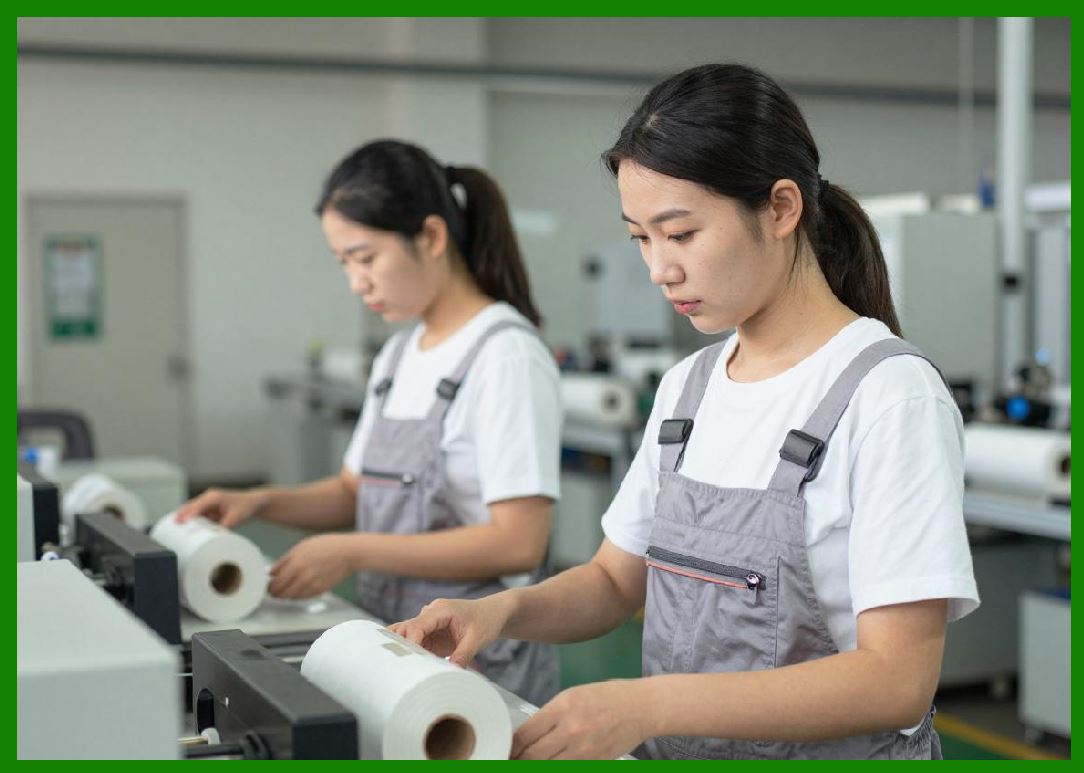
10. Context-Aware Printing Systems |
1. Context-aware printers adapt behavior based on operational environment and usage scenario. |
2. For example, logistics environments may prioritize speed, while medical labeling prioritizes accuracy and readability. |
3. Context data may include time of day, workload type, or system load conditions. |
4. AI models interpret this context and adjust system behavior dynamically. |
5. This leads to more intelligent and application-specific performance optimization. |
|
11. Integration with Industrial IoT Ecosystems |
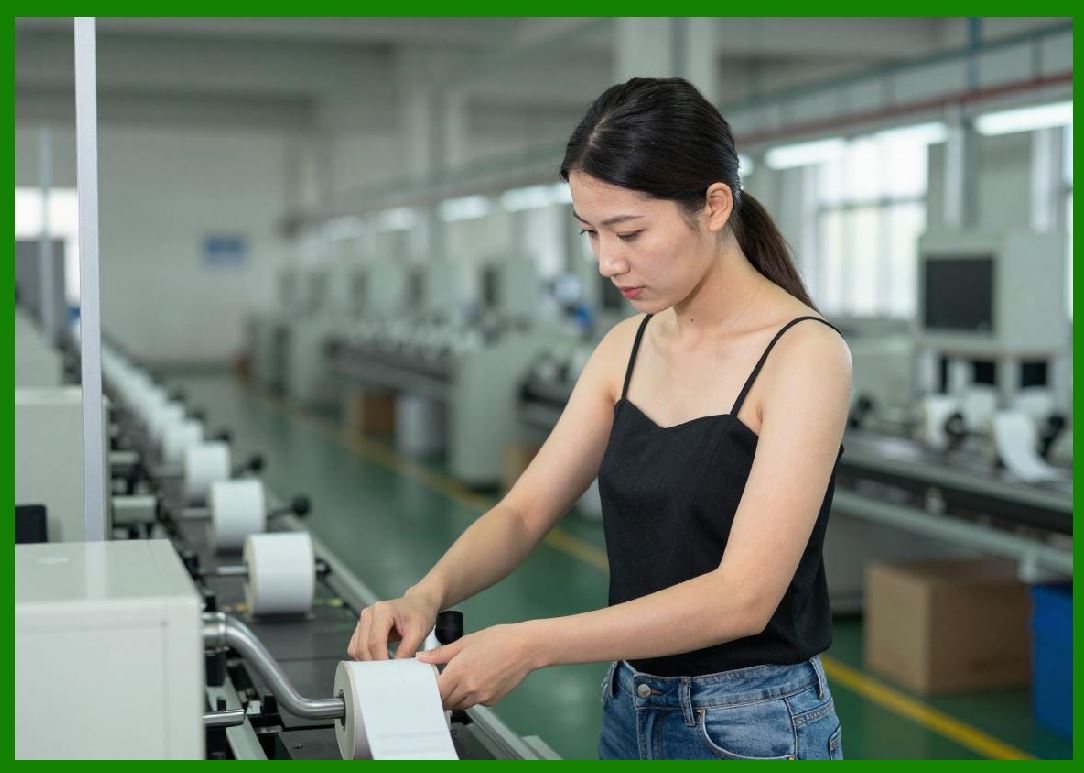
1. Direct thermal printers are becoming fully integrated nodes within Industrial Internet of Things (IIoT) networks. |
2. They continuously exchange data with warehouse systems, production lines, and cloud analytics platforms. |
3. This enables global visibility into printer status, usage patterns, and performance metrics. |
4. Centralized analytics optimize entire fleets of printers rather than individual devices. |
5. This networked approach significantly improves operational efficiency at scale. |
|
12. Sustainability-Driven Smart Printing |
1. Future systems will incorporate sustainability metrics into their optimization logic. |
2. Energy usage, media waste, and consumable consumption will be continuously monitored. |
3. AI systems will optimize printing behavior to reduce environmental impact. |
4. This may include reducing unnecessary reprints or optimizing energy curves for efficiency. |
5. Sustainability becomes a built-in operational parameter rather than an external constraint. |

|
13. Human machine Collaboration in Printing Systems |
1. Despite increasing automation, human oversight remains important in high-level decision-making. |
2. Future systems will present AI-generated recommendations rather than raw control parameters. |
3. Operators will interact with intuitive dashboards showing system health, predictions, and optimization suggestions. |
4. This collaborative model improves usability while maintaining expert control when needed. |
5. It represents a hybrid approach between automation and human expertise. |

|
14. Evolution Toward Fully Autonomous Printing Networks |
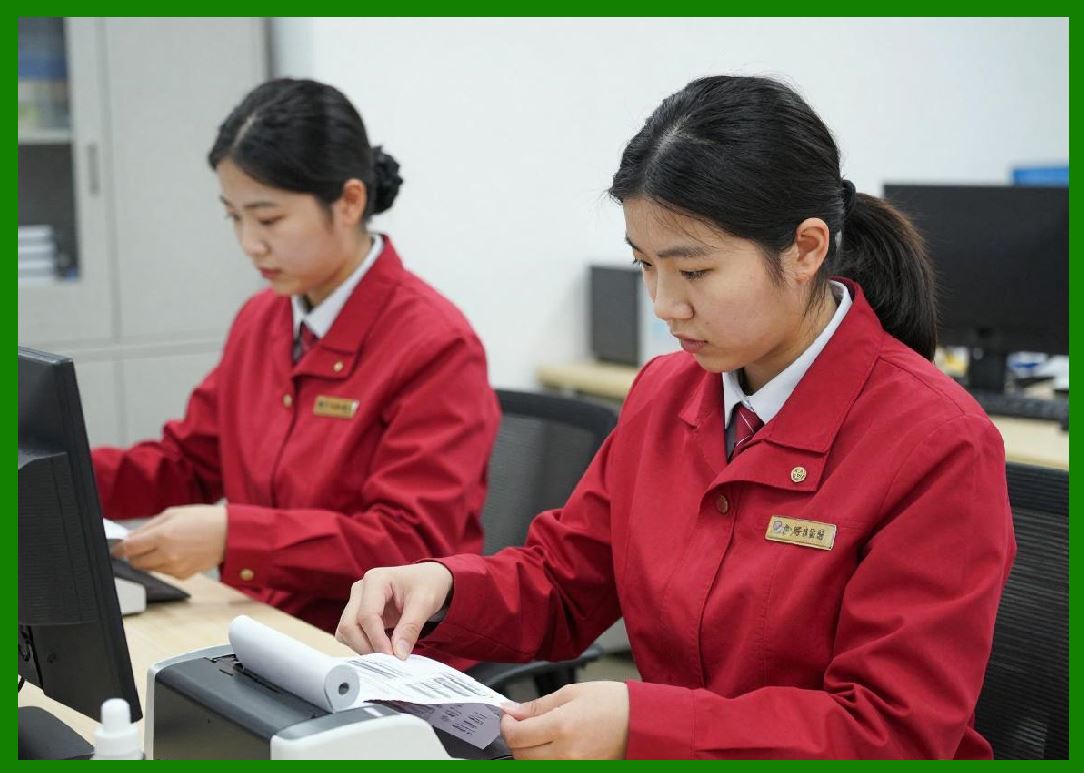
1. Long-term evolution points toward fully autonomous printing ecosystems. |
2. In such systems, printers will self-organize, self-diagnose, and self-optimize across entire networks. |
3. Human intervention will primarily focus on policy definition rather than operational control. |
4. These systems will dynamically allocate workloads and manage resources in real time. |
5. This represents the highest level of industrial printing automation. |
|
15. Summary of Future Evolution |
1. The future of direct thermal printing is defined by intelligence, adaptability, and autonomy. |
2. AI, edge computing, and IoT integration transform printers from static output devices into self-optimizing industrial systems. |
3. These advancements improve efficiency, reliability, sustainability, and scalability across global deployments. |

|
Technical Content Summary of Part 24 |
This part explored future evolution, smart printing systems, and AI-driven thermal technologies. It described the transition from static control systems to adaptive, intelligent, and autonomous printing architectures. |
Key topics included AI-based print quality prediction, real-time feedback loops, digital twin modeling, autonomous calibration, and predictive maintenance using deep learning. The section also covered edge AI integration, context-aware printing, and Industrial IoT connectivity. |
Additionally, sustainability optimization, human machine collaboration, and fully autonomous printing networks were discussed as emerging directions. Overall, this part highlighted the shift toward intelligent, self-managing direct thermal printing ecosystems. |
 cs@easiersoft.com