Part 11: Industrial Inkjet Printing Systems and High-Speed Barcode Label Production |
1. Introduction to Industrial Inkjet Systems |
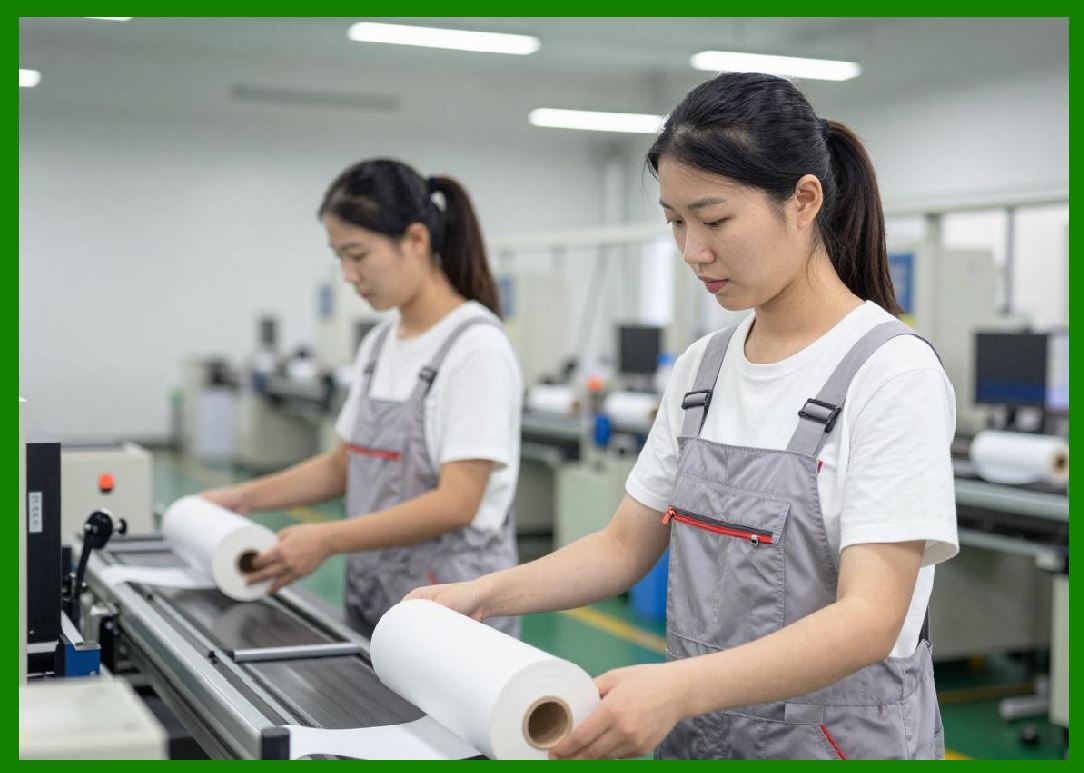
1.1 Industrial inkjet printing systems represent the high-performance class of inkjet technology designed for continuous, large-scale barcode label production in demanding environments such as logistics hubs, manufacturing plants, and distribution centers. |
1.2 Unlike desktop or office inkjet printers, industrial systems are engineered for 24/7 operation, high throughput, and integration into automated production lines. |
1.3 These systems prioritize reliability, speed, and consistent barcode quality over compact size or general-purpose printing flexibility. |
1.4 In barcode applications, industrial inkjet systems are essential for supporting supply chain traceability, serialization, and regulatory compliance at scale. |

|
2. Characteristics of High-Speed Inkjet Printing Systems |
2.1 High-speed inkjet systems are defined by their ability to print thousands of labels per hour without compromising barcode readability. |
2.2 Key characteristics include: |
2.2.1 Continuous operation capability |
2.2.2 High-resolution printing at production speeds |
2.2.3 Real-time data processing |
2.2.4 Integration with conveyor and automation systems |
2.3 Speed is achieved through optimized printhead arrays, fast data pipelines, and synchronized motion control systems. |
2.4 Industrial systems often operate in harsh environments where dust, vibration, and temperature fluctuations are common. |
|
3. System Architecture of Industrial Inkjet Printers |
3.1 Industrial inkjet systems are built on modular architectures consisting of multiple subsystems. |
3.2 Core components include: |
3.2.1 High-capacity ink supply units |
3.2.2 Multi-nozzle printhead arrays |
3.2.3 High-speed control electronics |
3.2.4 Conveyor integration modules |
3.2.5 Industrial communication interfaces |
3.3 Modular design allows systems to be scaled according to production requirements. |
3.4 Redundancy is often built into critical subsystems to ensure uninterrupted operation. |

|
4. Multi-Printhead Configurations |
4.1 To achieve high throughput, industrial systems often use multiple printheads operating in parallel. |
4.2 Multi-head configurations can be arranged in: |
4.2.1 Inline arrays for wide-format printing |
4.2.2 Staggered layouts for increased resolution |
4.2.3 Redundant setups for fault tolerance |
4.3 Synchronization between printheads is critical to avoid misalignment and banding. |
4.4 Advanced calibration ensures seamless stitching of printed (areas). |

|
5. High-Speed Data Processing Systems |
5.1 High-speed printing requires equally fast data processing capabilities. |
5.2 Data systems must handle: |
5.2.1 Large volumes of variable data |
5.2.2 Real-time encoding of barcodes |
5.2.3 Instant rendering of label layouts |
5.3 Specialized processors and FPGA-based systems are often used to accelerate data handling. |
5.4 Latency must be minimized to maintain synchronization with moving substrates. |

|
6. Conveyor and Motion Integration |
6.1 Industrial inkjet printers are typically integrated into conveyor systems. |
6.2 The conveyor transports products or labels past the printhead at controlled speeds. |
6.3 Key components include: |
6.3.1 Motorized belts |
6.3.2 Encoders for position tracking |
6.3.3 Trigger sensors for print activation |
6.4 Accurate synchronization ensures that each barcode is printed at the correct position. |
6.5 Even minor timing errors can result in misaligned or unreadable barcodes. |

|
7. Real-Time Printing Control in Production Lines |
7.1 Real-time control systems coordinate all printing activities during operation. |
7.2 Functions include: |
7.2.1 Dynamic data updates |
7.2.2 Print triggering based on object detection |
7.2.3 Speed adjustment based on conveyor velocity |
7.3 Control systems must respond instantly to changes in production conditions. |
7.4 Feedback loops ensure continuous adjustment for optimal performance. |

|
8. High-Speed Printhead Technologies |
8.1 Industrial systems use advanced printhead technologies optimized for speed and durability. |
8.2 Common types include: |
8.2.1 Page-wide array printheads |
8.2.2 High-frequency piezoelectric heads |
8.2.3 Continuous inkjet (CIJ) systems |
8.3 Page-wide systems eliminate the need for scanning motion, enabling full-width printing in a single pass. |
8.4 Continuous inkjet systems are widely used for coding and marking on fast-moving production lines. |

|
9. Ink Supply Systems for Industrial Applications |
9.1 Industrial ink systems must support large-scale, uninterrupted operation. |
9.2 Features include: |
9.2.1 Bulk ink reservoirs |
9.2.2 Automatic refill systems |
9.2.3 Ink filtration and conditioning units |
9.3 Ink must remain stable over long production cycles. |
9.4 Recirculation systems prevent sedimentation and maintain consistent ink properties. |

|
10. Environmental Robustness and Industrial Design |
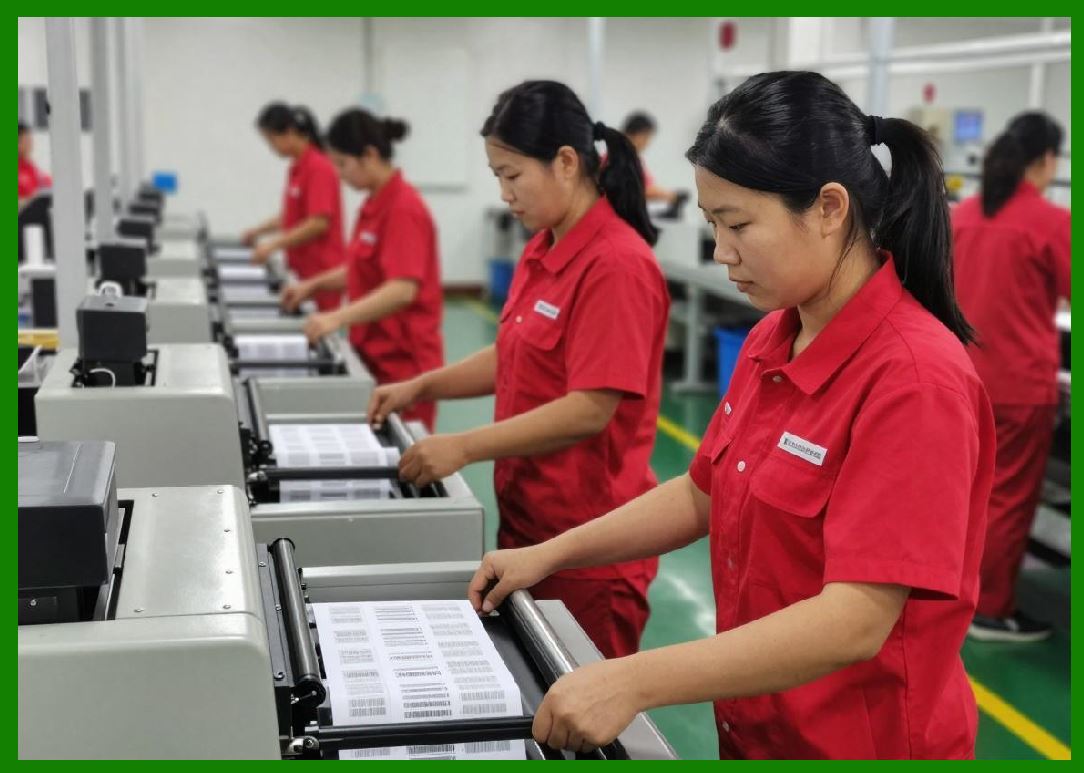
10.1 Industrial environments expose equipment to harsh conditions. |
10.2 Inkjet systems must withstand: |
10.2.1 Dust and particulate contamination |
10.2.2 Temperature fluctuations |
10.2.3 Mechanical vibrations |
10.2.4 Continuous operational stress |
10.3 Enclosures and protective housing ensure system stability. |
10.4 Industrial-grade components are selected for durability and long service life. |
|
11. Quality Assurance in High-Speed Printing |
11.1 Quality assurance is critical in high-speed barcode production. |
11.2 Systems include: |
11.2.1 Inline barcode verification |
11.2.2 Machine vision inspection systems |
11.2.3 Automated reject mechanisms |
11.3 Defective labels are identified and removed in real time. |
11.4 Continuous monitoring ensures compliance with industry standards. |

|
12. Throughput Optimization Techniques |
12.1 Maximizing throughput requires optimization of multiple system components. |
12.2 Techniques include: |
12.2.1 Increasing nozzle density |
12.2.2 Optimizing data processing pipelines |
12.2.3 Reducing mechanical delays |
12.2.4 Parallelizing printhead operations |
12.3 Throughput optimization must not compromise barcode quality. |

|
13. Integration with Enterprise Systems |
13.1 Industrial inkjet printers are integrated with enterprise-level software systems. |
13.2 Integration enables: |
13.2.1 Real-time production tracking |
13.2.2 Automated label generation |
13.2.3 Supply chain synchronization |
13.3 Systems communicate with ERP, WMS, and MES platforms. |
13.4 This integration supports end-to-end traceability. |

|
14. Automation and Smart Factory Integration |
14.1 Inkjet systems are a key component of Industry 4.0 smart factories. |
14.2 Automation includes: |
14.2.1 Robotic handling systems |
14.2.2 Automated labeling stations |
14.2.3 AI-driven process control |
14.3 Smart systems adapt dynamically to production changes. |
14.4 Data analytics improve efficiency and reduce waste. |

|
15. Safety and Operational Compliance |
15.1 Industrial systems must comply with safety and regulatory standards. |
15.2 Safety features include: |
15.2.1 Emergency stop mechanisms |
15.2.2 Enclosed printing zones |
15.2.3 Electrical safety protections |
15.3 Compliance ensures safe operation in industrial environments. |

|
16. Future Trends in Industrial Inkjet Printing |
16.1 Future developments include: |
16.1.1 Higher-speed page-wide printing systems |
16.1.2 AI-driven print optimization |
16.1.3 Fully autonomous printing lines |
16.1.4 Advanced predictive maintenance systems |
16.2 Sustainability and energy efficiency are also becoming key design priorities. |

|
Technical Summary of Part 11 |
This part provides a detailed examination of industrial inkjet printing systems used for high-speed barcode label production. It describes how these systems are designed for continuous, large-scale operation in demanding industrial environments. |
The section explains the architecture of industrial printers, including multi-printhead configurations, high-speed data processing systems, and conveyor integration. It highlights the importance of real-time control, synchronization, and automation in maintaining accurate barcode printing at high throughput levels. |
Ink supply systems, environmental robustness, and quality assurance mechanisms are analyzed as essential components of industrial reliability. The role of inline inspection and machine vision systems in ensuring barcode readability is also emphasized. |
Finally, the part explores integration with enterprise systems and smart factory environments, demonstrating how inkjet printing fits into modern automated manufacturing ecosystems. Future trends such as AI optimization and fully autonomous printing systems are introduced as key directions for development. |
 cs@easiersoft.com