Part 12: Inkjet Printing Speed Optimization and Throughput Engineering |
1. Introduction to Speed Optimization in Inkjet Barcode Printing |
1.1 Speed optimization in inkjet barcode printing refers to the engineering methods used to maximize printing throughput while maintaining barcode readability, accuracy, and compliance with standards. |
1.2 In industrial environments, speed is not just a performance metric - it directly affects production efficiency, logistics flow, and operational cost. |
1.3 However, increasing speed introduces challenges such as reduced droplet control time, higher risk of misalignment, and increased mechanical and data processing load. |
1.4 Therefore, throughput engineering must balance speed with precision and reliability. |

|
2. Definition of Throughput in Inkjet Systems |
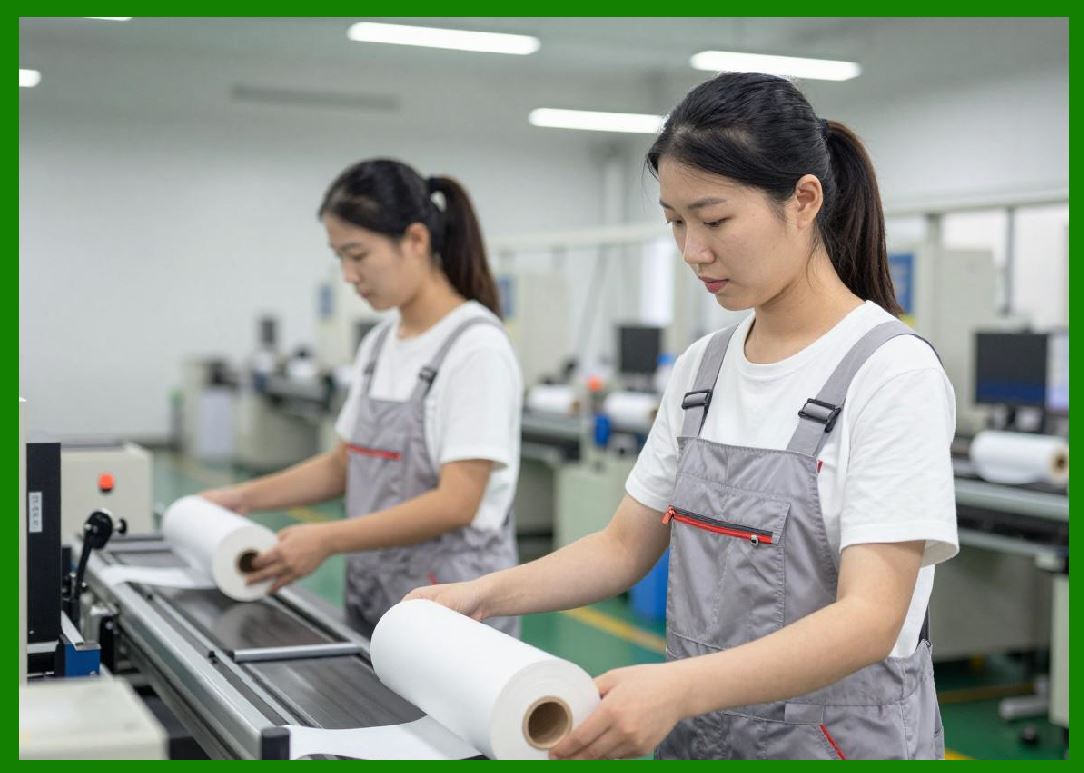
2.1 Throughput refers to the number of labels or printed units produced per unit of time. |
2.2 It is influenced by multiple factors: |
2.2.1 Printhead firing frequency |
2.2.2 Conveyor speed |
2.2.3 Data processing speed |
2.2.4 Drying time of ink |
2.2.5 System synchronization |
2.3 In barcode printing, throughput must be maintained without degrading scan quality. |
|
3. Printhead Firing Frequency Optimization |
3.1 The firing frequency of a printhead determines how many droplets can be ejected per second. |
3.2 Higher frequencies increase speed but may introduce issues such as: |
3.2.1 Thermal buildup (in TIJ systems) |
3.2.2 Actuator fatigue (in piezo systems) |
3.2.3 Droplet instability |
3.3 Optimization techniques include: |
3.3.1 Waveform tuning |
3.3.2 Multi-nozzle parallel firing |
3.3.3 Dynamic frequency adjustment |
3.4 Proper balancing ensures stable droplet formation at high speeds. |

|
4. Conveyor Speed and Motion Synchronization |
4.1 Conveyor speed is a critical factor in industrial inkjet printing systems. |
4.2 Increasing conveyor speed directly increases throughput but requires precise synchronization with printhead firing. |
4.3 Encoders measure substrate movement in real time. |
4.4 The control system adjusts droplet timing to match object position. |
4.5 Even microsecond-level timing errors can cause barcode distortion. |

|
5. Data Processing Bottlenecks |
5.1 At high speeds, data processing becomes a major constraint. |
5.2 Bottlenecks may occur in: |
5.2.1 Barcode encoding |
5.2.2 Image rendering (RIP) |
5.2.3 Printhead instruction generation |
5.3 Optimization strategies include: |
5.3.1 Parallel processing architectures |
5.3.2 FPGA-based acceleration |
5.3.3 Caching of repeated label formats |
5.4 Efficient data pipelines are essential for uninterrupted operation. |

|
6. Raster Image Processing Acceleration |
6.1 Raster Image Processing (RIP) converts label designs into printable bitmap data. |
6.2 At high speeds, RIP must operate in real time or near real time. |
6.3 Optimization methods include: |
6.3.1 Pre-rendering frequently used labels |
6.3.2 GPU acceleration |
6.3.3 Multi-threaded processing |
6.4 Delays in RIP processing can limit overall system throughput. |

|
7. Printhead Array Scaling |
7.1 Increasing the number of printheads is a common method for improving throughput. |
7.2 Scaling strategies include: |
7.2.1 Expanding print width using page-wide arrays |
7.2.2 Parallel printhead banks |
7.2.3 Staggered nozzle configurations |
7.3 Multi-head systems must be precisely synchronized to avoid misalignment. |
7.4 Calibration becomes more complex as system size increases. |
|
8. Droplet Formation at High Speeds |
8.1 At high firing frequencies, droplet dynamics become more complex. |
8.2 Challenges include: |
8.2.1 Satellite droplet formation |
8.2.2 Inconsistent droplet volume |
8.2.3 Aerodynamic instability |
8.3 Solutions involve: |
8.3.1 Optimized waveform shaping |
8.3.2 Improved nozzle design |
8.3.3 Ink formulation adjustments |
8.4 Maintaining droplet stability is essential for barcode integrity. |

|
9. Ink Drying Constraints and Speed Limitations |
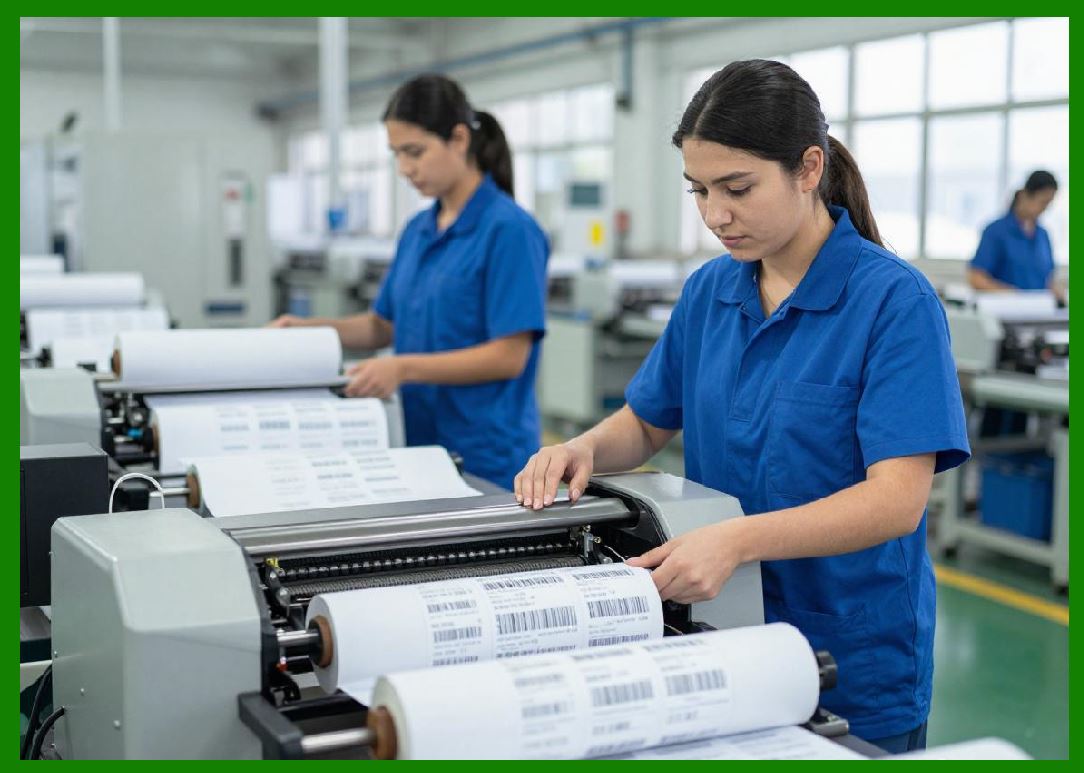
9.1 Ink drying time can become a limiting factor in high-speed systems. |
9.2 If ink does not dry quickly enough, it can cause: |
9.2.1 Smearing |
9.2.2 Transfer to adjacent surfaces |
9.2.3 Barcode degradation |
9.3 Solutions include: |
9.3.1 Fast-drying solvent-based inks |
9.3.2 UV-curable ink systems |
9.3.3 Forced air drying or heating systems |
9.4 Drying optimization must align with conveyor speed. |
|
10. Real-Time System Optimization |
10.1 Modern inkjet systems use real-time feedback loops to optimize performance. |
10.2 Parameters adjusted dynamically include: |
10.2.1 Print speed |
10.2.2 Droplet size |
10.2.3 Ink pressure |
10.2.4 Timing synchronization |
10.3 Sensor data is continuously analyzed to maintain optimal throughput. |
10.4 Adaptive control systems improve efficiency under varying conditions. |

|
11. Load Balancing in Multi-Printhead Systems |
11.1 In systems with multiple printheads, workload distribution is critical. |
11.2 Load balancing ensures: |
11.2.1 Even nozzle usage |
11.2.2 Reduced wear on individual heads |
11.2.3 Consistent print quality across width |
11.3 Dynamic assignment of print tasks improves system longevity. |

|
12. Memory and Buffer Management |
12.1 High-speed printing requires efficient memory management. |
12.2 Buffers store incoming print data before execution. |
12.3 Challenges include: |
12.3.1 Buffer overflow at high data rates |
12.3.2 Latency in data retrieval |
12.4 Optimization techniques: |
12.4.1 Hierarchical buffering |
12.4.2 Data compression |
12.4.3 Predictive loading |

|
13. Latency Reduction Techniques |
13.1 Latency refers to delays between data input and physical printing. |
13.2 Reducing latency is critical for high-speed barcode systems. |
13.3 Techniques include: |
13.3.1 Direct memory access (DMA) |
13.3.2 Hardware acceleration |
13.3.3 Streamlined firmware architecture |
13.4 Lower latency improves synchronization accuracy. |

|
14. Energy Efficiency at High Speed |
14.1 High-speed operation increases energy consumption. |
14.2 Efficiency improvements include: |
14.2.1 Power-efficient actuator design |
14.2.2 Dynamic power scaling |
14.2.3 Sleep modes for idle components |
14.3 Energy optimization reduces operational cost in large-scale systems. |
|
15. Trade-Offs Between Speed and Quality |
15.1 Increasing speed often introduces trade-offs: |
15.1.1 Reduced droplet precision |
15.1.2 Higher error rates |
15.1.3 Increased mechanical stress |
15.2 Engineers must balance: |
15.2.1 Throughput requirements |
15.2.2 Barcode readability |
15.2.3 System reliability |
15.3 Optimal performance is achieved through iterative tuning. |

|
16. Future Developments in High-Speed Inkjet Printing |
16.1 Future technologies aim to further increase throughput while maintaining quality. |
16.2 Emerging trends include: |
16.2.1 AI-driven real-time optimization |
16.2.2 Ultra-high-speed page-wide printheads |
16.2.3 Fully synchronized smart factory printing networks |
16.2.4 Predictive throughput adjustment systems |
16.3 These advancements will redefine industrial barcode production efficiency. |

|
Technical Summary of Part 12 |
This part provides a comprehensive analysis of speed optimization and throughput engineering in inkjet barcode printing systems. It explains how printing speed is influenced by multiple interconnected factors, including printhead firing frequency, conveyor motion, data processing speed, and ink drying behavior. |
The section highlights key optimization strategies such as parallel processing, multi-printhead scaling, waveform tuning, and real-time system feedback control. It also examines the role of data pipeline efficiency, raster image processing acceleration, and buffer management in preventing performance bottlenecks. |
Critical physical limitations such as droplet instability and ink drying constraints are discussed, along with engineering solutions including UV-curable inks and forced drying systems. The trade-offs between speed and print quality are emphasized as a central design challenge. |
Overall, this part demonstrates that achieving high-throughput inkjet barcode printing requires a carefully balanced integration of mechanical, electronic, fluidic, and computational systems, supported by advanced optimization techniques and real-time control. |
 cs@easiersoft.com