Part 13: Advanced Inkjet Control Algorithms and Intelligent Printing Systems |
1. Introduction to Intelligent Inkjet Control |
1.1 Modern inkjet barcode printing systems increasingly rely on advanced control algorithms to manage complex interactions between ink, printheads, motion systems, and data streams. |
1.2 Unlike early-generation printers that used fixed parameter settings, intelligent systems dynamically adjust printing conditions in real time to maintain consistent barcode quality. |
1.3 These control systems integrate principles from control theory, signal processing, fluid dynamics, and machine learning. |
1.4 The goal is to achieve stable, high-speed, and defect-free barcode printing under varying operational conditions. |

|
2. Role of Control Algorithms in Inkjet Systems |
2.1 Control algorithms govern how the printer responds to input data and environmental changes. |
2.2 They regulate key parameters such as: |
2.2.1 Droplet ejection timing |
2.2.2 Ink pressure levels |
2.2.3 Printhead temperature |
2.2.4 Substrate synchronization |
2.3 In barcode printing, even minor deviations can affect scan accuracy, making real-time control essential. |
2.4 These algorithms operate within embedded firmware or dedicated hardware controllers. |
|
3. Closed-Loop Control Systems |
3.1 Closed-loop control systems use feedback to continuously adjust printing parameters. |
3.2 The process involves: |
3.2.1 Measuring output (e.g., droplet position or print quality) |
3.2.2 Comparing it with desired reference values |
3.2.3 Applying corrective adjustments |
3.3 Sensors play a critical role in providing real-time data. |
3.4 Closed-loop systems improve stability and reduce cumulative errors over long print runs. |

|
4. Open-Loop vs Closed-Loop Control in Inkjet Printing |
4.1 Open-loop systems operate without feedback, relying on predefined settings. |
4.2 Closed-loop systems dynamically adjust based on real-time measurements. |
4.3 Comparison: |
4.3.1 Open-loop: simpler but less accurate |
4.3.2 Closed-loop: more complex but highly precise |
4.4 Industrial barcode printing predominantly uses closed-loop systems due to strict quality requirements. |
|
5. Droplet Control Algorithms |
5.1 Droplet formation is controlled by precise electrical waveforms. |
5.2 Algorithms determine: |
5.2.1 Pulse duration |
5.2.2 Voltage amplitude |
5.2.3 Waveform shape |
5.3 These parameters influence droplet size, velocity, and trajectory. |
5.4 Adaptive droplet control allows the system to compensate for ink viscosity changes or nozzle wear. |

|
6. Timing Synchronization Algorithms |
6.1 Synchronization ensures that droplets land at the correct position on moving substrates. |
6.2 Algorithms coordinate: |
6.2.1 Encoder signals |
6.2.2 Printhead firing sequences |
6.2.3 Conveyor speed variations |
6.3 High-resolution timing control is required at microsecond precision levels. |
6.4 Errors in synchronization lead to distorted or unreadable barcodes. |

|
7. Adaptive Ink Pressure Control |
7.1 Ink pressure directly affects droplet formation consistency. |
7.2 Control algorithms adjust pressure based on: |
7.2.1 Temperature fluctuations |
7.2.2 Ink viscosity changes |
7.2.3 Printing speed variations |
7.3 Adaptive pressure control prevents droplet inconsistency and nozzle starvation. |
|
8. Nozzle Health Monitoring Algorithms |
8.1 Printhead nozzles degrade over time due to wear and contamination. |
8.2 Monitoring algorithms detect: |
8.2.1 Misfiring nozzles |
8.2.2 Partial blockages |
8.2.3 Irregular droplet formation |
8.3 Compensation strategies include: |
8.3.1 Neighbor nozzle substitution |
8.3.2 Dynamic firing pattern adjustment |
8.3.3 Automated cleaning triggers |
8.4 This ensures continuous barcode integrity even during partial failures. |
|
9. Machine Learning in Inkjet Printing Systems |
9.1 Machine learning is increasingly used to optimize inkjet performance. |
9.2 Applications include: |
9.2.1 Predicting nozzle failures |
9.2.2 Optimizing droplet waveforms |
9.2.3 Adjusting print parameters dynamically |
9.3 Models are trained using historical performance data and sensor feedback. |
9.4 AI-driven systems improve efficiency and reduce maintenance costs. |

|
10. Predictive Maintenance Algorithms |
10.1 Predictive maintenance uses data analytics to forecast system failures before they occur. |
10.2 Inputs include: |
10.2.1 Ink flow rates |
10.2.2 Printhead performance metrics |
10.2.3 Environmental conditions |
10.3 Algorithms detect patterns that indicate wear or degradation. |
10.4 Early detection prevents downtime and improves reliability. |

|
11. Image Processing and Error Correction Algorithms |
11.1 Image processing algorithms ensure that barcode patterns are accurately rendered. |
11.2 Functions include: |
11.2.1 Edge sharpening |
11.2.2 Noise reduction |
11.2.3 Distortion correction |
11.3 Error correction mechanisms adjust for mechanical and fluidic inconsistencies. |
11.4 These algorithms are critical for maintaining barcode scanability. |

|
12. Data Compression and Transmission Optimization |
12.1 High-speed printing requires efficient data transfer to printheads. |
12.2 Compression algorithms reduce data (size) without losing fidelity. |
12.3 Techniques include: |
12.3.1 Run-length encoding |
12.3.2 Bitmap optimization |
12.3.3 Predictive data caching |
12.4 Efficient transmission reduces latency and improves throughput. |

|
13. Real-Time Operating Systems (RTOS) in Inkjet Control |
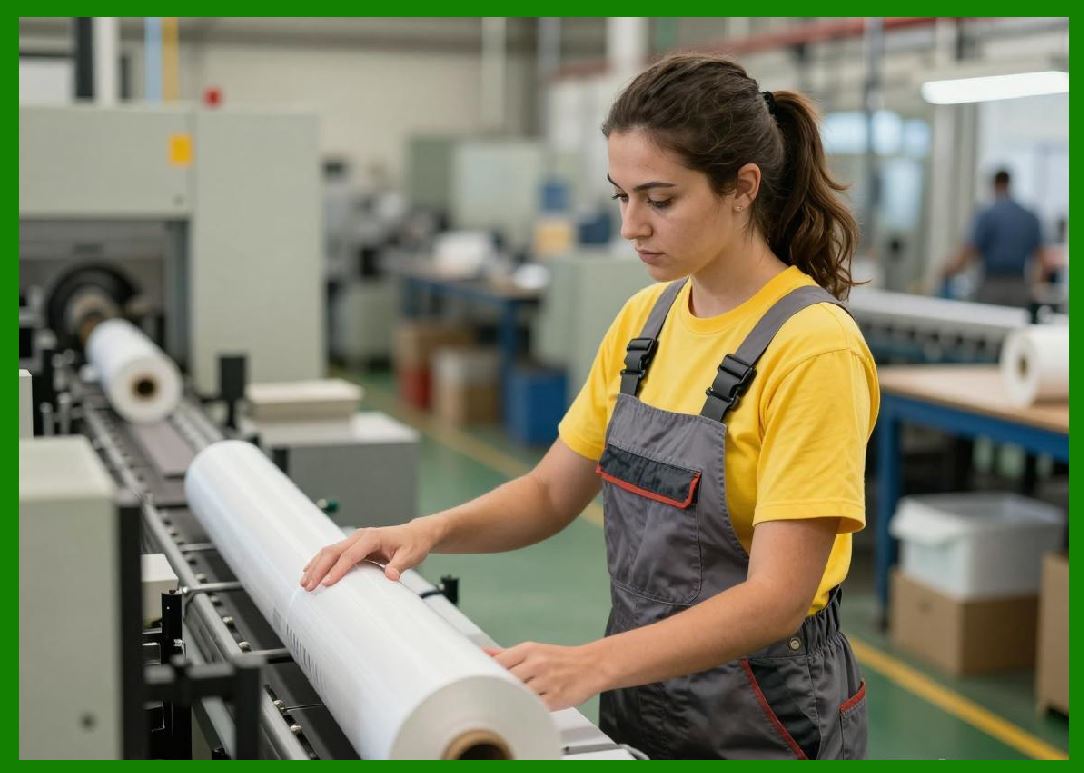
13.1 Inkjet printers often use RTOS to manage time-critical operations. |
13.2 RTOS ensures: |
13.2.1 Deterministic execution timing |
13.2.2 Task prioritization |
13.2.3 Low-latency response to sensor input |
13.3 This is essential for synchronized droplet ejection and motion control. |
|
14. Multi-Agent Control Systems |
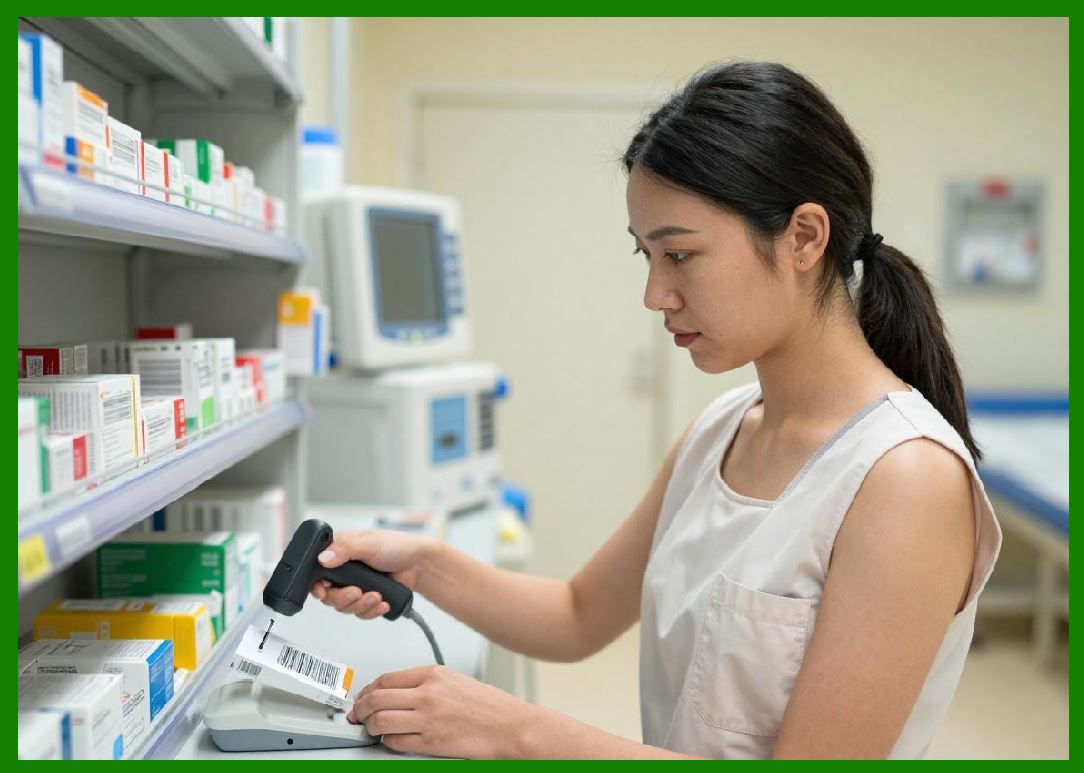
14.1 Advanced inkjet systems may use distributed control architectures. |
14.2 Multiple control units manage: |
14.2.1 Printheads |
14.2.2 Motion systems |
14.2.3 Ink delivery systems |
14.3 These agents communicate and coordinate to maintain overall system stability. |
14.4 Distributed control improves scalability and fault tolerance. |
|
15. Stability and Control Theory Applications |
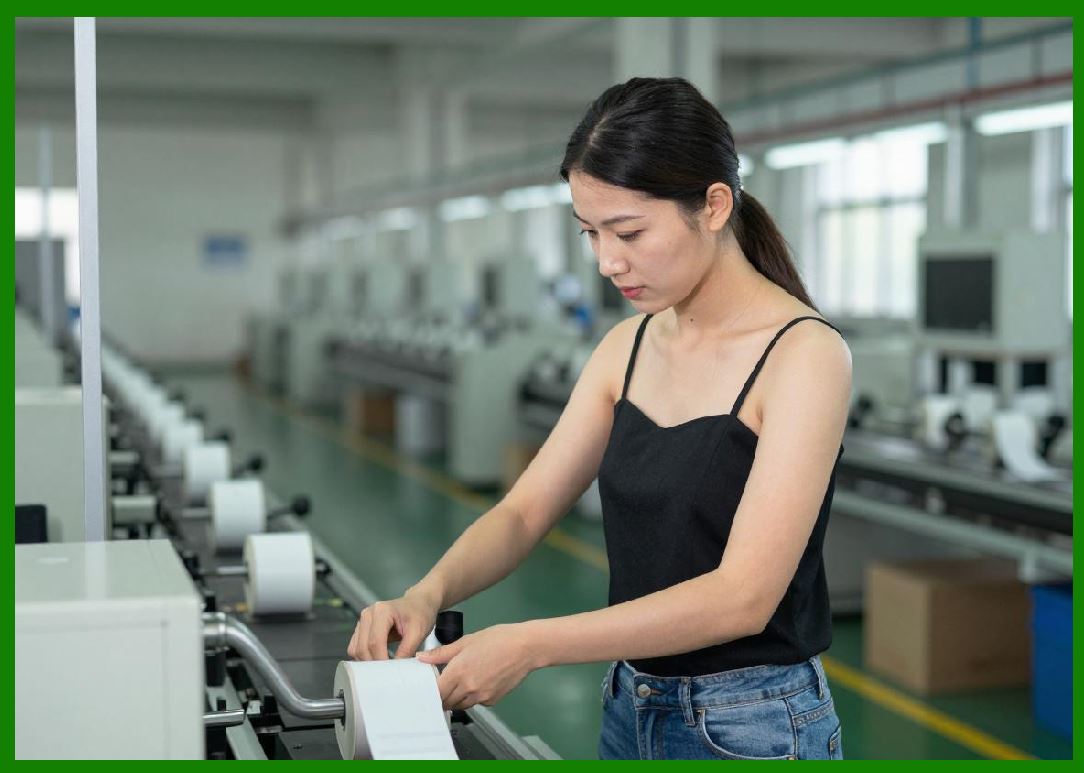
15.1 Control theory principles are applied to ensure system stability. |
15.2 Key concepts include: |
15.2.1 Feedback loops |
15.2.2 System damping |
15.2.3 Error minimization |
e(t)=r(t)-y(t) |
15.3 The error function represents the difference between desired and actual output. |
15.4 Controllers continuously reduce this error to maintain stability. |
|
16. Future of Intelligent Inkjet Control Systems |
16.1 Future systems will rely heavily on autonomous decision-making. |
16.2 Expected advancements include: |
16.2.1 Fully AI-driven print optimization |
16.2.2 Self-healing nozzle systems |
16.2.3 Cloud-connected predictive control |
16.2.4 Digital twin simulation for real-time adjustment |
16.3 These innovations will significantly improve reliability and efficiency in barcode production. |

|
Technical Summary of Part 13 |
This part provides a detailed exploration of advanced control algorithms and intelligent systems used in inkjet barcode printing technology. It explains how modern printers use closed-loop feedback systems to dynamically adjust droplet formation, ink pressure, and synchronization parameters in real time. |
The section highlights droplet control algorithms, timing synchronization methods, and adaptive ink pressure regulation as core components of high-precision printing. It also introduces machine learning and predictive maintenance systems that enhance reliability and reduce operational downtime. |
Nozzle health monitoring, image processing, and error correction algorithms are examined as essential tools for maintaining barcode readability under varying conditions. Additionally, data compression, RTOS-based control, and multi-agent system architectures are discussed as key enablers of high-speed performance. |
Finally, the application of control theory is demonstrated mathematically through feedback error modeling, showing how stability is maintained in dynamic printing environments. The part concludes with an outlook on AI-driven autonomous inkjet systems, which represent the future of intelligent barcode printing. |
 cs@easiersoft.com