Part 18: Inkjet Printing System Integration with Supply Chain and Logistics Networks |
1. Introduction to Supply Chain Integration |
1.1 Inkjet barcode printing systems are no longer standalone devices; they function as integral components of modern supply chain and logistics ecosystems. |
1.2 Their primary role is to generate machine-readable identities that enable real-time tracking, automation, and coordination across production, warehousing, and distribution networks. |
1.3 Integration ensures that every printed barcode is directly linked to digital systems that manage inventory, transportation, and compliance. |
1.4 This connection between physical labeling and digital logistics is essential for achieving end-to-end visibility in global supply chains. |

|
2. Role of Inkjet Printing in Supply Chain Digitization |
2.1 Inkjet printing acts as the physical output layer of supply chain digitization systems. |
2.2 It enables: |
2.2.1 Product identification at the source of manufacturing |
2.2.2 Real-time serialization of items and packages |
2.2.3 Automated tracking across distribution channels |
2.3 Each printed barcode becomes a digital entry point into enterprise data systems. |
2.4 This transforms physical goods into traceable digital assets. |

|
3. Integration with Enterprise Resource Planning (ERP) Systems |
3.1 ERP systems manage core business processes including production, inventory, and distribution. |
3.2 Inkjet printers receive data directly from ERP systems to generate labels dynamically. |
3.3 Integration functions include: |
3.3.1 Automatic label generation based on production orders |
3.3.2 Real-time inventory updates |
3.3.3 Batch and serial number assignment |
3.4 This reduces manual data entry and eliminates labeling errors. |

|
4. Warehouse Management System (WMS) Connectivity |
4.1 Warehouse Management Systems coordinate storage, picking, and shipping operations. |
4.2 Inkjet barcode systems support WMS by: |
4.2.1 Labeling incoming and outgoing goods |
4.2.2 Enabling automated scanning workflows |
4.2.3 Supporting real-time location tracking |
4.3 Accurate barcode printing ensures efficient warehouse automation and reduces operational delays. |

|
5. Manufacturing Execution System (MES) Integration |
5.1 Manufacturing Execution Systems control production processes on the factory floor. |
5.2 Inkjet printers integrate with MES to: |
5.2.1 Generate labels based on production stages |
5.2.2 Track work-in-progress items |
5.2.3 Ensure traceability of raw materials and finished goods |
5.3 MES integration ensures that every product is uniquely identifiable throughout manufacturing. |

|
6. Transportation and Logistics System Integration |
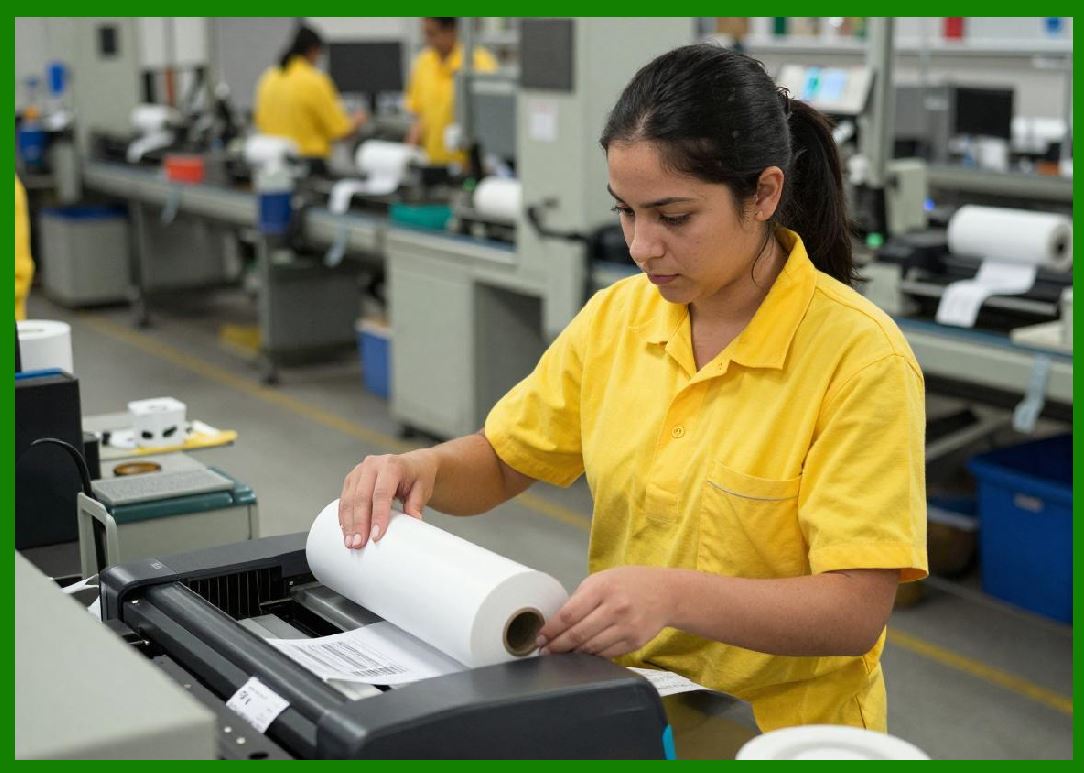
6.1 Inkjet barcode systems are essential in transportation networks. |
6.2 They enable: |
6.2.1 Package identification for shipping carriers |
6.2.2 Route tracking and sorting automation |
6.2.3 Real-time delivery status updates |
6.3 Logistics systems rely heavily on accurate barcode scanning at high speed. |
6.4 Inkjet printing must maintain durability for handling and environmental exposure during transport. |
|
7. Real-Time Data Synchronization Across Systems |
7.1 Real-time synchronization ensures that printed data matches digital records instantly. |
7.2 This involves: |
7.2.1 Live database connectivity |
7.2.2 Cloud-based data streaming |
7.2.3 Event-driven printing triggers |
7.3 Synchronization eliminates discrepancies between physical labels and digital records. |

|
8. Cloud-Based Printing Infrastructure |
8.1 Cloud computing enables centralized control of distributed inkjet printing systems. |
8.2 Features include: |
8.2.1 Remote job submission |
8.2.2 Centralized label template management |
8.2.3 Global monitoring dashboards |
8.3 Cloud integration allows companies to manage multiple production sites from a single platform. |

|
9. IoT-Enabled Supply Chain Visibility |
9.1 Internet of Things (IoT) devices enhance supply chain transparency. |
9.2 Inkjet printers act as IoT nodes by: |
9.2.1 Reporting print activity data |
9.2.2 Monitoring system health remotely |
9.2.3 Sharing production metrics in real time |
9.3 This connectivity improves operational decision-making across the supply chain. |

|
10. Serialization and Traceability Systems |
10.1 Serialization assigns a unique identity to each individual product. |
10.2 Inkjet printing systems generate serialized barcodes for: |
10.2.1 Anti-counterfeiting protection |
10.2.2 Regulatory compliance |
10.2.3 Supply chain tracking |
10.3 Traceability systems record every movement of a product through the supply chain. |

|
11. Inventory Accuracy and Real-Time Updates |
11.1 Barcode printing directly impacts inventory accuracy. |
11.2 Benefits include: |
11.2.1 Reduced inventory discrepancies |
11.2.2 Faster stock reconciliation |
11.2.3 Automated stock level updates |
11.3 Accurate labeling ensures reliable data in warehouse systems. |

|
12. Automation and Robotics Integration |
12.1 Inkjet printing systems are increasingly integrated with robotics. |
12.2 Applications include: |
12.2.1 Automated labeling stations |
12.2.2 Robotic picking systems |
12.2.3 Conveyor-based sorting systems |
12.3 Robots rely on barcode data for object identification and handling. |

|
13. Cross-Border Supply Chain Compliance |
13.1 Global supply chains require compliance with multiple regulatory systems. |
13.2 Inkjet barcode systems support: |
13.2.1 International labeling standards |
13.2.2 Customs documentation requirements |
13.2.3 Multilingual label generation |
13.3 Proper integration ensures smooth cross-border logistics operations. |

|
14. Data Consistency and Error Prevention |
14.1 Inconsistent data between systems can cause supply chain disruptions. |
14.2 Inkjet systems prevent errors through: |
14.2.1 Direct database integration |
14.2.2 Real-time validation checks |
14.2.3 Automated error correction mechanisms |
14.3 This ensures that printed barcodes always match backend data. |

|
15. Performance Monitoring Across Networks |
15.1 Integrated systems enable centralized monitoring of printing performance. |
15.2 Metrics include: |
15.2.1 Print success rates |
15.2.2 Label defect rates |
15.2.3 System uptime and efficiency |
15.3 Monitoring improves operational transparency and efficiency. |

|
16. Future of Supply Chain-Integrated Inkjet Systems |
16.1 Future developments include: |
16.1.1 Fully autonomous supply chain labeling systems |
16.1.2 Blockchain-based product tracking integration |
16.1.3 AI-driven logistics optimization |
16.1.4 Fully digital-physical hybrid identity systems |
16.2 Inkjet printing will become a core infrastructure component of intelligent global logistics networks. |

|
Technical Summary of Part 18 |
This part provides a detailed analysis of how inkjet barcode printing systems integrate with modern supply chain and logistics networks. It explains how printers function as critical data output nodes within ERP, WMS, and MES systems, enabling real-time product identification and tracking. |
The section highlights the importance of cloud-based infrastructure, IoT connectivity, and real-time synchronization in creating a unified digital supply chain ecosystem. Serialization and traceability systems are examined as key components for regulatory compliance and anti-counterfeiting. |
Automation and robotics integration demonstrate how inkjet printing supports advanced warehouse and manufacturing operations. Cross-border compliance and data consistency mechanisms ensure reliable global logistics performance. |
Finally, the part explores future trends such as blockchain integration and autonomous supply chain labeling systems, showing how inkjet printing is evolving into a foundational element of intelligent, data-driven global logistics networks. |
 cs@easiersoft.com