Part 22: Inkjet Printhead Technologies, MEMS Engineering, and Micro-Scale Fluid Control |
1. Introduction to Printhead Technology in Inkjet Barcode Systems |
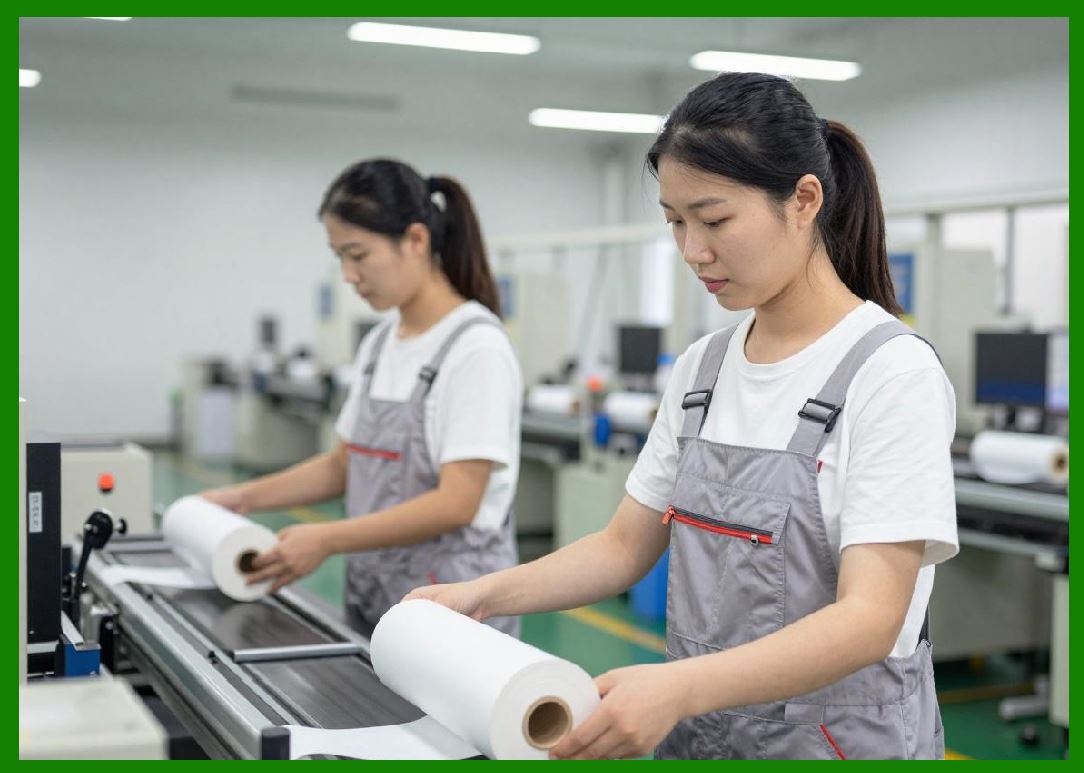
1.1 The printhead is the most critical component in inkjet barcode printing systems because it directly determines droplet accuracy, resolution, speed, and overall barcode readability. |
1.2 In industrial barcode printing, printheads must operate continuously under high-speed conditions while maintaining micron-level precision. |
1.3 Modern printheads combine micro-electromechanical systems (MEMS), advanced fluid dynamics, and precision electronics to control ink at extremely small scales. |
1.4 The evolution of printhead technology has been a major driver of improvements in barcode quality and printing efficiency. |
|
2. Overview of Inkjet Printhead Architectures |
2.1 Inkjet printheads are generally classified into two main types: |
2.1.1 Thermal inkjet (TIJ) printheads |
2.1.2 Piezoelectric inkjet (PIJ) printheads |
2.2 Each architecture uses a different mechanism to generate ink droplets. |
2.3 Piezoelectric systems are more commonly used in industrial barcode printing due to durability and ink flexibility. |

|
3. Thermal Inkjet Printhead Mechanism |
3.1 Thermal inkjet printheads use heat to generate vapor bubbles inside ink chambers. |
3.2 The process includes: |
3.2.1 Rapid heating of a resistive element |
3.2.2 Formation of a vapor bubble |
3.2.3 Expulsion of ink droplet through nozzle |
3.2.4 Bubble collapse and chamber refill |
3.3 Thermal systems are cost-effective but limited by heat stress and ink compatibility. |

|
4. Piezoelectric Printhead Mechanism |
4.1 Piezoelectric printheads use crystal deformation to generate pressure waves. |
4.2 The process includes: |
4.2.1 Electrical signal applied to piezo element |
4.2.2 Mechanical deformation of chamber wall |
4.2.3 Controlled ink droplet ejection |
4.2.4 Chamber refilling via capillary action |
4.3 Piezo systems offer high precision and compatibility with a wide range of inks. |

|
5. MEMS Technology in Printhead Design |
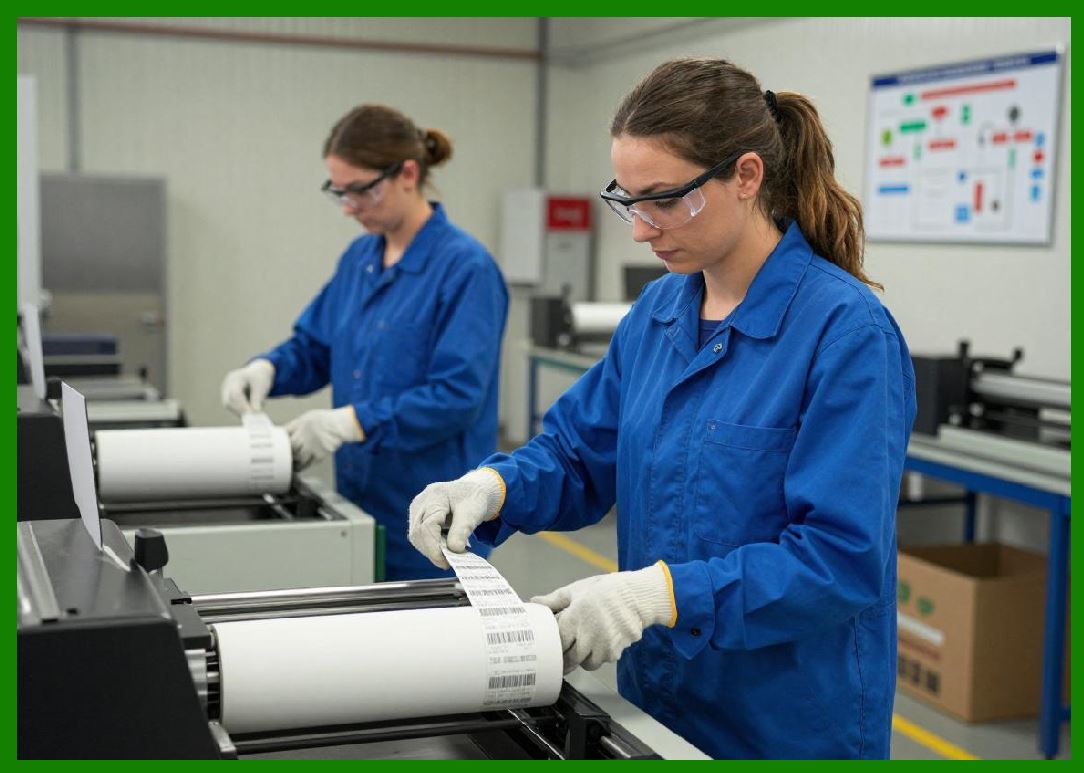
5.1 Micro-Electro-Mechanical Systems (MEMS) enable the fabrication of microscopic mechanical structures integrated with electronics. |
5.2 MEMS-based printheads provide: |
5.2.1 High nozzle density |
5.2.2 Precise droplet control |
5.2.3 Miniaturized fluid channels |
5.2.4 Improved manufacturing consistency |
5.3 MEMS technology allows scaling to thousands of nozzles in compact arrays. |
|
6. Microfluidic Channel Engineering |
6.1 Ink delivery inside printheads relies on microfluidic channel networks. |
6.2 These channels control: |
6.2.1 Ink flow rate |
6.2.2 Pressure distribution |
6.2.3 Droplet formation stability |
6.3 Micro-scale fluid behavior is dominated by surface tension and viscosity rather than gravity. |
6.4 Precise channel design is essential for consistent barcode printing. |

|
7. Nozzle Design and Geometry Optimization |
7.1 Nozzle geometry has a direct impact on droplet quality. |
7.2 Key design parameters include: |
7.2.1 Nozzle diameter |
7.2.2 Channel length |
7.2.3 Exit angle |
7.2.4 Surface coating properties |
7.3 Optimization ensures stable droplet formation and reduces satellite droplet effects. |

|
8. Droplet Formation Physics |
8.1 Droplet formation is governed by fluid dynamics and energy transfer principles. |
8.2 Key forces include: |
8.2.1 Inertial forces |
8.2.2 Surface tension |
8.2.3 Viscous damping |
8.2.4 Pressure wave propagation |
We = \frac{\rho v^2 d}{\sigma} |
8.3 The Weber number helps determine droplet breakup behavior in inkjet systems. |

|
9. High-Density Nozzle Arrays |
9.1 Modern printheads contain thousands of nozzles arranged in dense arrays. |
9.2 Benefits include: |
9.2.1 High-speed printing capability |
9.2.2 Wide print coverage without mechanical scanning |
9.2.3 Redundant nozzle usage for fault tolerance |
9.3 Alignment precision between nozzles is critical for barcode accuracy. |

|
10. Thermal Management in Printhead Systems |
10.1 Printheads generate heat during operation, especially in high-frequency systems. |
10.2 Thermal control mechanisms include: |
10.2.1 Heat sinks and thermal spreaders |
10.2.2 Active cooling systems |
10.2.3 Temperature feedback sensors |
10.3 Stable temperature is essential for consistent droplet viscosity and behavior. |

|
11. Ink Recirculation and Flow Stability |
11.1 Ink recirculation systems maintain consistent ink properties inside the printhead. |
11.2 Benefits include: |
11.2.1 Prevention of pigment sedimentation |
11.2.2 Reduction of nozzle clogging |
11.2.3 Stable viscosity across operating conditions |
11.3 Continuous flow design improves long-term reliability. |

|
12. Anti-Clogging and Self-Cleaning Technologies |
12.1 Nozzle clogging is one of the most common failure modes in inkjet systems. |
12.2 Anti-clogging strategies include: |
12.2.1 Periodic ink purging cycles |
12.2.2 Air bubble removal systems |
12.2.3 Hydrophobic/hydrophilic surface engineering |
12.3 Advanced systems include self-cleaning nozzle coatings. |
|
13. Printhead Manufacturing Precision |
13.1 Manufacturing tolerances in MEMS printheads are extremely tight. |
13.2 Precision factors include: |
13.2.1 Micron-level channel alignment |
13.2.2 Uniform nozzle diameter control |
13.2.3 Electrical consistency across piezo elements |
13.3 Small variations can significantly affect print quality. |

|
14. Reliability and Lifecycle Engineering |
14.1 Printhead lifespan is a critical economic and operational factor. |
14.2 Reliability engineering focuses on: |
14.2.1 Wear resistance of nozzle surfaces |
14.2.2 Fatigue resistance of piezo elements |
14.2.3 Chemical resistance to ink formulations |
14.3 Longer lifecycle reduces maintenance cost and downtime. |

|
15. Future Innovations in Printhead Technology |
15.1 Emerging technologies include: |
15.1.1 Nano-structured nozzle surfaces |
15.1.2 Adaptive MEMS architectures |
15.1.3 AI-optimized droplet waveform control |
15.1.4 Self-healing microfluidic channels |
15.2 These innovations aim to further increase precision, speed, and durability. |

|
16. Integration of Printhead Systems with Smart Control |
16.1 Modern printheads are tightly integrated with intelligent control systems. |
16.2 This integration enables: |
16.2.1 Real-time droplet adjustment |
16.2.2 Predictive failure detection |
16.2.3 Adaptive waveform tuning |
16.3 The printhead becomes an active, intelligent component rather than a passive device. |

|
Technical Summary of Part 22 |
This part provides a detailed technical analysis of inkjet printhead technologies, focusing on thermal and piezoelectric mechanisms, MEMS engineering, and microfluidic control systems. |
It explains how printheads generate droplets using either thermal vaporization or piezoelectric deformation, and how MEMS technology enables high-density nozzle arrays with micron-level precision. |
The section highlights the importance of microfluidic channel design, nozzle geometry optimization, and fluid dynamics in achieving stable droplet formation. Key physical principles governing droplet behavior are introduced using fluid mechanics concepts such as the Weber number. |
Thermal management, ink recirculation, anti-clogging systems, and manufacturing precision are discussed as essential factors for maintaining reliability and performance. |
Finally, the part explores future innovations including nano-structured surfaces, self-healing channels, and AI-driven waveform optimization, showing how printhead technology is evolving toward intelligent, adaptive, and highly precise microfluidic systems. |
 cs@easiersoft.com