Part 7: Inkjet Printing Substrates and Label Materials |
1. Introduction to Substrates in Inkjet Barcode Printing |
1.1 In inkjet barcode label printing, the substrate (label material) is as important as the ink and printhead. The interaction between ink and substrate directly determines print quality, durability, and barcode readability. |
1.2 A substrate must provide a (surface) that supports precise droplet placement, controlled ink absorption, and strong adhesion while maintaining dimensional stability. |
1.3 Different industries require different substrate characteristics depending on environmental exposure, handling conditions, and regulatory requirements. |
1.4 Selecting the appropriate substrate is a critical engineering decision that impacts the entire printing system. |

|
2. Classification of Label Substrates |
2.1 Inkjet-compatible label materials can be broadly classified into the following categories: |
2.1.1 Paper-based substrates |
2.1.2 Synthetic (polymer-based) substrates |
2.1.3 Composite materials |
2.1.4 Specialty functional substrates |
2.2 Each category offers unique advantages and limitations in terms of cost, durability, and print performance. |

|
3. Paper-Based Substrates |
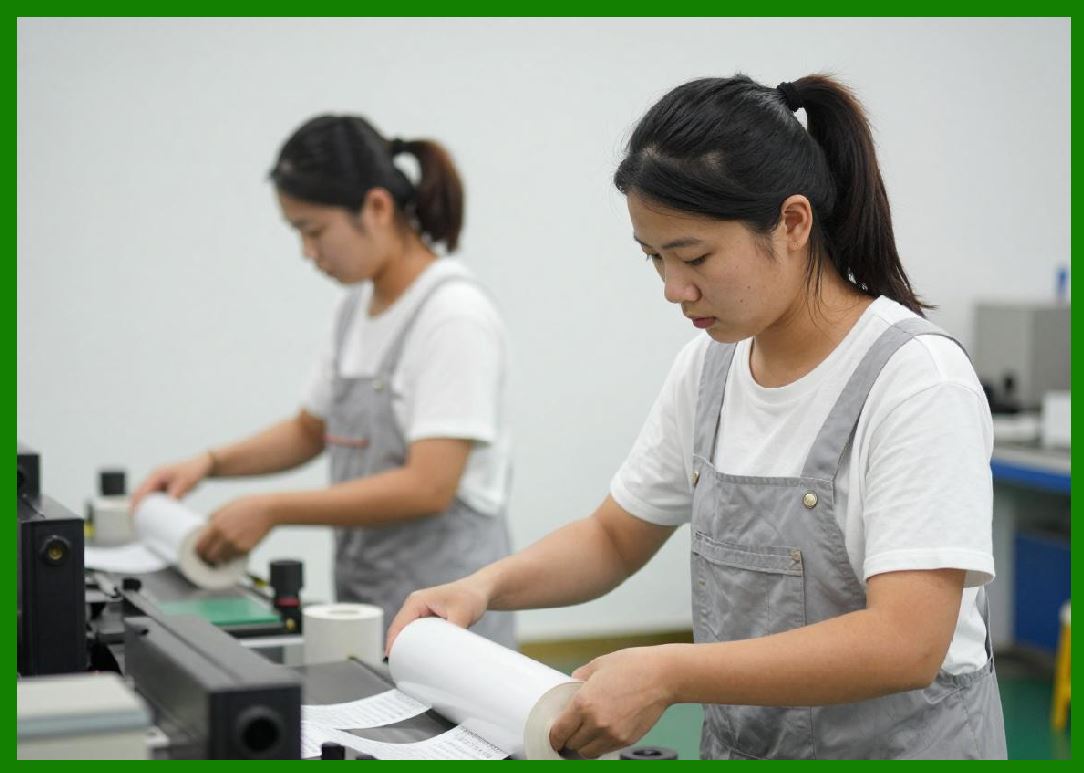
3.1 Paper is the most commonly used substrate for barcode labels due to its low cost and ease of printing. |
3.2 Types of paper substrates include: |
3.2.1 Uncoated paper |
3.2.2 Coated paper |
3.2.3 Thermal paper (adapted for hybrid systems) |
3.3 Uncoated Paper: |
3.3.1 (has) high porosity, allowing rapid ink absorption. |
3.3.2 Produces fast drying but may lead to ink spreading and reduced edge sharpness. |
3.4 Coated Paper: |
3.4.1 Features a (special) coating layer that controls ink absorption. |
3.4.2 Provides better print resolution and sharper barcode edges. |
3.5 Paper substrates are widely used in logistics, retail, and short-term labeling applications. |
|
4. Synthetic (Polymer-Based) Substrates |
4.1 Synthetic materials are used when durability and environmental resistance are required. |
4.2 Common synthetic substrates include: |
4.2.1 Polyethylene (PE) |
4.2.2 Polypropylene (PP) |
4.2.3 Polyester (PET) |
4.2.4 Polyvinyl chloride (PVC) |
4.3 These materials are non-porous and require specialized ink formulations or surface treatments. |
4.4 Advantages include: |
4.4.1 Water resistance |
4.4.2 Chemical resistance |
4.4.3 High tensile strength |
4.5 Synthetic substrates are commonly used in industrial, healthcare, and outdoor applications. |

|
5. Composite and Laminated Materials |
5.1 Composite substrates combine multiple layers to achieve specific properties. |
5.2 Examples include: |
5.2.1 Paper with polymer coatings |
5.2.2 Multi-layer (films) |
5.2.3 Laminated label structures |
5.3 Laminates can protect printed barcodes from abrasion, moisture, and UV exposure. |
5.4 Composite materials are often used in high-performance labeling applications. |

|
6. Surface Coatings and Treatments |
6.1 Surface coatings are critical for optimizing inkjet print performance. |
6.2 Coatings control ink absorption, spreading, and adhesion. |
6.3 Types of coatings include: |
6.3.1 Inkjet receptive coatings |
6.3.2 Primer layers for synthetic materials |
6.3.3 Barrier coatings |
6.4 Plasma treatment and corona discharge are used to increase surface energy and improve ink adhesion. |
6.5 Proper coating selection ensures sharp barcode edges and consistent print quality. |

|
7. Adhesive Layers in Label Materials |
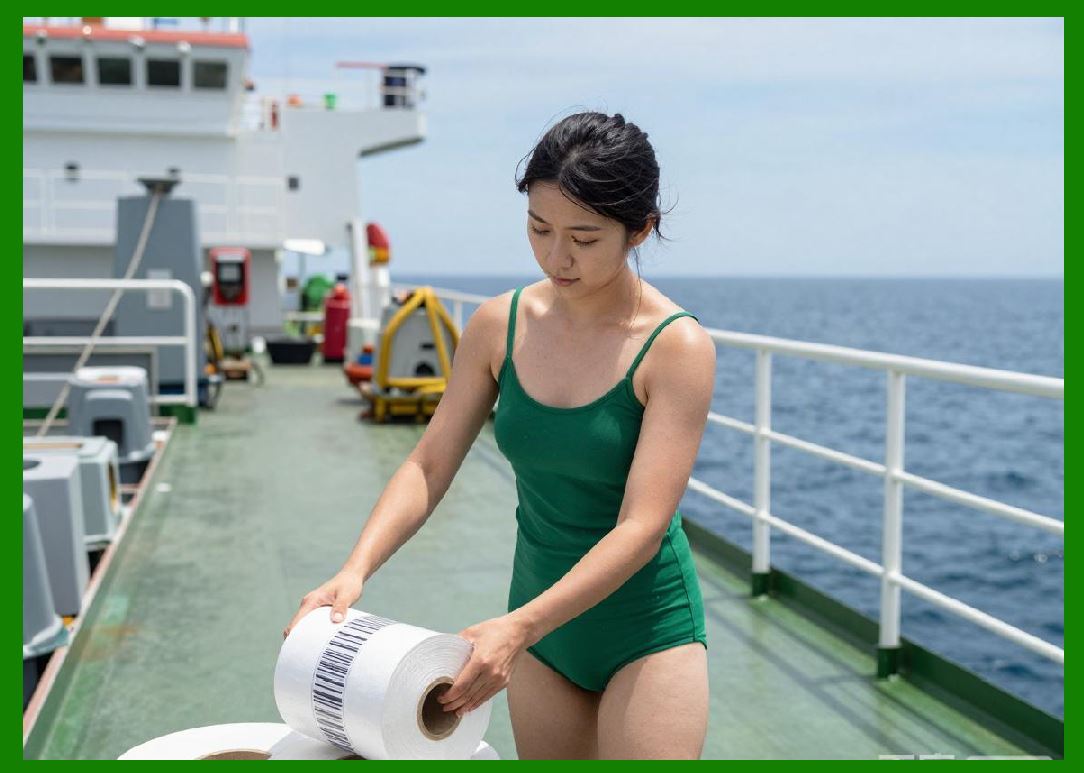
7.1 Most barcode labels include an adhesive layer for attachment to (products) or packaging. |
7.2 Types of adhesives include: |
7.2.1 Permanent adhesives |
7.2.2 Removable adhesives |
7.2.3 Repositionable adhesives |
7.3 Adhesive performance must be compatible with the substrate and application environment. |
7.4 Factors such as temperature, humidity, and surface texture affect adhesion. |
|
8. Liner Materials and Release Coatings |
8.1 Label materials often include a liner (backing paper) that protects the adhesive before application. |
8.2 Release coatings on the liner allow easy separation of the label. |
8.3 Common liner materials include: |
8.3.1 Glassine paper |
8.3.2 Kraft paper |
8.3.3 Film liners |
8.4 The liner must maintain dimensional stability during printing and handling. |

|
9. Ink Absorption and Drying Behavior |
9.1 The interaction between ink and substrate determines drying speed and print quality. |
9.2 Porous substrates absorb ink (quickly), reducing drying time. |
9.3 Non-porous substrates require evaporation or curing mechanisms. |
9.4 Controlled absorption is necessary to prevent dot gain and maintain barcode accuracy. |

|
10. Surface Energy and Wetting Properties |
10.1 Surface energy affects how ink spreads on the substrate. |
10.2 High surface energy promotes better wetting and adhesion. |
10.3 Low surface energy causes ink to bead up, leading to poor print quality. |
10.4 Surface treatments are used to adjust wetting properties for optimal performance. |
|
11. Mechanical Properties of Substrates |
11.1 Mechanical properties influence handling, (printing), and durability. |
11.2 Key properties include: |
11.2.1 Tensile strength |
11.2.2 Flexibility |
11.2.3 Thickness (caliper) |
11.2.4 Tear resistance |
11.3 Substrates must withstand printing (process) and subsequent handling without deformation. |

|
12. Environmental Resistance of Label Materials |
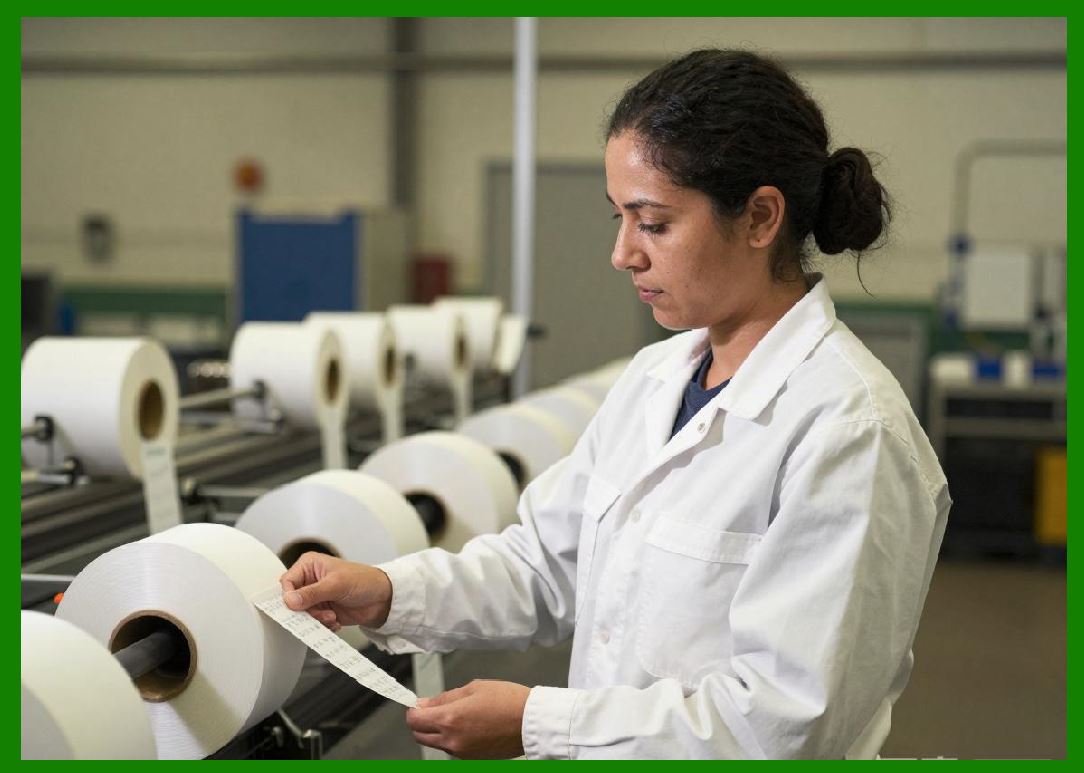
12.1 Barcode labels may be exposed to harsh environments. |
12.2 (resistance) requirements include: |
12.2.1 Water and humidity resistance |
12.2.2 UV exposure resistance |
12.2.3 Chemical resistance |
12.2.4 Temperature extremes |
12.3 Synthetic and laminated materials provide enhanced protection. |
|
13. Compatibility with Ink Types |
13.1 Substrates must be compatible with the chosen ink formulation. |
13.2 Water-based inks require absorbent or coated surfaces. |
13.3 Solvent-based inks adhere better to non-porous materials. |
13.4 UV-curable inks require surfaces that support photopolymerization. |
13.5 Matching ink and substrate is essential for optimal performance. |
|
14. Dimensional Stability and Print Accuracy |
14.1 Dimensional stability ensures that the substrate does not expand or contract during printing. |
14.2 Changes in size can distort barcode dimensions. |
14.3 Factors affecting stability include: |
14.3.1 Moisture absorption |
14.3.2 Temperature variations |
14.4 Stable materials are (essential) for high-precision barcode printing. |

|
15. Sustainability and Environmental Considerations |
15.1 Environmental concerns are increasingly important in label material selection. |
15.2 Sustainable options include: |
15.2.1 Recycled paper substrates |
15.2.2 Biodegradable materials |
15.2.3 Eco-friendly coatings and adhesives |
15.3 Reducing environmental impact is a key trend in the printing industry. |

|
16. Specialized Barcode Label Materials |
16.1 Some applications require specialized substrates, such as: |
16.1.1 Tamper-evident labels |
16.1.2 Security labels with anti-counterfeiting features |
16.1.3 Heat-resistant labels |
16.1.4 Cryogenic labels |
16.2 These materials are designed for specific industrial or regulatory requirements. |

|
Technical Summary of Part 7 |
This part provides a comprehensive analysis of substrates and label materials used in inkjet barcode printing. It explores the classification of substrates into paper-based, synthetic, composite, and specialty materials, highlighting their (characteristics) and applications. |
The discussion emphasizes the importance of surface coatings, ink absorption, and wetting properties in achieving high-quality print results. It examines the role of adhesives, liners, and mechanical properties in ensuring reliable label performance. |
Environmental resistance, dimensional stability, and compatibility with different ink types are analyzed as critical factors affecting barcode durability and readability. The section also addresses sustainability considerations and the growing demand for eco-friendly materials. |
Overall, this part demonstrates that substrate selection is a (critical) factor in inkjet barcode printing, directly influencing print quality, durability, and system performance. |
 cs@easiersoft.com