Part 1 Introduction to the Global Barcode Label Printer Industry and the Rise of Industrial Auto-ID Manufacturers | 1. The Historical Foundation of Barcode Label Printing Technology | 1.1 | The modern barcode label printer industry emerged from the convergence of automatic identification technology, industrial automation, computer-controlled printing systems, and global logistics modernization. Before specialized barcode printers existed, companies relied on ordinary impact printers, typewriters, preprinted labels, rubber stamps, and manual inventory systems to mark products and shipping cartons. These early identification methods were slow, error-prone, labor-intensive, and difficult to standardize across large supply chains. As manufacturing and international trade expanded rapidly during the second half of the twentieth century, industries began demanding faster and more reliable identification technologies capable of supporting automation. | 1.2 | The invention and commercialization of linear barcodes fundamentally transformed inventory and retail management. The introduction of the Universal Product Code (UPC) in the 1970s, particularly in North American retail systems, created a standardized machine-readable identification method that could dramatically reduce checkout times and improve inventory tracking accuracy. Once barcode scanning became commercially successful, businesses immediately recognized the need for efficient barcode label generation systems. This requirement created the technological and commercial foundation for dedicated barcode label printer manufacturers. | 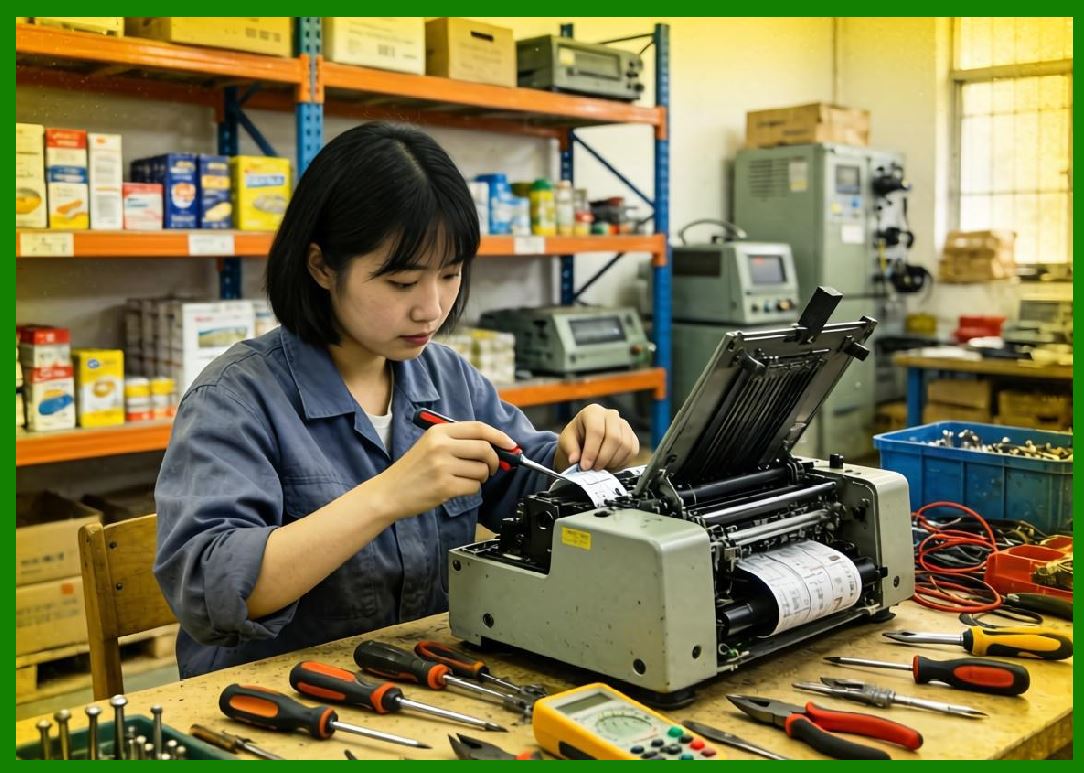
| 1.3 | During the early years of barcode adoption, many labels were printed using modified dot matrix printers or line printers. However, these systems lacked the print precision required for high-density barcode symbologies. Barcode scanners depend heavily on accurate bar widths, consistent contrast, proper quiet zones, and stable print quality. Small print distortions could easily cause scan failures. This technical limitation encouraged engineers and entrepreneurs to design specialized printers optimized specifically for barcode output. | 1.4 | Thermal printing technology became the dominant solution because it provided high reliability, low mechanical complexity, and excellent barcode precision. Thermal printing systems eliminated many of the moving mechanical parts found in impact printers. Instead of striking ribbons against paper, thermal printheads generated images using controlled heat. This approach enabled faster printing speeds, lower maintenance requirements, quieter operation, and improved barcode readability. | 1.5 | Two major thermal printing methods became industry standards: direct thermal printing and thermal transfer printing. Direct thermal systems create images by applying heat directly to chemically treated thermal paper. Thermal transfer systems use a ribbon that transfers ink onto the label surface under heat and pressure. Thermal transfer printing became especially important for industrial environments because it allowed durable labels to resist moisture, abrasion, chemicals, ultraviolet exposure, and extreme temperatures. | 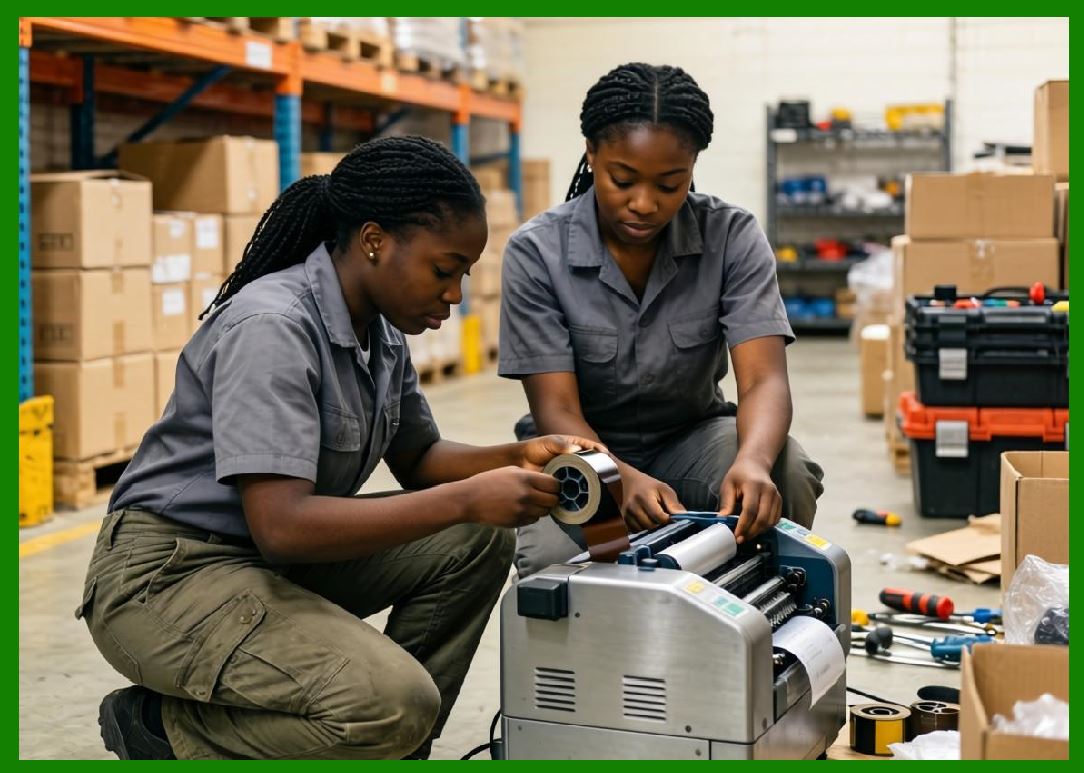
| 1.6 | The rapid growth of warehousing, transportation, manufacturing automation, healthcare tracking, laboratory identification, retail logistics, and e-commerce accelerated demand for barcode printers. Over time, the industry evolved from relatively simple printing devices into highly sophisticated intelligent identification platforms integrating networking, embedded computing, RFID encoding, cloud connectivity, mobile device integration, and industrial automation interfaces. | 1.7 | Today, internationally renowned barcode label printer manufacturers compete not only in hardware performance but also in software ecosystems, consumable technologies, RFID integration, print management platforms, IoT connectivity, industrial durability, sustainability, and enterprise mobility. The industry's leading companies now operate globally and support customers ranging from small retail stores to multinational logistics corporations and government agencies. | 
| 2. The Technological Evolution of Barcode Label Printers | 2.1 | The earliest dedicated barcode printers primarily focused on one essential goal: generating machine-readable barcode labels with consistent quality. However, as barcode standards evolved, printers needed to support increasingly complex symbologies such as Code 39, Code 128, Interleaved 2 of 5, PDF417, Data Matrix, QR Code, GS1 DataBar, MaxiCode, and many other one-dimensional and two-dimensional barcode systems. | 2.2 | Higher-density barcode formats demanded greater print resolution and more advanced printhead engineering. Manufacturers responded by developing printheads with resolutions such as 203 dpi, 300 dpi, 406 dpi, and 600 dpi. High-resolution printers became essential for electronics manufacturing, medical devices, pharmaceutical labeling, and miniature component marking where extremely small labels were required. | 2.3 | Industrial barcode printer manufacturers also improved mechanical engineering designs. Early systems were relatively fragile and intended mainly for office environments. Modern industrial printers are designed for harsh factory conditions involving vibration, dust, heat, cold, humidity, and continuous operation. Heavy-duty steel frames, precision media sensors, industrial motors, and ruggedized electronics became common features. | 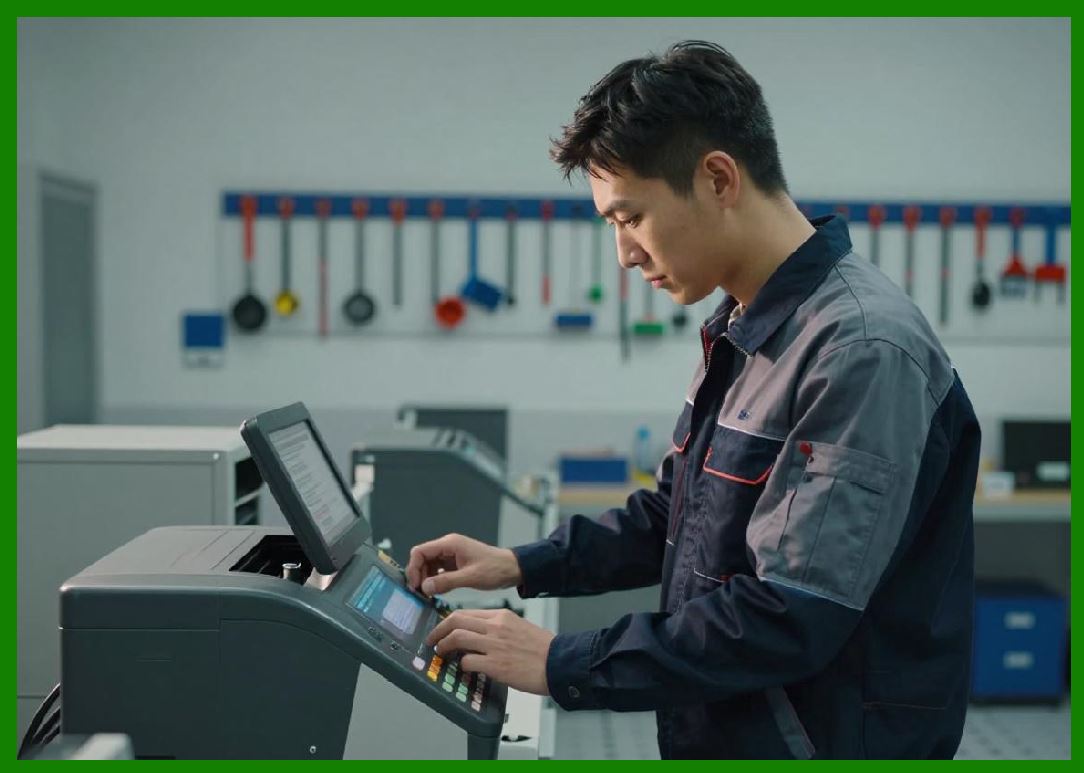
| 2.4 | As enterprise computing expanded during the 1980s and 1990s, barcode printers increasingly required compatibility with ERP systems, warehouse management systems, manufacturing execution systems, and shipping platforms. This demand led manufacturers to create sophisticated printer command languages such as ZPL, EPL, DPL, SBPL, IPL, TPCL, and other proprietary printer languages. These command languages allowed software systems to control printers efficiently and automate large-scale label production. | 2.5 | Networking capabilities represented another major milestone. Early barcode printers often relied on serial ports or parallel interfaces. Over time, Ethernet connectivity, Wi-Fi, Bluetooth, USB, cloud integration, and web-based printer management became standard features. Networked printers enabled centralized enterprise management and remote diagnostics. | 2.6 | Embedded processing power also increased dramatically. Modern barcode printers often contain advanced microprocessors, embedded Linux systems, graphical user interfaces, touchscreen displays, onboard memory storage, scripting engines, and remote firmware management systems. Some industrial barcode printers today function almost like compact industrial computers. | 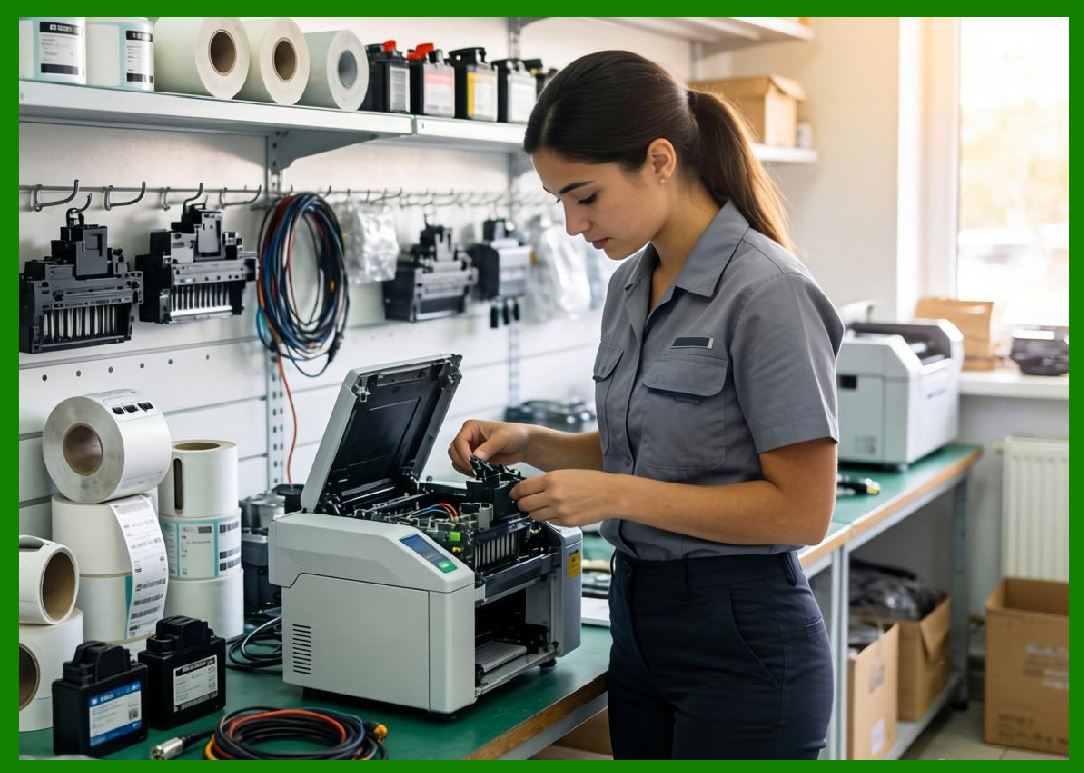
| 2.7 | Mobile barcode printing became another transformative segment. As field operations expanded in transportation, healthcare, retail, and logistics, manufacturers introduced compact battery-powered mobile printers capable of wireless operation. These mobile systems enabled real-time label printing directly at warehouses, delivery vehicles, retail aisles, hospitals, and outdoor job sites. | 2.8 | The rise of RFID technology created another major evolution in barcode printer development. RFID-enabled printers not only print visible barcode labels but also encode embedded RFID chips simultaneously. These integrated RFID printers became especially important in supply chain visibility, apparel tracking, aviation baggage management, pharmaceutical authentication, and asset management applications. | 
| 3. Core Categories of Barcode Label Printer Manufacturers | 3.1 | The barcode label printer market can generally be divided into several major categories of manufacturers based on product specialization and market focus. Some companies focus primarily on industrial-grade printing systems, while others concentrate on desktop printers, mobile printing, RFID integration, healthcare labeling, or enterprise automation platforms. | 3.2 | Industrial printer manufacturers typically produce rugged systems designed for high-volume continuous operation. These printers are commonly used in factories, distribution centers, ports, transportation hubs, and large warehouses. Key characteristics include metal construction, high-duty-cycle print engines, large ribbon capacities, advanced connectivity, and industrial automation support. | 3.3 | Desktop barcode printer manufacturers focus on compact systems suitable for offices, retail stores, clinics, laboratories, and smaller businesses. Desktop printers prioritize affordability, ease of use, compact size, and straightforward media loading. Although smaller than industrial printers, modern desktop units still offer excellent barcode quality and network integration. | 
| 3.4 | Mobile printer manufacturers specialize in lightweight portable systems powered by rechargeable batteries. These devices support wireless communication and are widely used for route accounting, field service, proof-of-delivery systems, mobile ticketing, hospital bedside labeling, and warehouse picking operations. | 3.5 | Enterprise mobility companies often combine barcode printing technologies with handheld computers, scanners, rugged tablets, RFID readers, and warehouse automation systems. Some of the world's largest barcode printer manufacturers have evolved into complete automatic identification and data capture (AIDC) solution providers. | 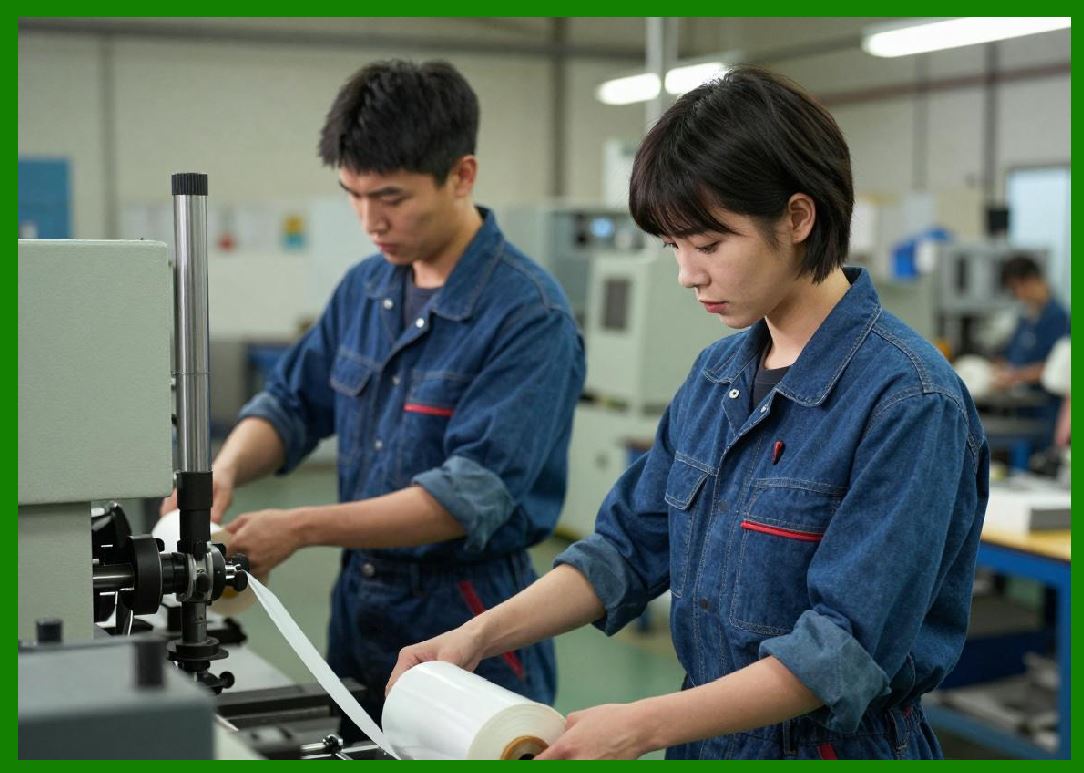
| 3.6 | Healthcare-focused manufacturers develop printers specifically optimized for hospitals, laboratories, and pharmaceutical environments. These systems emphasize patient safety, disinfectant-resistant housings, high-resolution wristband printing, specimen tracking, and regulatory compliance. | 3.7 | RFID-integrated printer manufacturers occupy one of the industry's most technically advanced segments. These companies design systems capable of simultaneously printing labels and encoding RFID transponders. Successful RFID printing requires precise synchronization between print operations and radio-frequency encoding systems. | 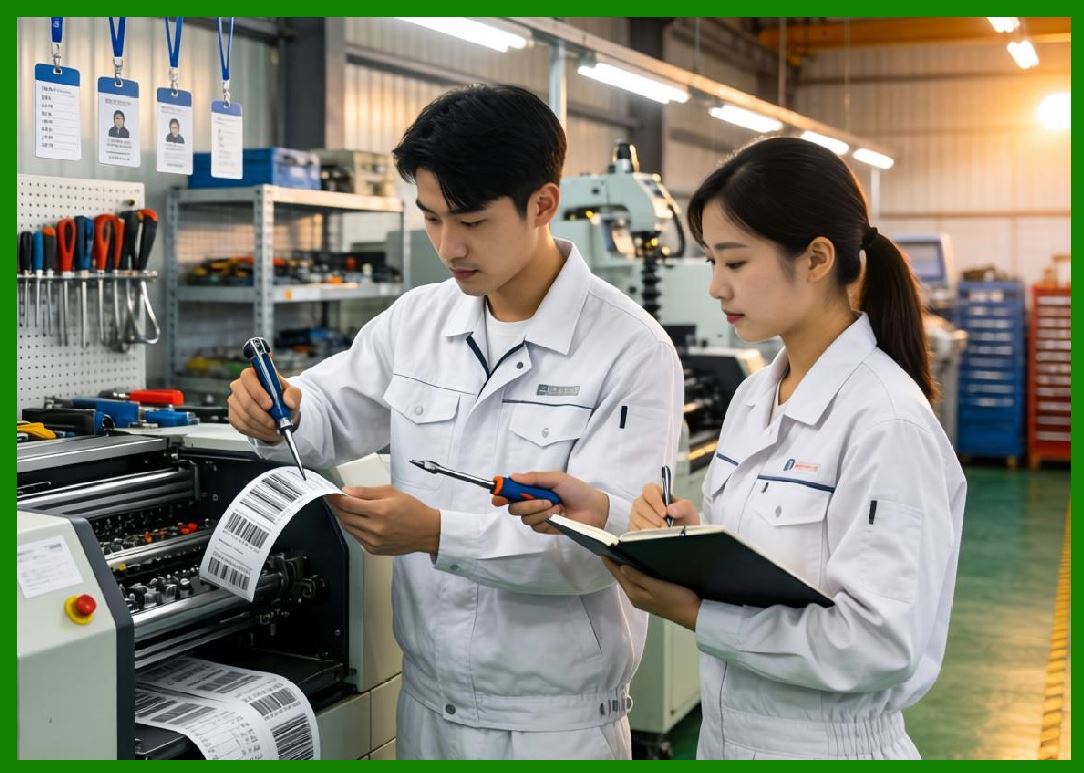
| 4. Major International Barcode Label Printer Manufacturers | 4.1 | Several globally recognized manufacturers have dominated the barcode label printer industry for decades. Among the most influential companies are Zebra Technologies, SATO Holdings Corporation, TSC Auto ID Technology, Honeywell, Toshiba Tec Corporation, Seiko Epson Corporation, Citizen Systems Japan, GoDEX International, Postek Electronics, and Argox Information. | 4.2 | These companies differ significantly in their origins, engineering philosophies, market strategies, product architectures, and technological innovations. Some manufacturers pioneered thermal printing mechanisms, while others specialized in RFID integration, mobile printing, industrial durability, or enterprise software ecosystems. | 
| 4.3 | Several manufacturers also expanded through mergers and acquisitions. For example, some enterprise mobility companies acquired barcode printer businesses to strengthen their automatic identification product portfolios. Industry consolidation accelerated as supply chain automation became strategically important worldwide. | 4.4 | Japanese manufacturers historically played a major role in precision engineering and thermal printhead development. American companies often focused heavily on enterprise software integration and industrial automation. Taiwanese manufacturers became especially competitive in cost-effective industrial printer design and manufacturing efficiency. Chinese manufacturers increasingly emerged as strong competitors in affordable barcode printing solutions and domestic industrial automation markets. | 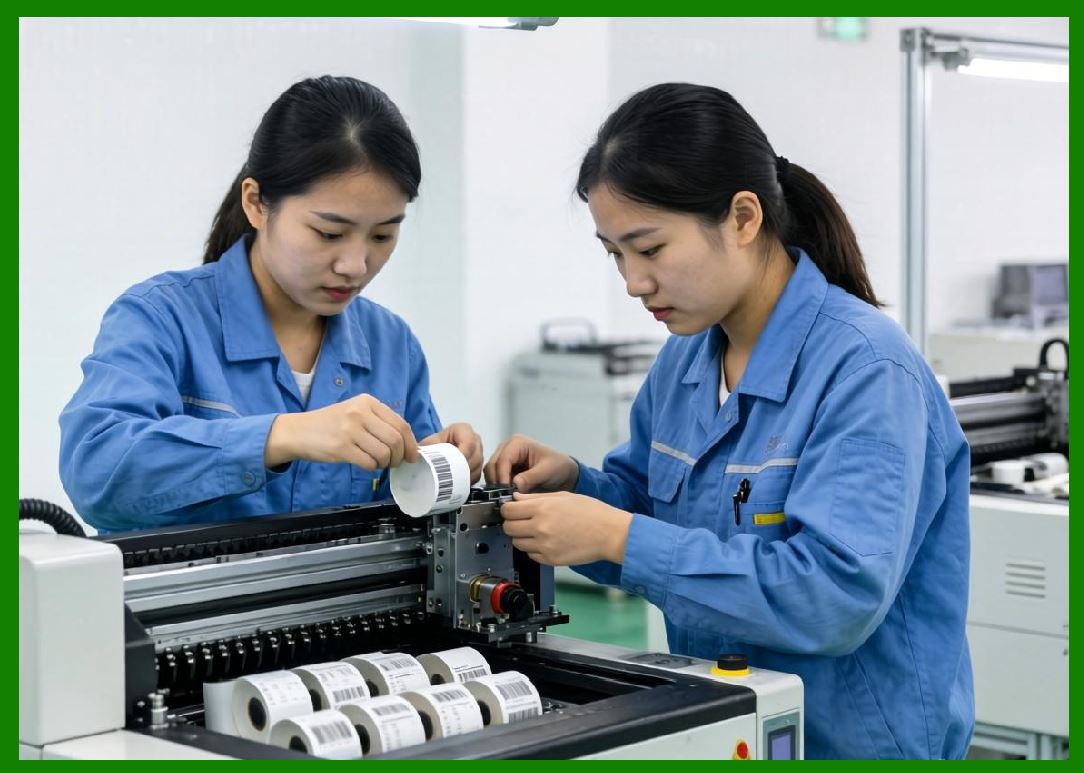
| 4.5 | Many leading manufacturers now maintain global operations including research centers, manufacturing facilities, logistics networks, reseller ecosystems, and technical support organizations spanning North America, Europe, Asia-Pacific, Latin America, the Middle East, and Africa. | 4.6 | Competition among major barcode printer manufacturers increasingly centers on total ecosystem integration rather than printer hardware alone. Modern enterprise customers often demand complete solutions involving printers, labels, ribbons, RFID systems, cloud management platforms, mobile applications, security systems, analytics software, and warehouse automation integration. | 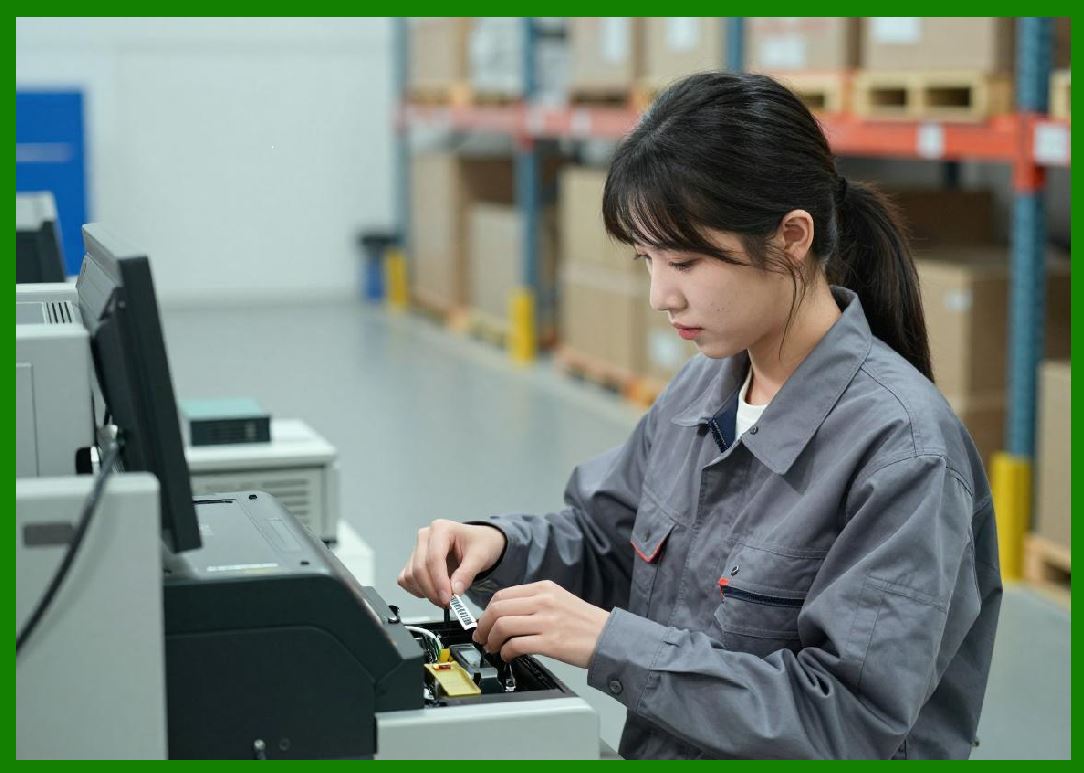
| 5. The Importance of RFID Integration in Modern Barcode Printing | 5.1 | RFID technology represents one of the most important evolutionary directions in the barcode printer industry. Radio Frequency Identification enables wireless identification without direct line-of-sight scanning. Unlike ordinary barcodes, RFID tags can store larger amounts of data and may be read automatically using radio signals. | 5.2 | Integrated RFID barcode printers combine two technologies within a single device. These printers simultaneously print visible human-readable information and machine-readable barcodes while also encoding RFID chips embedded inside labels or tags. This dual-function capability dramatically improves operational efficiency. | 5.3 | RFID printing systems require sophisticated engineering. The printer must coordinate thermal printing operations with radio-frequency encoding processes while ensuring accurate tag positioning and verification. Failed RFID tags must often be automatically detected and rejected to maintain production reliability. | 
| 5.4 | Major barcode printer manufacturers invested heavily in RFID development because large retailers, logistics companies, governments, and healthcare organizations increasingly demanded RFID-enabled tracking systems. Apparel retailers, for example, use RFID labels to improve inventory visibility and reduce stock inaccuracies. | 5.5 | In logistics environments, RFID printers enable automated pallet tracking, warehouse management, and shipment verification. Airports use RFID baggage tags to improve luggage tracking accuracy. Hospitals use RFID wristbands and asset labels to monitor patients and medical equipment. | 
| 5.6 | The integration of RFID into barcode printing systems also required compliance with international radio-frequency standards and regional regulatory requirements. Manufacturers therefore needed expertise not only in printing technology but also in radio engineering, antenna systems, firmware synchronization, and electromagnetic compatibility. | 5.7 | Today, several leading barcode printer manufacturers offer advanced RFID printer models supporting UHF RFID, HF RFID, NFC encoding, and specialized industrial RFID applications. RFID-enabled barcode printers are expected to become increasingly important as IoT infrastructure expands globally. | 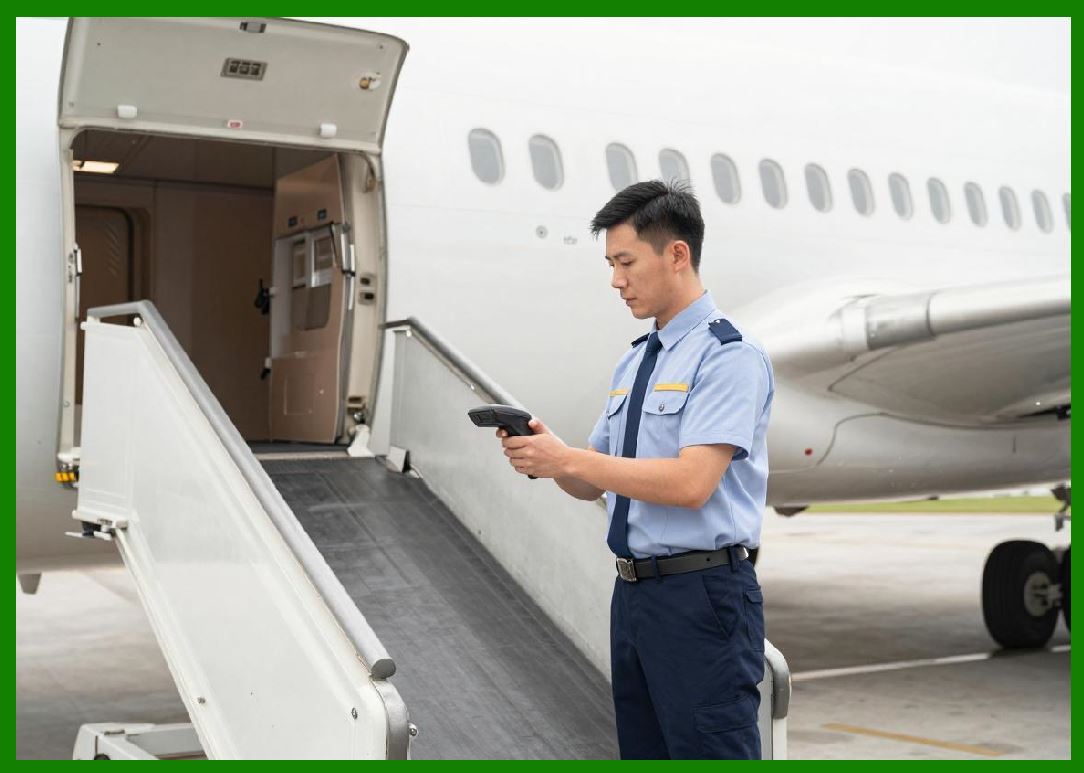
| 6. Industrial Applications Driving Barcode Printer Innovation | 6.1 | Barcode printer manufacturers continuously innovate because their customers operate in highly demanding industries requiring speed, reliability, precision, and scalability. Warehousing and logistics represent one of the largest application sectors. Modern distribution centers may generate millions of barcode labels daily for cartons, pallets, bins, and shipping containers. | 6.2 | E-commerce growth dramatically accelerated barcode printer demand worldwide. Online retail companies require enormous quantities of shipping labels, return labels, product identifiers, and warehouse tracking labels. High-speed industrial barcode printers became critical infrastructure for fulfillment centers. | 6.3 | Manufacturing industries also rely heavily on barcode labeling systems for work-in-progress tracking, component identification, quality control, serialization, and regulatory compliance. Automotive factories, electronics plants, pharmaceutical production facilities, and aerospace manufacturers all depend on specialized barcode printing technologies. | 6.4 | Healthcare applications require especially strict reliability standards. Hospitals use barcode wristbands for patient identification, specimen labels for laboratory testing, pharmacy labels for medication administration, and asset tags for medical equipment management. Printing failures in healthcare environments can directly affect patient safety. | 
| 6.5 | Retail businesses use barcode printers for shelf labels, price tags, receipts, inventory management, loyalty programs, and omnichannel fulfillment operations. Mobile printing systems are increasingly used for curbside pickup, same-day delivery, and in-store inventory updates. | 6.6 | Transportation companies rely on barcode printers for shipping labels, cargo manifests, baggage tags, delivery receipts, and fleet management systems. Airlines, railways, ports, trucking companies, and courier services all use industrial barcode printing technologies extensively. | 6.7 | Government and defense sectors also employ barcode and RFID printers for document tracking, evidence labeling, military logistics, identification systems, and secure asset management. These applications often require ruggedized printers with advanced encryption and security capabilities. | 
| 7. Future Development Trends in the Barcode Printer Industry | 7.1 | The barcode printer industry continues evolving rapidly due to digital transformation, industrial automation, artificial intelligence, cloud computing, and IoT expansion. Future barcode printers will likely become even more intelligent, connected, automated, and integrated into enterprise ecosystems. | 7.2 | Cloud-based printer management systems are becoming increasingly important. Large enterprises may manage thousands of printers across multiple countries from centralized cloud platforms. Remote firmware updates, predictive maintenance, real-time monitoring, and usage analytics are becoming standard enterprise requirements. | 7.3 | Artificial intelligence may play a growing role in print quality analysis, predictive maintenance, RFID encoding optimization, and workflow automation. Smart printers could automatically detect label defects, predict printhead failures, optimize media settings, and reduce operational downtime. | 7.4 | Environmental sustainability is also becoming a major focus. Manufacturers are developing energy-efficient printers, recyclable label materials, linerless labeling technologies, and eco-friendly ribbon systems. Reducing waste and improving sustainability have become strategic priorities for many global corporations. | 
| 7.5 | RFID technology is expected to expand significantly as supply chain digitization accelerates. Future barcode printer manufacturers will likely invest heavily in advanced RFID encoding systems, IoT integration, real-time asset visibility platforms, and intelligent logistics automation. | 7.6 | Cybersecurity is emerging as another important concern. Network-connected industrial printers may become targets for cyberattacks if not properly secured. Manufacturers increasingly implement secure boot systems, encrypted communication protocols, authentication frameworks, and enterprise-grade security management tools. | 7.7 | The integration of barcode printing with robotics and autonomous systems is another important trend. Automated warehouses increasingly require printers that can integrate seamlessly with robotic picking systems, autonomous mobile robots, conveyor systems, and machine vision technologies. | 7.8 | As international trade, logistics automation, smart manufacturing, healthcare digitization, and e-commerce continue expanding, the global barcode printer industry is expected to remain strategically important for decades to come. The manufacturers that successfully combine hardware reliability, RFID innovation, software integration, cloud intelligence, and sustainable engineering will likely dominate the future market. | 
| Detailed Technical Content Summary | This first part introduced the global barcode label printer industry and explained the historical development of barcode printing technologies. It described how thermal printing evolved into the dominant barcode printing method and discussed the technological transition from basic barcode output devices into sophisticated enterprise identification systems. | The article explained the evolution of industrial, desktop, mobile, healthcare, and RFID-integrated barcode printers. It also introduced the major international manufacturers that dominate the market today, including Zebra Technologies, SATO, TSC, Honeywell, Toshiba Tec, Epson, Citizen, GoDEX, Postek, and Argox. | Special attention was given to the importance of RFID-enabled barcode printers, including their role in logistics, healthcare, aviation, retail, and IoT-based supply chains. The article further explored the major industrial sectors driving barcode printer innovation, such as e-commerce, manufacturing, transportation, warehousing, healthcare, and government operations. | Finally, this part analyzed future development trends including AI integration, cloud printer management, cybersecurity, sustainability, RFID expansion, robotics integration, and intelligent industrial automation. The following parts will provide detailed technical analyses of individual barcode printer manufacturers, beginning with the world's most influential companies and their complete historical and technological development. |
|
 cs@easiersoft.com