Part 18 The History, Engineering Systems, Printing Technologies, and Industrial Labeling Ecosystem of BIXOLON Co., Ltd. |
1. Introduction to BIXOLON |
1.1 |
BIXOLON Co., Ltd. is a globally recognized manufacturer of receipt printers, barcode label printers, mobile printers, and POS printing systems. The company has built a strong international reputation for delivering reliable, cost-effective, and highly compatible printing solutions used across retail, logistics, hospitality, transportation, and healthcare industries. |
1.2 |
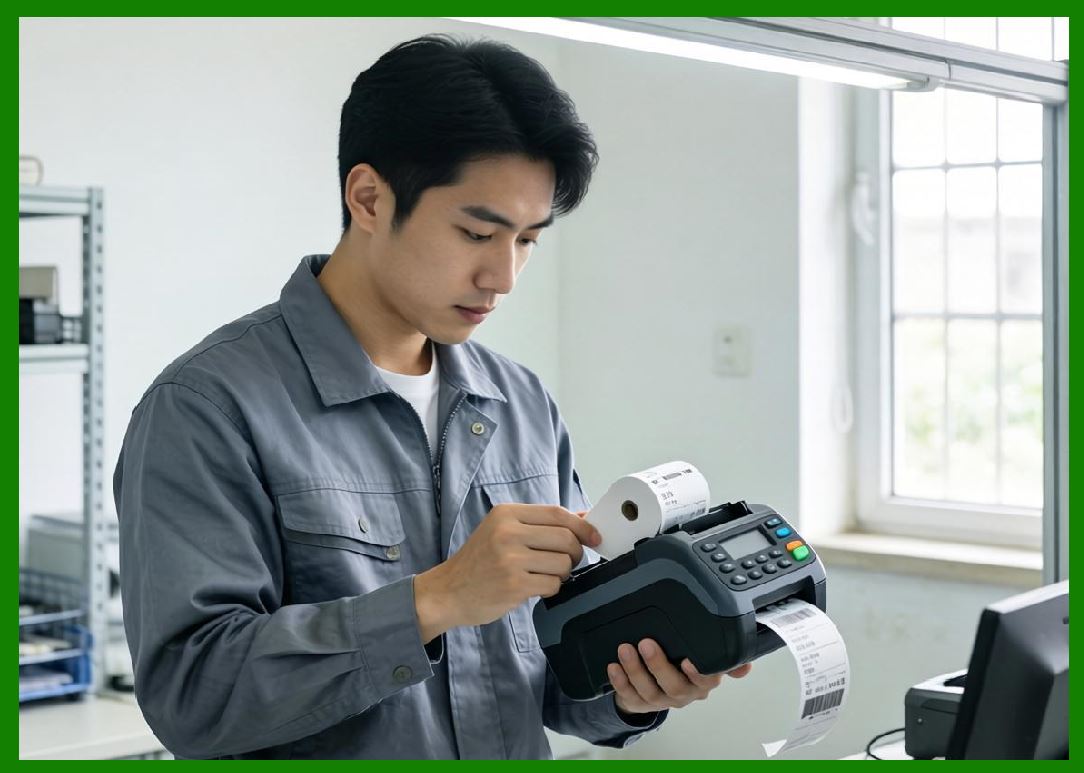
BIXOLON originated as a division of Samsung printing business before becoming an independent company, inheriting strong engineering capabilities, manufacturing expertise, and global distribution networks. |
|
1.3 |
Unlike purely industrial barcode printer manufacturers, BIXOLON operates across multiple printing domains, including point-of-sale receipt printing, mobile printing, and barcode labeling systems, giving it a broad presence in retail and commercial ecosystems. |
1.4 |
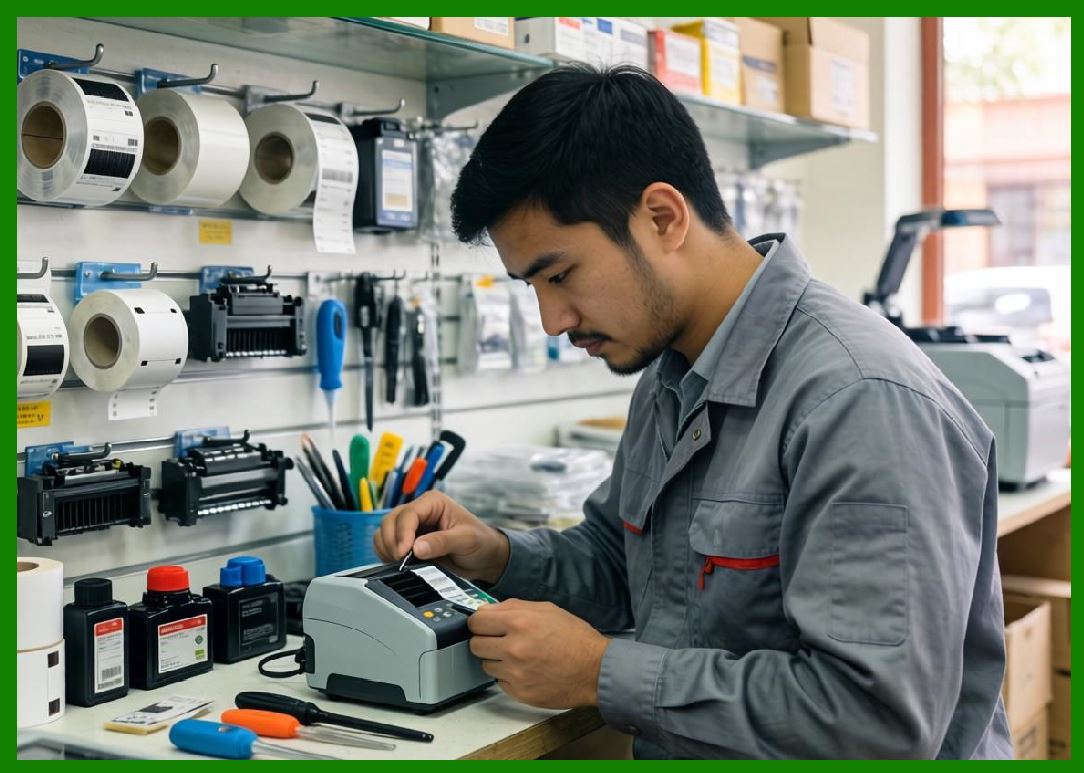
The company products are widely used in retail checkout systems, warehouse logistics operations, restaurant ordering systems, transportation ticketing, and field service applications. |
|
1.5 |
BIXOLON is known for its strong balance of affordability, reliability, and global software compatibility, making it a preferred choice for mid-range enterprise printing deployments. |
1.6 |
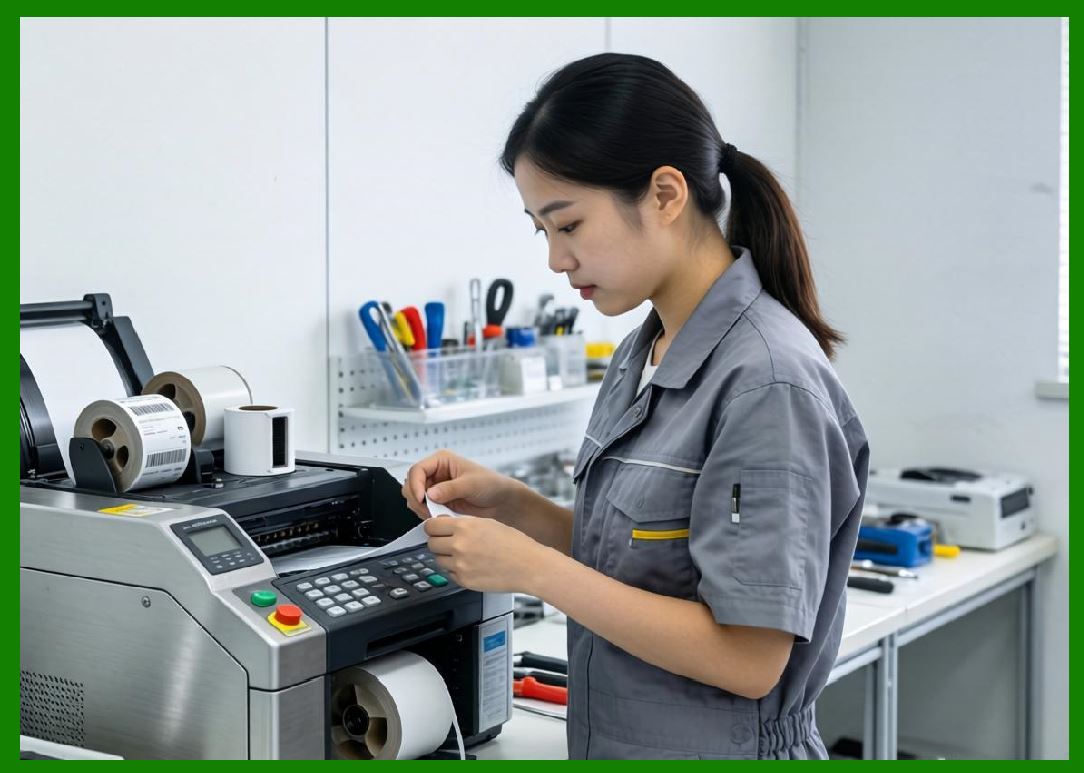
Today, BIXOLON continues to expand its presence in mobile printing, cloud printing systems, and integrated POS-barcode hybrid solutions. |
|
2. Founding History and Corporate Evolution |
2.1 |
BIXOLON was originally established as part of Samsung Electro-Mechanicsprinting division in South Korea during the 1990s, a period of rapid growth in digital electronics and retail automation systems. |
2.2 |
Samsung Electronics Co., Ltd. played a foundational role in early development, providing engineering expertise and manufacturing infrastructure for BIXOLON initial product lines. |
2.3 |
As global demand for POS and barcode printing systems increased, the printing division was spun off and rebranded as BIXOLON, allowing it to operate as an independent global enterprise. |
2.4 |
The company quickly expanded into international markets, particularly in Europe and North America, where demand for retail POS and logistics printing systems was growing rapidly. |
|
2.5 |
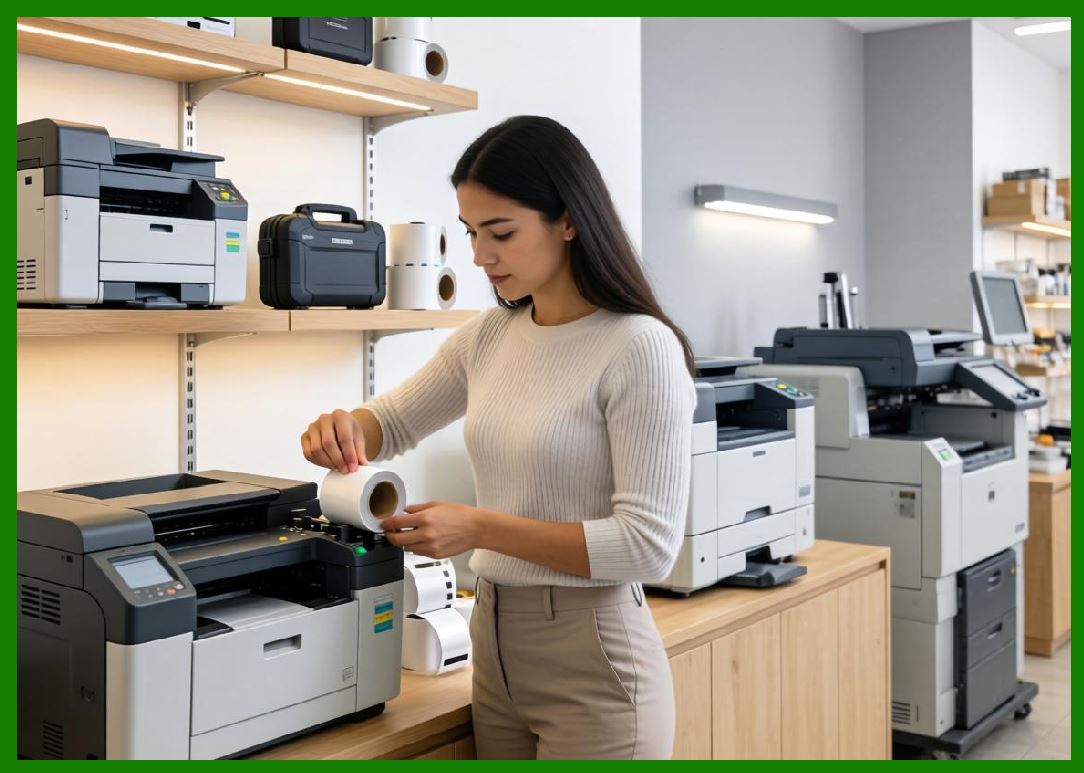
BIXOLON diversified its product portfolio to include barcode label printers, mobile printers, kiosk printers, and industrial POS systems. |
2.6 |
Its strong OEM partnerships helped it integrate printing technologies into retail terminals, warehouse systems, and transportation platforms. |
2.7 |
The company evolution reflects the broader transformation of South Korea electronics industry into a global technology powerhouse. |
2.8 |
Today, BIXOLON operates as a standalone global leader in printing technologies. |

|
3. Thermal Printing Technologies and Engineering Architecture |
3.1 |
Thermal printing is the core technology behind BIXOLON barcode label printers, POS printers, and mobile printing systems. |
3.2 |
The company supports both direct thermal and thermal transfer printing technologies for different application environments. |
3.3 |
Direct thermal printers are widely used in retail receipts, shipping labels, and short-term logistics documentation. |
3.4 |
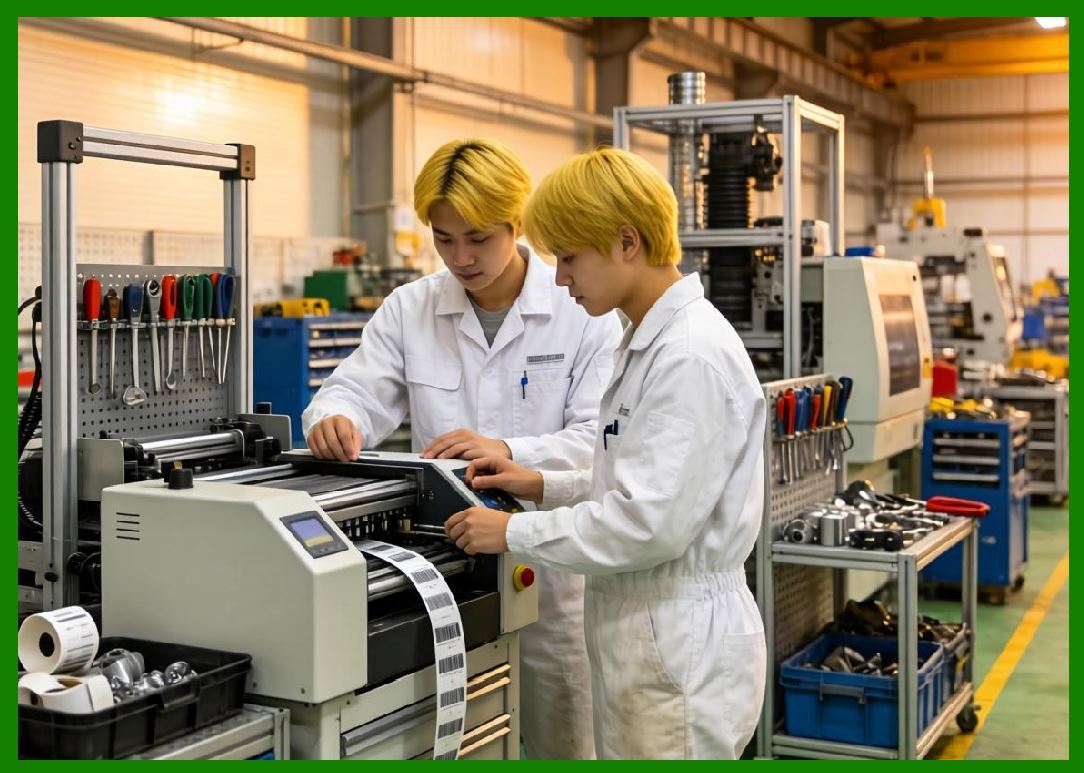
Thermal transfer systems are used for durable labeling applications requiring resistance to heat, chemicals, and long-term storage conditions. |
|
3.5 |
BIXOLON engineers focus heavily on printhead precision, ensuring consistent barcode clarity and text readability. |
3.6 |
Thermal regulation systems ensure stable heat distribution across printheads, reducing print distortion and improving scanning reliability. |
3.7 |
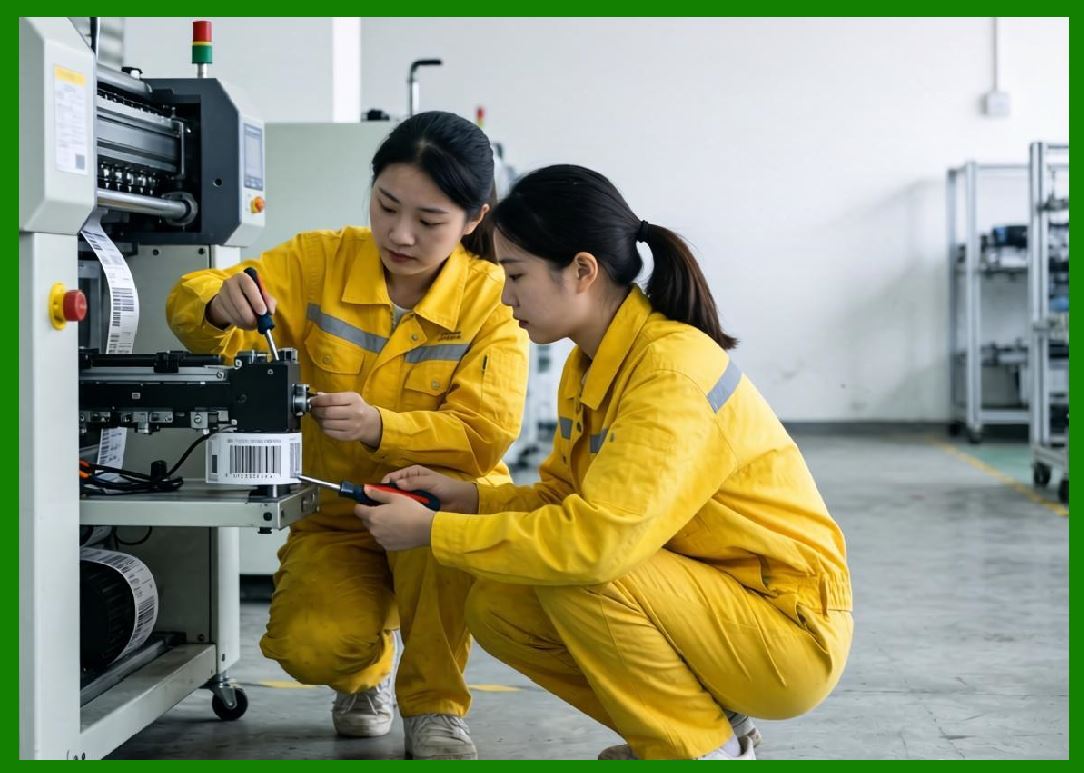
Media handling systems include advanced sensors and alignment mechanisms for accurate label positioning. |
3.8 |
The company emphasizes compact design and energy efficiency alongside industrial reliability. |
|
4. Barcode Printer and POS Product Families |
4.1 |
BIXOLON offers a wide range of printing systems including desktop barcode printers, industrial label printers, POS receipt printers, and mobile printers. |
4.2 |
The XD series represents one of its most widely used barcode label printer families, designed for retail and logistics applications. |
4.3 |
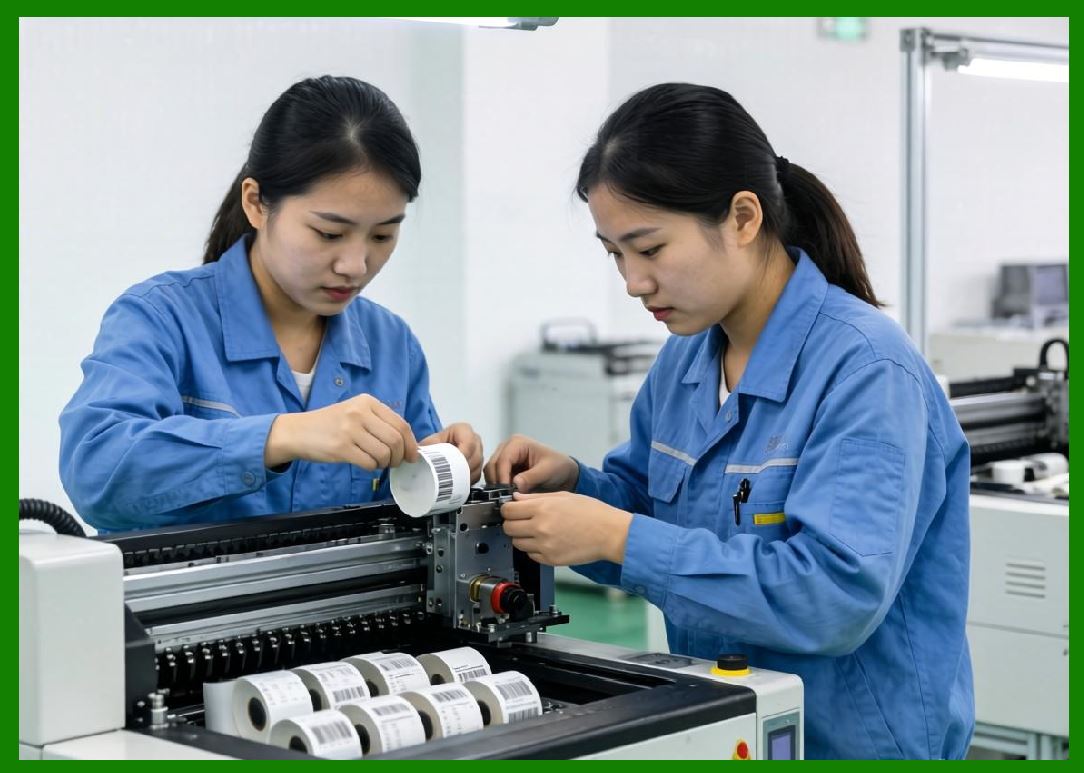
Industrial printer models are used in warehouses, manufacturing plants, and distribution centers for high-volume labeling. |
4.4 |
Desktop printers are widely used in retail stores, healthcare facilities, and office environments for compact labeling needs. |
|
4.5 |
POS receipt printers are a major product category, widely used in retail checkout systems, restaurants, and hospitality environments. |
4.6 |
Mobile printers support logistics, transportation, field services, and warehouse operations requiring on-the-go printing capabilities. |
4.7 |
Kiosk printers are used in ticketing systems, self-service retail stations, and automated customer service environments. |
4.8 |
BIXOLON printers support multiple barcode formats including QR Code, Data Matrix, GS1 standards, and traditional linear barcodes. |

|
5. RFID Integration and Smart Labeling Systems |
5.1 |
BIXOLON has expanded into RFID-enabled printing systems to support modern supply chain tracking and inventory automation. |
5.2 |
RFID printers integrate thermal printing and chip encoding into a single system for simultaneous visual and digital identification. |
5.3 |
These systems are widely used in logistics, retail apparel, healthcare tracking, and manufacturing environments. |
5.4 |
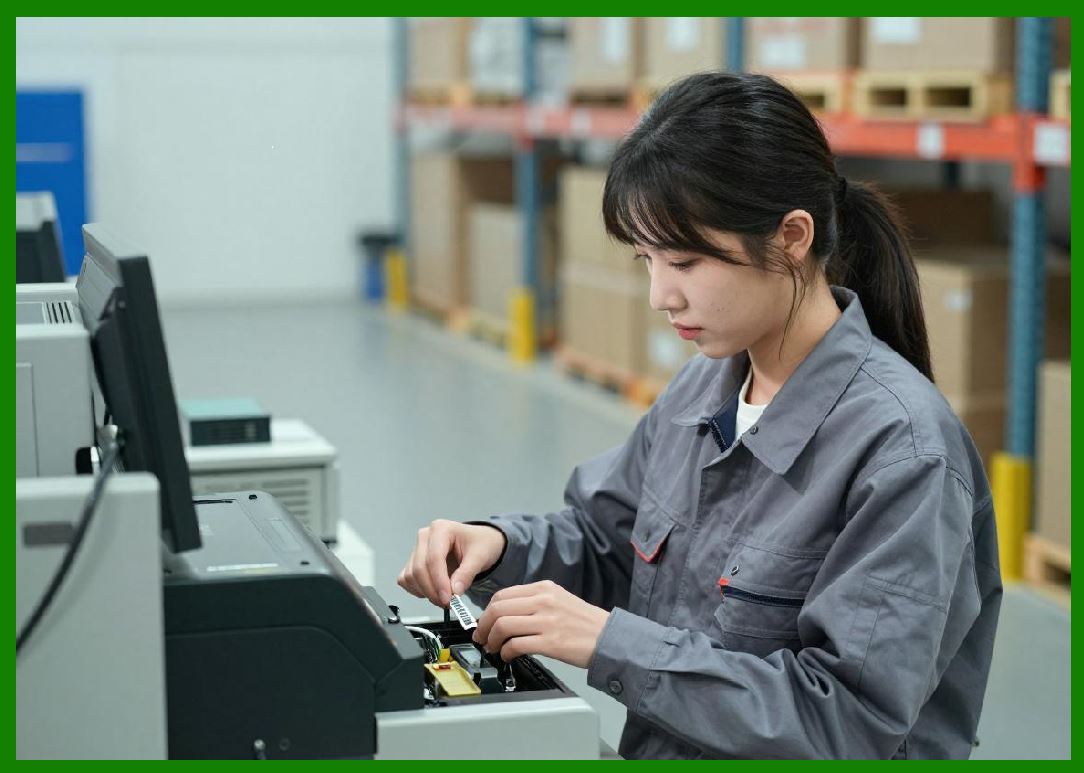
RFID encoding requires precise synchronization between printing hardware and radio-frequency chip programming systems. |
|
5.5 |
BIXOLON develops calibration systems to ensure RFID tag accuracy and reduce encoding errors. |
5.6 |
Retail apparel industries increasingly rely on RFID for inventory visibility and omnichannel retail fulfillment. |
5.7 |
Warehouse operations use RFID for pallet tracking, shipment verification, and automated inventory control systems. |
5.8 |
BIXOLON continues integrating RFID into cloud-connected enterprise systems. |
|
6. POS Systems and Retail Ecosystem Integration |
6.1 |
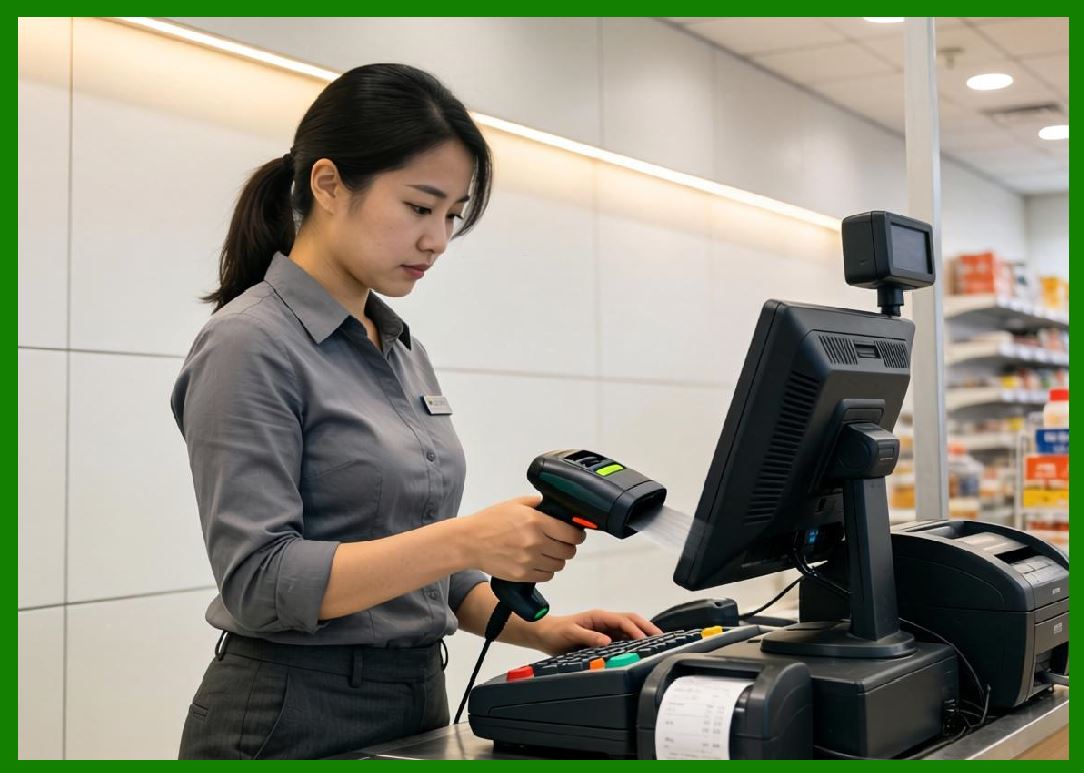
One of BIXOLON strongest market positions is in POS (Point of Sale) printing systems used in retail and hospitality environments. |
6.2 |
POS printers are used in checkout counters, restaurant kitchens, ticketing systems, and customer service operations. |
6.3 |
These systems require high-speed, reliable printing with minimal maintenance downtime. |
6.4 |
BIXOLON printers integrate with cash registers, mobile POS systems, and cloud-based retail platforms. |
|
6.5 |
Receipt printing systems are designed for high-volume transaction environments with continuous operation. |
6.6 |
Retail digital transformation has increased demand for mobile and cloud-connected POS systems. |
6.7 |
BIXOLON supports multiple operating systems including Windows, Android, and iOS integration environments. |
6.8 |
POS integration remains a core strategic strength of the company. |
|
7. Software Systems and Cloud Integration |
7.1 |
BIXOLON provides software tools for printer configuration, label design, and enterprise system integration. |
7.2 |
These tools allow users to create barcode labels, configure POS systems, and manage printer fleets. |
7.3 |
Cloud-based printing solutions enable remote monitoring and centralized device management. |
7.4 |
Integration with ERP and warehouse management systems supports real-time data synchronization. |
|
7.5 |
Mobile SDKs allow developers to integrate printing functions into enterprise applications. |
7.6 |
BIXOLON supports web-based printing environments for modern cloud applications. |
7.7 |
Printer diagnostics and maintenance tools improve operational reliability. |
7.8 |
Software integration is increasingly important in BIXOLON ecosystem strategy. |
|
8. Industrial Applications Across Global Markets |
8.1 |
BIXOLON printers are widely used in retail environments for receipt printing and price labeling. |
8.2 |
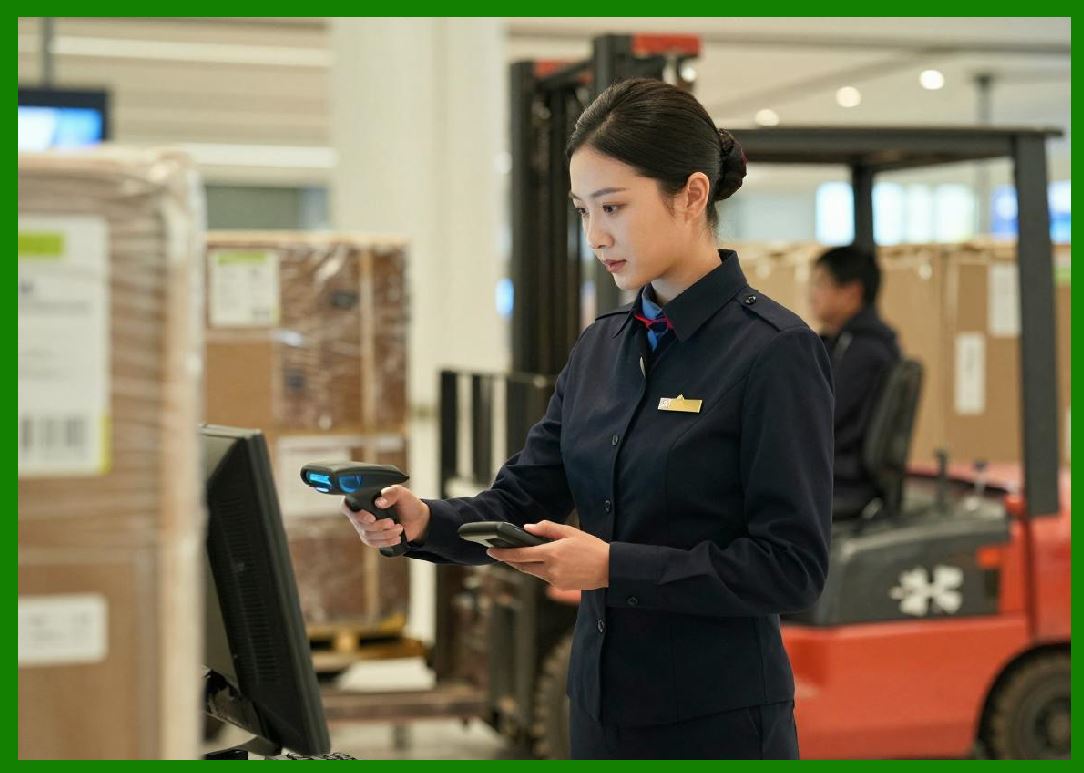
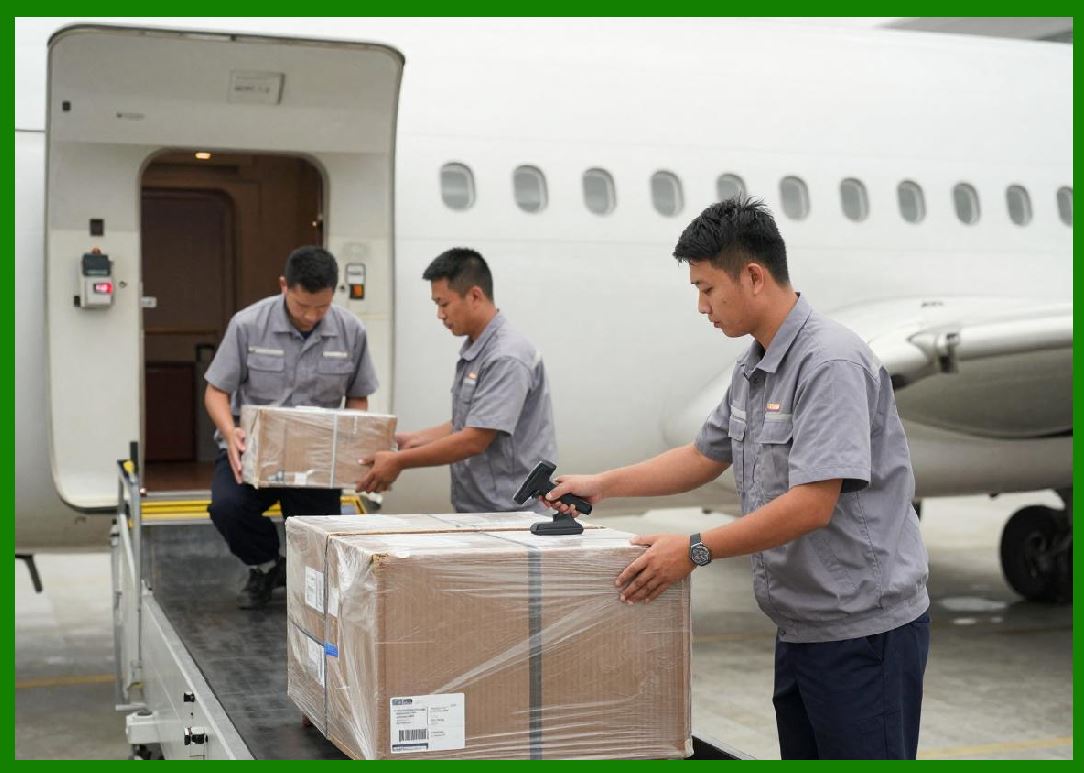
Logistics industries use BIXOLON systems for shipping labels, warehouse tracking, and distribution workflows. |
8.3 |
Healthcare organizations use barcode printers for patient identification, specimen tracking, and pharmacy labeling. |
8.4 |
Manufacturing environments rely on BIXOLON systems for production labeling and inventory control. |
|
8.5 |
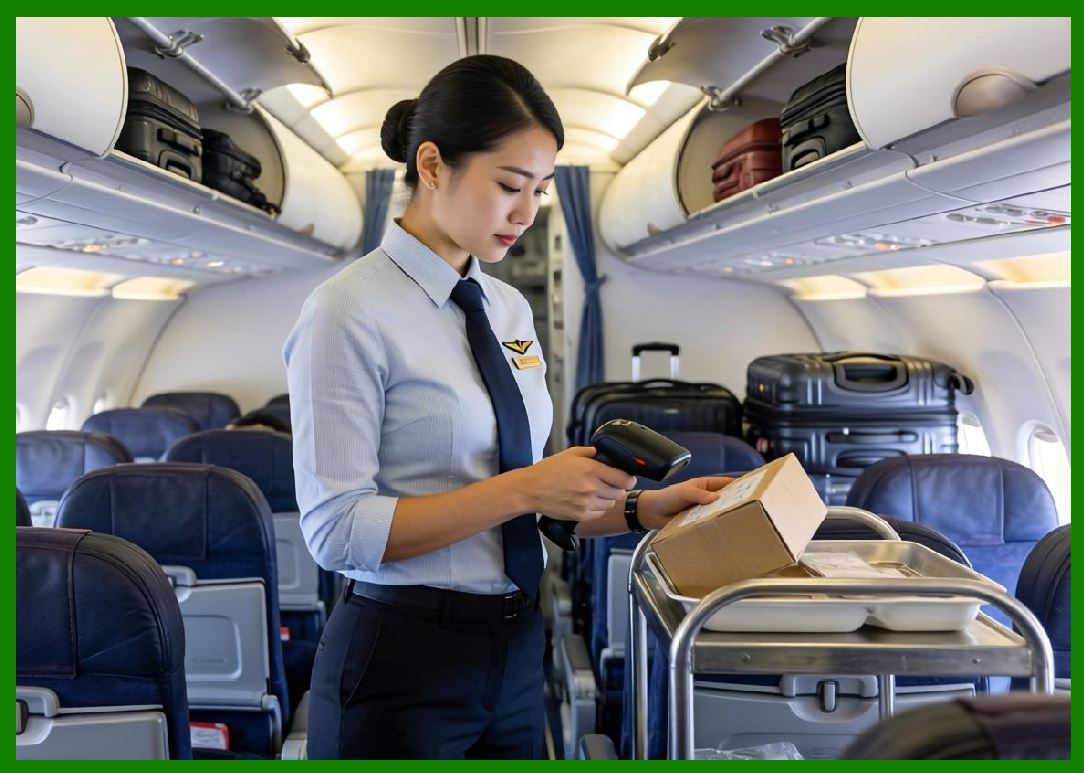
Transportation systems use mobile printers for ticketing and logistics documentation. |
8.6 |
Hospitality industries use POS printers for order management and billing systems. |
8.7 |
Government agencies use BIXOLON systems for administrative and identification workflows. |
8.8 |
These applications demonstrate BIXOLON strong global reach across commercial and industrial sectors. |

|
9. Competitive Positioning and Market Strategy |
9.1 |
BIXOLON competes in a highly competitive global market alongside Zebra Technologies, Honeywell, SATO, and TSC Auto ID. |
9.2 |
Its primary strength lies in cost-effective, highly compatible printing systems with strong global distribution. |
9.3 |
The company benefits from South Korea advanced electronics manufacturing ecosystem. |
9.4 |
BIXOLON maintains strong OEM partnerships with retail and POS system manufacturers. |

|
9.5 |
Its product strategy emphasizes flexibility, affordability, and integration simplicity. |
9.6 |
The company has strong market penetration in retail and hospitality sectors globally. |
9.7 |
Continuous product innovation ensures competitiveness in evolving digital markets. |
9.8 |
BIXOLON hybrid focus on POS and barcode printing differentiates it from many competitors. |
|
10. Future Outlook and Technological Development |
10.1 |
BIXOLON is expected to expand further into cloud printing and IoT-connected devices. |
10.2 |
Mobile printing will continue growing as workforce mobility increases. |
10.3 |
RFID integration will become more widespread across logistics and retail systems. |
10.4 |
AI-driven diagnostics and predictive maintenance will improve printer reliability. |

|
10.5 |
Sustainability initiatives will focus on energy efficiency and recyclable materials. |
10.6 |
Cloud-native POS systems will further integrate printing into digital commerce ecosystems. |
10.7 |
Cybersecurity will become increasingly important for network-connected printers. |
10.8 |
BIXOLON is expected to remain a strong global competitor in POS and barcode printing markets. |
|
Detailed Technical Content Summary |
This part provided a comprehensive technical and historical overview of BIXOLON Co., Ltd. and its role in global barcode printing and POS systems. The article examined its origins within Samsung printing division and its evolution into a global printing technology manufacturer. |
The discussion covered thermal printing technologies, barcode printer families, POS receipt systems, mobile printing devices, RFID-enabled solutions, and kiosk printing systems. Significant attention was given to BIXOLON integration of POS and barcode ecosystems. |
The article also explored software systems, cloud integration, ERP connectivity, mobile SDKs, and enterprise printing workflows. Competitive positioning against global leaders such as Zebra, Honeywell, SATO, and TSC was analyzed. |
Finally, the article discussed future trends including cloud printing, RFID expansion, AI-driven maintenance, sustainability initiatives, mobile workforce printing, and digital transformation in retail and logistics industries. |
 cs@easiersoft.com