Part 19 The History, Engineering Systems, Printing Technologies, and Industrial Labeling Ecosystem of Zebra Technologies Corporation |
1. Introduction to Zebra Technologies |
1.1 |
Zebra Technologies Corporation is widely regarded as the global leader in barcode printing, RFID systems, enterprise mobility, and automatic identification technologies. The company technologies form the backbone of modern supply chain visibility, retail inventory systems, healthcare tracking, and industrial automation workflows. |
1.2 |
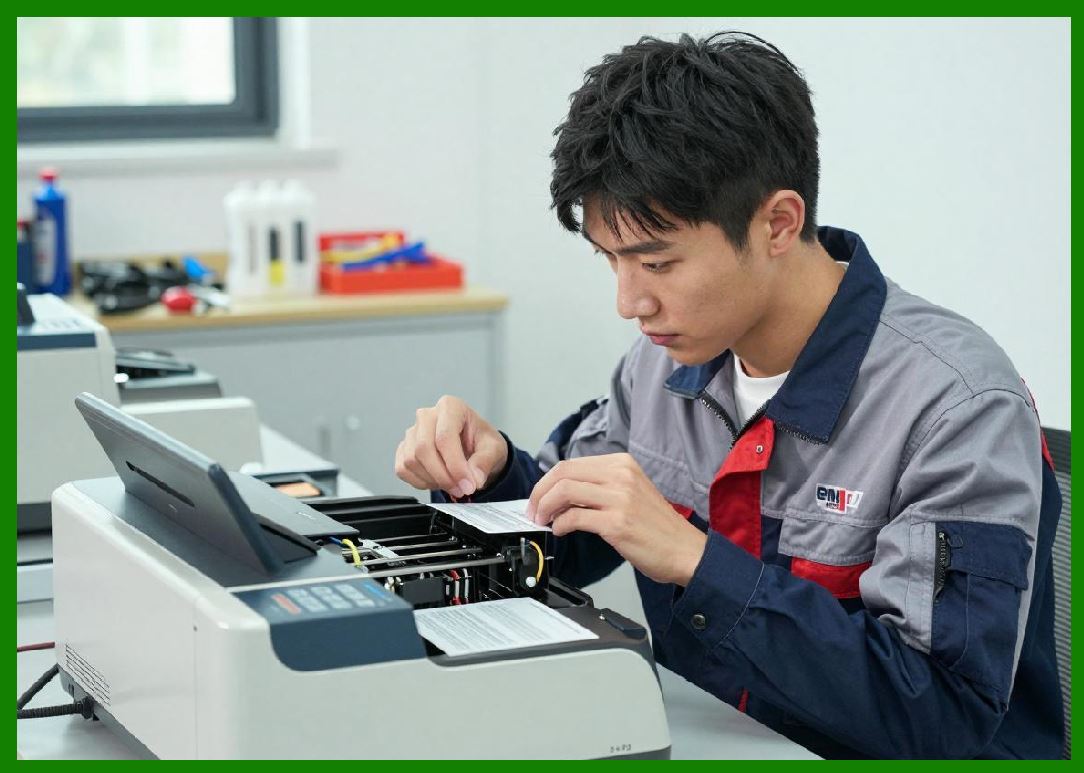
Zebra core strength lies in its complete ecosystem approach, integrating barcode printers, RFID readers, mobile computers, scanning devices, software platforms, and cloud-based analytics into unified enterprise solutions. |
|
1.3 |
Unlike many competitors that focus primarily on hardware, Zebra operates as a full-stack enterprise data capture and automation provider, enabling end-to-end digital supply chain intelligence. |
1.4 |
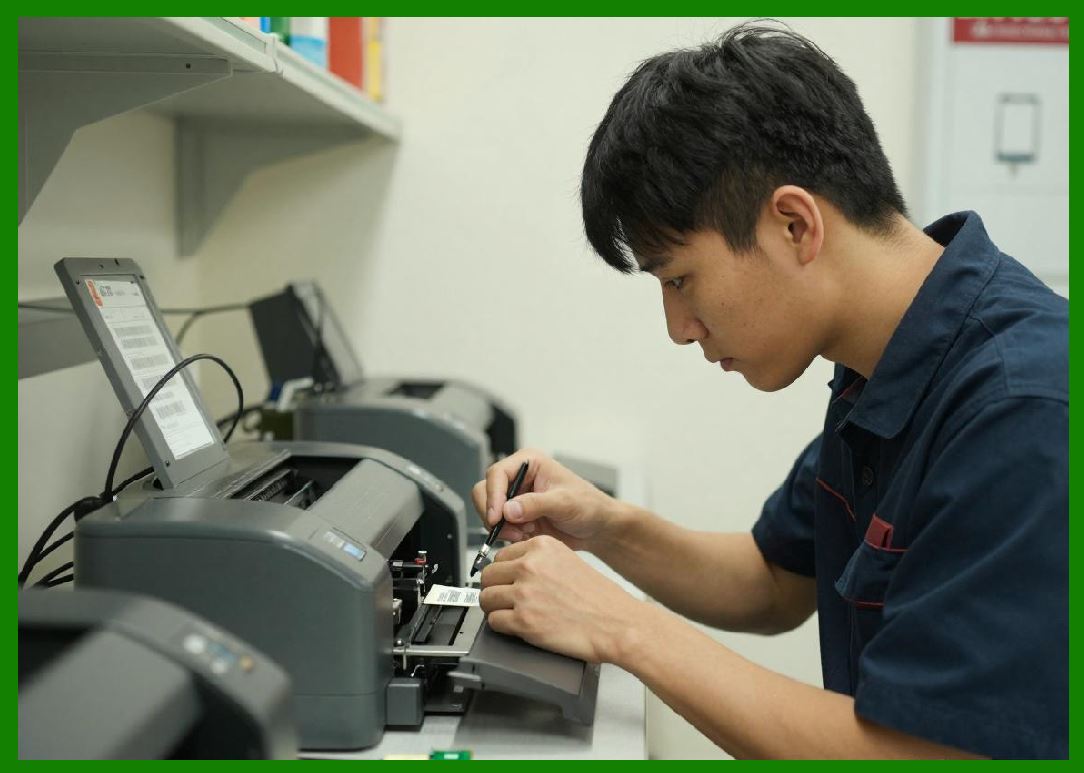
Its products are widely deployed across logistics hubs, retail chains, manufacturing plants, healthcare systems, government agencies, and transportation networks. |
|
1.5 |
Zebra has become synonymous with barcode technology in enterprise environments, particularly in North America and global logistics ecosystems. |
1.6 |
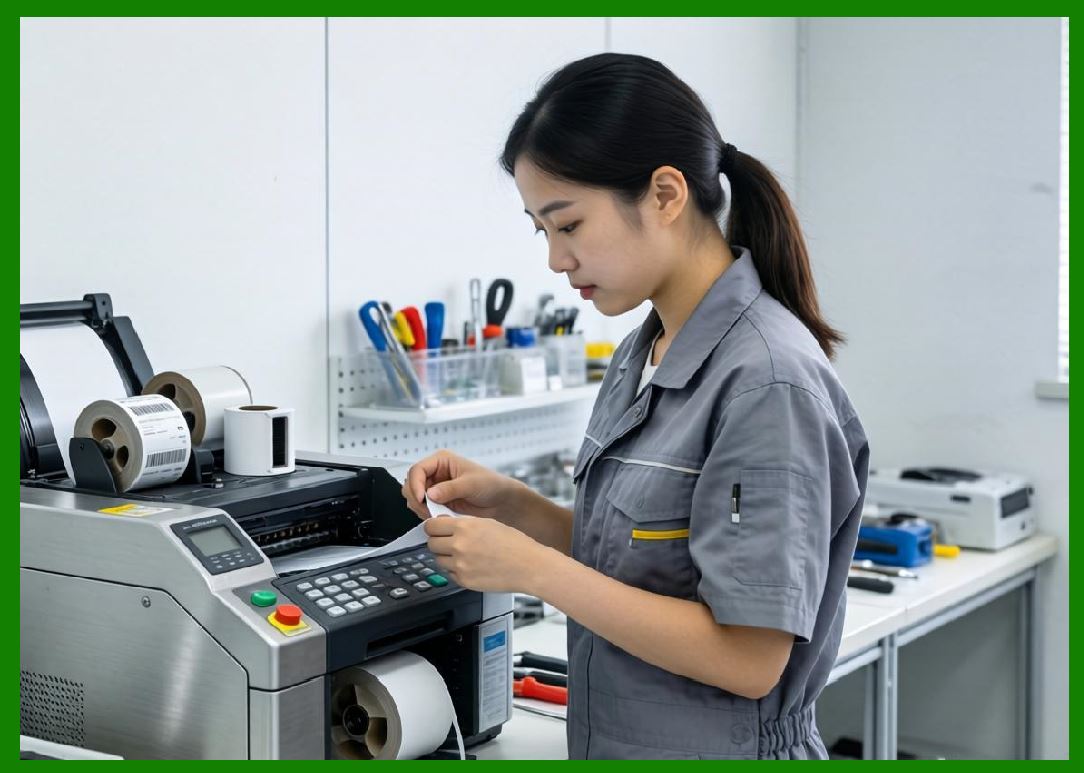
Today, Zebra continues to expand its leadership in RFID, mobile computing, cloud intelligence, and industrial automation systems. |
|
2. Founding History and Corporate Evolution |
2.1 |
Zebra Technologies was founded in 1969 in the United States, originally under the name Data Specialties Incorporated. |
2.2 |
The company initially focused on specialty printers and electro-mechanical systems before transitioning into barcode printing technologies as global supply chains began adopting machine-readable identification systems. |
2.3 |
During the 1980s, Zebra rebranded and shifted its focus toward thermal barcode printing systems, positioning itself at the forefront of the emerging automatic identification and data capture (AIDC) industry. |
2.4 |
Ed Kaplan played a critical role in shaping the company strategic direction and early technological development. |
|
2.5 |
The company expanded rapidly during the global adoption of barcode standards such as UPC and Code 128, becoming a dominant force in industrial printing. |
2.6 |
Through acquisitions and internal innovation, Zebra developed a comprehensive portfolio of printers, scanners, and mobile computing devices. |
2.7 |
By the 2000s, Zebra had become a global leader in enterprise barcode systems and RFID technologies. |
2.8 |
Today, Zebra operates as a cornerstone of global supply chain digitalization infrastructure. |

|
3. Thermal Printing Technologies and Engineering Architecture |
3.1 |
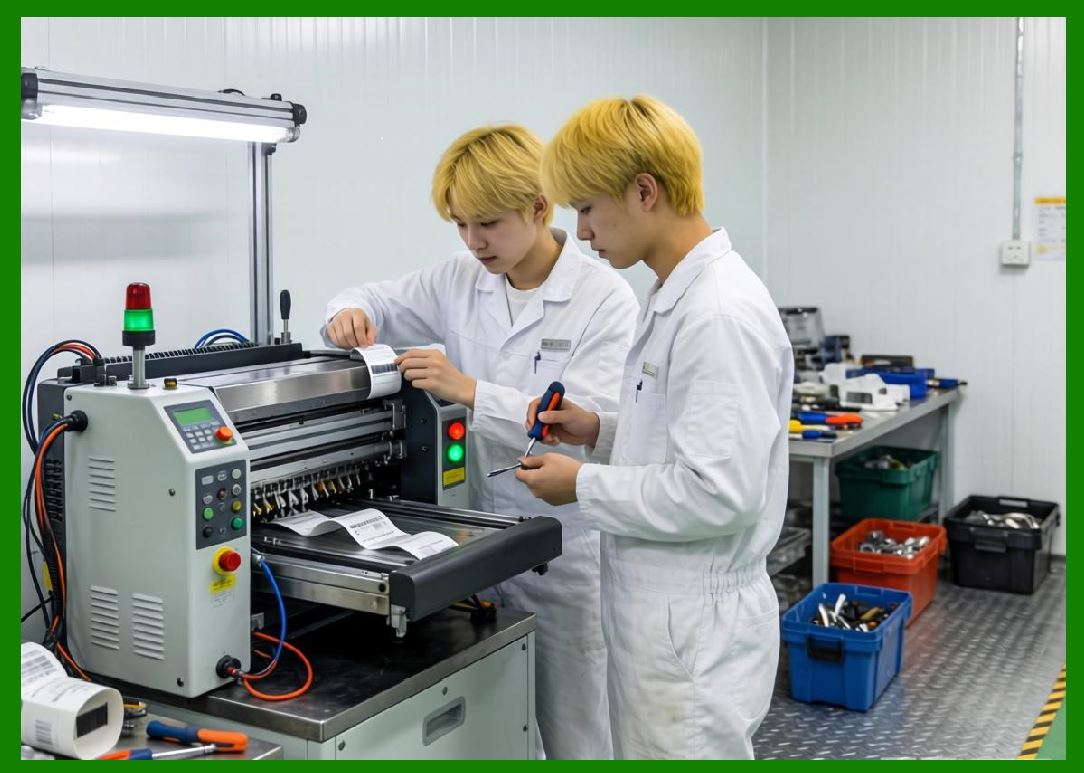
Thermal printing is the foundational technology behind Zebra barcode label printers, enabling high-speed, high-precision printing for industrial environments. |
3.2 |
Zebra supports both direct thermal and thermal transfer printing systems to meet diverse application requirements. |
3.3 |
Direct thermal printing is widely used in logistics, shipping labels, retail tagging, and short-life-cycle applications. |
3.4 |
Thermal transfer printing provides durable labeling for manufacturing, healthcare, and asset tracking environments requiring long-term barcode readability. |
|
3.5 |
Zebra engineering focus emphasizes printhead durability, thermal consistency, and high-resolution barcode generation. |
3.6 |
Advanced thermal control systems ensure uniform heat distribution across print elements, reducing print distortion and improving scanning accuracy. |
3.7 |
Media handling systems include precision sensors, platen rollers, and calibration mechanisms for high-speed industrial printing. |
3.8 |
These systems are designed for continuous operation in demanding enterprise environments. |

|
4. Barcode Printer Product Families |
4.1 |
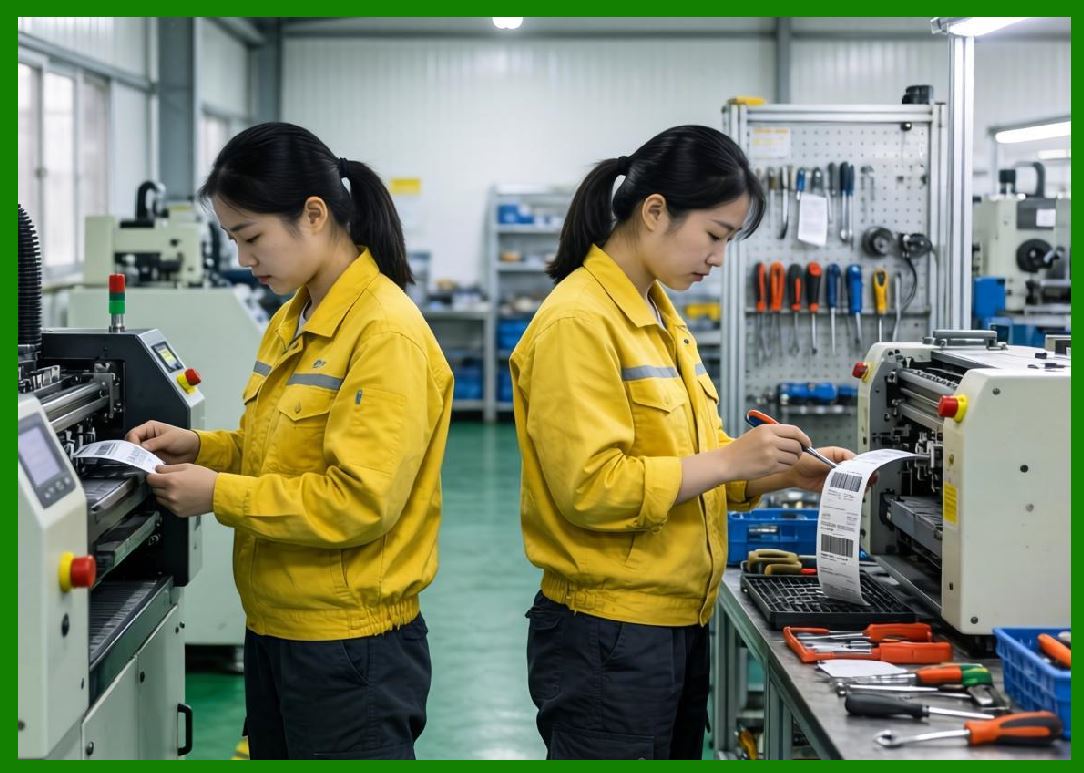
Zebra offers one of the most extensive portfolios of barcode printers in the global market, covering desktop, industrial, mobile, and kiosk printing systems. |
4.2 |
The ZT series represents Zebra flagship industrial printer family, widely used in manufacturing, logistics, and warehouse automation. |
4.3 |
ZT printers are designed for high-volume, continuous-duty operation with strong durability and advanced connectivity. |
4.4 |
The GK and GX series provide mid-range desktop printing solutions for retail, healthcare, and office environments. |
|
4.5 |
Mobile printers support logistics, field service, transportation, and warehouse operations requiring portable printing capabilities. |
4.6 |
Kiosk printers are used in ticketing, self-service retail, and automated customer interaction systems. |
4.7 |
Zebra printers support a wide range of barcode formats including QR Code, Data Matrix, GS1 standards, and linear barcodes. |
4.8 |
The product ecosystem is tightly integrated with Zebra scanning and software platforms. |

|
5. RFID Technology and Smart Label Systems |
5.1 |
Zebra is one of the global leaders in RFID-enabled printing systems and enterprise RFID infrastructure. |
5.2 |
RFID printers combine thermal printing with chip encoding, enabling both visible barcode labels and embedded digital identification. |
5.3 |
These systems are widely used in logistics, retail apparel, healthcare, and manufacturing supply chains. |
5.4 |
RFID encoding requires precise coordination between printer hardware, antenna structures, and chip programming systems. |

|
5.5 |
Zebra developed advanced RFID calibration and verification tools to ensure tag accuracy and compliance. |
5.6 |
Retail apparel industries rely heavily on RFID for inventory visibility and omnichannel fulfillment operations. |
5.7 |
Warehouse systems use RFID for pallet tracking, shipping validation, and real-time logistics visibility. |
5.8 |
Zebra continues to expand RFID integration into cloud-based supply chain systems. |

|
6. Enterprise Mobility and Data Capture Ecosystem |
6.1 |
One of Zebra most important competitive advantages is its comprehensive enterprise mobility ecosystem. |
6.2 |
The company produces handheld barcode scanners, rugged mobile computers, wearable devices, and intelligent data capture systems. |
6.3 |
These devices enable real-time data collection in warehouses, retail stores, hospitals, and field service environments. |
6.4 |
Zebra mobile computers support Android-based enterprise platforms, Wi-Fi, Bluetooth, and cellular connectivity. |

|
6.5 |
Wearable scanning systems improve productivity in warehouse picking and logistics operations. |
6.6 |
Mobile devices integrate directly with Zebra printers for seamless scan-to-print workflows. |
6.7 |
This ecosystem significantly enhances operational efficiency and reduces manual errors. |
6.8 |
Zebra integrated mobility strategy is central to its market leadership. |

|
7. Software Platforms and Cloud Intelligence Systems |
7.1 |
Zebra provides advanced software platforms for device management, workflow automation, and enterprise analytics. |
7.2 |
Printer management systems allow centralized control of global printing infrastructure. |
7.3 |
Cloud-based platforms enable real-time monitoring of device performance and maintenance status. |
7.4 |
Integration with ERP and warehouse management systems ensures synchronized data flow across enterprise systems. |

|
7.5 |
AI-powered analytics are increasingly used for predictive maintenance and operational optimization. |
7.6 |
Zebra software ecosystem supports API-based integration for enterprise applications. |
7.7 |
Security systems protect enterprise printing and mobility infrastructure from cyber threats. |
7.8 |
Software is a core pillar of Zebra transformation into a digital enterprise platform provider. |

|
8. Industrial Applications Across Global Markets |
8.1 |
Zebra systems are widely used in logistics and warehousing for shipping labels, inventory tracking, and distribution workflows. |
8.2 |
Manufacturing industries rely on Zebra printers for production tracking, compliance labeling, and serialization. |
8.3 |
Retail sectors use Zebra systems for price labeling, inventory management, and omnichannel fulfillment. |
8.4 |
Healthcare organizations use Zebra technologies for patient identification, specimen tracking, and medication labeling. |

|
8.5 |
Transportation systems rely on Zebra printers for ticketing, shipping documentation, and logistics tracking. |
8.6 |
Government agencies use Zebra systems for asset tracking and identification systems. |
8.7 |
Food and beverage industries use Zebra labeling systems for traceability and compliance requirements. |
8.8 |
Zebra widespread adoption demonstrates its dominance in enterprise barcode ecosystems. |

|
9. Competitive Positioning and Industry Leadership |
9.1 |
Zebra Technologies is widely recognized as the global leader in barcode printing and enterprise mobility systems. |
9.2 |
The company competes with major players such as Honeywell, SATO, TSC, and BIXOLON. |
9.3 |
Its competitive advantage lies in its fully integrated hardware-software ecosystem. |
9.4 |
Zebra acquisition strategy has strengthened its capabilities in RFID, mobility, and software systems. |

|
9.5 |
The company benefits from strong brand recognition in enterprise logistics markets. |
9.6 |
Its focus on end-to-end supply chain visibility differentiates it from hardware-only competitors. |
9.7 |
Zebra continues to lead innovation in RFID and cloud-connected enterprise systems. |
9.8 |
Its ecosystem strategy defines its long-term competitive position. |

|
10. Future Outlook and Technological Direction |
10.1 |
Zebra is expected to expand further into AI-driven supply chain intelligence systems. |
10.2 |
RFID adoption will continue to grow across retail, logistics, and healthcare industries. |
10.3 |
Cloud-native printing systems will become standard in enterprise environments. |
10.4 |
Mobile computing and wearable technologies will expand across industrial workflows. |

|
10.5 |
Sustainability initiatives will focus on reducing material waste and improving energy efficiency. |
10.6 |
Cybersecurity will become increasingly critical as enterprise devices become interconnected. |
10.7 |
Edge computing will play a growing role in real-time industrial data processing. |
10.8 |
Zebra is expected to remain the global leader in enterprise barcode and RFID ecosystems. |

|
Detailed Technical Content Summary |
This part provided a comprehensive technical and historical overview of Zebra Technologies Corporation and its role as the global leader in barcode printing, RFID systems, and enterprise mobility solutions. The article examined its founding, evolution from early specialty printing systems, and transformation into a dominant global enterprise automation provider. |
The discussion covered thermal printing technologies, industrial printer families (ZT, GK, GX series), RFID systems, mobile computing ecosystems, wearable devices, and enterprise scanning technologies. Significant attention was given to Zebra integrated hardware-software ecosystem. |
The article also explored cloud platforms, AI-driven analytics, ERP integration, warehouse management systems, and cybersecurity in enterprise printing environments. Competitive positioning against major industry players was analyzed in detail. |
Finally, the article discussed Zebra future direction involving AI-based logistics intelligence, RFID expansion, cloud-native systems, mobile workforce technologies, sustainability initiatives, and next-generation industrial automation ecosystems. |
 cs@easiersoft.com