Part 20 The History, Engineering Systems, Printing Technologies, and Industrial Labeling Ecosystem of Brother Industries, Ltd. |
1. Introduction to Brother Industries in Barcode Printing |
1.1 |
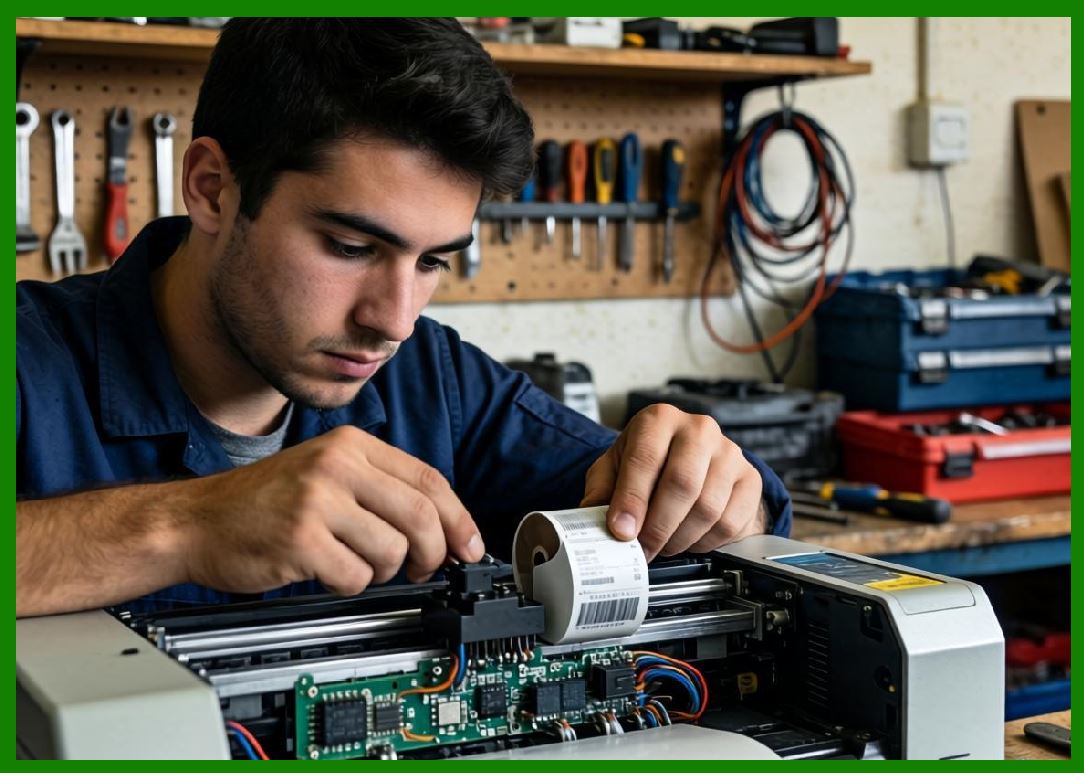
Brother Industries, Ltd. is a globally recognized Japanese manufacturer known for printers, multifunction devices, sewing machines, and industrial labeling systems. In the barcode and label printer ecosystem, Brother plays an important role in desktop labeling, mobile printing, and small-to-medium enterprise identification systems. |
1.2 |
Unlike heavy industrial-focused manufacturers such as Zebra or Honeywell, Brother has built its strength in compact, user-friendly, and cost-efficient printing systems designed for office environments, retail operations, logistics support, and small industrial workflows. |
|
1.3 |
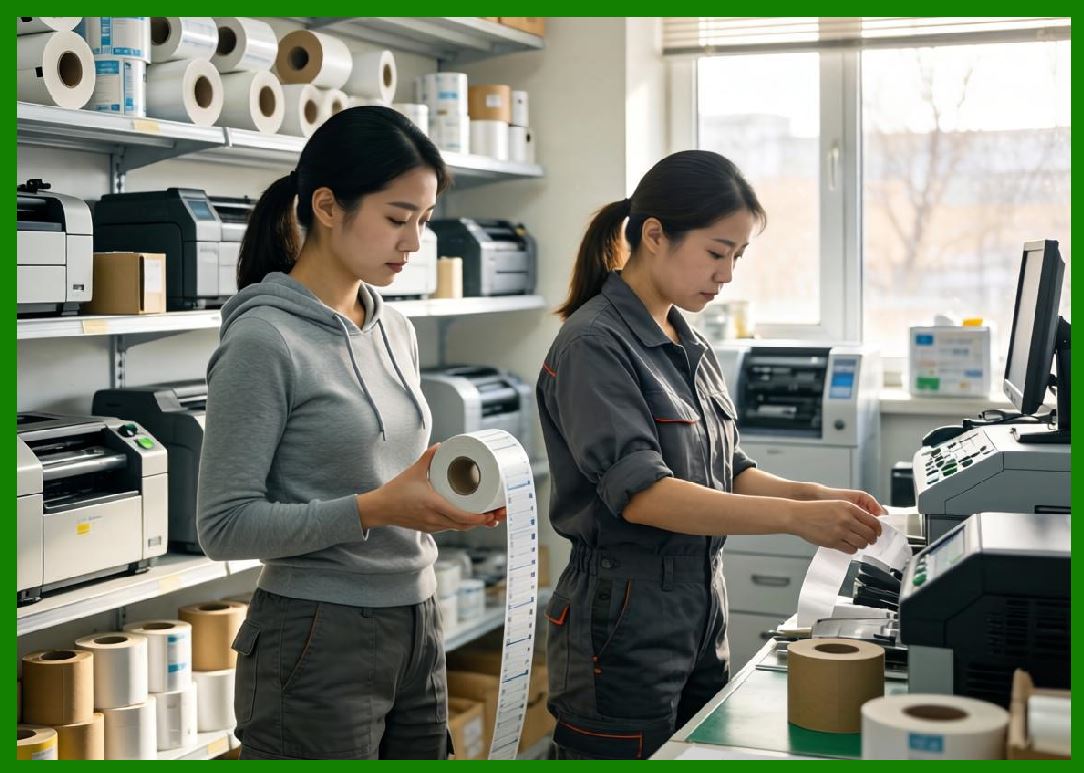
Brother barcode labeling products are widely used in offices, warehouses, retail stores, laboratories, and small manufacturing environments where simplicity, reliability, and affordability are critical. |
1.4 |
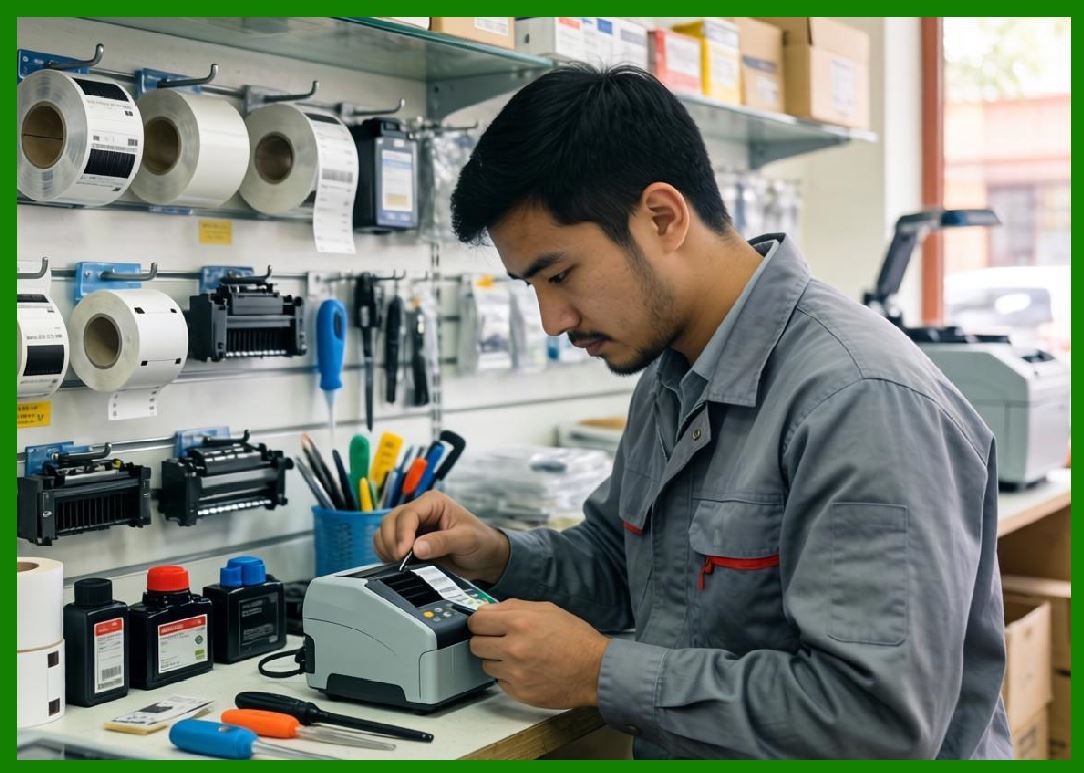
The company is especially well known for its P-touch labeling systems and its QL and TD series barcode printers, which have become popular worldwide for desktop and semi-industrial applications. |
|
1.5 |
Brother engineering philosophy emphasizes ease of use, compact design, and integration with general office and enterprise IT systems. |
1.6 |
Today, Brother continues to expand its presence in mobile printing, cloud-connected labeling, and hybrid office-industrial printing systems. |
|
2. Founding History and Corporate Evolution |
2.1 |
Kanekichi Yasui founded Brother in 1908 in Japan, originally as a sewing machine repair company. |
2.2 |
The company gradually evolved into a diversified electronics manufacturer, expanding into typewriters, printers, and industrial equipment. |
2.3 |
During the late 20th century, Brother entered the printing industry, leveraging its precision mechanical engineering expertise to develop printers for office and industrial use. |
2.4 |
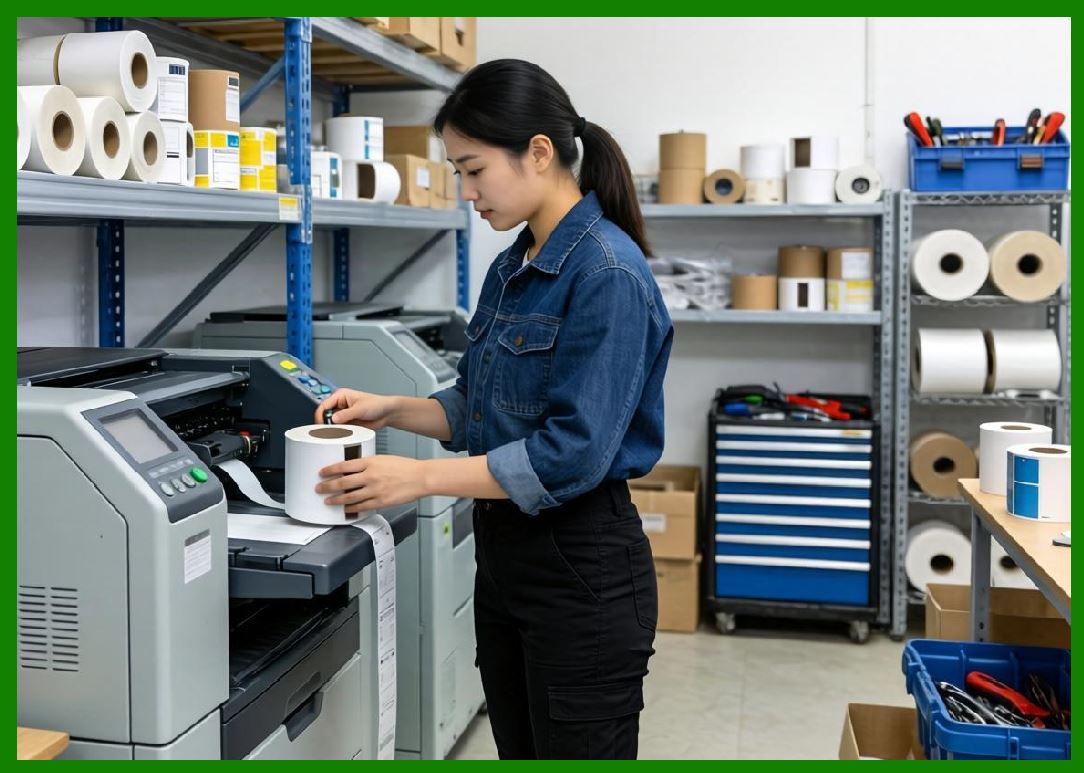
The rise of barcode systems in global logistics and retail industries created new opportunities for Brother to develop labeling and identification solutions. |
|
2.5 |
Brother expanded into thermal labeling systems, focusing on compact printers suitable for small businesses and office environments. |
2.6 |
The company established a strong global presence, particularly in North America, Europe, and Asia. |
2.7 |
Brother diversification strategy allowed it to balance consumer electronics, office equipment, and industrial labeling systems. |
2.8 |
Today, Brother is recognized as a major global player in printing and labeling technologies. |
|
3. Thermal Printing Technologies and Engineering Systems |
3.1 |
Thermal printing is the core technology behind Brother barcode and labeling systems, enabling fast, quiet, and maintenance-efficient printing. |
3.2 |
Brother supports both direct thermal and thermal transfer printing technologies depending on application requirements. |
3.3 |
Direct thermal printing is widely used in shipping labels, retail tags, and temporary identification systems. |
3.4 |
Thermal transfer printing provides durable labeling suitable for industrial environments, laboratory tracking, and asset management. |
|
3.5 |
Brother engineering focus emphasizes compact printhead design and energy efficiency. |
3.6 |
Thermal regulation systems ensure consistent heat distribution for accurate barcode reproduction. |
3.7 |
Media handling systems include precise feed mechanisms for label alignment and consistent output quality. |
3.8 |
Brother printers are designed for low maintenance and ease of use, making them popular in non-specialized environments. |
|
4. Barcode Printer Product Families |
4.1 |
Brother barcode printing portfolio includes desktop label printers, mobile printers, and integrated labeling systems. |
4.2 |
The QL series is one of Brother most widely used desktop label printer families, designed for office and retail environments. |
4.3 |
QL printers use direct thermal technology and are popular for shipping labels, mailing systems, and general office labeling tasks. |
4.4 |
The TD series represents Brother more industrial-focused thermal transfer and direct thermal barcode printers. |
|
4.5 |
TD printers are used in warehouses, logistics centers, healthcare environments, and manufacturing operations. |
4.6 |
Mobile printers provide on-the-go labeling solutions for logistics and field service applications. |
4.7 |
Brother also offers P-touch labeling systems for personal and small office use. |
4.8 |
These printers support standard barcode formats including QR Code, Data Matrix, GS1 systems, and linear barcodes. |
|
5. RFID Systems and Smart Labeling Capabilities |
5.1 |
Brother has gradually expanded into RFID-enabled printing systems to support modern supply chain requirements. |
5.2 |
RFID printers combine thermal printing and chip encoding into a single labeling process for both visual and digital identification. |
5.3 |
These systems are used in logistics, healthcare, retail inventory management, and asset tracking applications. |
5.4 |
RFID encoding requires precise synchronization between print mechanisms and embedded chip programming systems. |
|
5.5 |
Brother RFID systems are designed for ease of use and integration into small and medium enterprise environments. |
5.6 |
Retail and logistics industries are increasingly adopting RFID for inventory visibility and operational efficiency. |
5.7 |
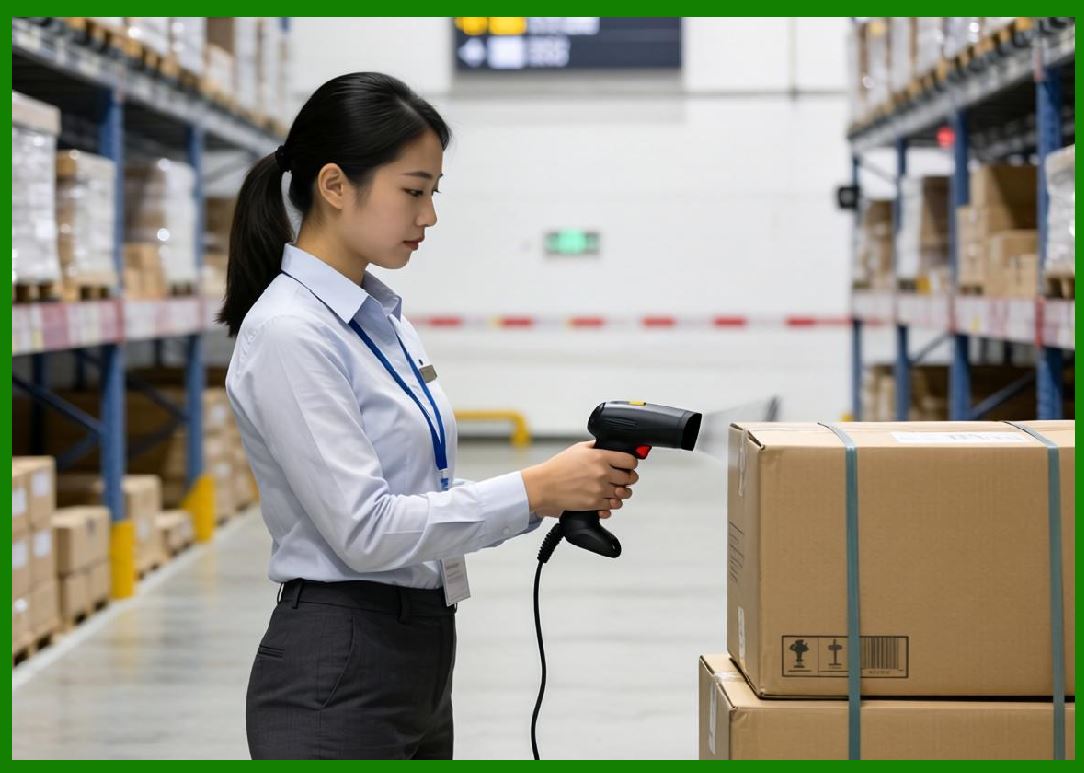
Warehouse environments use RFID systems for tracking shipments, pallets, and inventory movement. |
5.8 |
Brother continues to expand RFID capabilities within its industrial labeling product lines. |
|
6. Healthcare, Office, and Small Business Applications |
6.1 |
Brother printers are widely used in healthcare environments for specimen labeling, patient identification, and laboratory workflows. |
6.2 |
In office environments, Brother label printers are used for document organization, mailing labels, and asset tagging. |
6.3 |
Small and medium businesses rely heavily on Brother systems due to their ease of use and low cost of entry. |
6.4 |
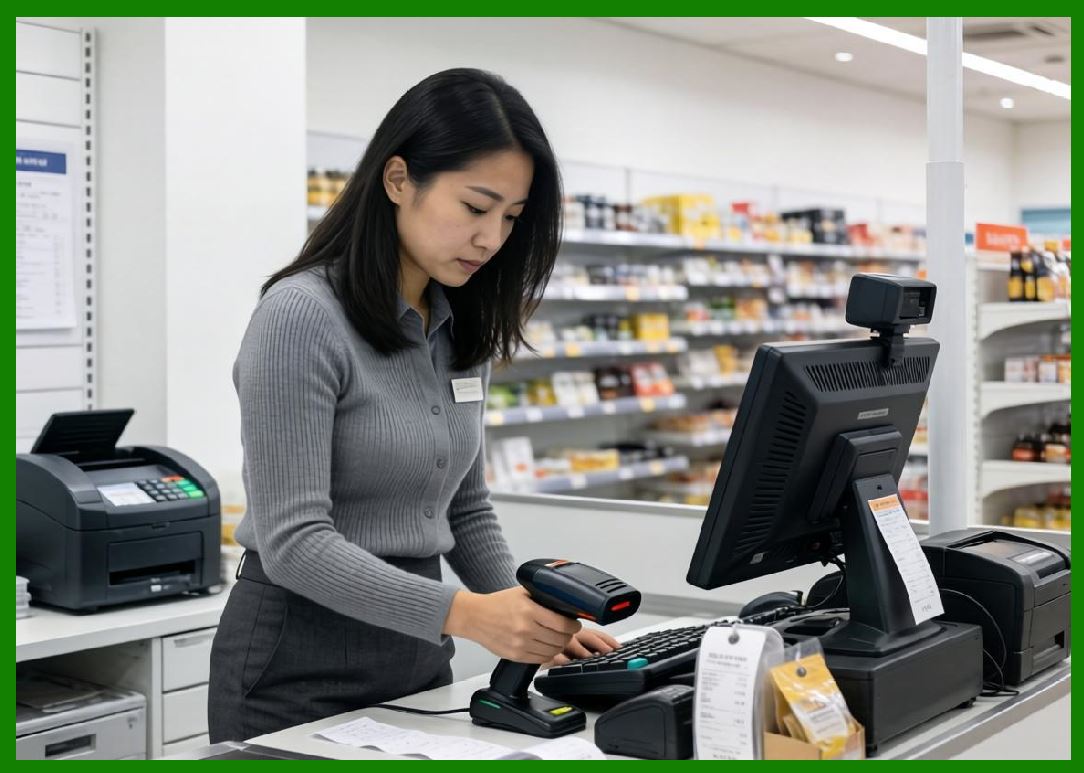
Retail environments use Brother printers for pricing labels, shelf labeling, and inventory tracking. |
|
6.5 |
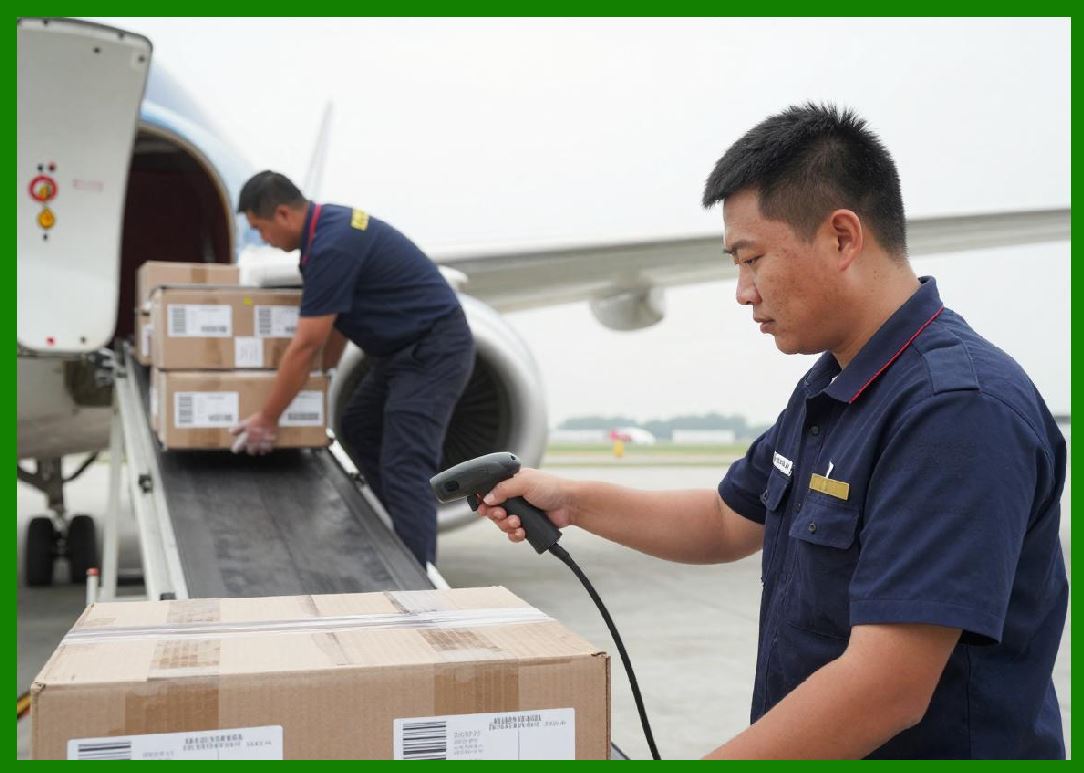
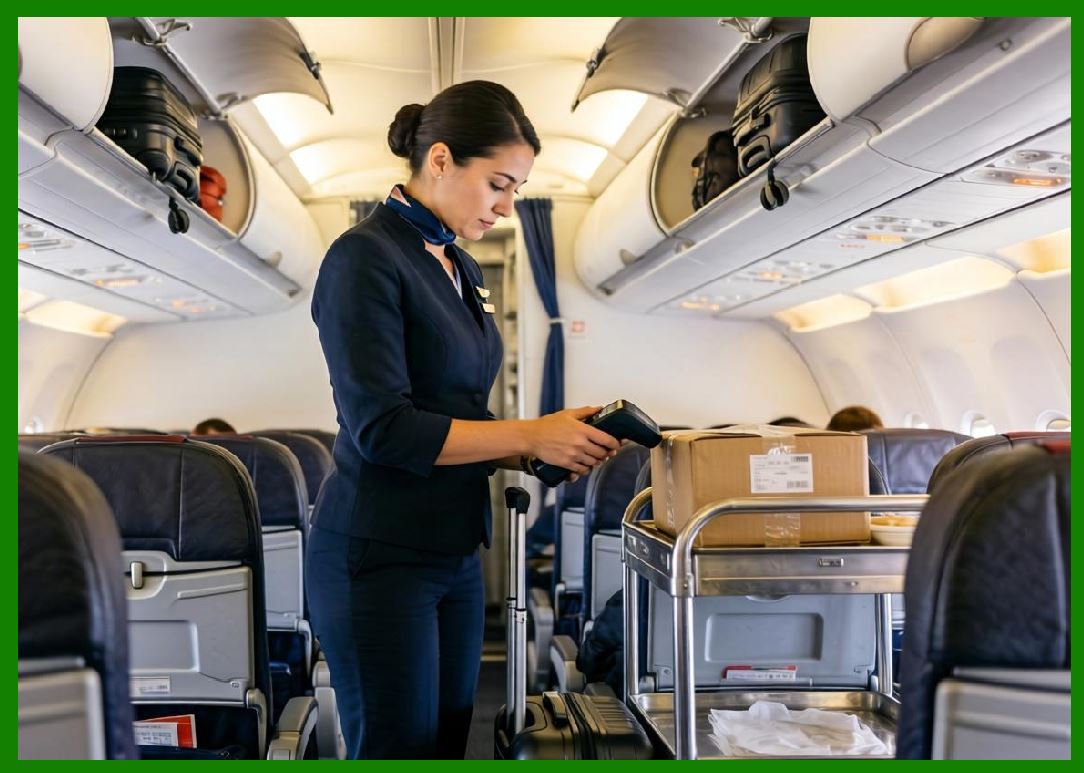
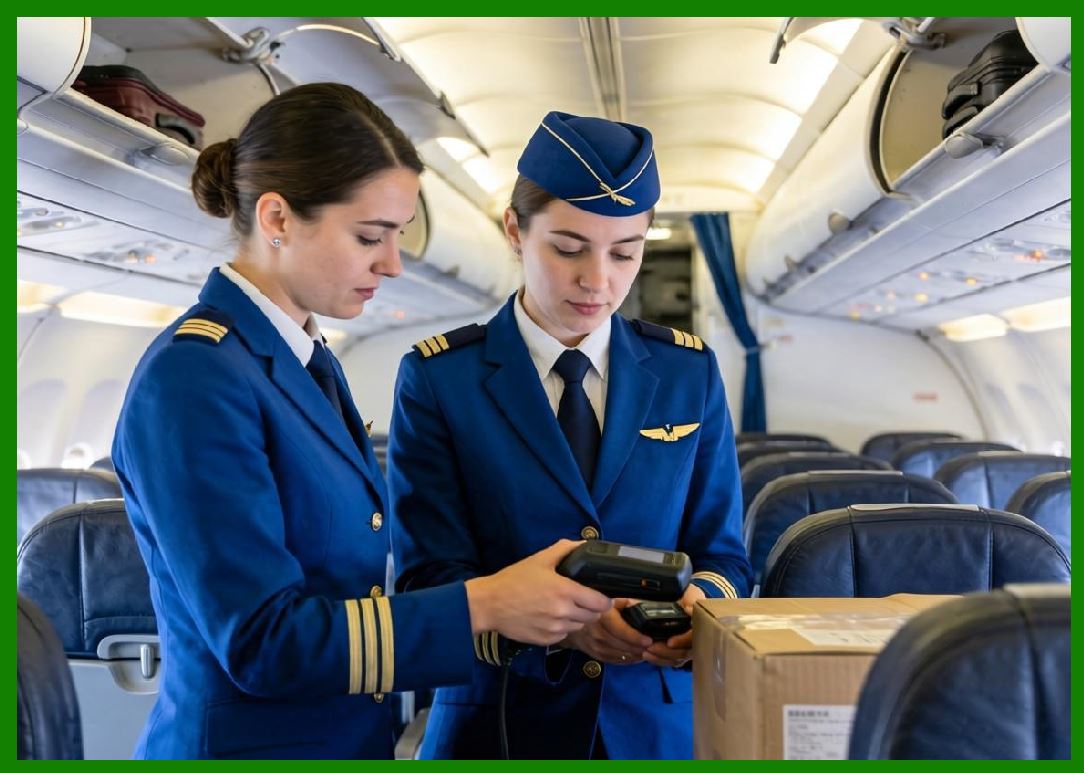
Logistics companies use Brother systems for shipping labels and package tracking. |
6.6 |
Educational institutions use labeling systems for library management and administrative tracking. |
6.7 |
Brother simplicity makes it ideal for non-industrial users who still require barcode capabilities. |
6.8 |
These applications highlight Brother strong presence in accessible labeling systems. |
|
7. Software Systems and Integration |
7.1 |
Brother provides label design software that allows users to create barcode labels, text labels, and simple RFID tag formats. |
7.2 |
Printer management software enables configuration and maintenance of network-connected devices. |
7.3 |
Integration with Windows, macOS, and mobile platforms ensures wide compatibility. |
7.4 |
Brother supports SDKs and APIs for enterprise application integration. |

|
7.5 |
Cloud-based printing solutions are increasingly supported for remote label generation. |
7.6 |
Mobile applications allow users to design and print labels directly from smartphones. |
7.7 |
Software simplicity is a key design principle in Brother ecosystem. |
7.8 |
This focus makes Brother highly accessible to non-technical users. |

|
8. Industrial Applications Across Global Markets |
8.1 |
Brother systems are widely used in logistics environments for shipping and warehouse labeling. |
8.2 |
Healthcare systems rely on Brother printers for patient safety and laboratory tracking. |
8.3 |
Retail industries use Brother systems for price labeling and inventory organization. |
8.4 |
Manufacturing environments use TD series printers for production and quality control labeling. |

|
8.5 |
Office environments use QL printers for mailing and document management. |
8.6 |
Small businesses use Brother systems for general-purpose labeling needs. |
8.7 |
Educational and public institutions use labeling systems for administrative tasks. |
8.8 |
Brother versatility enables broad adoption across many industries. |

|
9. Competitive Positioning and Market Strategy |
9.1 |
Brother competes in both consumer and industrial labeling markets, unlike many competitors that focus exclusively on industrial systems. |
9.2 |
Its primary competitors include Zebra Technologies, Honeywell, SATO, TSC, and BIXOLON. |
9.3 |
Brother advantage lies in usability, affordability, and broad consumer accessibility. |
9.4 |
The company leverages its strong global brand recognition in office printing systems. |

|
9.5 |
Brother maintains a balanced portfolio across consumer, office, and industrial markets. |
9.6 |
Its strategy focuses on simplicity and ease of integration rather than heavy industrial specialization. |
9.7 |
The company has strong distribution channels worldwide. |
9.8 |
Brother remains a key mid-tier competitor in the barcode printing ecosystem. |

|
10. Future Outlook and Technological Development |
10.1 |
Brother is expected to expand its RFID and smart labeling capabilities. |
10.2 |
Cloud printing and mobile printing will continue to grow in importance. |
10.3 |
AI-assisted labeling and automation will improve usability and efficiency. |
10.4 |
Sustainability initiatives will focus on reducing energy consumption and waste. |

|
10.5 |
Integration with mobile ecosystems will become increasingly important. |
10.6 |
Small business labeling solutions will continue to be a key growth area. |
10.7 |
Cybersecurity will become more important as devices become network-connected. |
10.8 |
Brother is expected to maintain its role as a leader in accessible labeling systems. |
|
Detailed Technical Content Summary |
This part provided a comprehensive technical and historical overview of Brother Industries, Ltd. and its role in the barcode and labeling ecosystem. The article examined its origins in Japan, evolution from sewing machines to electronics manufacturing, and expansion into printing technologies. |
The discussion covered thermal printing systems, barcode printer families (QL and TD series), mobile printers, RFID-enabled systems, and labeling solutions for office and industrial environments. Significant attention was given to Brother focus on usability, accessibility, and cost-effective design. |
The article also explored software integration, mobile printing, cloud-based systems, and enterprise compatibility. Applications across healthcare, logistics, retail, manufacturing, and office environments were analyzed in depth. |
Finally, the article discussed Brother competitive positioning, market strategy, and future direction involving RFID expansion, cloud printing, AI-driven automation, sustainability initiatives, and mobile-first labeling ecosystems. |
 cs@easiersoft.com