Part 21 The History, Engineering Systems, Printing Technologies, and Industrial Labeling Ecosystem of Citizen Systems Japan Co., Ltd. |
1. Introduction to Citizen Systems in Barcode Printing |
1.1 |
Citizen Systems Japan Co., Ltd. is a globally recognized manufacturer of precision printing systems, including barcode label printers, POS printers, photo printers, and industrial printing devices. The company is part of the broader Citizen Group, which is known worldwide for precision engineering and timepiece manufacturing. |
1.2 |
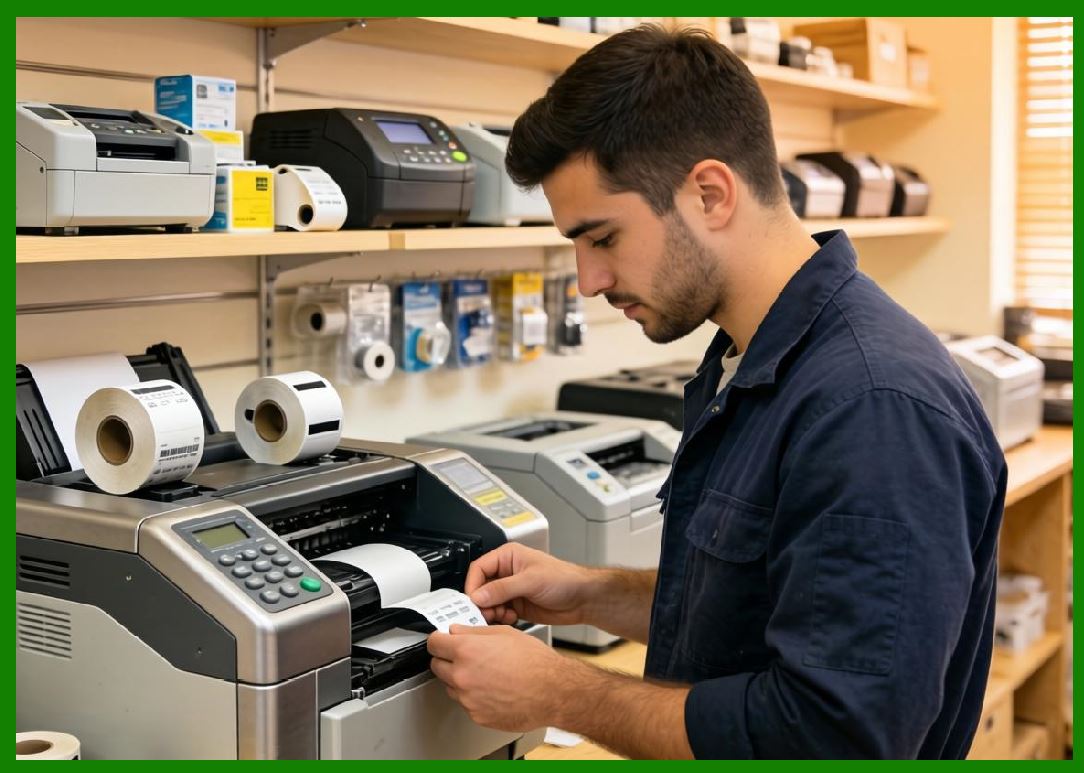
Citizen Systems plays an important role in the barcode label printer ecosystem by offering compact, high-precision, and energy-efficient thermal printing solutions designed for retail, healthcare, logistics, and office environments. |
|
1.3 |
Unlike heavy industrial-focused manufacturers, Citizen emphasizes compact design, precision engineering, and low-noise operation, making its printers especially suitable for retail counters, laboratories, healthcare stations, and small to medium business environments. |
1.4 |
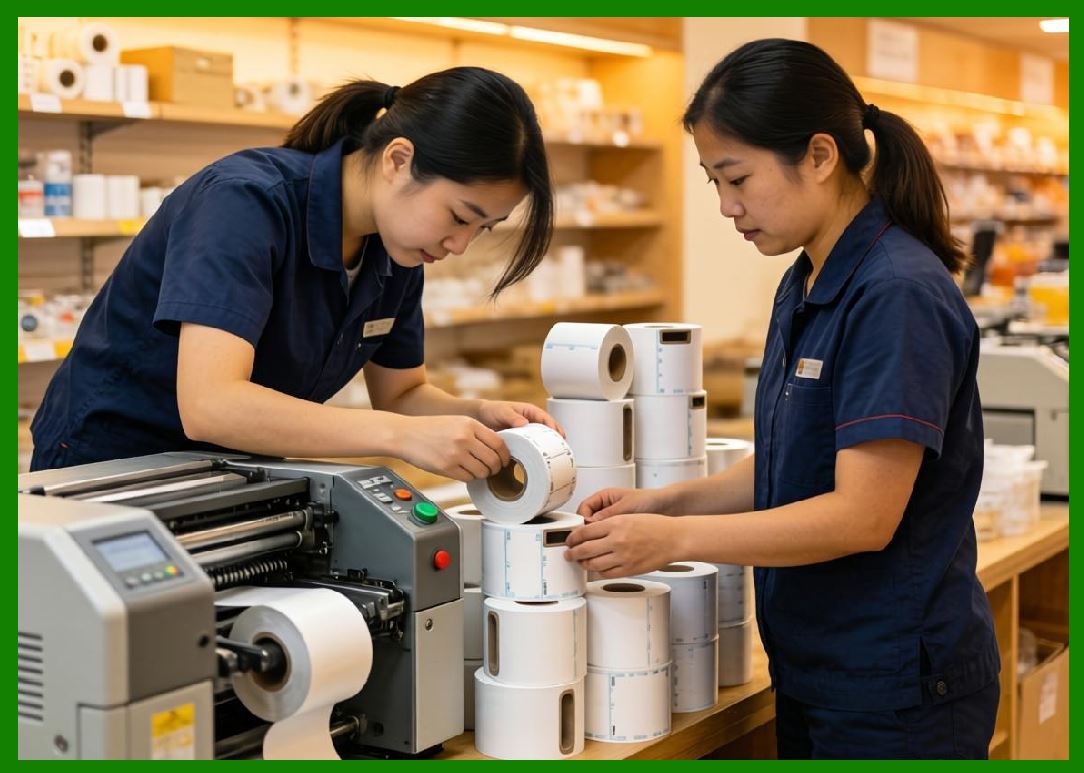
The company is widely recognized for its CL-E and CL-S series barcode printers, which are used globally for labeling, shipping, and inventory management applications. |
|
1.5 |
Citizen engineering philosophy is strongly influenced by its heritage in precision clock and watch manufacturing, focusing on accuracy, reliability, and mechanical refinement. |
1.6 |
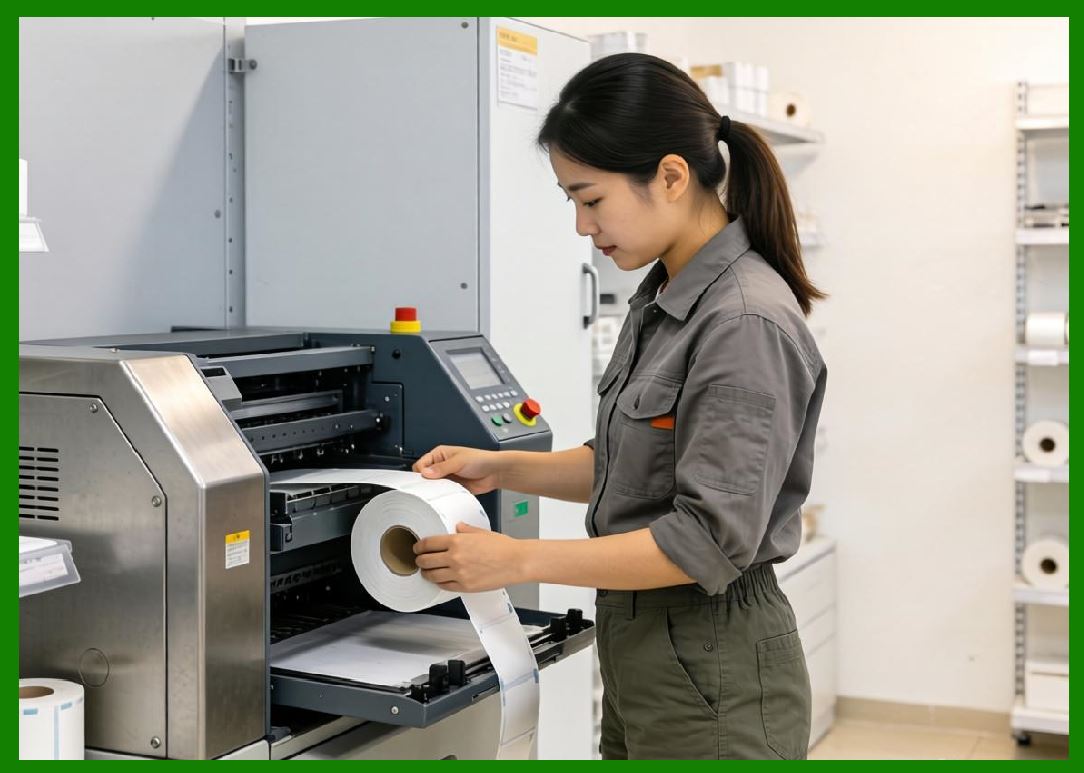
Today, Citizen Systems continues to expand into RFID printing, mobile printing, and cloud-connected labeling systems. |
|
2. Founding History and Corporate Development |
2.1 |
Citizen Systems originated as a division of Citizen Watch Co., Ltd., a company founded in Japan in 1918 known for its precision watchmaking expertise. |
2.2 |
The company expanded into electronic devices and printing technologies as part of its diversification strategy in the late 20th century. |
2.3 |
As global demand for barcode systems grew in logistics and retail industries, Citizen Systems developed thermal printing technologies adapted for industrial and commercial labeling. |
2.4 |
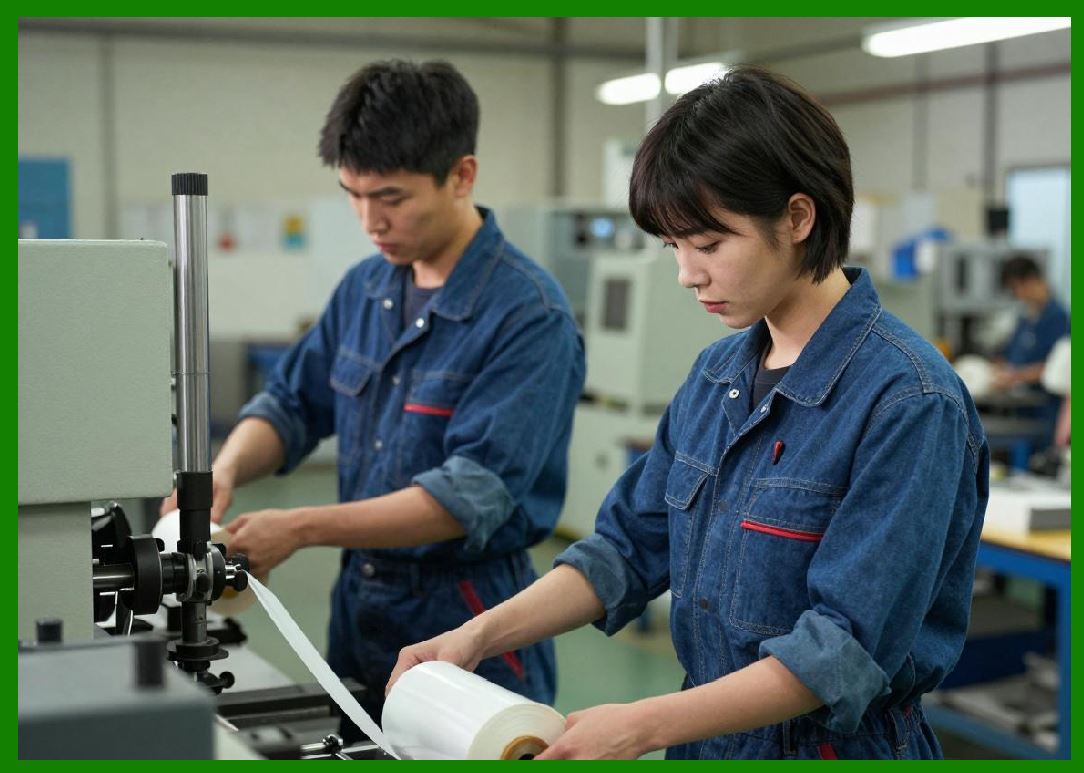
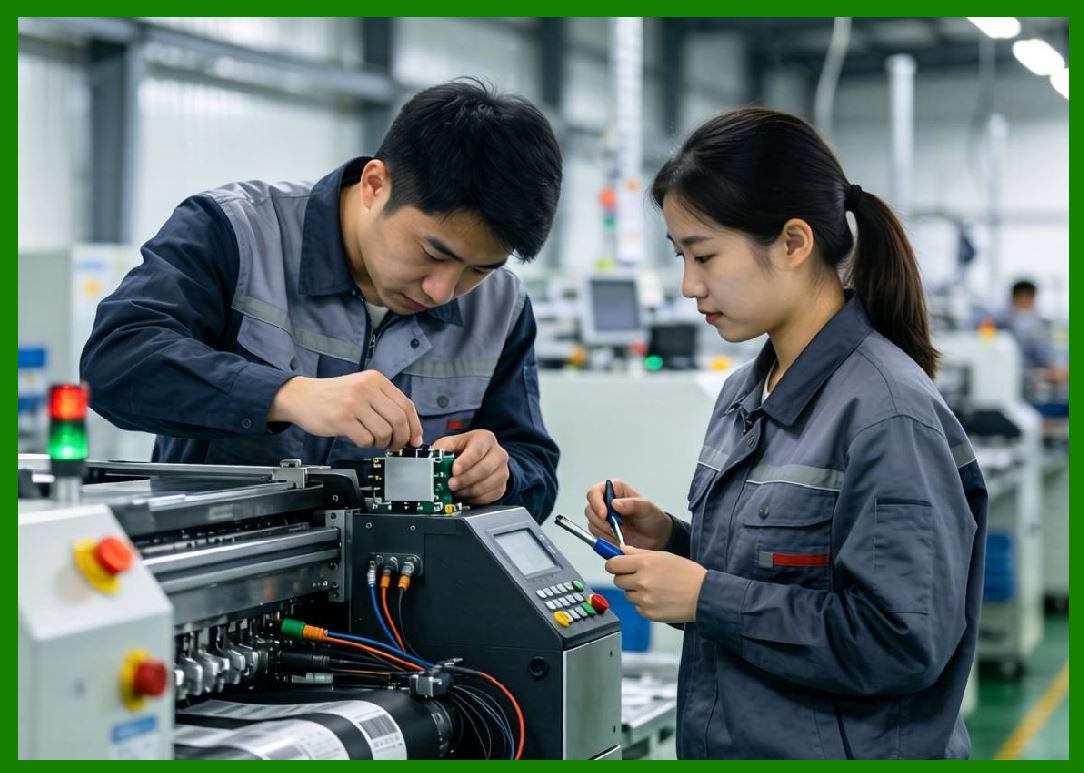
The company leveraged its precision engineering background to design highly accurate and durable printing mechanisms. |
|
2.5 |
Citizen Systems expanded internationally, particularly in Europe and North America, where demand for reliable compact barcode printers increased. |
2.6 |
The company focused on building a reputation for quiet operation, reliability, and precision printing output. |
2.7 |
Over time, Citizen became a respected mid-to-high tier player in the barcode printing industry. |
2.8 |
Today, Citizen Systems continues to innovate in compact industrial printing technologies. |
|
3. Thermal Printing Technologies and Precision Engineering |
3.1 |
Thermal printing is the foundation of Citizen Systemsbarcode printing technology portfolio, enabling efficient and reliable label production. |
3.2 |
Citizen supports both direct thermal and thermal transfer printing technologies depending on application requirements. |
3.3 |
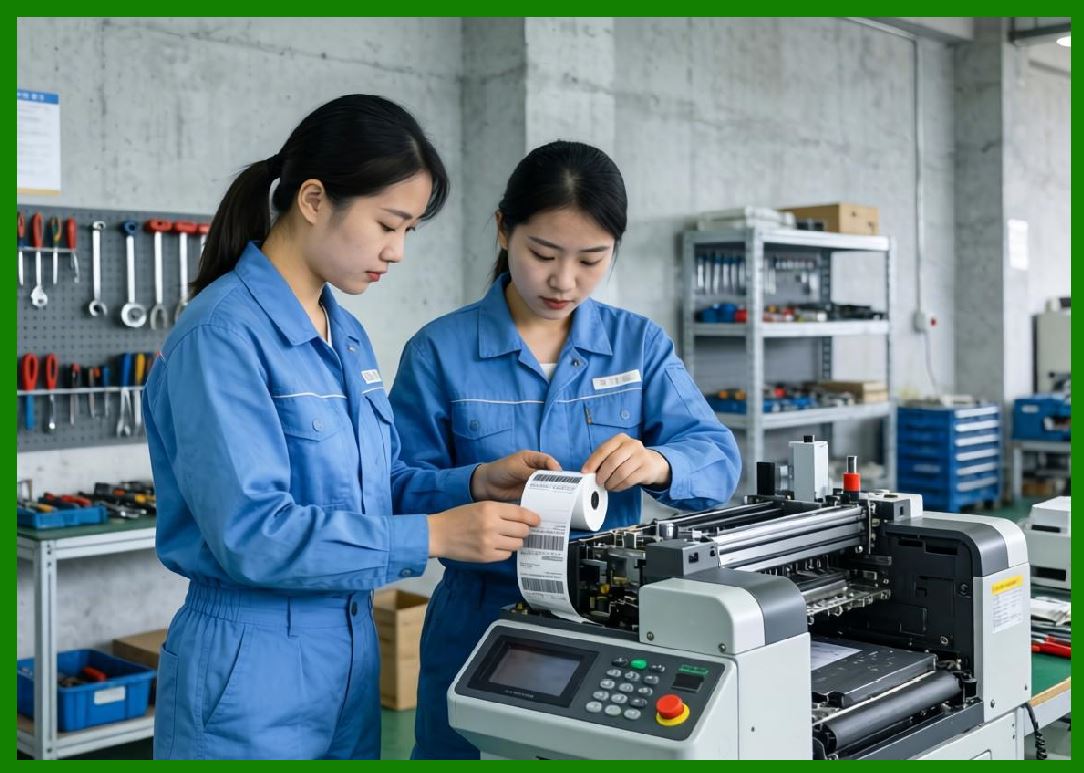
Direct thermal printing is widely used in retail receipts, shipping labels, and short-term logistics applications. |
3.4 |
Thermal transfer printing is used for durable labeling applications in manufacturing, healthcare, and asset tracking environments. |
|
3.5 |
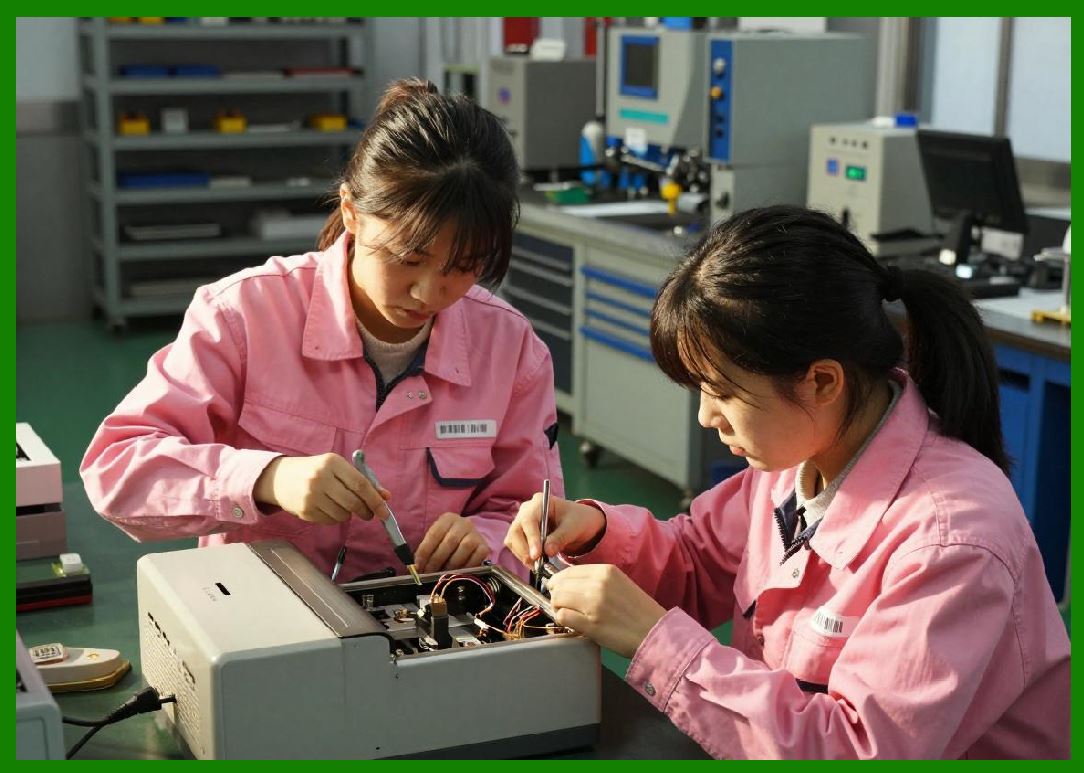
Citizen engineering strength lies in precision mechanical design inherited from its watchmaking background. |
3.6 |
Printhead alignment systems ensure extremely accurate barcode reproduction and consistent print quality. |
3.7 |
Thermal control systems regulate heat distribution to maintain clarity and scanning reliability. |
3.8 |
Noise reduction engineering is a key differentiator, making Citizen printers suitable for quiet environments. |
|
4. Barcode Printer Product Families |
4.1 |
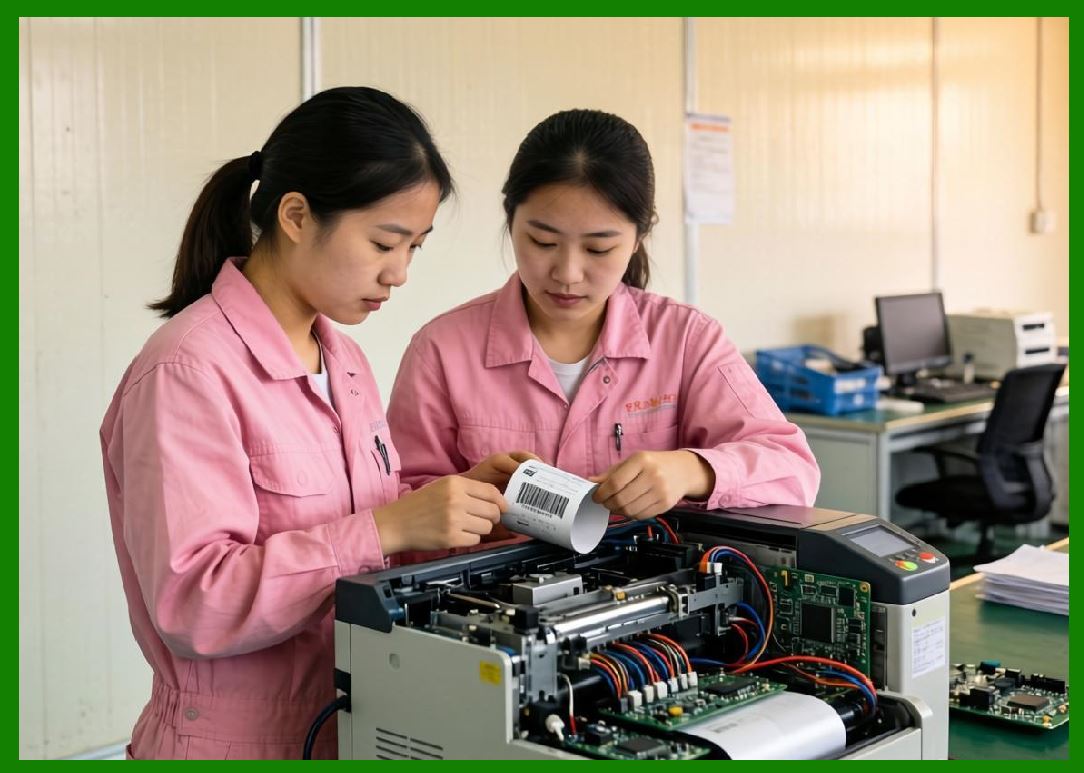
Citizen Systems offers a range of barcode printers including desktop, industrial, and POS printing systems. |
4.2 |
The CL-E series is one of Citizen most widely used barcode printer families, designed for retail, logistics, and office applications. |
4.3 |
CL-E printers are known for compact design, reliability, and easy integration into enterprise systems. |
4.4 |
The CL-S series provides more advanced industrial printing capabilities for higher-volume applications. |
|
4.5 |
Industrial models are used in manufacturing, logistics, and warehouse environments. |
4.6 |
Desktop printers are widely used in retail stores, healthcare facilities, and small business environments. |
4.7 |
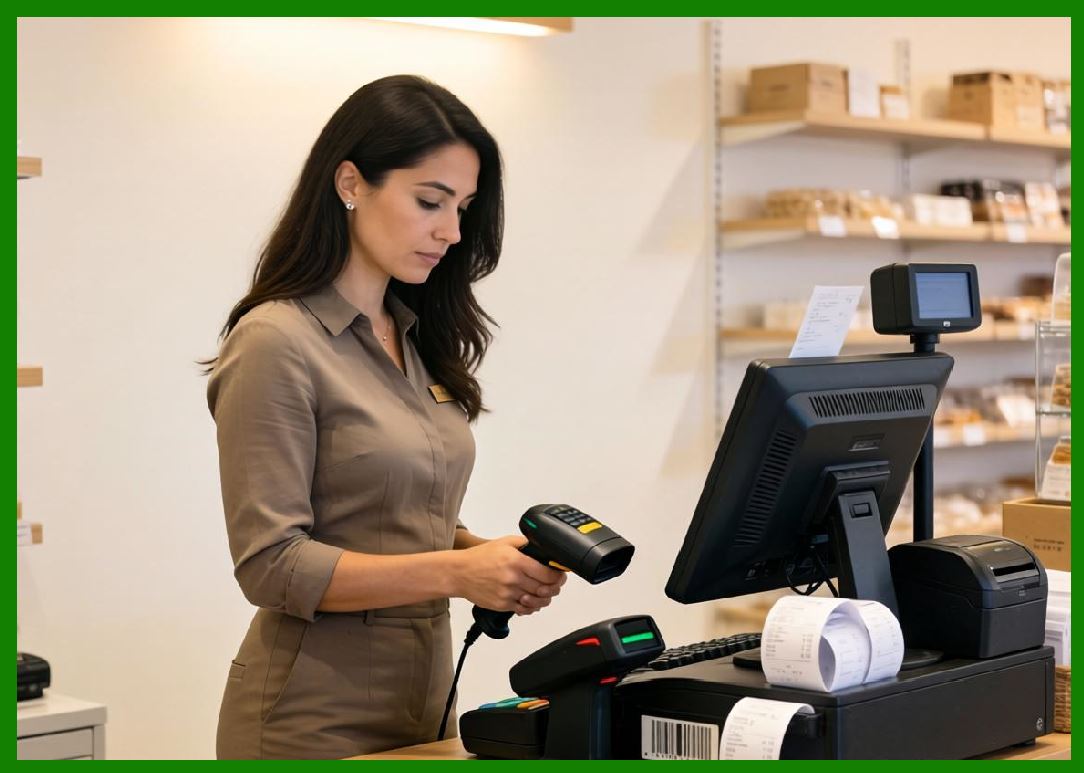
Citizen also produces POS receipt printers for retail and hospitality environments. |
4.8 |
These printers support standard barcode formats including QR Code, Data Matrix, GS1 standards, and linear barcodes. |
|
5. RFID Systems and Smart Labeling Technologies |
5.1 |
Citizen Systems has expanded into RFID-enabled printing systems to support modern supply chain tracking requirements. |
5.2 |
RFID printers integrate thermal printing and chip encoding into a single process for dual visual and digital identification. |
5.3 |
These systems are widely used in logistics, retail apparel, healthcare tracking, and industrial asset management. |
5.4 |
RFID encoding requires precise synchronization between print mechanisms and embedded antenna-chip systems. |
|
5.5 |
Citizen focuses on ensuring high accuracy and low failure rates in RFID tag encoding. |
5.6 |
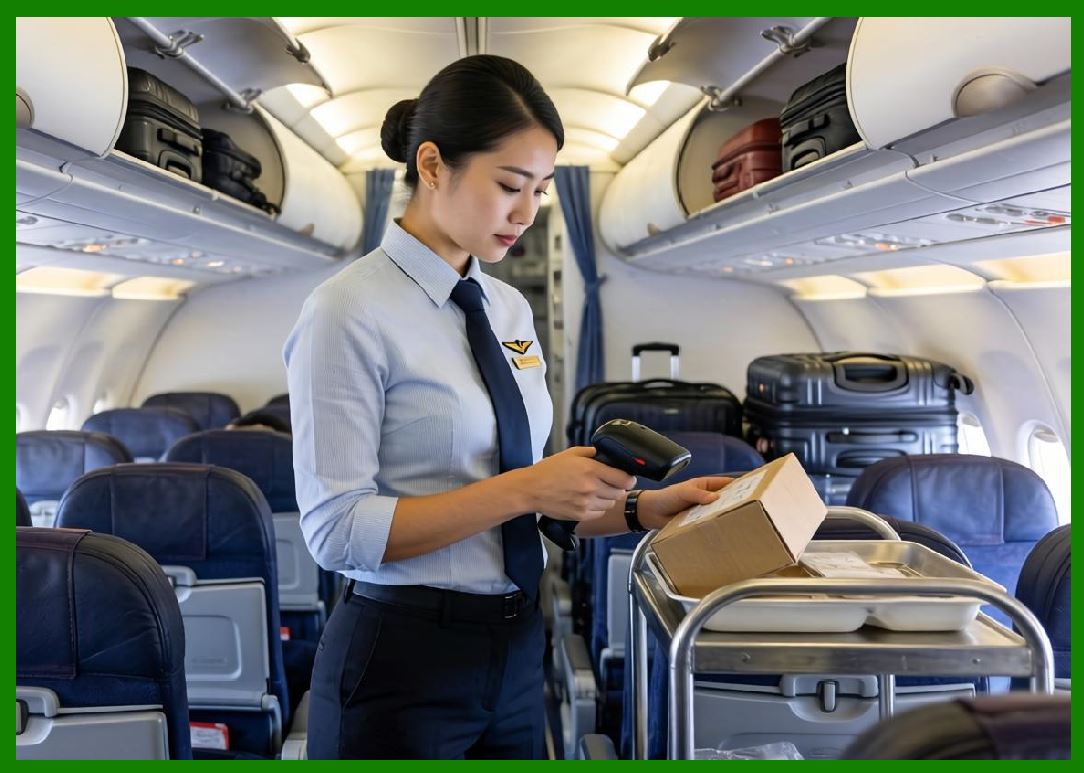
Retail apparel industries use RFID systems for inventory management and omnichannel retail operations. |
5.7 |
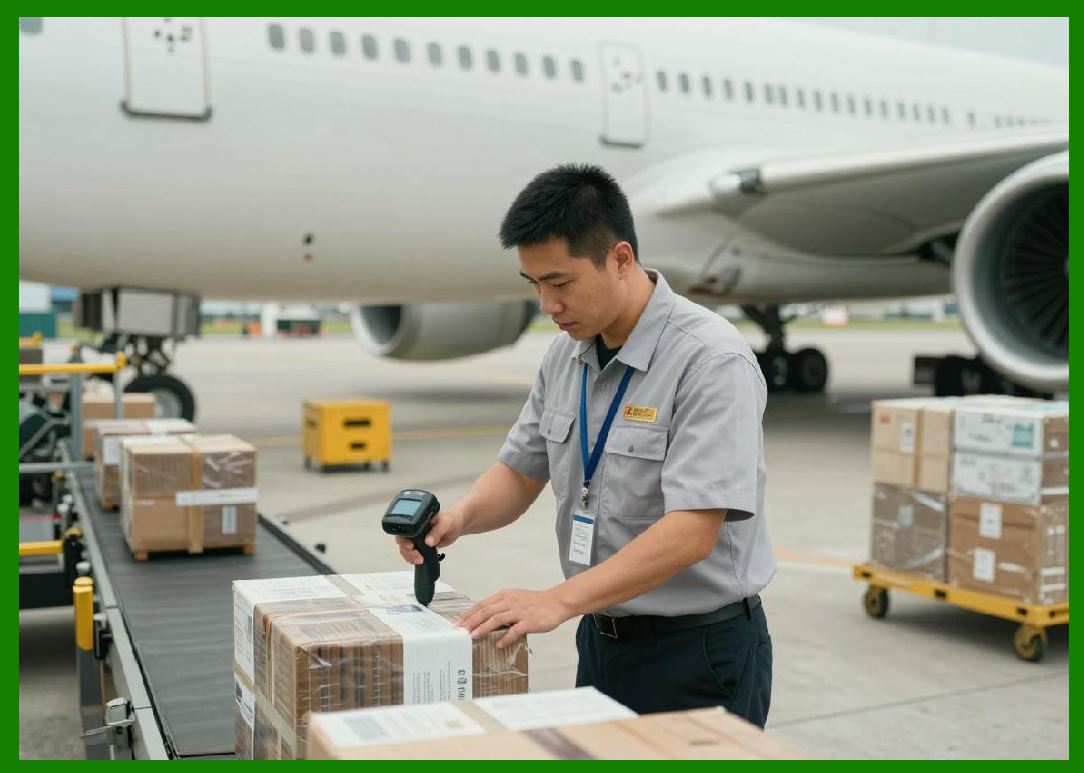
Warehouse systems use RFID for pallet tracking, shipment verification, and real-time logistics visibility. |
5.8 |
Citizen continues developing RFID capabilities for compact and mid-range printing systems. |
|
6. Healthcare, Retail, and Office Applications |
6.1 |
Citizen printers are widely used in healthcare environments for specimen labeling, patient identification, and laboratory tracking systems. |
6.2 |
In retail environments, Citizen printers are used for pricing labels, shelf labeling, and inventory management. |
6.3 |
Office environments rely on Citizen printers for document organization and mailing label production. |
6.4 |
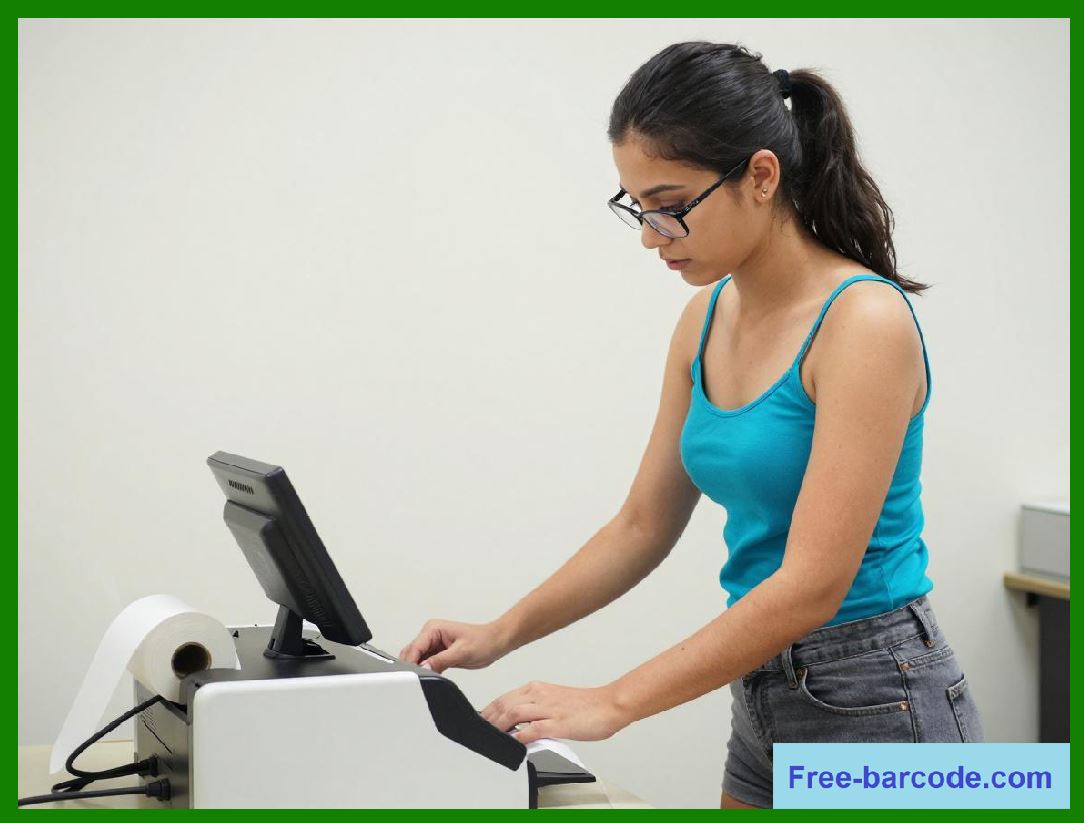
Small and medium businesses use Citizen systems due to their ease of use and compact design. |
|
6.5 |
Logistics companies use Citizen printers for shipping labels and warehouse operations. |
6.6 |
Laboratories and educational institutions use labeling systems for sample tracking and administrative workflows. |
6.7 |
Citizen quiet operation makes it especially suitable for office and healthcare environments. |
6.8 |
These applications highlight its versatility across multiple industries. |

|
7. Software Systems and Integration |
7.1 |
Citizen provides label design software for creating barcode labels, text labels, and RFID-enabled tags. |
7.2 |
Printer management tools allow configuration and monitoring of connected devices. |
7.3 |
Citizen printers integrate with Windows, macOS, and mobile operating systems. |
7.4 |
SDKs and APIs support integration into enterprise applications and logistics systems. |
|
7.5 |
Cloud-based printing systems are increasingly supported for remote operations. |
7.6 |
Mobile applications enable label creation and printing from smartphones and tablets. |
7.7 |
Software simplicity and usability are key design principles. |
7.8 |
Integration flexibility supports diverse enterprise environments. |

|
8. Industrial Applications Across Global Markets |
8.1 |
Citizen printers are widely used in logistics for shipping labels and warehouse tracking. |
8.2 |
Manufacturing environments use Citizen systems for production labeling and quality control. |
8.3 |
Retail industries use printers for price labeling and inventory tracking. |
8.4 |
Healthcare systems rely on Citizen printers for patient safety and laboratory labeling. |

|
8.5 |
Office environments use labeling systems for document organization and mailing. |
8.6 |
Small businesses use Citizen printers for general labeling tasks. |
8.7 |
Transportation systems use Citizen printers for ticketing and logistics documentation. |
8.8 |
Citizen versatility enables wide adoption across industries. |

|
9. Competitive Positioning and Market Strategy |
9.1 |
Citizen competes in the global barcode printing market alongside Zebra, Honeywell, SATO, TSC, and Brother. |
9.2 |
Its competitive advantage lies in compact design, precision engineering, and quiet operation. |
9.3 |
Citizen benefits from strong brand recognition in precision electronics. |
9.4 |
The company focuses on mid-range and compact industrial printing markets. |

|
9.5 |
It emphasizes ease of integration and reliability. |
9.6 |
Citizen maintains a strong global distribution network. |
9.7 |
Its niche positioning allows it to compete effectively in specialized markets. |
9.8 |
Citizen remains a stable mid-tier global printer manufacturer. |
|
10. Future Outlook and Technological Direction |
10.1 |
Citizen is expected to expand RFID and smart labeling capabilities. |
10.2 |
Cloud-connected printing systems will continue to grow. |
10.3 |
Mobile printing solutions will become more important. |
10.4 |
AI-assisted maintenance and diagnostics will improve reliability. |
|
10.5 |
Sustainability initiatives will focus on energy efficiency and recyclable materials. |
10.6 |
Integration with IoT systems will increase across industries. |
10.7 |
Cybersecurity will become increasingly important in networked printing systems. |
10.8 |
Citizen is expected to maintain its role in compact precision printing markets. |
|
Detailed Technical Content Summary |
This part provided a comprehensive technical and historical overview of Citizen Systems Japan Co., Ltd. and its role in the barcode printing ecosystem. The article examined its origins within Citizen Watch, expansion into precision electronics, and development into a global printer manufacturer. |
The discussion covered thermal printing technologies, barcode printer families (CL-E and CL-S series), POS systems, RFID-enabled printing, and compact industrial printing systems. Significant attention was given to Citizen precision engineering heritage and quiet operation design philosophy. |
The article also explored software integration, mobile printing systems, cloud-based workflows, and enterprise compatibility. Applications across healthcare, retail, logistics, manufacturing, and office environments were analyzed in depth. |
Finally, the article discussed Citizen competitive positioning, market strategy, and future direction involving RFID expansion, IoT integration, AI-driven maintenance, sustainability initiatives, and compact smart printing ecosystems. |
 cs@easiersoft.com