Part 29 The History, Engineering Systems, Printing Technologies, and Industrial Labeling Ecosystem of BIXOLON Co., Ltd. |
1. Introduction to BIXOLON in the Barcode Printer Industry |
1.1 |
BIXOLON Co., Ltd. is a globally recognized manufacturer of POS printers, barcode label printers, mobile printers, and receipt printing systems. The company is particularly strong in retail, hospitality, logistics, transportation, and healthcare printing applications. |
1.2 |
BIXOLON originated as a spin-off focused on printing technologies and has grown into one of the leading global providers of compact and industrial-grade printing systems. |
1.3 |
The company is well known for its combination of affordability, reliability, and strong software integration capabilities, making it a popular alternative to larger global competitors. |
1.4 |
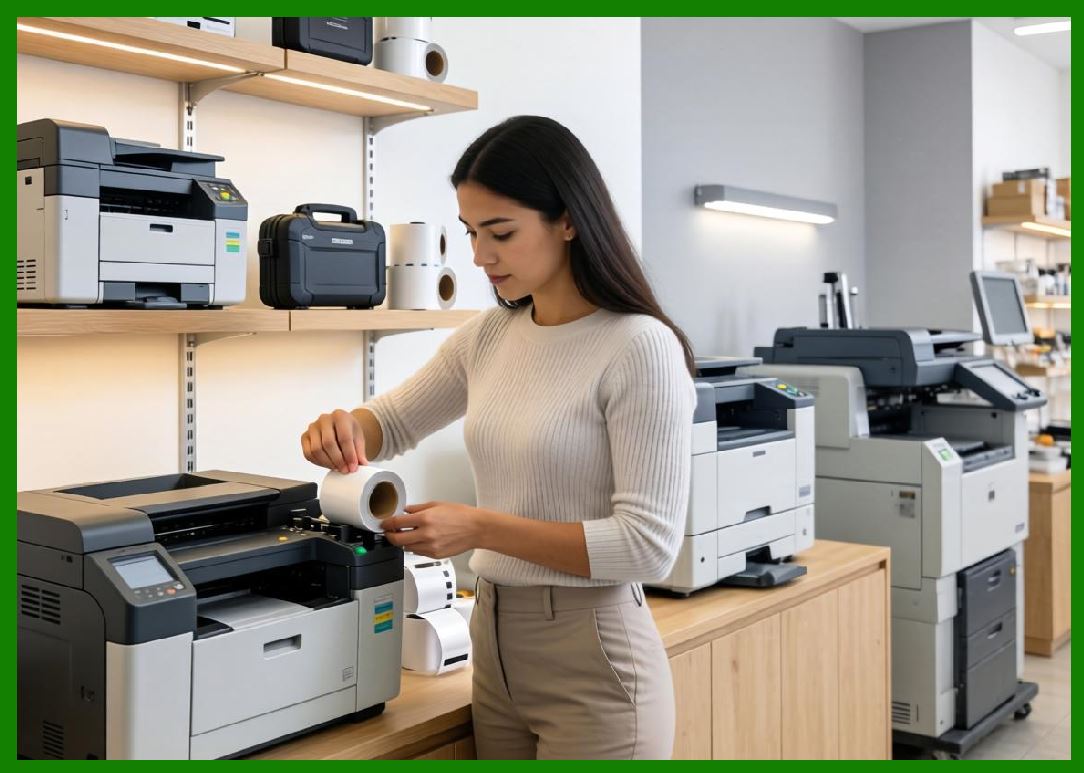
BIXOLON printers are widely used in retail checkout systems, warehouse labeling operations, shipping logistics, and mobile field service environments. |
1.5 |
The company emphasizes ease of integration with POS systems and enterprise software platforms. |
1.6 |
Today, BIXOLON continues to expand into RFID printing, mobile printing solutions, and cloud-connected labeling systems. |
|
2. Founding History and Corporate Development |
2.1 |
Lee Ho-seong played a key role in the early development of BIXOLON as part of a broader South Korean electronics industry expansion. |
2.2 |
BIXOLON originally operated as a division of Samsung before becoming an independent company focused on printing technologies. |
2.3 |
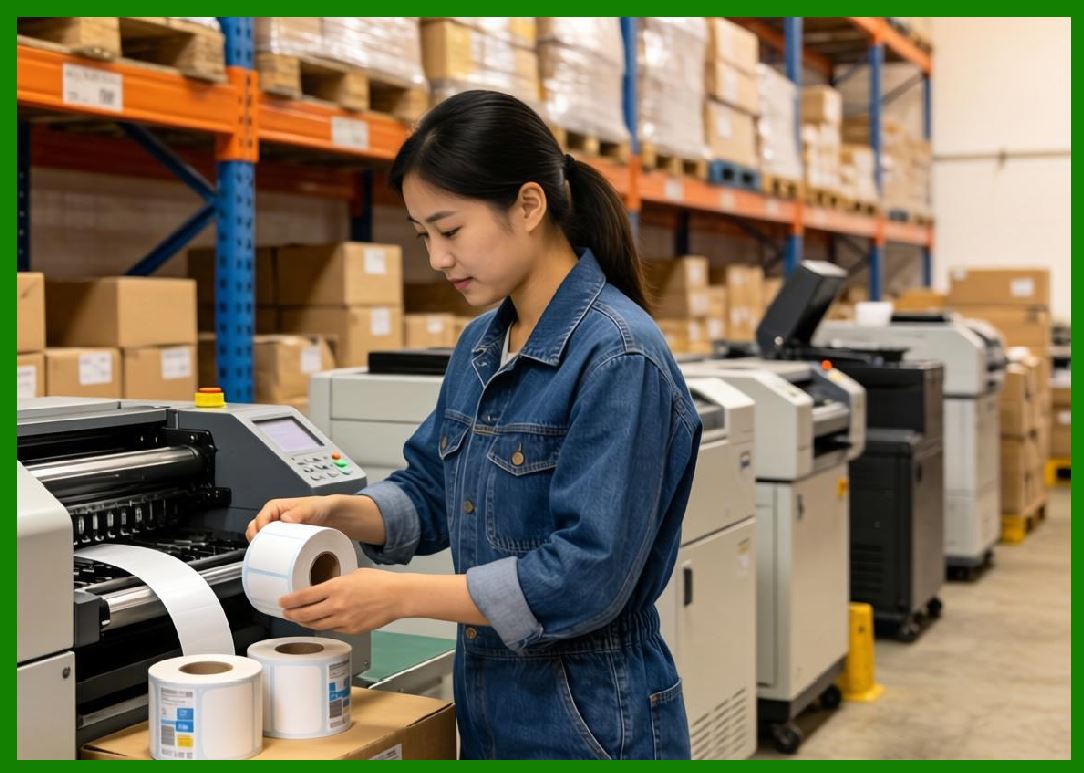
The company leveraged South Korea strong electronics manufacturing ecosystem to scale production and innovation. |
2.4 |
As global demand for POS and barcode printing systems grew, BIXOLON expanded into international markets. |
2.5 |
The company established strong distribution networks in North America, Europe, and Asia. |
2.6 |
Over time, BIXOLON diversified into industrial barcode printers and mobile printing solutions. |
2.7 |
Strategic partnerships and OEM relationships helped strengthen its global footprint. |
2.8 |
Today, BIXOLON is a major mid-tier global printer manufacturer. |
|
3. Thermal Printing Technologies and Engineering Systems |
3.1 |
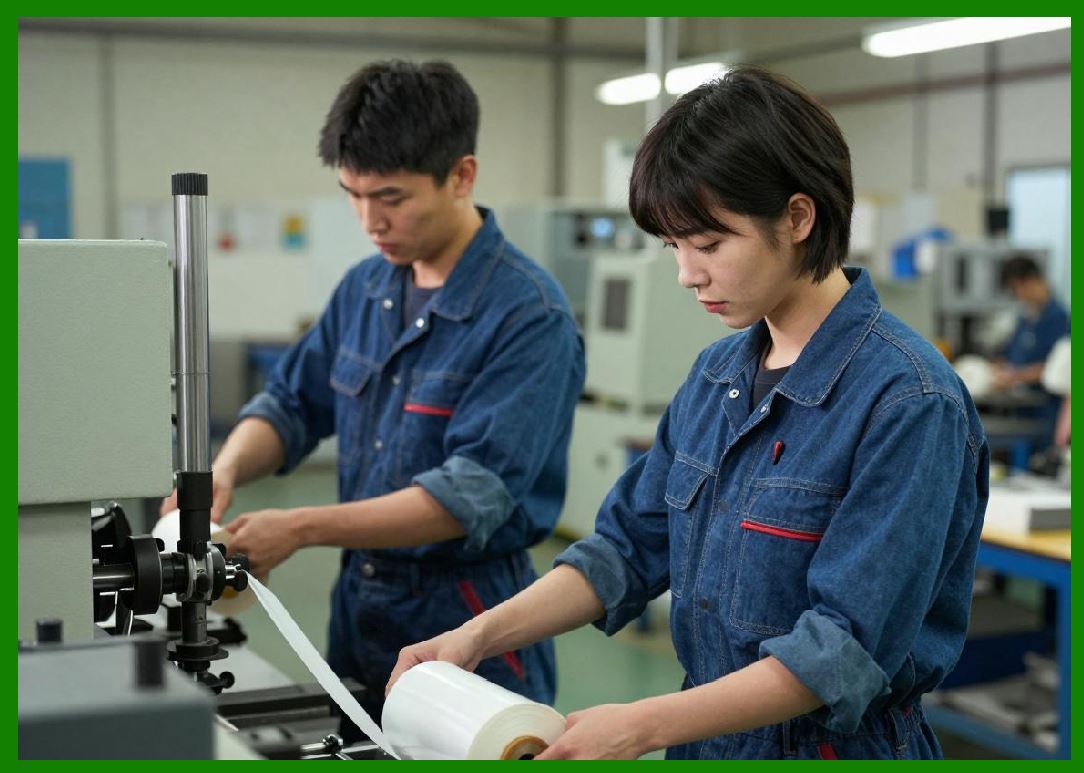
BIXOLON printers are built on direct thermal and thermal transfer printing technologies. |
3.2 |
Direct thermal printing is widely used in POS receipt printing, shipping labels, and retail applications. |
3.3 |
Thermal transfer printing is used for durable industrial labeling in logistics and manufacturing environments. |
3.4 |
BIXOLON focuses on optimizing print speed, compact design, and energy efficiency. |
3.5 |
Printhead control systems ensure consistent barcode clarity and scan reliability. |
3.6 |
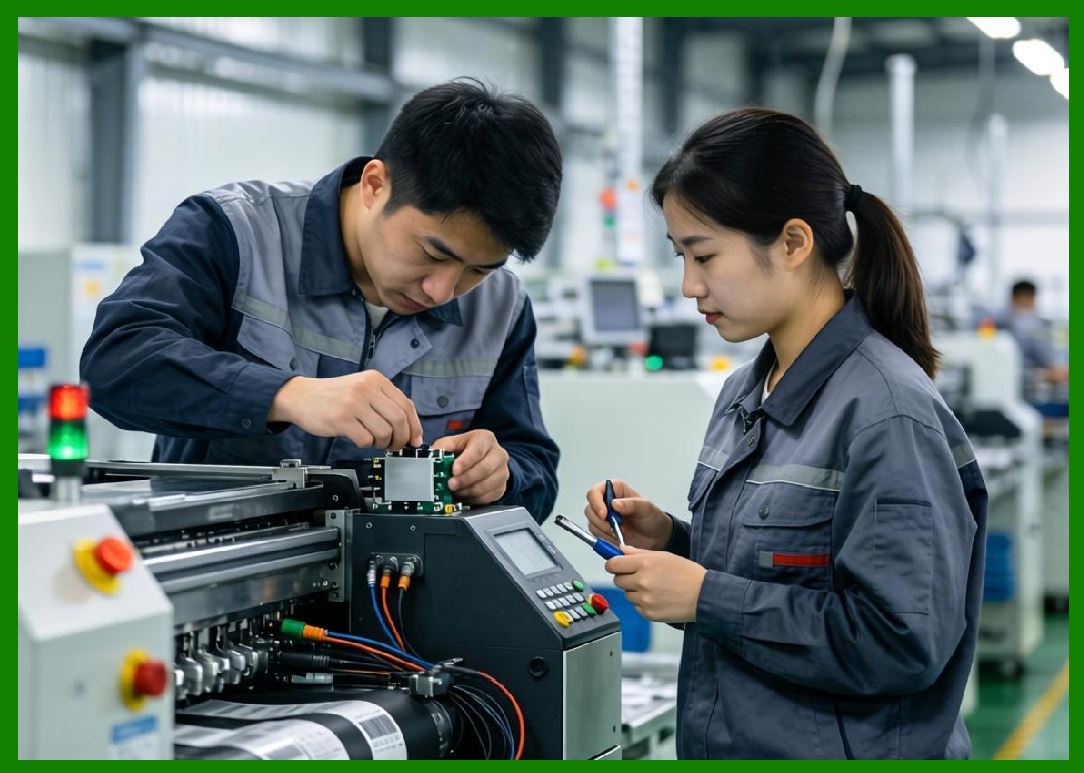
Mechanical engineering emphasizes durability and ease of maintenance. |
3.7 |
Media handling systems support high-speed and continuous operation. |
3.8 |
The company balances performance and cost-effectiveness in its engineering design. |
|
4. Barcode Printer Product Families |
4.1 |
BIXOLON offers desktop, industrial, mobile, and POS printer systems. |
4.2 |
The SRP series is widely used for POS receipt printing in retail and hospitality environments. |
4.3 |
The XT series provides industrial barcode printing solutions for logistics and warehousing. |
4.4 |
Mobile printers are widely used in field service, delivery, and transportation applications. |
4.5 |
Desktop printers support retail labeling and office applications. |
4.6 |
Industrial printers are designed for continuous-duty warehouse and manufacturing environments. |
4.7 |
BIXOLON printers support barcode standards including QR Code, Data Matrix, and GS1. |
4.8 |
The product line is designed for flexibility across multiple industries. |
|
5. RFID Printing Systems and Smart Labeling |
5.1 |
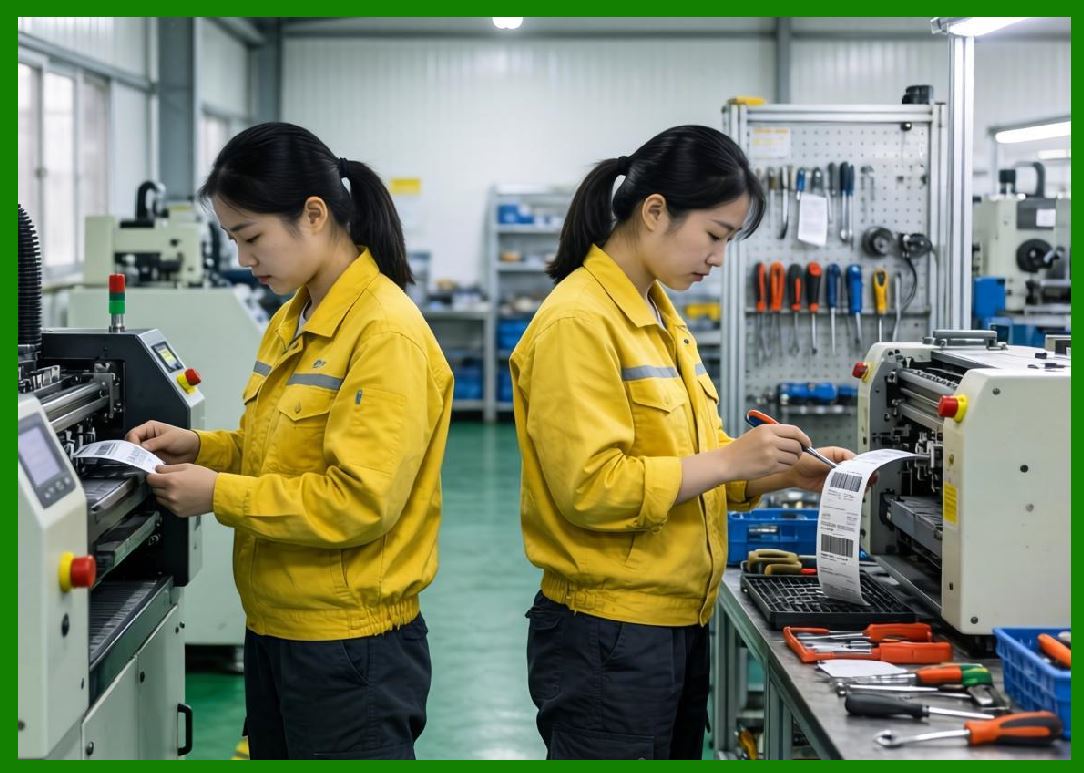
BIXOLON has expanded into RFID-enabled barcode printing systems for smart labeling applications. |
5.2 |
RFID printers integrate thermal printing with embedded chip encoding functionality. |
5.3 |
These systems are widely used in retail apparel, logistics tracking, healthcare, and manufacturing environments. |
5.4 |
RFID encoding requires precise synchronization between antenna design and chip programming. |
5.5 |
BIXOLON focuses on improving encoding accuracy and system reliability. |
5.6 |
Retail industries use RFID for inventory visibility and omnichannel operations. |
5.7 |
Warehouse systems use RFID for real-time asset tracking and logistics optimization. |
5.8 |
BIXOLON continues to expand RFID capabilities in its industrial product lines. |
|
6. POS Systems and Retail Integration |
6.1 |
BIXOLON is particularly strong in POS printing systems used in retail and hospitality industries. |
6.2 |
POS printers are widely used in supermarkets, restaurants, hotels, and retail chains. |
6.3 |
These systems require high-speed receipt printing and reliable transaction processing. |
6.4 |
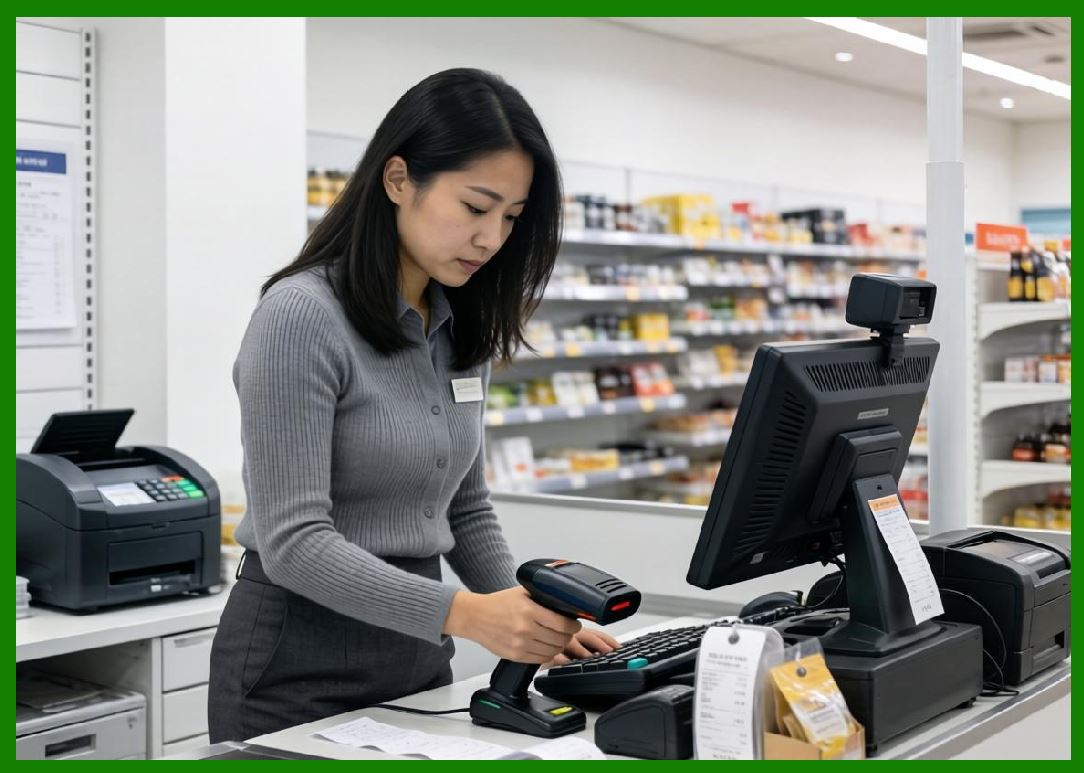
BIXOLON integrates POS printers with barcode labeling and scanning systems. |
6.5 |
Retail digital transformation has increased demand for cloud-connected POS systems. |
6.6 |
The company supports omnichannel retail environments combining online and offline operations. |
6.7 |
Integration with retail management systems enables real-time inventory updates. |
6.8 |
POS systems remain a core strength of BIXOLON product ecosystem. |
|
7. Software Systems and Connectivity |
7.1 |
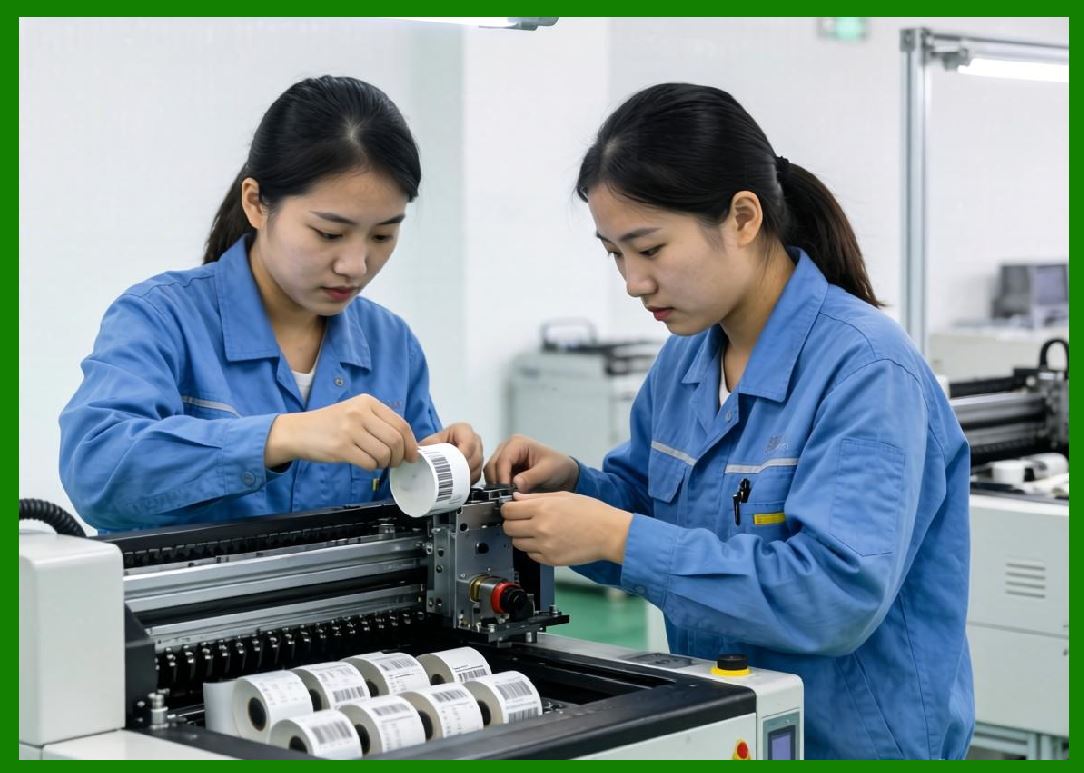
BIXOLON provides software tools for label design, printer configuration, and device management. |
7.2 |
Label design systems support barcode and RFID label creation. |
7.3 |
Printer management tools allow centralized monitoring of devices. |
7.4 |
Integration with ERP and POS systems enables real-time data synchronization. |
7.5 |
Cloud printing systems support remote and distributed operations. |
7.6 |
Mobile applications allow on-site printing and configuration. |
7.7 |
SDKs and APIs support enterprise software integration. |
7.8 |
Software systems enhance usability and enterprise adoption. |

|
8. Industrial Applications Across Global Markets |
8.1 |
Retail industries use BIXOLON systems for POS receipts and inventory labeling. |
8.2 |
Logistics companies use barcode printers for shipping and warehouse tracking. |
8.3 |
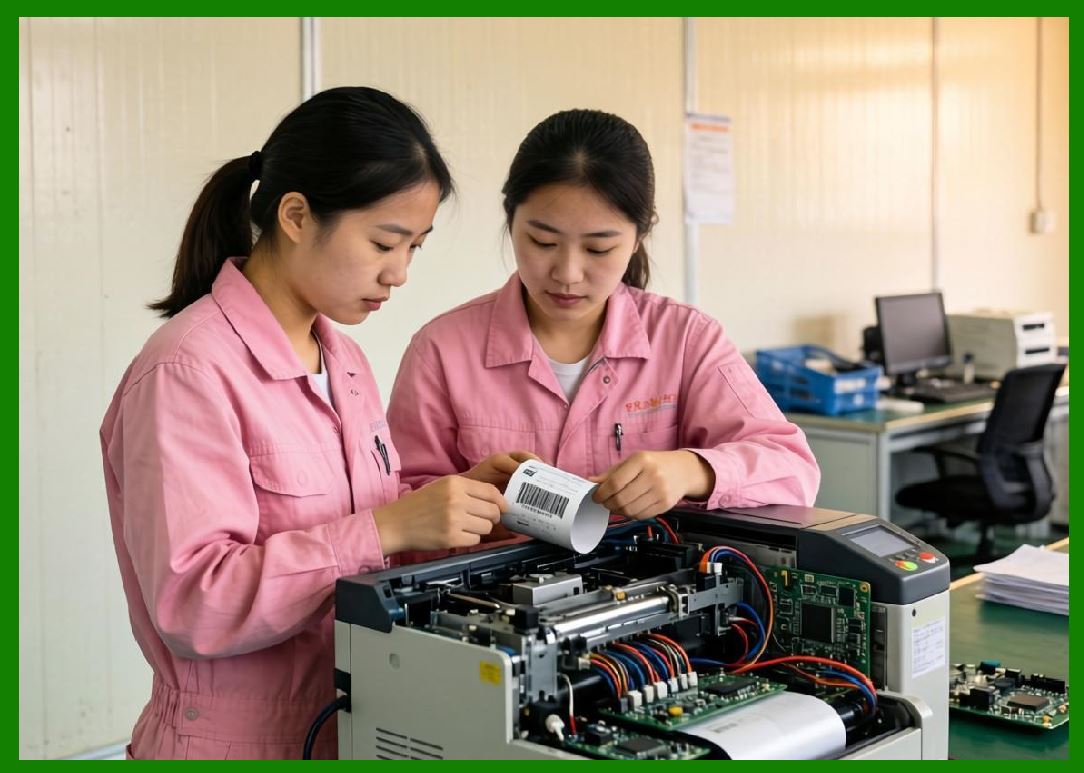
Manufacturing industries use labeling systems for production traceability. |
8.4 |
Healthcare systems use barcode printers for patient identification and specimen tracking. |
8.5 |
Food industries use labeling systems for compliance and expiration tracking. |
8.6 |
Transportation industries use mobile printers for logistics documentation. |
8.7 |
Field service industries rely on mobile printing solutions. |
8.8 |
BIXOLON systems are widely deployed in global commercial environments. |
|
9. Competitive Positioning and Market Strategy |
9.1 |
BIXOLON competes with Zebra Technologies, Honeywell, SATO, TSC, Brother, and Toshiba Tec. |
9.2 |
Its main advantage lies in cost-effective POS and mobile printing solutions. |
9.3 |
The company benefits from South Korea advanced electronics manufacturing ecosystem. |
9.4 |
BIXOLON focuses strongly on retail and hospitality markets. |
9.5 |
It maintains a strong global distribution network. |
9.6 |
The company emphasizes usability and system integration. |
9.7 |
BIXOLON is known for competitive pricing and reliability. |
9.8 |
It remains a strong mid-tier global printing manufacturer. |
|
10. Future Outlook and Technological Direction |
10.1 |
BIXOLON is expected to expand RFID and smart labeling systems further. |
10.2 |
Cloud-based POS and printing systems will continue growing. |
10.3 |
AI-driven maintenance and diagnostics will improve device reliability. |
10.4 |
Mobile printing will expand in logistics and delivery industries. |
10.5 |
Sustainability initiatives will focus on energy efficiency. |
10.6 |
Cybersecurity will become increasingly important in connected systems. |
10.7 |
IoT integration will expand across retail and logistics environments. |
10.8 |
BIXOLON is expected to remain a strong global POS and barcode printing provider. |
|
Detailed Technical Content Summary |
This part provided a comprehensive technical and historical overview of BIXOLON Co., Ltd. and its role in POS printing, barcode labeling, and mobile printing systems. The article examined its origins within the South Korean electronics industry and its evolution into a global printing solutions provider. |
The discussion covered thermal printing technologies, POS printer families (SRP and XT series), mobile printers, RFID-enabled systems, and enterprise integration solutions. Significant attention was given to BIXOLON strength in retail and hospitality printing systems. |
The article also explored software systems, cloud printing, ERP integration, mobile applications, and omnichannel retail environments. Applications across retail, logistics, healthcare, manufacturing, and transportation industries were analyzed in depth. |
Finally, the article discussed BIXOLON competitive positioning, market strategy, and future direction involving RFID expansion, AI-driven maintenance, mobile printing growth, sustainability initiatives, and next-generation POS ecosystems. |
 cs@easiersoft.com