Part 31 The History, Engineering Systems, Printing Technologies, and Industrial Labeling Ecosystem of Honeywell International Inc. |
1. Introduction to Honeywell in Barcode and Industrial Automation |
1.1 |
Honeywell International Inc. is one of the most diversified industrial technology companies in the world, with a major presence in barcode printing, scanning, RFID systems, and industrial automation. Through its enterprise solutions division, Honeywell has become a key competitor in the global automatic identification and data capture (AIDC) industry. |
1.2 |
Honeywell is not limited to barcode printers; it operates across aerospace, building technologies, safety systems, and industrial control systems. However, its AIDC division is one of its most strategically important segments. |
1.3 |
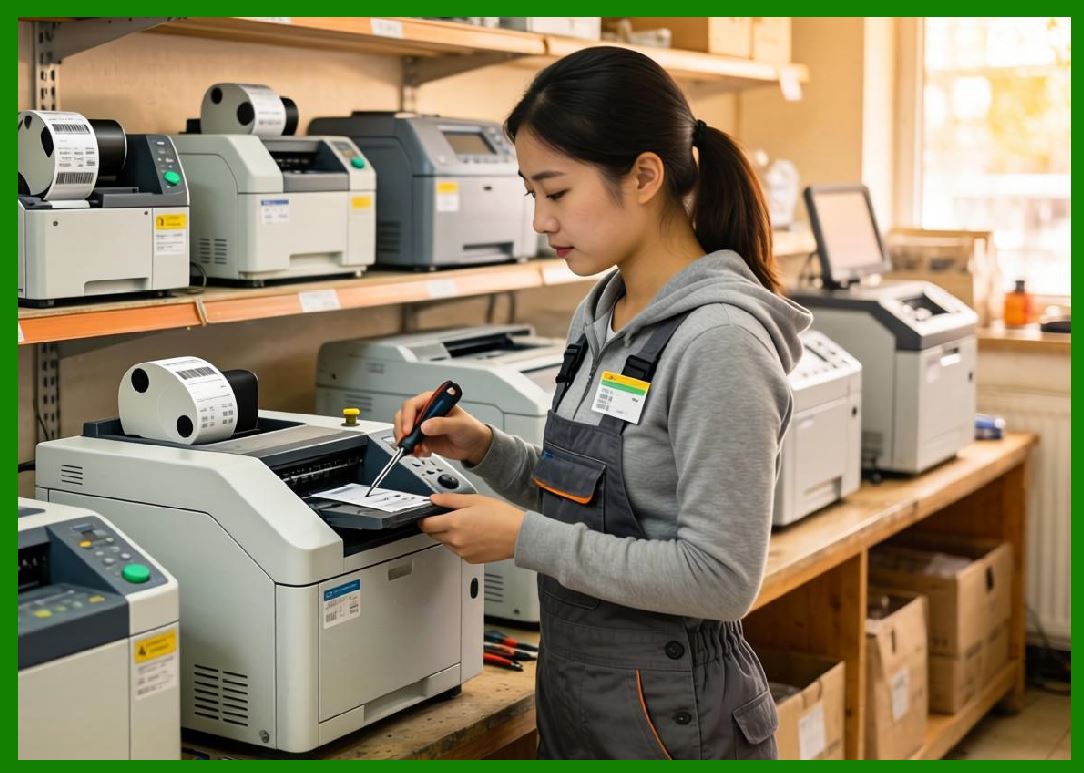
The company provides end-to-end supply chain visibility solutions that combine barcode printers, handheld scanners, mobile computers, RFID systems, and software platforms. |
|
1.4 |
Honeywell systems are widely deployed in logistics, manufacturing, healthcare, retail, and transportation industries where operational efficiency and traceability are critical. |
1.5 |
Its barcode printing technologies are designed for industrial durability, high-volume output, and enterprise integration. |
1.6 |
Today, Honeywell continues to expand its role in digital supply chains, smart manufacturing, and AI-driven industrial automation. |

|
2. Founding History and Corporate Development |
2.1 |
Mark C. Honeywell founded the original Honeywell Heating Specialty Company in the early 20th century, focusing on control systems and industrial automation. |
2.2 |
Over time, Honeywell expanded through mergers and acquisitions, becoming a diversified industrial conglomerate. |
2.3 |
The company entry into barcode and AIDC technologies was driven by the global rise of supply chain automation and digital logistics systems. |
2.4 |
Honeywell significantly expanded its enterprise mobility and scanning capabilities through strategic acquisitions. |

|
2.5 |
A major milestone was the acquisition of Hand Held Products and Metrologic Instruments, strengthening its barcode scanning and imaging technologies. |
2.6 |
Honeywell also acquired Intermec, a major competitor in barcode printing and RFID systems, significantly expanding its printer portfolio. |
2.7 |
These acquisitions positioned Honeywell as a direct competitor to Zebra Technologies in enterprise mobility and printing systems. |
2.8 |
Today, Honeywell is a major global force in industrial automation and AIDC technologies. |

|
3. Thermal Printing Technologies and Engineering Systems |
3.1 |
Honeywell barcode printers are based on direct thermal and thermal transfer printing technologies. |
3.2 |
Direct thermal printing is widely used in shipping labels, retail receipts, and short-term logistics applications. |
3.3 |
Thermal transfer printing is used for long-term industrial labeling requiring durability and resistance to environmental conditions. |
3.4 |
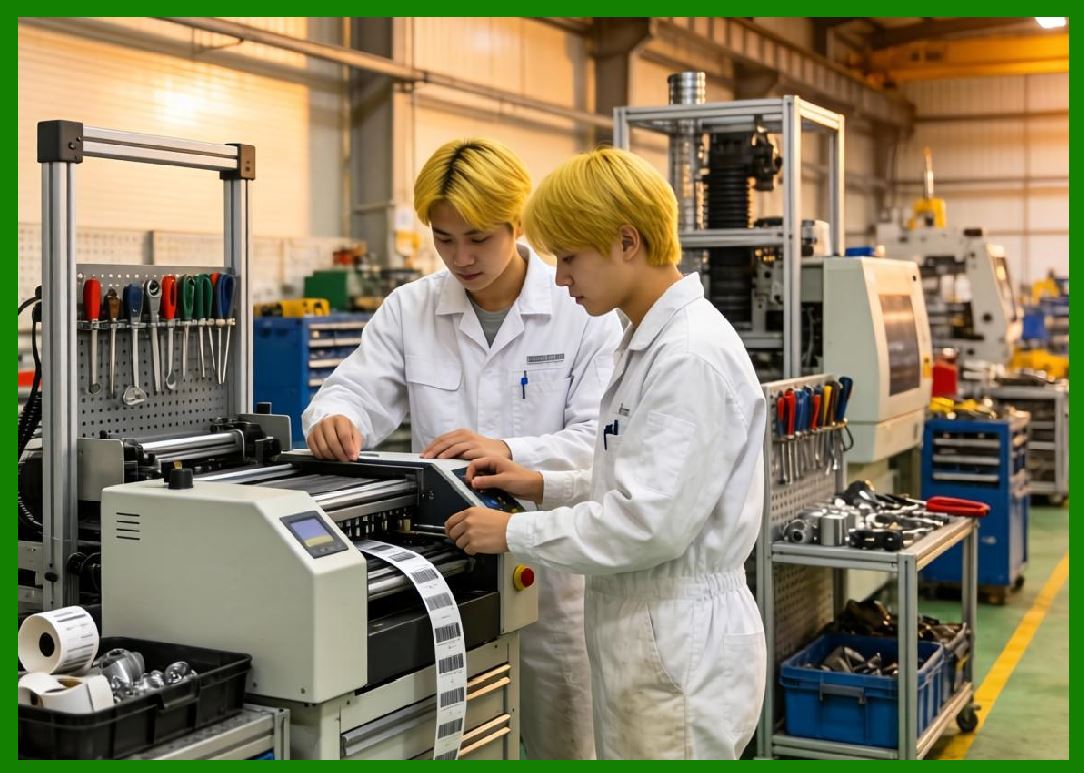
Honeywell emphasizes rugged industrial design for warehouse and manufacturing environments. |
3.5 |
Printhead technology is engineered for high durability and consistent barcode quality. |
3.6 |
Advanced firmware systems ensure precision printing under high-speed operations. |
3.7 |
Media handling systems are optimized for continuous industrial workflows. |
3.8 |
Honeywell printers are designed for mission-critical environments with minimal downtime. |
|
4. Barcode Printer Product Families |
4.1 |
Honeywell offers a wide range of barcode printers including desktop, industrial, and mobile models. |
4.2 |
The PM series is widely used for industrial barcode printing applications. |
4.3 |
The PX series represents Honeywell high-performance industrial printer platform. |
4.4 |
Desktop printers are used in retail, healthcare, and office environments. |
4.5 |
Mobile printers support logistics, transportation, and field service operations. |
4.6 |
Industrial printers are designed for high-volume warehouse and manufacturing environments. |
4.7 |
Honeywell printers support global barcode standards including QR Code, Data Matrix, and GS1 formats. |
4.8 |
The product portfolio is designed for enterprise-scale deployment. |

|
5. RFID Systems and Intelligent Tracking Technologies |
5.1 |
Honeywell is a strong player in RFID-enabled printing and tracking systems. |
5.2 |
RFID printers combine thermal printing with chip encoding capabilities for smart labeling. |
5.3 |
These systems are widely used in logistics, retail, healthcare, and manufacturing industries. |
5.4 |
RFID encoding requires precise synchronization between antenna design and encoding modules. |
5.5 |
Honeywell provides high-precision RFID calibration and encoding systems. |
5.6 |
Retail industries use RFID for inventory visibility and omnichannel operations. |
5.7 |
Warehouse environments rely on RFID for pallet and item-level tracking. |
5.8 |
Honeywell continues to expand RFID integration into cloud-based systems. |

|
6. Enterprise Mobility and Data Capture Ecosystem |
6.1 |
A key strength of Honeywell is its enterprise mobility and data capture ecosystem. |
6.2 |
This includes handheld barcode scanners, rugged mobile computers, and wearable devices. |
6.3 |
These devices are widely used in logistics, retail, healthcare, and industrial environments. |
6.4 |
Honeywell mobile computers operate on rugged Android-based platforms designed for industrial conditions. |
6.5 |
High-speed scanning systems support real-time data capture in warehouse environments. |
6.6 |
Wearable scanning devices improve productivity in high-volume logistics operations. |
6.7 |
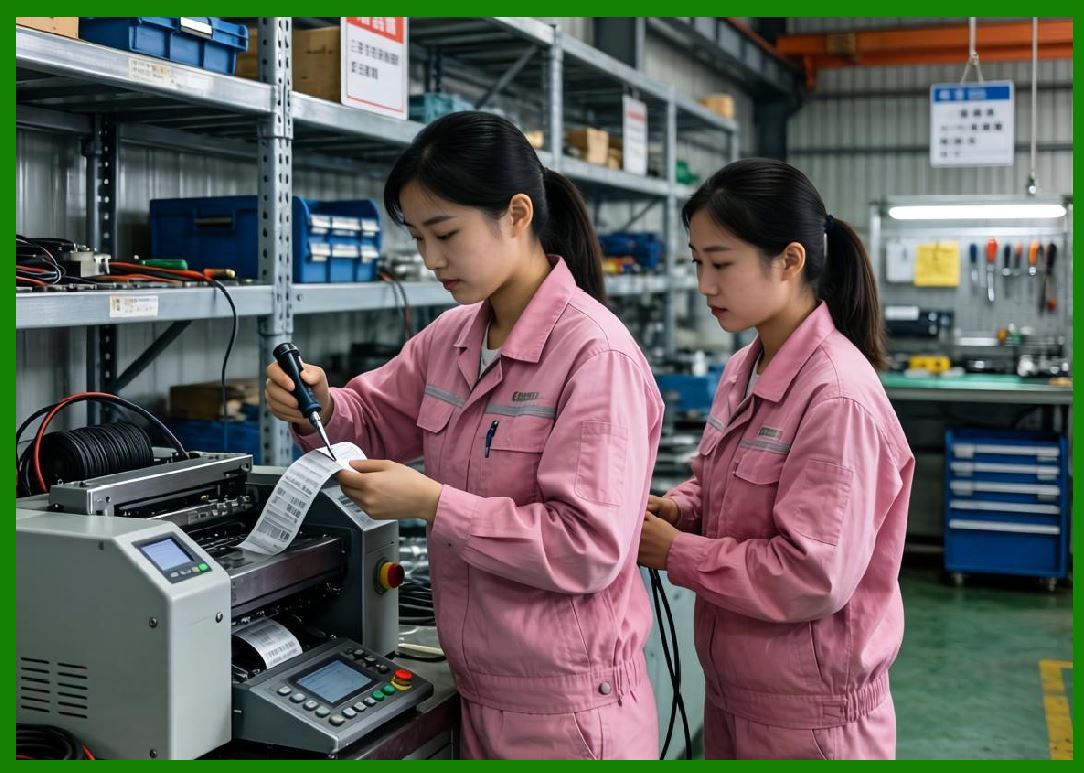
Integration between scanning and printing systems enables automated workflows. |
6.8 |
Honeywell mobility solutions are central to its AIDC strategy. |
|
7. Software Systems and Cloud Platforms |
7.1 |
Honeywell provides software platforms for device management, workflow automation, and data analytics. |
7.2 |
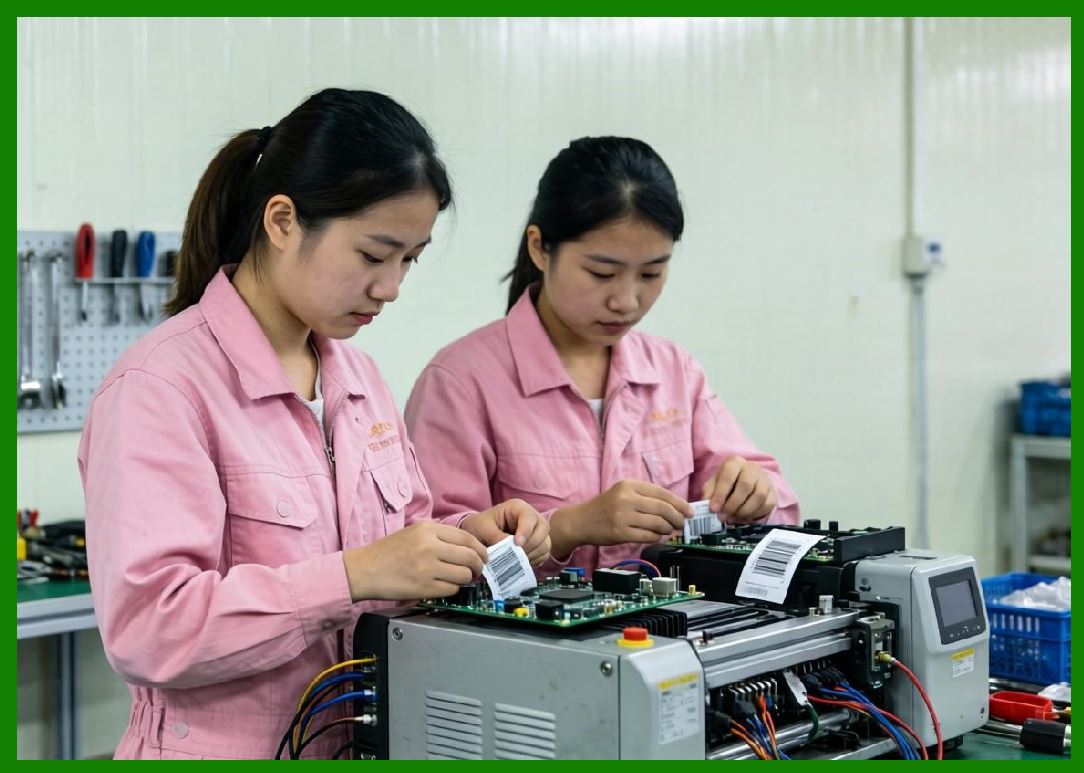
Printer management systems enable centralized control of enterprise printer fleets. |
7.3 |
Cloud-based monitoring systems provide real-time device diagnostics and performance insights. |
7.4 |
Integration with ERP, WMS, and MES systems ensures synchronized data operations. |
7.5 |
AI-driven analytics support predictive maintenance and optimization. |
7.6 |
Security systems ensure protection of industrial data and printing workflows. |
7.7 |
APIs allow integration with third-party enterprise systems. |
7.8 |
Software is a core component of Honeywell industrial ecosystem strategy. |
|
8. Industrial Applications Across Global Markets |
8.1 |
Logistics industries use Honeywell systems for warehouse labeling and shipping operations. |
8.2 |
Retail industries use RFID and barcode systems for inventory visibility. |
8.3 |
Healthcare systems rely on Honeywell for patient tracking and medication safety. |
8.4 |
Manufacturing industries use barcode printing for production traceability. |
8.5 |
Transportation industries use mobile printing and scanning systems. |
8.6 |
E-commerce companies rely on Honeywell for fulfillment automation. |
8.7 |
Government sectors use AIDC systems for asset tracking. |
8.8 |
Honeywell is deeply embedded in global supply chain infrastructure. |

|
9. Competitive Positioning and Market Strategy |
9.1 |
Honeywell competes directly with Zebra Technologies, SATO, TSC, Brother, BIXOLON, and Toshiba Tec. |
9.2 |
Its strength lies in its integrated industrial automation and AIDC ecosystem. |
9.3 |
The company benefits from strong diversification across industrial sectors. |
9.4 |
Honeywell leverages acquisitions to strengthen its barcode and mobility portfolio. |
9.5 |
It targets high-value enterprise and industrial automation markets. |
9.6 |
The company emphasizes ruggedness, reliability, and enterprise integration. |
9.7 |
Honeywell is a key global competitor in AIDC infrastructure. |
9.8 |
It remains one of the most influential industrial automation companies globally. |

|
10. Future Outlook and Technological Direction |
10.1 |
Honeywell is expected to expand AI-driven industrial automation systems. |
10.2 |
RFID adoption will continue increasing across global supply chains. |
10.3 |
Cloud-native AIDC platforms will become more widespread. |
10.4 |
Edge computing will enhance real-time decision-making in logistics. |
10.5 |
Cybersecurity will become critical in connected industrial systems. |
10.6 |
Sustainability initiatives will focus on energy-efficient devices. |
10.7 |
Autonomous logistics systems will increase demand for Honeywell solutions. |
10.8 |
Honeywell will remain a global leader in industrial automation and AIDC technologies. |

|
Detailed Technical Content Summary |
This part provided a comprehensive technical and historical overview of Honeywell International Inc. and its role in barcode printing, RFID systems, enterprise mobility, and industrial automation. The article examined its origins in early industrial control systems and its evolution into a global AIDC powerhouse. |
The discussion covered thermal printing technologies, industrial printer families (PX and PM series), RFID systems, mobile computing devices, and enterprise scanning solutions. Significant attention was given to Honeywell integrated ecosystem approach combining automation, mobility, and printing. |
The article also explored cloud platforms, ERP integration, warehouse management systems, AI-driven analytics, and industrial IoT ecosystems. Applications across logistics, retail, healthcare, manufacturing, and transportation industries were analyzed in depth. |
Finally, the article discussed Honeywell competitive positioning, acquisition strategy, and future direction involving AI automation, RFID expansion, cloud-native industrial systems, sustainability initiatives, and next-generation global supply chain intelligence. |
 cs@easiersoft.com