Part 32 The History, Engineering Systems, Printing Technologies, and Industrial Labeling Ecosystem of Brother Industries, Ltd. |
1. Introduction to Brother in Barcode Label Printing |
1.1 |
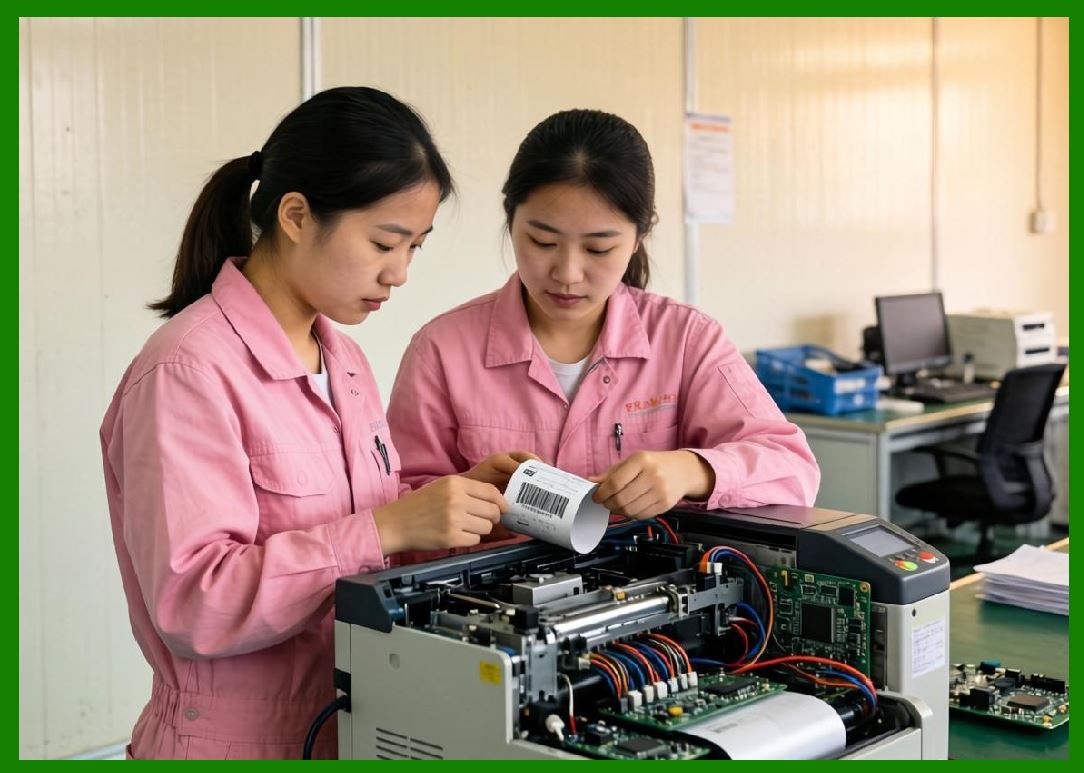
Brother Industries, Ltd. is a globally recognized manufacturer of printing equipment, including barcode label printers, desktop printers, industrial labeling systems, and mobile printing devices. While Brother is widely known for office printers, it also plays an important role in the automatic identification and data capture (AIDC) industry. |
1.2 |
Brother barcode printing solutions are especially popular in small and medium-sized businesses, retail environments, healthcare facilities, and field service operations due to their ease of use and cost-effectiveness. |
1.3 |
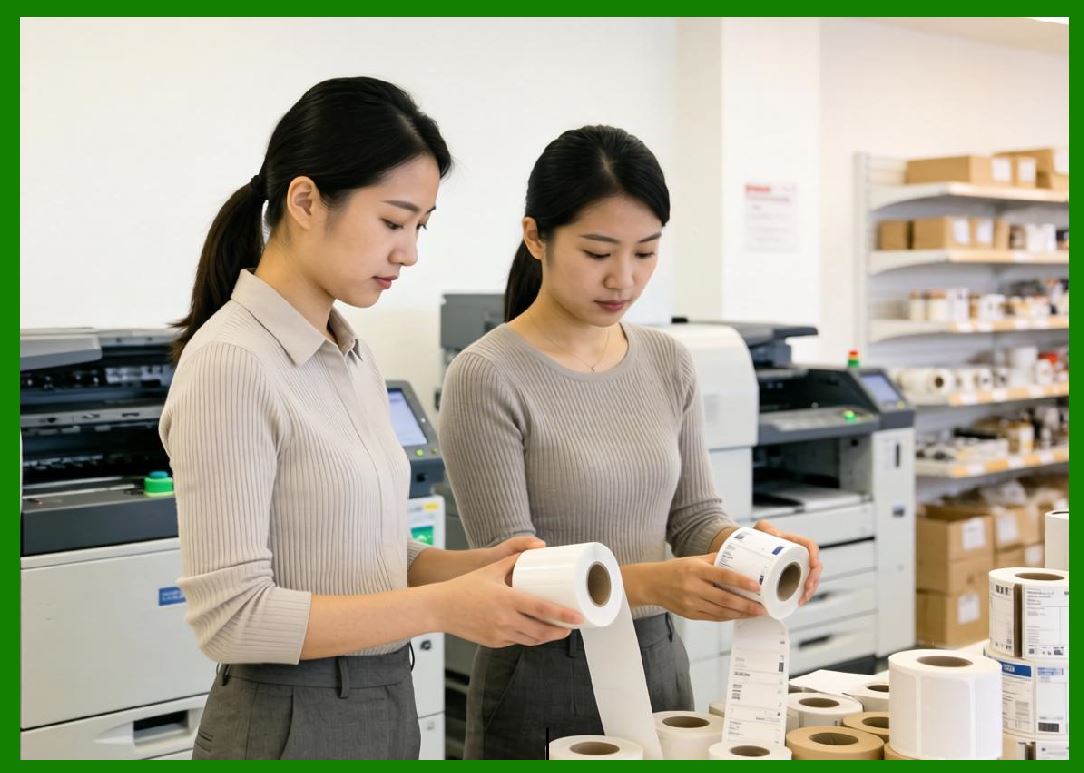
The company strategy emphasizes compact design, user-friendly operation, and reliable printing performance rather than heavy industrial-scale systems. |
|
1.4 |
Brother printers are widely used for labeling inventory, shipping packages, medical samples, office assets, and retail products. |
1.5 |
Its strength lies in combining consumer-friendly design with professional-grade barcode printing capabilities. |
1.6 |
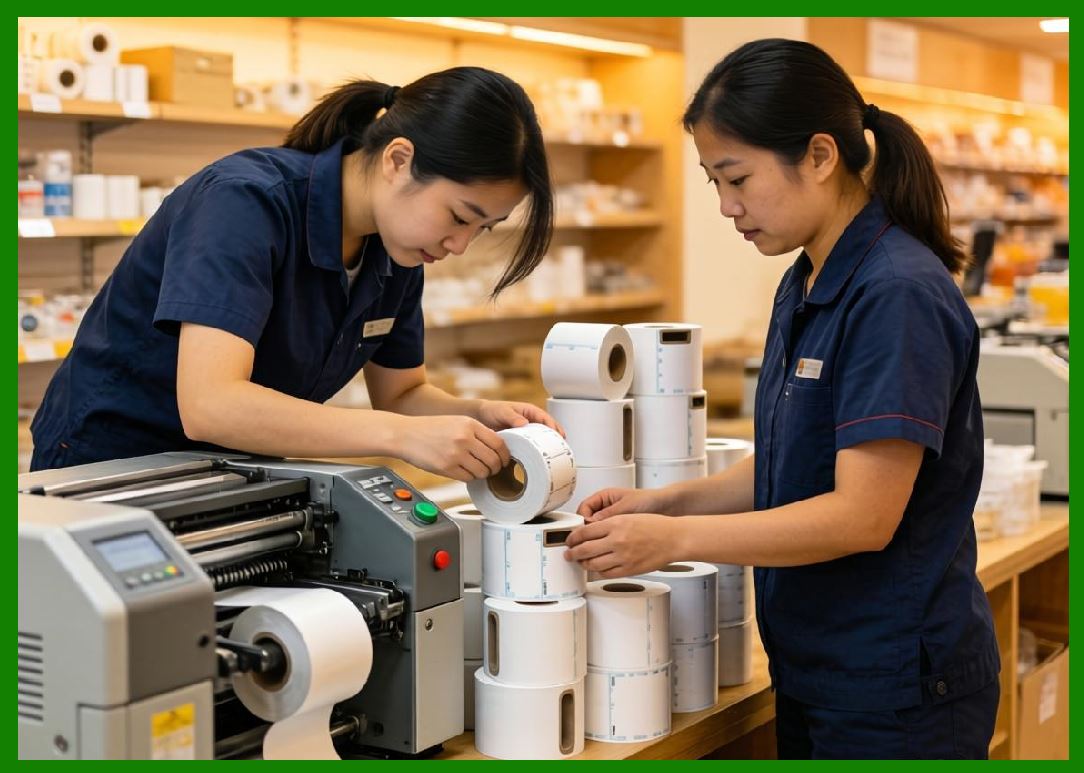
Today, Brother continues to expand into mobile printing, RFID labeling, and cloud-connected printing ecosystems. |
|
2. Founding History and Corporate Development |
2.1 |
Masayoshi Yasuda and the Yasui brothers played a foundational role in establishing Brother in 1908 in Japan, originally focusing on sewing machine repair and manufacturing. |
2.2 |
The company gradually diversified into typewriters, printers, and later digital printing systems. |
2.3 |
Brother entered the printing industry by leveraging its mechanical engineering expertise. |
2.4 |
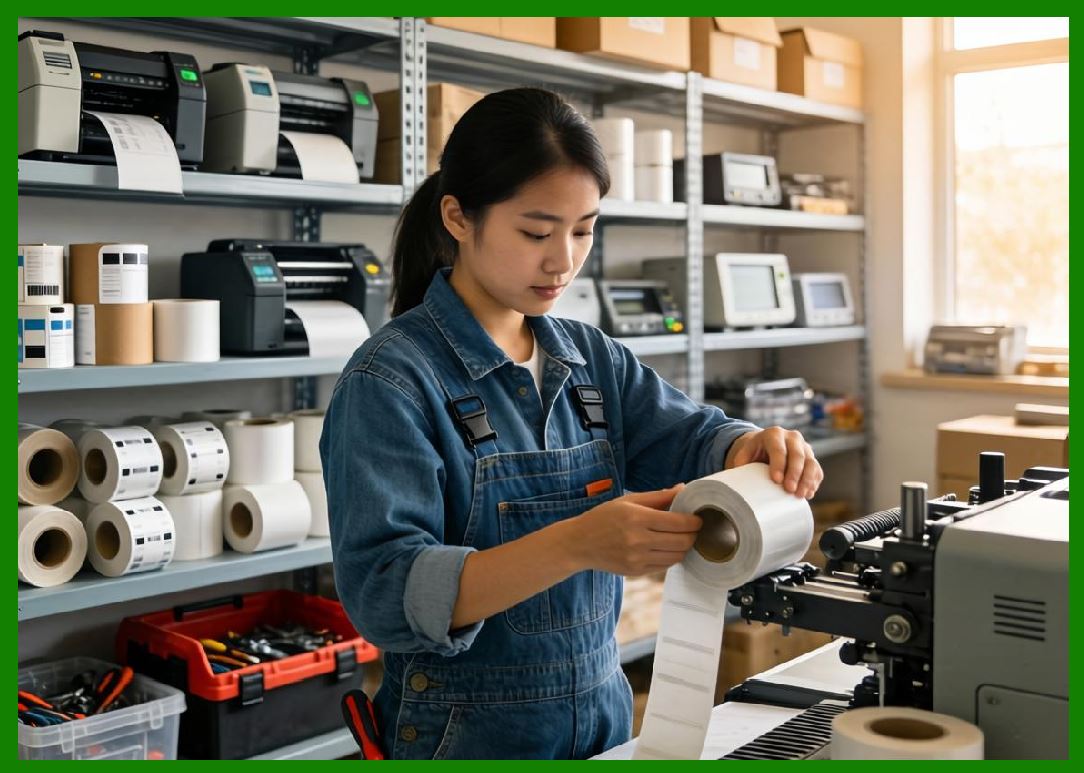
As barcode technology became globally standardized, Brother expanded into label printers and thermal printing systems. |
|
2.5 |
The company built strong global distribution networks in North America, Europe, and Asia. |
2.6 |
Brother diversification into labeling systems aligned with the growth of logistics and retail automation. |
2.7 |
Strategic innovation allowed Brother to compete in both consumer and industrial printing markets. |
2.8 |
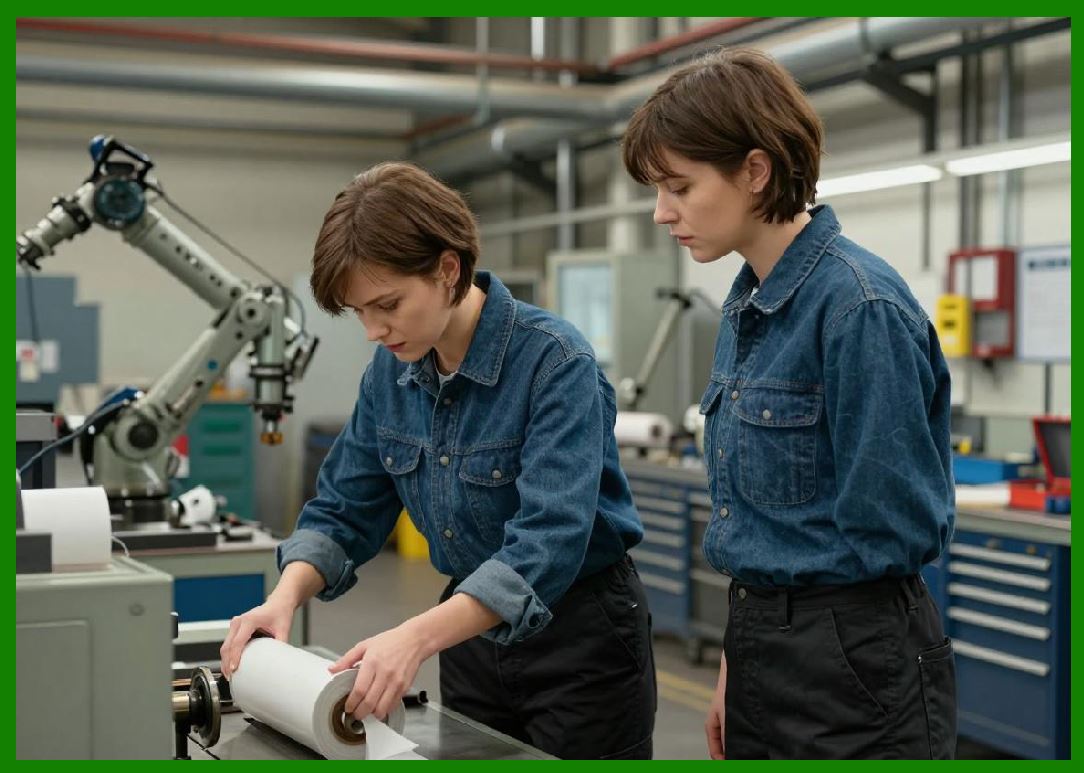
Today, Brother is a major global player in compact and mid-range barcode printing systems. |
|
3. Thermal Printing Technologies and Engineering Systems |
3.1 |
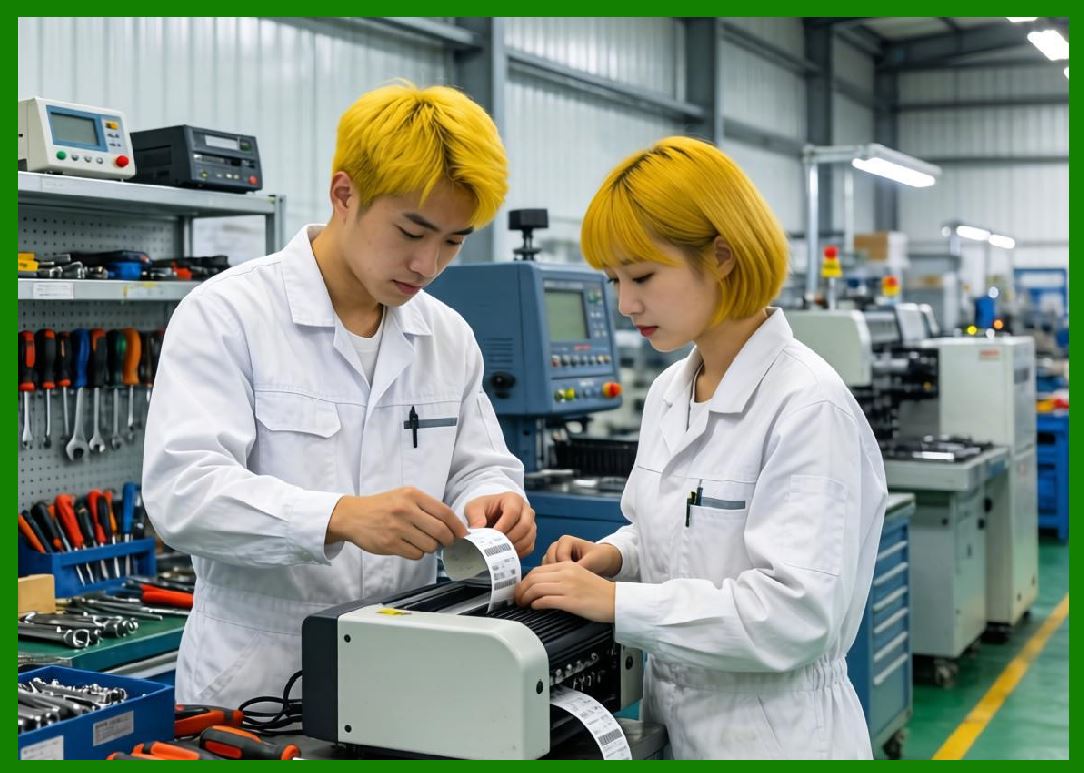
Brother barcode printers are based primarily on direct thermal printing technology. |
3.2 |
Direct thermal printing is widely used for shipping labels, retail tags, and temporary identification labels. |
3.3 |
Brother emphasizes compact printhead design and low power consumption. |
3.4 |
Mechanical engineering focuses on simplicity, reliability, and ease of maintenance. |
3.5 |
Thermal control systems ensure consistent print quality and barcode readability. |
3.6 |
Media handling systems are optimized for desktop and small office environments. |
3.7 |
Brother printers are designed for plug-and-play usability. |
3.8 |
The engineering philosophy prioritizes accessibility and ease of deployment. |
|
4. Barcode Printer Product Families |
4.1 |
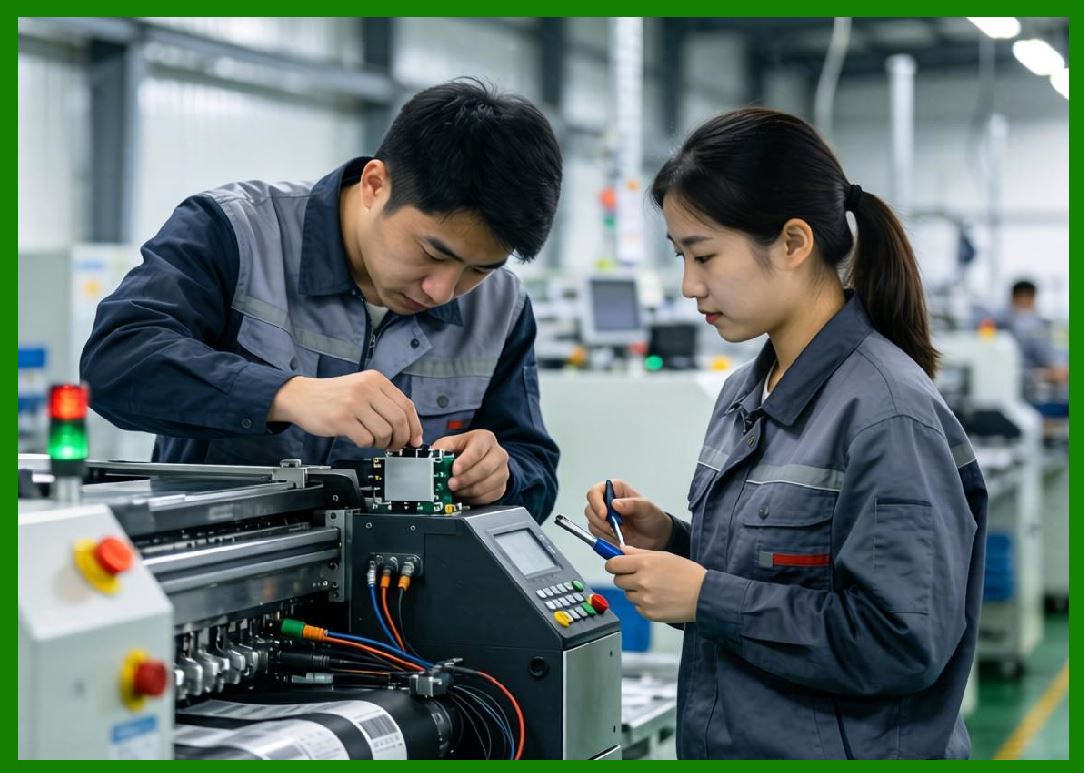
Brother offers a wide range of desktop and mobile barcode printers. |
4.2 |
The QL series is widely used for label printing in offices and retail environments. |
4.3 |
The TD series provides more advanced thermal printing for healthcare and logistics applications. |
4.4 |
Mobile printers support field service, delivery, and transportation labeling. |
4.5 |
Compact printers are designed for small business and office use. |
4.6 |
Industrial-grade Brother printers are limited compared to Zebra or Honeywell but remain effective in mid-tier markets. |
4.7 |
Brother printers support barcode formats such as QR Code, Data Matrix, and GS1 standards. |
4.8 |
The product line emphasizes simplicity and versatility. |
|
5. RFID and Smart Labeling Expansion |
5.1 |
Brother has gradually expanded into RFID-enabled printing technologies. |
5.2 |
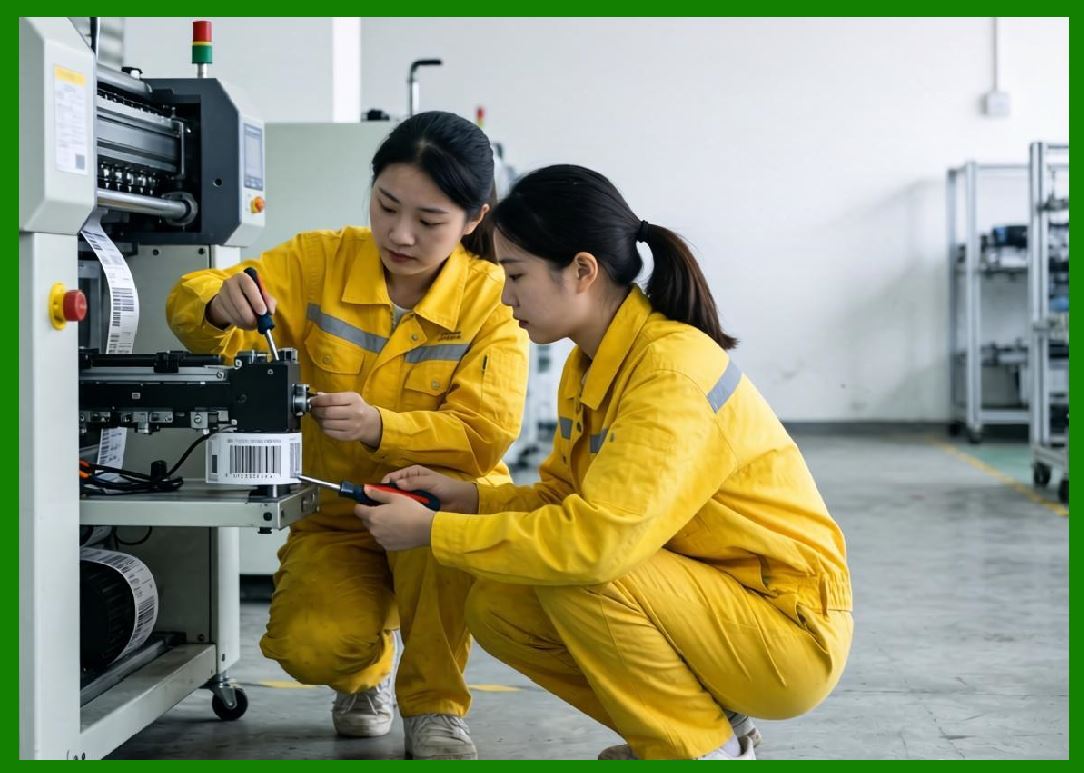
RFID printing integrates thermal printing with embedded chip encoding systems. |
5.3 |
These systems are used in logistics, retail, and healthcare environments. |
5.4 |
RFID encoding requires precision alignment between antenna and chip modules. |
5.5 |
Brother focuses on entry-level and mid-range RFID applications. |
5.6 |
Retail and healthcare industries use RFID for tracking and identification. |
5.7 |
Warehouse systems use RFID for inventory visibility. |
5.8 |
Brother continues to develop RFID capabilities for broader adoption. |
|
6. Software Systems and Connectivity |
6.1 |
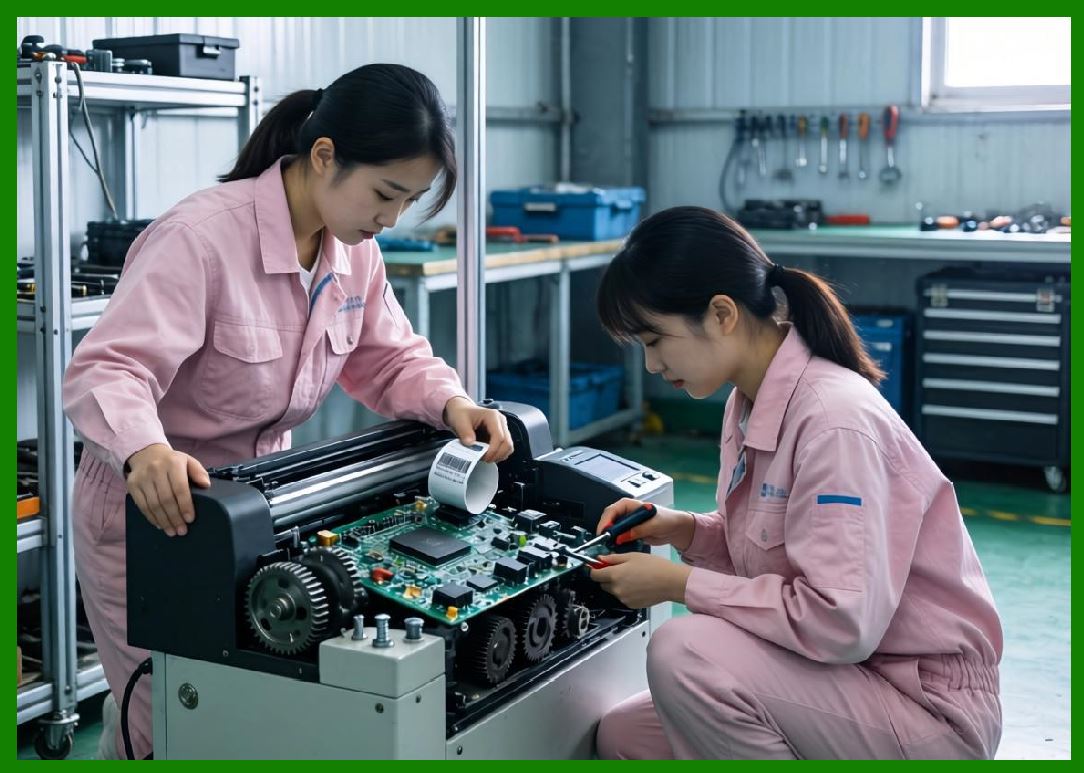
Brother provides software tools for label creation and printer management. |
6.2 |
Label design software allows users to create barcode and QR code labels easily. |
6.3 |
Printer management systems support networked device control. |
6.4 |
Integration with business systems enables basic ERP connectivity. |
6.5 |
Cloud printing solutions are increasingly supported for small businesses. |
6.6 |
Mobile applications allow printing from smartphones and tablets. |
6.7 |
SDKs enable integration with third-party applications. |
6.8 |
Brother emphasizes ease of software use over complex enterprise systems. |
|
7. Industrial and Commercial Applications |
7.1 |
Retail environments use Brother printers for product labeling and price tags. |
7.2 |
Healthcare systems use labeling for specimen tracking and patient records. |
7.3 |
Logistics companies use shipping label printers for parcel identification. |
7.4 |
Small manufacturers use Brother systems for inventory management. |
7.5 |
Office environments use labeling for asset tracking and organization. |
7.6 |
E-commerce businesses rely on Brother printers for order fulfillment. |
7.7 |
Field service operations use mobile printers for on-site labeling. |
7.8 |
Brother systems are widely adopted in SMB and light industrial markets. |
|
8. Competitive Positioning and Market Strategy |
8.1 |
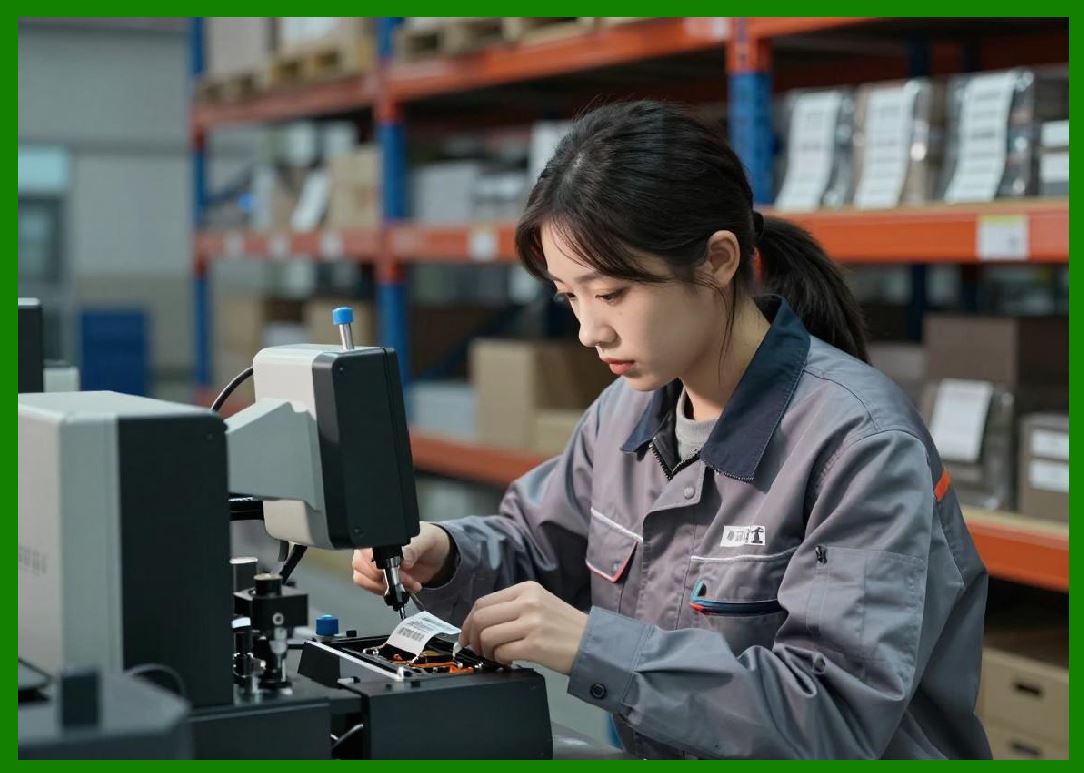
Brother competes with Zebra Technologies, Honeywell, SATO, TSC, BIXOLON, and Toshiba Tec. |
8.2 |
Its key advantage lies in simplicity, affordability, and user-friendly design. |
8.3 |
The company targets small and medium-sized businesses rather than large industrial systems. |
8.4 |
Brother benefits from strong global brand recognition in office printing. |
8.5 |
It leverages its consumer printing expertise for barcode systems. |
8.6 |
The company focuses on ease of deployment and low maintenance. |
8.7 |
Brother occupies a strong position in entry-level and mid-range markets. |
8.8 |
It remains a major global provider of compact labeling systems. |
|
9. Future Outlook and Technological Direction |
9.1 |
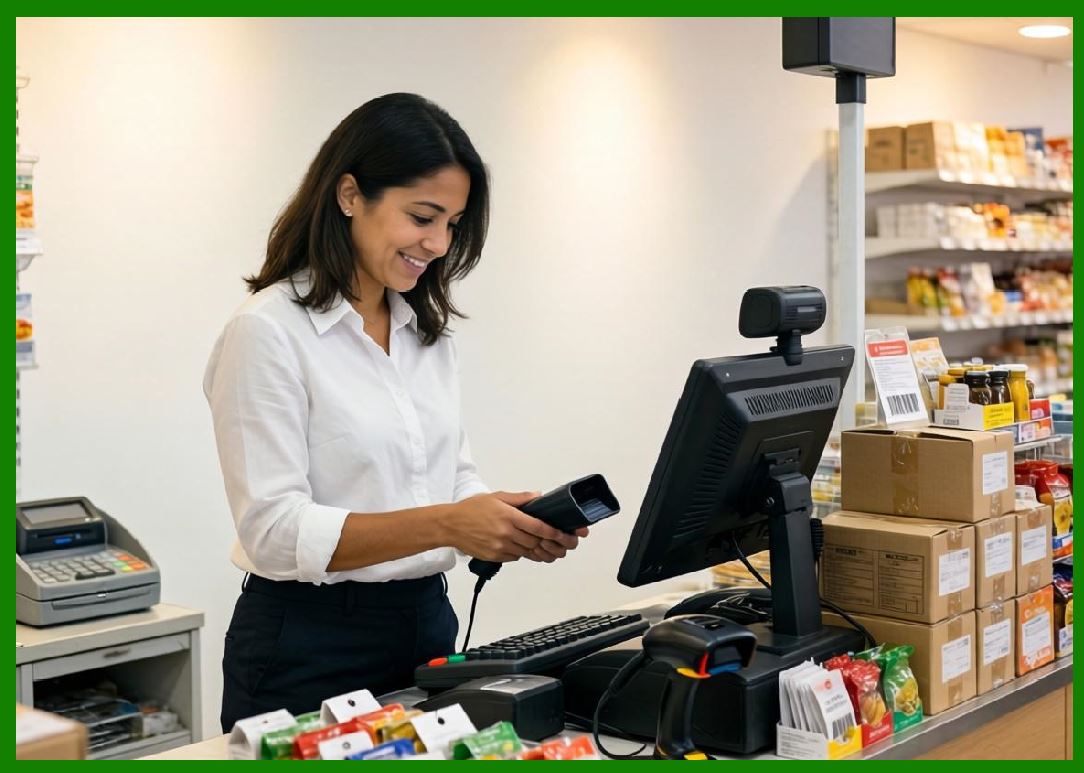
Brother is expected to expand cloud-based printing systems. |
9.2 |
RFID adoption will gradually increase in SMB markets. |
9.3 |
Mobile and wireless printing will continue to grow. |
9.4 |
AI-driven document and label automation may be introduced. |
9.5 |
Sustainability initiatives will focus on reducing material waste. |
9.6 |
Cybersecurity will become increasingly important in connected devices. |
9.7 |
Integration with e-commerce platforms will expand. |
9.8 |
Brother will continue focusing on user-friendly printing ecosystems. |
|
Detailed Technical Content Summary |
This part provided a comprehensive technical and historical overview of Brother Industries, Ltd. and its role in barcode label printing and entry-to-mid-level AIDC systems. The article examined its origins in sewing machine manufacturing and its evolution into a global printing and labeling technology provider. |
The discussion covered thermal printing technologies, desktop and mobile printer families (QL and TD series), RFID expansion, and software integration systems. Significant attention was given to Brother focus on usability, compact design, and SMB-oriented solutions. |
The article also explored cloud printing, mobile applications, ERP integration, and retail and healthcare use cases. Applications across logistics, small business, e-commerce, healthcare, and office environments were analyzed in depth. |
Finally, the article discussed Brother competitive positioning, market strategy, and future direction involving cloud printing, RFID expansion, mobile integration, sustainability initiatives, and next-generation small-business labeling ecosystems. |
 cs@easiersoft.com