Part 36 The History, Engineering Systems, Printing Technologies, and Industrial Labeling Ecosystem of Toshiba Tec Corporation |
1. Introduction to Toshiba Tec in Barcode and Retail Printing Systems |
1.1 |
Toshiba Tec Corporation is a major global provider of barcode label printers, retail POS systems, and enterprise imaging solutions. The company plays a significant role in retail automation, logistics labeling, and industrial identification systems. |
1.2 |
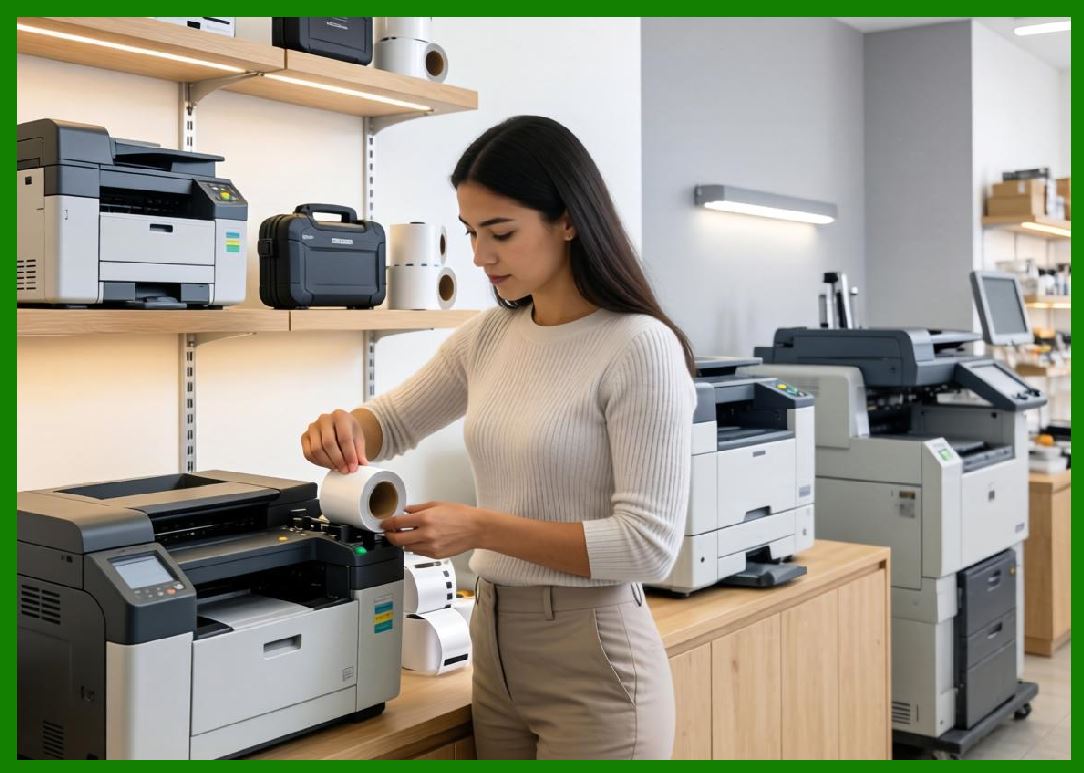
Toshiba Tec is widely known for its strong engineering heritage in precision electronics, which is reflected in its high-quality printing systems used in retail, logistics, healthcare, and manufacturing environments. |
|
1.3 |
The company barcode printer portfolio is especially strong in retail and enterprise labeling applications where accuracy, reliability, and integration with POS systems are critical. |
1.4 |
Toshiba Tec also plays a broader role in retail digital transformation, combining barcode printing, scanning, and POS systems into unified ecosystems. |
1.5 |
Its systems are widely deployed in supermarkets, warehouses, hospitals, and industrial production environments. |
1.6 |
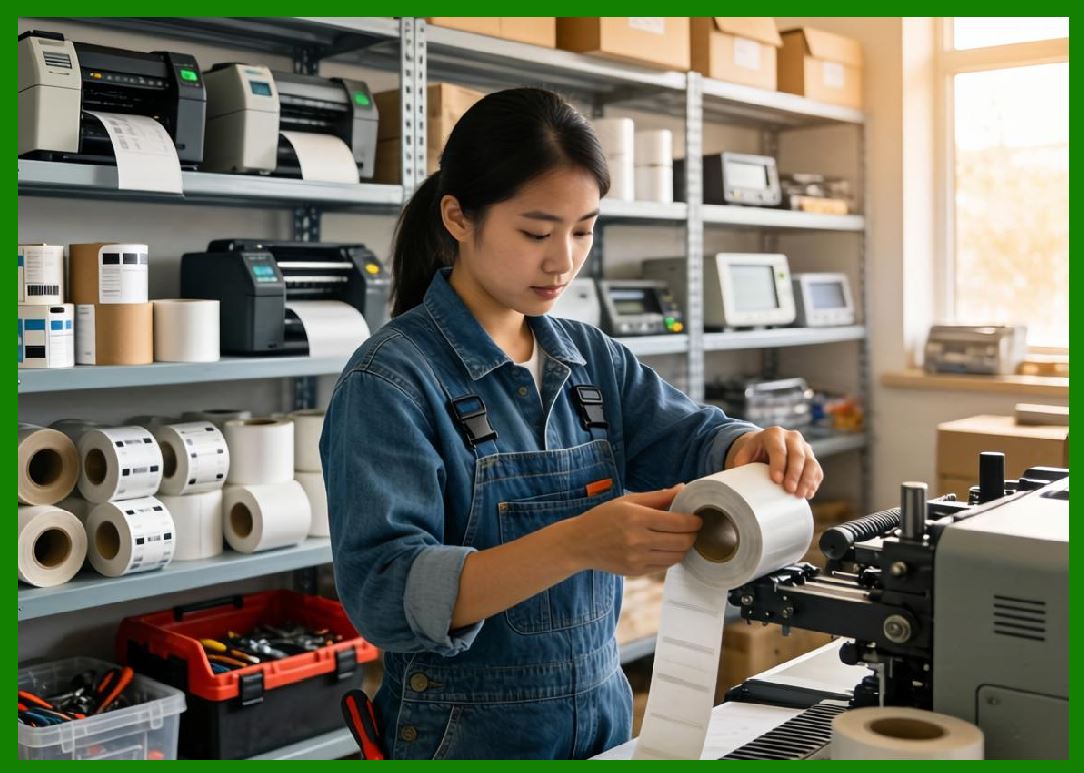
Today, Toshiba Tec continues to expand into cloud printing, RFID labeling, and smart retail technologies. |
|
2. Founding History and Corporate Development |
2.1 |
Hisashige Tanaka influenced the early technological foundation of Toshiba engineering culture through his innovations in mechanical devices and automation concepts. |
2.2 |
Toshiba Tec evolved as part of the broader Toshiba Corporation ecosystem, focusing on retail systems and printing technologies. |
2.3 |
The company developed early POS systems that integrated barcode printing and scanning capabilities. |
2.4 |
As global supply chains digitized, Toshiba Tec expanded into industrial barcode labeling systems. |
2.5 |
The company leveraged Japan strong precision engineering industry to build highly reliable devices. |
2.6 |
Toshiba Tec expanded globally through partnerships and enterprise retail system deployments. |
2.7 |
It became a key provider of retail automation solutions alongside barcode printing systems. |
2.8 |
Today, Toshiba Tec is a global leader in retail and enterprise printing technologies. |
|
3. Thermal Printing Technologies and Engineering Systems |
3.1 |
Toshiba Tec barcode printers are based on advanced direct thermal and thermal transfer technologies. |
3.2 |
Direct thermal printing is widely used in retail receipts, shipping labels, and short-term applications. |
3.3 |
Thermal transfer printing is used for durable industrial and logistics labeling systems. |
3.4 |
The company emphasizes precision engineering and long-term reliability in printhead design. |
3.5 |
Advanced thermal control systems ensure consistent barcode clarity and scanning accuracy. |
3.6 |
Mechanical systems are optimized for quiet operation and durability. |
3.7 |
Media handling systems support high-speed retail and industrial workflows. |
3.8 |
Toshiba Tec printers are known for stable and precise output quality. |
|
4. Barcode Printer Product Families |
4.1 |
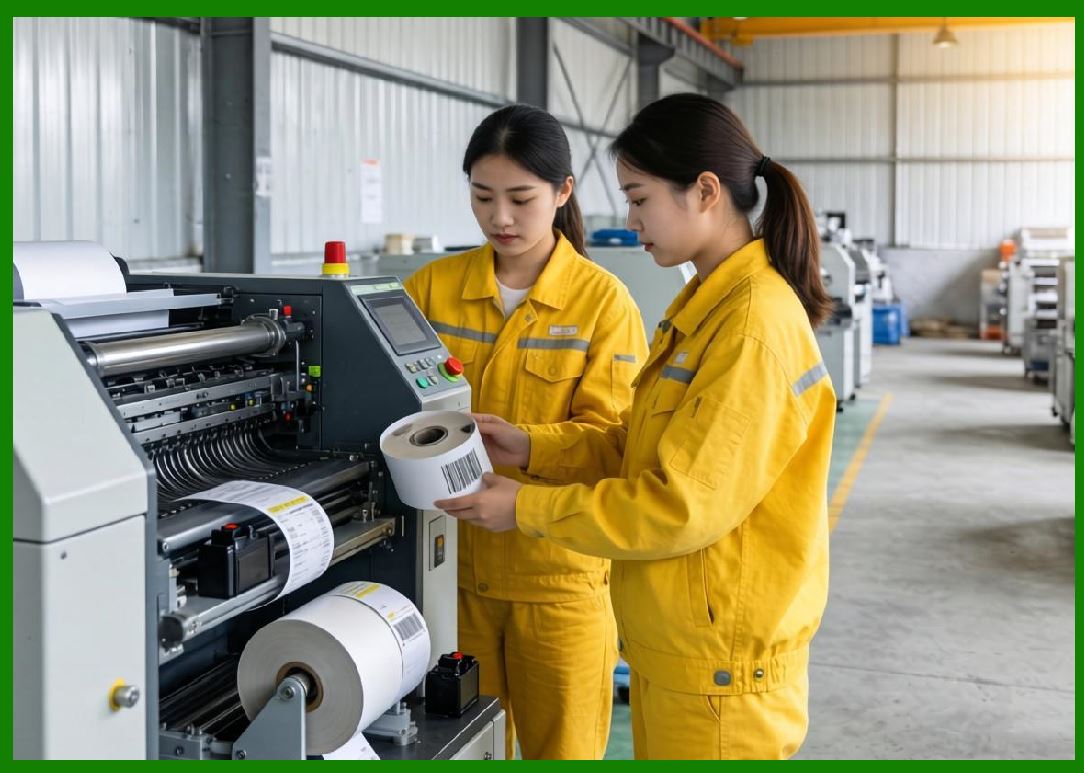
Toshiba Tec offers desktop and industrial barcode printer systems for various industries. |
4.2 |
The B-EX series is widely used in industrial and logistics environments. |
4.3 |
The B-SA series supports compact desktop labeling applications. |
4.4 |
Retail printers are widely used in supermarkets and POS environments. |
4.5 |
Industrial printers support warehouse and manufacturing operations. |
4.6 |
High-resolution printing systems are used in healthcare and pharmaceutical labeling. |
4.7 |
Toshiba Tec printers support global barcode standards including QR Code, Data Matrix, and GS1 formats. |
4.8 |
The product line emphasizes precision, durability, and enterprise integration. |
|
5. RFID Printing and Smart Labeling Systems |
5.1 |
Toshiba Tec has expanded into RFID-enabled printing systems for smart labeling applications. |
5.2 |
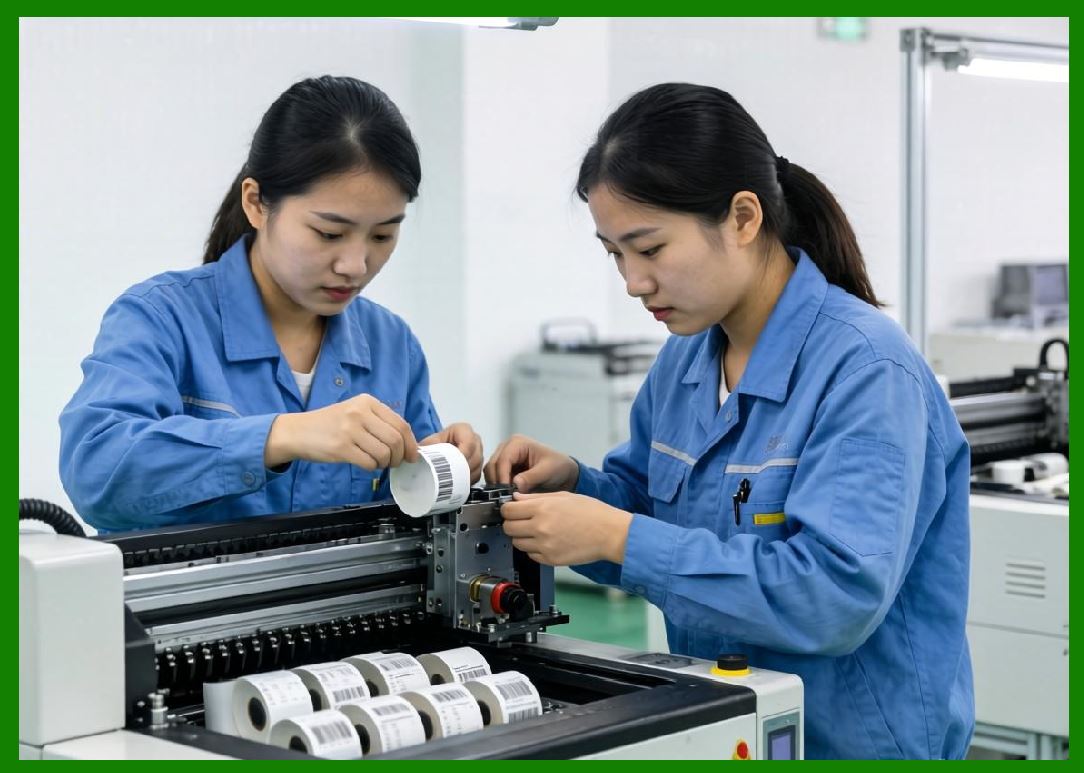
RFID printers integrate thermal printing with embedded chip encoding capabilities. |
5.3 |
These systems are widely used in logistics, retail, healthcare, and manufacturing industries. |
5.4 |
RFID encoding requires precise synchronization between antenna design and chip programming. |
5.5 |
Toshiba Tec emphasizes high reliability and encoding accuracy in RFID systems. |
5.6 |
Retail industries use RFID for inventory management and omnichannel operations. |
5.7 |
Warehouse systems use RFID for asset tracking and logistics optimization. |
5.8 |
Toshiba Tec continues to expand RFID integration into enterprise systems. |
|
6. Retail Systems and POS Integration |
6.1 |
A key strength of Toshiba Tec is its integration of barcode printing with POS systems. |
6.2 |
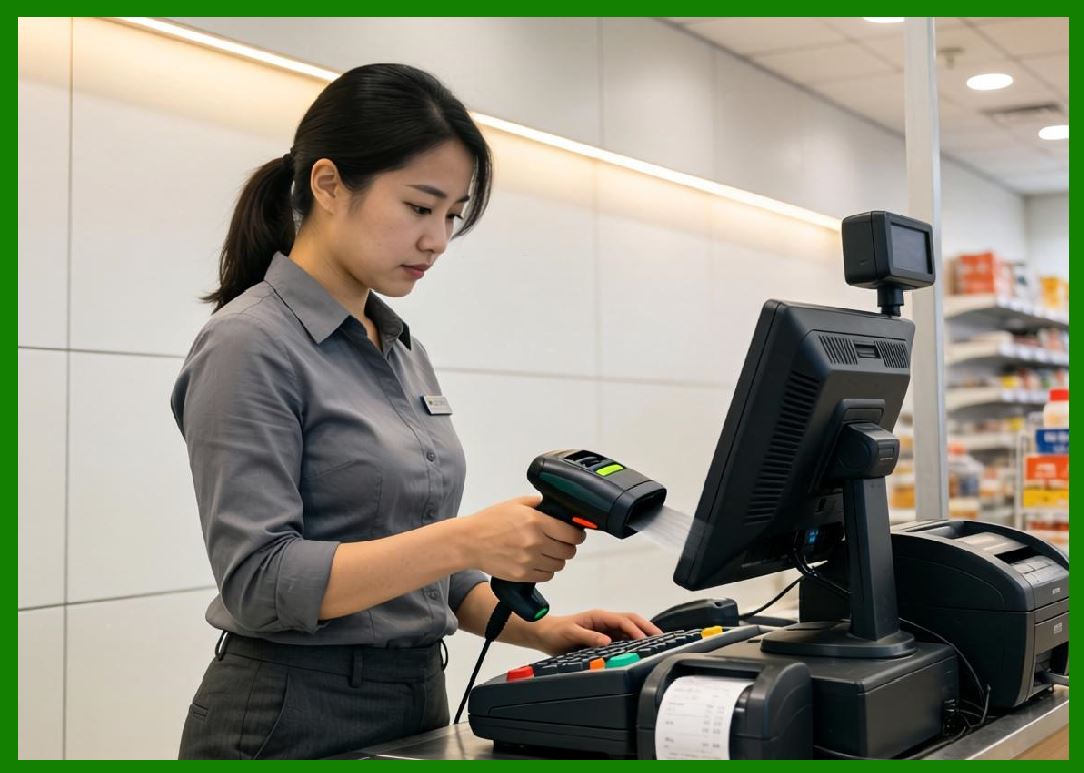
Retail environments use Toshiba Tec systems for checkout, labeling, and inventory control. |
6.3 |
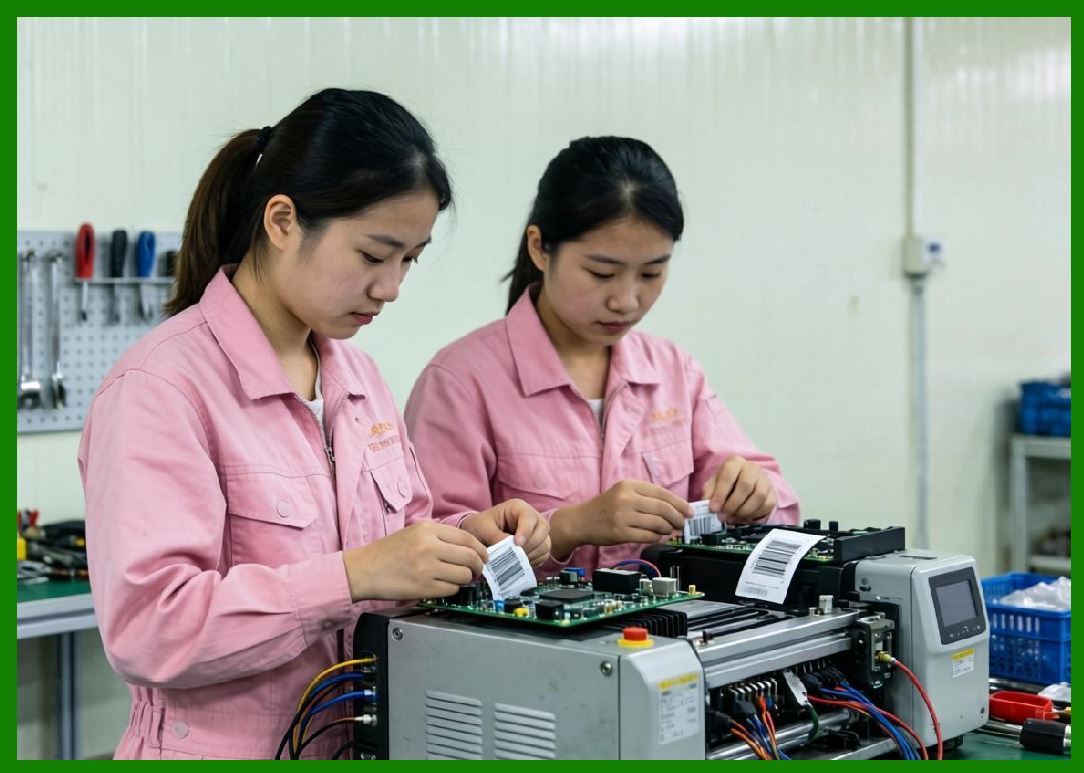
POS printers are integrated with barcode scanners and payment systems. |
6.4 |
This integration supports real-time inventory updates and sales tracking. |
6.5 |
Retail digital transformation has increased demand for unified POS ecosystems. |
6.6 |
Toshiba Tec supports omnichannel retail operations across physical and online stores. |
6.7 |
System integration improves operational efficiency in retail environments. |
6.8 |
Retail automation remains a core strength of Toshiba Tec. |
|
7. Software Systems and Cloud Integration |
7.1 |
Toshiba Tec provides software platforms for printer management and retail system integration. |
7.2 |
Label design tools support barcode and RFID label creation. |
7.3 |
Printer monitoring systems enable centralized device management. |
7.4 |
Integration with ERP and retail systems enables real-time synchronization. |
7.5 |
Cloud printing systems are increasingly supported for distributed retail environments. |
7.6 |
Mobile applications enable flexible label creation and printing. |
7.7 |
APIs allow integration with enterprise retail software. |
7.8 |
Software systems support Toshiba Tec unified retail ecosystem strategy. |
|
8. Industrial Applications Across Global Markets |
8.1 |
Retail industries use Toshiba Tec printers for pricing labels and POS receipts. |
8.2 |
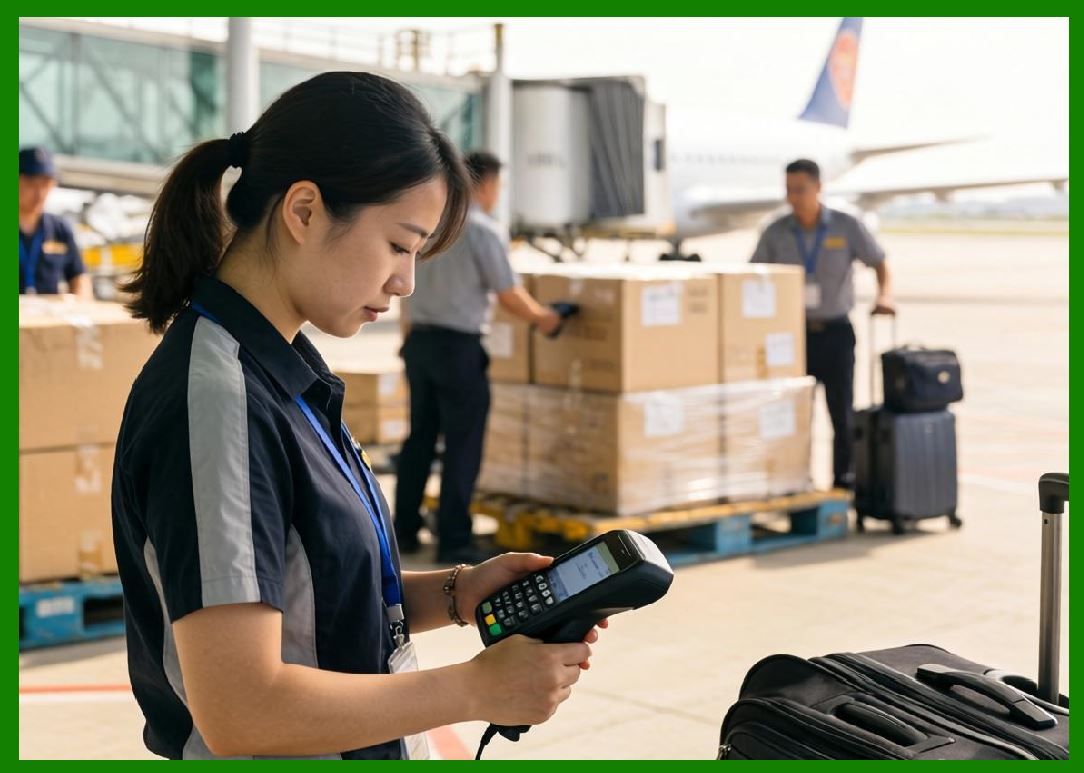
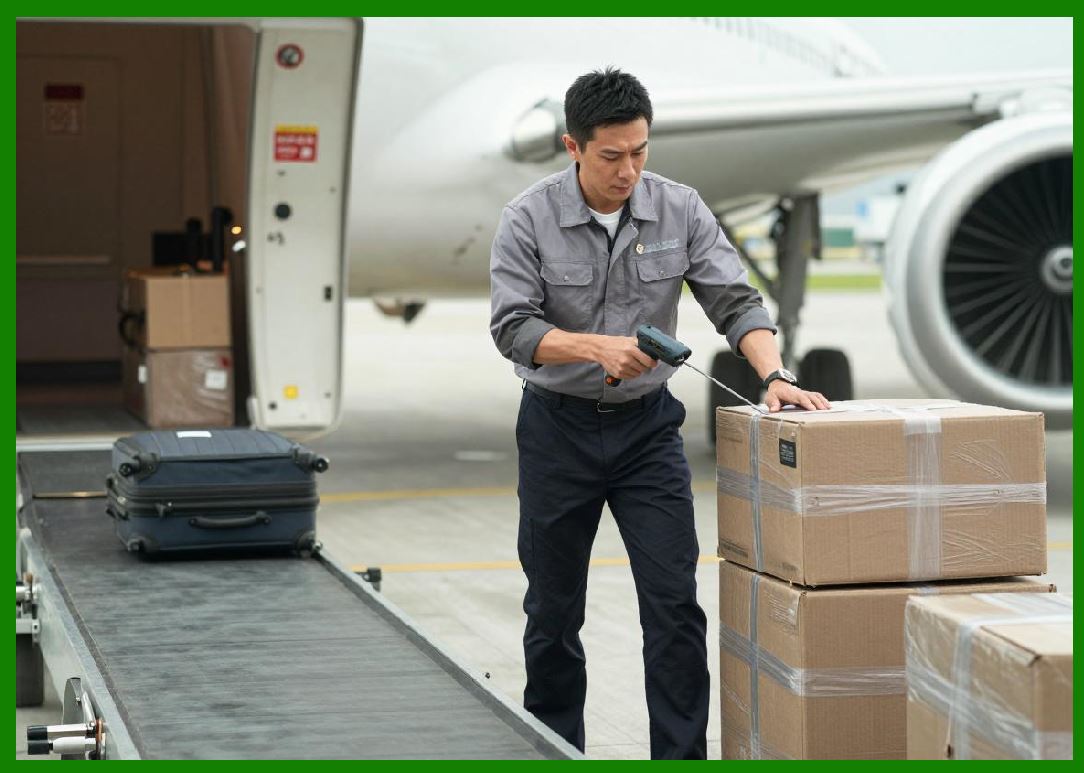
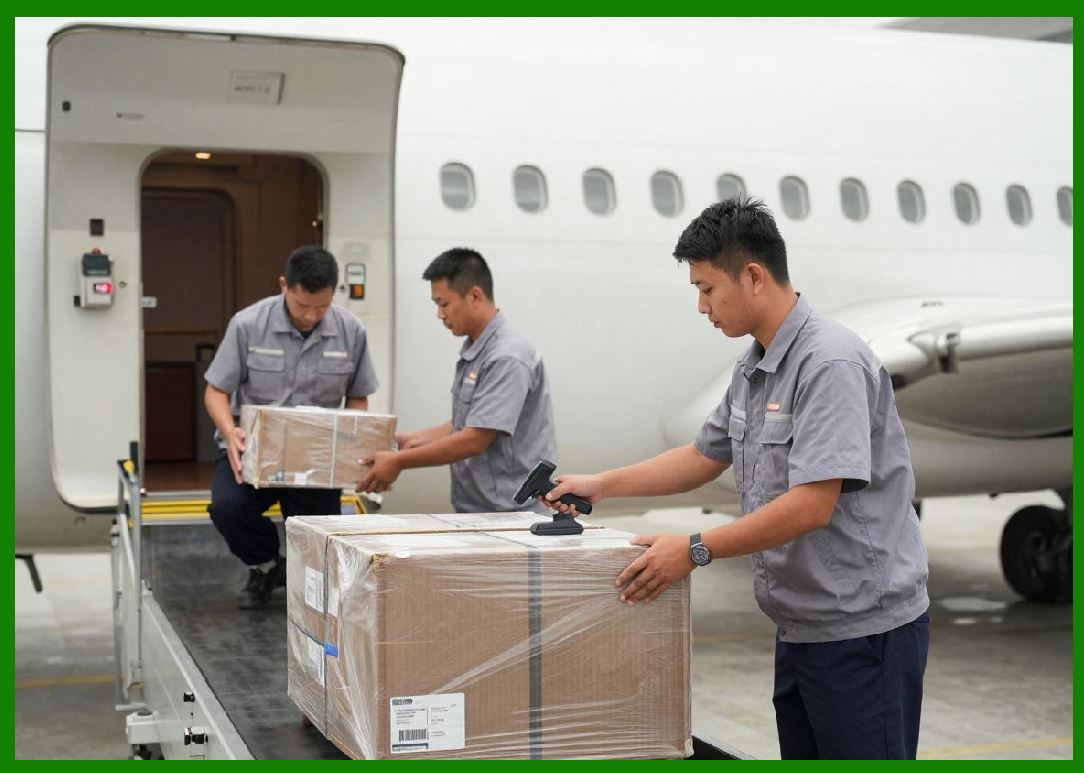
Logistics companies use barcode systems for warehouse and shipping operations. |
8.3 |
Manufacturing industries use labeling systems for production tracking. |
8.4 |
Healthcare systems use barcode printing for patient and specimen tracking. |
8.5 |
Food industries use labeling systems for compliance and traceability. |
8.6 |
Pharmaceutical industries use high-precision labeling systems. |
8.7 |
Transportation industries use barcode systems for logistics documentation. |
8.8 |
Toshiba Tec is widely deployed in global enterprise environments. |
|
9. Competitive Positioning and Market Strategy |
9.1 |
Toshiba Tec competes with Zebra Technologies, Honeywell, SATO, TSC, Brother, BIXOLON, and other global manufacturers. |
9.2 |
Its strength lies in precision engineering and retail system integration. |
9.3 |
The company benefits from Japan strong electronics and manufacturing ecosystem. |
9.4 |
Toshiba Tec focuses strongly on retail and enterprise system markets. |
9.5 |
It emphasizes reliability, accuracy, and system integration. |
9.6 |
The company maintains a strong global retail automation presence. |
9.7 |
Toshiba Tec differentiates through integrated POS and labeling ecosystems. |
9.8 |
It remains a key global provider of retail and industrial printing systems. |
|
10. Future Outlook and Technological Direction |
10.1 |
Toshiba Tec is expected to expand cloud-based retail systems. |
10.2 |
RFID adoption will continue growing in retail and logistics. |
10.3 |
AI-driven retail analytics will enhance system intelligence. |
10.4 |
Edge computing will improve real-time retail operations. |
10.5 |
Cybersecurity will become increasingly important in connected systems. |
10.6 |
Sustainability initiatives will focus on reducing material waste. |
10.7 |
Omnichannel retail integration will drive future growth. |
10.8 |
Toshiba Tec will continue evolving as a retail automation leader. |
|
Detailed Technical Content Summary |
This part provided a comprehensive technical and historical overview of Toshiba Tec Corporation and its role in barcode printing, POS systems, RFID labeling, and retail automation. The article examined its origins in Toshiba engineering legacy and its evolution into a global retail technology provider. |
The discussion covered thermal printing technologies, industrial and desktop printer families (B-EX and B-SA series), RFID systems, and POS integration platforms. Significant attention was given to Toshiba Tec strong position in retail automation and precision engineering. |
The article also explored cloud systems, ERP integration, retail analytics, and omnichannel retail environments. Applications across retail, logistics, healthcare, manufacturing, and pharmaceutical industries were analyzed in depth. |
Finally, the article discussed Toshiba Tec competitive positioning, market strategy, and future direction involving AI-driven retail systems, RFID expansion, cloud retail ecosystems, and next-generation intelligent store automation. |
 cs@easiersoft.com