Part 38 The History, Engineering Systems, Printing Technologies, and Industrial Labeling Ecosystem of CAB Produkttechnik GmbH & Co KG |
1. Introduction to CAB in Industrial Labeling Systems |
1.1 |
CAB Produkttechnik GmbH & Co KG is a highly specialized German manufacturer of industrial barcode printers, labeling systems, print-and-apply automation equipment, and RFID-integrated labeling solutions. The company is known for precision engineering and strong integration with industrial production lines. |
1.2 |
CAB occupies a unique position in the global barcode printing industry by focusing heavily on automation systems rather than only standalone desktop or warehouse printers. Its solutions are widely deployed in manufacturing plants, pharmaceutical production, automotive supply chains, and high-precision logistics environments. |
1.3 |
The company is especially recognized for its engineering quality, modular system design, and long-term industrial reliability. |
1.4 |
CAB systems are often integrated directly into production lines, enabling fully automated labeling without manual intervention. |
1.5 |
Its products are widely used in environments where labeling accuracy, speed, and regulatory compliance are critical. |
1.6 |
Today, CAB continues to expand into smart factory systems, RFID automation, and Industry 4.0 labeling integration. |

|
2. Founding History and Corporate Development |
2.1 |
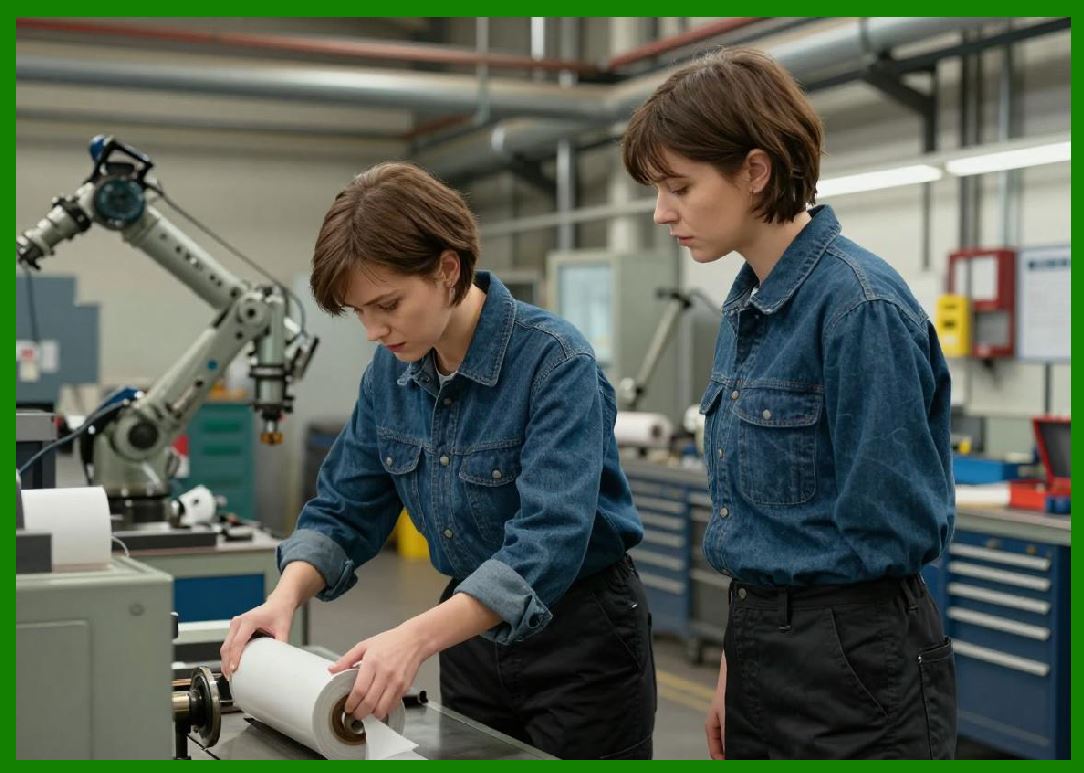
Heinz A. Bar played a key role in the development of CAB as a German engineering company focused on industrial marking and labeling systems. |
2.2 |
CAB was founded in Germany in the mid-20th century and initially focused on industrial marking, labeling devices, and automation components. |
2.3 |
The company evolved alongside Germany strong industrial automation sector, particularly in mechanical engineering and manufacturing precision systems. |
2.4 |
CAB expanded into barcode printing technologies as global supply chain digitization accelerated. |
2.5 |
The company became known for integrating printing systems directly into production lines. |
2.6 |
International expansion allowed CAB to serve European, Asian, and North American industrial markets. |
2.7 |
Strategic development focused on automation, reliability, and modular system design. |
2.8 |
Today, CAB is recognized as a premium industrial labeling automation manufacturer. |
|
3. Thermal Printing and Industrial Engineering Systems |
3.1 |
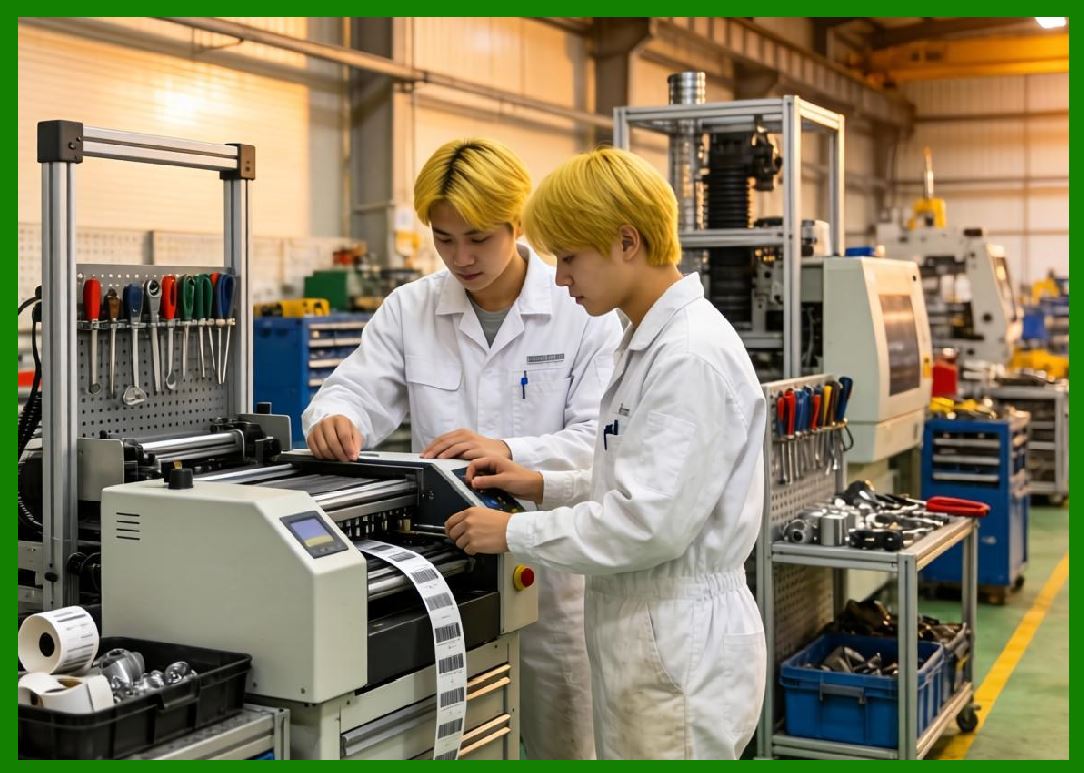
CAB barcode printers are based on direct thermal and thermal transfer printing technologies optimized for industrial automation. |
3.2 |
Direct thermal printing is used in logistics and short-term labeling applications. |
3.3 |
Thermal transfer printing is used for durable industrial labeling requiring chemical and environmental resistance. |
3.4 |
CAB emphasizes precision engineering and mechanical stability in all printing systems. |
3.5 |
Printhead systems are designed for high-resolution output and long-term industrial operation. |
3.6 |
Mechanical structures are built for continuous use in harsh industrial environments. |
3.7 |
Media handling systems are engineered for high-speed automation and minimal downtime. |
3.8 |
CAB systems are designed for integration into fully automated production environments. |
|
4. Barcode Printer Product Families |
4.1 |
CAB offers industrial barcode printers, print-and-apply systems, and RFID labeling systems. |
4.2 |
The SQUIX series is widely used in industrial and production line labeling applications. |
4.3 |
The MACH series supports advanced automation and high-speed labeling systems. |
4.4 |
Industrial printers are designed for continuous-duty manufacturing environments. |
4.5 |
Label applicators integrate printing with automated placement on products. |
4.6 |
RFID-enabled systems support smart manufacturing and traceability. |
4.7 |
CAB printers support global barcode standards including GS1, QR Code, and Data Matrix. |
4.8 |
The product line is heavily focused on automation and precision engineering. |

|
5. Print-and-Apply Automation Systems |
5.1 |
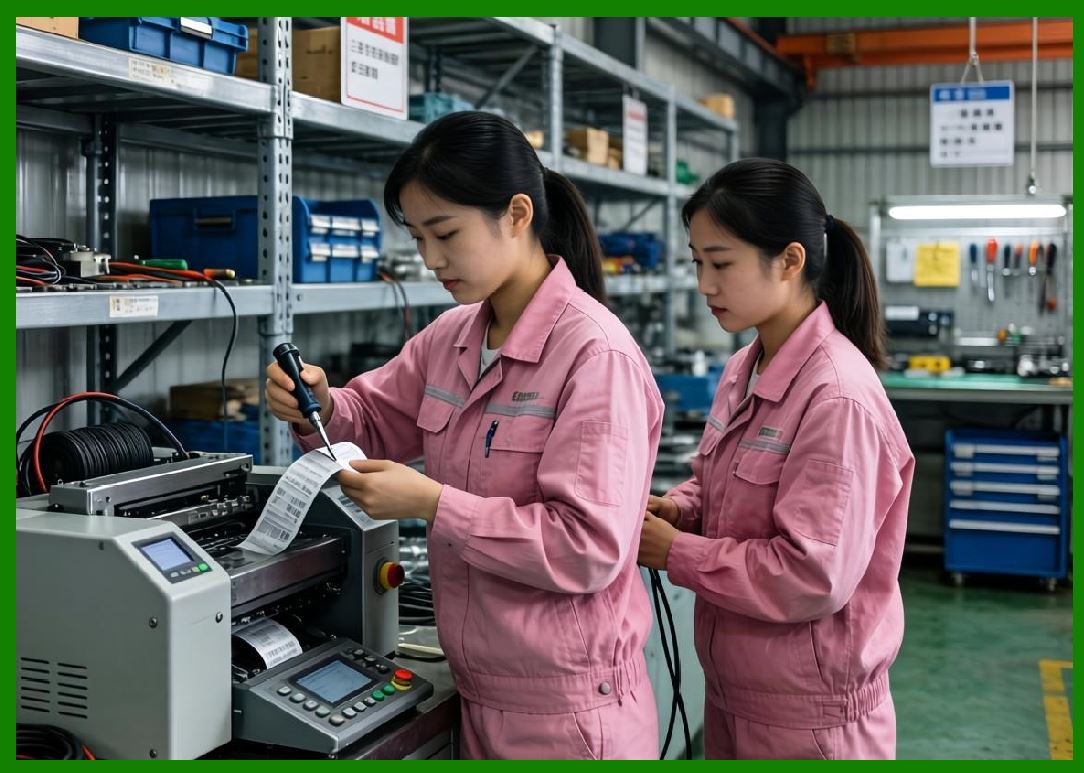
A key strength of CAB is its print-and-apply labeling automation systems used in production lines. |
5.2 |
These systems print labels in real time and automatically apply them to products, cartons, or pallets. |
5.3 |
Automation reduces human error and increases production efficiency. |
5.4 |
Systems include robotic arms, pneumatic applicators, and conveyor integration modules. |
5.5 |
These solutions are widely used in automotive, pharmaceutical, and electronics manufacturing. |
5.6 |
Precision timing ensures correct label placement even at high production speeds. |
5.7 |
Integration with production line PLC systems enables synchronized labeling. |
5.8 |
CAB is a global leader in industrial labeling automation. |
|
6. RFID Integration and Smart Factory Systems |
6.1 |
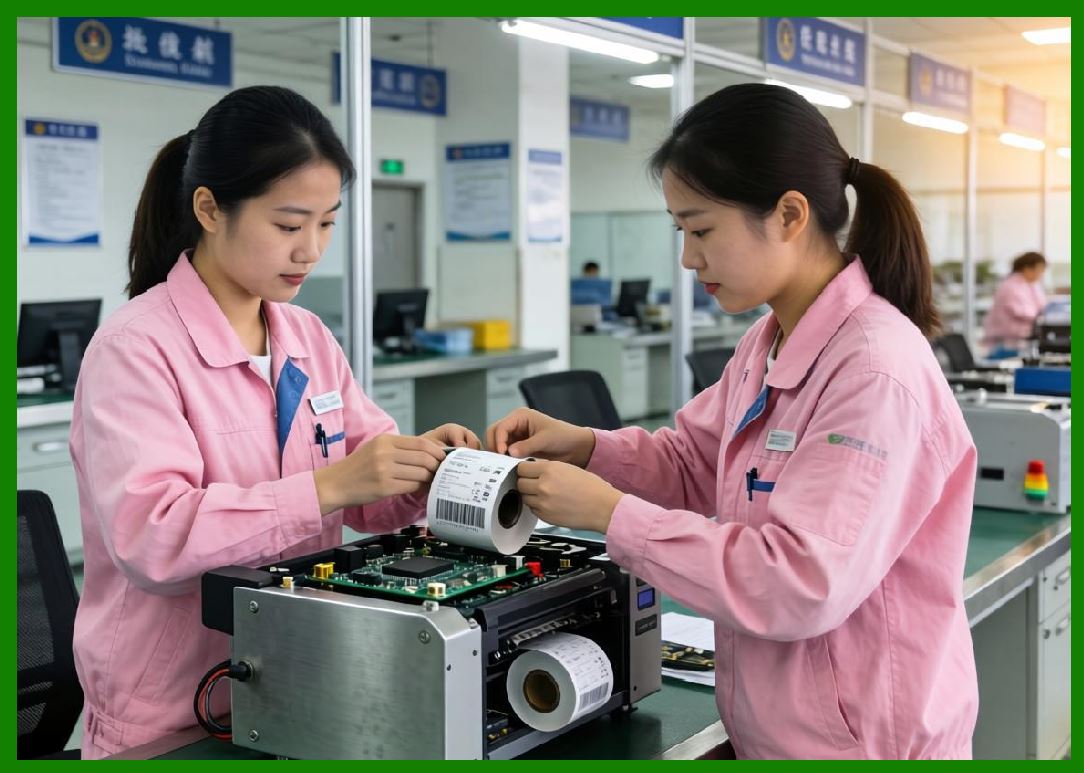
CAB provides RFID-enabled printing and encoding systems for smart manufacturing environments. |
6.2 |
RFID printers combine thermal printing with chip encoding for advanced tracking. |
6.3 |
These systems are widely used in logistics, automotive, and industrial asset tracking. |
6.4 |
RFID encoding requires precise calibration of antennas and synchronization with production systems. |
6.5 |
CAB emphasizes high reliability and industrial-grade RFID performance. |
6.6 |
Smart factory systems use RFID for real-time production visibility. |
6.7 |
Integration with MES systems allows automated traceability across production lines. |
6.8 |
CAB continues to expand RFID automation in Industry 4.0 environments. |
|
7. Software Systems and Industrial Integration |
7.1 |
CAB provides software solutions for label design, production control, and automation management. |
7.2 |
Label design tools support barcode, RFID, and industrial compliance labeling. |
7.3 |
Printer management systems allow centralized control of industrial fleets. |
7.4 |
Integration with ERP, MES, and PLC systems enables full automation workflows. |
7.5 |
Industrial communication protocols ensure real-time production synchronization. |
7.6 |
Cloud and edge computing systems are increasingly supported. |
7.7 |
APIs enable integration with smart factory systems. |
7.8 |
Software is a core component of CAB automation strategy. |

|
8. Industrial Applications Across Global Markets |
8.1 |
Automotive manufacturing uses CAB systems for parts and assembly labeling. |
8.2 |
Pharmaceutical industries rely on CAB for regulatory compliance labeling. |
8.3 |
Electronics manufacturing uses automated labeling for component tracking. |
8.4 |
Logistics industries use print-and-apply systems for pallet and carton labeling. |
8.5 |
Food industries use labeling systems for traceability and safety compliance. |
8.6 |
Chemical industries use durable labeling for hazardous materials identification. |
8.7 |
Warehouse systems use automated labeling for logistics optimization. |
8.8 |
CAB systems are widely deployed in high-precision industrial environments. |

|
9. Competitive Positioning and Market Strategy |
9.1 |
CAB competes with Zebra Technologies, SATO, Honeywell, Toshiba Tec, TSC, and other industrial labeling providers. |
9.2 |
Its primary advantage lies in automation and print-and-apply systems. |
9.3 |
The company focuses on high-end industrial manufacturing environments. |
9.4 |
CAB benefits from Germany strong engineering and automation industry. |
9.5 |
It targets precision-driven industries requiring full automation. |
9.6 |
The company emphasizes reliability, modularity, and integration. |
9.7 |
CAB maintains a premium position in industrial labeling systems. |
9.8 |
It is a global leader in automated labeling technology. |
|
10. Future Outlook and Technological Direction |
10.1 |
CAB is expected to expand AI-driven automation in labeling systems. |
10.2 |
RFID integration will continue to grow in smart manufacturing. |
10.3 |
Industry 4.0 systems will drive deeper MES and ERP integration. |
10.4 |
Edge computing will enhance real-time labeling decisions. |
10.5 |
Cybersecurity will become increasingly important in connected factories. |
10.6 |
Sustainability initiatives will focus on material efficiency and waste reduction. |
10.7 |
Robotic labeling systems will become more intelligent and adaptive. |
10.8 |
CAB will continue leading in industrial automation labeling systems. |

|
Detailed Technical Content Summary |
This part provided a comprehensive technical and historical overview of CAB Produkttechnik GmbH & Co KG and its role in industrial labeling automation systems. The article examined its origins in German engineering traditions and its evolution into a global leader in print-and-apply labeling automation. |
The discussion covered thermal printing technologies, industrial printer systems (SQUIX and MACH series), RFID integration, and fully automated labeling systems. Significant attention was given to CAB strength in production line integration and robotics-based labeling. |
The article also explored MES/ERP integration, PLC control systems, smart factory technologies, and Industry 4.0 applications. Industries such as automotive, pharmaceuticals, electronics, logistics, and chemicals were analyzed in depth. |
Finally, the article discussed CAB competitive positioning, automation strategy, and future direction involving AI-driven labeling, robotic automation, RFID expansion, edge computing, and next-generation smart factory ecosystems. |
 cs@easiersoft.com