Part 46 The History, Engineering Systems, Printing Technologies, and Industrial Labeling Ecosystem of Honeywell International Inc. (Scanning, Printing & AIDC Division) |
1. Introduction to Honeywell in Barcode Printing and Auto-ID Systems |
1.1 |
Honeywell International Inc. is one of the largest industrial technology companies in the world, with a major presence in barcode printing, scanning, RFID, and warehouse automation systems through its Enterprise Mobility and AIDC (Automatic Identification and Data Capture) divisions. |
1.2 |
Honeywell provides end-to-end supply chain automation solutions, including barcode printers, industrial scanners, mobile computers, RFID systems, and warehouse execution software. |
1.3 |
Unlike pure-play printer manufacturers, Honeywell integrates printing technology into a broader ecosystem of industrial automation and digital logistics. |
1.4 |
Its systems are widely deployed in logistics, retail, healthcare, aviation, manufacturing, and government sectors. |
1.5 |
Honeywell printers are known for enterprise-grade durability, interoperability, and strong integration with industrial software systems. |
1.6 |
Today, Honeywell continues to evolve toward AI-driven automation, cloud logistics, and smart warehouse ecosystems. |

|
2. Founding History and Corporate Development |
2.1 |
Mark C. Honeywell established the original company in 1906, initially focused on heating control systems. |
2.2 |
Over time, Honeywell expanded into aerospace, industrial control systems, and automation technologies. |
2.3 |
Honeywell entered the barcode and AIDC market through acquisitions of specialized printing and scanning companies. |
2.4 |
A key milestone was the acquisition of Hand Held Products and Metrologic Instruments, strengthening its scanning and data capture portfolio. |
2.5 |
The company further expanded into industrial printing systems through additional acquisitions and product integration. |
2.6 |
Honeywell built a unified enterprise mobility and automation division combining hardware, software, and analytics. |
2.7 |
It became one of the top global players in supply chain visibility systems. |
2.8 |
Today, Honeywell is a major force in industrial automation and barcode ecosystems. |
|
3. Thermal Printing Technologies and Engineering Systems |
3.1 |
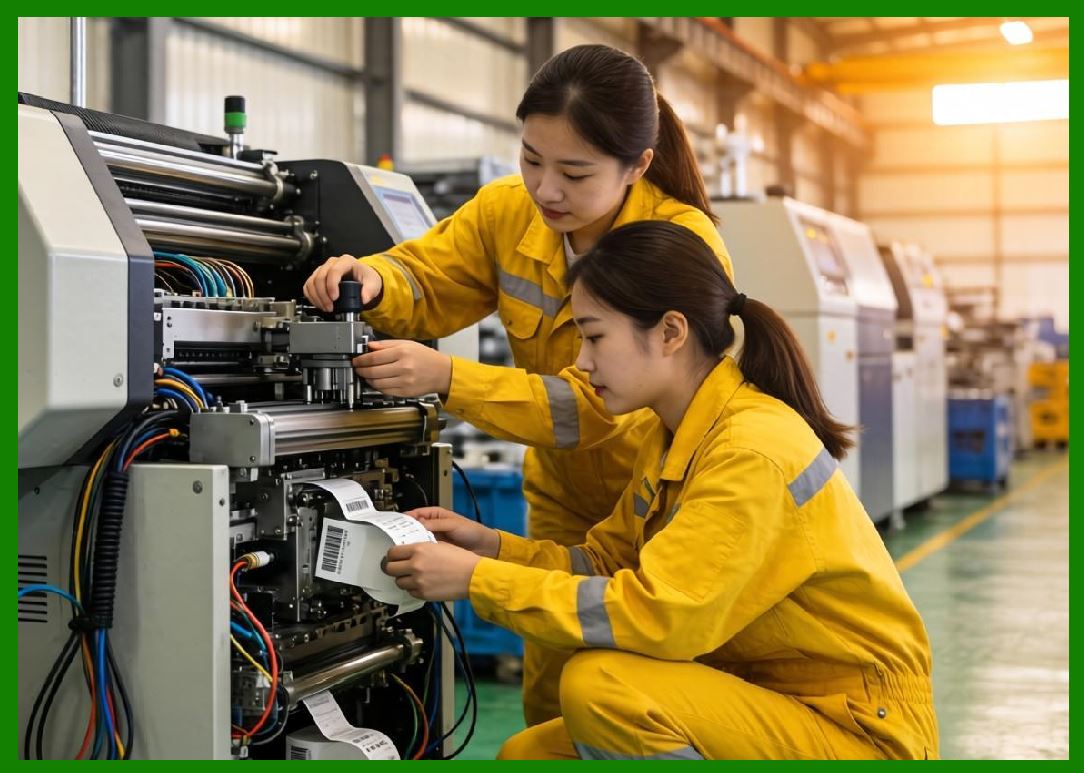
Honeywell barcode printers use direct thermal and thermal transfer printing technologies for industrial applications. |
3.2 |
Direct thermal printing is used in logistics, shipping, and retail labeling applications. |
3.3 |
Thermal transfer printing is used for durable industrial and healthcare labeling. |
3.4 |
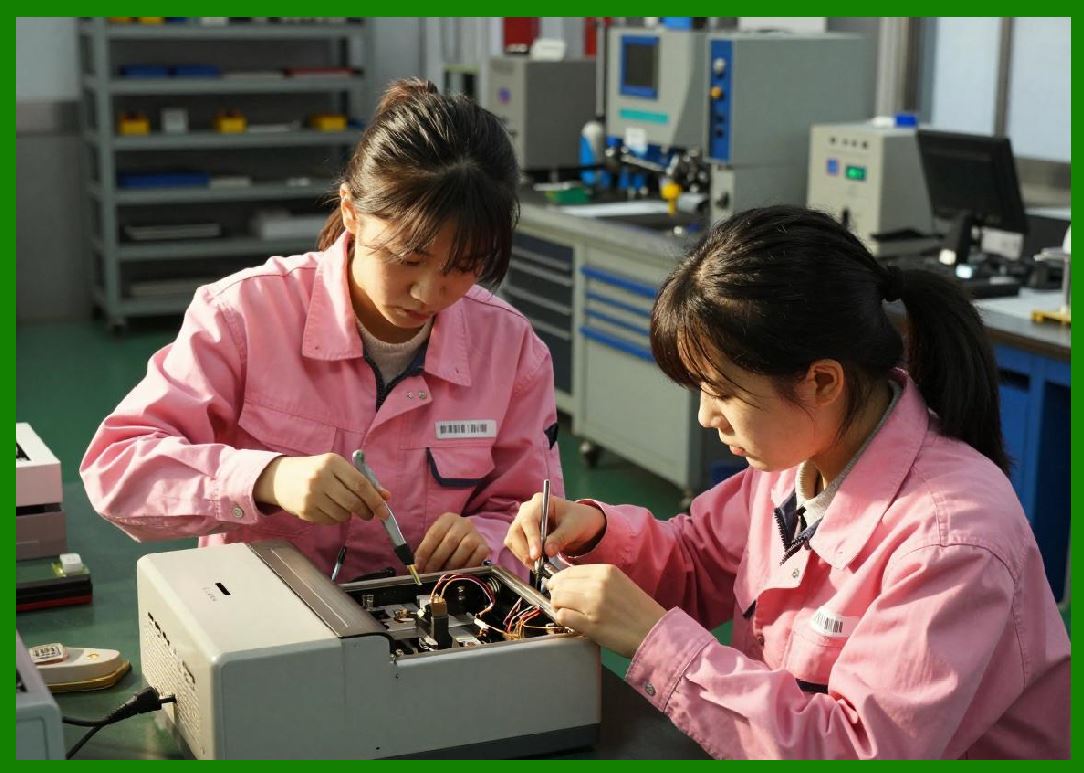
Engineering focuses on rugged design for harsh industrial environments. |
3.5 |
Printhead systems are optimized for long duty cycles and high-volume operations. |
3.6 |
Media handling systems support continuous industrial workflows. |
3.7 |
Thermal calibration ensures consistent barcode readability in global supply chains. |
3.8 |
Honeywell printers are designed for mission-critical enterprise environments. |
|
4. Barcode Printer Product Families |
4.1 |
Honeywell offers industrial, desktop, and mobile barcode printers. |
4.2 |
The PM series is widely used in industrial warehouse environments. |
4.3 |
The PC series supports mid-range industrial and logistics applications. |
4.4 |
Desktop printers are used in retail, healthcare, and office environments. |
4.5 |
Mobile printers support field logistics and transportation operations. |
4.6 |
Printers support barcode formats such as QR Code, Data Matrix, and GS1 standards. |
4.7 |
Honeywell printers are designed for enterprise scalability and integration. |
4.8 |
The product line is optimized for rugged industrial performance. |

|
5. RFID Systems and Smart Tracking Technologies |
5.1 |
Honeywell provides RFID-enabled printing and tracking systems for enterprise use. |
5.2 |
RFID printers encode smart labels with embedded chips for real-time tracking. |
5.3 |
These systems are widely used in logistics, healthcare, and manufacturing industries. |
5.4 |
RFID encoding requires precise antenna and chip synchronization. |
5.5 |
Honeywell RFID systems integrate with warehouse and enterprise software platforms. |
5.6 |
Retail industries use RFID for inventory visibility and omnichannel fulfillment. |
5.7 |
Healthcare systems use RFID for asset tracking and patient management. |
5.8 |
Honeywell continues expanding RFID adoption across global supply chains. |

|
6. Software Systems and Enterprise Integration |
6.1 |
Honeywell provides enterprise software for device management and warehouse automation. |
6.2 |
Software platforms connect printers, scanners, RFID systems, and mobile devices. |
6.3 |
Integration with ERP, WMS, and MES systems enables real-time supply chain visibility. |
6.4 |
Cloud-based platforms support remote monitoring and device management. |
6.5 |
AI-driven analytics improve logistics efficiency and predictive operations. |
6.6 |
Mobile computing ecosystems extend Honeywell enterprise capabilities. |
6.7 |
Cybersecurity systems protect enterprise data and device networks. |
6.8 |
Software is central to Honeywell industrial automation strategy. |

|
7. Industrial Applications Across Global Markets |
7.1 |
Logistics companies use Honeywell printers for shipping and warehouse labeling. |
7.2 |
Retail industries use barcode systems for inventory and checkout operations. |
7.3 |
Healthcare systems use labeling and scanning for patient safety and tracking. |
7.4 |
Manufacturing industries use RFID and barcode systems for production traceability. |
7.5 |
Aviation and transportation sectors use asset tracking and logistics labeling. |
7.6 |
Government agencies use Honeywell systems for identification and logistics. |
7.7 |
E-commerce fulfillment centers rely heavily on Honeywell automation systems. |
7.8 |
Honeywell systems are deeply integrated into global supply chains. |

|
8. Competitive Positioning and Market Strategy |
8.1 |
Honeywell competes with Zebra Technologies, SATO, Toshiba Tec, and other AIDC companies. |
8.2 |
Its main advantage lies in integrated industrial automation ecosystems. |
8.3 |
The company focuses on enterprise-scale logistics and manufacturing environments. |
8.4 |
Honeywell benefits from strong industrial diversification and global presence. |
8.5 |
It emphasizes ruggedness, reliability, and system integration. |
8.6 |
The company differentiates through full-stack automation solutions. |
8.7 |
Honeywell maintains strong leadership in industrial scanning and automation. |
8.8 |
It is a major global force in enterprise supply chain systems. |

|
9. Future Outlook and Technological Direction |
9.1 |
Honeywell is expected to expand AI-driven warehouse automation systems. |
9.2 |
RFID adoption will continue expanding across industries. |
9.3 |
Cloud-based supply chain visibility platforms will grow significantly. |
9.4 |
Edge computing will enhance real-time logistics decision-making. |
9.5 |
Cybersecurity will become increasingly critical in industrial networks. |
9.6 |
Robotics integration will expand Honeywell automation ecosystem. |
9.7 |
Sustainability initiatives will focus on reducing industrial waste. |
9.8 |
Honeywell will continue advancing smart industrial automation systems. |

|
Detailed Technical Content Summary |
This part provided a comprehensive technical and historical overview of Honeywell International Inc. in the context of barcode printing, RFID systems, scanning technologies, and industrial automation ecosystems. The article examined its evolution from a control systems company into a global leader in supply chain visibility and industrial automation. |
The discussion covered thermal printing technologies, industrial printer families, RFID systems, and enterprise software integration. Significant attention was given to Honeywell role in combining barcode printing with scanning, mobile computing, and warehouse automation. |
The article also explored ERP/WMS/MES integration, cloud-based logistics platforms, AI-driven analytics, and global supply chain applications. Industries such as logistics, retail, healthcare, aviation, manufacturing, and e-commerce were analyzed in depth. |
Finally, the article discussed Honeywell competitive positioning, market strategy, and future direction involving AI-driven automation, robotics integration, RFID expansion, cloud ecosystems, edge computing, and next-generation industrial supply chain intelligence systems. |
 cs@easiersoft.com