Part 6: Classification and Application Scenarios of Direct Thermal Printers |
1. Overview of Printer Classification |
1. Direct thermal printers are not a single uniform device type; they are a broad family of printing systems designed for different operational environments, workloads, and integration requirements. Their classification is primarily based on form factor, duty cycle, connectivity, and intended application domain. |
2. Understanding these classifications is essential for selecting the right printer for a given workflow, whether it is a retail checkout counter, a warehouse shipping station, or a mobile field service operation. |
3. In general, direct thermal printers can be divided into four major categories: desktop printers, industrial printers, mobile printers, and kiosk/embedded printers. |

|
2. Desktop Direct Thermal Printers |
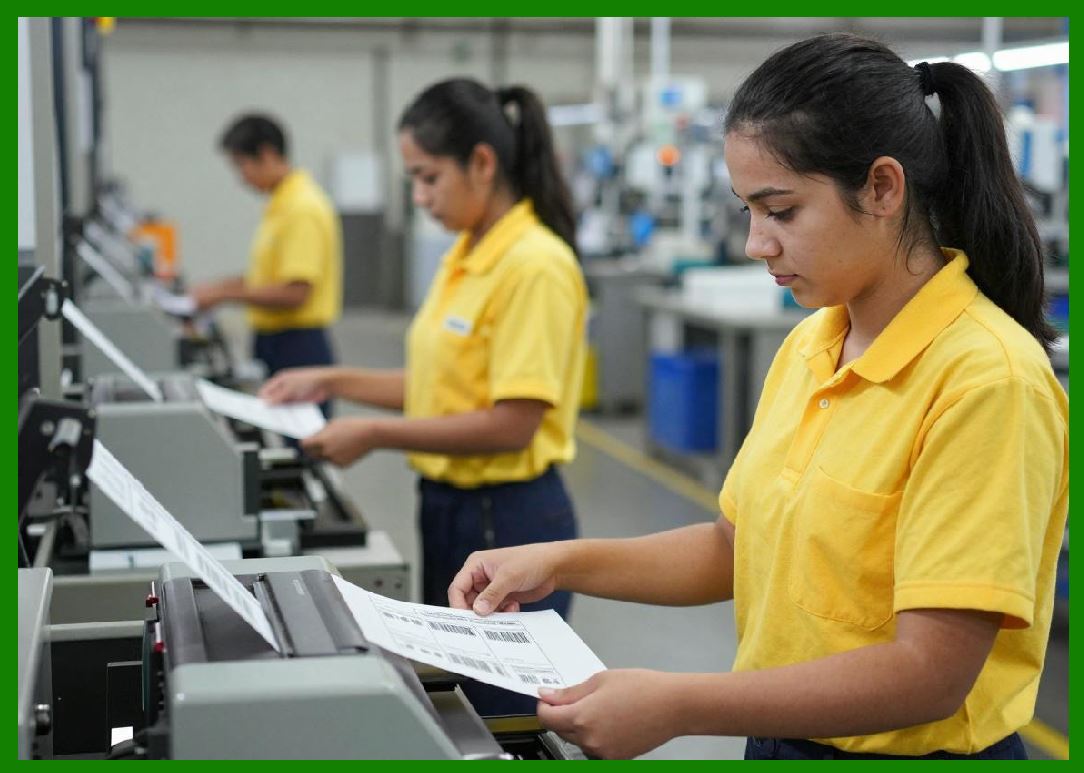
1. Desktop direct thermal printers are compact devices designed for low to medium-volume printing tasks. They are commonly used in office environments, small retail stores, and healthcare facilities. |
2. These printers typically support label widths ranging from 2 inches to 4 inches and are optimized for space efficiency rather than heavy-duty operation. |
3. Their construction is relatively lightweight, often using plastic housings and simplified internal mechanisms. |
4. Desktop printers are usually connected via USB or Ethernet and are easy to integrate with point-of-sale systems and label design software. |
5. They are ideal for printing shipping labels, receipts, patient wristbands, and small inventory tags. |
|
3. Industrial Direct Thermal Printers |
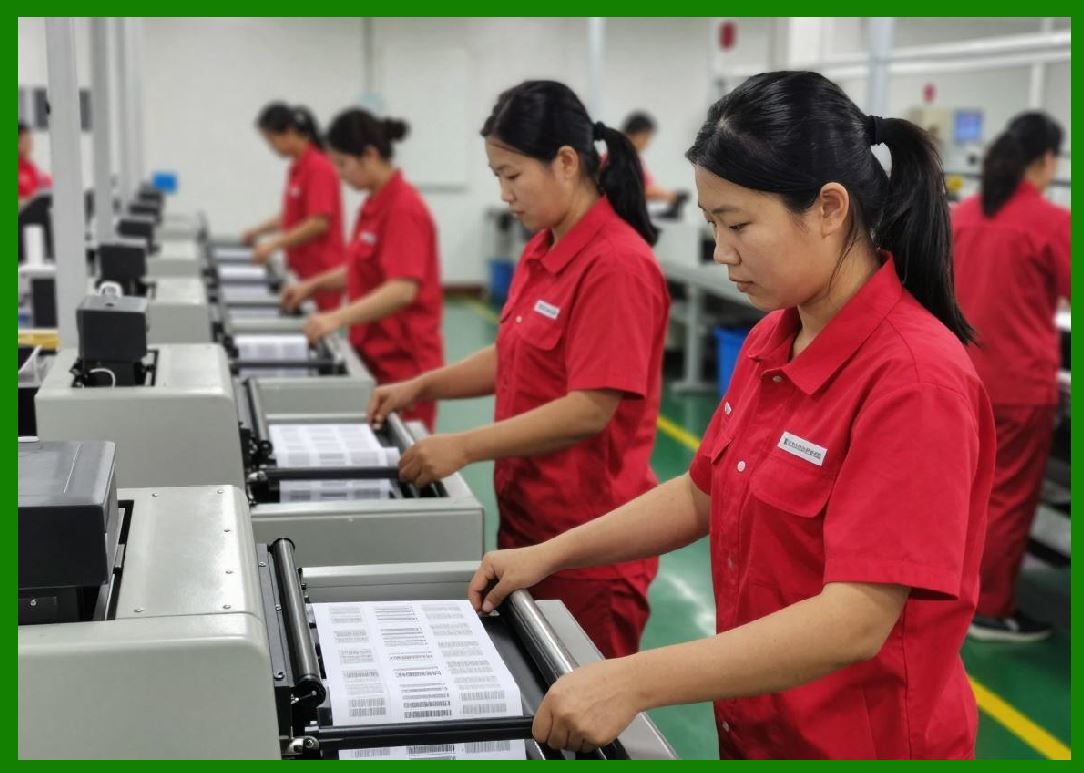
1. Industrial direct thermal printers are designed for high-volume, continuous operation in demanding environments such as warehouses, manufacturing plants, and distribution centers. |
2. These printers are built with reinforced metal frames and high-durability components capable of withstanding long operating cycles and harsh conditions. |
3. They support larger media rolls and wider label formats, often up to 6 inches or more. |
4. Industrial models feature advanced thermal management systems to handle extended printing sessions without overheating. |
5. They often include modular components for easier maintenance and replacement, reducing downtime in critical operations. |
|
4. Mobile Direct Thermal Printers |
1. Mobile direct thermal printers are portable, battery-powered devices designed for on-the-go printing applications. |
2. These printers are widely used in logistics, delivery services, field maintenance, and public safety operations. |
3. They are compact and lightweight, often worn on a belt or carried in a vehicle. |
4. Wireless connectivity options such as Bluetooth and Wi-Fi enable seamless integration with smartphones, tablets, and handheld terminals. |
5. Mobile printers are optimized for quick, single-label printing tasks such as delivery receipts, pickup confirmations, and field service reports. |

|
5. Kiosk and Embedded Direct Thermal Printers |
1. Kiosk printers are integrated into self-service systems such as ticketing machines, ATMs, parking meters, and retail kiosks. |
2. These printers are designed for unattended operation, requiring high reliability and minimal user intervention. |
3. Embedded direct thermal printers are built into larger machines or systems where printing is one component of a broader automated workflow. |
4. They often feature compact mechanisms and simplified interfaces to fit within constrained spaces. |
5. These printers are engineered for high uptime and consistent performance under continuous public use. |

|
6. Classification Based on Print Width |
1. Direct thermal printers can also be classified according to the width of media they support. |
2. Narrow-width printers (typically 2inches) are used for receipts, small labels, and wristbands. |
3. Medium-width printers (4 inches) are the most common in logistics and retail environments, especially for shipping labels. |
4. Wide-format direct thermal printers (5inches or more) are used in industrial labeling, pallet tracking, and specialized manufacturing applications. |

|
7. Classification Based on Duty Cycle |
1. Duty cycle refers to the volume of printing a device is designed to handle over time. |
2. Low-duty cycle printers are intended for occasional use and small print volumes. |
3. Medium-duty cycle printers support regular daily operations, such as retail or small warehouse environments. |
4. High-duty cycle printers are built for continuous operation and large-scale industrial workflows. |
5. Selecting the correct duty cycle classification is essential to prevent premature wear and ensure operational reliability. |

|
8. Retail Application Scenarios |
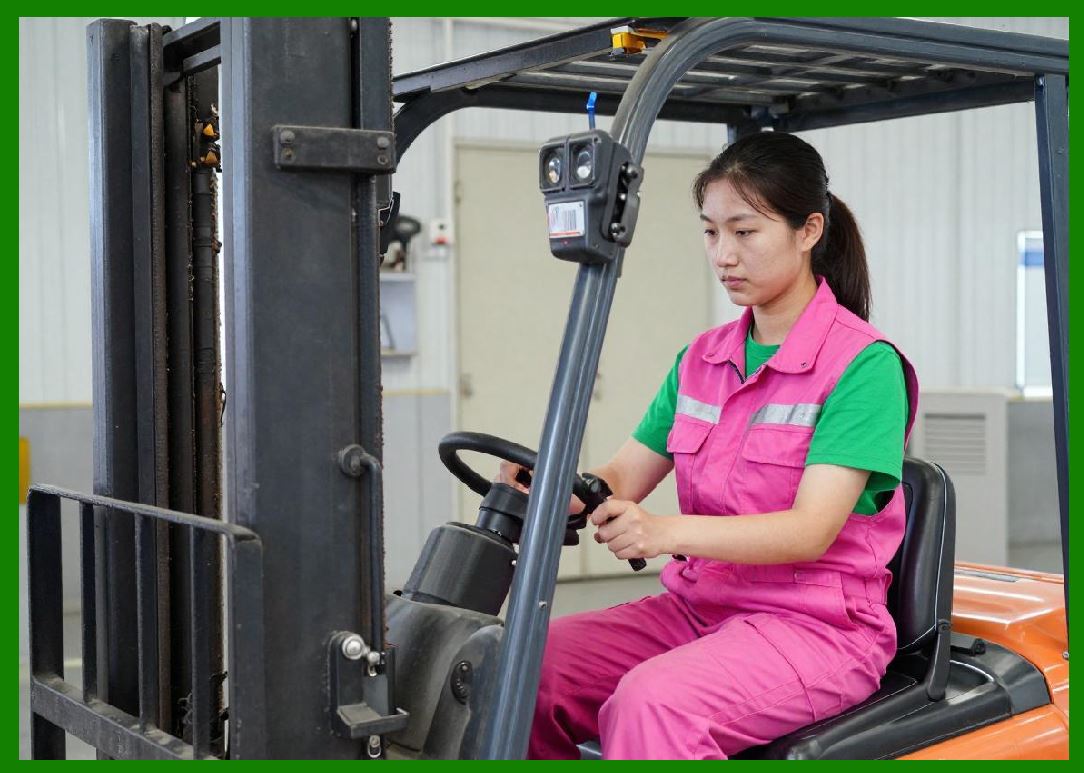
1. In retail environments, direct thermal printers are primarily used for point-of-sale receipts, price labeling, and promotional tags. |
2. Their fast printing speed and low maintenance requirements make them ideal for high-transaction environments. |
3. Integration with POS systems allows automatic generation of receipts and barcode labels based on sales data. |
4. Retailers also use direct thermal printers for shelf labeling and inventory management. |
5. Because retail labels are often short-lived, the limited durability of thermal prints is not a significant drawback. |
|
9. Logistics and Supply Chain Applications |
1. The logistics industry is one of the largest users of direct thermal printing technology. |
2. Shipping labels, tracking codes, and warehouse identification labels are commonly produced using industrial direct thermal printers. |
3. The ability to print high-quality barcodes on demand is critical for automated sorting and tracking systems. |
4. Labels are often applied to cartons, pallets, and envelopes in fast-paced distribution environments. |
5. Direct thermal printing supports real-time data integration with warehouse management systems (WMS) and transportation management systems (TMS). |

|
10. Healthcare Applications |
1. In healthcare settings, direct thermal printers are used for patient identification wristbands, specimen labeling, and medication tracking. |
2. Accuracy and readability are critical, as errors can directly affect patient safety. |
3. Thermal wristbands are widely used in hospitals due to their ability to produce clear, scannable barcodes quickly. |
4. Laboratory environments rely on thermal labels for tracking samples and test results. |
5. Infection control considerations also favor direct thermal printing because it reduces the need for ink cartridges and consumables. |

|
11. Transportation and Ticketing Systems |
1. Direct thermal printers are widely used in transportation systems for printing tickets, boarding passes, and receipts. |
2. Airlines, railways, and bus operators rely on thermal printing for high-speed passenger processing. |
3. Parking systems use direct thermal printers to issue time-stamped tickets. |
4. Event venues and entertainment industries use thermal printing for admission tickets and access control. |
5. The speed and reliability of thermal printing are essential in high-traffic environments where throughput is critical. |
|
12. Manufacturing and Industrial Labeling |
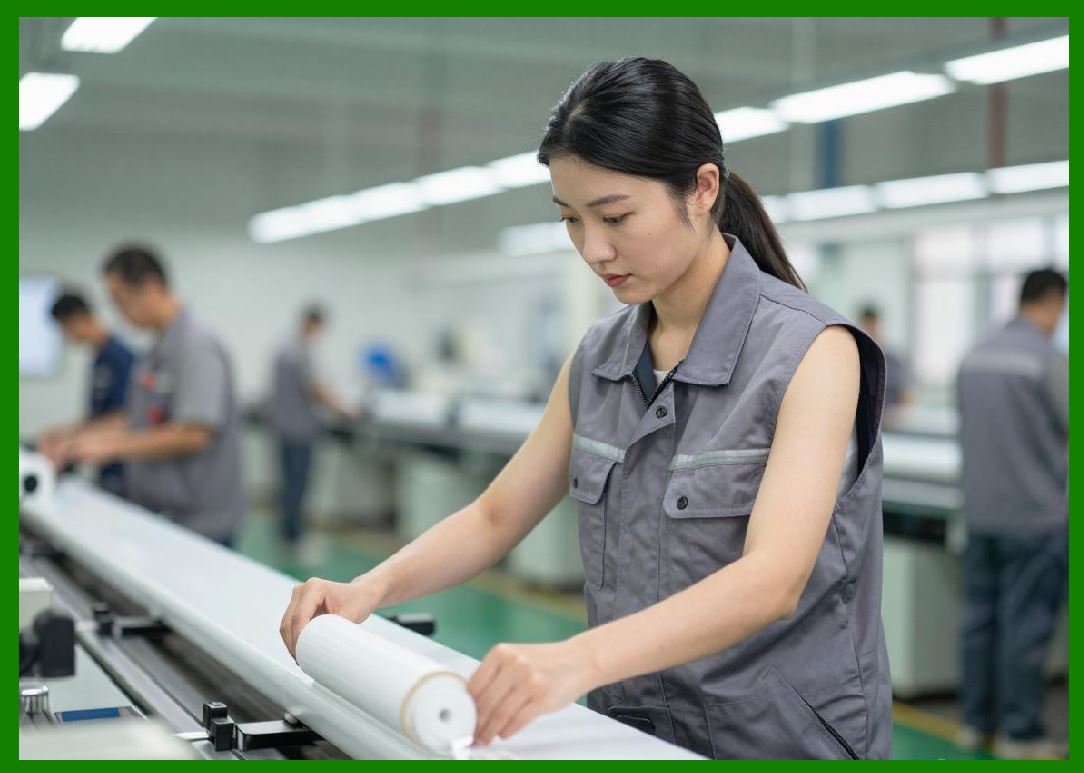
1. In manufacturing environments, direct thermal printers are used for product labeling, work-in-progress tracking, and compliance labeling. |
2. Labels often include barcodes, serial numbers, and production data required for traceability. |
3. Industrial-grade printers are designed to operate in environments with dust, vibration, and temperature variations. |
4. Integration with enterprise resource planning (ERP) systems enables automated label generation based on production data. |
5. Durability requirements vary depending on whether labels are temporary (work-in-progress) or semi-permanent (product identification). |

|
13. E-commerce and Fulfillment Centers |
1. E-commerce operations rely heavily on direct thermal printing for order fulfillment and shipping processes. |
2. Each package typically requires a shipping label generated in real time based on customer orders. |
3. High-speed industrial printers are essential for handling large volumes of orders efficiently. |
4. Automation systems often integrate directly with thermal printers to reduce manual intervention. |
5. Accuracy and speed are critical to maintaining customer satisfaction and logistics efficiency. |

|
14. Field Service and Mobile Workforce Applications |
1. Mobile direct thermal printers are widely used by field technicians, delivery personnel, and inspection teams. |
2. They enable real-time printing of service receipts, inspection reports, and delivery confirmations. |
3. Wireless connectivity allows seamless synchronization with mobile devices and cloud systems. |
4. The portability of these printers improves workflow efficiency by eliminating the need to return to a central office for printing. |
5. Battery life and rugged design are important considerations in these applications. |
|
15. Summary of Application Diversity |
1. Direct thermal printers are highly versatile devices that serve a wide range of industries and operational environments. |
2. Their classification into desktop, industrial, mobile, and kiosk systems reflects differences in scale, durability, and usage patterns. |
3. Across all applications, the common advantages include speed, simplicity, and cost efficiency. |
4. The selection of a specific printer type depends on workload, environmental conditions, and integration requirements. |

|
Technical Content Summary of Part 6 |
This part provided a structured classification of direct thermal printers based on form factor, duty cycle, print width, and application domain. It detailed four major categories desktop, industrial, mobile, and kiosk/embedded printers highlighting their structural differences, operational capabilities, and typical use cases. |
The section then explored key application scenarios across major industries, including retail, logistics, healthcare, transportation, manufacturing, e-commerce, and field services. Each sector was analyzed in terms of operational requirements and how direct thermal printing supports workflow efficiency, automation, and real-time data processing. |
Overall, this part emphasized the adaptability of direct thermal printing technology and its critical role in modern identification, labeling, and tracking systems across diverse environments. |
 cs@easiersoft.com