Part 22: Comparison of Laser Barcode Printing vs Other Printing Technologies (Inkjet, Thermal, and Thermal Transfer) |
1. Introduction to Printing Technology Comparison |
1.1 Laser barcode printing is one of several mainstream technologies used to produce machine-readable labels, alongside inkjet, direct thermal, and thermal transfer systems. |
1.2 Each technology is based on fundamentally different physical principles, which directly affect print quality, durability, cost structure, and industrial suitability. |
1.3 This section provides a technical comparison focused on how laser printing performs specifically in barcode label production environments. |

|
2. Laser Printing Technology Overview |
2.1 Laser printing uses an electrophotographic process involving: |
* Electrostatic charging |
* Laser exposure |
* Toner development |
* Transfer to media |
* Heat fusing |
2.2 It produces high-resolution, sharp-edged output suitable for precise barcode structures. |
2.3 Laser systems are widely used in office environments and medium-volume industrial applications. |
2.4 Strengths include precision, stability, and compatibility with standard paper-based media. |
2.5 Limitations include higher mechanical complexity and sensitivity to environmental conditions compared to some industrial alternatives. |

|
3. Inkjet Printing Technology Overview |
3.1 Inkjet printing works by spraying microscopic liquid ink droplets onto the substrate. |
3.2 Droplet placement is controlled digitally, allowing flexible image generation. |
3.3 Inkjet systems can print on a wide variety of surfaces, including porous and coated materials. |
3.4 In barcode applications, inkjet is often used for packaging or variable data printing. |
3.5 However, ink diffusion and drying behavior can affect barcode edge sharpness. |

|
4. Direct Thermal Printing Technology Overview |
4.1 Direct thermal printing uses heat-sensitive paper that darkens when exposed to a thermal print head. |
4.2 No ink or toner is required, simplifying system design. |
4.3 It is widely used in logistics for shipping labels and receipts. |
4.4 Direct thermal output is fast and cost-efficient for short-term applications. |
4.5 However, printed labels are sensitive to heat, light, and abrasion over time. |

|
5. Thermal Transfer Printing Technology Overview |
5.1 Thermal transfer printing uses a heated print head to transfer ink from a ribbon onto the label surface. |
5.2 This method produces highly durable and long-lasting barcode labels. |
5.3 It supports a wide range of materials, including synthetic films and coated labels. |
5.4 It is widely used in industrial environments requiring high durability. |
5.5 Ribbon consumption increases operational cost compared to direct thermal systems. |

|
6. Print Resolution and Barcode Precision Comparison |
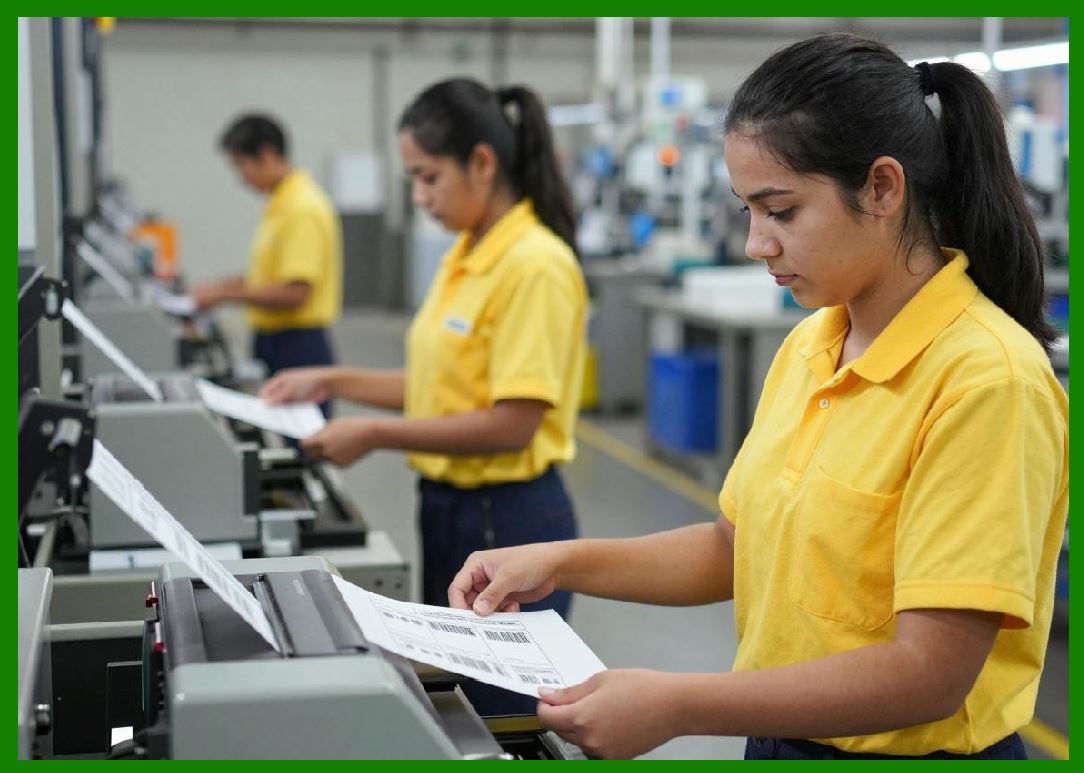
6.1 Laser printing typically offers high resolution (600200 DPI or higher). |
6.2 Inkjet systems can achieve high resolution but may suffer from ink spread. |
6.3 Thermal printing is limited by print head resolution and heat spot size. |
6.4 Thermal transfer offers good precision but depends on ribbon quality. |
6.5 For sharp barcode edges, laser printing provides highly stable geometric accuracy. |
|
7. Durability and Environmental Resistance |
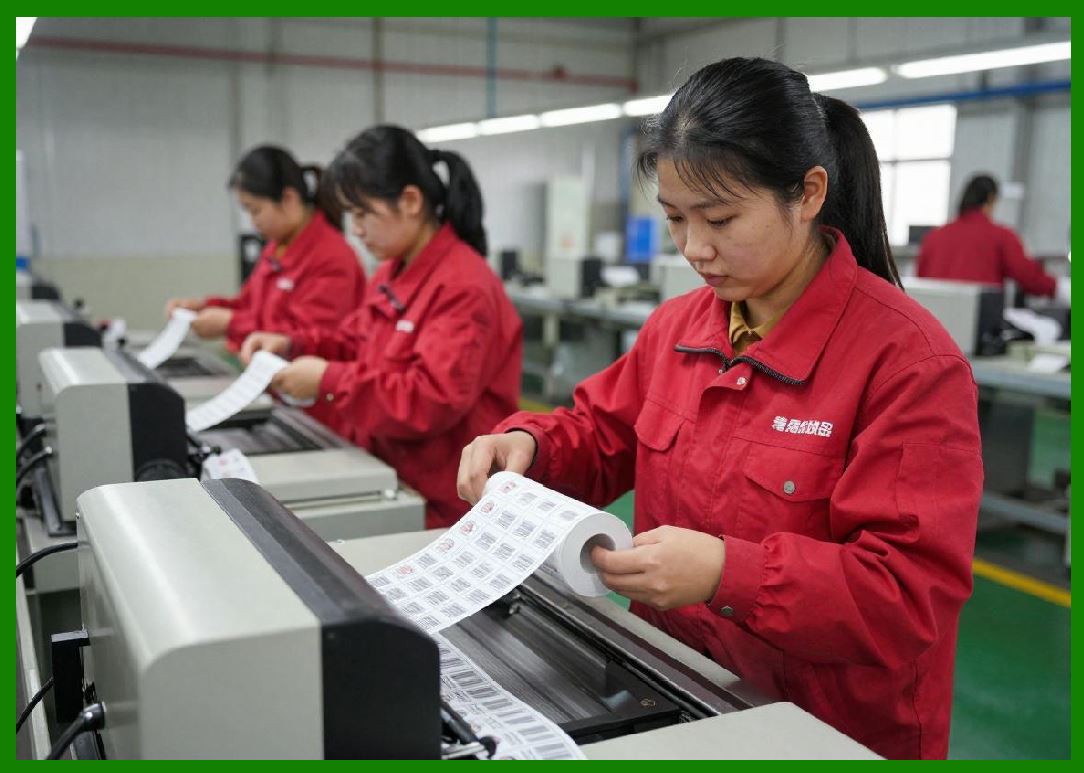
7.1 Thermal transfer labels generally offer the highest durability. |
7.2 Laser-printed labels provide moderate to high durability depending on toner and media type. |
7.3 Inkjet labels may degrade under moisture or UV exposure. |
7.4 Direct thermal labels are the least durable over long-term exposure. |
7.5 Environmental resistance is a key factor in industrial barcode selection. |
|
8. Printing Speed and Throughput |
8.1 Direct thermal printing offers the highest speed for continuous label production. |
8.2 Thermal transfer systems also support high-speed industrial workflows. |
8.3 Laser printers are optimized for batch processing rather than continuous roll output. |
8.4 Inkjet speed varies depending on resolution and droplet density. |
8.5 Throughput requirements determine technology selection in large-scale operations. |

|
9. Cost Structure and Operational Economics |
9.1 Laser printing has moderate operational costs due to toner and maintenance requirements. |
9.2 Inkjet systems have variable ink costs and potential maintenance overhead. |
9.3 Direct thermal printing has low consumable costs but limited longevity. |
9.4 Thermal transfer systems incur ribbon costs but offer durability benefits. |
9.5 Total cost of ownership depends on application lifecycle requirements. |

|
10. Media Compatibility and Flexibility |
10.1 Inkjet printing offers the highest media flexibility. |
10.2 Thermal transfer supports a wide range of synthetic and specialty labels. |
10.3 Laser printing is best suited for paper-based or laser-compatible labels. |
10.4 Direct thermal printing requires specialized heat-sensitive materials. |
10.5 Media compatibility influences industrial deployment decisions. |

|
11. Barcode Quality Stability Across Technologies |
11.1 Laser printing provides highly stable barcode geometry due to precise optical control. |
11.2 Thermal transfer also delivers stable output but depends on ribbon consistency. |
11.3 Inkjet output may vary due to ink absorption and spreading. |
11.4 Direct thermal printing can degrade over time due to chemical instability. |
11.5 Stability is critical for high-reliability scanning environments. |

|
12. Maintenance and System Complexity |
12.1 Laser printers require periodic maintenance of optical and mechanical systems. |
12.2 Inkjet systems require nozzle cleaning and ink system maintenance. |
12.3 Thermal printers have simpler mechanical designs with fewer moving parts. |
12.4 Thermal transfer systems require ribbon and head maintenance. |
12.5 Maintenance complexity affects long-term operational reliability. |

|
13. Suitability for High-Volume Industrial Use |
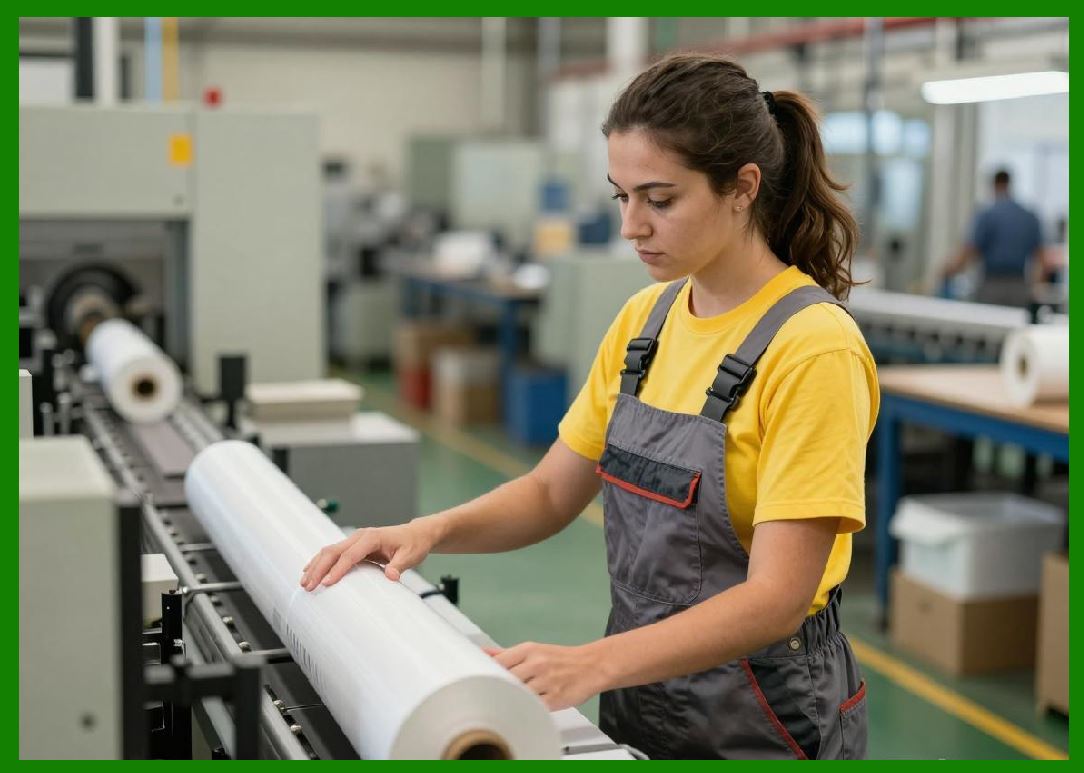
13.1 Direct thermal and thermal transfer systems dominate high-speed logistics environments. |
13.2 Laser printers are more common in office-based or hybrid workflows. |
13.3 Inkjet systems are used for specialized packaging and variable data printing. |
13.4 Each technology serves different segments of industrial demand. |
13.5 Selection depends on speed, durability, and integration requirements. |
|
14. Hybrid Use Cases Across Technologies |
14.1 Many real-world systems combine multiple printing technologies. |
14.2 For example: |
* Laser printers for administrative labels |
* Thermal printers for logistics labels |
* Inkjet for packaging customization |
14.3 Hybrid systems optimize cost and performance simultaneously. |
14.4 Barcode ecosystems often rely on multi-technology integration. |
14.5 This improves flexibility across supply chains. |

|
15. Strategic Position of Laser Printing in Barcode Ecosystems |
15.1 Laser printing occupies a balanced position between precision and versatility. |
15.2 It excels in environments requiring: |
* High-resolution output |
* Document integration |
* Flexible office-based production |
15.3 While not always the fastest or most durable option, it provides strong overall consistency. |
15.4 Its integration with standard computing infrastructure makes it widely accessible. |
15.5 Laser printing remains a key component in mixed barcode production ecosystems. |

|
Technical Content Summary of Part 22 |
This part provided a detailed technical comparison of laser barcode printing with inkjet, direct thermal, and thermal transfer printing technologies. It analyzed each method in terms of operating principles, resolution, durability, speed, cost, media compatibility, and maintenance requirements. |
Laser printing was shown to offer high precision and stability, making it ideal for hybrid office-industrial workflows. Inkjet systems provide media flexibility but may suffer from ink diffusion issues. Direct thermal printing offers high speed but limited durability, while thermal transfer provides excellent durability at higher consumable cost. |
The section also discussed hybrid printing strategies and the role of each technology in modern barcode ecosystems. |
Overall, this part demonstrated that no single printing technology is universally superior; instead, each serves a specific role depending on application requirements, with laser printing occupying a balanced and versatile position. |
 cs@easiersoft.com