Part 9: Comparison Between Laser Printing and Thermal Printing Technologies for Barcode Labels |
1. Introduction to Barcode Printing Technologies |
1.1 Barcode label printing is dominated by two major technology families: laser printing and thermal printing. Each technology is based on fundamentally different physical principles and is suited to different application scenarios. |
1.2 Laser printing uses electrophotographic processes involving toner and electrostatic imaging, while thermal printing relies on heat-sensitive media or ribbon-based transfer mechanisms. |
1.3 Understanding the differences between these technologies is essential for selecting the appropriate solution for barcode applications in industries such as logistics, healthcare, retail, and manufacturing. |
1.4 This section provides a detailed, technical comparison between laser printing and both types of thermal printing: direct thermal and thermal transfer. |

|
2. Overview of Direct Thermal Printing |
2.1 Direct thermal printing uses heat-sensitive paper that darkens when exposed to heat. |
2.2 The printhead contains heating elements that selectively activate to form the barcode image. |
2.3 No ink, toner, or ribbon is required, making it a simple and low-maintenance solution. |
2.4 However, direct thermal prints are sensitive to light, heat, and abrasion, which can cause fading over time. |
2.5 This method is commonly used for short-term applications such as shipping labels and receipts. |

|
3. Overview of Thermal Transfer Printing |
3.1 Thermal transfer printing uses a heated printhead to transfer ink from a ribbon onto the label surface. |
3.2 Ribbons can be made of wax, resin, or a combination, depending on durability requirements. |
3.3 This method produces highly durable prints to chemicals, moisture, and abrasion. |
3.4 Thermal transfer is widely used in industrial environments where long-lasting labels are required. |

|
4. Fundamental Differences in Printing Mechanisms |
4.1 Laser printing uses a multi-step electrophotographic process involving: |
* Electrostatic charging |
* Laser exposure |
* Toner development |
* Image transfer |
* Thermal fusing |
4.2 Thermal printing uses direct heat application without intermediate electrostatic processes. |
4.3 Laser printing relies on toner particles, while thermal printing relies on chemical reactions (direct thermal) or ribbon transfer (thermal transfer). |
4.4 These differences influence print quality, durability, and operational complexity. |

|
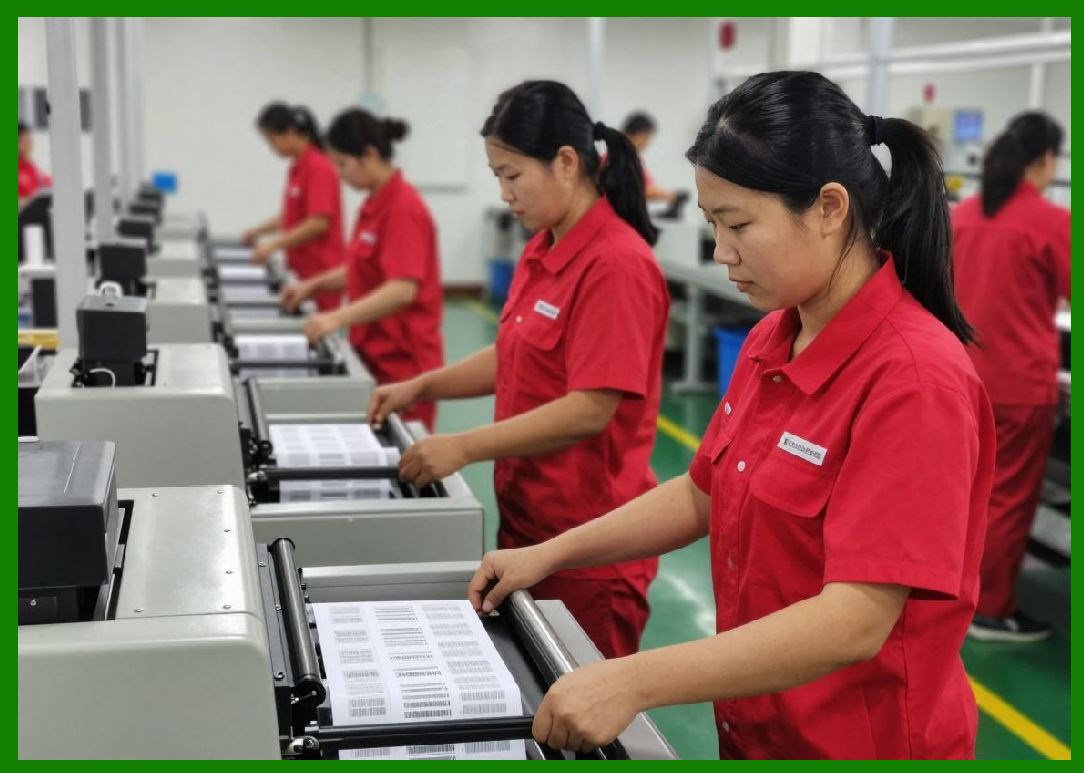
5. Print Resolution and Image Precision |
5.1 Laser printers typically offer resolutions of 600400 dpi, enabling fine detail and smooth edges. |
5.2 Thermal printers usually operate at 203 dpi, 300 dpi, or 600 dpi. |
5.3 While high-end thermal printers can match laser resolution, lower-end models may produce coarser images. |
5.4 Laser printing excels in rendering complex graphics and small text alongside barcodes. |
5.5 Thermal transfer printing provides excellent precision for barcode-specific applications. |
|
6. Barcode Quality and Readability |
6.1 Both technologies can produce high-quality barcodes when properly configured. |
6.2 Laser printers provide sharp edges and high contrast, suitable for many barcode symbologies. |
6.3 Thermal transfer printers offer superior consistency in bar width and minimal print gain. |
6.4 Direct thermal printing may suffer from reduced contrast over time due to fading. |
6.5 For mission-critical applications, thermal transfer is often preferred due to its reliability. |

|
7. Durability of Printed Barcodes |
7.1 Laser-printed barcodes are generally to smudging but may be less durable under harsh conditions. |
7.2 Direct thermal barcodes are prone to fading when exposed to heat, , or friction. |
7.3 Thermal transfer barcodes offer the highest durability, especially when using resin ribbons. |
7.4 Environmental exposure is a key factor in selecting the appropriate technology. |

|
8. Media Compatibility |
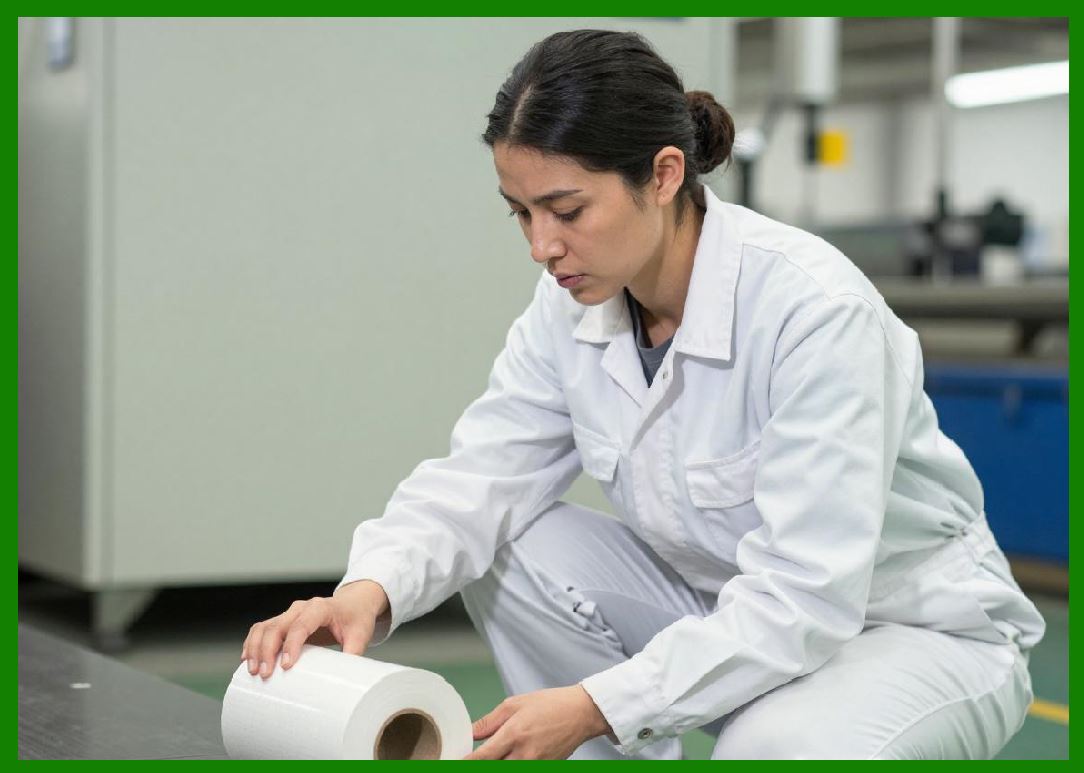
8.1 Laser printers use sheet-based media, typically standard-sized label sheets. |
8.2 Thermal printers use roll-based media, allowing continuous printing and label sizes. |
8.3 Laser media must withstand high fusing temperatures, limiting material options. |
8.4 Thermal transfer printing supports a wide range of synthetic materials, including polyester and polypropylene. |
8.5 Media flexibility is a major advantage of thermal printing systems. |

|
9. Printing Speed and Throughput |
9.1 Laser printers are designed for high document printing and can produce large batches . |
9.2 Thermal printers are optimized for continuous label printing and can operate at high speeds in industrial environments. |
9.3 For on-demand label printing, thermal printers often provide faster -label output. |
9.4 Laser printers may require warm-up time before printing. |

|
10. Operational Costs |
10.1 Laser printing involves costs for toner cartridges, maintenance kits, and consumption. |
10.2 Direct thermal printing has lower consumable costs but higher media costs due to specialized paper. |
10.3 Thermal transfer printing includes ribbon costs in addition to label media. |
10.4 Total cost of ownership depends on print volume, application requirements, and durability needs. |

|
11. Maintenance and Reliability |
11.1 Laser printers require periodic maintenance, including drum replacement and internal cleaning. |
11.2 Thermal printers have simpler but require printhead maintenance and occasional replacement. |
11.3 Adhesive contamination is a concern for both technologies but is more critical in laser printers. |
11.4 Thermal printers are generally more robust in industrial environments. |

|
12. Flexibility and Use Cases |
12.1 Laser printers are ideal for environments where barcode labels are printed with standard documents. |
12.2 Thermal printers are suited for dedicated barcode labeling tasks. |
12.3 Laser printing is commonly used in offices, retail, and administrative settings. |
12.4 Thermal printing dominates in logistics, warehousing, and manufacturing. |

|
13. Environmental and Energy Considerations |
13.1 Laser printers consume significant due to the fusing process. |
13.2 Thermal printers typically consume less energy, especially direct thermal models. |
13.3 However, thermal media may have environmental drawbacks due to chemical coatings. |
13.4 Sustainable practices include using recyclable media and -efficient devices. |
|
14. Barcode Standard Compliance |
14.1 Both technologies can meet international barcode standards when properly configured. |
14.2 Thermal transfer printing often achieves higher consistency in meeting strict requirements. |
14.3 Laser printing may require careful calibration to maintain compliance across different media types. |

|
15. Advantages and Disadvantages Summary |
15.1 Advantages of Laser Printing: |
* High resolution and versatility |
* Suitable for mixed-content printing |
* Cost-effective for medium-volume jobs |
15.2 Disadvantages of Laser Printing: |
* Limited media compatibility |
* Lower durability compared to thermal transfer |
* |
15.3 Advantages of Thermal Printing: |
* High durability (thermal transfer) |
* Wide media compatibility |
* Continuous roll printing |
15.4 Disadvantages of Thermal Printing: |
* Limited color capabilities |
* Potential fading (direct thermal) |
* Ribbon (thermal transfer) |

|
Technical Content Summary of Part 9 |
This part provided a detailed comparison between laser printing and thermal printing technologies for barcode label production. It explained the fundamental differences in printing mechanisms, including electrophotographic processes in laser printing and heat-based processes in thermal printing. |
The discussion covered key factors such as resolution, barcode quality, durability, media compatibility, printing speed, and operational costs. It highlighted the strengths and limitations of each technology, emphasizing that thermal transfer printing offers superior durability, while laser printing provides versatility and high-resolution output. |
Additional considerations included maintenance requirements, environmental impact, and compliance with barcode standards. The section concluded that the choice between laser and thermal printing depends on specific application needs, including durability, volume, and operational environment. |
Overall, this part established a clear technical framework for evaluating and selecting barcode printing technologies based on performance criteria and use cases. |
 cs@easiersoft.com