1. Introduction: Importance of Choosing the Right Barcode Printer |
1.1 Understanding Warehouse Barcode Printing |
In modern warehouse management, barcode printers are more than tools they are critical infrastructure. Their purpose is to generate accurate, permanent, and machine-readable barcodes that enable scanning at inventory receiving, storage, picking, packing, dispatch, returns, and auditing. |
A barcode printer must produce labels that: |
* Scan consistently across different scanners. |
* Withstand warehouse conditions such as abrasion, moisture, heat, cold. |
* Are durable through handling and shipping. |
* Can be printed at suitable speeds and volumes for the operation. |
Choosing an incorrect printer can lead to misreads, inventory errors, delays, increased costs, damaged goods, and operational inefficiencies. |
1.2 Warehouse Printing Challenges |
Warehouse environments typically present challenges such as: |
* High print volumes. |
* Limited operator time for maintenance. |
* Tough environmental conditions (dust, temperature extremes, humidity). |
* Need for integration with inventory software, ERP, or WMS systems. |
* Variable label types from small item tags to large pallet labels. |
A warehouse barcode printer must not only generate the right output, but also be highly reliable and adaptable. |
1.3 Structure of This Guide |
This guide covers: |
* Core technical concepts of barcode printers. |
* Criteria for choosing printers based on warehouse needs. |
* Real use-cases and examples. |
* Environmental considerations. |
* Maintenance and lifecycle cost factors. |
* Implementation and software integration. |
* Future-proofing your printing systems. |

|
2. Fundamental Concepts in Barcode Printing Technology |
To choose wisely, you must understand core technologies and features that differentiate barcode printers. |
2.1 Printing Technologies: Thermal vs. Others |
There are primarily three printing technologies used in warehouses for barcode labels: |
2.1.1 Direct Thermal Printing |
* Principle: Uses heat-sensitive label material that darkens when heat is applied. |
* Advantages: |
* No ink ribbons required lower consumable cost. |
* Simple to operate fewer moving parts. |
* Minimal maintenance. |
* Limitations: |
* Labels fade over time. |
* Sensitive to heat and sunlight. |
* Best suited for short-lived applications (shipping labels that are used for a few days). |
Direct thermal is often used for: |
* Shipping labels. |
* Temporary tags (returns, short-term inventory movement). |
2.1.2 Thermal Transfer Printing |
* Principle: Uses a heat-activated ribbon to transfer durable pigment onto labels. |
* Advantages: |
* Long-lasting print quality. |
* Labels resist abrasion, chemicals, and environmental degradation. |
* Ideal for asset tags, pallet labels, inventory tags. |
* Limitations: |
* Requires ribbons higher consumable cost than direct thermal. |
* Slightly more complex to maintain due to ribbon replacement. |
Thermal transfer is typically preferred in warehouses where label longevity and durability are paramount. |
2.1.3 Laser and Inkjet Printers |
These technologies are rarely used for primary barcode production in warehouses due to cost, maintenance, and inconsistent label characteristics. Some facilities use laser printers for reports or forms but not for operational labels. |

|
2.2 Print Resolution and Barcode Quality |
Barcode printers typically come with resolutions such as: |
* 203 dpi (dots per inch) basic quality, suitable for standard barcodes and most warehouse labels. |
* 300 dpi higher resolution, needed for small barcodes, dense data codes (QR, PDF417). |
* 600 dpi or more for extremely fine graphics and tiny barcodes. |
Choosing the right resolution is fundamental because: |
* Poor resolution leads to unreadable barcodes. |
* High resolution prints more slowly and costs more. |
* Matching resolution to application ensures readability without over-investment. |
2.3 Label Material Compatibility |
Warehouses require different materials depending on: |
* Environment (freezer, outdoor, chemical exposure). |
* Lifespan required (temporary vs. permanent). |
* Application surface (plastic bins, metal racks, pallets). |
Materials include: |
* Paper stock inexpensive but least durable. |
* Synthetic stock (PVC, polyester) durable, chemical and tear resistant. |
* Specialty materials freezer-rated, high-temperature, UV-resistant, etc. |
A printer must support the media types needed by the warehouse. |

|
2.4 Connectivity Options |
Printers can offer various connectivity modes: |
* USB simple, direct connection; limited to proximity. |
* Ethernet (LAN) scalable for multiple users. |
* Wi-Fi flexibility for mobile carts or shared access across zones. |
* Bluetooth pairing with mobile devices. |
* Serial/Parallel ports older legacy integration. |
A modern warehouse should prioritize networked access (Ethernet or Wireless) for scalability. |
2.5 On-board Intelligence: Processor, Memory, and OS |
Barcode printers vary significantly in their internal computing capacity. Higher-end models include: |
* Faster processors for complex label formats. |
* Larger memory for storing multiple templates. |
* Some have embedded Android or Windows CE for app-style printing. |
These capabilities affect: |
* Speed of print processing. |
* Ability to handle complex documents. |
* Integration with advanced applications. |
2.6 Print Speed and Throughput |
Measured in inches per second (ips), printers range from around 2 ips to 18 ips or more. |
* Slow: 2ips basic desktop units. |
* Medium: 62 ips common industrial units. |
* High: 14+ ips heavy duty in large warehouses. |
Speed must align with daily print volume expectations. |

|
3. Assessing Warehouse Requirements Before Choosing a Printer |
Before selecting a specific model or brand, you must document the warehouse operational needs. |
3.1 Define Print Volume and Peak Load |
Ask: |
* How many labels are printed daily |
* Are there peak days (e.g., holidays) |
* Average labels per hour |
This determines whether a desktop, mid-range industrial, or high-capacity industrial printer is needed. |
3.2 Determine Label Types and Sizes |
Warehouses often use: |
* Small item labels (e.g., 2' 1') |
* Bin location labels |
* Shelf labels |
* Pallet and carton labels (e.g., 4' 6') |
* Specialized tags (RFID labels, asset tags) |
Printers must support the range of media widths required. |
3.3 Evaluate Environmental Conditions |
Environments in warehouses vary: |
* Clean and climate-controlled |
* Cold storage or freezers |
* Outdoor staging areas |
* Dusty or humid zones |
You must choose: |
* Printer enclosures or ratings (e.g., IP ratings). |
* Media that withstands conditions. |
* Optional heaters for cold-temperature printing. |
3.4 Integration with Warehouse Software |
Assess: |
* What WMS or ERP is used |
* Do you require: |
* Drivers for Windows |
* Middleware solutions |
* Network printing |
* APIs or SDKs |
* Label design software compatibility |
Integration affects total cost and workflow efficiency. |
3.5 Future Growth and Scalability |
Consider: |
* Will labels be printed in more locations |
* Do remote workers need mobile printing |
* Is RFID printing or encoding anticipated |
Considering future needs prevents frequent replacement. |

|
4. Types of Barcode Printers for Warehouse Use Cases |
Once requirements are known, match printer types to use cases. |
4.1 Desktop Barcode Printers |
4.1.1 Typical Use Case |
* Low-medium volume. |
* Label printing at individual stations. |
* Office environments or small warehouses. |
4.1.2 Characteristics |
* Compact size. |
* Lower cost. |
* Usually 20300 dpi resolution. |
* Suitable for occasional printing. |
4.1.3 Limitations |
* Not designed for continuous, heavy loads. |
* Less durability for harsh environments. |
* Manual media loading. |
Desktop printers serve reception desks, offices, or remote stations but are generally inadequate for main warehouse printing hubs. |
4.2 Mid-Range Industrial Printers |
4.2.1 Typical Use Case |
* Moderate to high print volumes. |
* Centralized printing areas. |
* Need toughness and reliability. |
4.2.2 Characteristics |
* Built for continuous operation. |
* Faster print speeds. |
* Larger print widths (e.g., up to 6 inches). |
* Heavy-duty frame. |
These are often the best choice for standard warehouse labeling operations. |
4.3 High-Capacity Industrial Printers |
4.3.1 Typical Use Case |
* Very high volume environments. |
* Multiple shifts. |
* Long duty cycles (24/7). |
4.3.2 Characteristics |
* Maximum durability. |
* Fastest print speeds. |
* Largest media rolls. |
* Advanced connectivity and management features. |
These are optimized for enterprises with massive throughput requirements. |
4.4 Mobile Barcode Printers |
Mobile models are handheld devices that print on the go. |
4.4.1 Typical Use Case |
* Pick-by-print workflows. |
* Inventory counting on the floor. |
* Delivery docks. |
4.4.2 Characteristics |
* Battery operated. |
* Lightweight. |
* Usually thermal direct. |
* Pair with handheld scanners or mobile computers. |
Mobile printers are supplemental, not replacements for central printing hubs. |

|
5. Detailed Evaluation Criteria |
This is the heart of the guide the checklist for evaluating any printer against warehouse requirements. |
5.1 Print Quality and Barcode Readability |
Every printer must produce high-contrast, sharp barcodes that scan easily. Key factors: |
* Resolution appropriate for barcode density. |
* Thermal transfer vs direct thermal choice based on label longevity. |
* Printer calibration capabilities. |
Consider: |
* Test prints during evaluation. |
* Barcode verifier results if possible. |
5.2 Print Speed Relative to Workflow |
Evaluate: |
* Maximum speed (ips). |
* Effective throughput in real workflows including label formatting and print queue handling. |
Faster speed matters most when many users share the printer. |
5.3 Media Handling Capabilities |
Key aspects: |
* Media width range matches standard label sizes. |
* Core and roll diameter compatibility affects how often rolls change. |
* Sensors accurate detection of gaps, marks, or black bars. |
* Printer feed adjustment handles different material thicknesses. |
Look for flexibility, because warehouses often adjust label inventories. |
5.4 Durability and Build Quality |
Warehouse printers must endure vibrations, dust, temperature changes, and heavy use. |
Indicators of build quality: |
* Metal chassis vs plastic housing. |
* Solid hinges and latches. |
* Modularity easy swap of worn parts. |
Industrial models are often more rugged by design. |
5.5 Connectivity and Network Features |
Evaluate: |
* Ethernet for shared network printing. |
* Wi-Fi with secure enterprise protocols. |
* Bluetooth for mobile device pairing. |
* Multiple simultaneous connection support. |
* SNMP and remote management capabilities. |
Networked printers support distributed operations better than USB-only units. |
5.6 Software and Drivers |
Check: |
* Support for major operating systems. |
* Compatibility with label design software (e.g., BarTender, NiceLabel). |
* SDKs for developers. |
* Template storage and remote updating. |
Software ease of use greatly impacts total cost of ownership. |
5.7 Consumables and Supplies Availability |
Printers are only as good as the ongoing support: |
* Ready availability of ribbons, media sizes, and specialized materials. |
* Cost per label (media + ribbon breakdown). |
* Brand vs off-brand consumables compatibility. |
Warehouses that discount consumable supply often face poorer quality labels or downtime. |
5.8 Total Cost of Ownership (TCO) |
TCO includes: |
* Purchase price. |
* Consumables. |
* Service contracts. |
* Downtime costs. |
* Replacement parts. |
* Training. |
A cheap printer with high maintenance often costs more over time. |
5.9 Warranty, Service, and Support |
Consider: |
* Length and coverage of warranty. |
* Availability of next-business-day replacement. |
* Field service options. |
* Remote diagnostics. |
Premier manufacturers often have stronger global support networks. |
|
6. Common Warehouse Labeling Scenarios and Printer Choices |
This section bridges theory with real use cases. |
6.1 Goods Receiving and Put-Away Labels |
Requirements: |
* Carton and pallet labels. |
* High volume during peak receiving times. |
* Labels must scan without errors at docks. |
Solution: |
* Mid-range industrial printers with high throughput. |
* Thermal transfer labels for cartons/pallets. |
6.2 Bin Locations, Rack and Shelf Labels |
Requirements: |
* Medium volumes. |
* Durable labels with clean barcodes. |
* Often wide labels for rack identifiers. |
Solution: |
* Mid-range industrial or desktop units (if low volume). |
* Synthetic materials for durability. |
6.3 Picking Labels |
Requirements: |
* Smaller labels. |
* Rapid printing per worker or zone. |
Solution: |
* Desktop or mobile printers at pick stations. |
6.4 Packing and Shipping Labels |
Requirements: |
* Standard 4' 6' shipping labels. |
* High throughput during shipping peaks. |
Solution: |
* Industrial printers with Ethernet connectivity. |
* Automated triggering from WMS. |
6.5 Asset Tagging |
Requirements: |
* Small durable labels (often permanent). |
* Synthetic stock. |
Solution: |
* Thermal transfer industrial printers with 300 dpi resolution. |

|
7. Environmental and Physical Considerations |
7.1 Temperature and Humidity |
Printers must operate reliably in the warehouse environment: |
* Cold zones may need internal media heaters. |
* Humidity affects label feeding; printer must have stable media handling. |
* Dust protection improves long-term reliability. |
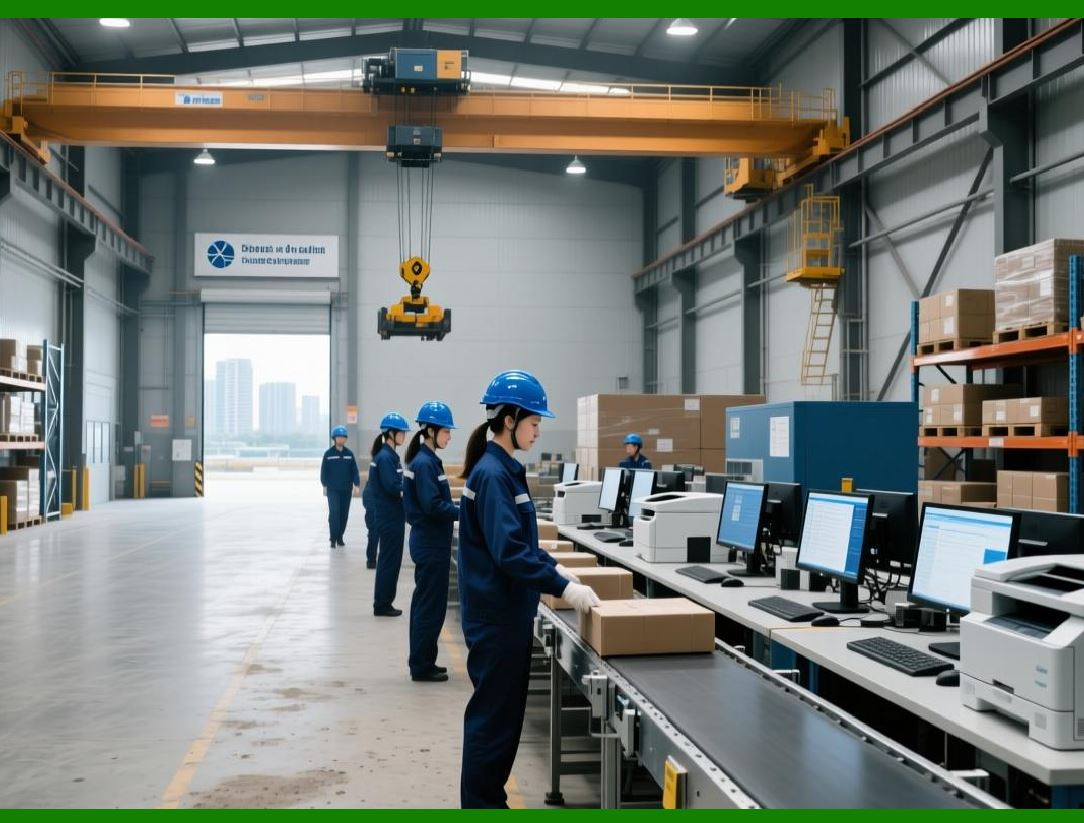
7.2 Physical Placement and Operator Access |
Consider: |
* Floor space. |
* Accessibility for media and ribbon loading. |
* Secure placement to avoid knocks and accidental power-off. |
7.3 Safety and Ergonomics |
Printers should: |
* Have safe access points. |
* Not create tripping hazards with cables. |
* Allow comfortable label loading. |
|
8. Implementation Planning and Workflow Integration |
A good printer alone is not enough; implementation matters. |
8.1 Label Design and Templates |
Plan: |
* Label formats and standards. |
* Software templates stored centrally. |
* Version control. |
8.2 Printer Configuration and Profiles |
Configure: |
* Network settings. |
* Media calibration profiles. |
* Print-server integration. |
8.3 Integration with WMS/ERP Systems |
Successful integration includes: |
* Driver deployment. |
* Automated print triggers. |
* Barcode data accuracy checks. |
8.4 Testing and Verification |
Before full rollout: |
* Test print batches. |
* Barcode verification to ISO standards. |
* Stress test during peak conditions. |

|
9. Maintenance, Consumables, and Long-Term Costs |
9.1 Routine Maintenance |
Daily and weekly tasks: |
* Cleaning printheads. |
* Inspecting feed paths. |
* Replacing worn rollers. |
9.2 Consumables Lifecycle |
Track: |
* Ribbon stock levels. |
* Media usage. |
* Shelf-life of stocked media. |
9.3 Downtime Planning |
Have: |
* Spare printers for critical lines. |
* Replacement parts readily available. |
* Support agreements to minimize downtime. |

|
10. Future-Proofing and Scalability |
10.1 RFID and Emerging Technologies |
Warehouses increasingly use RFID printing and encoding. Printers with expandable modules allow: |
* RFID tag encoding. |
* Hybrid printing (barcode + RFID) from one unit. |
10.2 Mobile and Distributed Printing |
Cloud printing solutions and mobile connectivity enable: |
* Printing from tablets or smartphones. |
* Printing in multiple zones without wires. |
|
11. Recommended Workflow Example |
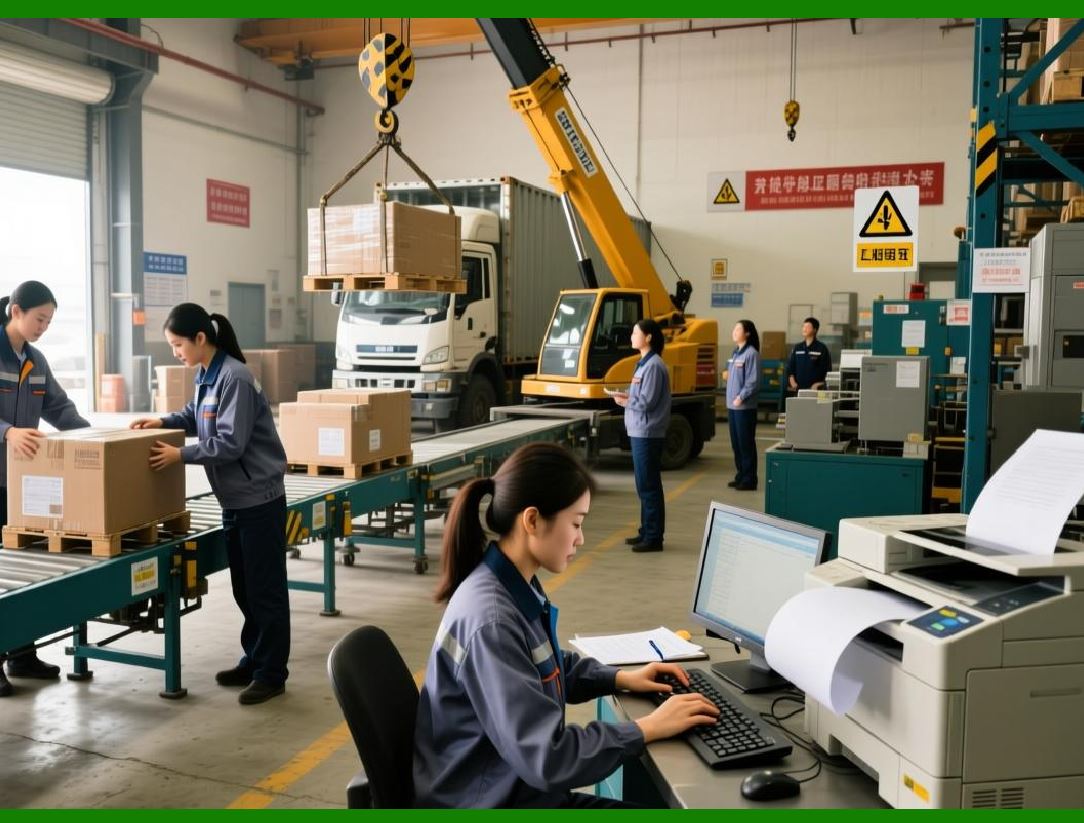
For a medium-sized warehouse: |
* Centralized industrial printers in the receiving and shipping areas. |
* Desktop printers at inventory control or office stations. |
* Mobile printers for cycle counting and stock adjustments on the floor. |
* Networked integration with WMS triggers for accurate label prints. |
* Consumables stocked in bulk with barcoded reorder levels. |
|
12. Decision Checklist Before Purchase |
Before finalizing a printer: |
1. Confirm label types and sizes required. |
2. Calculate daily and peak print volumes. |
3. Determine environmental conditions. |
4. Decide connectivity preferences (Ethernet, Wi-Fi). |
5. Evaluate software compatibility. |
6. Compare print speed and resolution needs. |
7. Check consumables availability and costs. |
8. Assess future needs (RFID, growth). |
9. Review warranty and support options. |
10. Budget for total cost of ownership. |
|
13. Summary and Final Recommendations |
In summary: |
* Industrial thermal transfer printers are the backbone of warehouse barcode production owing to their durability and print quality. |
* Desktop and mobile printers support specialized tasks where centralized industrial printers are impractical. |
* Focus on printers that provide reliable integration, network connectivity, and support consumersfuture growth. |
* Evaluate printers not just on price but on total cost and long-term operational reliability. |
 cs@easiersoft.com