Barcode Label Printing: Detailed Explanation of Thermal Transfer Printer Technology |
Part 16 Thermal Transfer Printing Speed, Throughput Optimization, and Performance Engineering |
1. Introduction to Printing Speed and Throughput |
1.1 Why Speed Matters |
1. In industrial environments, thermal transfer printers often operate in high-volume workflows such as logistics, manufacturing, and retail distribution. |
2. Printing speed directly affects operational efficiency and cost per label. |
3. However, speed must be balanced with print quality, durability, and barcode readability. |
1.2 Definition of Throughput |
1. Throughput refers to the number of labels or linear printing output produced per unit time. |
2. It is influenced by mechanical speed, thermal response, and data processing efficiency. |
3. High throughput systems require synchronization of multiple subsystems. |

|
2. Core Factors Affecting Printing Speed |
2.1 Printhead Heating Limitations |
1. Each heating element requires a finite time to reach target temperature. |
2. Insufficient heating time reduces ink transfer quality. |
3. Excess heating time limits maximum speed. |
2.2 Media Feed Speed |
1. Controlled by stepper motors and rollers. |
2. Faster movement increases throughput but reduces time for thermal transfer. |
2.3 Ribbon Transfer Dynamics |
1. Ribbon must move in perfect sync with media. |
2. Excess speed can cause wrinkling or incomplete transfer. |
2.4 Firmware Processing Speed |
1. Print data must be rasterized and sent in real time. |
2. Slow processing causes bottlenecks in high-speed printing. |

|
3. Thermal Constraints on Speed |
3.1 Heat Dwell Time |
1. Each printed dot requires a minimum heat exposure duration. |
2. Dwell time decreases as speed increases. |
3.2 Thermal Recovery Time |
1. Heating elements must cool between activations. |
2. Insufficient cooling leads to heat accumulation and distortion. |
3.3 Energy Balance Equation Concept |
1. Printing quality depends on balancing energy input and dissipation. |
E_{in} = E_{transfer} + E_{loss} |

|
4. Mechanical Speed Optimization |
4.1 Acceleration Control |
1. Printers do not instantly reach maximum speed. |
2. Controlled acceleration prevents mechanical stress. |
4.2 Constant Velocity Zone |
1. Most printing occurs during stable motion phase. |
2. Ensures consistent dot placement. |
4.3 Deceleration Control |
1. Prevents overshoot and label misalignment. |

|
5. Throughput Optimization Techniques |
5.1 Print Density Optimization |
1. Lower density settings increase speed but reduce darkness. |
2. High-density settings improve quality but reduce throughput. |
5.2 Resolution Adjustment |
1. Lower DPI increases speed significantly. |
2. Common industrial trade-off between 203 DPI and 300 DPI systems. |
5.3 Batch Processing Optimization |
1. Multiple labels processed in continuous streams. |
2. Reduces start-stop overhead. |

|
6. Data Processing Bottlenecks |
6.1 Rasterization Delay |
1. Converting vector data to dot patterns requires processing power. |
2. Complex graphics slow down throughput. |
6.2 Memory Bandwidth Limitations |
1. Print data must be stored and accessed rapidly. |
2. Insufficient bandwidth causes delays. |
6.3 Firmware Scheduling Efficiency |
1. Poor scheduling leads to idle printhead time. |
|
7. Heat-Driven Speed Constraints |
7.1 Maximum Energy Transfer Rate |
1. There is a physical limit to how quickly heat can be delivered. |
2. Beyond this limit, print quality degrades. |
7.2 Thermal Saturation at High Speed |
1. Continuous high-speed printing causes heat buildup. |
2. Leads to inconsistent dot formation. |

|
8. Mechanical Throughput Limitations |
8.1 Motor Torque Limits |
1. Higher speeds require higher torque. |
2. Motor overload reduces accuracy. |
8.2 Inertia Effects |
1. Moving parts resist rapid changes in speed. |
2. Causes lag and positional errors. |

|
9. Synchronization Constraints at High Speed |
9.1 Timing Precision Requirements |
1. At high speed, microsecond-level timing errors become critical. |
2. Misalignment results in barcode scanning failure. |
9.2 Multi-System Coordination |
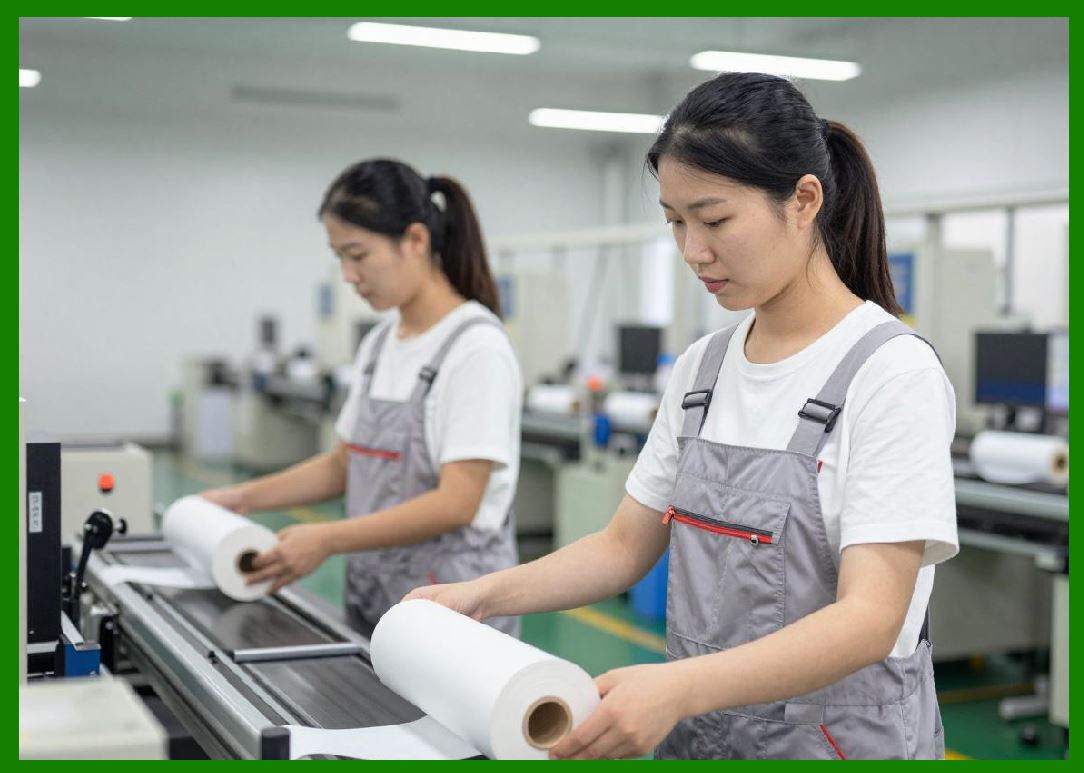
1. Printhead, media feed, and ribbon must remain synchronized. |
|
10. Quality vs Speed Trade-Off |
10.1 Fundamental Trade-Off Principle |
1. Higher speed reduces available time for heat transfer. |
2. Higher quality requires slower, more controlled printing. |
10.2 Industrial Optimization Balance |
1. Applications determine optimal balance point. |
2. Logistics prioritizes speed; compliance labeling prioritizes accuracy. |

|
11. High-Speed Printing Techniques |
11.1 Multi-Line Printing Strategy |
1. Multiple dots activated simultaneously across printhead. |
2. Increases effective throughput. |
11.2 Parallel Processing Architecture |
1. Firmware processes multiple data streams concurrently. |
11.3 Buffered Printing Systems |
1. Entire label data is preloaded before printing begins. |

|
12. Energy Efficiency at High Speed |
12.1 Power Consumption Scaling |
1. Higher speed requires higher instantaneous power. |
2. Efficiency decreases if not properly optimized. |
12.2 Heat Recycling Losses |
1. Excess heat dissipates into environment instead of ink transfer. |

|
13. Industrial Performance Engineering |
13.1 System-Level Optimization |
1. Mechanical, thermal, and computational systems must be tuned together. |
13.2 Bottleneck Identification |
1. Identify slowest subsystem in printing pipeline. |
2. Optimize that subsystem first. |
13.3 Real-Time Performance Monitoring |
1. Continuous tracking of speed and error rates. |
|
14. Environmental Impact on Speed |
14.1 Temperature Effects |
1. High ambient temperature can reduce cooling efficiency. |
2. Affects maximum sustainable speed. |
14.2 Humidity Effects |
1. Moist environments may affect media friction and ribbon behavior. |

|
15. Adaptive Speed Control Systems |
15.1 Dynamic Speed Adjustment |
1. Printer automatically adjusts speed based on job complexity. |
15.2 Intelligent Load Balancing |
1. Balances print quality and throughput in real time. |
15.3 Predictive Speed Management |
1. Uses historical data to optimize future print jobs. |

|
16. Summary of Part 16 |
1. Printing speed is limited by thermal, mechanical, and computational constraints. |
2. Throughput optimization requires balancing resolution, energy, and motion control. |
3. High-speed printing introduces challenges in synchronization and heat management. |
4. Advanced firmware strategies help maximize efficiency without sacrificing quality. |
5. Industrial systems must be carefully engineered for application-specific performance. |

|
Next Step |
Part 17 Thermal Transfer Printer Reliability, Failure Modes, and Maintenance Engineering |
In the next part, I will cover: |
* Mechanical and thermal failure modes |
* Predictive maintenance systems |
* Wear analysis and lifecycle modeling |
* Industrial reliability engineering strategies |
 cs@easiersoft.com