Barcode Label Printing: Detailed Explanation of Thermal Transfer Printer Technology |
Part 18 Industrial Applications and System Integration of Thermal Transfer Printing |
1. Introduction to Industrial Deployment |
1.1 Why Thermal Transfer Printing is Widely Used |
1. Thermal transfer printing is one of the most reliable technologies for permanent barcode labeling. |
2. It provides long-lasting print durability in demanding industrial environments. |
3. It supports integration into automated information systems across multiple industries. |
1.2 Core Value in Industry |
1. High readability of barcodes under harsh conditions. |
2. Compatibility with standardized data systems. |
3. Strong resistance to abrasion, chemicals, and temperature variation. |

|
2. Logistics and Supply Chain Applications |
2.1 Warehouse Labeling Systems |
1. Used for pallet, carton, and shelf identification. |
2. Enables real-time inventory tracking. |
3. Supports high-speed automated scanning systems. |
2.2 Distribution Center Operations |
1. Labels are applied at sorting and dispatch stages. |
2. Ensure correct routing of goods across supply networks. |
2.3 Transportation Tracking |
1. Shipping labels contain barcodes for route identification. |
2. Used in air, sea, and land logistics systems. |

|
3. Integration with Logistics Management Systems |
3.1 Warehouse Management Systems (WMS) |
1. Thermal transfer printers receive print commands directly from WMS platforms. |
2. Labels are generated dynamically based on inventory events. |
3.2 Enterprise Resource Planning (ERP) |
1. ERP systems trigger label creation during production and shipping. |
2. Ensures synchronization between physical goods and digital records. |
3.3 Automated Identification Systems |
1. Scanners read printed barcodes to update system databases. |
2. Enables real-time visibility of supply chains. |

|
4. Healthcare and Pharmaceutical Applications |
4.1 Patient Identification Labels |
1. Used for wristbands and medical records. |
2. Ensures accurate patient tracking in hospitals. |
4.2 Laboratory Sample Labeling |
1. Identifies blood, tissue, and test samples. |
2. Must remain readable under refrigeration and chemical exposure. |
4.3 Pharmaceutical Packaging |
1. Labels provide regulatory compliance information. |
2. Must withstand long storage periods. |

|
5. Regulatory Compliance Requirements |
5.1 Traceability Standards |
1. Barcodes must remain readable throughout product lifecycle. |
2. Required in pharmaceutical and food industries. |
5.2 Safety and Accuracy |
1. Mislabeling can lead to critical medical errors. |
2. Thermal transfer printing reduces risk of degradation. |

|
6. Manufacturing Industry Applications |
6.1 Work-in-Process Tracking |
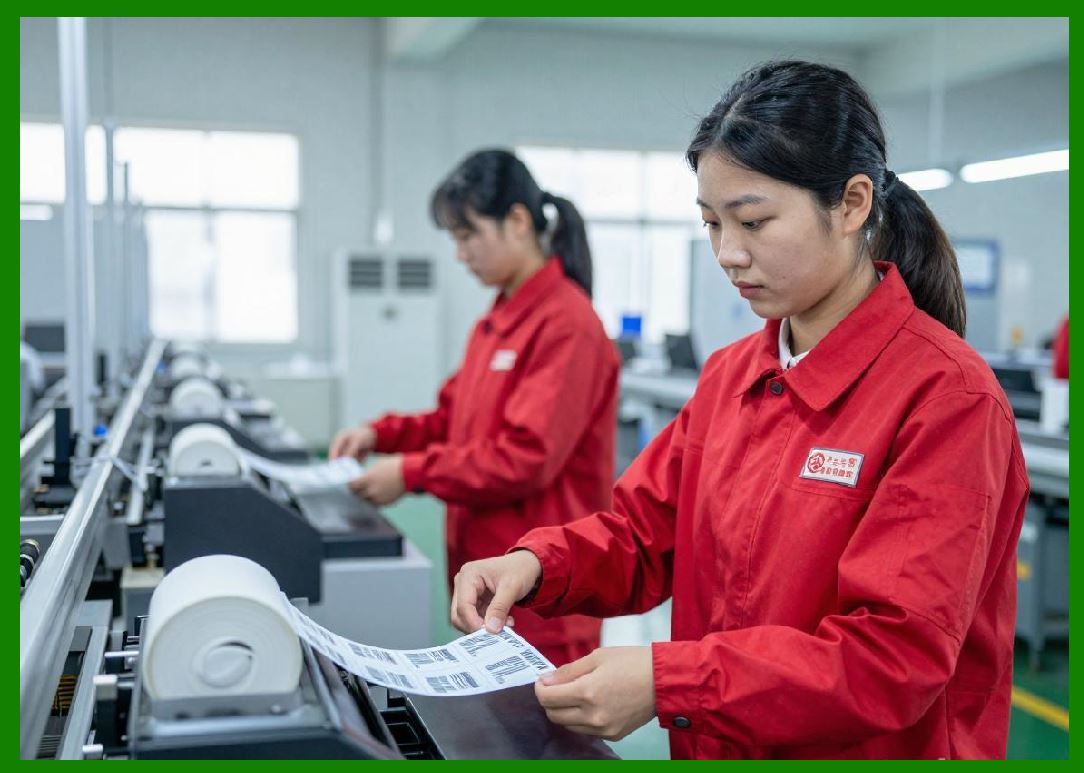
1. Labels identify components during production stages. |
2. Enables traceability across manufacturing lines. |
6.2 Asset Identification |
1. Machines and tools are labeled for maintenance tracking. |
2. Supports predictive maintenance systems. |
6.3 Quality Control Labeling |
1. Marks products that pass inspection. |
2. Ensures compliance with quality standards. |
|
7. Retail Industry Applications |
7.1 Product Labeling |
1. Price tags and SKU labels. |
2. Used for inventory control and checkout systems. |
7.2 Shelf Management |
1. Labels identify product placement locations. |
2. Supports automated restocking systems. |

|
8. Food and Beverage Industry |
8.1 Packaging Labels |
1. Includes expiration dates and batch numbers. |
2. Must withstand refrigeration and moisture. |
8.2 Supply Chain Traceability |
1. Tracks food from production to retail. |
2. Ensures safety compliance and recall management. |

|
9. Automotive and Aerospace Applications |
9.1 Parts Identification |
1. Labels are applied to components for tracking. |
2. Must resist oil, heat, and vibration. |
9.2 Maintenance Records |
1. Equipment labels store service history data. |

|
10. Electronics Manufacturing |
10.1 Component Tracking |
1. Identifies microchips and circuit boards. |
2. Requires extremely high-resolution printing. |
10.2 Anti-Static Labeling |
1. Special materials prevent electrostatic discharge damage. |

|
11. Environmental and Industrial Conditions |
11.1 High-Temperature Environments |
1. Used in factories and industrial ovens. |
2. Requires resin-based durable labels. |
11.2 Chemical Exposure Environments |
1. Labels must resist solvents, oils, and acids. |

|
12. System Integration Architecture |
12.1 Middleware Communication |
1. Print requests are passed through middleware systems. |
2. Ensures compatibility between software platforms. |
12.2 API-Based Printing Systems |
1. Modern systems use REST or SDK APIs. |
2. Enables cloud-based label generation. |
12.3 Database-Driven Printing |
1. Labels generated directly from database records. |
2. Ensures real-time accuracy. |
|
13. Automation and Industry 4.0 Integration |
13.1 Smart Factories |
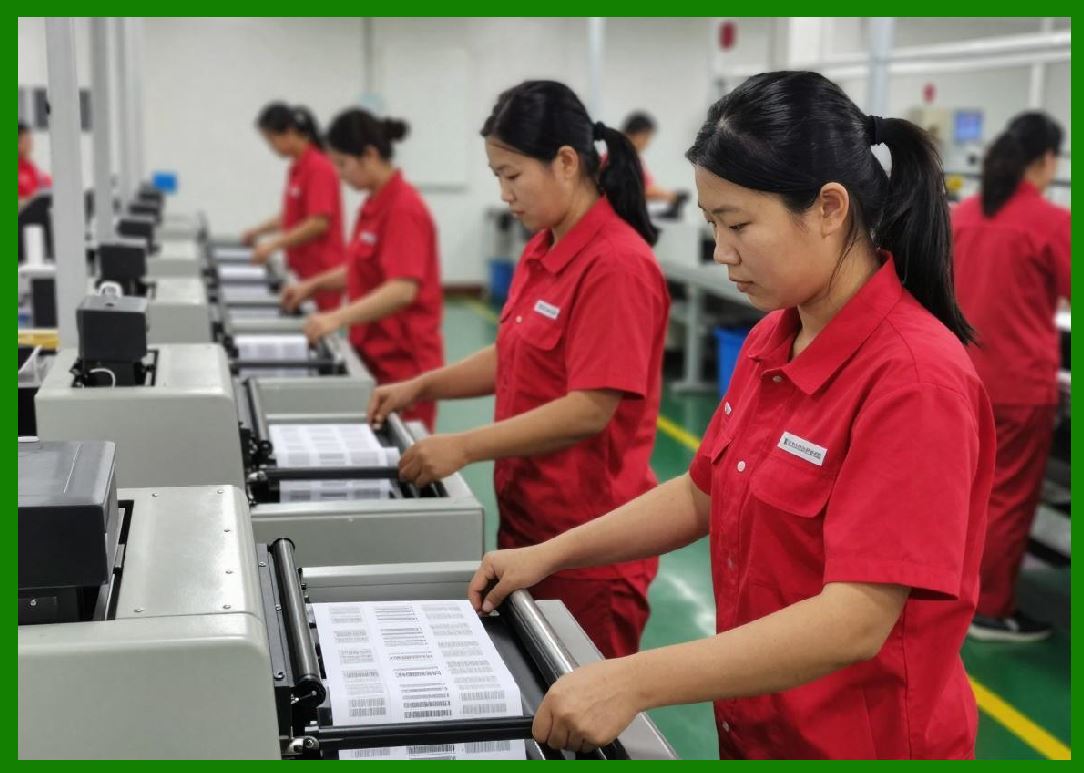
1. Printers integrated into automated production lines. |
2. Minimal human intervention required. |
13.2 IoT Connectivity |
1. Printers connected to industrial networks. |
2. Enable remote monitoring and control. |
13.3 Real-Time Data Exchange |
1. Printing systems respond instantly to production events. |

|
14. Barcode Standardization in Industry |
14.1 GS1 Standards |
1. Global standard for product identification. |
2. Ensures compatibility across industries. |
14.2 Data Integrity Requirements |
1. Barcode structure must remain consistent globally. |

|
15. Cost Efficiency in Industrial Deployment |
15.1 Reduction in Manual Errors |
1. Automated printing reduces human labeling mistakes. |
15.2 Operational Efficiency Gains |
1. Faster labeling increases throughput. |
15.3 Long-Term Durability Savings |
1. Reduced label replacement costs due to durability. |

|
16. Security and Traceability Benefits |
16.1 Anti-Counterfeiting Applications |
1. Serialized labels prevent product duplication. |
16.2 Chain-of-Custody Tracking |
1. Ensures product authenticity throughout distribution. |
17. Summary of Part 18 |
1. Thermal transfer printing is widely used across logistics, healthcare, manufacturing, and retail industries. |
2. It integrates deeply with ERP, WMS, and IoT systems. |
3. Its durability and reliability make it ideal for compliance and traceability applications. |
4. Industry adoption is driven by automation, accuracy, and regulatory requirements. |

|
Next Step |
Part 19 Barcode Data Encoding, Symbol Structures, and Printing Logic |
In the next part, I will explain: |
* Barcode symbology structure |
* Data encoding rules |
* Error correction principles |
* How digital data becomes printable patterns |
 cs@easiersoft.com