Barcode Label Printing: Detailed Explanation of Thermal Transfer Printer Technology |
Part 23 Thermal Transfer Printer Calibration, Print Quality Optimization, and Industrial Tuning |
1. Introduction to Printer Calibration |
1.1 Why Calibration is Necessary |
1. Thermal transfer printers operate under tightly controlled thermal, mechanical, and timing conditions. |
2. Small deviations in heat, pressure, or alignment can significantly degrade barcode readability. |
3. Calibration ensures consistent output across time, environments, and material changes. |
1.2 What Calibration Controls |
1. Printhead energy output (heat intensity). |
2. Media feed accuracy (label positioning). |
3. Ribbon synchronization. |
4. Print darkness and contrast levels. |

|
2. Printhead Energy Calibration |
2.1 Energy per Dot Control |
1. Each heating element must deliver precise thermal energy. |
2. Energy is adjusted based on ribbon and substrate type. |
2.2 Energy Scaling Principle |
1. Different materials require different activation thresholds. |
E_{dot} = k \cdot t_{pulse} \cdot V^2 |
2. Pulse duration and voltage determine heat output per dot. |
2.3 Compensation for Wear |
1. Printheads degrade over time. |
2. Calibration compensates by increasing or redistributing energy. |

|
3. Print Darkness (Density) Optimization |
3.1 What Print Darkness Means |
1. Refers to how dark or bold printed elements appear. |
2. Directly affects barcode scan reliability. |
3.2 Adjustable Parameters |
1. Heat intensity. |
2. Print speed. |
3. Dwell time per dot. |
3.3 Trade-Offs |
1. Higher darkness better readability but more ribbon usage. |
2. Lower darkness faster printing but reduced durability. |

|
4. Media Feed Calibration |
4.1 Label Length Calibration |
1. Ensures accurate vertical positioning. |
2. Prevents drift in long print jobs. |
4.2 Gap Detection Adjustment |
1. Sensor sensitivity is tuned for different label materials. |
2. Prevents false detection or missed labels. |
4.3 Feed Rate Synchronization |
1. Aligns media movement with printhead activation timing. |

|
5. Ribbon Synchronization Calibration |
5.1 Tension Balancing |
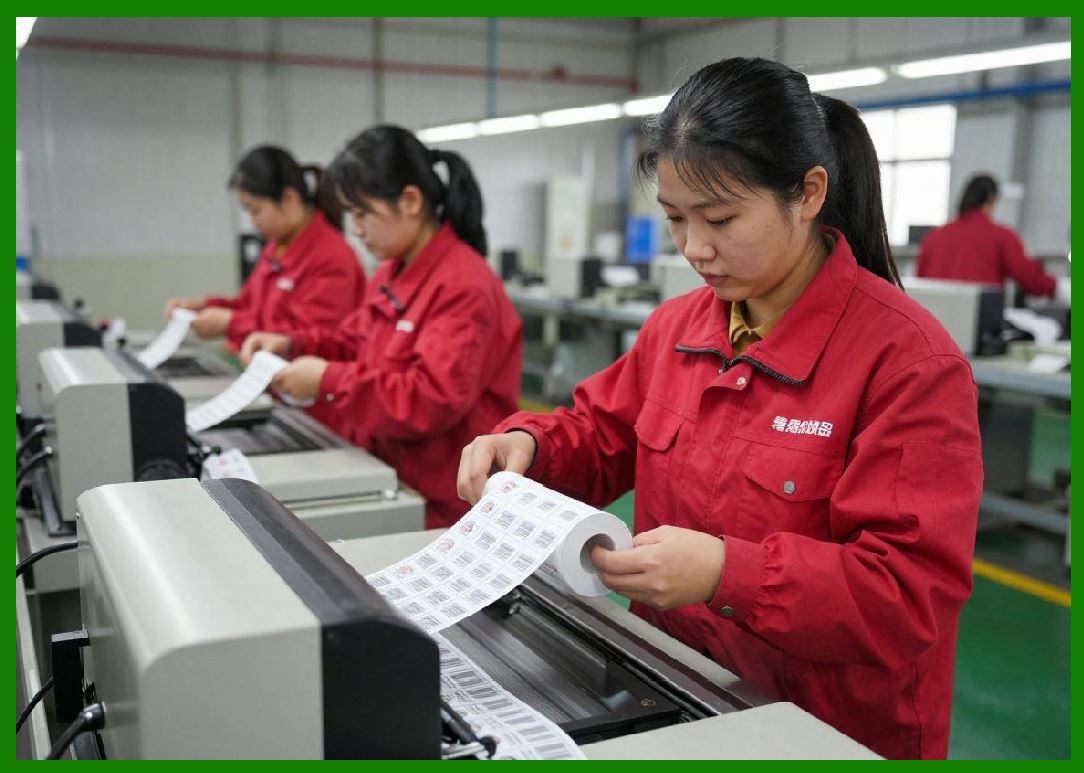
1. Ribbon must maintain constant tension throughout printing. |
2. Too loose wrinkles; too tight breakage. |
5.2 Speed Matching |
1. Ribbon speed must match media speed exactly. |
2. Even slight mismatch causes image distortion. |
|
6. Alignment and Registration Calibration |
6.1 Horizontal Alignment |
1. Ensures print starts at correct lateral position. |
6.2 Vertical Registration |
1. Aligns print start position with label gap or mark detection. |
6.3 Multi-Label Consistency |
1. Ensures consistent positioning across multiple labels in sequence. |

|
7. Print Resolution Calibration |
7.1 DPI Accuracy Control |
1. Printer must maintain exact dot spacing. |
2. Any deviation causes barcode scanning errors. |
7.2 Dot Gain Compensation |
1. Heat spreading may enlarge printed dots. |
2. Calibration reduces over-darkening effects. |

|
8. Thermal Compensation Calibration |
8.1 Temperature Drift Effects |
1. Printhead temperature affects ink transfer behavior. |
2. Calibration adjusts energy dynamically. |
8.2 Environmental Compensation |
1. Adjusts settings based on ambient temperature and humidity. |
|
9. Speed-Quality Calibration Balance |
9.1 Optimization Curve |
1. Increasing speed reduces available thermal transfer time. |
2. Calibration finds optimal balance point. |
9.2 Dynamic Adjustment Systems |
1. Printer can adjust speed during operation. |

|
10. Sensor-Based Calibration Systems |
10.1 Real-Time Feedback Calibration |
1. Sensors detect print deviations instantly. |
2. System adjusts parameters dynamically. |
10.2 Self-Calibrating Printers |
1. Advanced systems automatically calibrate without user input. |

|
11. Calibration During Material Changes |
11.1 Ribbon Type Switching |
1. Wax, wax-resin, and resin require different calibration profiles. |
11.2 Substrate Change Adjustment |
1. Paper vs synthetic materials require different energy settings. |

|
12. Quality Optimization Algorithms |
12.1 Edge Sharpness Optimization |
1. Ensures clean transitions between black and white areas. |
12.2 Noise Reduction in Print Output |
1. Eliminates random dot inconsistencies. |
12.3 Pattern Stability Control |
1. Maintains consistent barcode structure across long runs. |
|
13. Calibration Drift Over Time |
13.1 Mechanical Wear Effects |
1. Rollers and printheads degrade gradually. |
13.2 Thermal Aging Effects |
1. Heating elements lose efficiency over time. |
13.3 Software Drift Compensation |
1. Firmware adjusts parameters based on historical performance data. |

|
14. Industrial Calibration Procedures |
14.1 Initial Factory Calibration |
1. Performed during manufacturing. |
2. Establishes baseline performance parameters. |
14.2 Field Calibration |
1. Performed during installation or maintenance. |
14.3 Continuous Calibration Systems |
1. Real-time adjustments during operation. |

|
15. Calibration Data Models |
15.1 Feedback Control Loop |
1. Output quality sensor measurement parameter adjustment improved output. |
15.2 Predictive Calibration Models |
1. Use historical trends to anticipate required adjustments. |

|
16. Calibration Error Conditions |
16.1 Overcompensation |
1. Excess correction leads to new distortions. |
16.2 Undercompensation |
1. Insufficient correction allows defects to persist. |
16.3 Oscillation Instability |
1. Repeated over-correction causes instability in print quality. |

|
17. Summary of Part 23 |
1. Calibration ensures consistent thermal transfer print quality across varying conditions. |
2. Printhead energy, media feed, ribbon synchronization, and resolution must all be precisely tuned. |
3. Sensor feedback enables real-time adaptive calibration. |
4. Material and environmental changes require dynamic adjustment. |
5. Advanced systems use predictive and self-calibrating algorithms for stability. |

|
Next Step |
Part 24 Thermal Transfer Printer Security, Anti-Counterfeiting, and Data Integrity Systems |
In the next part, I will cover: |
* Secure barcode generation |
* Anti-counterfeiting technologies |
* Data integrity validation systems |
* Cryptographic and serialization methods |
 cs@easiersoft.com