Barcode Label Printing: Detailed Explanation of Thermal Transfer Printer Technology |
Part 3 Thermal Transfer Printing Materials (Ribbon, Label, and Coating Technologies) |
1. Introduction to Thermal Transfer Materials |
1.1 Importance of Materials in Thermal Transfer Printing |
1. Materials are the foundation of thermal transfer printing performance. |
2. The interaction between ribbon, substrate, and coating determines print quality, durability, and application suitability. |
3. Even with advanced printers, poor material selection can lead to scanning failures, fading, or label damage. |
1.2 Core Material Categories |
1. Thermal transfer ribbons (ink carriers). |
2. Label substrates (printing surfaces). |
3. Surface coatings (functional layers that enhance adhesion and durability). |

|
2. Thermal Transfer Ribbon Structure |
2.1 Multi-Layer Construction |
1. Polyester base film (carrier layer). |
2. Release layer (ensures clean ink transfer). |
3. Ink layer (functional printing material). |
4. Back coating (protects printhead and reduces friction). |
2.2 Polyester Base Film |
1. Typically made of PET (polyethylene terephthalate). |
2. Provides mechanical strength and thermal stability. |
3. Thickness usually ranges from 3.5 to 6 microns. |
2.3 Release Layer |
1. Ensures ink separates cleanly from the ribbon. |
2. Prevents residue from sticking to the film. |
3. Plays a critical role in print clarity. |

|
3. Ribbon Ink Formulations |
3.1 Wax Ribbons |
1. Composed primarily of wax-based compounds. |
2. Low melting point (typically 600). |
3. Ideal for paper labels. |
Characteristics |
1. Low cost and widely used. |
2. Produces smooth, dark prints. |
3. Limited resistance to heat, abrasion, and chemicals. |
3.2 Resin Ribbons |
1. Composed of synthetic resin materials. |
2. High melting point (typically 10050 or higher). |
3. Designed for synthetic labels. |
Characteristics |
1. Excellent durability and chemical resistance. |
2. Strong adhesion to plastic surfaces. |
3. Higher cost compared to wax ribbons. |
3.3 Wax-Resin Ribbons |
1. Hybrid formulation combining wax and resin. |
2. Medium melting point. |
Characteristics |
1. Balanced performance between cost and durability. |
2. Suitable for both coated paper and some synthetic materials. |
3. Commonly used in logistics and retail. |

|
4. Ink Layer Composition and Behavior |
4.1 Pigments and Dyes |
1. Provide color and optical contrast. |
2. Black pigment is most common for barcode printing. |
3. High opacity ensures good scanability. |
4.2 Binder Materials |
1. Hold pigment particles together. |
2. Control adhesion to the substrate. |
4.3 Additives |
1. Improve heat response and flow characteristics. |
2. Enhance scratch resistance and durability. |

|
5. Back Coating Technology |
5.1 Purpose of Back Coating |
1. Reduces friction between ribbon and printhead. |
2. Protects the printhead from wear. |
3. Prevents static buildup. |
5.2 Material Composition |
1. Silicone-based or other low-friction materials. |
2. Designed to withstand high temperatures. |

|
6. Label Substrate Materials |
6.1 Paper Labels |
1. Most common and cost-effective option. |
2. Includes uncoated, coated, and thermal paper. |
Characteristics |
1. Good print quality with wax ribbons. |
2. Limited durability in harsh environments. |
6.2 Synthetic Labels |
1. Made from plastic materials such as PET, PP, or PVC. |
Common Types |
1. Polyester (PET). |
2. Polypropylene (PP). |
3. Polyethylene (PE). |
4. Polyvinyl chloride (PVC). |
Characteristics |
1. High durability and to moisture, chemicals, and abrasion. |
2. Requires resin or wax-resin ribbons. |
6.3 Specialty Materials |
1. Tamper-evident labels. |
2. Void labels (leave marks when removed). |
3. Heat-resistant labels. |
4. Cryogenic labels for extreme cold environments. |

|
7. Surface Coating Technologies |
7.1 Top Coatings |
1. Applied to improve ink adhesion. |
2. Enhance print sharpness and durability. |
7.2 Protective Coatings |
1. Provide resistance to scratches and chemicals. |
2. Extend label lifespan. |
7.3 Functional Coatings |
1. UV-resistant coatings. |
2. Anti-static coatings. |
3. Waterproof layers. |

|
8. Adhesive Systems in Labels |
8.1 Types of Adhesives |
1. Permanent adhesives. |
2. Removable adhesives. |
3. Repositionable adhesives. |
8.2 Adhesive Properties |
1. Bond strength. |
2. Temperature resistance. |
3. Compatibility with surfaces. |

|
9. Interaction Between Ribbon and Substrate |
9.1 Compatibility Matching |
1. Wax ribbons work best with paper. |
2. Resin ribbons are required for synthetic materials. |
9.2 Adhesion Mechanisms |
1. Mechanical bonding (surface roughness). |
2. Chemical bonding (resin interaction). |
9.3 Energy Requirements |
1. Different materials require different heat levels. |
2. Incorrect settings lead to poor print quality. |

|
10. Environmental Resistance of Materials |
10.1 Heat Resistance |
1. Resin ribbons provide high-temperature stability. |
2. Wax prints may melt under heat. |
10.2 Chemical Resistance |
1. Resin-based prints resist solvents and oils. |
2. Wax prints are more vulnerable. |
10.3 Abrasion Resistance |
1. Synthetic labels with resin ribbons offer the best performance. |

|
11. Durability Considerations |
11.1 Long-Term Stability |
1. Resin prints can last for years. |
2. Wax prints are suitable for short-term use. |
11.2 Outdoor Applications |
1. Require UV-resistant materials. |
2. Synthetic substrates are preferred. |

|
12. Print Quality Optimization Through Materials |
12.1 Ribbon Selection |
1. Match ribbon type to application. |
2. Consider environmental conditions. |
12.2 Substrate Selection |
1. Choose based on durability requirements. |
2. Ensure compatibility with ribbon. |
12.3 Coating Optimization |
1. Use coated labels for higher print quality. |

|
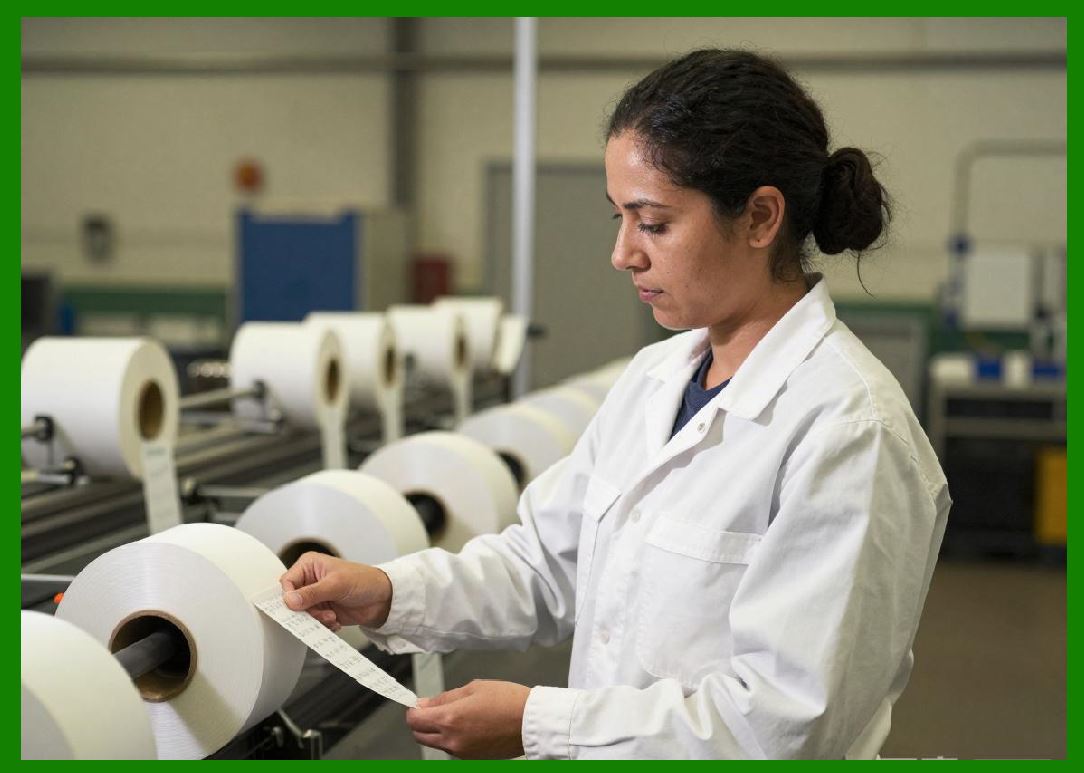
13. Cost Considerations |
13.1 Material Cost Factors |
1. Ribbon type (wax < wax-resin < resin). |
2. Label material (paper < synthetic). |
13.2 Total Cost of Ownership |
1. Includes consumables and maintenance. |
2. Higher-quality materials may reduce long-term costs. |
|
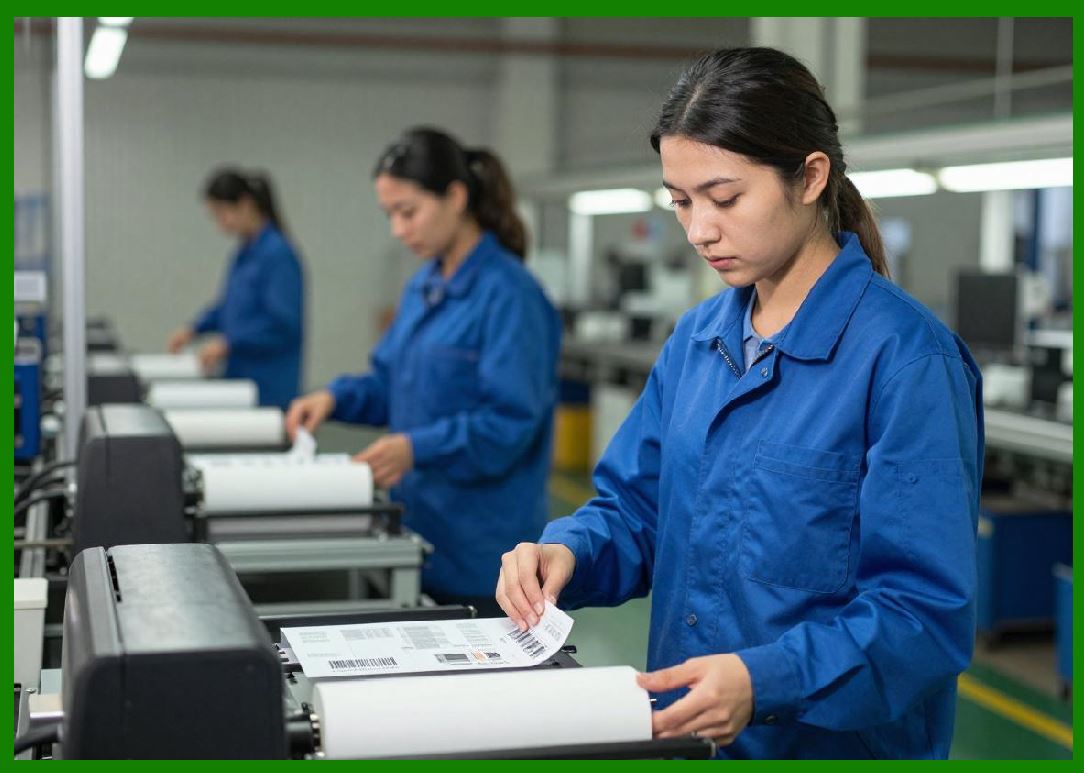
14. Storage and Handling of Materials |
14.1 Ribbon Storage |
1. Store in cool, dry environments. |
2. Avoid direct sunlight. |
14.2 Label Storage |
1. Protect from humidity and dust. |
2. Maintain proper temperature conditions. |
|
15. Sustainability and Environmental Impact |
15.1 Material Waste |
1. Ribbon waste is a consideration. |
2. Recycling options are limited but improving. |
15.2 Eco-Friendly Innovations |
1. Development of biodegradable labels. |
2. Reduced material thickness. |

|
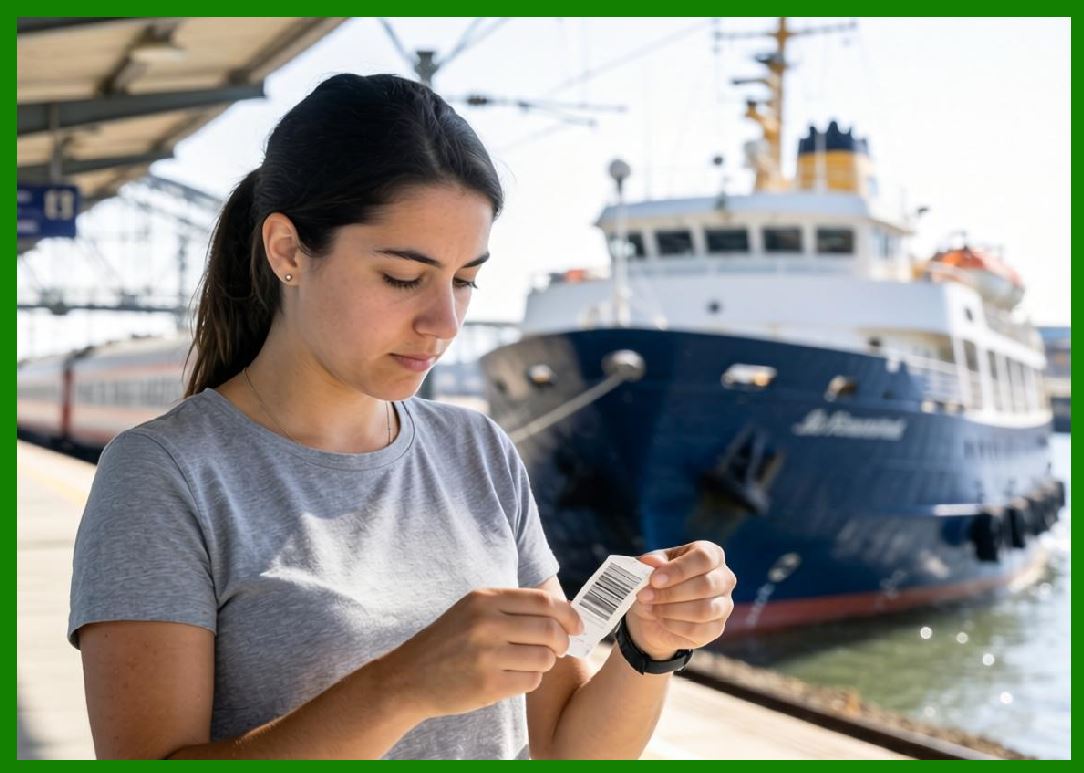
16. Industry Standards for Materials |
16.1 Compliance Requirements |
1. Labels must meet industry regulations. |
2. Includes durability and safety standards. |
16.2 Testing Methods |
1. Abrasion tests. |
2. Chemical exposure tests. |
3. Temperature resistance tests. |
|
17. Common Material-Related Issues |
17.1 Poor Adhesion |
1. Caused by incompatible ribbon and substrate. |
17.2 Smudging |
1. Due to incorrect ribbon type or low-quality coating. |
17.3 Fading |
1. Occurs with low-durability materials. |

|
18. Summary of Part 3 |
1. Thermal transfer printing materials are critical to performance and durability. |
2. Ribbons, substrates, and coatings must be carefully matched. |
3. Wax, resin, and hybrid ribbons serve different application needs. |
4. Synthetic labels offer superior durability, while paper labels provide cost efficiency. |
5. Proper material selection ensures optimal print quality and long-term reliability. |

|
Next Step |
Part 4 Key Components and Mechanical Structure of Thermal Transfer Printers |
In the next part, I will provide a deep engineering-level breakdown of: |
* Printhead architecture |
* Drive systems and motors |
* Sensors and control units |
* Mechanical design and durability |
 cs@easiersoft.com