Barcode Technology

Barcode History

Barcode Label Paper

Barcode Printer

Barcode Application

Inventory Management

AI Barcode QRCode

Barcode Scanner

Barcode Software

Barcode Software B

Barcode Software C

Barcode Software D

Barcode Software E

New Technology A

New Technology B

Robot Technology

Barcode Types

Barcode Types B

Barcode Types C

Barcode Types D

Barcode Types E

Barcode Types F

Electronic Technology

Psychology at Work

Barcode Technology and Barcode Software Related   <<< Back to Directory <<<

The best-selling barcode printer

The best-selling barcode printer

When it comes to barcode label printers, there are several excellent options available.

Let me provide you with some top recommendations based on different use cases and business needs:

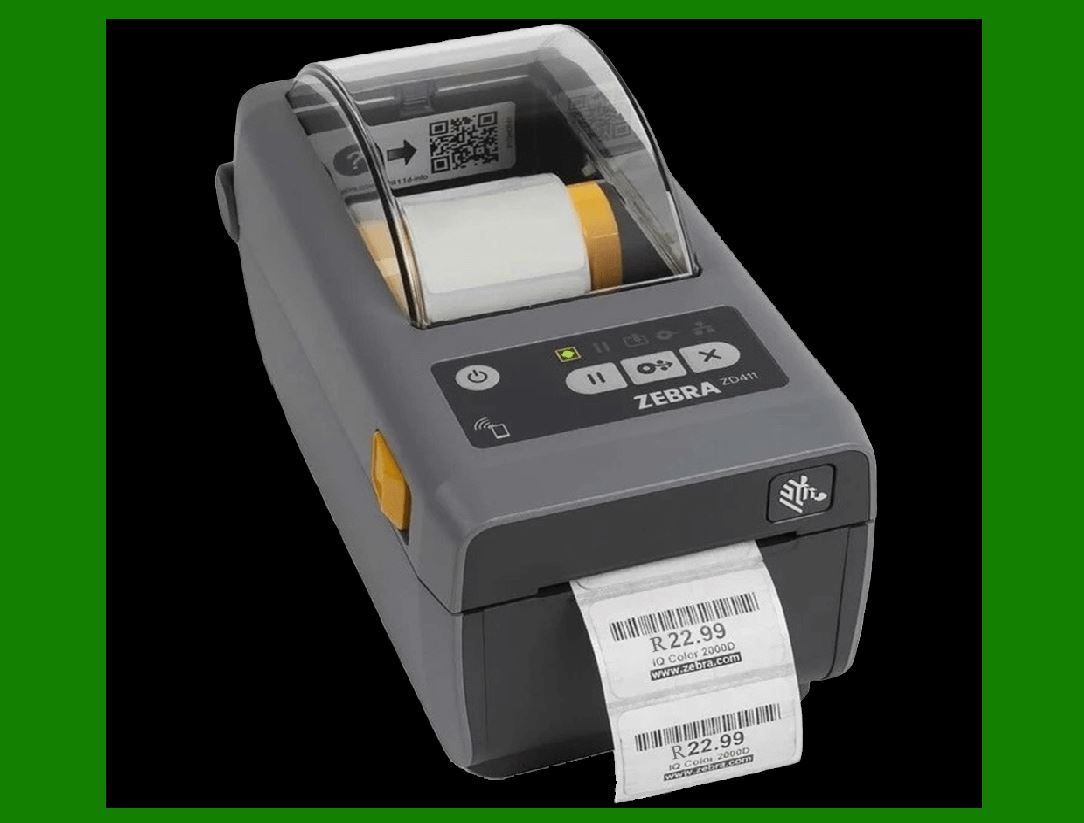
1. Zebra ZD410:

This printer is considered the best overall barcode label printer. It prints at a speed of 102¨C152 mm/s and accepts non-Zebra brand labels and programming languages. It supports multiple label types, including fan-fold, die-cut, roll-fed, continuous, and armbands. The ZD410 is compatible with various POS systems and rugged models for healthcare settings, making it versatile and reliable. It's a direct thermal printer, which means it doesn't require ink cartridges or ribbons for printing receipts.

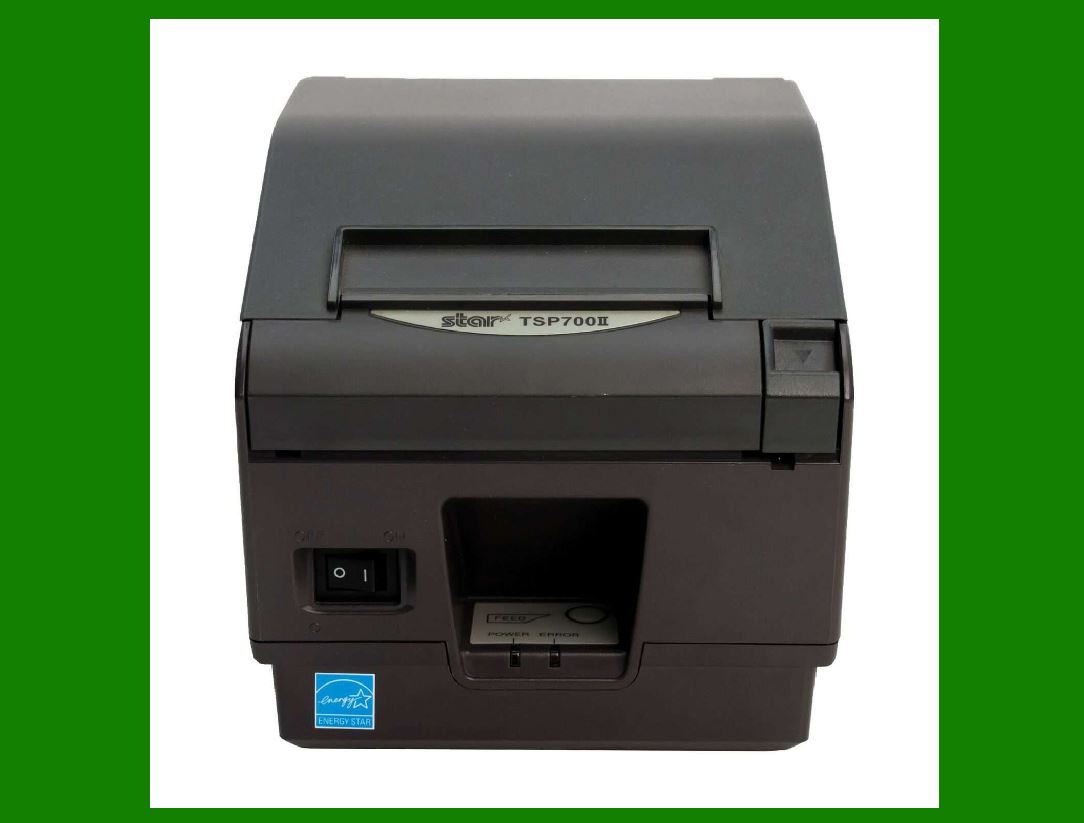
2. Star Micronics TSP743II:

If you're looking for a high-speed barcode printer for retail and warehouses, the TSP743II is an excellent choice. It prints at 250 mm/s and offers serial, parallel, USB, LAN, Ethernet, Bluetooth, WebPRNT, and CloudPRNT connectivity options. It's suitable for businesses with demanding printing requirements.

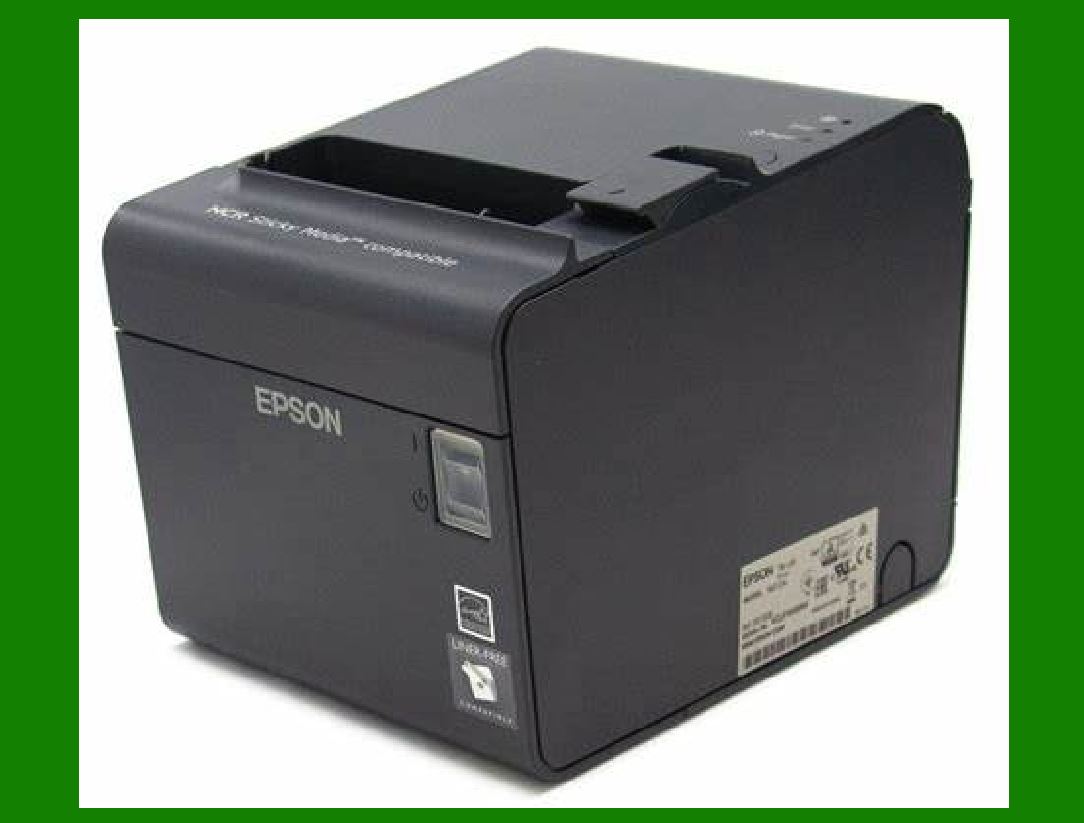
3. Epson TM-L90 PLUS:

For restaurants, the Epson TM-L90 PLUS stands out. It prints at up to 150 mm/s and supports serial, USB, powered USB, Ethernet, Bluetooth, and Wi-Fi connections. Whether you need to print food labels, receipts, or other restaurant-related materials, this printer is reliable and efficient.

4. Integrated Control i.Print:

If you're dealing with barcode nutrition labels, the i.Print is a great choice. It offers a custom quote, prints at 150 mm/s, and supports various connectivity options. Perfect for businesses in the food industry that require accurate labeling for nutritional information.

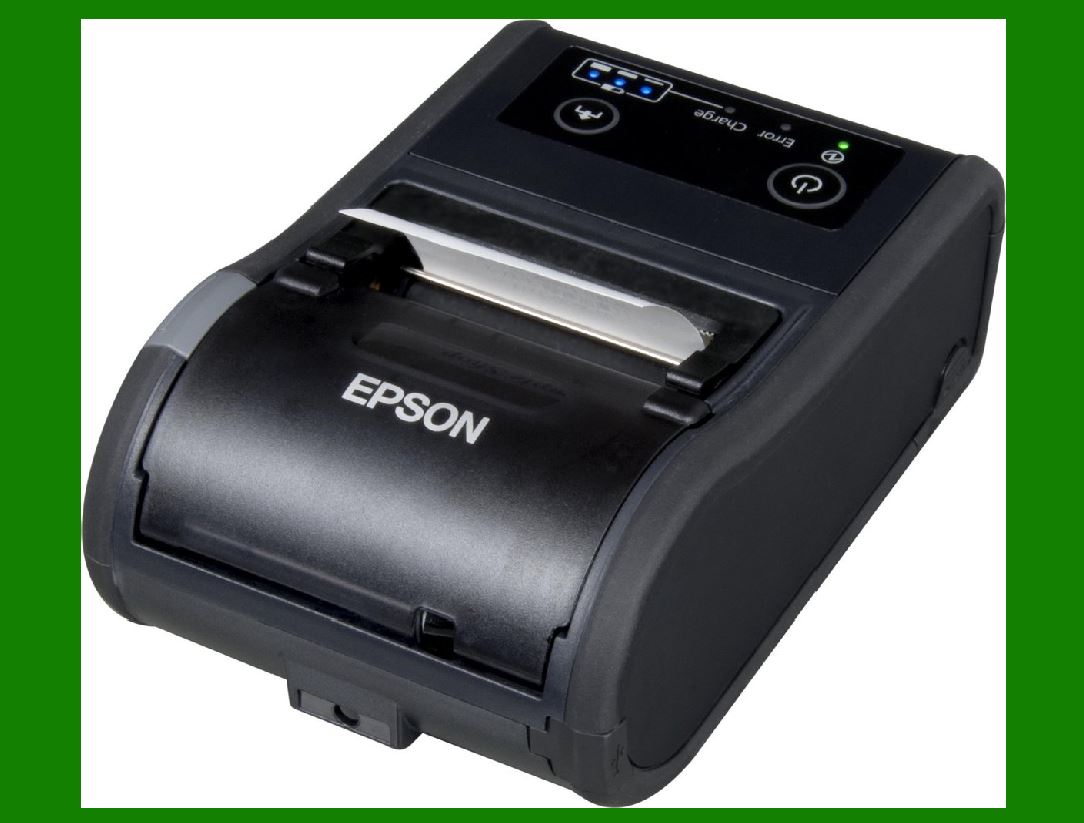
5.Epson P60II:

If your business is mobile and requires field services, the Epson P60II is worth considering. It prints at 100 mm/s and offers Bluetooth and Wi-Fi connectivity. Whether you're on-site or on the move, this printer can handle your barcode printing needs.

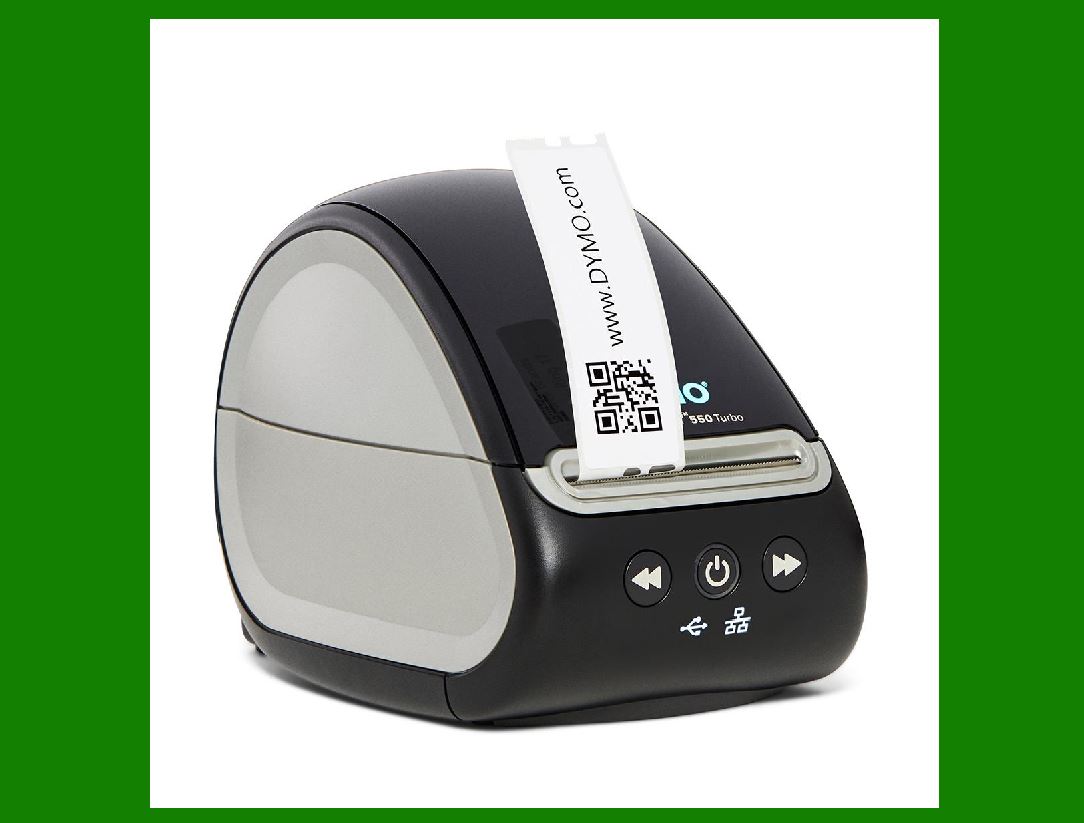
6. DYMO LabelWriter 550:

For small retailers, the DYMO LabelWriter 550 is a cost-effective option. It prints at 75 mm/s and supports USB and Ethernet connections. While it's not as feature-rich as some other models, it gets the job done for basic labeling requirements.

Remember to choose a printer based on your specific business needs, print volume, and connectivity requirements. Each of these printers has its strengths, so consider what matters most for your operations.


EasierSoft Barcode Label Design & Bulk Printing Software

---- Use Excel Data to Batch Print Barcodes on Label Sheets or Roll Labels  

---- How to use this barcode software

Download:  Free Barcode Software + Barcode Label Designer

Download Free Barcode Software at Softonic

     Download at CNET

Once you obtain a GS1/UPC/EAN barcode, or other barcode type and QR code, you can use our free software to batch print barcode labels onto Roll label paper using a professional label printer, or to batch print barcodes onto Avery 5160 label sheets using a regular laser or inkjet printer. Our software has free and paid versions.

The free version fully meets your needs for batch printing GS1/UPC/EAN barcodes. The paid version can import data from Excel and databases to batch print barcode labels with different values.

How to Start

Input Data

Import Excel Data

Print Barcode

Barcode Format

Label Designer

All Screen Shot

Export Barcode Image

Save Template

Output Word Excel

How to Use & FAQ:

The supported barcode types

Load Excel data (pro)

Manually copy data from Excel files

Filter some data for printing

Edit imported barcode data

Input data (Pro)

Label Designer

Edit data in Label designer

Label Designer - Add new label

Label Designer - Printing

Set the barcode label format to be printed

Other Barcode Label Format Settings

Barcode types supported by this program

Barcode Label Font Settings

Configuring the Barcode Print Rotation

Text Alignment for Barcode Labels

Automatically Adjusting Barcode Width

Text Beneath the Barcode

Configuring Barcode Size

Auto Calculate the Barcode Size

Export Barcode images

Export Barcode Image Format

File Names for Exported Barcode

Resolution of Exported Barcode Images

Fixed Folder for Exporting Barcode

Default Barcode Image Export Format

Print bulk barcodes quickly

Print barcodes to Avery 5160 label

How to bulk Barcode Printing

Sample - Avery 5162 (2x7) Label Sheet

Example: Print barcodes to 5*3cm roll

Example: Print barcodes to 5161 label

Example: Print barcodes to 5162 label

Example: Print barcodes to 5163 label

Example: Print barcodes to 5164 label

Example: Print portrait orientation 5164

Example: Print barcodes to 5167 label

Example: Print barcodes to 5168 label

Example: Print portrait orientation 5168

Example: Print barcodes to 5169 label

Example: Print barcodes to 5660 label

Example: Print barcodes to 5661 label

Example: Print barcodes to 5662 label

Example: Print barcodes to 5663 label

Example: Print barcodes to 5664 label

Example: Print portrait orientation 5664

Example: Print barcodes to 5873 label

Example: Print barcodes to 5874 label

Two ways to import Excel data

Import Excel Data - Pro Edition

Highlights

Excel integration: Import data directly from Excel to generate and print barcodes in bulk.

Label designer: Create complex labels with multiple barcodes, text, logos, and shapes.

Batch printing: Print thousands of barcodes at once using standard inkjet/laser printers or professional barcode printers.


Flexible editions:

Standard Edition: Simple batch printing with Excel data.

Professional Edition: Adds command-line automation for workflow integration.

Label Designer Edition: Advanced design features for complex labels.


Why Choose Our Barcode Solutions?

Cost-effective: Free online generator and permanent free desktop version available.

Easy to use: No technical expertise required—just input data and print.

Versatile: Supports nearly all 1D and 2D barcode types, including QR codes.

Trusted: Recommended by CNET and widely downloaded by users worldwide.


Suitable Use Cases

Small businesses and startups needing quick barcode labels for products.

Retailers and online sellers managing inventory with batch barcode printing.

Manufacturers requiring sequential or custom barcode labels for packaging.

Educational and testing environments where barcodes are used for tracking.


CONTACT

cs@easiersoft.com

If you have any question, please feel free to email us.


https://free-barcode.com


<<< Back to Directory <<<     Barcode Generator     Barcode Freeware     Privacy Policy