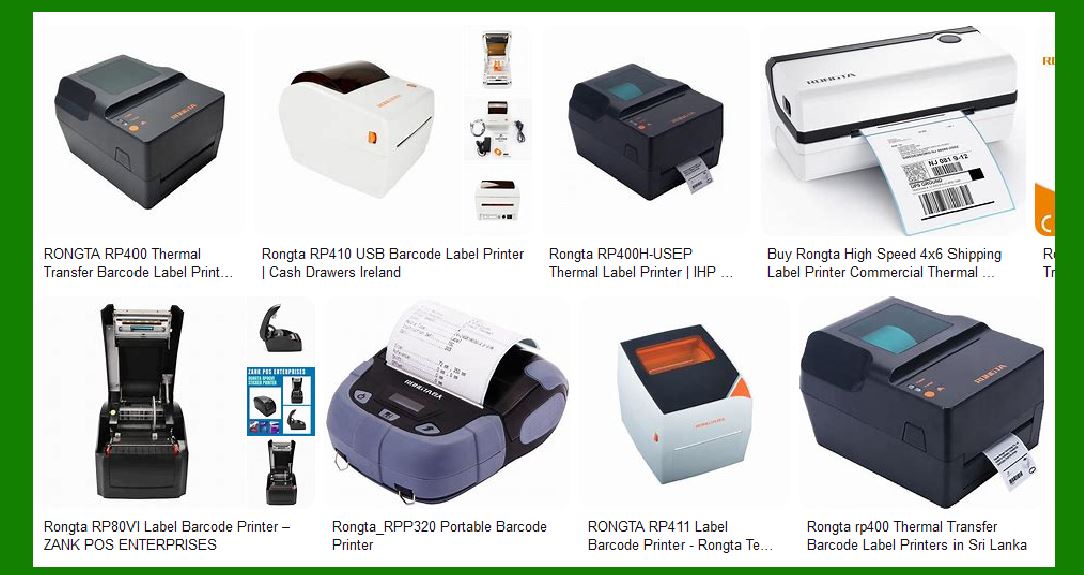
Choosing the best barcode label printer for you is a complex but important process involving multiple factors. The right choice will not only improve work efficiency, but also ensure the quality and readability of the label. The following is a detailed guide to help you choose the barcode label printer that suits your needs. We will break it down in detail to help you make an informed decision. |
|
1. Determine the usage requirements and application scenarios |
1.1 Understand the needs of barcode labels |
Before choosing a barcode label printer, you first need to determine what your barcode label needs are. The types and uses of barcode labels are very wide, including but not limited to: |
Retail industry: used for product labels, inventory management, price tags, etc. |
Logistics industry: used for packaging and shipping labels, including addresses, barcodes, tracking information, etc. |
Pharmaceutical industry: barcode labels used on drug packaging usually need to have a high degree of accuracy and durability. |
Manufacturing industry: used for equipment management, inventory control, quality inspection, etc. |
Warehousing and distribution: product and inventory tracking labels in warehouses. |
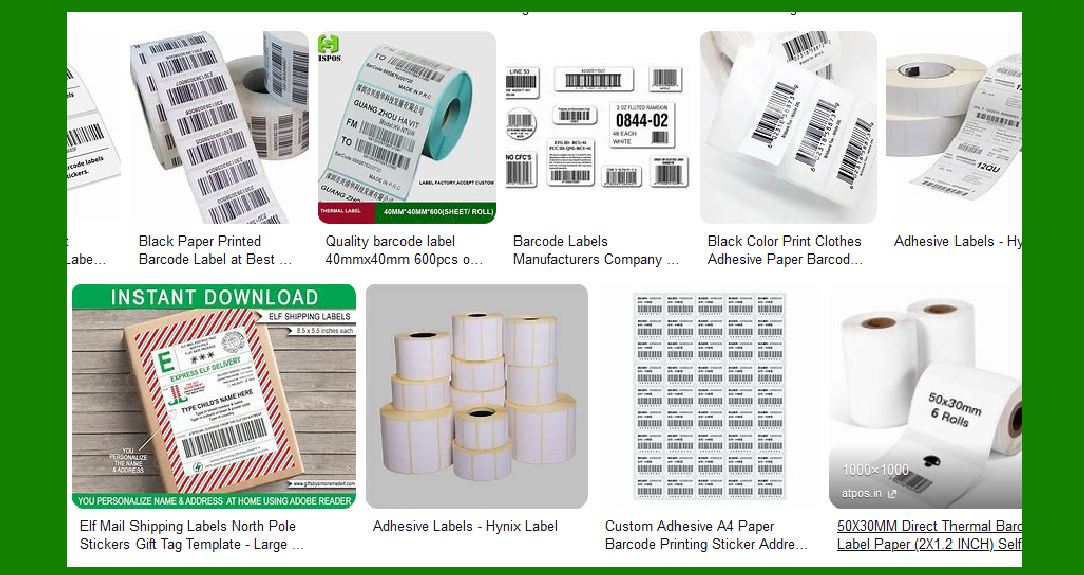
Different application scenarios may have different impacts on the requirements of the printer, such as printing speed, label quality, printing media, barcode type, etc. First of all, you need to understand your specific requirements for labels (such as label size, label printing volume, etc.), which is crucial for selecting a printer. |
1.2 Determine the printing volume |
According to your needs, estimate your daily or monthly printing volume. If your printing volume is large (for example, tens of thousands of labels are printed per month), you may need an efficient and durable industrial-grade printer. If the printing volume is small, a desktop printer is sufficient to meet daily needs. |
|
2. Determine the printer type |
Barcode label printers are mainly divided into three categories: thermal printers, thermal transfer printers, and laser printers. Each type of printer is suitable for different usage environments. |
2.1 Thermal printers |
Thermal printers use thermal paper and heating elements to produce images by directly heating the paper surface. Its advantages are fast printing speed and no wear and tear on the print head, so it is very suitable for low-cost label printing. |
Advantages: fast, low cost, no consumables (such as ink, carbon ribbon, etc.). |
Disadvantages: The printed labels are usually not resistant to high temperature and light, and are suitable for short-term use. |
Applicable scenarios: Suitable for short-term use occasions such as commodity pricing and shipping labels. |
2.2 Thermal transfer printer |
Thermal transfer printer uses a thermal head to transfer the ink on the carbon ribbon to the label paper, which can print more durable and long-lasting labels. |
Advantages: The labels are durable and can withstand harsh environments. |
Disadvantages: The carbon ribbon needs to be purchased separately, which is costly. |
Applicable scenarios: Suitable for labels that need to be stored for a long time, such as product tracking labels, medical labels, etc. |
2.3 Laser printer |
Laser printers use laser beams to transfer images to labels. Their printing speed and accuracy are usually high, and they are suitable for high-quality color barcode label printing. |
Advantages: Can provide higher-quality labels and are suitable for color printing. |
Disadvantages: High cost and slow printing speed. |
Applicable scenarios: Suitable for high-quality and high-precision label requirements, such as high-end product identification. |
|
3. Consider the print resolution |
3.1 Importance of print resolution |
The print resolution determines the clarity of the barcode, which directly affects the readability of the barcode. Generally, the higher the resolution, the clearer the printed barcode and the lower the error rate when the machine scans it. |
Standard resolution: 203 dpi (dots per inch) is the basic resolution, suitable for ordinary label printing. |
Higher resolution: 300 dpi or 600 dpi printers are suitable for printing small barcodes and high-density barcodes, such as QR codes and small barcodes. |
3.2 Choose the right resolution |
If you need to print small barcodes (such as QR codes) or extremely detailed labels, 300 dpi or higher resolution will be a better choice. If you just print ordinary product barcodes, 203 dpi resolution is enough. |
|
4. Print speed |
Print speed is another key consideration, especially in scenarios that require high efficiency and high output. Print speed is usually measured in 'mm per second'. |
Desktop printers: The general print speed is 2 to 6 inches per second (about 5 to 15 mm). |
Industrial printers: High-end industrial printers can usually print at speeds of 8 to 14 inches per second (about 20 to 35 mm). |
4.1 How to choose the print speed |
If you only print a small number of labels every day, the speed issue may not be too serious; however, if you need to print thousands of labels in a short period of time, it is particularly important to choose a printer with a higher print speed. |
|
5. Print media and label types |
Different barcode label printers support different types of print media, which directly affects the label materials you can choose. |
5.1 Label materials |
Common label materials include: |
Paper labels: Suitable for most application scenarios, especially retail and commodity labels. |
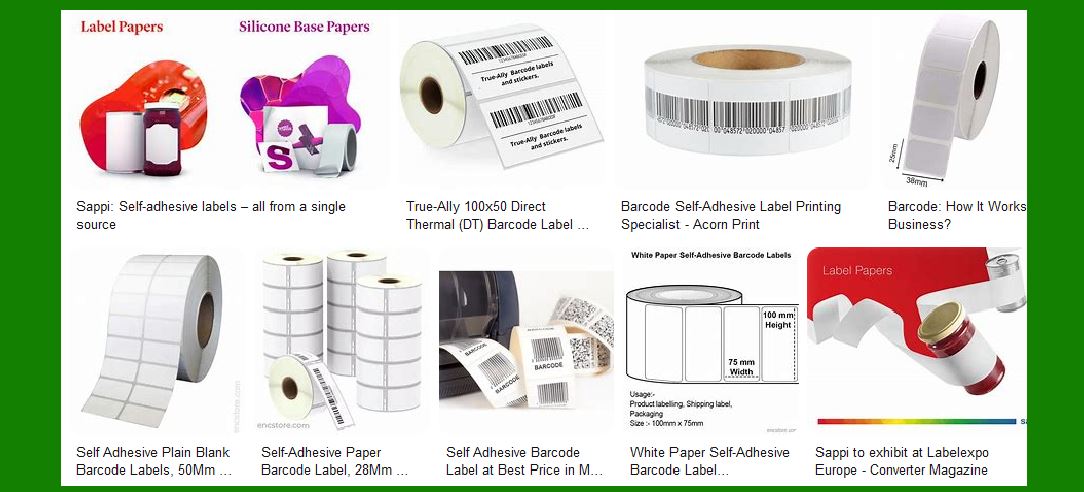
Synthetic material labels: Such as polyester, polyethylene, etc., suitable for occasions that require stronger durability (such as water resistance, oil resistance, and high temperature resistance). |
Hang tags and clothing labels: suitable for the clothing industry. |
5.2 Label size |
Make sure the printer supports the label size you need. If you need to print very small or very large labels, it is important to choose a printer that supports a variety of label sizes. |
|
6. Consider durability and maintenance |
6.1 Printer durability |
If you work in a harsh environment, such as a place with high temperature, humidity or dust, choosing a printer that is designed to be more durable will reduce the probability of failure. |
Industrial-grade printers: are usually more rugged and suitable for extreme environments. |
Desktop printers: suitable for office environments and light use. |
6.2 Printer maintenance and care |
The maintenance cost of the printer is also important. Choosing a printer with a long print head life and easy maintenance can reduce long-term operating costs. |
|
7. Interface and compatibility |
Barcode label printers usually provide different connection methods, such as USB, parallel port, serial port, Ethernet and Wi-Fi. Make sure the printer is compatible with your existing computer system, network or mobile device. Also consider operating system support, such as Windows, macOS, or Linux. |
7.1 Network printing |
If you need to share a printer with multiple users, it is more convenient to choose a printer that supports network printing. Some printers provide Wi-Fi, Bluetooth, or Ethernet connections, making them more flexible for use in large-scale environments. |
7.2 Mobile printing |
For situations where labels need to be printed on site, it is particularly important to choose a printer that supports mobile devices (such as smartphones or tablets). |
|
8. Cost budget and operating costs |
8.1 Initial cost |
The initial cost includes the purchase price of the printer itself. For small businesses with limited budgets, you can choose a desktop printer with high cost performance. |
8.2 Subsequent costs |
Subsequent costs mainly include consumables such as label paper, carbon ribbon, and print head. Make sure you understand the operating cost of the printer, especially the cost of consumables when it is used frequently, so as not to exceed the budget. |
|
9. Brand and technical support |
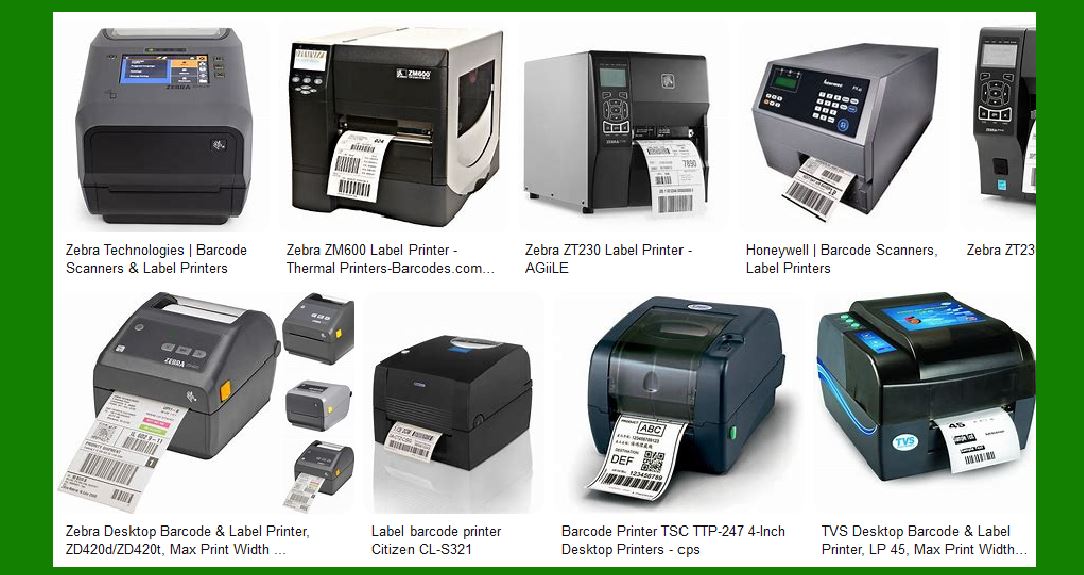
Choose a brand with a good reputation, especially after-sales service and technical support. Common barcode label printer brands include Zebra, TSC, Brother, Sato, etc. Check the technical support, software tools and warranty services provided by the brand to ensure that you can get timely help when you encounter problems. |
|
10. Summary and Recommendation |
When choosing a barcode label printer, you need to consider factors such as printing needs, printing speed, printing quality, label type, price budget, etc. Ultimately, the barcode label printer that suits you should be able to meet your business needs and ensure efficient and economical operations. |
Depending on your specific needs, you can choose different types of printers: |
Small business or low-volume needs: desktop thermal printer or thermal transfer printer. |
High demand, large-volume printing: industrial-grade thermal transfer printer. |
Special label needs: high-resolution printer or laser printer. |
By fully understanding the characteristics and applicable scenarios of various printers, you will be able to choose the barcode label printer that best suits you. |
|
Barcode label printer prices and pros and cons |
When choosing a barcode label printer, it is important to understand the prices and pros and cons of different brands. Each brand has its own unique advantages and application scenarios, so it is important to choose the most suitable brand and model for your specific needs. Here is an introduction to some major barcode label printer brands, including their price ranges, pros and cons, and application scenarios. |
1. Zebra Technologies |
1.1 Price Range |
Desktop printers: about $200 to $1,000. |
Industrial printers: about $1,200 to $3,000 or more. |
1.2 Pros |
High-quality printing: Zebra printers generally provide excellent print quality, especially for demanding printing tasks. |
Strong durability: Zebra's industrial-grade printers are very durable and can withstand harsh environments (such as heat, humidity, dust, etc.), suitable for long-term use. |
Flexibility: Zebra offers a wide range of models, from desktop to industrial, suitable for different business sizes. |
Easy to integrate: Zebra printers usually support multiple interfaces (USB, Ethernet, Wi-Fi, etc.), which is easy to integrate with other devices. |
1.3 Disadvantages |
High price: Although Zebra printers have very good performance, they are relatively expensive, especially industrial products. |
High maintenance cost: Some high-end models of Zebra require high-frequency maintenance, and consumables (such as carbon ribbons) are expensive. |
1.4 Applicable scenarios |
Zebra's printers are suitable for retail, logistics, medical, manufacturing and other occasions that require high quality and durability. |
|
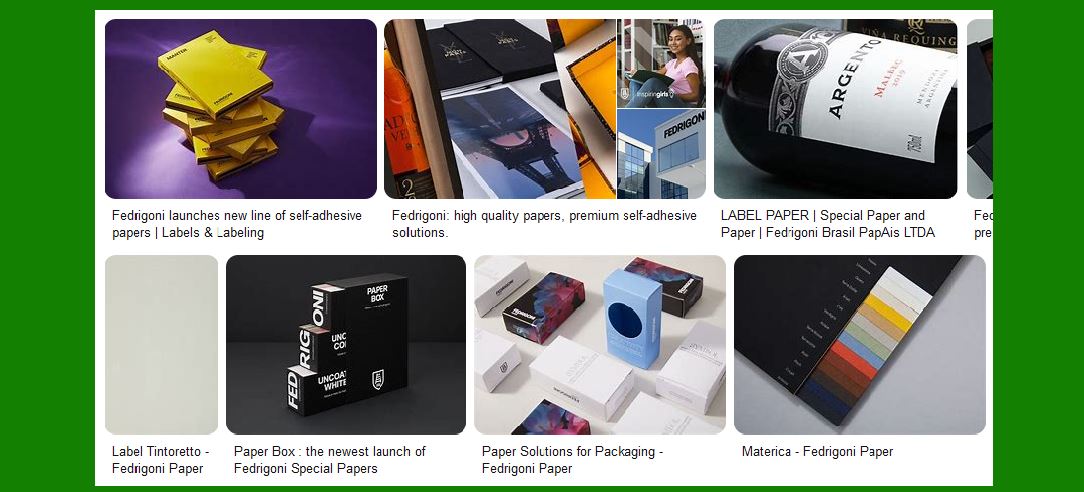
2. Brother |
2.1 Price range |
Desktop printers: about $100 to $500. |
Portable printers: about $150 to $400. |
2.2 Advantages |
High cost performance: Brother barcode printers are moderately priced and suitable for small and medium-sized enterprises with limited budgets. |
Easy operation: Brother's printers are usually simple in design and user-friendly, suitable for beginners and small businesses. |
Compact and convenient: Brother's desktop and portable printers are small and suitable for environments with limited space or mobile use. |
2.3 Disadvantages |
Slow printing speed: Brother's printers are generally not as good as high-end brands (such as Zebra) in terms of printing speed and durability. |
Limited print quality: Although Brother's print quality is sufficient for most daily needs, it may not be as good as some industrial printers in terms of high-density or high-resolution barcode printing. |
2.4 Applicable scenarios |
Brother printers are suitable for retail, small businesses, offices and places that require portable printing, such as transportation, logistics, warehousing, etc. |
|
3. TSC (TSC Auto ID Technology) |
3.1 Price range |
Desktop printers: about $200 to $500. |
Industrial printers: about $800 to $2,000. |
3.2 Pros |
Good stability: TSC's printers excel in stability and durability, suitable for medium-sized enterprises. |
Fast printing: TSC printers have fast printing speeds and can meet daily high-volume printing needs. |
Lower operating costs: TSC printers generally use low-cost ribbons and labels, which helps reduce overall operating costs. |
3.3 Disadvantages |
Average print quality: Compared with high-end brands such as Zebra, TSC's print quality may be slightly inferior, especially when printing high-precision barcodes. |
Limited software support: TSC's printers are sometimes simple in terms of software compatibility and support, and may not be suitable for large systems that require complex integration. |
3.4 Applicable scenarios |
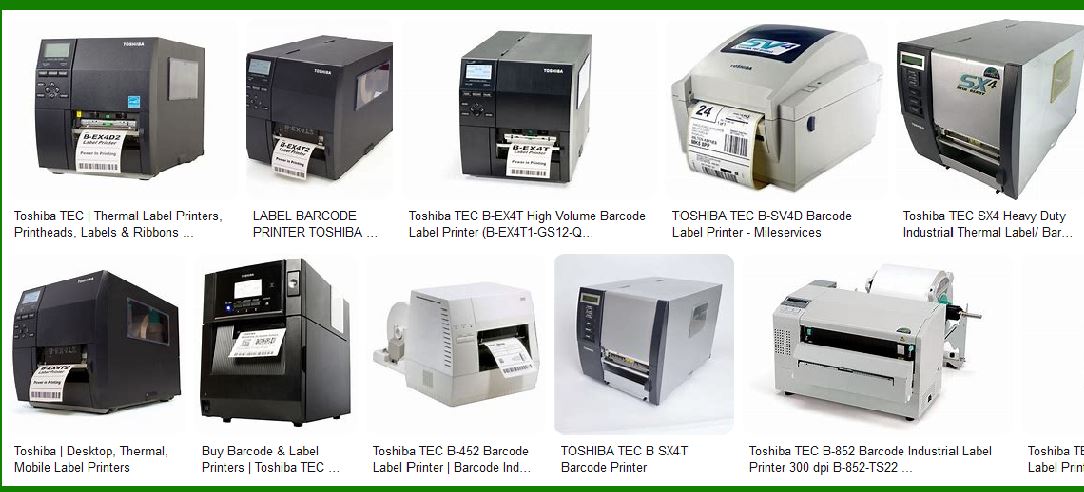
TSC's printers are very suitable for industries that require high printing efficiency, such as small and medium-sized enterprises, warehouse management, transportation, and retail. |
|
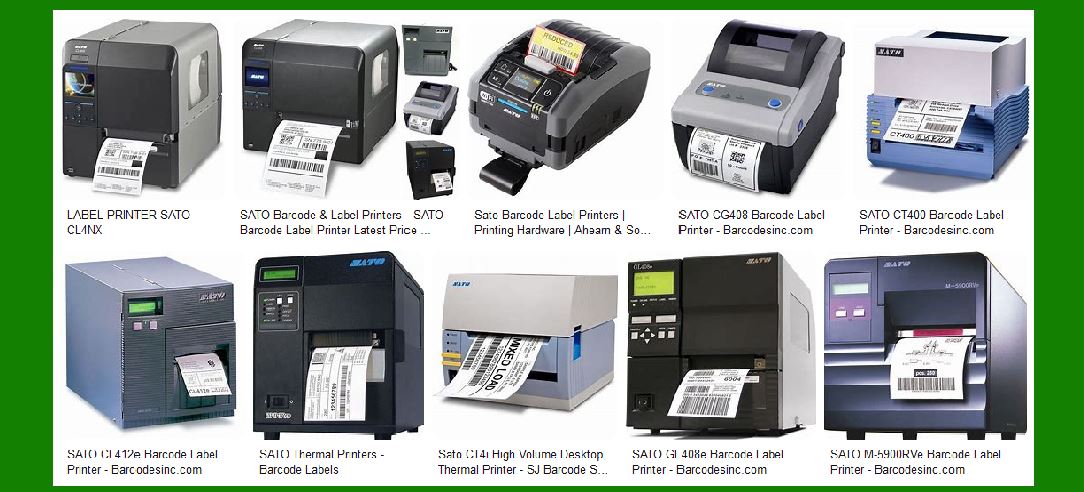
4. Sato |
4.1 Price range |
Desktop printers: about $300 to $800. |
Industrial printers: about $1,200 to $3,000. |
4.2 Advantages |
Adaptability: Sato's printers are adaptable to a variety of print media, including synthetic paper and labels, and are suitable for various industrial environments. |
High-quality printing: Especially in terms of high-resolution printing, Sato's printers perform very well and can meet the high-precision requirements of barcode label printing. |
High durability: Sato's industrial printers are particularly durable and can work normally in harsh environments. |
4.3 Disadvantages |
High price: Sato's printers are relatively expensive, especially its industrial printers. |
High maintenance costs: The need to replace the print head and carbon ribbon regularly may result in high-frequency maintenance costs. |
4.4 Applicable scenarios |
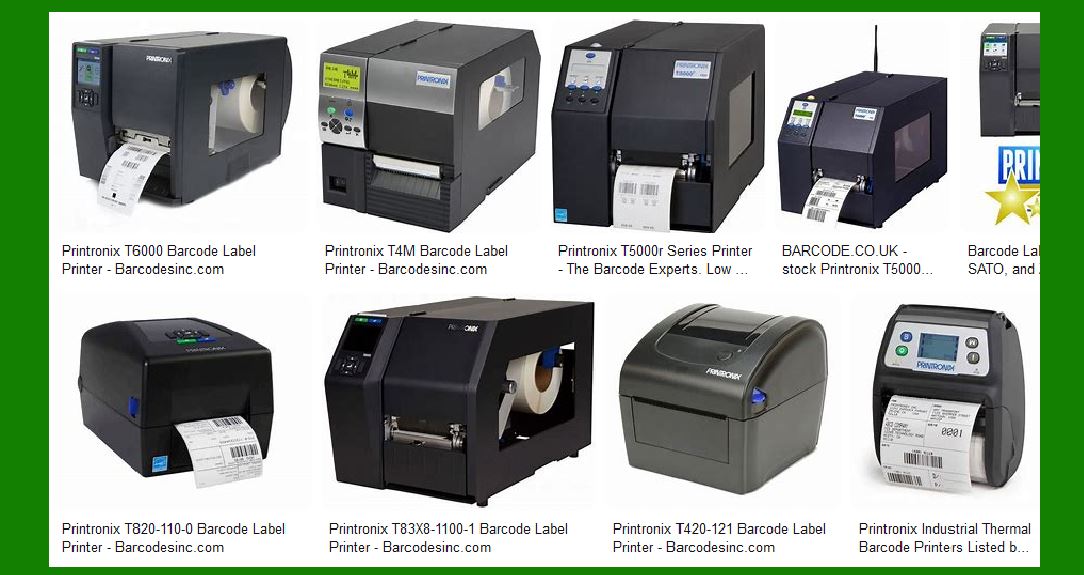
Sato's printers are suitable for industries that require high precision and high durability, such as medical, manufacturing, logistics and transportation. |
|
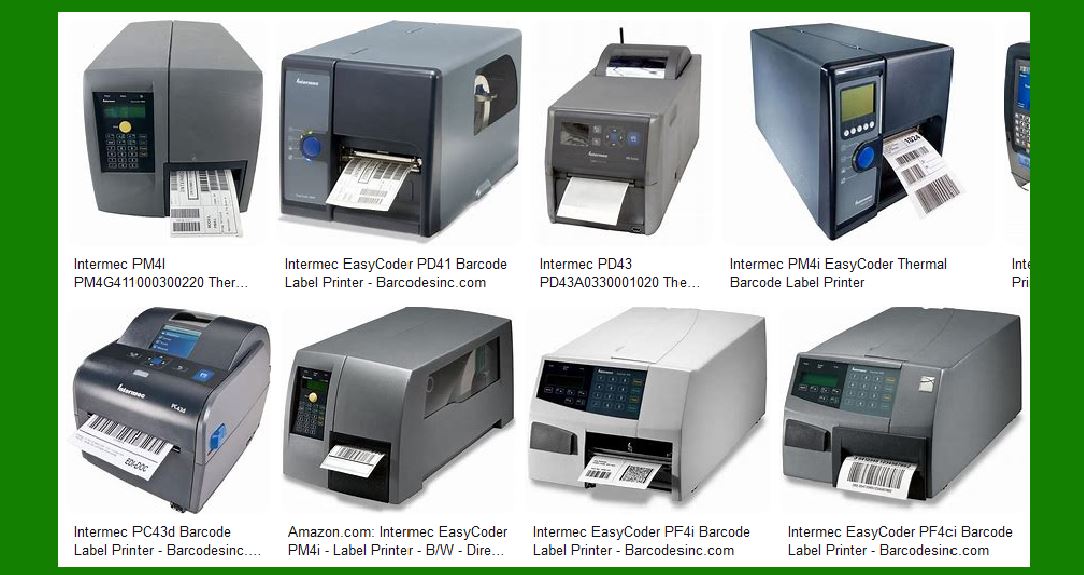
5. Intermec (now part of Honeywell) |
5.1 Price range |
Desktop printers: about $300 to $800. |
Industrial printers: about $1,200 to $2,500. |
5.2 Advantages |
High reliability: The printers provided by Intermec (now Honeywell brand) are known for their high reliability and high-quality printing, suitable for industries that require high-precision printing. |
Advanced barcode reading technology: Intermec's printers are usually equipped with advanced barcode reading and scanning technology to ensure accurate barcode scanning. |
Strong durability: Suitable for working in harsh environments, often used in fields such as warehousing and transportation management. |
5.3 Disadvantages |
High price: Although the printers provided by Intermec are of high quality, they are relatively expensive, especially industrial printers. |
Operational complexity: For users who are not familiar with barcode printers, it may take some time to adapt to its operation interface. |
5.4 Applicable scenarios |
Intermec's printers are widely used in industries that require high performance and high reliability, such as manufacturing, logistics, warehousing, and medical care. |
|
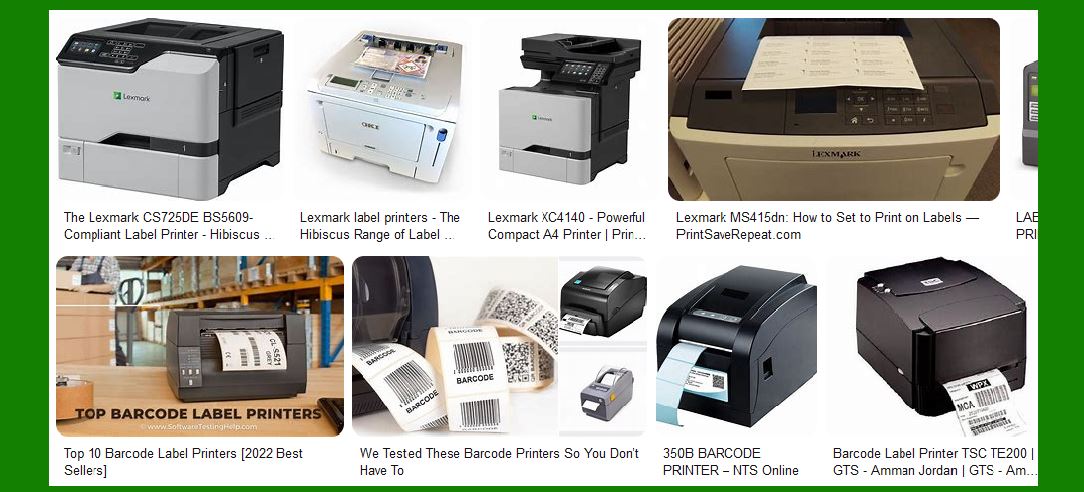
6. Toshiba TEC |
6.1 Price range |
Desktop printers: about $200 to $600. |
Industrial printers: about $1,000 to $2,500. |
6.2 Advantages |
High print quality: Toshiba TEC printers have high printing accuracy and are suitable for printing fine barcodes and labels. |
Affordable: Compared with other high-end brands, Toshiba TEC printers have a high cost-effectiveness. |
Durability: Especially suitable for high-frequency printing needs and can maintain good performance in various working environments. |
6.3 Disadvantages |
After-sales service may be poor: Some areas may lack timely and effective after-sales service. |
Compatibility issues: Toshiba TEC may not be as flexible as other brands in some specific software integrations. |
6.4 Applicable scenarios |
Suitable for small and medium-sized enterprises, especially in environments that require a certain amount of printing and high-precision labels. |
|
Summary |
When choosing a barcode label printer, in addition to considering price, you also need to consider factors such as print quality, print speed, durability, and maintenance costs. Here are a few recommended options: |
Small businesses with limited budgets: Brother, TSC, Toshiba TEC. |
Industries with high precision requirements: Sato, Zebra, Honeywell. |
High-volume printing and high durability requirements: Zebra, TSC, Sato, Honeywell. |
By comprehensively analyzing the pros and cons of each brand, you can choose the most suitable barcode label printer based on your specific needs and budget. |
|
Maintenance costs of various barcode label printers |
Maintenance costs of barcode label printers usually include consumables costs (such as label paper and ribbons), repair costs (such as replacement of print heads and transmission parts), cleaning and maintenance work, etc. The costs of different brands and types of barcode printers in these aspects vary greatly, and understanding these maintenance costs is essential to managing operating costs. The following is an analysis of the maintenance costs of common barcode label printer brands and types: |
1. Zebra Technologies |
1.1 Consumables Cost |
Ribbons: Zebra's printers usually require ribbons, and the price of ribbons varies depending on the model and specifications. Generally speaking, the price of ribbons for thermal transfer printers is about $10 to $50 per roll, depending on the print volume and the type of label paper. |
Label paper: Zebra's label paper prices vary depending on the material (such as paper labels, synthetic labels) and size. The price of ordinary paper labels is about $50 to $200 per box (about 1,000 to 10,000 labels per box). |
1.2 Maintenance Cost |
Printhead Replacement: Zebra's printheads usually need to be replaced once a year or after every 1,000,000 barcodes are printed. The cost of the printhead is approximately between $200 and $500, depending on the model and printer type. |
Other Parts Replacement: Parts such as drive wheels and paper feeders need to be checked regularly and may need to be replaced. The maintenance cost is approximately $50 to $150 per part. |
Technical Support: Zebra's technical support usually requires the purchase of a warranty or service contract, which costs approximately $200 to $1,000 per year, depending on the type of service selected and the contract period. |
1.3 Cleaning and Maintenance |
Cleaning Kits: Zebra generally recommends regular cleaning of the printer, and the price of cleaning kits (such as printhead cleaning cloths, roller cleaning brushes, etc.) is approximately $20 to $50. |
Cleaning Frequency: Cleaning once a month is ideal, especially in the case of large print volumes. |
1.4 Summary |
In the maintenance cost of Zebra printers, consumables and print head replacement are the main expenses. The overall maintenance cost is relatively high, but due to its high quality and high durability, it is suitable for high-demand and high-frequency usage scenarios. |
|
2. Brother |
2.1 Consumables Cost |
Carbon Ribbon: Some of Brother's barcode printers use thermal transfer technology and require carbon ribbon. The price of carbon ribbon is relatively low, usually between $5 and $30 per roll, depending on the printer model and the type of carbon ribbon used. |
Label Paper: Brother's label paper price is relatively economical, generally 1,000 sheets of paper labels cost between $20 and $100 per box, and the price of synthetic labels is slightly higher. |
2.2 Maintenance Cost |
Print Head Replacement: Brother printers have a long print head life and generally need to be replaced when the print volume reaches 500,000 barcodes. The replacement cost of the print head is approximately between $100 and $300. |
Other parts replacement: such as rollers, paper feeders, etc. need to be checked regularly. The maintenance cost is relatively low, generally between $30 and $100. |
2.3 Cleaning and maintenance |
Cleaning frequency: Brother printers are relatively simple to clean, and it is usually recommended to clean them once a month. The price of the cleaning kit is about $10 to $30. |
Maintenance cost: Since Brother printers are relatively simple in design, they usually do not require frequent repairs or complex maintenance work, so the overall maintenance cost is low. |
2.4 Summary |
Brother printers have relatively low maintenance costs and are suitable for small and medium-sized enterprises with limited budgets. Compared with high-end brands, their repair and maintenance are more economical, but they may not perform as well as high-end brands in high-frequency use or complex printing tasks. |
|
3. TSC (TSC Auto ID Technology) |
3.1 Consumables Cost |
Carbon Ribbon: The price of carbon ribbon for TSC printers is usually between $10 and $40, and the service life of each roll can usually print 1,000 to 10,000 labels, depending on the printing task. |
Label Paper: The price of TSC label paper is between $50 and $200 per box, depending on the material and label size. |
3.2 Maintenance Cost |
Print Head Replacement: TSC's print head generally needs to be replaced every 1,000,000 bar codes, and the replacement cost of the print head is between $150 and $400. |
Replacement of other parts: The replacement cost of parts such as feeder and transmission wheel is about $50 to $150. |
3.3 Cleaning and Maintenance |
Cleaning frequency: TSC printers are recommended to be cleaned once a month, and the price of the cleaning kit is about $20 to $40. |
Maintenance cost: TSC's industrial-grade printers have relatively low maintenance costs, and regular maintenance and cleaning can greatly extend their service life. |
3.4 Summary |
TSC printers have relatively medium maintenance costs and are suitable for small and medium-sized enterprises that need efficient and economical printing. Due to their reliability and low maintenance costs, TSC printers are widely used in industries such as logistics and warehousing. |
|
4. Sato |
4.1 Consumables cost |
Carbon ribbon: The carbon ribbon used by Sato's thermal transfer printers costs about $15 to $60 per roll, suitable for label paper of different materials, and the service life is usually 1,000 to 15,000 labels. |
Label paper: Sato's label paper prices vary depending on the material, size and quantity, and the price per box of labels is usually between $100 and $300. |
4.2 Repair Cost |
Printhead Replacement: Sato's printheads usually need to be replaced every 500,000 to 1,000,000 barcodes, and the price of the printhead is between $200 and $500. |
Other Parts Replacement: The replacement cost of parts such as the feeder and drive wheel is between $50 and $150. |
4.3 Cleaning and Maintenance |
Cleaning Frequency: Clean monthly or according to usage. The price of the cleaning kit is between $30 and $50. |
Maintenance Cost: Sato's industrial-grade printers are more durable, but if they fail, the repair cost is relatively high. |
4.4 Summary |
Sato printers have a high maintenance cost and are suitable for enterprises with high label quality requirements and long-term use. Especially suitable for industries that require high durability and can withstand extreme environments, such as manufacturing and pharmaceutical industries. |
|
5. Honeywell (Intermec) |
5.1 Consumables Cost |
Ribbon: Honeywell¡¯s ribbon costs about $10 to $40 per roll, depending on the printing requirements (such as thermal transfer). The ribbon¡¯s service life is usually able to print about 2,000 to 15,000 labels. |
Label paper: Honeywell¡¯s label paper generally costs $50 to $200 per box, depending on the size, material and quantity of the label. |
5.2 Repair Cost |
Printhead Replacement: Honeywell¡¯s printhead needs to be replaced every 500,000 to 1,000,000 barcodes, and the printhead price is between $150 and $400. |
Other parts replacement: The replacement cost of parts such as the feeder and transmission wheel is about $50 to $150. |
5.3 Cleaning and Maintenance |
Cleaning frequency: Honeywell printers are usually recommended to be cleaned once a month, and the price of a cleaning kit ranges from $20 to $50. |
Technical support: Honeywell provides technical support and warranty services that may require separate payment, and the cost of a general service contract ranges from $200 to $1,000, depending on the type of support. |
5.4 Summary |
Honeywell has a relatively moderate maintenance cost and is suitable for industries that require high reliability and accurate barcode printing. Its print head and component replacement costs are higher, but overall it is a high-performance brand worth investing in. |
|
Summary |
The maintenance cost of barcode label printers varies greatly between different brands and models. Generally, high-end brands such as Zebra and Sato have higher maintenance costs and are suitable for large-scale, high-frequency use environments. Brother and TSC printers are suitable for small and medium-sized enterprises, and their maintenance costs are relatively low, but they may not be as accurate and durable as high-end brands. |
 cs@easiersoft.com