Part 10 |
Communication Interfaces and Host Connectivity Systems in Barcode Label Printers RS-232, USB, Ethernet, Wi-Fi, Bluetooth, Industrial Fieldbus Protocols, and Networked Print Architectures |
1. Introduction to Communication Systems in Barcode Printers |
1.1 |
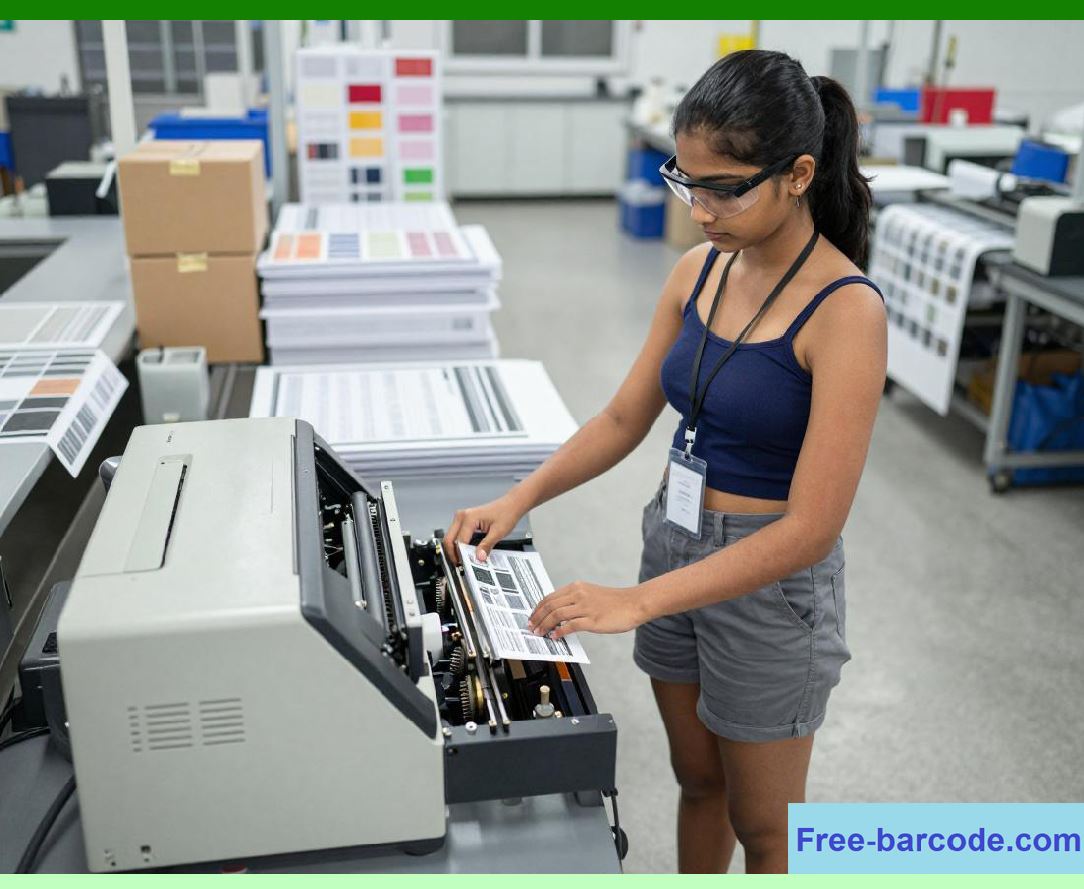
Communication systems are among the most important functional subsystems inside barcode label printers because printers rarely operate as isolated devices. Instead, they function as interconnected nodes within larger industrial, commercial, retail, logistics, healthcare, and manufacturing information systems. |
1.2 |
The barcode printer communication interface acts as the bridge between digital information systems and physical label production. Through these interfaces, the printer receives label templates, barcode commands, graphics, fonts, RFID data, configuration instructions, firmware updates, and diagnostic requests. |

|
1.3 |
As barcode applications expanded globally, communication systems evolved from simple serial interfaces into highly sophisticated multi-protocol networking platforms supporting wireless communication, cloud connectivity, industrial automation integration, and remote fleet management. |
1.4 |
Communication subsystem design directly affects: |
1. Data transfer reliability |
2. Print throughput |
3. System compatibility |
4. Industrial integration capability |
5. Remote diagnostics |
6. Security |
7. Scalability |
8. Real-time operational synchronization |
1.5 |
Modern barcode printers increasingly resemble embedded network computers rather than traditional peripheral devices. Many industrial printers now contain multiple simultaneous communication interfaces, internal web servers, wireless radios, encryption engines, and advanced protocol stacks. |
|
2. Fundamental Communication Requirements |
2.1 |
Barcode printer communication systems must satisfy several demanding operational requirements simultaneously. |
2.2 |
Important communication objectives include: |
1. Reliable data transfer |
2. Error detection |
3. Real-time responsiveness |
4. Long cable support |
5. Electrical noise immunity |
6. Cross-platform compatibility |
7. Industrial durability |
8. Secure operation |
2.3 |
Unlike ordinary office printers, barcode printers often operate within noisy industrial environments containing motors, switching equipment, RF systems, and static discharge sources. |

|
2.4 |
Communication reliability is especially critical because corrupted barcode data may produce unreadable labels or inventory tracking errors. |
2.5 |
Large graphical labels also require substantial data bandwidth. |
2.6 |
Industrial automation systems may demand deterministic real-time printer responses. |
2.7 |
Communication subsystem engineering therefore became increasingly sophisticated as barcode printer applications expanded into mission-critical infrastructure. |

|
3. Early Parallel Communication Interfaces |
3.1 |
One of the earliest widely used barcode printer communication methods was the parallel interface. |
3.2 |
Parallel communication transfers multiple bits simultaneously across separate signal lines. |
3.3 |
The Centronics parallel interface became especially popular during the early development of barcode printers. |
3.4 |
A typical parallel interface included: |
1. Data lines |
2. Strobe line |
3. Busy signal |
4. Acknowledge signal |
5. Ground references |

|
3.5 |
Parallel transmission allowed relatively high data rates compared with early serial interfaces. |
3.6 |
However, parallel systems required large cable assemblies and suffered from signal skew and noise sensitivity over long distances. |
3.7 |
Cable length limitations became increasingly problematic in industrial environments. |
3.8 |
As serial communication technology improved, parallel interfaces gradually declined. |

|
4. RS-232 Serial Communication Systems |
4.1 |
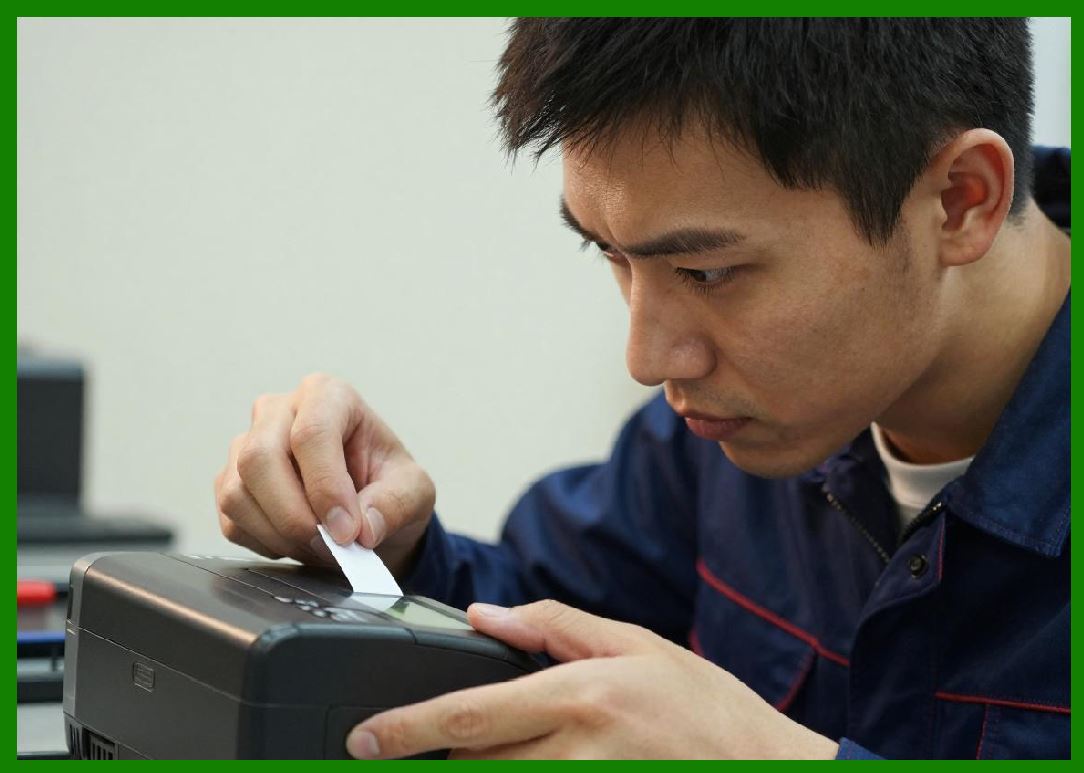
RS-232 became one of the most important communication standards in barcode printer history. |
4.2 |
The RS-232 standard defines electrical signaling characteristics for asynchronous serial communication. |
4.3 |
Serial communication transmits data one bit at a time across fewer conductors than parallel systems. |
4.4 |
Typical RS-232 signal levels range between positive and negative voltages. |
4.5 |
Voltage inversion improves noise immunity compared with TTL-level signaling. |
4.6 |
Data transmission is organized into frames containing: |
1. Start bit |
2. Data bits |
3. Optional parity bit |
4. Stop bits |
|
4.7 |
The baud rate determines transmission speed: |
R = \frac{1}{T_b} |
Where: |
* (R) represents baud rate |
* (T_b) represents bit duration |
4.8 |
RS-232 interfaces became extremely widespread because they were inexpensive, reliable, and compatible with industrial equipment. |

|
5. UART Circuits and Serial Data Processing |
5.1 |
The processor inside the barcode printer communicates with serial interfaces through UART systems. |
5.2 |
UART stands for Universal Asynchronous Receiver/Transmitter. |
5.3 |
UART hardware converts parallel processor data into serial bit streams during transmission. |
5.4 |
During reception, incoming serial data is reconstructed into parallel bytes. |
5.5 |
UART circuits also handle: |
1. Start bit detection |
2. Baud timing |
3. Parity checking |
4. Buffer management |
5. Framing error detection |
5.6 |
Interrupt-driven UART architectures became essential because communication timing requirements are highly precise. |
5.7 |
FIFO buffering later improved throughput by reducing processor interrupt overhead. |
5.8 |
UART systems remained central to embedded barcode printer design for decades. |

|
6. RS-422 and RS-485 Industrial Communication |
6.1 |
Although RS-232 was widely used, industrial environments often required better long-distance performance and noise immunity. |
6.2 |
RS-422 and RS-485 standards addressed these limitations through differential signaling techniques. |
6.3 |
Differential communication transmits signals as voltage differences between paired conductors. |
6.4 |
This significantly improves resistance to electromagnetic interference. |
6.5 |
RS-485 also supports multidrop network topologies allowing multiple devices on a shared communication bus. |
6.6 |
Industrial barcode printers increasingly adopted RS-485 for factory automation integration. |
6.7 |
Termination resistors minimize signal reflections on long cables. |
6.8 |
Differential signaling became especially valuable in electrically noisy manufacturing environments. |

|
7. USB Interface Architecture |
7.1 |
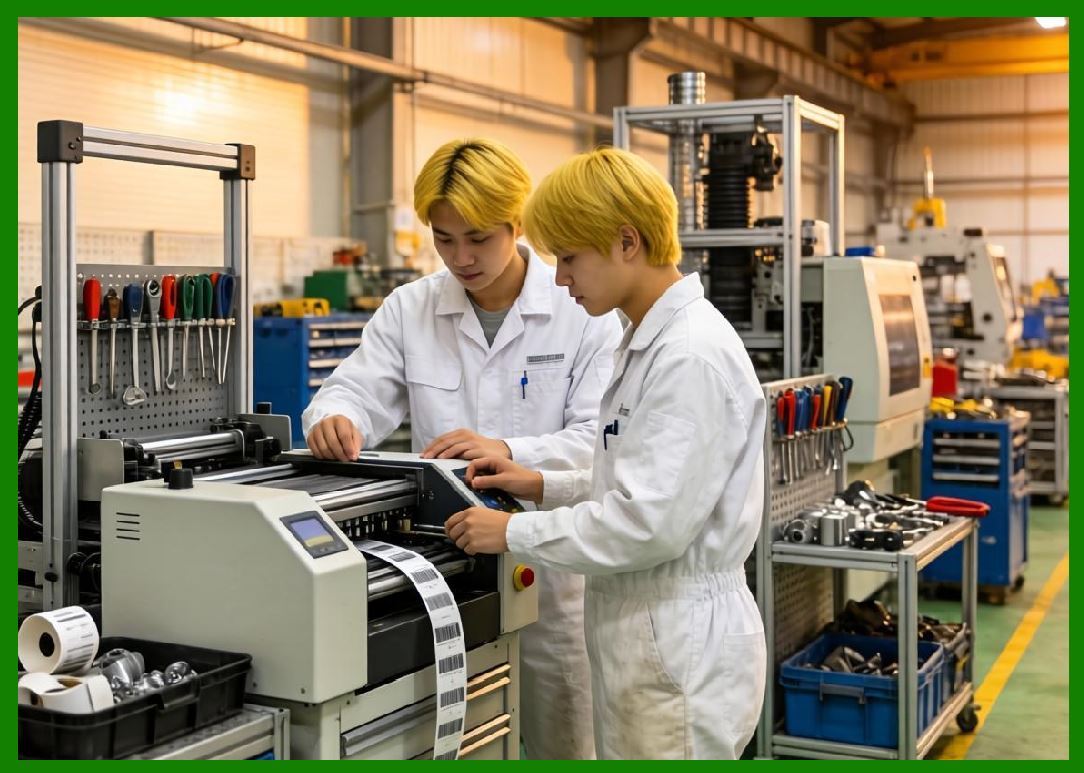
Universal Serial Bus (USB) eventually replaced many older communication standards in commercial barcode printers. |
7.2 |
USB offered several important advantages: |
1. Higher data rates |
2. Plug-and-play capability |
3. Standardized connectors |
4. Power delivery support |
5. Broad operating system compatibility |
7.3 |
USB communication uses packet-based differential signaling. |
7.4 |
Host-controlled bus architecture allows centralized device management. |
7.5 |
Barcode printers commonly implement USB device controller ICs integrated into microcontrollers or System-on-Chip platforms. |
7.6 |
USB printer classes standardized driver interaction with operating systems. |
7.7 |
High-speed USB significantly improved graphic label transmission performance. |
7.8 |
USB also simplified firmware update procedures and diagnostic communication. |
|
8. Ethernet Networking Systems |
8.1 |
Ethernet networking fundamentally transformed barcode printer deployment architectures. |
8.2 |
Instead of direct local connections, printers could now operate as shared network devices accessible across enterprise infrastructures. |
8.3 |
Ethernet systems provide: |
1. High bandwidth |
2. Long cable support |
3. Network scalability |
4. Remote accessibility |
5. Multi-user operation |
8.4 |
Ethernet physical layers commonly use twisted-pair differential signaling. |
8.5 |
Magnetically isolated transformer interfaces improve electrical safety and noise immunity. |
8.6 |
Network interface controllers manage packet framing, collision handling, and MAC addressing. |
8.7 |
Embedded TCP/IP protocol stacks became essential firmware components. |
8.8 |
Network-connected printers enabled centralized print management and enterprise-wide label distribution systems. |

|
9. TCP/IP Protocol Stacks |
9.1 |
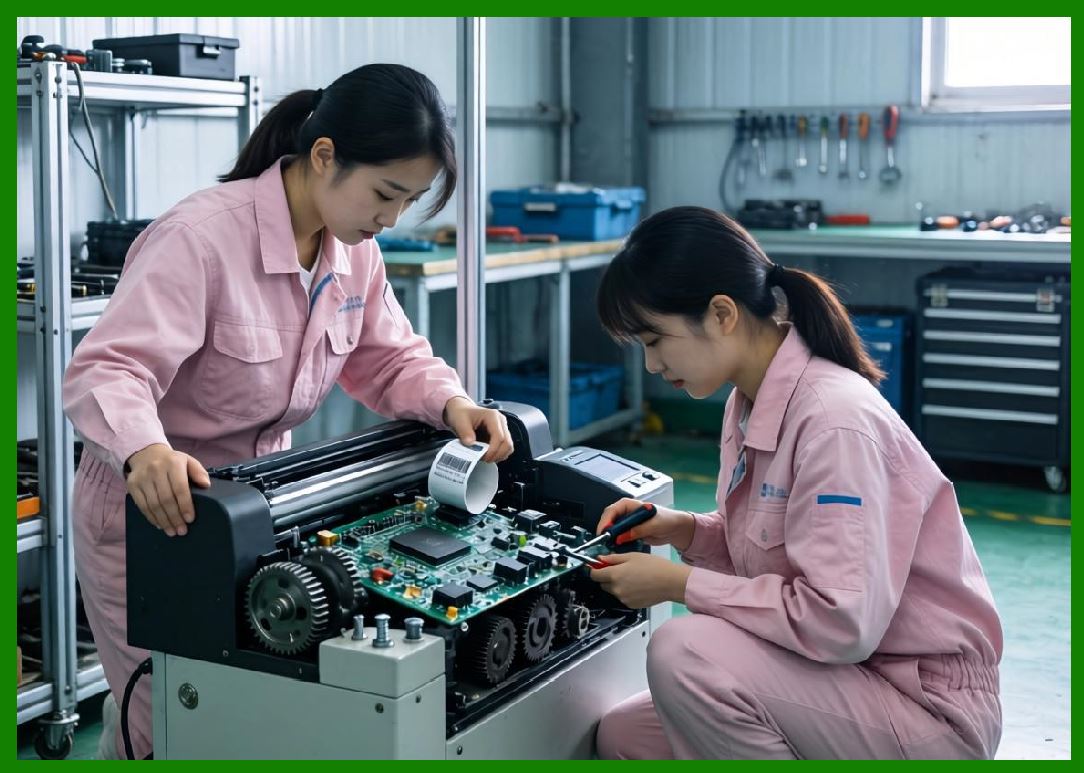
Modern network barcode printers rely heavily on TCP/IP communication protocols. |
9.2 |
The TCP/IP stack consists of layered communication functions. |
9.3 |
Important protocol layers include: |
1. Physical layer |
2. Data link layer |
3. Internet layer |
4. Transport layer |
5. Application layer |
9.4 |
IP addressing allows printers to operate as independent network nodes. |
9.5 |
TCP provides reliable connection-oriented communication with retransmission and error correction mechanisms. |
9.6 |
UDP supports faster connectionless communication where low latency is more important than guaranteed delivery. |
9.7 |
Embedded networking stacks must balance functionality with limited processor and memory resources. |
9.8 |
Network protocol optimization became increasingly important as printers evolved into enterprise infrastructure devices. |
|
10. Wireless Communication Systems |
10.1 |
Wireless technology greatly expanded barcode printer deployment flexibility. |
10.2 |
Important wireless technologies include: |
1. Wi-Fi |
2. Bluetooth |
3. NFC |
4. Cellular communication |
10.3 |
Wi-Fi allows printers to integrate into existing wireless LAN infrastructure. |
10.4 |
Bluetooth became especially important for portable mobile barcode printers. |
10.5 |
Wireless communication introduces additional engineering challenges including: |
1. RF interference |
2. Security |
3. Power consumption |
4. Antenna design |
5. Connection stability |
10.6 |
RF shielding and PCB layout became increasingly important due to the coexistence of high-current thermal drivers and sensitive radio circuitry. |
10.7 |
Battery-powered portable printers required aggressive wireless power management strategies. |
10.8 |
Wireless communication greatly improved mobility in warehouse and field-service environments. |

|
11. Bluetooth Communication Architectures |
11.1 |
Bluetooth technology became highly important for portable barcode printing systems. |
11.2 |
Bluetooth operates in the 2.4 GHz ISM radio band using frequency-hopping spread spectrum techniques. |
11.3 |
Frequency hopping improves resistance to interference. |
11.4 |
Bluetooth modules commonly integrate: |
1. RF transceivers |
2. Baseband processors |
3. Protocol stacks |
4. Antenna systems |
11.5 |
Serial Port Profile (SPP) emulation allowed easy migration from RS-232 systems. |
11.6 |
Bluetooth Low Energy (BLE) later improved battery efficiency. |
11.7 |
Mobile devices such as smartphones and tablets increasingly became major barcode printer hosts. |
11.8 |
Bluetooth integration greatly accelerated portable printing adoption. |

|
12. Industrial Fieldbus and Automation Protocols |
12.1 |
Industrial barcode printers increasingly integrate directly into automated manufacturing systems. |
12.2 |
Industrial communication protocols include: |
1. Modbus |
2. PROFIBUS |
3. EtherNet/IP |
4. PROFINET |
5. DeviceNet |
6. CAN bus |
12.3 |
These protocols support deterministic communication required by industrial automation systems. |
12.4 |
Real-time synchronization allows barcode printing to coordinate with conveyor systems, robotics, and production machinery. |
12.5 |
Industrial protocol stacks often require specialized communication controllers. |
12.6 |
Galvanic isolation improves robustness in electrically harsh environments. |
12.7 |
Industrial integration became increasingly important in logistics and manufacturing automation. |
12.8 |
Barcode printers evolved into intelligent nodes within industrial IoT ecosystems. |

|
13. Embedded Web Servers and Remote Management |
13.1 |
Modern network printers frequently include embedded web servers. |
13.2 |
These servers allow administrators to monitor and configure printers using ordinary web browsers. |
13.3 |
Web-based management interfaces commonly support: |
1. Printer configuration |
2. Firmware updates |
3. Status monitoring |
4. Error logging |
5. Network settings |
6. Security management |
13.4 |
Remote diagnostics significantly reduce maintenance costs in large printer fleets. |
13.5 |
SNMP protocols allow enterprise management software to monitor printer health automatically. |
13.6 |
Cloud connectivity later enabled centralized multi-site printer administration. |
13.7 |
Remote analytics became increasingly important for predictive maintenance systems. |
13.8 |
Network-based management transformed barcode printers into remotely serviceable infrastructure devices. |

|
14. Communication Security Engineering |
14.1 |
As barcode printers became network-connected, cybersecurity became increasingly important. |
14.2 |
Security risks include: |
1. Unauthorized access |
2. Data interception |
3. Firmware tampering |
4. Malware attacks |
5. Network intrusion |
14.3 |
Modern barcode printers increasingly implement: |
1. TLS encryption |
2. Secure boot systems |
3. Certificate authentication |
4. Access control lists |
5. Firmware signing |
14.4 |
Encrypted communication protects sensitive industrial and healthcare label data. |
14.5 |
Secure firmware update mechanisms reduce the risk of malicious modification. |
14.6 |
Hardware security modules may store cryptographic keys securely. |
14.7 |
Security engineering became especially critical in regulated industries such as pharmaceuticals and healthcare. |

|
15. Future Trends in Barcode Printer Communication Systems |
15.1 |
Future barcode printer communication systems will continue evolving toward greater connectivity, intelligence, and automation integration. |
15.2 |
5G and industrial private wireless networks may support large-scale mobile printing infrastructures. |
15.3 |
Edge computing architectures will allow printers to process data locally within industrial IoT systems. |
15.4 |
Artificial intelligence may optimize communication traffic and predictive maintenance diagnostics. |
15.5 |
Cloud-native printer management platforms will increasingly dominate enterprise deployments. |
15.6 |
Cybersecurity architectures will become more sophisticated as printers continue evolving into networked industrial computers. |
15.7 |
Despite technological evolution, the primary communication objective remains unchanged: ensuring reliable and timely transfer of barcode printing information between digital systems and physical label generation hardware. |

|
Technical Content Summary |
This part explored the detailed engineering principles of communication interfaces and host connectivity systems used in barcode label printers. The discussion examined parallel interfaces, RS-232 serial communication, UART systems, RS-485 industrial networking, USB architectures, Ethernet networking, TCP/IP stacks, wireless communication technologies, Bluetooth systems, and industrial fieldbus integration. |
The article described how barcode printers evolved from simple local peripherals into intelligent network-connected embedded systems capable of remote management, industrial automation integration, and cloud connectivity. It also analyzed communication security engineering, embedded web servers, remote diagnostics, and enterprise fleet management architectures. |
Additionally, this section explained how modern barcode printers increasingly function as distributed industrial computing nodes within large-scale logistics, manufacturing, retail, and healthcare infrastructures. |
The next part will focus on barcode encoding engines and symbol generation systems inside barcode label printers, including linear barcode algorithms, 2D symbol generation, rasterization techniques, checksum calculation circuits, scalable font rendering, graphics compositing, and real-time image processing architectures. |
 cs@easiersoft.com