Part 15 |
Print Speed Optimization and High-Throughput Control Systems in Barcode Label Printers Pipeline Balancing, Buffer Architectures, Motion thermal Synchronization, Throughput Limiting, and Industrial Continuous Printing Design |
1. Introduction to Print Speed Optimization |
1.1 |
Print speed optimization is one of the most critical performance domains in barcode label printer engineering because it directly determines production efficiency in industrial, logistics, retail, and manufacturing environments. Unlike general-purpose printers, barcode printers are frequently integrated into continuous production lines where delays can disrupt entire workflows. |
1.2 |
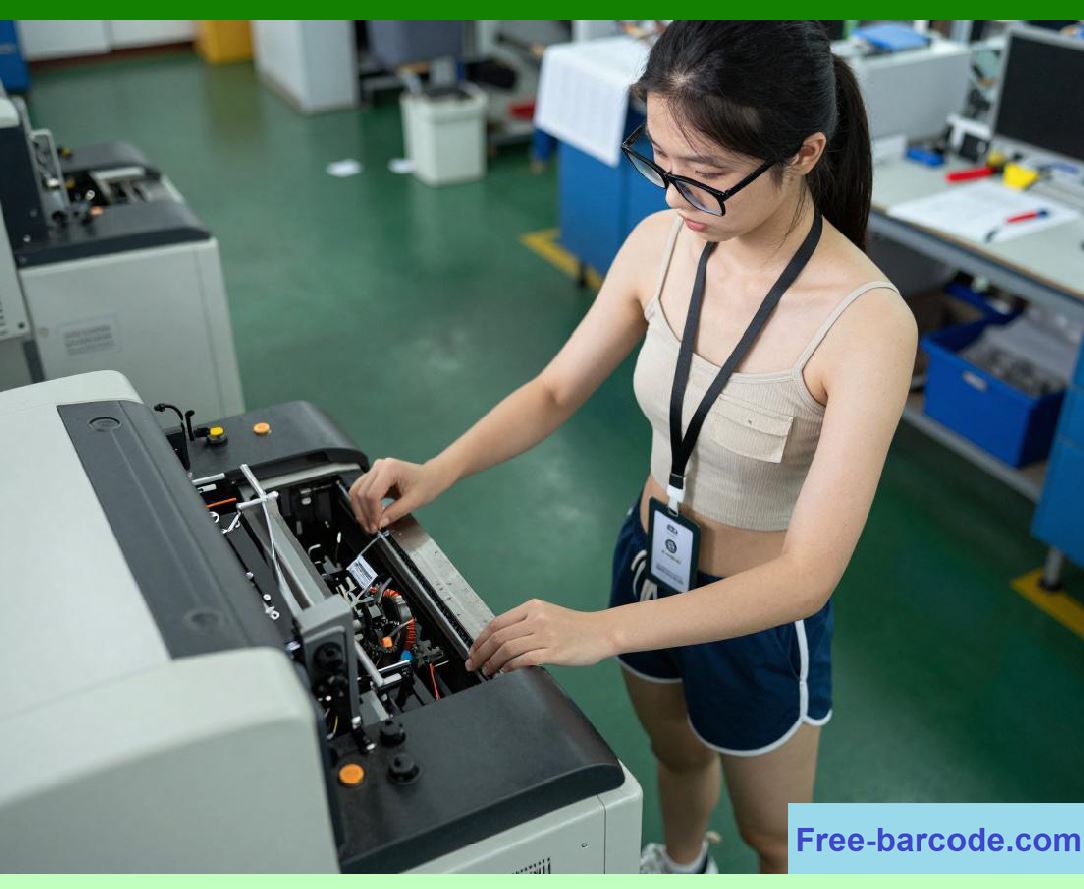
Speed optimization is not a single subsystem but the coordinated result of multiple interacting systems: encoding engines, rasterization pipelines, printhead driver electronics, thermal energy control, media feed mechanics, and buffer memory architectures. |
|
1.3 |
Increasing print speed is not simply a matter of accelerating motor movement; it requires maintaining strict synchronization between data generation, thermal activation, and mechanical transport. Any mismatch introduces geometric distortion, unreadable barcodes, or label misalignment. |
1.4 |
Print speed directly affects: |
1. Throughput (labels per minute) |
2. Thermal stability |
3. Buffer memory usage |
4. Data pipeline latency |
5. Power consumption |
6. Mechanical wear |
7. Barcode scan reliability |
8. Industrial system synchronization |
1.5 |
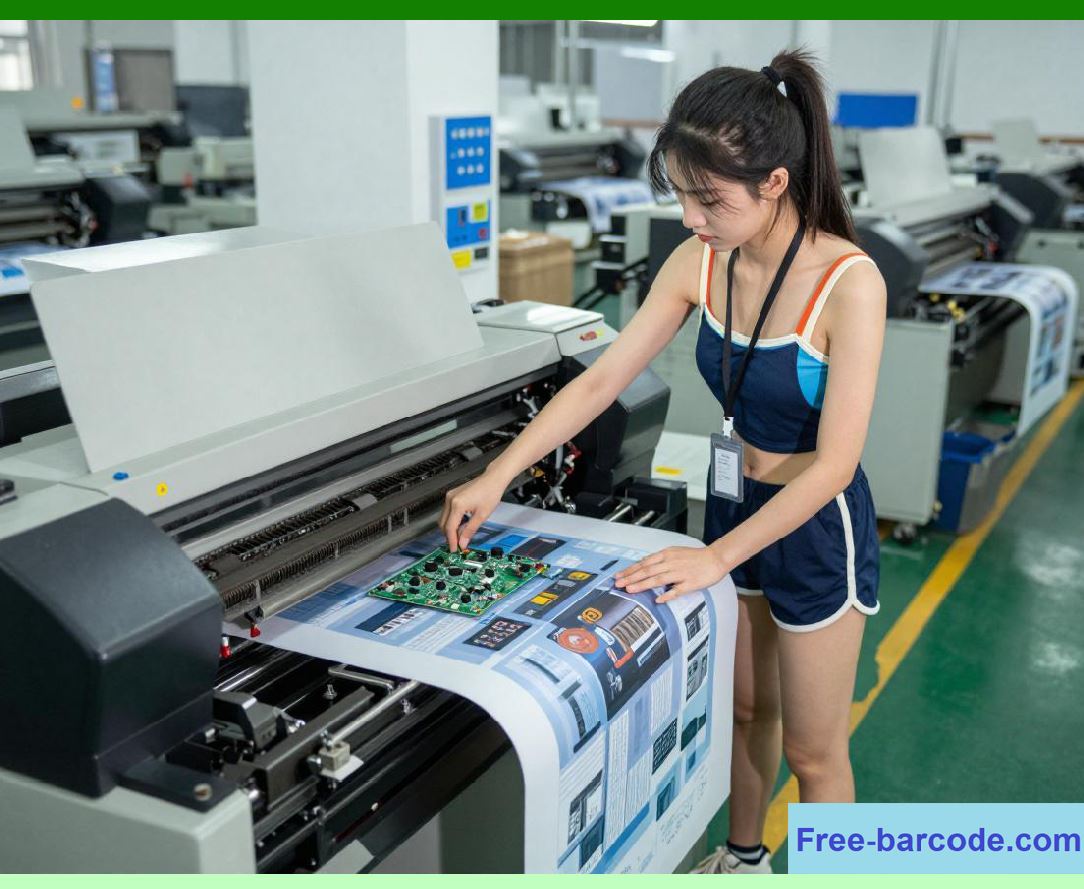
Modern high-performance printers achieve speed through deeply pipelined architectures and real-time adaptive control systems. |
|
2. Fundamental Throughput Model of Barcode Printing |
2.1 |
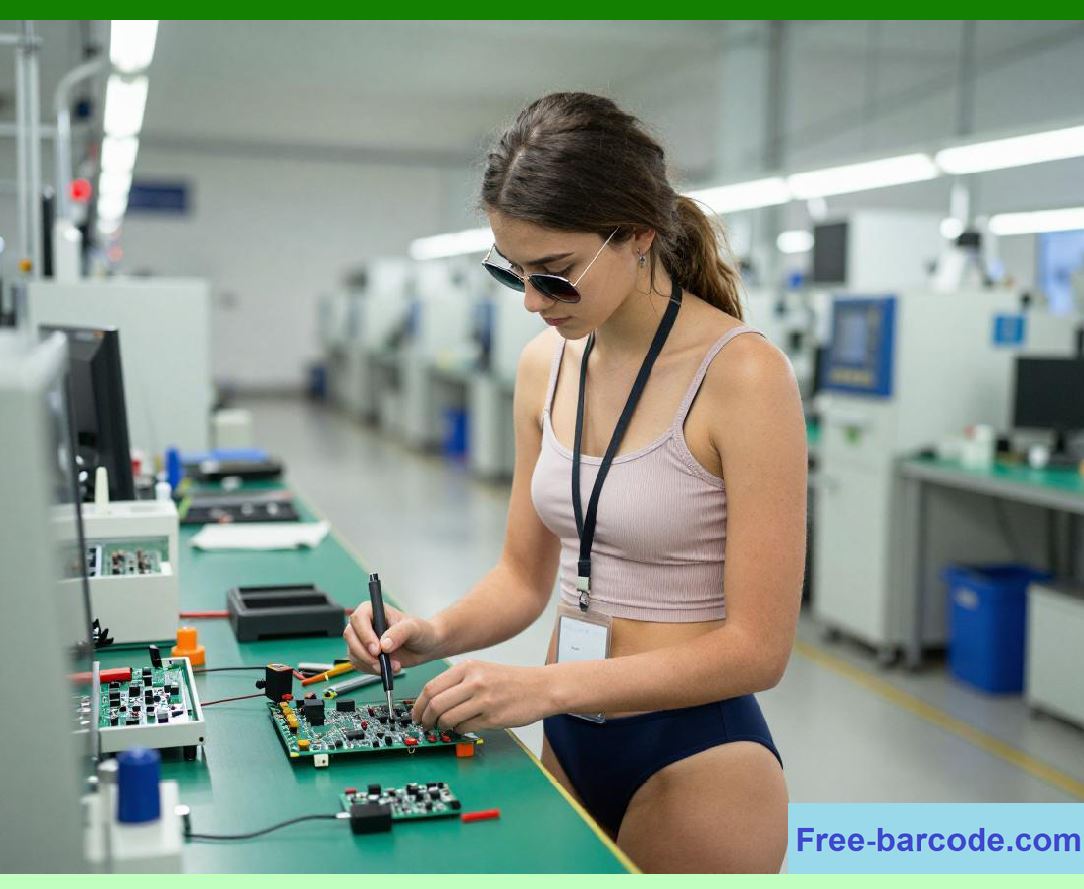
Printer throughput can be conceptualized as a multi-stage pipeline where the slowest stage defines the overall system speed. |
2.2 |
The general throughput constraint can be expressed as: |
T = \min(T_{encode}, T_{raster}, T_{thermal}, T_{motion}) |
Where: |
* (T) represents total system throughput |
* (T_{encode}) represents encoding speed |
* (T_{raster}) represents rasterization speed |
* (T_{thermal}) represents thermal activation speed |
* (T_{motion}) represents media transport speed |
2.3 |
If any stage becomes a bottleneck, overall print speed is reduced. |
|
2.4 |
This pipeline model is fundamental to all high-speed barcode printer designs. |
2.5 |
Optimization therefore focuses on balancing all subsystems rather than maximizing a single component. |
2.6 |
Real-time synchronization ensures that no stage starves or overflows another. |
2.7 |
Buffering systems decouple short-term timing variations between pipeline stages. |
2.8 |
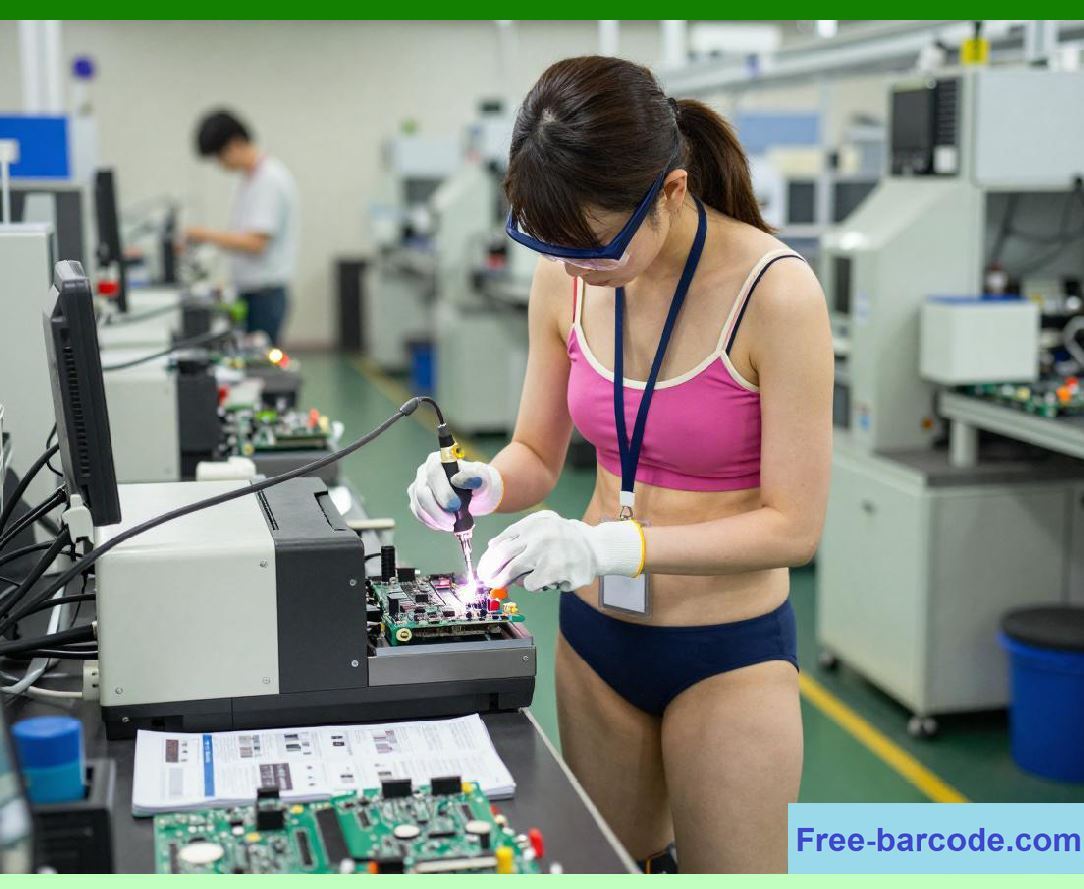
Industrial printers are designed for sustained throughput rather than peak bursts. |
|
3. Pipeline Architecture in High-Speed Printing Systems |
3.1 |
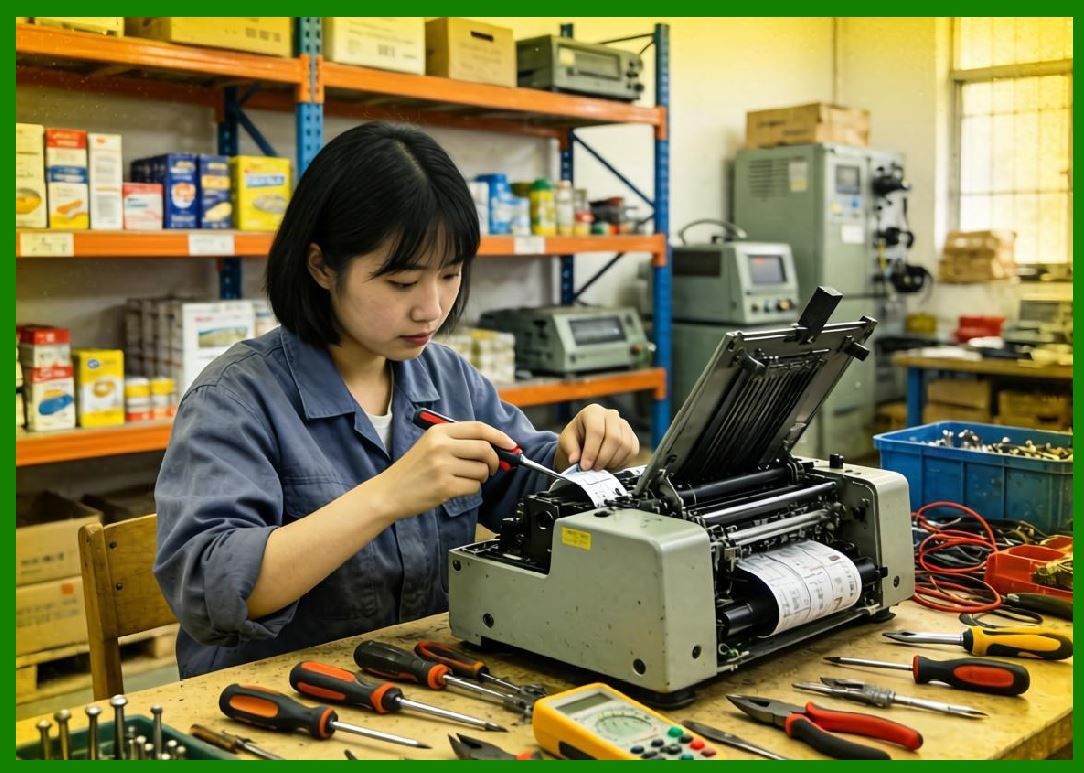
Modern barcode printers use a multi-stage pipeline architecture similar to CPU instruction pipelines. |
3.2 |
The main pipeline stages include: |
1. Data reception |
2. Encoding |
3. Layout processing |
4. Rasterization |
5. Buffer staging |
6. Printhead activation |
7. Media movement |
3.3 |
Each stage operates concurrently on different data sets. |
3.4 |
This parallelism significantly increases effective throughput. |
3.5 |
Pipeline latency is less important than sustained throughput in industrial environments. |
3.6 |
However, synchronization between stages must be tightly controlled. |
3.7 |
Pipeline stalls can cause visible print gaps or timing errors. |
3.8 |
Efficient pipeline balancing is essential for stable high-speed printing. |
|
4. Buffer Memory and Data Flow Management |
4.1 |
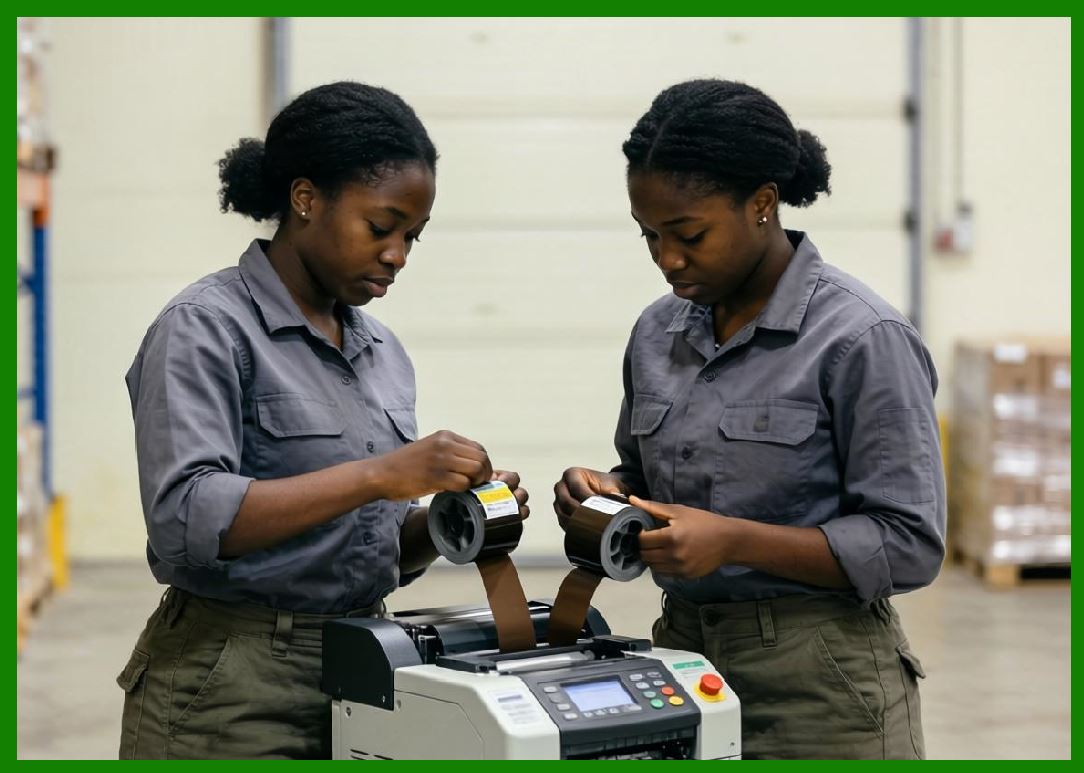
Buffer systems are used to decouple mismatched processing speeds between pipeline stages. |
4.2 |
Without buffering, slow stages would directly limit fast stages, reducing efficiency. |
4.3 |
Typical buffer structures include: |
1. Line buffers |
2. Frame buffers |
3. Circular buffers |
4. Double buffers |
4.4 |
Line buffers store one scan line of print data before activation. |
4.5 |
Frame buffers store entire label layouts for complex printing jobs. |
4.6 |
Circular buffers allow continuous streaming in high-throughput systems. |
4.7 |
Double buffering ensures one buffer is being printed while the other is being filled. |
4.8 |
Memory bandwidth is a critical constraint in high-resolution, high-speed printers. |
|
5. Motion System Constraints on Print Speed |
5.1 |
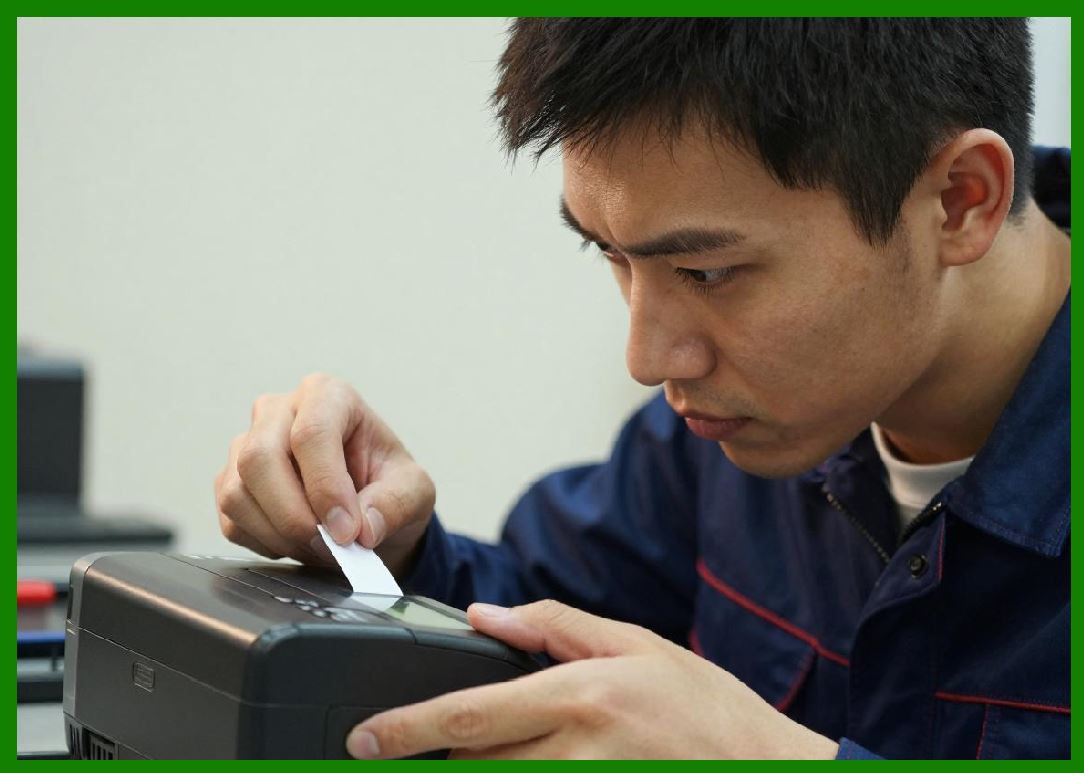
The mechanical media transport system is often the limiting factor in print speed. |
5.2 |
Media movement is typically driven by stepper or servo motors controlling rollers or belts. |
5.3 |
Motion precision determines vertical resolution and label alignment accuracy. |
5.4 |
Key constraints include: |
1. Acceleration limits |
2. Vibration damping |
3. Slip prevention |
4. Encoder resolution |
5. Load inertia |
5.5 |
Higher speeds increase mechanical vibration, which can degrade print quality. |
5.6 |
Motion systems must maintain synchronization with thermal activation timing. |
5.7 |
Acceleration and deceleration phases must be carefully controlled to avoid distortion. |
5.8 |
Closed-loop feedback systems are often used to maintain motion accuracy. |
|
6. Thermal Constraints at High Print Speeds |
6.1 |
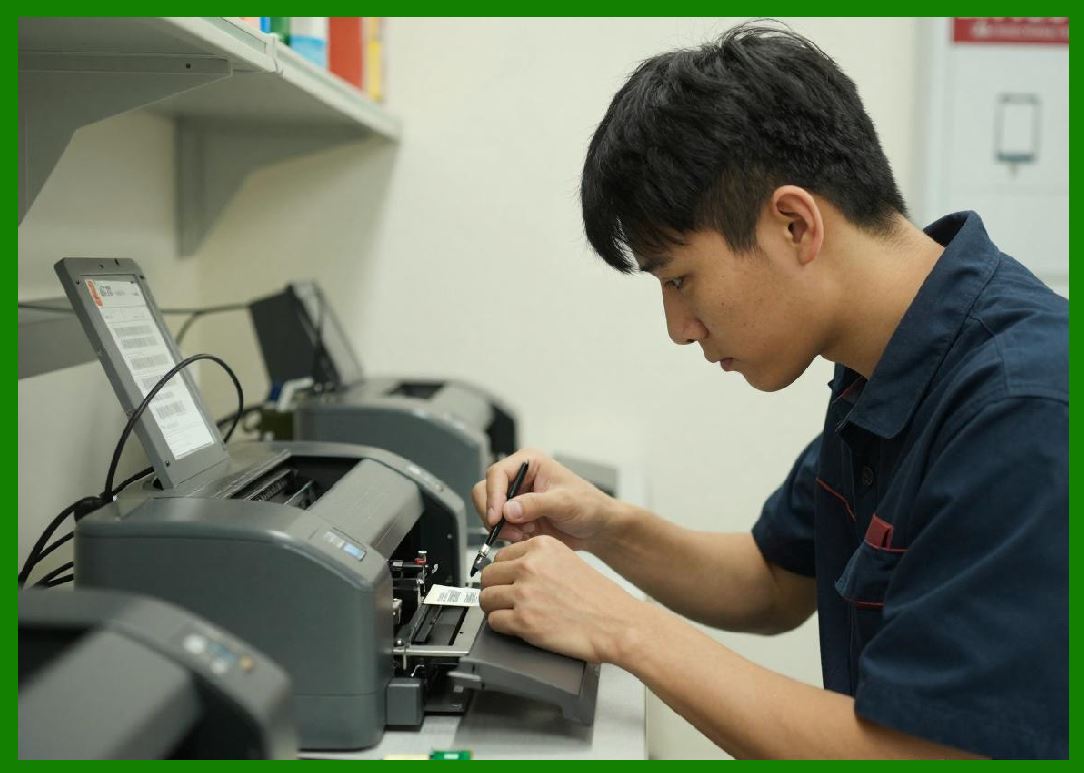
At higher print speeds, each thermal dot has less time to deliver heat energy. |
6.2 |
This introduces a fundamental trade-off between speed and print darkness. |
6.3 |
Thermal energy delivery must compensate for reduced heating time. |
6.4 |
However, excessive energy increase can damage printheads or media. |
6.5 |
Thermal constraints can be expressed conceptually as: |
E \propto \frac{1}{v} |
Where: |
* (E) represents required energy per dot |
* (v) represents media velocity |
6.6 |
As speed increases, energy must be adjusted proportionally to maintain consistent density. |
6.7 |
Thermal lag becomes more significant at high speeds. |
6.8 |
Advanced compensation algorithms are required for stability. |
|
7. Print Line Timing and Synchronization Control |
7.1 |
Each printed line must be synchronized with media movement and thermal activation. |
7.2 |
Timing errors result in vertical distortion or jagged barcode edges. |
7.3 |
Line timing is controlled using encoder feedback signals. |
7.4 |
The system calculates precise strobe timing for each dot row. |
7.5 |
High-speed systems use predictive timing models to compensate for latency. |
7.6 |
Interrupt-driven firmware ensures deterministic execution. |
7.7 |
Clock synchronization across subsystems reduces jitter. |
7.8 |
Accurate line timing is essential for maintaining barcode scan integrity. |

|
8. Throughput Limiting Mechanisms |
8.1 |
Printers include internal mechanisms to prevent exceeding safe operating limits. |
8.2 |
Throughput limits are imposed by: |
1. Thermal safety constraints |
2. Power supply capacity |
3. Motor torque limits |
4. Buffer memory size |
5. Data processing speed |
8.3 |
If requested speed exceeds system capability, firmware automatically reduces throughput. |
8.4 |
This prevents overheating or mechanical failure. |
8.5 |
Some systems implement dynamic speed scaling based on label complexity. |
8.6 |
Large or dense labels require slower print speeds. |
8.7 |
Simple labels may be printed at maximum rated speed. |
8.8 |
Adaptive throughput control improves system reliability. |

|
9. High-Speed Rasterization Optimization |
9.1 |
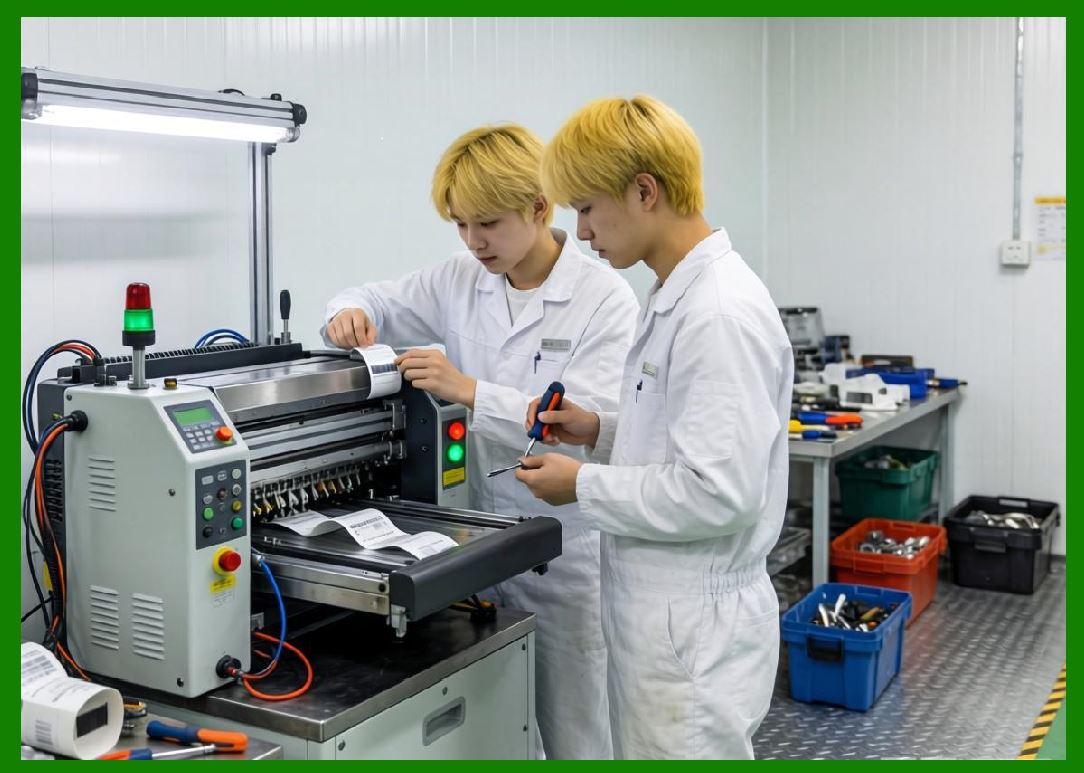
Rasterization becomes a major bottleneck at high print speeds. |
9.2 |
Optimization techniques include: |
1. Precomputed bitmaps |
2. SIMD acceleration |
3. Hardware raster engines |
4. Parallel processing threads |
9.3 |
Efficient rasterization reduces latency between encoding and printing. |
9.4 |
Memory alignment improves processing throughput. |
9.5 |
Compression techniques reduce buffer size requirements. |
9.6 |
Streaming rasterization avoids full-frame memory allocation. |
9.7 |
Real-time raster pipelines are essential for continuous printing systems. |
9.8 |
Raster efficiency directly impacts maximum achievable print speed. |
|
10. Parallel Processing Architectures |
10.1 |
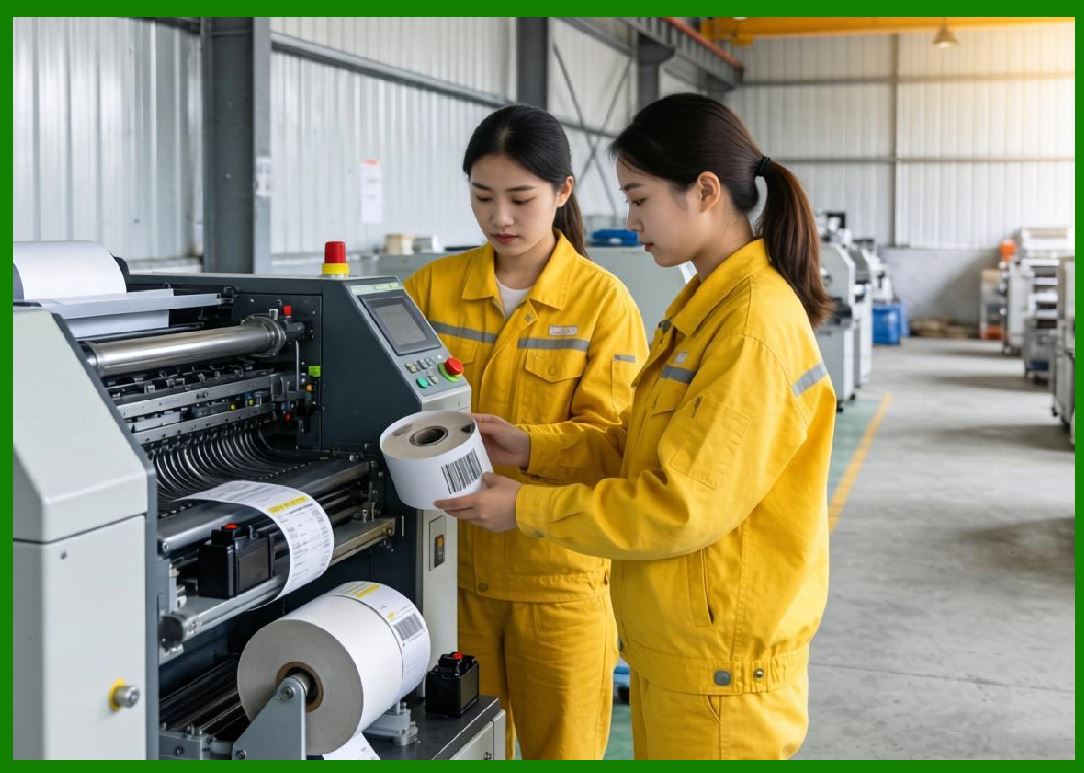
Modern printers use parallel processing architectures to increase throughput. |
10.2 |
Parallelism is implemented across: |
1. CPU cores |
2. DSP units |
3. FPGA logic |
4. Printhead segments |
10.3 |
Each subsystem handles different portions of the workload simultaneously. |
10.4 |
Parallel encoding and rasterization reduce pipeline bottlenecks. |
10.5 |
Segmented printhead activation allows concurrent thermal processing. |
10.6 |
Multi-threaded firmware improves scheduling efficiency. |
10.7 |
Load balancing ensures no single subsystem becomes overloaded. |
10.8 |
Parallel architectures are essential for industrial-scale printing performance. |
|
11. Continuous Printing System Architecture |
11.1 |
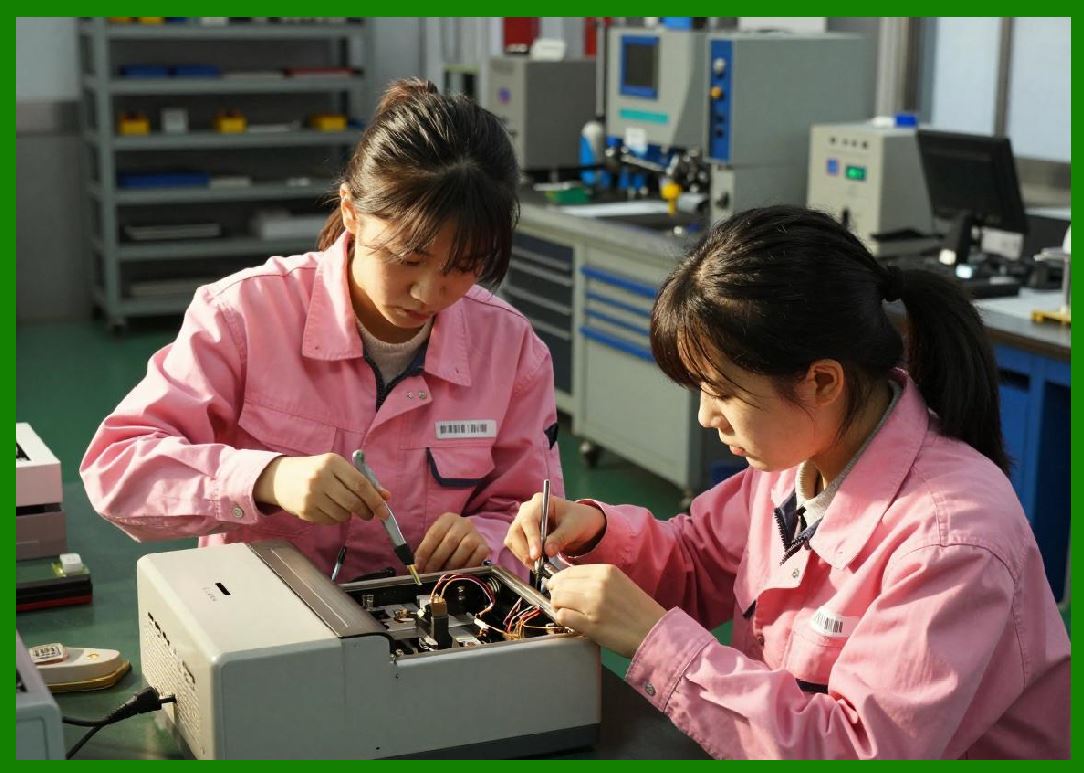
Industrial barcode printers are often designed for continuous operation. |
11.2 |
Continuous systems must maintain uninterrupted data flow. |
11.3 |
Key features include: |
1. Infinite buffer streaming |
2. Real-time job scheduling |
3. Seamless label transitions |
4. Roll-to-roll media handling |
11.4 |
Continuous printing avoids start-stop cycles that reduce efficiency. |
11.5 |
Buffer underruns must be strictly prevented. |
11.6 |
Job queuing systems allow multiple print tasks to be processed sequentially. |
11.7 |
Media sensors ensure correct positioning during continuous feed. |
11.8 |
Continuous architecture maximizes industrial throughput efficiency. |
|
12. Vibration and Mechanical Stability at High Speed |
12.1 |
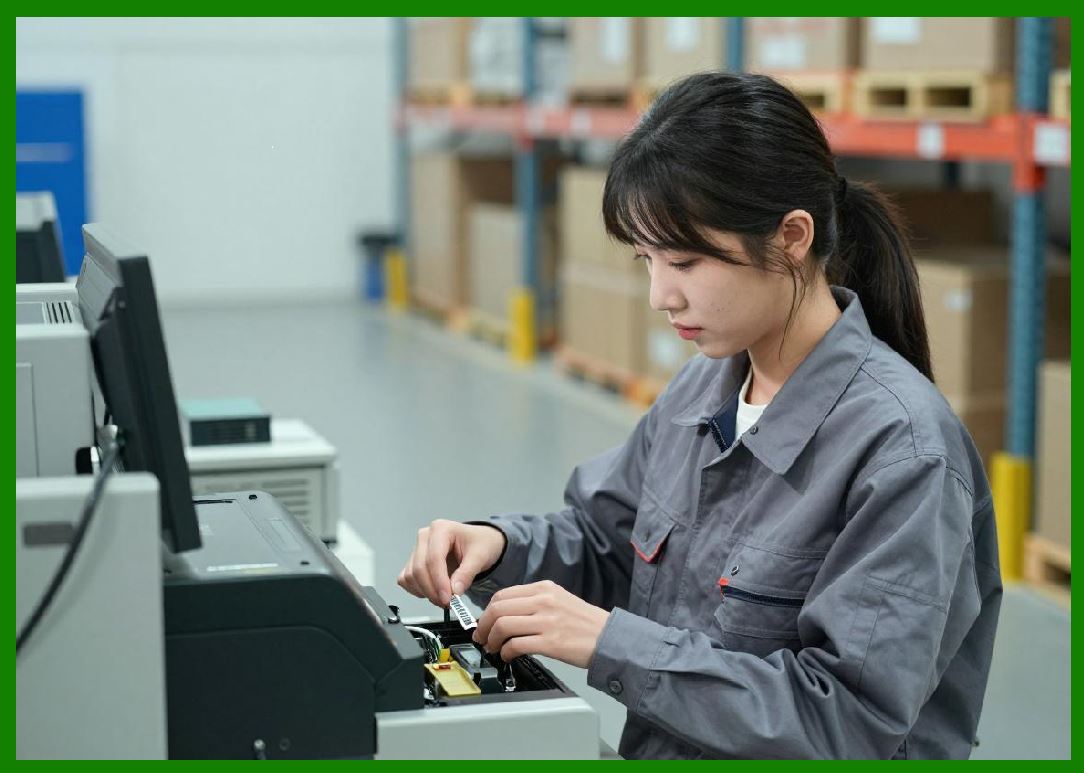
At high speeds, mechanical vibration becomes a significant issue. |
12.2 |
Vibration can cause: |
1. Print blur |
2. Barcode distortion |
3. Misalignment |
4. Feed instability |
12.3 |
Mechanical damping systems are used to reduce oscillations. |
12.4 |
Rigid chassis design improves structural stability. |
12.5 |
Balanced roller systems minimize uneven motion forces. |
12.6 |
Firmware may reduce speed during high vibration conditions. |
12.7 |
Sensor feedback can detect mechanical instability. |
12.8 |
Mechanical stability is essential for high-speed accuracy. |
|
13. Energy Management in High-Speed Printing |
13.1 |
High-speed operation increases total energy consumption significantly. |
13.2 |
Energy management systems regulate: |
1. Printhead power usage |
2. Motor drive current |
3. System voltage stability |
13.3 |
Power spikes occur during simultaneous dot activation. |
13.4 |
Capacitor banks smooth transient loads. |
13.5 |
Dynamic voltage scaling improves efficiency under varying loads. |
13.6 |
Thermal constraints also influence power delivery decisions. |
13.7 |
Energy optimization must balance speed and system safety. |
13.8 |
Efficient energy management enables sustained high-throughput operation. |

|
14. Fault Prevention in High-Speed Operation |
14.1 |
High-speed printing increases risk of operational faults. |
14.2 |
Common fault conditions include: |
1. Buffer underrun |
2. Thermal overload |
3. Motion desynchronization |
4. Data latency spikes |
14.3 |
Firmware includes predictive fault detection systems. |
14.4 |
Safety systems may automatically reduce speed during instability. |
14.5 |
Error recovery mechanisms allow continuation of print jobs. |
14.6 |
Redundant buffering improves fault tolerance. |
14.7 |
Real-time monitoring prevents catastrophic system failure. |
14.8 |
Reliability engineering is essential in continuous operation environments. |
|
15. Future Trends in Print Speed Optimization |
15.1 |
Future barcode printers will achieve higher speeds through deeper parallelism and intelligent control systems. |
15.2 |
AI-based scheduling may optimize pipeline balance dynamically. |
15.3 |
Neuromorphic control systems may predict motion and thermal behavior in advance. |
15.4 |
Advanced memory technologies will reduce buffer latency. |
15.5 |
New printhead materials may support faster thermal response times. |
15.6 |
Edge computing integration will improve distributed printing architectures. |
15.7 |
Despite advancements, the fundamental constraint remains: true print speed is limited by the slowest synchronized subsystem in the encoding-thermal-motion pipeline |

|
Technical Content Summary |
This part explored the detailed engineering principles of print speed optimization and high-throughput control systems in barcode label printers. The discussion covered pipeline architectures, buffer memory systems, motion system constraints, thermal speed limitations, rasterization optimization, parallel processing strategies, and continuous printing system design. |
The article explained how print speed is governed by the interaction of multiple subsystems rather than a single hardware component. It also analyzed synchronization mechanisms, vibration control, energy management, fault prevention systems, and adaptive throughput limiting techniques. |
Additionally, this section described how modern printers achieve industrial-grade throughput through deeply pipelined, parallelized, and feedback-controlled architectures that balance encoding, thermal, and mechanical constraints. |
The next part will focus on media handling systems in barcode label printers, including label roll mechanics, tension control systems, liner management, sensor-based registration, and precision feed alignment technologies. |
 cs@easiersoft.com