Part 16 |
Media Handling Systems in Barcode Label Printers Roll Feed Mechanics, Web Tension Control, Liner Backing Management, Sensor-Based Registration, and Precision Media Transport Design |
1. Introduction to Media Handling Systems |
1.1 |
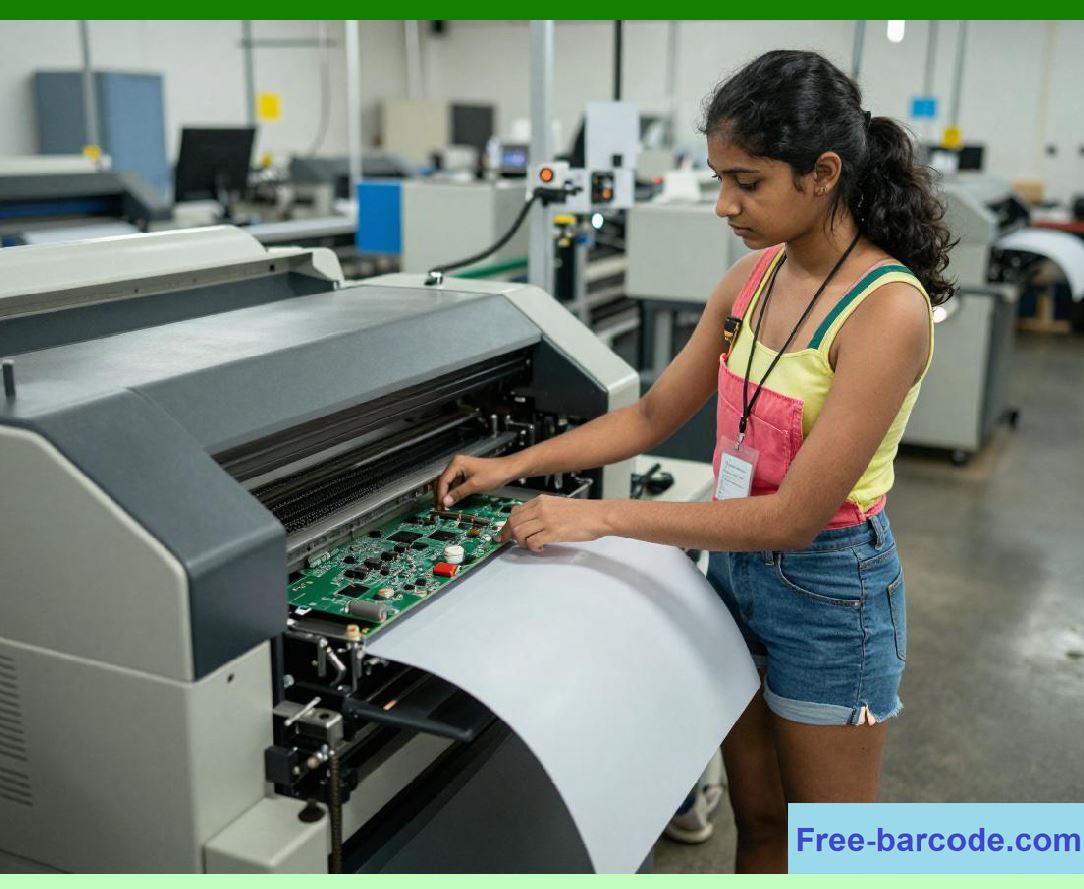
Media handling systems are the mechanical and electromechanical subsystems responsible for transporting label material through a barcode printer with high precision and stability. While electronic systems determine what is printed, media handling systems determine how accurately that information is physically positioned on the label substrate. |
1.2 |
Barcode printing requires extremely tight spatial control because even small deviations in label positioning can cause barcode misalignment, partial symbol clipping, or scan failure. Unlike general printing, barcode output is governed by strict geometric tolerances. |
|
1.3 |
Media handling systems must coordinate multiple physical functions simultaneously, including feeding label rolls, maintaining constant tension, peeling liner material (in peel-off modes), and ensuring consistent registration between printed content and label boundaries. |
1.4 |
These systems directly affect: |
1. Print alignment accuracy |
2. Label edge precision |
3. Barcode vertical consistency |
4. Throughput stability |
5. Sensor synchronization |
6. Media waste reduction |
7. Mechanical wear |
8. Industrial automation integration |
1.5 |
Modern barcode printers integrate advanced feedback-controlled media transport systems that dynamically adjust motion parameters in real time. |
|
2. Fundamental Structure of Media Transport Systems |
2.1 |
A typical barcode printer media path consists of a carefully engineered sequence of mechanical components that guide the label stock from input roll to output position. |
2.2 |
The main components include: |
1. Media supply spindle |
2. Feed rollers |
3. Drive rollers |
4. Platen roller |
5. Printhead assembly |
6. Peel plate (optional) |
7. Take-up spindle (optional) |
8. Exit guide rollers |
2.3 |
Each component contributes to maintaining stable motion, consistent tension, and precise alignment. |
|
2.4 |
The media path is designed to minimize friction variations and mechanical backlash. |
2.5 |
Even slight inconsistencies in roller diameter or alignment can introduce cumulative positional errors. |
2.6 |
High-performance printers use precision-machined rollers with tight tolerance control. |
2.7 |
The entire system is optimized for repeatable motion cycles under continuous operation. |
2.8 |
Mechanical stability is fundamental for ensuring barcode geometric integrity. |
|
3. Roll Feed Mechanics and Spindle Systems |
3.1 |
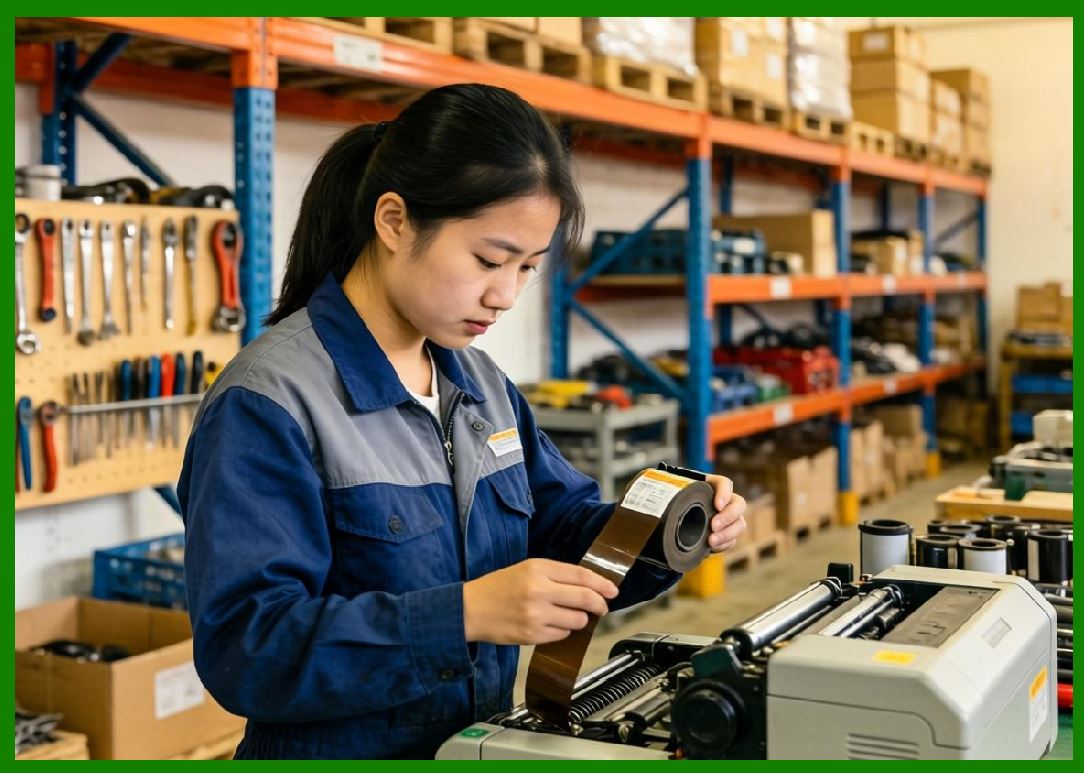
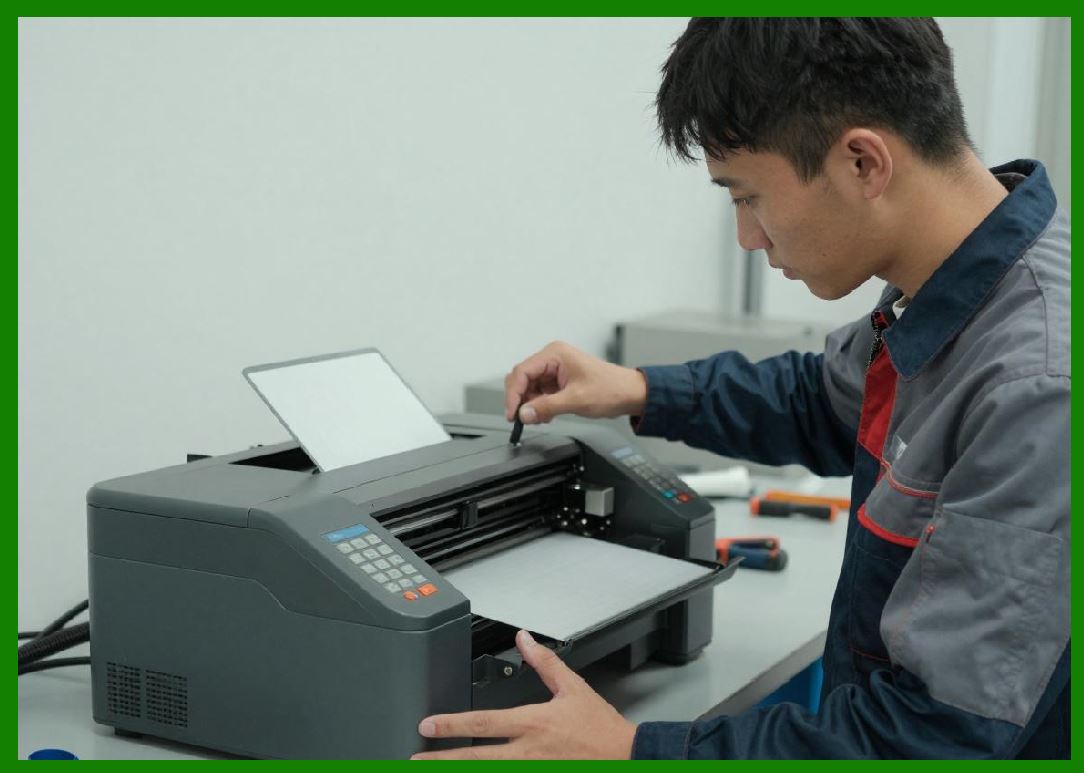
Label media is typically stored on rolls that are mounted on a spindle system at the rear or interior of the printer. |
3.2 |
The spindle supports rotational movement while maintaining axial stability of the media roll. |
3.3 |
Roll feed systems must accommodate varying roll diameters as material is consumed. |
3.4 |
Key mechanical considerations include: |
1. Rotational inertia |
2. Roll mass variation |
3. Core diameter differences |
4. Axial wobble |
5. Dynamic imbalance |

|
3.5 |
Uncontrolled roll inertia can cause slack or excessive tension in the media path. |
3.6 |
Some systems use motorized spindles to actively control roll feeding. |
3.7 |
Motorized feed systems improve precision and reduce mechanical stress. |
3.8 |
Proper roll feed design ensures smooth media delivery without sudden tension fluctuations. |
|
4. Web Tension Control Systems |
4.1 |
Web tension refers to the longitudinal force applied to label media as it moves through the printer. |
4.2 |
Maintaining consistent tension is critical for accurate positioning of printed content. |
4.3 |
If tension is too low, media may slip or wrinkle; if too high, it may stretch or tear. |
4.4 |
Tension control systems regulate force using: |
1. Brake mechanisms |
2. Motor torque control |
3. Spring-loaded rollers |
4. Feedback sensors |

|
4.5 |
Active tension control uses real-time sensor feedback to adjust motor torque dynamically. |
4.6 |
The relationship between tension and mechanical stability is nonlinear. |
4.7 |
Variations in media thickness and stiffness require adaptive tension compensation. |
4.8 |
Stable tension ensures consistent print registration and barcode accuracy. |

|
5. Platen Roller and Friction Interface Dynamics |
5.1 |
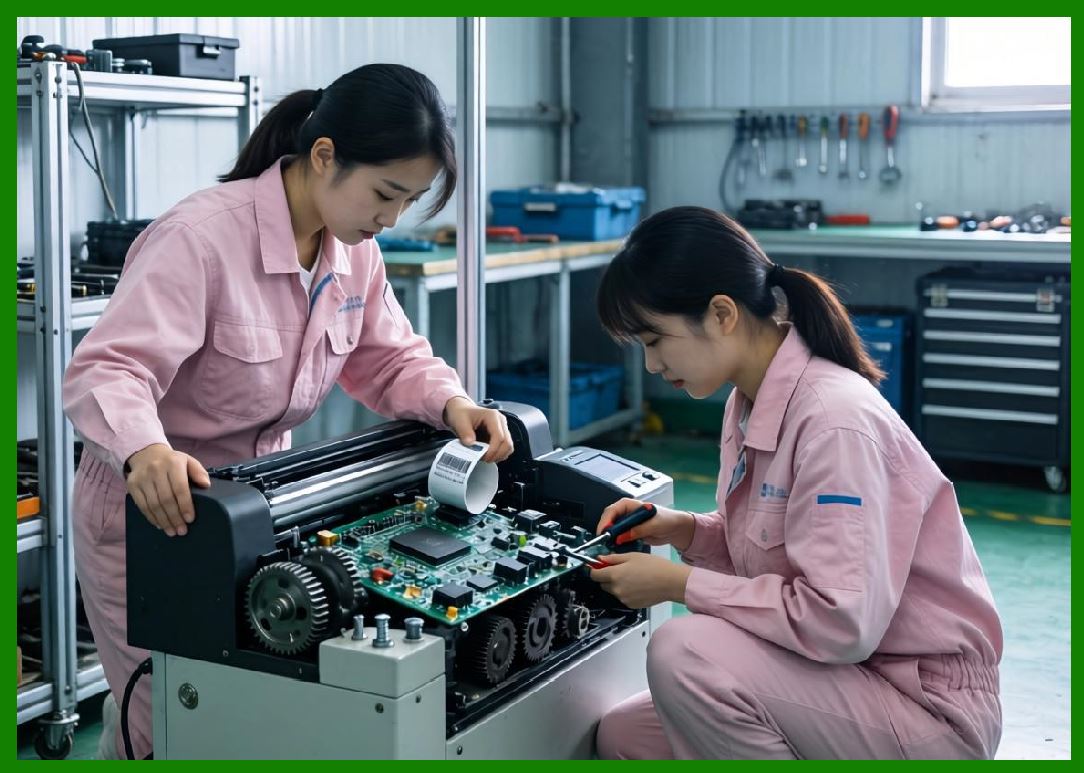
The platen roller is the primary contact surface that drives media movement beneath the printhead. |
5.2 |
It provides both frictional force and positional stability during printing. |
5.3 |
The interaction between media and platen roller determines: |
1. Feed accuracy |
2. Slip resistance |
3. Vertical alignment |
4. Print consistency |
|
5.4 |
Surface material selection is critical for optimizing grip without damaging media. |
5.5 |
Rubberized coatings are commonly used to enhance friction control. |
5.6 |
Wear on the platen roller can introduce gradual feed inaccuracies. |
5.7 |
Regular calibration or replacement is required in high-volume environments. |
5.8 |
Precise roller geometry ensures uniform pressure distribution. |
|
6. Media Registration and Positioning Accuracy |
6.1 |
Media registration refers to the precise alignment of label position relative to the printhead. |
6.2 |
Accurate registration ensures that printed content aligns correctly with label boundaries. |
6.3 |
Registration systems rely on: |
1. Gap sensors |
2. Black mark sensors |
3. Encoder feedback |
4. Step counting |

|
6.4 |
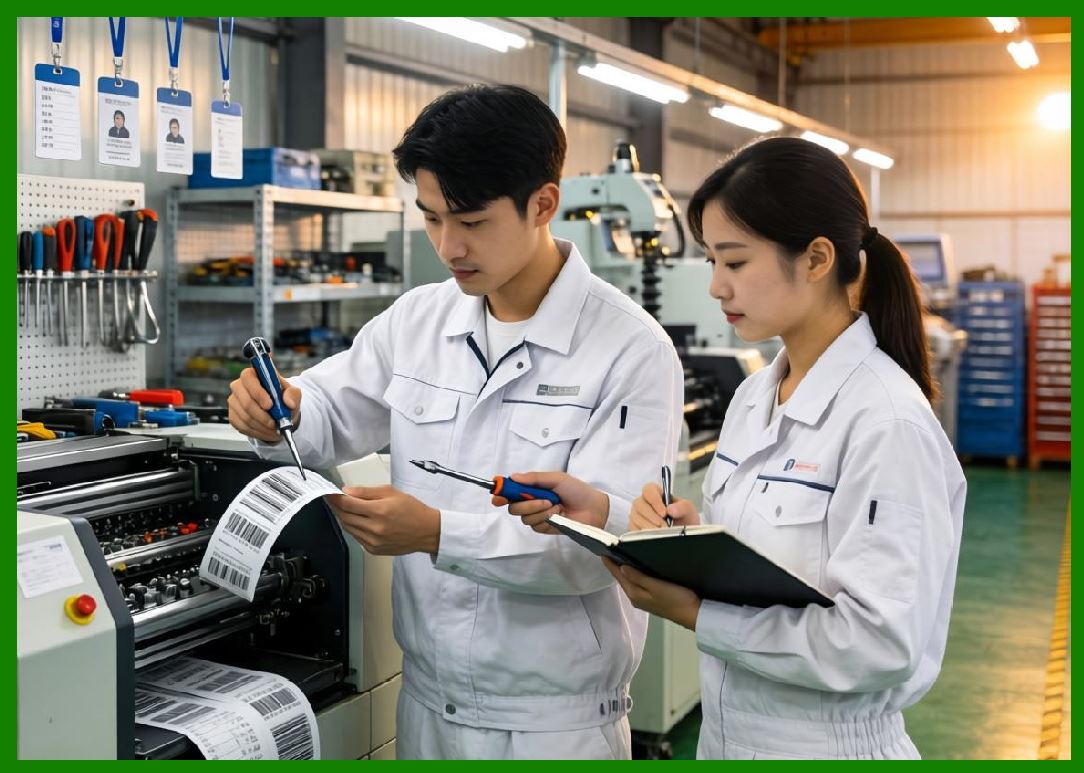
Sensors detect physical features on the media such as gaps between labels or printed marks. |
6.5 |
The system uses these signals to calibrate feed position. |
6.6 |
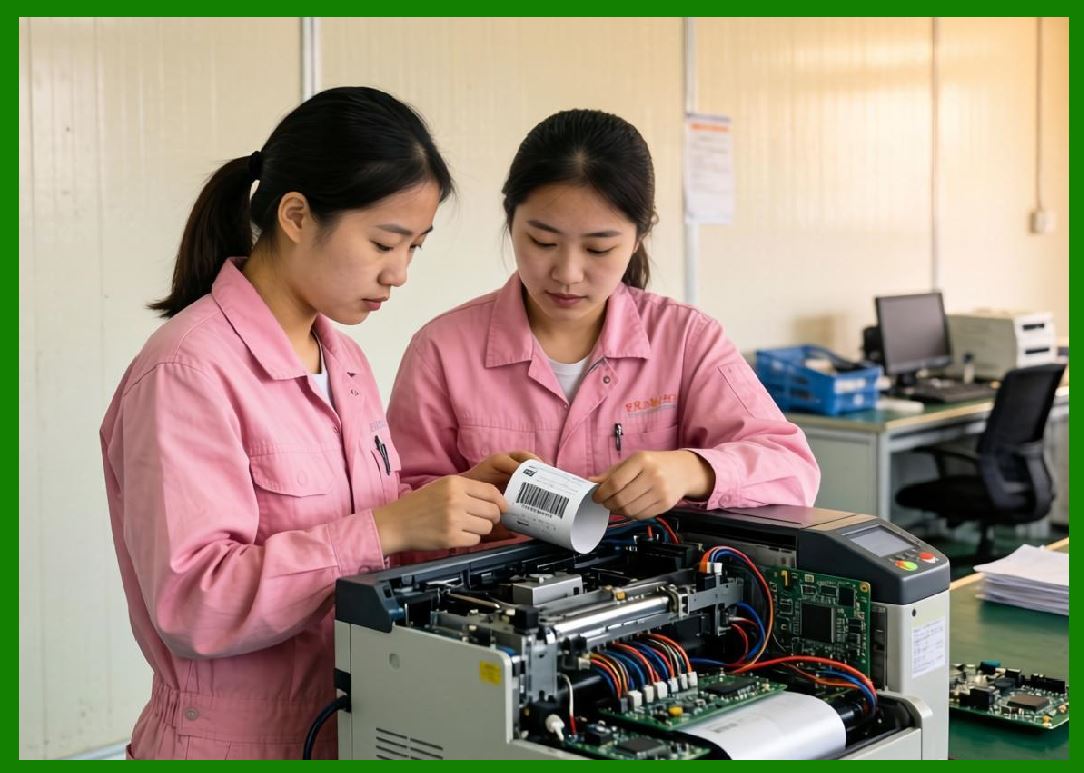
Misregistration can cause partial barcode printing or label miscuts. |
6.7 |
Firmware continuously adjusts feed offset based on sensor input. |
6.8 |
High-end systems achieve sub-millimeter registration accuracy. |
|
7. Gap Sensor and Black Mark Detection Systems |
7.1 |
Optical sensors are commonly used to detect label boundaries. |
7.2 |
Gap sensors measure light transmission differences between labels and backing material. |
7.3 |
Black mark sensors detect pre-printed registration marks on the media backing. |
7.4 |
Sensor operation involves: |
1. Light emission |
2. Reflection or transmission measurement |
3. Signal threshold detection |
4. Digital conversion |
7.5 |
Sensor calibration is required for different media types. |
7.6 |
Environmental factors such as dust or label opacity can affect detection accuracy. |
7.7 |
Multiple sensor configurations improve reliability in industrial environments. |
7.8 |
Accurate detection ensures correct print start positioning. |
|
8. Liner Backing and Peel-Off Mechanisms |
8.1 |
Many barcode printers operate with adhesive-backed labels mounted on a liner (backing paper). |
8.2 |
Peel-off systems separate labels from the liner after printing. |
8.3 |
Key components include: |
1. Peel plate |
2. Separation edge |
3. Liner take-up roller |
4. Tension regulator |
8.4 |
The peel plate creates a sharp angle that forces label separation. |
8.5 |
Liner must be smoothly guided to avoid tearing or jamming. |
8.6 |
Take-up systems must maintain consistent winding tension. |
8.7 |
Peel-off operation requires precise synchronization with print speed. |
8.8 |
Improper liner handling can cause label misalignment or feed interruption. |

|
9. Media Feed Motor Systems |
9.1 |
Media movement is typically controlled by stepper motors or servo motors. |
9.2 |
Stepper motors provide precise incremental movement control. |
9.3 |
Servo motors offer closed-loop feedback and higher dynamic accuracy. |
9.4 |
Motor control parameters include: |
1. Step resolution |
2. Acceleration curves |
3. Torque output |
4. Microstepping configuration |
9.5 |
Acceleration must be carefully controlled to avoid slipping or inertia effects. |
9.6 |
Motor vibrations can propagate into printhead alignment errors. |
9.7 |
Advanced systems use encoder feedback for real-time correction. |
9.8 |
Motor control is tightly integrated with print timing systems. |

|
10. Backlash, Slip, and Mechanical Error Compensation |
10.1 |
Mechanical systems inevitably introduce small errors such as backlash and slip. |
10.2 |
Backlash refers to lost motion in mechanical gears or drive systems. |
10.3 |
Slip occurs when media movement does not perfectly match roller rotation. |
10.4 |
These errors accumulate and can distort barcode geometry. |
10.5 |
Compensation methods include: |
1. Closed-loop feedback |
2. Predictive motion correction |
3. Calibration routines |
4. Encoder-based correction |
10.6 |
Firmware continuously adjusts feed distance to compensate for drift. |
10.7 |
High-precision systems minimize mechanical tolerance buildup. |
10.8 |
Error correction is essential for industrial-grade printing accuracy. |

|
11. Media Path Alignment and Mechanical Geometry |
11.1 |
The media path must be precisely aligned to ensure smooth and stable transport. |
11.2 |
Misalignment can cause: |
1. Edge curling |
2. Wrinkling |
3. Skewed printing |
4. Uneven tension distribution |
11.3 |
Guide rollers maintain lateral positioning stability. |
11.4 |
Side guides ensure consistent media width alignment. |
11.5 |
Mechanical chassis rigidity prevents structural deformation. |
11.6 |
Precision alignment reduces wear on printhead components. |
11.7 |
Alignment tolerances are typically measured in fractions of a millimeter. |
11.8 |
Stable geometry is essential for long-term reliability. |

|
12. Media Type Variability and Adaptive Handling |
12.1 |
Barcode printers must support a wide variety of media types. |
12.2 |
Media types include: |
1. Paper labels |
2. Synthetic labels |
3. Thermal paper |
4. Polyester films |
5. RFID inlays |
12.3 |
Each media type has different thickness, stiffness, and friction characteristics. |
12.4 |
Printers must adapt feed tension and speed accordingly. |
12.5 |
Media calibration profiles are often stored in firmware. |
12.6 |
Automatic media detection systems adjust parameters dynamically. |
12.7 |
Incorrect media settings can cause print defects or mechanical jams. |
12.8 |
Adaptive handling increases system flexibility and usability. |

|
13. Continuous Feed vs. Batch Feed Operation |
13.1 |
Barcode printers operate in either continuous feed or batch feed modes. |
13.2 |
Continuous feed allows uninterrupted printing of large label sets. |
13.3 |
Batch feed processes individual labels or small groups. |
13.4 |
Continuous mode requires stable long-duration tension control. |
13.5 |
Batch mode requires rapid acceleration and deceleration cycles. |
13.6 |
Each mode imposes different mechanical stress profiles. |
13.7 |
Firmware optimizes motion profiles based on selected mode. |
13.8 |
Hybrid systems support both operational styles dynamically. |

|
14. Fault Detection in Media Handling Systems |
14.1 |
Media handling systems include sensors for detecting operational faults. |
14.2 |
Common faults include: |
1. Media out detection |
2. Paper jam |
3. Ribbon break |
4. Misalignment |
5. Tension failure |
14.3 |
Sensors continuously monitor system status during operation. |
14.4 |
Fault conditions trigger automatic stop or correction procedures. |
14.5 |
Diagnostic logs assist maintenance and troubleshooting. |
14.6 |
Predictive algorithms identify early signs of mechanical degradation. |
14.7 |
Recovery mechanisms reduce downtime in industrial environments. |
14.8 |
Robust fault handling ensures operational continuity. |

|
15. Future Trends in Media Handling Systems |
15.1 |
Future media handling systems will increasingly use intelligent automation and adaptive control. |
15.2 |
AI-based motion control may predict optimal feed behavior in real time. |
15.3 |
Self-calibrating rollers could automatically compensate for wear. |
15.4 |
Smart sensors may detect media properties instantly without manual configuration. |
15.5 |
Robotic media loading systems may reduce human intervention in industrial environments. |
15.6 |
Advanced materials may reduce friction variability and improve durability. |
15.7 |
Despite technological advances, the core requirement remains unchanged: precise, stable, and repeatable transport of label media through the printer to ensure exact barcode placement and structural integrity. |
|
Technical Content Summary |
This part explored the detailed engineering principles of media handling systems in barcode label printers. The discussion covered roll feed mechanics, spindle dynamics, web tension control, platen roller interaction, sensor-based registration systems, liner peeling mechanisms, motor control architectures, and mechanical error compensation strategies. |
The article explained how precise media transport is essential for maintaining barcode alignment and print accuracy, especially in high-speed industrial environments. It also analyzed adaptive handling systems, fault detection mechanisms, continuous feed operation, and variability in media types. |
Additionally, this section described how modern printers achieve high-precision label transport through integrated mechanical, optical, and firmware-controlled feedback systems. |
The next part will focus on RFID integration systems in barcode label printers, including encoding of RFID tags, antenna coupling design, thermal-RFID hybrid printing architectures, and synchronization between barcode and embedded chip data systems. |
 cs@easiersoft.com