Part 19 |
Embedded Firmware Architecture in Barcode Label Printers RTOS Design, Task Scheduling, Interrupt Handling, Memory Management, and Device Driver Abstraction Layers |
1. Introduction to Embedded Firmware in Barcode Printers |
1.1 |
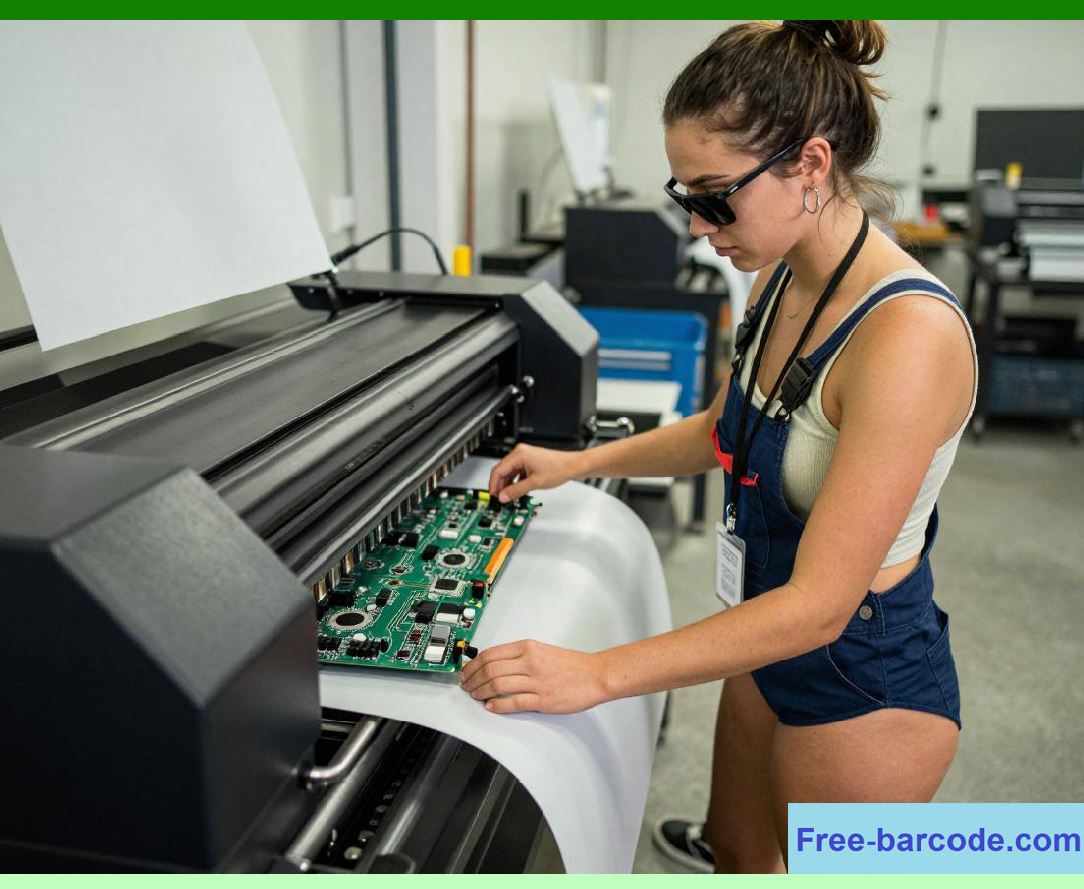
Embedded firmware is the central intelligence layer of a barcode label printer. It coordinates all hardware subsystems including printhead drivers, motion control systems, RFID encoding modules, sensors, and power regulation into a unified real-time operating environment. |
1.2 |
Unlike general-purpose computing systems, firmware in barcode printers must operate under strict deterministic timing constraints. Every printed dot, every motor step, and every RFID write operation must occur at precisely defined intervals without deviation. |
1.3 |
The firmware acts as the real-time brainof the system, translating high-level print jobs into synchronized electrical, mechanical, and radio-frequency actions. |

|
1.4 |
It directly governs: |
1. Print accuracy |
2. Motion synchronization |
3. Thermal energy timing |
4. RFID encoding correctness |
5. System stability |
6. Error recovery behavior |
7. Memory allocation efficiency |
8. Device communication protocols |
1.5 |
Modern printers use highly optimized real-time operating systems (RTOS) combined with hardware abstraction layers and tightly coupled interrupt-driven architectures. |
|
2. Firmware System Architecture Overview |
2.1 |
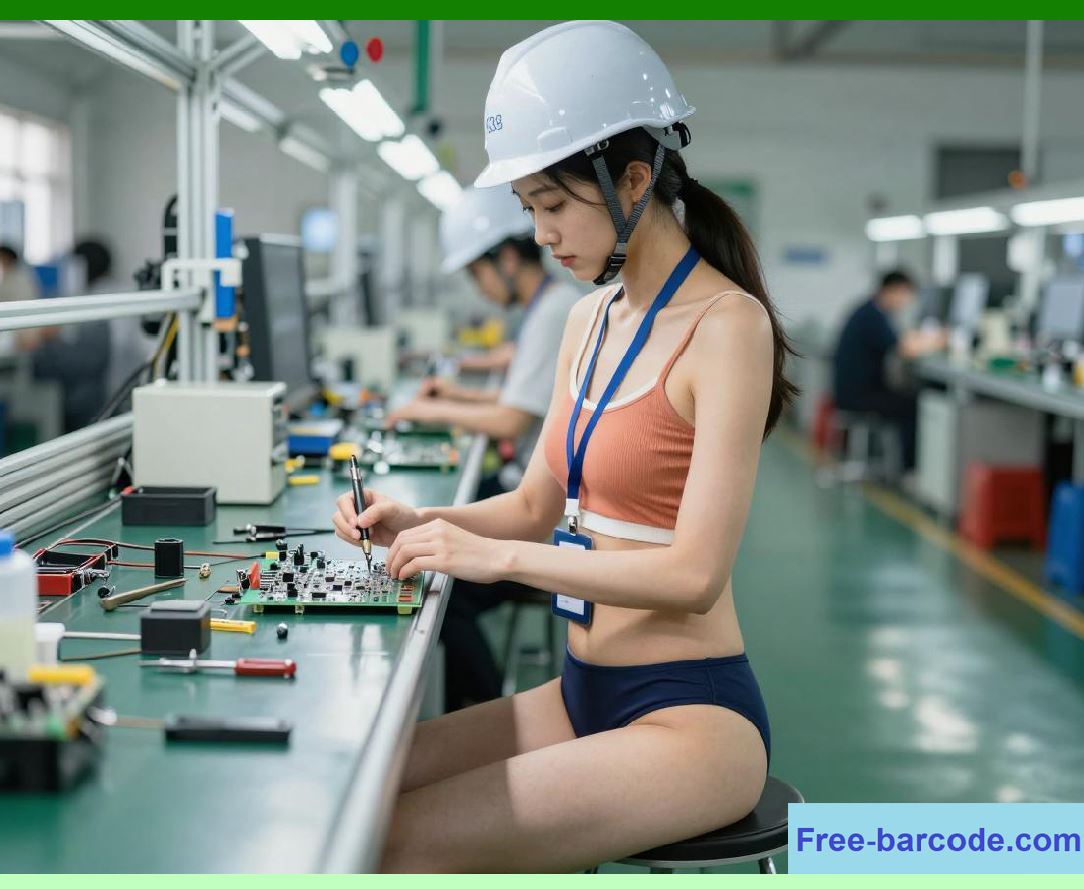
The firmware architecture is typically structured as a layered system, where each layer isolates complexity and improves maintainability. |
2.2 |
A typical architecture includes: |
1. Bootloader layer |
2. Hardware abstraction layer (HAL) |
3. RTOS kernel layer |
4. Device driver layer |
5. Middleware services |
6. Application logic layer |
2.3 |
Each layer communicates through well-defined interfaces to ensure modularity and scalability. |

|
2.4 |
This separation allows hardware upgrades without requiring complete firmware redesign. |
2.5 |
The architecture is designed to maintain deterministic execution under real-time constraints. |
2.6 |
Critical timing paths bypass non-essential layers for performance optimization. |
2.7 |
Interrupt-driven execution ensures immediate response to hardware events. |
2.8 |
Firmware reliability is essential for industrial-grade printing systems. |
|
3. Real-Time Operating System (RTOS) Design |
3.1 |
Most advanced barcode printers rely on a real-time operating system rather than a general-purpose OS. |
3.2 |
An RTOS ensures that tasks are executed within strict timing constraints. |
3.3 |
Key RTOS characteristics include: |
1. Deterministic scheduling |
2. Low interrupt latency |
3. Priority-based task execution |
4. Minimal jitter |
3.4 |
Tasks are assigned priorities based on criticality, with printhead control and motion control typically receiving the highest priority. |
3.5 |
The RTOS kernel manages task switching with minimal overhead. |
3.6 |
Time slicing may be used for lower-priority background tasks. |
3.7 |
Real-time determinism ensures consistent print quality even under heavy system load. |
3.8 |
RTOS selection significantly influences overall system performance. |

|
4. Task Scheduling and Priority Management |
4.1 |
Task scheduling is responsible for allocating CPU time to different firmware functions. |
4.2 |
Typical high-priority tasks include: |
1. Printhead activation control |
2. Motor control loops |
3. Sensor input processing |
4. RFID encoding operations |
4.3 |
Lower-priority tasks include: |
1. Network communication |
2. User interface updates |
3. Logging and diagnostics |
4. Background maintenance |
4.4 |
Scheduling is typically preemptive, allowing high-priority tasks to interrupt lower-priority ones. |
4.5 |
Priority inversion must be carefully prevented using mutex protocols or priority inheritance mechanisms. |
4.6 |
Deadlock prevention is critical in multi-threaded firmware environments. |
4.7 |
Scheduling decisions are made in microsecond-level time scales. |
4.8 |
Efficient scheduling ensures stable high-speed printing performance. |

|
5. Interrupt Handling Architecture |
5.1 |
Interrupts are hardware-generated signals that notify the firmware of time-critical events. |
5.2 |
Common interrupt sources include: |
1. Encoder pulses |
2. Printhead strobe signals |
3. Sensor triggers |
4. RFID completion signals |
5. Error conditions |
5.3 |
Interrupt Service Routines (ISRs) must execute quickly to avoid system latency. |
5.4 |
Long processing tasks are deferred to lower-priority background handlers. |
5.5 |
Interrupt latency directly affects print precision and synchronization accuracy. |
5.6 |
Nested interrupts may be used in advanced systems for prioritization. |
5.7 |
Careful ISR design prevents timing jitter in motion and print systems. |
5.8 |
Interrupt architecture is fundamental to deterministic system behavior. |

|
6. Memory Management in Embedded Firmware |
6.1 |
Memory management in barcode printer firmware must balance efficiency, predictability, and real-time safety. |
6.2 |
Unlike general computing systems, dynamic memory allocation is often minimized or tightly controlled. |
6.3 |
Memory regions typically include: |
1. Flash memory (firmware storage) |
2. RAM (runtime execution and buffers) |
3. EEPROM (configuration storage) |
4. DMA buffers (high-speed data transfer) |
6.4 |
Memory fragmentation must be avoided to ensure deterministic performance. |
6.5 |
Preallocated memory pools are commonly used for print buffers. |
6.6 |
Direct Memory Access (DMA) is used to transfer print data without CPU intervention. |
6.7 |
Efficient memory management is critical for high-resolution printing. |
6.8 |
Memory stability directly affects throughput consistency. |

|
7. Print Data Pipeline in Firmware |
7.1 |
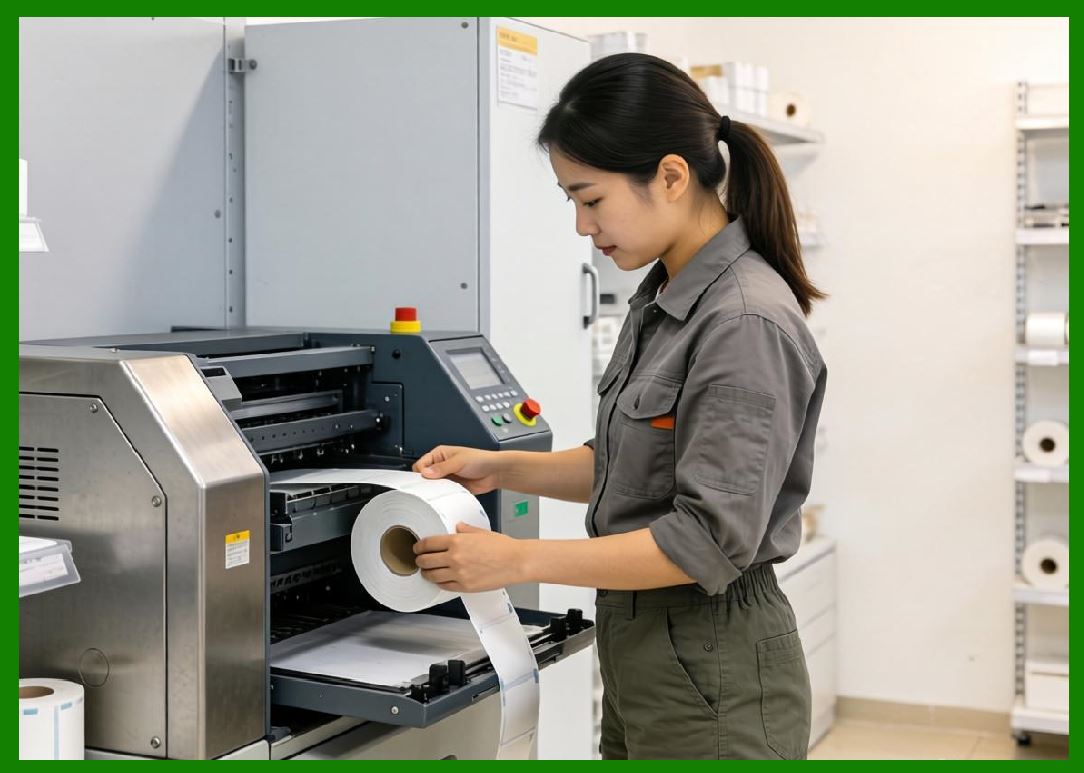
The firmware manages a multi-stage data pipeline from job input to physical output. |
7.2 |
Pipeline stages include: |
1. Job parsing |
2. Layout processing |
3. Barcode encoding |
4. Raster conversion |
5. Buffer staging |
6. Print execution |
7.3 |
Each stage operates concurrently on different segments of data. |
7.4 |
Pipeline design improves throughput and reduces idle CPU time. |
7.5 |
Data buffering ensures smooth transition between stages. |
7.6 |
Pipeline synchronization is critical to avoid underrun conditions. |
7.7 |
Firmware must maintain strict alignment between logical and physical data flow. |
7.8 |
Efficient pipeline architecture enables high-speed continuous printing. |
|
8. Device Driver Abstraction Layer (HAL) |
8.1 |
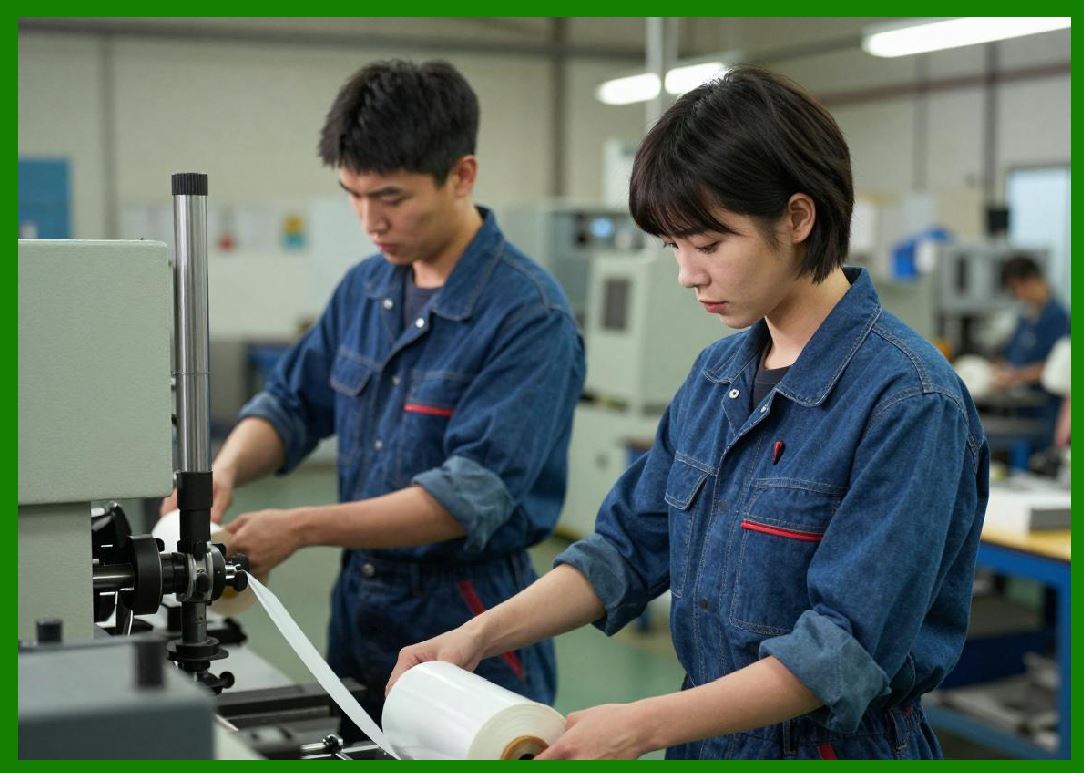
The hardware abstraction layer (HAL) isolates firmware logic from hardware-specific implementation details. |
8.2 |
HAL provides standardized interfaces for: |
1. Printhead drivers |
2. Motor controllers |
3. Sensors |
4. RFID modules |
5. Power management units |
8.3 |
This abstraction allows hardware changes without modifying core firmware logic. |
8.4 |
Device drivers translate generic commands into hardware-specific signals. |
8.5 |
HAL improves portability across different printer models. |
8.6 |
It also simplifies firmware maintenance and upgrades. |
8.7 |
Driver modularity supports system scalability. |
8.8 |
HAL is essential for industrial product lifecycle management. |
|
9. Real-Time Synchronization Mechanisms |
9.1 |
Synchronization ensures that all subsystems operate in coordinated timing alignment. |
9.2 |
Key synchronization domains include: |
1. Printhead activation timing |
2. Media feed position |
3. RFID encoding triggers |
4. Sensor feedback loops |
9.3 |
Time-critical synchronization is achieved using hardware timers and interrupts. |
9.4 |
Encoder feedback provides real-time positional correction. |
9.5 |
Clock drift must be compensated to maintain long-term accuracy. |
9.6 |
Synchronization errors lead to visible print defects or RFID mismatches. |
9.7 |
Predictive timing models help reduce latency effects. |
9.8 |
Deterministic synchronization is essential for barcode integrity. |
|
10. Error Handling and Recovery Systems |
10.1 |
Firmware includes comprehensive error detection and recovery mechanisms. |
10.2 |
Common error types include: |
1. Media jams |
2. Printhead faults |
3. RFID write failures |
4. Communication timeouts |
10.3 |
Error handling routines classify faults by severity. |
10.4 |
Recoverable errors trigger automatic correction procedures. |
10.5 |
Critical errors initiate safe shutdown sequences. |
10.6 |
Firmware logs all error events for diagnostics. |
10.7 |
Recovery mechanisms minimize downtime in industrial environments. |
10.8 |
Robust error handling is essential for operational reliability. |
|
11. Communication Protocols and External Interfaces |
11.1 |
Barcode printers communicate with external systems through multiple interfaces. |
11.2 |
Common protocols include: |
1. USB |
2. Ethernet |
3. Serial (RS-232) |
4. Wi-Fi |
5. Industrial fieldbus systems |
11.3 |
Protocols carry print jobs, configuration data, and status information. |
11.4 |
Firmware must parse and validate incoming data streams. |
11.5 |
Network buffering prevents packet loss under heavy load. |
11.6 |
Secure communication protocols may be used in enterprise environments. |
11.7 |
Real-time response is maintained even during communication bursts. |
11.8 |
Interface design supports integration into industrial ecosystems. |
|
12. Firmware Update and Bootloader Systems |
12.1 |
Firmware update mechanisms allow printers to receive new features and bug fixes. |
12.2 |
The bootloader is responsible for initializing hardware and loading firmware. |
12.3 |
Key bootloader functions include: |
1. Hardware initialization |
2. Firmware validation |
3. Safe update execution |
4. Recovery mode activation |
12.4 |
Firmware images are typically verified using cryptographic checksums. |
12.5 |
Dual-bank memory systems allow safe rollback during failed updates. |
12.6 |
Update systems are designed to prevent device bricking. |
12.7 |
Remote updates enable enterprise fleet management. |
12.8 |
Secure boot architecture improves system integrity. |

|
13. Real-Time Diagnostics and Telemetry |
13.1 |
Modern firmware includes continuous diagnostic monitoring systems. |
13.2 |
Monitored parameters include: |
1. Temperature |
2. Voltage stability |
3. Motor performance |
4. Printhead health |
13.3 |
Telemetry data may be transmitted to remote management systems. |
13.4 |
Predictive analytics identify potential failures before they occur. |
13.5 |
Diagnostic systems improve maintenance scheduling. |
13.6 |
Real-time dashboards provide operational visibility. |
13.7 |
Data logging supports compliance and traceability. |
13.8 |
Diagnostics enhance system reliability and lifecycle management. |

|
14. Firmware Optimization Techniques |
14.1 |
Firmware performance optimization is essential for high-speed printing. |
14.2 |
Optimization methods include: |
1. Interrupt minimization |
2. DMA utilization |
3. Loop unrolling |
4. Cache optimization |
14.3 |
Critical paths are optimized for deterministic execution. |
14.4 |
Memory access patterns are carefully structured. |
14.5 |
Compiler optimizations improve execution efficiency. |
14.6 |
Low-latency design reduces print delays. |
14.7 |
Optimization ensures stable performance under load. |
14.8 |
Efficient firmware enables high-throughput industrial operation. |

|
15. Future Trends in Embedded Firmware Systems |
15.1 |
Future firmware systems will become increasingly intelligent and adaptive. |
15.2 |
AI-assisted scheduling may dynamically optimize task priorities. |
15.3 |
Self-healing firmware architectures may automatically recover from faults. |
15.4 |
Edge computing integration may enable distributed print processing. |
15.5 |
Formal verification methods may improve reliability guarantees. |
15.6 |
Fully modular firmware ecosystems may allow plug-and-play hardware expansion. |
15.7 |
Despite evolving complexity, the fundamental requirement remains unchanged: deterministic, real-time coordination of all printer subsystems to ensure precise, reliable, and repeatable barcode output under industrial conditions. |

|
Technical Content Summary |
This part explored the detailed engineering principles of embedded firmware architecture in barcode label printers. The discussion covered RTOS design, task scheduling, interrupt handling, memory management, device driver abstraction layers, real-time synchronization mechanisms, error handling systems, communication protocols, firmware updates, diagnostics, and optimization techniques. |
The article explained how firmware acts as the central control intelligence that coordinates all hardware subsystems in real time. It also analyzed how deterministic execution, low-latency scheduling, and modular abstraction layers ensure reliable and scalable printer operation. |
Additionally, this section described how modern printers rely on highly optimized embedded software systems to achieve industrial-grade performance, stability, and integration flexibility. |
The next part will focus on sensor systems and feedback control in barcode label printers, including optical sensors, encoder feedback loops, calibration systems, and real-time adaptive correction mechanisms. |
 cs@easiersoft.com