Part 28 |
Firmware Architecture and Embedded Operating Systems in Barcode Label Printers Real-Time Scheduling, Memory Management, Driver Abstraction Layers, Boot Systems, and Firmware Update Mechanisms |
1. Introduction to Printer Firmware Systems |
1.1 |
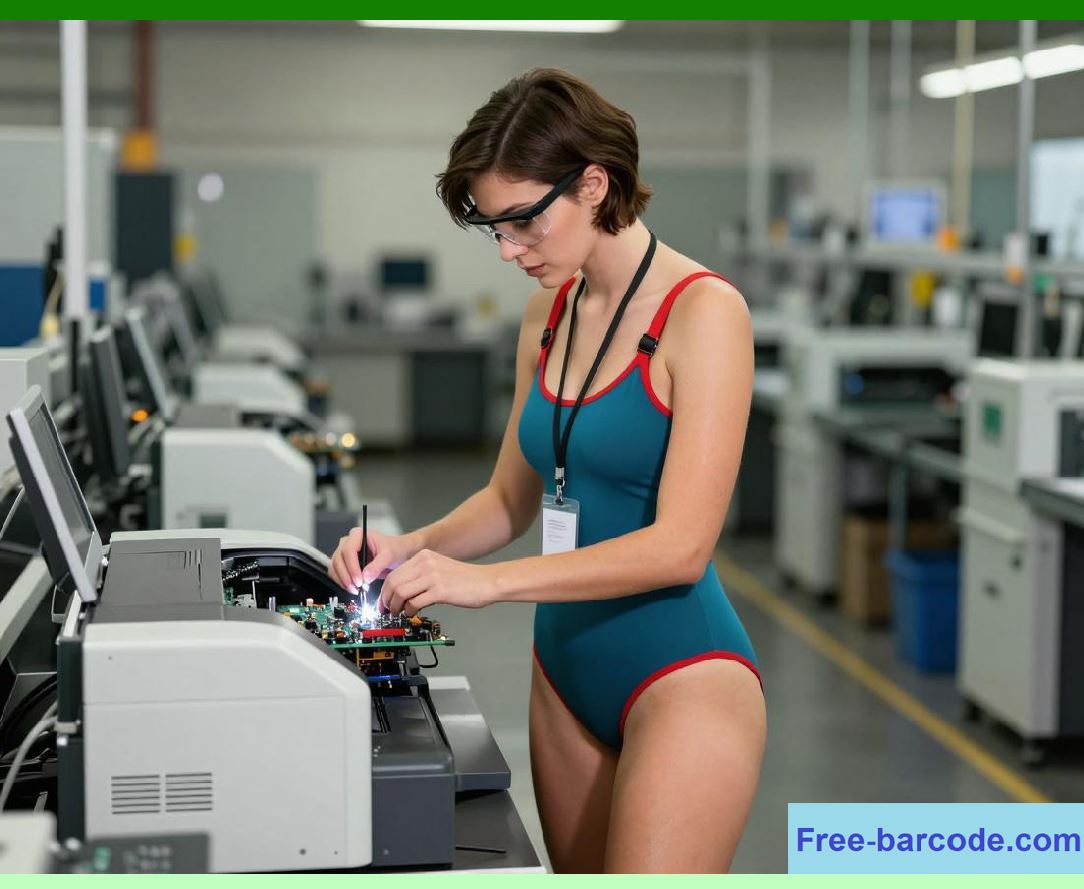
Firmware in barcode label printers is the embedded software layer that directly controls hardware behavior, including printhead activation, motor movement, sensor interpretation, communication handling, and system diagnostics. It acts as the brain that translates external print commands into precise physical actions. |
1.2 |
Unlike general-purpose software, printer firmware operates under strict real-time constraints where timing accuracy, deterministic execution, and hardware synchronization are critical. |
|
1.3 |
Firmware must manage: |
1. Print job interpretation and execution |
2. Real-time control of motors and printheads |
3. Memory allocation for raster images |
4. Communication protocol handling |
5. Sensor feedback processing |
6. System diagnostics and error handling |
1.4 |
Firmware stability directly determines print quality, reliability, and system uptime. |
1.5 |
Modern barcode printers use layered firmware architectures built on embedded real-time operating systems (RTOS). |
|
2. Embedded Operating System Architecture |
2.1 |
Most modern barcode printers run on an embedded operating system designed for deterministic, real-time control. |
2.2 |
The RTOS is responsible for scheduling tasks such as: |
1. Print rendering |
2. Motor control loops |
3. Communication handling |
4. Sensor polling |
5. Power management |
2.3 |
The operating system ensures that high-priority tasks (e.g., printhead timing) are never delayed by lower-priority background tasks. |
|
2.4 |
Key RTOS characteristics include: |
* Predictable execution timing |
* Minimal latency |
* Priority-based scheduling |
* Lightweight memory footprint |
2.5 |
The firmware kernel may be proprietary or based on embedded RTOS platforms. |
2.6 |
Task isolation ensures system stability under heavy load. |
2.7 |
Interrupt-driven design enables fast hardware response. |
2.8 |
The OS is optimized specifically for deterministic industrial performance. |
|
3. Real-Time Scheduling and Task Management |
3.1 |
Real-time scheduling is essential because barcode printing requires precise synchronization between motion, heating, and data transfer. |
3.2 |
The scheduler assigns priorities to system tasks such as: |
1. Printhead activation (highest priority) |
2. Motor control loops |
3. Encoder feedback processing |
4. Communication input parsing |
5. UI and status updates (lower priority) |
3.3 |
Scheduling algorithms commonly used include: |
* Fixed priority preemptive scheduling |
* Round-robin scheduling for background tasks |
* Interrupt-driven real-time execution |
|
3.4 |
Timing delays in high-priority tasks can cause visible print defects. |
3.5 |
The scheduler ensures deterministic execution within microsecond-level constraints. |
3.6 |
Task preemption prevents low-priority processes from interfering with print timing. |
3.7 |
Real-time guarantees are critical for industrial accuracy. |
3.8 |
Scheduling architecture is the backbone of firmware execution control. |
|
4. Memory Architecture and Allocation Systems |
4.1 |
Firmware must manage multiple types of memory efficiently to handle print jobs and system operations. |
4.2 |
Memory types include: |
1. RAM for active processing |
2. Flash memory for firmware storage |
3. EEPROM for configuration data |
4. Buffer memory for print spooling |
4.3 |
Memory allocation must be deterministic to avoid fragmentation during long print runs. |
4.4 |
Raster image data for labels can be memory-intensive, especially at high resolution. |
4.5 |
Firmware uses pre-allocated memory pools for predictable performance. |
4.6 |
Double buffering is often used to separate data processing from print execution. |
4.7 |
Memory optimization ensures stable operation under high workload. |
4.8 |
Efficient memory management is essential for high-speed printing systems. |
|
5. Print Data Processing Pipeline in Firmware |
5.1 |
Incoming print data is processed through a structured pipeline before being sent to hardware. |
5.2 |
The pipeline typically includes: |
1. Command parsing |
2. Layout rendering |
3. Rasterization |
4. Buffer storage |
5. Hardware execution |
5.3 |
Each stage transforms data from abstract instructions into physical output signals. |
5.4 |
Rasterization converts vector or text data into dot patterns for the printhead. |
5.5 |
Processing must be fast enough to keep up with continuous printing. |
5.6 |
Parallel processing pipelines may be used for efficiency. |
5.7 |
Pipeline design reduces latency and improves throughput. |
5.8 |
Data processing architecture directly affects print performance. |
|
6. Driver Abstraction Layer Design |
6.1 |
The driver abstraction layer (DAL) separates hardware-specific control logic from higher-level firmware functions. |
6.2 |
It allows firmware to interact with different hardware components in a standardized way. |
6.3 |
DAL handles: |
1. Printhead control interface |
2. Motor driver communication |
3. Sensor input normalization |
4. Power control commands |
6.4 |
This abstraction improves portability across printer models. |
6.5 |
Hardware-specific differences are isolated within driver modules. |
6.6 |
Firmware updates become easier and less risky. |
6.7 |
DAL ensures modular system design. |
6.8 |
Abstraction is essential for scalable printer architectures. |

|
7. Interrupt Handling and Hardware Event Processing |
7.1 |
Interrupts allow hardware components to notify firmware immediately when an event occurs. |
7.2 |
Common interrupt sources include: |
1. Encoder signals |
2. Sensor triggers |
3. Communication events |
4. Error conditions |
7.3 |
Interrupt service routines (ISRs) must execute quickly to avoid system delays. |
7.4 |
Critical tasks are prioritized over background processing. |
7.5 |
Deferred processing may be used for complex tasks. |
7.6 |
Interrupt latency directly affects real-time performance. |
7.7 |
Efficient interrupt design improves system responsiveness. |
7.8 |
Interrupt-driven architecture is fundamental to firmware control. |
|
8. Boot Process and System Initialization |
8.1 |
The boot process initializes all hardware and firmware components when the printer is powered on. |
8.2 |
Boot stages include: |
1. Hardware self-test (POST) |
2. Memory initialization |
3. Peripheral initialization |
4. Firmware loading |
5. System calibration |
8.3 |
Self-test routines detect hardware faults before operation begins. |
8.4 |
Initialization ensures correct system configuration. |
8.5 |
Calibration aligns sensors, motors, and printhead parameters. |
8.6 |
Bootloader ensures secure and controlled firmware startup. |
8.7 |
Startup sequence is carefully ordered for system stability. |
8.8 |
Boot integrity is essential for reliable operation. |
|
9. Firmware Calibration and Configuration Systems |
9.1 |
Calibration ensures that hardware components operate within expected tolerances. |
9.2 |
Calibration includes: |
1. Printhead energy calibration |
2. Motor step calibration |
3. Sensor alignment calibration |
4. Media feed offset adjustment |
9.3 |
Calibration data is stored in non-volatile memory. |
9.4 |
Environmental variations may require recalibration. |
9.5 |
Automated calibration routines reduce manual intervention. |
9.6 |
Calibration ensures consistent print quality. |
9.7 |
Firmware adjusts system parameters dynamically. |
9.8 |
Calibration is critical for precision printing systems. |
|
10. Firmware Update Mechanisms and Version Control |
10.1 |
Firmware updates allow printers to improve performance, fix bugs, and add features. |
10.2 |
Update methods include: |
1. USB-based flashing |
2. Network-based OTA updates |
3. Cloud-based deployment systems |
10.3 |
Firmware images are typically digitally signed for security. |
10.4 |
Version control ensures compatibility and rollback capability. |
10.5 |
Update failures can trigger recovery modes. |
10.6 |
Redundant storage ensures safe firmware replacement. |
10.7 |
Update systems must prevent corruption during transmission. |
10.8 |
Firmware updates are essential for lifecycle management. |

|
11. Error Handling and System Recovery |
11.1 |
Firmware must handle hardware and software errors gracefully. |
11.2 |
Common error types include: |
1. Printhead failure |
2. Motor stall conditions |
3. Memory overflow |
4. Communication loss |
11.3 |
Error handling routines classify severity levels. |
11.4 |
Critical errors may trigger emergency shutdown. |
11.5 |
Non-critical errors may be logged and bypassed. |
11.6 |
Recovery mechanisms restore system stability. |
11.7 |
Self-healing routines may reinitialize subsystems. |
11.8 |
Robust error handling ensures system reliability. |

|
12. Power Management in Firmware |
12.1 |
Firmware controls system power states for efficiency and safety. |
12.2 |
Power states include: |
1. Active printing mode |
2. Idle mode |
3. Sleep mode |
4. Deep power-saving mode |
12.3 |
Dynamic power scaling reduces energy consumption. |
12.4 |
Subsystems may be selectively powered down. |
12.5 |
Wake-up events restore full functionality. |
12.6 |
Power management improves energy efficiency. |
12.7 |
Firmware coordinates with hardware power controllers. |
12.8 |
Efficient power management extends system lifespan. |
|
13. Diagnostics and System Monitoring |
13.1 |
Firmware continuously monitors system health. |
13.2 |
Monitored parameters include: |
1. Temperature levels |
2. Voltage stability |
3. Motor performance |
4. Printhead condition |
13.3 |
Diagnostic logs record operational history. |
13.4 |
Predictive maintenance systems analyze trends. |
13.5 |
Warnings are generated before failures occur. |
13.6 |
Monitoring improves reliability and uptime. |
13.7 |
Real-time analytics enhance system intelligence. |
13.8 |
Diagnostics are essential for industrial operation. |

|
14. Firmware Security and Integrity Protection |
14.1 |
Firmware must be protected against unauthorized modification. |
14.2 |
Security mechanisms include: |
1. Secure boot validation |
2. Digital signatures |
3. Encrypted firmware storage |
4. Access control systems |
14.3 |
Security ensures system integrity and trustworthiness. |
14.4 |
Unauthorized firmware can compromise operations. |
14.5 |
Secure update processes prevent tampering. |
14.6 |
Authentication mechanisms control device access. |
14.7 |
Cybersecurity is increasingly important in connected printers. |
14.8 |
Firmware security protects industrial infrastructure. |
|
15. Future Trends in Firmware Architecture |
15.1 |
Future firmware systems will become more intelligent, adaptive, and autonomous. |
15.2 |
Emerging trends include: |
* AI-assisted firmware optimization |
* Self-configuring embedded systems |
* Predictive failure correction |
* Cloud-synchronized firmware ecosystems |
15.3 |
Firmware may dynamically adapt to usage patterns. |
15.4 |
Machine learning could optimize print parameters in real time. |
15.5 |
Edge computing will enhance local decision-making. |
15.6 |
Despite advancements, the core requirement remains unchanged: deterministic, real-time, and highly reliable control of all printer subsystems through tightly integrated firmware architecture. |
|
Technical Content Summary |
This part explored the detailed engineering principles of firmware architecture and embedded operating systems in barcode label printers. The discussion covered real-time scheduling, memory management, print data pipelines, driver abstraction layers, interrupt handling, boot systems, calibration processes, firmware updates, error handling, power management, diagnostics, and firmware security. |
The article explained how firmware acts as the central control layer that coordinates all hardware subsystems in real time to ensure precise and reliable barcode printing. It also analyzed how embedded operating systems provide deterministic execution and stability under industrial workloads. |
Additionally, this section described how modern firmware systems are evolving toward intelligent, adaptive, and cloud-connected architectures for next-generation printing platforms. |
|
The next part will focus on thermal energy transfer dynamics in printheads, including heat diffusion physics, resistor microstructure behavior, thermal response time modeling, and material thermal conductivity engineering. |
 cs@easiersoft.com