Part 40 |
Firmware Architecture and Embedded Operating Systems in Barcode Label Printers RTOS Design, Task Scheduling, Memory Management, Hardware Abstraction Layers, and Real-Time Print Control Kernels |
1. Introduction to Firmware Systems in Barcode Printers |
1.1 |
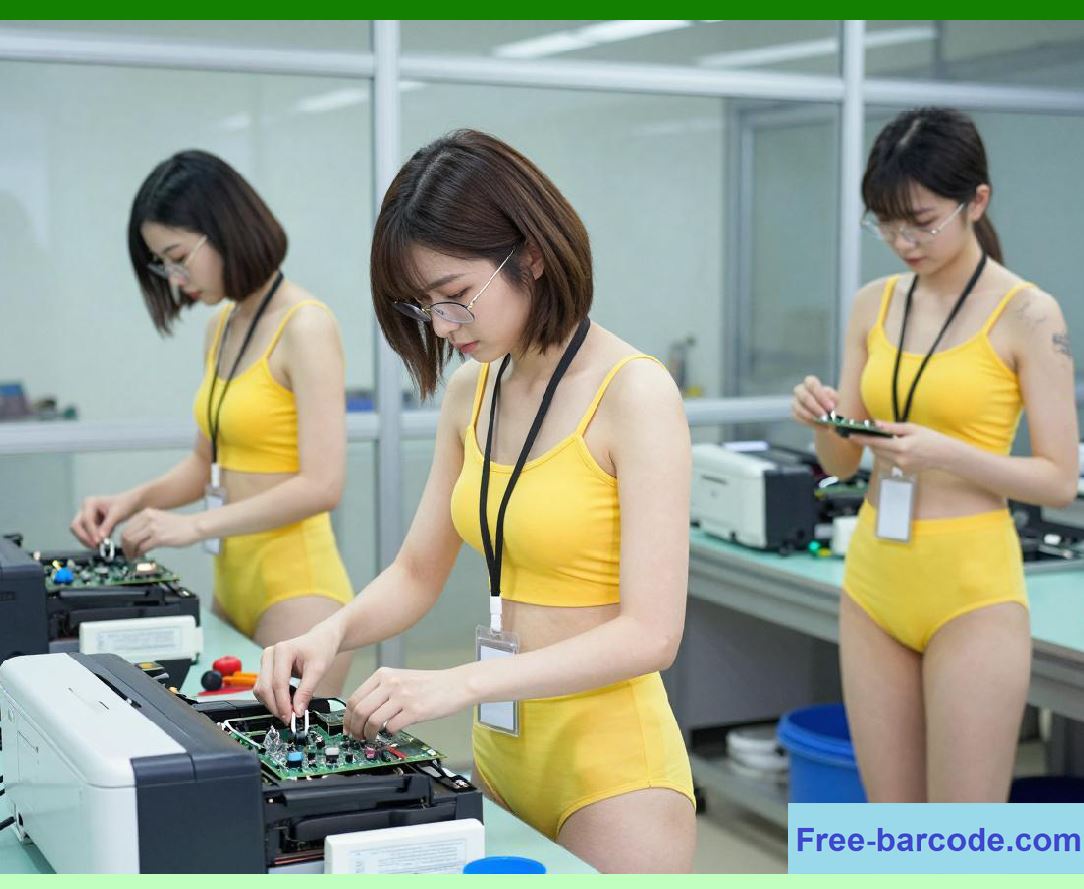
Firmware in barcode label printers is the core embedded software layer that coordinates all hardware subsystems, including printheads, motors, sensors, communication interfaces, and power regulation circuits. It acts as the deterministic control center that transforms incoming print jobs into precisely timed mechanical and thermal actions. |
|
1.2 |
Unlike general-purpose operating systems, printer firmware is designed for: |
1. Real-time determinism |
2. Predictable execution timing |
3. Low memory footprint |
4. Direct hardware control |
5. High reliability under continuous operation |
1.3 |
The firmware must ensure that every printed dot corresponds exactly to a computed pixel in the rendering pipeline, synchronized with mechanical motion. |
1.4 |
Any firmware instability directly affects print accuracy, barcode readability, and system safety. |
1.5 |
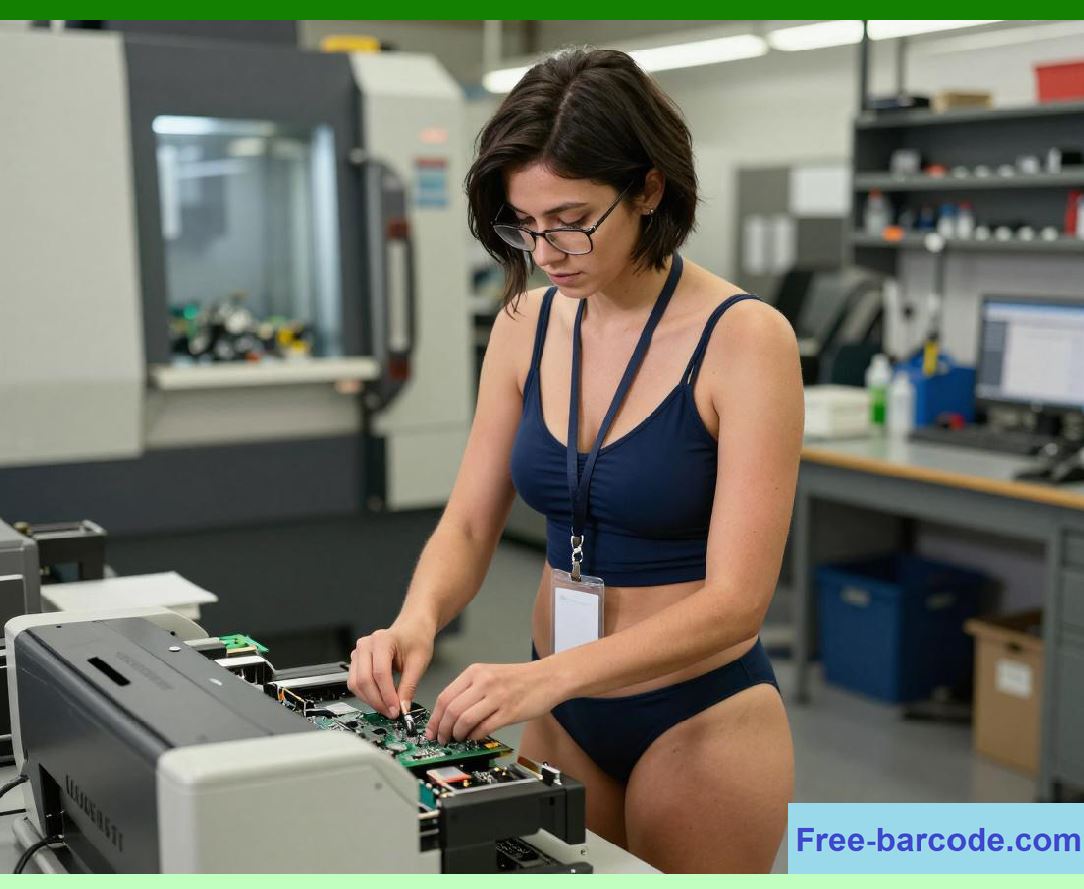
Modern printers use layered firmware architectures often built on real-time operating systems (RTOS) or custom embedded kernels. |
|
2. Embedded Operating System Architecture (RTOS-Based Design) |
2.1 |
Most industrial barcode printers use a Real-Time Operating System (RTOS) to manage concurrent tasks with strict timing constraints. |
2.2 |
The RTOS ensures deterministic scheduling of: |
1. Print rendering tasks |
2. Motor control loops |
3. Communication handling |
4. Sensor monitoring |
5. Thermal regulation |
2.3 |
Unlike general OS scheduling, RTOS scheduling prioritizes time-critical tasks over background processes. |

|
2.4 |
Common RTOS models include: |
* Priority-based preemptive scheduling |
* Round-robin scheduling for equal priority tasks |
* Event-driven interrupt handling |
2.5 |
The kernel must respond to hardware interrupts within microseconds in some subsystems. |
2.6 |
RTOS design ensures stable operation even under heavy load conditions. |
2.7 |
Predictability is more important than throughput in firmware design. |
2.8 |
The RTOS forms the execution backbone of the printer system. |

|
3. Task Scheduling and Real-Time Execution Control |
3.1 |
Task scheduling is responsible for allocating CPU time to different functional modules. |
3.2 |
Typical firmware tasks include: |
1. Print job parsing |
2. Raster image generation |
3. Motor stepping control |
4. Printhead pulse timing |
5. Communication stack processing |
3.3 |
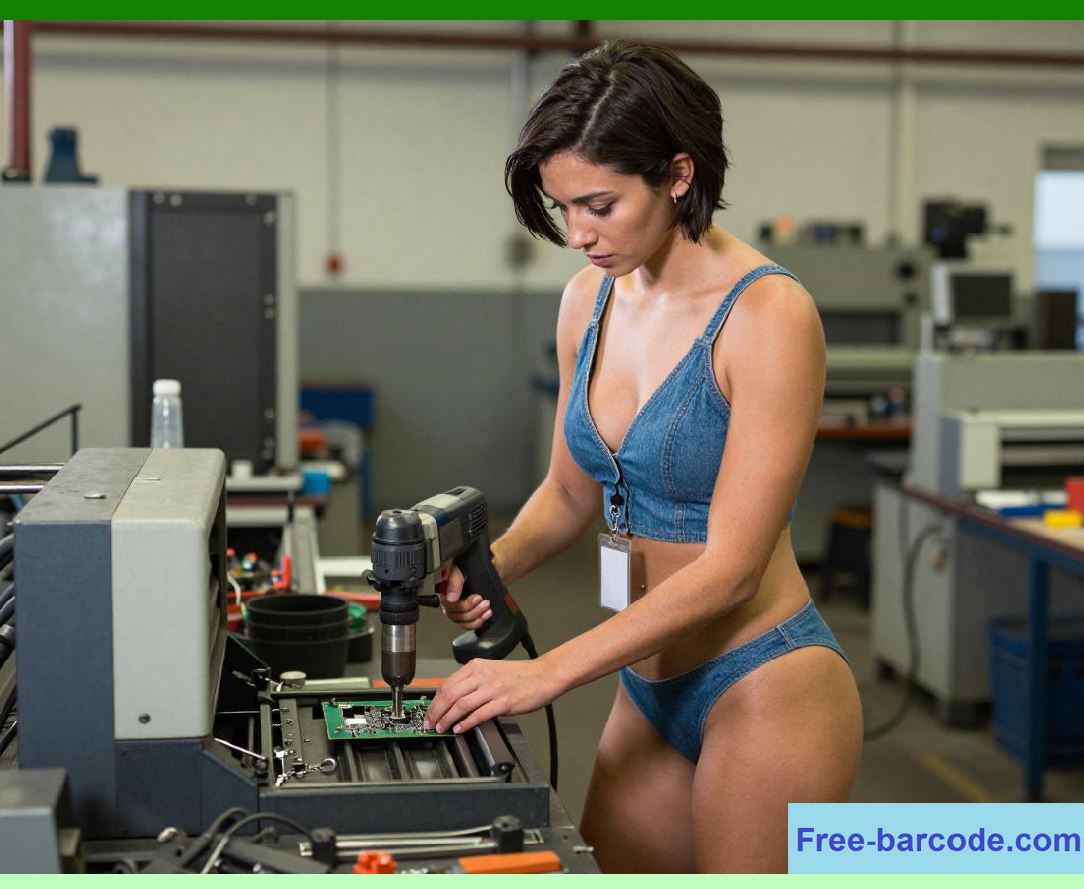
Each task is assigned a priority level based on time sensitivity. |
|
3.4 |
High-priority tasks (e.g., printhead control) preempt lower-priority tasks. |
3.5 |
A simplified scheduling model can be expressed as: |
T_{execution} = T_{interrupt} + T_{task} |
3.6 |
Interrupt handling must be minimal to avoid disrupting deterministic workflows. |
3.7 |
Scheduling jitter must be minimized to ensure print consistency. |
3.8 |
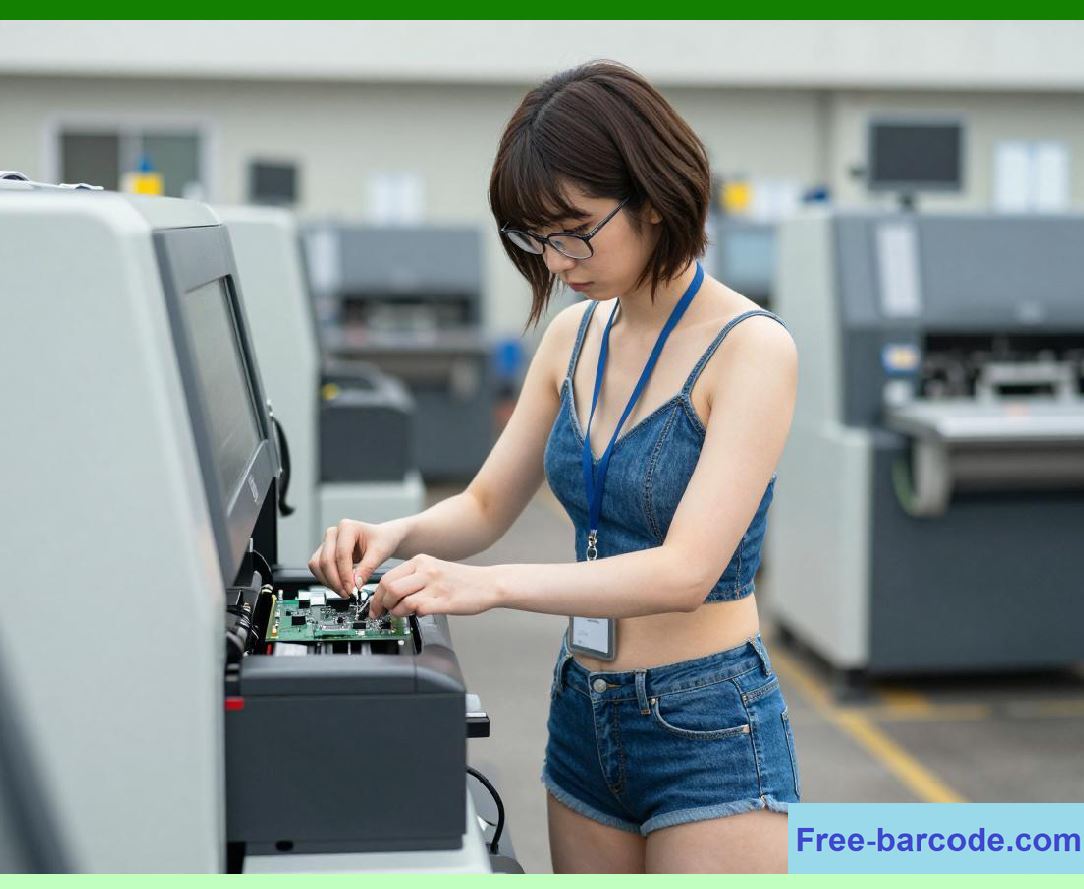
Task scheduling is central to real-time printer performance. |
|
4. Interrupt Handling and Hardware Event Management |
4.1 |
Interrupts allow hardware components to notify the firmware of time-critical events. |
4.2 |
Common interrupt sources include: |
1. Encoder pulses from motor systems |
2. Printhead thermal sensor alerts |
3. Media detection sensors |
4. Communication buffer events |
4.3 |
Interrupt service routines (ISRs) must execute quickly and deterministically. |
|
4.4 |
Long processing tasks are deferred to background handlers. |
4.5 |
Improper interrupt handling leads to timing instability. |
4.6 |
Priority-based interrupt masking is used to control system behavior. |
4.7 |
Interrupt efficiency directly affects motion precision. |
4.8 |
Event-driven architecture improves responsiveness. |
|
5. Memory Management in Embedded Printer Firmware |
5.1 |
Memory in barcode printers is limited compared to general computing systems, requiring efficient allocation strategies. |
5.2 |
Memory is typically divided into: |
1. Instruction memory (firmware code) |
2. Data memory (buffers and variables) |
3. Print job memory (rendered raster data) |
4. Communication buffers |
5.3 |
Dynamic memory allocation is minimized to prevent fragmentation. |

|
5.4 |
Static allocation is preferred for predictable performance. |
5.5 |
Buffer overflow protection is critical for stability. |
5.6 |
Memory reuse strategies improve efficiency during continuous printing. |
5.7 |
Efficient memory management ensures smooth high-speed operation. |
5.8 |
Memory architecture defines system scalability. |
|
6. Hardware Abstraction Layer (HAL) Design |
6.1 |
The Hardware Abstraction Layer (HAL) isolates firmware logic from direct hardware dependencies. |
6.2 |
HAL provides standardized interfaces for: |
1. Motor drivers |
2. Printhead controllers |
3. Sensors |
4. Communication ports |
6.3 |
This abstraction enables portability across hardware platforms. |
|
6.4 |
HAL simplifies firmware development and maintenance. |
6.5 |
Device-specific implementations are encapsulated within driver modules. |
6.6 |
Changes in hardware do not require major firmware rewrites. |
6.7 |
HAL improves modularity and scalability. |
6.8 |
It is a key architectural layer in embedded systems. |
|
7. Print Job Processing Pipeline in Firmware |
7.1 |
Firmware processes print jobs through a structured pipeline. |
7.2 |
Stages include: |
1. Job reception via communication interface |
2. Command parsing |
3. Layout generation |
4. Raster image creation |
5. Print buffer queuing |
6. Execution by hardware control loops |
7.3 |
Each stage operates asynchronously but in strict sequence. |
|
7.4 |
Pipeline parallelism improves throughput. |
7.5 |
Errors in early stages prevent downstream execution. |
7.6 |
Job scheduling ensures FIFO or priority-based processing. |
7.7 |
Pipeline design enables continuous printing. |
7.8 |
Efficient processing is essential for industrial workloads. |
|
8. Real-Time Motion Control Firmware Subsystem |
8.1 |
Motion control firmware manages stepper or servo motor behavior. |
8.2 |
It ensures precise media movement synchronized with printhead activation. |
8.3 |
Control systems include: |
1. Position tracking via encoders |
2. Velocity regulation loops |
3. Acceleration profile control |
8.4 |
Feedback loops adjust motor behavior in real time. |
|
8.5 |
Timing precision is critical for barcode alignment. |
8.6 |
Control algorithms minimize jitter and overshoot. |
8.7 |
Motion firmware operates at high interrupt frequency. |
8.8 |
It is one of the most timing-sensitive components. |
|
9. Thermal Control Firmware for Printhead Regulation |
9.1 |
Thermal firmware manages heating element activation in the printhead. |
9.2 |
It controls: |
1. Pulse width |
2. Energy distribution |
3. Temperature stabilization |
9.3 |
Thermal feedback prevents overheating. |
9.4 |
Compensation adjusts for media and environmental variation. |
9.5 |
Uneven heating causes print defects. |
9.6 |
Closed-loop thermal regulation ensures consistency. |
9.7 |
Thermal control operates at microsecond-level precision. |
9.8 |
It directly affects print quality. |

|
10. Firmware Communication Stack Integration |
10.1 |
Firmware integrates multiple communication protocols through layered stacks. |
10.2 |
Stacks include: |
1. Physical driver layer |
2. Protocol parser |
3. Command interpreter |
4. Job scheduler interface |
10.3 |
Stacks must operate concurrently with real-time tasks. |
10.4 |
Buffering prevents data loss during processing. |
10.5 |
Communication is decoupled from execution timing. |
10.6 |
Multi-protocol support increases flexibility. |
10.7 |
Stack design ensures scalability. |
10.8 |
Communication integration is essential for system connectivity. |
|
11. Error Handling and Fault Recovery in Firmware |
11.1 |
Firmware must detect and recover from system errors autonomously. |
11.2 |
Common faults include: |
1. Paper jams |
2. Thermal overload |
3. Communication errors |
4. Motor desynchronization |
11.3 |
Recovery mechanisms include: |
* Task restart |
* System rollback |
* Safe shutdown modes |
11.4 |
Fault logging enables diagnostics. |
11.5 |
Watchdog timers ensure system recovery from freezes. |
11.6 |
Robust error handling improves uptime. |
11.7 |
Firmware resilience is critical for industrial reliability. |
11.8 |
Self-healing behavior is increasingly common. |

|
12. Firmware Update and Bootloader Architecture |
12.1 |
Firmware updates are managed through secure bootloader systems. |
12.2 |
Bootloader functions include: |
1. Firmware validation |
2. Memory flashing |
3. Recovery mode access |
12.3 |
Updates may be delivered via USB, Ethernet, or wireless interfaces. |
12.4 |
Secure verification prevents corrupted firmware installation. |
12.5 |
Rollback mechanisms ensure recovery from failed updates. |
12.6 |
Boot sequence is tightly controlled. |
12.7 |
Firmware upgradeability extends device lifecycle. |
12.8 |
Bootloader design ensures system integrity. |

|
13. Performance Optimization in Firmware Systems |
13.1 |
Firmware must be optimized for speed and determinism. |
13.2 |
Optimization techniques include: |
1. Interrupt minimization |
2. Inline processing pipelines |
3. Memory pre-allocation |
4. Hardware acceleration usage |
13.3 |
Efficient firmware reduces latency. |
13.4 |
Performance tuning improves print throughput. |
13.5 |
Real-time constraints limit computational complexity. |
13.6 |
Optimization balances speed and accuracy. |
13.7 |
Firmware efficiency defines system capability. |
13.8 |
Performance engineering is continuous. |
|
14. Security and Integrity in Embedded Firmware |
14.1 |
Firmware security protects against unauthorized modification. |
14.2 |
Security mechanisms include: |
1. Secure boot chains |
2. Encrypted firmware images |
3. Access control systems |
14.3 |
Integrity verification ensures trusted execution. |
14.4 |
Security prevents malicious print manipulation. |
14.5 |
Industrial environments require strict protection. |
14.6 |
Firmware updates are digitally signed. |
14.7 |
Security is increasingly important in networked printers. |
14.8 |
Trusted execution environments enhance reliability. |

|
15. Future Trends in Firmware Architecture |
15.1 |
Future firmware systems will evolve toward intelligent, adaptive control systems. |
15.2 |
Emerging technologies include: |
* AI-assisted real-time scheduling |
* Predictive motion and thermal control |
* Self-optimizing RTOS kernels |
* Digital twin-based firmware simulation |
15.3 |
Firmware will become more autonomous in decision-making. |
15.4 |
Edge intelligence will reduce dependence on external systems. |
15.5 |
Self-healing firmware will improve system resilience. |
15.6 |
Despite these advances, the core principle remains unchanged: providing deterministic, real-time control over all hardware subsystems to ensure precise, reliable barcode printing under all operating conditions. |
|
Technical Content Summary |
This part explored the detailed engineering principles of firmware architecture and embedded operating systems in barcode label printers. The discussion covered RTOS design, task scheduling, interrupt handling, memory management, hardware abstraction layers, print job pipelines, motion control, thermal regulation, communication integration, error handling, firmware updates, performance optimization, security mechanisms, and future intelligent firmware systems. |
The article explained how firmware serves as the real-time control core of barcode printers, coordinating all mechanical, thermal, and electronic subsystems with strict timing constraints. It also analyzed how modern embedded systems achieve deterministic performance through layered architecture and priority-based scheduling. |
Additionally, this section described how advanced firmware systems enable highly reliable, real-time, and intelligent control in industrial barcode printing environments. |
|
The next part will focus on sensor systems and feedback mechanisms in barcode printers, including optical sensors, encoder systems, thermal feedback loops, and real-time adaptive calibration technologies. |
 cs@easiersoft.com